**Start your free trial today →
Across 100+ countries, teams track over 500,000 employees with tools built for insider threat and data loss prevention. In healthcare, insider threat and data loss prevention moves from a “nice to have” to a clinical safety need in 2026.
The answer first: the best insider monitoring for healthcare pairs real‑time visibility with HIPAA-ready audit trails, user behavior analytics, and policy-based DLP that blocks risky actions before PHI leaves your environment. You need software that fits 24/7 shift work, shared stations, and strict privacy rules without slowing care.
However, this is not just about tools. It is about proofs. You need clear logs for audits, simple policies you can explain to clinicians, and fast alerts your SOC can act on in minutes. You also need pricing that scales to the unit level, not only to the enterprise. This guide shows what to evaluate, how solutions differ, and where EmpMonitor fits for hospitals, clinics, and labs in 2026.
Why Healthcare Organizations Face Unique Insider Threat Risks
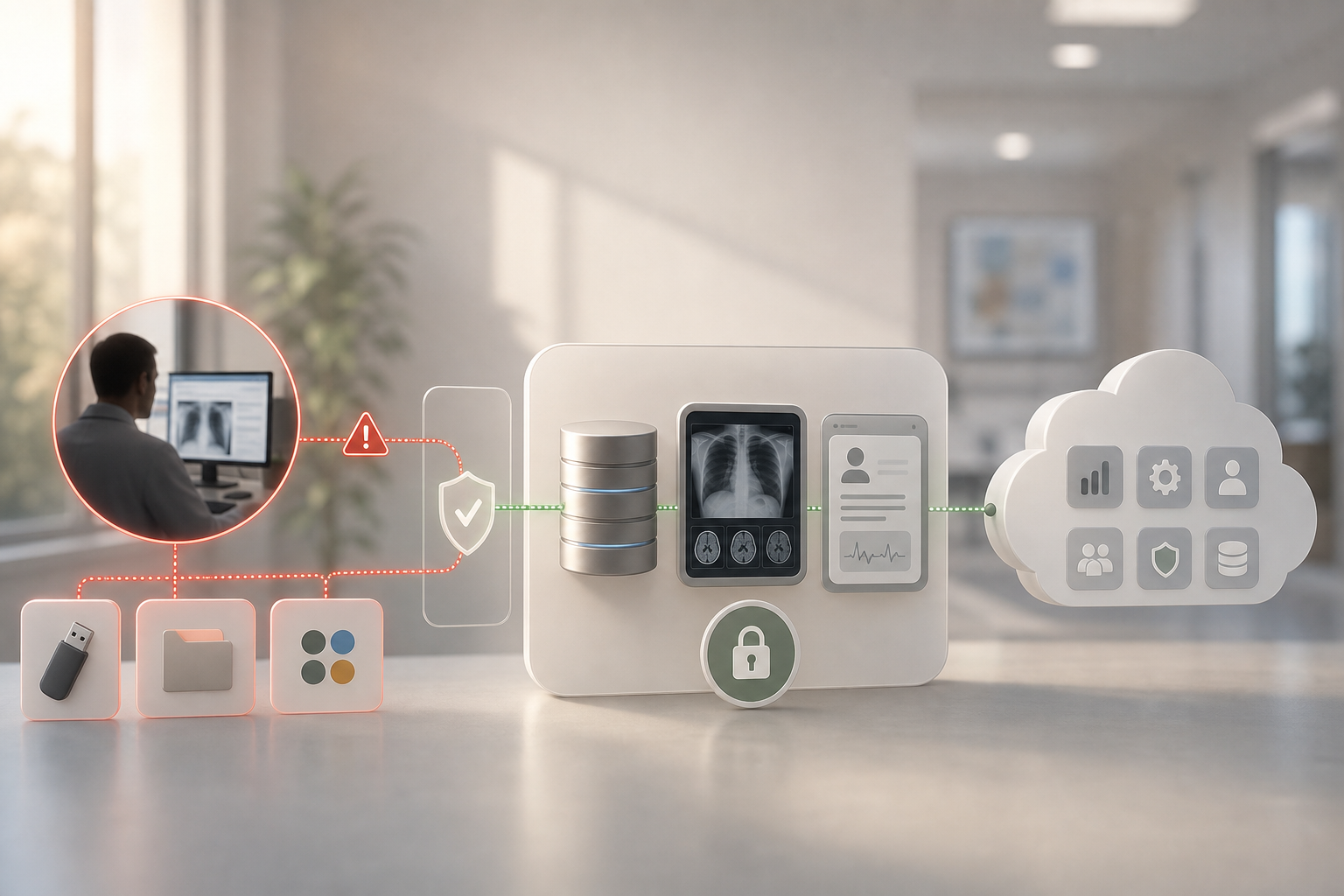
Healthcare holds some of the highest‑value data on earth: PHI, PII, and clinical notes that never expire in the black market. Unlike many sectors, your workforce operates 24/7 with rotating shifts, high staff turnover, and shared workstations in wards and nurses’ stations. That mix creates more human error, more rushed clicks, and more chances for data to move in ways your team did not expect.
According to the Verizon Data Breach Investigations Report (DBIR), healthcare has long shown a higher share of breaches that involve internal actors than most other sectors. While attackers target hospitals from the outside, misdelivery, misuse, and privilege abuse on the inside still drive a material slice of incidents. That is not an opinion; it is a multi‑year trend DBIR authors call out.
Moreover, care teams must hand off access between staff and agencies at shift change. Third‑party vendors support devices, imaging, RCM, and EHR add‑ons. As a result, clinical networks see credentials from many sources in a single day. Without real‑time user monitoring and clear audit trails, tracing who did what on which endpoint at 03:12 becomes slow and noisy.
Furthermore, HIPAA penalties are not abstract. The U.S. Department of Health & Human Services can levy tiered civil penalties per violation category, and settlements regularly reach six or seven figures. If you cannot show reasonable and appropriate safeguards, risk goes up fast. For background on the rule itself, see the HIPAA summary at HHS.gov.
Common Inside Risk Patterns You Must Watch
- Shared logins on clinical workstations that hide the real user
- Unapproved USB drives on nurses’ stations and registration desks
- Screens left unlocked in semi‑public spaces near waiting rooms
- Staff exporting reports to personal cloud drives to “finish later”
- Over‑permissive vendor accounts with standing admin rights
For a quick refresher on how these look in practice, review these insider threat examples. They map well to the patterns you see on floors and in back offices.
What to Look for in Healthcare Insider Threat Monitoring Software
You need clear, real‑time visibility first. Specifically, watch URLs, apps, file activity, and external devices as they happen, not hours later. Then, tie every action to a person and a shift. That means native attendance and shift awareness, not a separate HR feed that may drift by minutes or hours.
Second, demand HIPAA‑aligned audit trails. You should be able to reconstruct who accessed or moved PHI, what app or site was in use, and the on‑screen context if policy allows. Screenshots and keystrokes can be sensitive; use them with strict role‑based access and a “private time” control for breaks to keep monitoring lawful and human.
Third, look for user behavior analytics (UBA). Baselines help you spot a registrar exporting a month of records at 2 a.m. when that task is rare for their role. Pair UBA with data loss prevention (DLP) rules that block or alert on risky destinations like unknown USB devices, personal email, or file‑sharing apps.
In addition, confirm controls you can enforce at endpoints in busy areas. USB blocking, app allowlists, and URL categories should be easy to set by department. For shared workstations, weigh the pros and cons of stealth vs.
transparent mode. In some units, transparent builds trust and still deters misuse. In others, stealth lowers “work‑around” behavior on time‑critical systems.
Buying Checklist for Hospitals and Clinics
- Real‑time activity visibility with low overhead
- HIPAA‑ready audit trails: logs, screenshots, keystrokes (policy‑bound)
- UBA for baselines, anomalies, and risk scores by user/role
- DLP with policy‑based blocks for USB, apps, and cloud shares
- Role‑based permissions and “four‑eyes” review for sensitive views
- Shift‑aware scheduling and attendance to map actions to people
- Stealth and transparent modes to match unit policies
For deeper context on data controls, see this practical data loss prevention solution overview, and note how DLP pairs with user monitoring in real life. For distributed or hybrid teams, this remote teams article adds deployment patterns you can reuse across clinics.
**Get transparent pricing now →
Also Read!
EmpMonitor vs Teramind for Small Businesses: Which Is Better for Insider Threat Monitoring?
How EmpMonitor Addresses Insider Threats in Healthcare Environments
EmpMonitor aligns with the criteria above by pairing live visibility with policy controls you can tune to each unit. Real‑time dashboards show current users, apps, URLs, and productivity status. You can drill down when a registrar’s activity spikes or when a lab device starts posting data to an unapproved web app. Because data moves fast in hospitals, live views cut the gap between an action and a response.
For HIPAA‑aligned audit trails, EmpMonitor records user sessions with URL/app tracking, automatic screenshots, and keystroke monitoring under policy. Importantly, you control access to these artifacts with multiple roles and permissions, and you can enable a “private time” option during breaks to avoid collecting personal activity. That mix helps you meet your minimum necessary rule while preserving the forensic detail you need after an incident.
EmpMonitor includes user behavior analytics and supports forensic analysis across users, apps, and time. For example, you can baseline how many appointment exports an intake clerk runs per shift. If a spike appears at night, alerts fire and you can review screenshots for context. Alerts and auto email reports bring issues to your SOC or compliance inbox before data walks out the door.
On the prevention side, EmpMonitor offers data loss prevention features and direct endpoint controls. Web app and USB blocking let you set allowlists of approved clinical software and devices while blocking unknown media at shared stations. That single control stops a large class of PHI exfil attempts in front‑line areas, where portable drives still show up.
Shift scheduling is native, so the system knows who is at a device and when they should be there. That matters in 24/7 care. It closes gaps found in tools that ingest shifts from HR once a day and then drift. Stealth and un‑stealth modes give you the option to monitor transparently in administrative areas and go stealth in clinical zones where staff may otherwise “work around” controls on patient systems.
“EmpMonitor has been essential in enabling us to track how each hospital employee is working in general, identify problems quickly, and fix them.” — Medical Sector Clinical Coordinator
Security Posture For Healthcare
- Compliance and security with SSL, firewall, and IP allowlisting to reduce attack surface
- Multiple roles and permissions to restrict who can view sensitive artifacts
- 24X7 customer support for new and existing customers to help during live incidents
Compared to alternatives with heavy OCR‑based inspection that can add overhead, EmpMonitor’s endpoint‑focused controls and UBA approach give you fast signals with less noise. Unlike tools that bolt shift logic on the side, EmpMonitor’s built‑in shift scheduling ties activity to people in real time, which makes post‑event reviews clean.
**Start your free trial (no credit card) →
EmpMonitor vs. Teramind vs. Veriato: Healthcare Insider Threat Comparison
You asked for a direct view across three common choices. The table below compares core areas that matter to hospital IT and compliance leaders. EmpMonitor details draw from approved product data. Notes on Teramind and Veriato reflect widely reported product focus areas; always confirm with each vendor for your edition and deployment.
| Criterion | EmpMonitor | Teramind | Veriato |
|---|---|---|---|
| Pricing | Bronze $11/user/month; Gold $9/user/month; free 15‑day trial | Contact vendor for current pricing | Quote‑based; contact vendor |
| DLP | Yes, policy‑based with web app and USB blocking | Yes, known for advanced content inspection | Yes, known for exfiltration alerting |
| UBA | Yes, user behavior analytics with forensic views | Yes, strong policy/behavior analytics | Yes, insider risk analytics focus |
| HIPAA Audit Support | Yes, detailed logs, screenshots, keystrokes (policy‑bound) | Yes, detailed activity logging | Yes, detailed activity logging |
| Shift Scheduling | Yes, native shift‑aware scheduling | Not native; confirm editions | Not native; confirm editions |
| Stealth Mode | Yes, stealth/un‑stealth modes | Yes, stealth options | Yes, stealth options |
| Deployment Ease | Lightweight endpoint agent; personalized onboarding | Advanced feature set; plan for policy design | Investigation‑focused; plan for tuning |
Unlike Teramind, which is widely noted for OCR‑based content inspection, EmpMonitor focuses on live endpoint monitoring plus DLP blocks that are simple to deploy across shared workstations. That makes go‑live faster when you have many clinical endpoints. Unlike Veriato, which many teams adopt for deep investigation use cases, EmpMonitor brings shift scheduling and HRMS‑adjacent features to tie users and time, which helps in nurse stations and registries.
“Handled the complex and multifaceted security issues in our company with ease and efficiency.” — Forensic & Legal Master Analyst
EmpMonitor also brings a pricing edge for large care networks: Gold at $9/user/month (51–200 users, annual) and Bronze at $11/user/month for small teams, with a free 15‑day trial. For hospitals that need hundreds of seats across units, transparent per‑user pricing and simple deployment reduce both cash and time costs up front.

Trust, Compliance, and Proven Scale
Scale and track record matter in healthcare. EmpMonitor is used by 15,000+ companies in 100+ countries and tracks over 500,000 employees globally. That level of use means the features you need for audits, shift‑aware tracking, and alerts have been exercised at size.
From a security stance, EmpMonitor is GDPR compliant and applies SSL encryption with firewall protections and IP allowlisting. Those controls reduce exposure and help you set clean boundaries between your network and the service. In healthcare, that translates to fewer surprises when your security team runs its vendor assessment and questionnaires.
Support is practical as well. Personalized onboarding and 24X7 customer support help your team move from pilot to floor‑wide rollout, and then stay available during off‑hours incidents. As one IT leader put it: “We’re impressed with the results!”. Arjun Krishnan, IT Director.
“Since implementing EmpMonitor, we’ve improved our time to acknowledge mishaps to just under 5 minutes.” — Finance Sector Cross‑Asset Financial Engineer
In practice, those results mean your SOC can react to an odd export, a blocked USB, or a spike in risky app use within minutes, not hours. That speed reduces both breach size and audit anxiety and gives your compliance team cleaner reports to take into reviews.
Also Read!
Getting Started: Deploying EmpMonitor in a Healthcare Setting
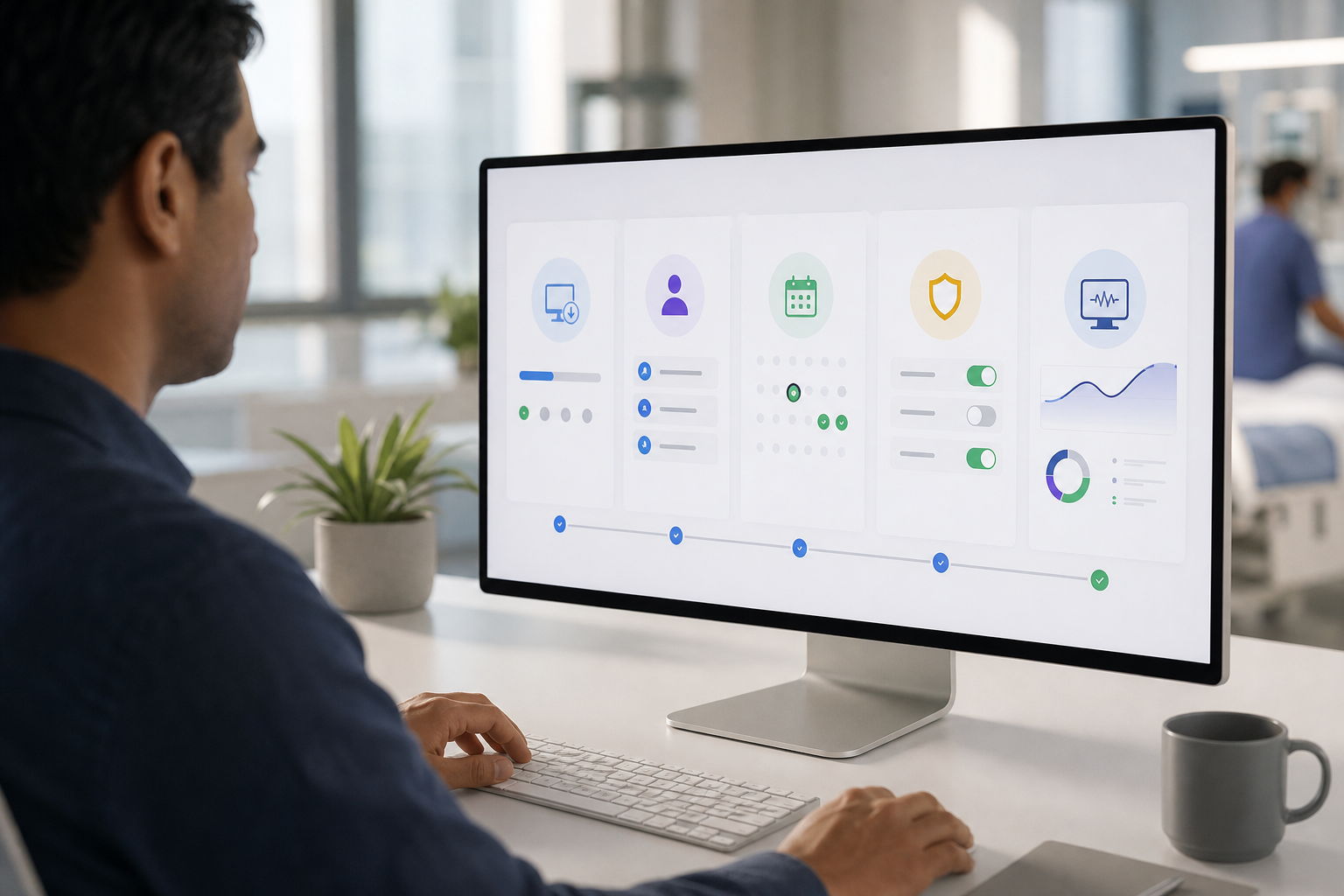
First, start a pilot. The free 15‑day trial lets you deploy to a small unit or admin group and test policies without risk. During setup, use personalized onboarding and VIP support to align settings with your HIPAA monitoring policy from day one.
Second, define who can see what. Configure multiple roles and permissions so only designated staff can view screenshots or keystrokes, and use the “private time” option to respect breaks. Then, set shift schedules for clinical and back‑office teams. Tie monitoring windows to those shifts to make your audit trail reflect reality.
Third, tune prevention. Enable USB and app blocking with allowlists for your clinical software and approved devices. Decide where you will run stealth vs. transparent modes. For example, you might run transparent in billing and stealth on shared triage workstations, depending on your internal policy and union guidance.
Fourth, watch and adjust. Review the real‑time dashboard and alerts. Use user behavior analytics to tune thresholds by role. As you expand the pilot, apply lessons to other departments and vendors.
**Get started free in minutes →
Frequently Asked Questions
Is EmpMonitor HIPAA compliant?
EmpMonitor is GDPR compliant and offers SSL, firewall, and IP allowlisting security. While no tool self‑certifies HIPAA, its audit trails, DLP, role‑based access, and encryption features support a HIPAA‑compliant deployment when configured properly with a Business Associate Agreement (BAA). As a result, you can align monitoring with your “minimum necessary” policy. Always work with your legal and compliance teams to finalize the configuration and BAA terms.
How much does insider threat monitoring cost for a healthcare organization?
EmpMonitor starts at $9/user/month (Gold tier, 51–200 users, annual billing). Bronze tier is $11/user/month for smaller teams. There is custom pricing for 200+ users. A free 15‑day trial is available to test before committing, which helps you size the rollout and confirm the feature fit with real data.
Can EmpMonitor handle 24/7 shift-based healthcare environments?
Yes. EmpMonitor includes shift scheduling, automated time tracking, and attendance tracking designed for round‑the‑clock operations. Monitoring policies can be configured per shift and department. Therefore, every action maps to a person and a time window, which makes incident review faster and clearer.
How does EmpMonitor compare to Teramind for healthcare insider threats?
Teramind offers stronger OCR‑based content inspection. EmpMonitor provides comparable UBA, DLP, and keystroke monitoring at a lower price point ($9–11/user/month vs. Teramind’s $15+). EmpMonitor also includes built‑in shift scheduling and HRMS, which helps tie endpoint activity to people and time in busy clinical areas. Your choice comes down to depth of content inspection vs. deployment speed and shift awareness.
Does EmpMonitor work in stealth mode on clinical workstations?
EmpMonitor supports both stealth and un‑stealth (transparent) modes. Healthcare organizations can run stealth mode on shared clinical workstations while using transparent mode for administrative staff, depending on internal monitoring policies. In addition, you can mix modes by department as you expand the rollout.
What types of insider threats does this tool detect in hospitals?
EmpMonitor detects unauthorized data access via URL/app tracking, suspicious file transfers via USB blocking and DLP, and abnormal work patterns via user behavior analytics. It also flags policy violations via keystroke monitoring and automated alerts. As a result, you catch both intent (misuse) and mistakes (misdelivery) before they turn into breaches.
Can I block USB drives and unauthorized apps on hospital computers?
Yes. EmpMonitor includes web app and USB blocking. Admins can allowlist approved clinical applications and block unauthorized USB devices, reducing the risk of PHI exfiltration through removable media. In practice, this single control shuts down a common path out of the building.
Is there a free trial to test EmpMonitor in our healthcare IT environment?
EmpMonitor offers a free 15‑day trial with personalized onboarding. Healthcare IT teams can deploy it on a pilot group, configure HIPAA‑aligned policies, and evaluate real‑time dashboards and reporting before purchasing. This pilot lets you validate settings with your compliance team and clinicians.

Key Takeaways for 2026
- You need insider threat and data loss prevention that ties every action to a user and a shift, with HIPAA‑aligned audit trails you can trust.
- EmpMonitor brings real‑time visibility, UBA, DLP, USB/app blocking, shift scheduling, and role‑based access at $9–11 per user per month with a free 15‑day trial.
- With GDPR compliance, SSL, firewall, IP allowlisting, and use across 15,000+ companies in 100+ countries, the platform shows the scale and support needed for healthcare.
**Start your free trial today →
Additionally, if you want to explore adjacent patterns, review these resources:
- Real cases in this insider threat examples
- Practical controls in this data loss prevention solution
For HIPAA rule text and enforcement context, refer to the HIPAA summary at HHS.gov.