Most small teams don’t need a full SIEM to get insider threat and data loss prevention right. In 2026, if you want fast setup and clear pricing, EmpMonitor will fit most small teams; if you need deep behavior analytics and OCR-backed content rules, Teramind is stronger.
However, this choice isn’t only about features. It’s about what your 10–50 person team can run without a dedicated security hire, how much you can pay per seat, and how you’ll prove compliance. The phrase insider threat covers far more than “malicious users”; it also includes accidents and policy drift that can lead to leaks and fines. Your best tool is the one you can set up, explain to managers, and tune in under a week.
By the end of this guide, you’ll know where each tool leads on user activity visibility, DLP policy depth, behavior analytics, alerting, keystrokes and screenshots, and rollout speed. You’ll also see clear pricing math for a 10‑person team and a plain-English verdict for 2026.
What Small Businesses Actually Need From Insider Threat Monitoring
If you have 1 to 50 seats, you need signal, not noise. You also need controls that map to insider threat and data loss prevention without a long rollout. According to the definition of insider threat on Wikipedia, risk spans careless, compromised, and malicious insiders. For small teams, that means catching risky behaviors early and making proof easy for audits.
First, you need affordability per seat. Budgets are tight, and the gap between $11 and $15 per user adds up. A 10‑seat team pays $110–$120 per month on an $11–$12 plan versus about $150 at $15.
That delta can fund training or MFA tokens. Second, you need ease of setup without a dedicated IT admin. A guided install, sane defaults, and policies you can edit in plain language matter more than dozens of niche rule types.
Controls, Analytics, and Compliance
Third, real DLP controls must be simple: screen, web, and USB monitoring; block risky apps or sites; alert on file movement. Fourth, you need user behavior analytics that flag high‑risk trends without weeks of tuning. Fifth, compliance support should be built in, from GDPR‑friendly settings to exportable logs and security options like SSL, firewall rules, and IP allowlists.
Finally, you should choose between stealth versus transparent monitoring. Some teams disclose monitoring to shape behavior; others run silent to verify facts before they act. The right tool lets you choose, and ideally offers a “private time” toggle to respect off‑hours browsing.
The Shortlist Of Criteria
- Per‑seat cost that scales from 1 to 1,000+ employees without surprises
- Setup you can finish without a full‑time IT or SecOps hire
- DLP that covers web, apps, screenshots, keystrokes, and USB
- Behavior analytics that spotlight risk trends, not just raw logs
- Compliance aids: GDPR‑friendly controls and exportable evidence
- Choice of stealth or transparent monitoring, plus private time
“Simplified the management of the entire workforce by 80% in terms of workforce, time, and effort.” — Ashwin Kumar, Chief Project Coordinator
For added context on real-world risks, skim these practical insider threat examples. They show how small lapses turn into big incidents, and why tight controls and clear reports help you prevent the next one.
Also Read!
EmpMonitor Overview: Strengths and Weaknesses for Small Teams
EmpMonitor focuses on visibility, control, and ease, the core needs for insider threat and data loss prevention in small businesses. The Bronze plan costs $11 per user per month billed yearly ($12 billed monthly) for 1–10 users, which makes a 10‑seat team $110–$120 per month. That leaves headroom for training and password managers. Setup is guided, and the dashboard highlights real‑time activity, URLs and apps, idle time, and productivity labels.
On prevention, you get data loss controls you can turn on in a few clicks: keystroke monitoring, automatic screenshots, live screencasting, and web/USB blocking. You can set alerts and auto email reports so managers get signal in their inbox. For investigations, it supports forensic analysis and user behavior analytics with time‑stamped evidence. While it doesn’t aim to match the most advanced UEBA stacks, it gives small teams the insight they need without complex care and feeding.
For compliance and security, EmpMonitor includes SSL, firewall options, and IP allowlisting. It is also GDPR compliant. If you need social proof before you roll it out, EmpMonitor is used by 15,000+ companies across 100+ countries and tracks over 500,000 employees. There’s a Free 15‑day trial, plus 24X7 customer support for new and existing customers.
Where It Fits Best
- Teams under 50 users that want direct controls more than advanced anomaly models
- Managers who need quick alerts and exportable reports for audits
- Organizations that want stealth/un‑stealth mode and a private time option
“The EmpMonitor has the best features that help employers to keep an eye on their employees effectively and efficiently.” — Clifford M., Information Technology System Administrator
Moreover, if you’re comparing tools for a broader data loss prevention solution, EmpMonitor’s screenshots, app/URL tracking, and USB blocking form a solid base you can run in days, not months.
Teramind Overview: Strengths and Weaknesses for Small Teams
Teramind is known for advanced UEBA and precise DLP rules. If your risk model calls for deep behavior analytics, granular policy engines, and OCR‑based content inspection, Teramind brings those strengths to the table. You can write detailed rules to catch sensitive text in documents and watch for patterns that point to risky insiders. For small businesses that handle regulated data with tight policies, this can be a strong match.
However, the same depth can raise the barrier to entry. The policy surface is broad, so you’ll need time to tune rules and avoid alert fatigue. Without a dedicated security role, some teams feel overwhelmed in week one. Pricing also trends higher: the Starter tier is about $15 per user per month for entry‑level seats, which places a 10‑seat team near $150 monthly. That delta can be worth it if you need OCR hits and deep UEBA, but it’s a real budget call for lean teams.
In addition, the learning curve is steeper than tools aimed squarely at managers. If you plan to run strict, content‑aware DLP, budget time for testing and rollout. You’ll get strong control, but you’ll need to own the setup. For many small teams, that cost is not just dollars, it’s hours and focus.
Where It Excels
- Advanced UEBA with deeper anomaly scoring and insider risk models
- Granular, rule‑based DLP with OCR‑based content inspection
- Detailed policy workflows for high‑assurance oversight
For background on what “insider threat” spans across careless, compromised, and malicious users, see Wikipedia’s overview. If your needs live in the “malicious plus data classification” zone, Teramind’s added control can be worth the steeper ramp.
Feature-by-Feature Comparison: Insider Threat Detection Capabilities
Both tools cover the basics: real‑time activity tracking, screenshots, keystrokes, and alerts. But as you judge insider threat and data loss prevention fit, the details decide the winner per category.
First, user activity monitoring. EmpMonitor’s real‑time dashboard shows URLs, apps, idle time, and productivity labels. It also offers live screencasting and recording when you need to see a session in context. Teramind also monitors activity, but its strength shows more in the analytics layer than in “manager-ready” dashboards. For sheer clarity, EmpMonitor takes the point here for small teams.
Second, DLP and data exfiltration prevention. Teramind’s granular policies and OCR help you catch sensitive content in motion and set strict controls. EmpMonitor offers data loss prevention with web and app blocking, screenshots, and USB blocking that cover common leaks fast. For depth and content‑aware rules, Teramind wins.
Third, behavior analytics. EmpMonitor supports user behavior analytics that surface trends and flags, which is enough for many teams. Teramind’s UEBA is more advanced, with deeper anomaly models. For high‑fidelity behavior scoring, Teramind leads.
Screenshots, Alerts, and Deployment
Fourth, screenshots and keystroke logging. EmpMonitor gives you automatic screenshots, live casts, and keystroke monitoring out of the box. Teramind also records screens and input. For day‑one setup and manager use, EmpMonitor is simpler, so it edges this category for small teams.
Fifth, alert configuration. EmpMonitor offers alerts and auto email reports managers can read without a SOC playbook. Teramind lets you compose more precise policies. For non‑security staff, EmpMonitor’s alerting is faster to value; for policy authors, Teramind is more granular.
Sixth, deployment simplicity. EmpMonitor’s setup is guided and works well without a dedicated IT admin. Teramind can take longer to tune. For small teams, EmpMonitor wins rollout speed.
Category Winners At A Glance
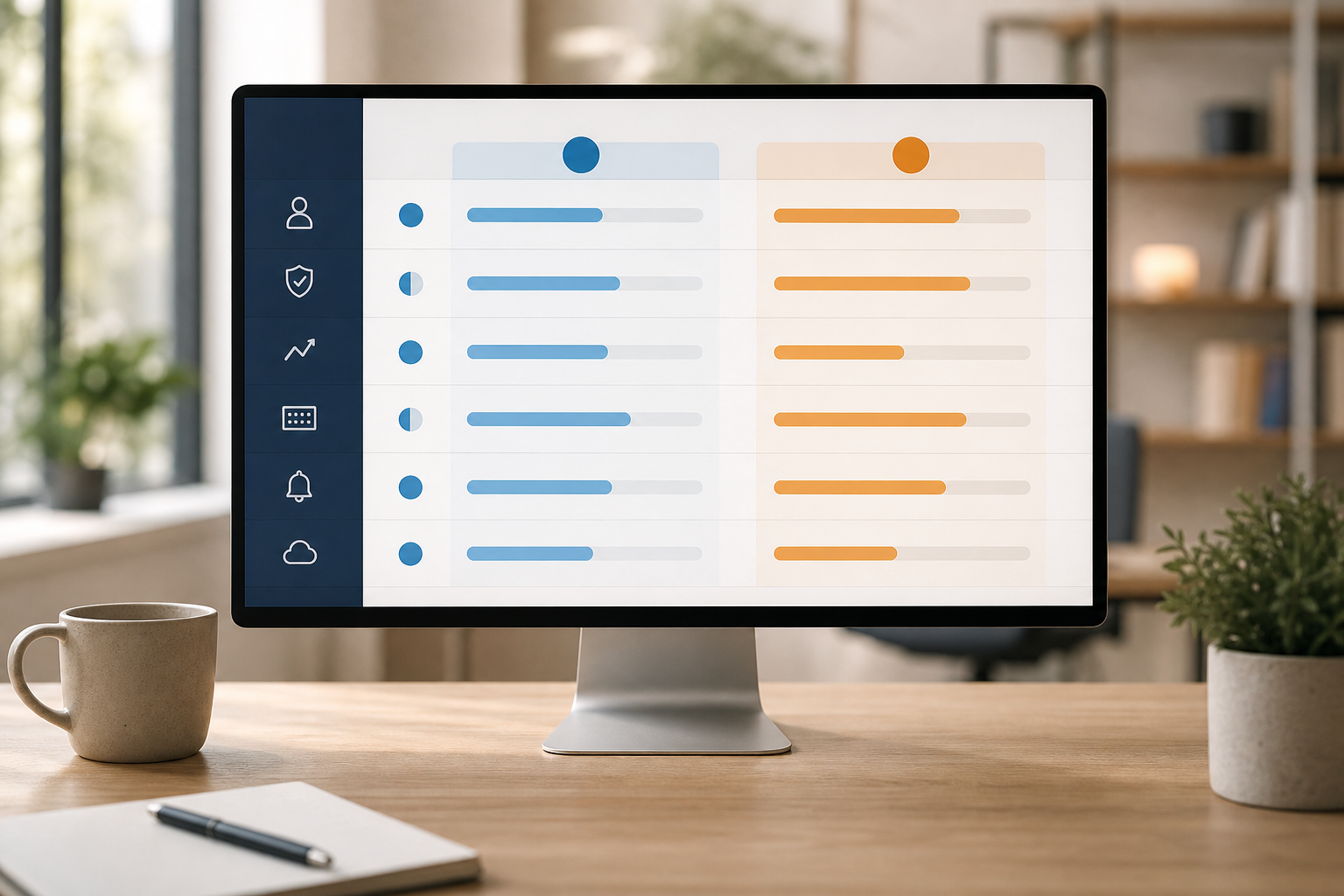
| Category | Winner | Why It Matters For SMBs |
|---|---|---|
| User Activity Monitoring | EmpMonitor | Clear dashboards and live screencast for quick oversight |
| DLP / Data Exfiltration | Teramind | OCR and granular policies for sensitive content control |
| Behavior Analytics | Teramind | Advanced UEBA for high‑risk behavior scoring |
| Screenshots / Keystrokes | EmpMonitor | Automatic screenshots and keystrokes with minimal setup |
| Alerts & Reporting | EmpMonitor | Alerts and auto email reports managers can act on fast |
| Deployment Simplicity | EmpMonitor | Quick rollout without dedicated SecOps or IT |

Furthermore, both tools support stealth/un‑stealth modes and private time options to balance policy with privacy. And for compliance, EmpMonitor includes SSL, firewall, and IP allowlisting settings to help align with audits.
Also Read!
Pricing Comparison: What Small Businesses Actually Pay
Pricing moves decisions, especially for 10–50 person teams. EmpMonitor’s Bronze plan is $11 per user per month billed yearly, or $12 billed monthly, for 1–10 users. Silver drops to $10 per user per month billed yearly ($11 monthly) for 11–50 users. There’s also a Free 15‑day trial so you can check fit before you buy.
For a 10‑person team, Bronze totals $110 per month on annual billing or $120 per month on monthly billing. That is lean for insider threat and data loss prevention plus time tracking, screenshots, keystrokes, and USB blocking. By contrast, Teramind’s Starter tier is about $15 per user per month. That same 10‑person team would land near $150 per month. The extra ~$30–$40 per month may be worth it if you need OCR‑based DLP and more advanced UEBA on day one.
Minimum seat requirements matter too. EmpMonitor’s Bronze is built for 1–10 users, which is ideal for small teams. Teramind’s seat minimums and deployment options vary by tier and environment; confirm current terms with the vendor before you budget for 2026.
**Get pricing clarity in minutes →
Moreover, remember total cost of ownership. If you won’t use advanced analytics, you’ll still pay for them, and you may pay in hours lost to tuning. EmpMonitor’s simpler model keeps costs and time low for small teams.
Verdict: Which Insider Threat Tool Fits Your Small Business?
Here’s the honest call for 2026: EmpMonitor is the better first choice for small teams under 50 users that want fast rollout, clear reports, and strong controls at $11–$12 per user per month. It gives you screenshots, keystrokes, web/app tracking, USB blocking, and alerts that managers can act on. It is GDPR compliant, supports SSL, firewall, and IP allowlists, and offers a Free 15‑day trial with 24X7 customer support. As social proof, it is trusted by 15,000+ companies across 100+ countries, and 76% of businesses rely on EmpMonitor for a smooth management process.
On the other hand, Teramind wins if you need deeper UEBA and OCR‑based, content‑aware DLP rules. If your audits demand granular policies and you have time to tune them, you’ll get more control. Just budget for the higher price and a steeper ramp. For some teams, that’s the right trade.
Therefore, decide based on what your team can run well this quarter. Insider threat and data loss prevention only work when alerts get read and policies stay on. Pick the tool your managers will use every day, not the one that looks the most advanced in a spec sheet.
**Start your free 15‑day trial now →
Quick Decision Guide
- Choose EmpMonitor if you need low‑cost monitoring, screenshots/keystrokes, USB blocking, and alert emails your managers can use this week.
- Choose Teramind if you need advanced UEBA and OCR‑based, content‑aware DLP with highly granular policy rules and you can support the setup.
- Consider trying both if you’re undecided; run a 7‑day bake‑off with real users and measure alert quality, time‑to‑value, and report clarity.