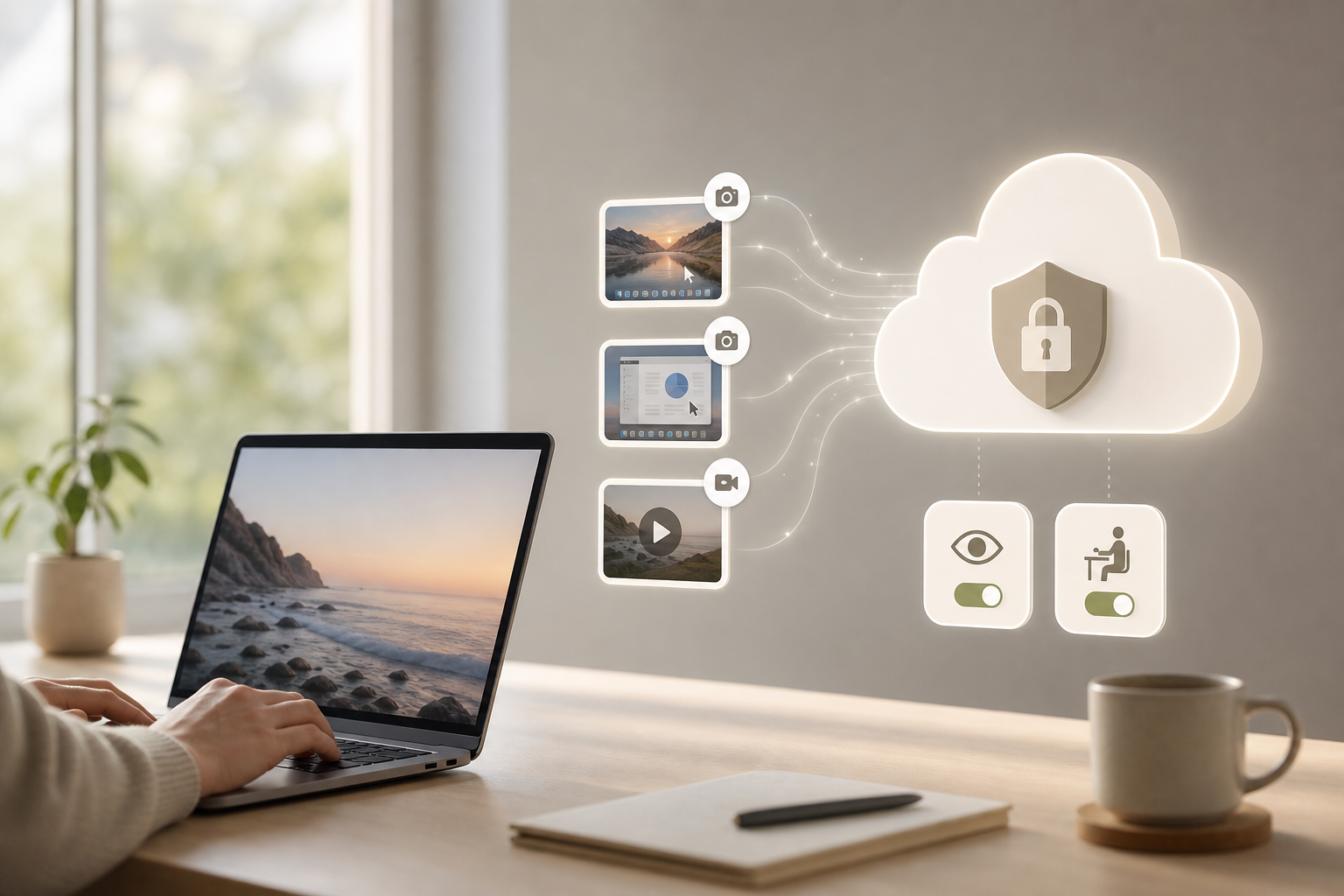
The best setup in 2026 balances proof of work with respect: adjustable screenshots, on-demand recording, real-time views, idle detection, and a clear privacy toggle in one cloud dashboard. For remote teams, employee screenshot and screen recording only works if people understand what’s captured, when, and why.
You need facts, not hype. EmpMonitor is used by 15,000+ companies across 100+ countries and tracks over 500,000 employees globally. Those numbers show the scale of demand for visible work and fair oversight, especially as fully remote and hybrid teams grow. But tools alone don’t fix trust gaps.
A good policy, clear consent, and thoughtful defaults do. This guide shows you how to pick monitoring that supports focus, audits, and data security without micromanaging. You’ll see what to look for, how it works in practice, and where alternatives differ, so your team lands on a setup that feels fair and delivers hard proof when you need it.
Why Remote Teams Struggle With Visibility and Accountability
Trust slips when you can’t see progress between standups. Across time zones, the handoff gaps add up. Idle minutes turn into idle hours, and deadlines drift.
Meanwhile, personal networks and unmanaged devices raise risks that audits alone can’t spot. That’s the daily grind for IT managers who need proof of work without turning into hall monitors. In this setting, employee screenshot and screen recording sounds simple, but the real win is clarity, what’s collected, how it’s stored, and how you act on it.
However, visibility is not about watching every second. It’s about spotting patterns. Are people blocked? Are tools crashing?
Is a critical ticket stalled? A quick glance at a dashboard can answer this in seconds. Without it, you spend hours asking for updates, chasing anecdotes, and trying to reconstruct a timeline from chat threads.
Moreover, time zones complicate feedback loops. If your QA lead signs off at 5 p.m. IST and your dev in EST starts at 9 a.m., you’ve lost half a day unless handoffs include clear artifacts. Screenshots and brief recordings at known points create that audit trail. They reduce “What happened?” chats and preserve context that task notes can miss.
On the other hand, too much capture creates noise and fear. People feel watched. Work slows. You need a setup that marks idle time sensibly, redacts private moments, and shows only what’s needed to judge output and unblock work.
Common visibility gaps you can fix fast
- Vague updates: “Working on it” with no artifact to review
- Timezone stalls: missed windows for review and merge
- Idle creep: short breaks that swell into lost hours
- Security risks: work on personal Wi‑Fi or USB drives
- Audit gaps: no timeline when incidents need root cause
What to Look for in Screenshot Monitoring Software for Remote Teams
Start with consent and control. Your tool must support transparent mode with clear notices, plus a way to pause capture for breaks or personal tasks. It should also offer stealth/un‑stealth modes so you can match your policy and local law. In addition, you’ll want granular screenshot intervals, say, every 2, 5, or 10 minutes, and the ability to tune this per role or project. That level of control keeps data useful and reduces noise.
Next, look for idle detection that’s smart, not punitive. Keyboard-and-mouse activity is a crude signal; pairing it with app and URL tracking gives you better context. For example, reading a long spec may be idle by input but productive by window focus. A real-time dashboard should show both, so you judge work, not just clicks. And yes, timezone support matters, reports must roll up by local time and team time so you can plan handoffs.
Privacy is non-negotiable. Seek a private time option employees can trigger, and make that pause visible in logs so audits remain clean. Confirm the tool is GDPR compliant, and ask how screenshots are stored, who can view them, and how long they’re kept. For reference, see the official GDPR text on lawfulness, data minimization, and purpose limitation from the European Union’s register: General Data Protection Regulation (EU) 2016/679.
Must-have buying criteria
- Configurable screenshot intervals and optional screen recording
- Stealth/Un‑stealth mode to match policy
- Private time option and role-based permissions
- Idle detection tied to app/URL focus
- Real-time cloud dashboard with timezone-aware reports
- GDPR compliant storage and access controls
- Pricing that scales by seat and features without lock‑in
Finally, test usability at scale. Can you push agents to 10, 100, or 1,000 machines without a week of tickets? Can you group teams and set different rules per group? Software that saves clicks for managers is what your team will accept and use every week. And yes, include one more line in your RFP: Is support truly 24×7?
Also Read!
Best Insider Threat Monitoring for Healthcare in 2026
EmpMonitor vs Teramind for Small Businesses: Which Is Better for Insider Threat Monitoring?
How EmpMonitor Solves Screenshot Monitoring for Distributed Workforces
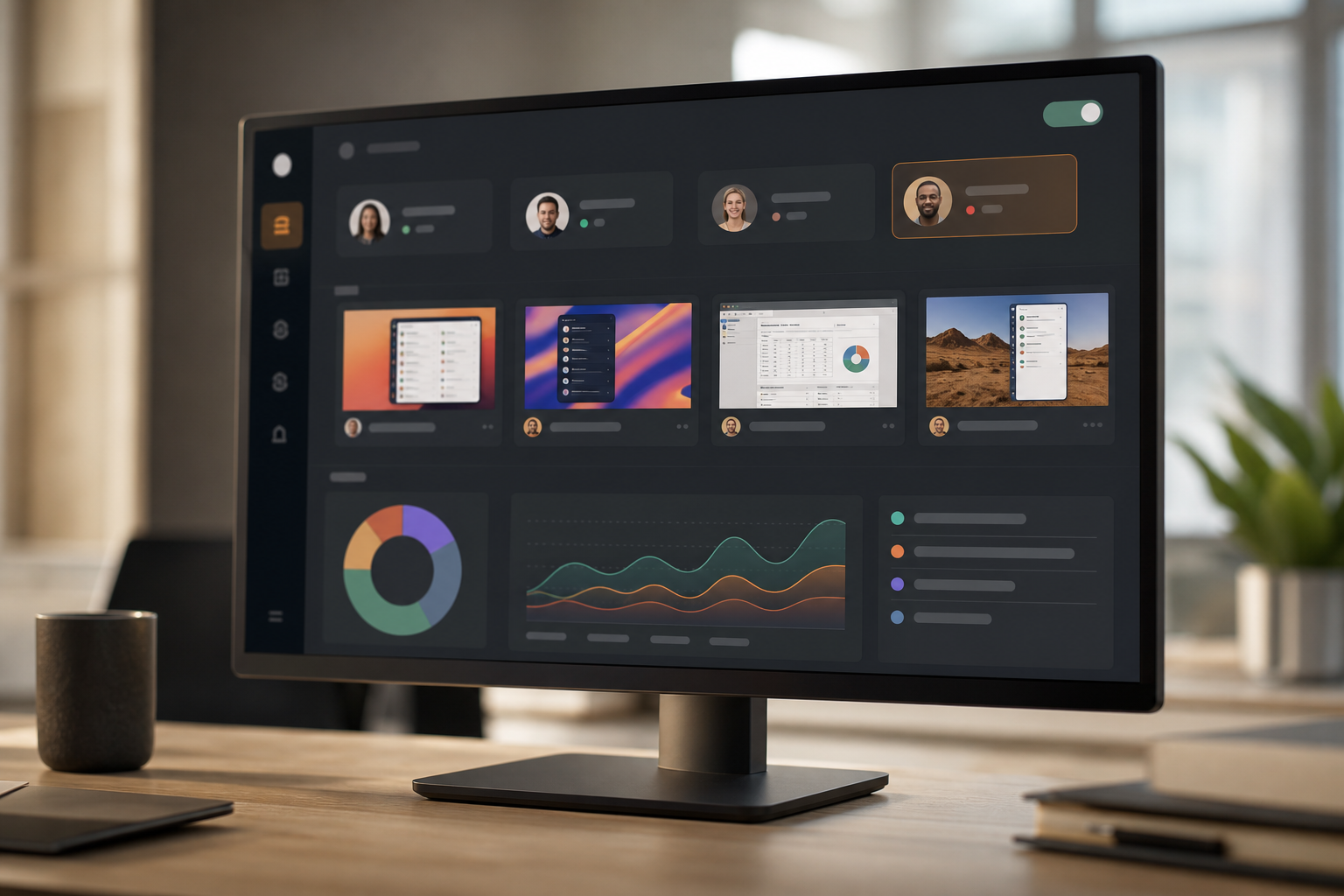
EmpMonitor focuses on visible work that respects people’s time. Automatic screenshots run at intervals you choose, per user, per team, or per project. You can increase the frequency for a critical sprint, slow it for routine tasks, or turn on on‑demand recording when you need a fuller view. Live screencasting and recording are built in, so you can jump into a session in real time to unblock a teammate or observe a training moment. This is where employee screenshot and screen recording moves from audit to coaching.
The real-time dashboard shows status across your remote fleet: who’s active, which apps and URLs are in use, and where idle time clusters. You get clean productivity calculation backed by activity, not guesswork. Moreover, alerts and auto email reports reduce check-ins. Instead of “How’s it going?”, you get “Build failed twice in the last hour on three machines,” and you can act.
Unlike tools that stop at time logs, EmpMonitor layers deeper monitoring and security controls. URL and app tracking shows tool drift. Keystroke monitoring can be enabled where policy allows.
For risk controls, you can block web apps and USB use. Data loss prevention helps you flag risky behaviors before a breach, while role-based permissions keep access tight, only the right managers see the right data. Compared to alternatives focused on field teams or basic punch-in/punch-out, this depth serves IT, finance, and security, not just HR.
“Simplified the management of the entire workforce by 80% in terms of workforce, time, and effort.” — Ashwin Kumar, Chief Project Coordinator
Furthermore, analytics go beyond daily timesheets. You can build custom reports, set productivity baselines, and compare teams by sprint or by shift. For hybrid ops, shift scheduling and attendance tracking keep payroll honest and fair. And because EmpMonitor is GDPR compliant and safeguards data with SSL, firewall controls, and IP allowlists, your legal and security teams can sign off with confidence.
EmpMonitor vs Hubstaff vs Time Doctor: Screenshot Monitoring Compared
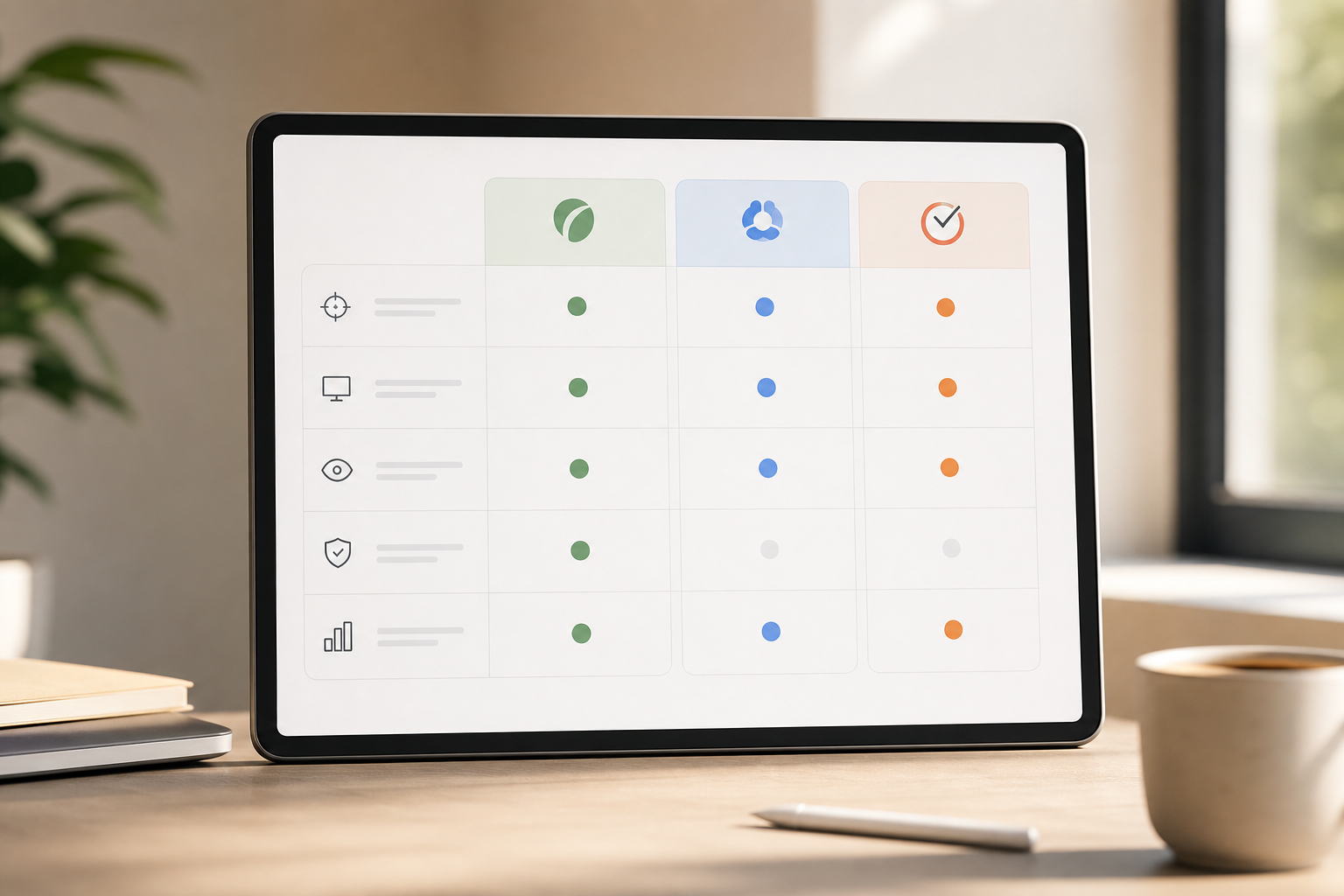
You want a fair view, so here’s a side‑by‑side on the features that matter. Each of these tools captures work artifacts and activity; the key is how deep you can go, how fast you can act, and how you keep privacy intact. We acknowledge competitor strengths where they shine.
| Feature | EmpMonitor | Hubstaff | Time Doctor |
|---|---|---|---|
| Screenshot frequency | Adjustable per user/team; automatic screenshots | Screenshots included; admin-configured settings (verify plan) | Screenshots included per plan (verify plan) |
| Stealth mode | Stealth/Un‑stealth mode | Policy varies by plan and org; confirm with vendor | Policy varies by plan and org; confirm with vendor |
| Privacy toggle | Private time option with clear logs | Pause controls available; review plans and settings | Pause controls available; review plans and settings |
| Pricing (entry) | Bronze: $11/user/month paid yearly | Varies by plan and seats | Varies by plan and seats |
| Live viewing | Live screencasting and recording | Focus on time and GPS; live viewing not core focus | Focus on time and productivity; live viewing not primary |
| Analytics depth | Advanced analytics and custom reports | Strong time reports; GPS for field teams is a strength | Time and productivity reports; depth varies by plan |
Hubstaff is a solid pick for field teams; GPS tracking is a known strength, which is useful for crews on the move. Time Doctor is widely used for time and productivity tracking and is recognized by small teams for quick rollout. EmpMonitor stands out for live screencasting, security controls like USB and web app blocking, and analytics depth that serve IT operations, audits, and forensics. If your use case spans both productivity and security, the added depth pays off.
“Since implementing EmpMonitor, we’ve improved our time to acknowledge mishaps to just under 5 minutes.” — Finance Sector Cross‑Asset Financial Engineer
“Handled the complex and multifaceted security issues in our company with ease and efficiency.” — Forensic & Legal Master Analyst in Financial Forensics
As a result, teams report improved productivity at workplaces when analytics guide coaching instead of punishment. Your best setup ties screenshots to real-time context, not just idle bars. That shift makes reviews faster and fairer, and it helps you act in the moment, not a week later. And yes, you still control the dials: rates, roles, and privacy.
Trust, Security, and Compliance Credentials
Trust isn’t a badge; it’s a checklist you can verify. EmpMonitor is GDPR compliant and protects data with SSL encryption, firewall safeguards, and IP allowlisting. Screenshots and activity data stay under role-based access, and audit trails show who saw what and when. For teams that need to prevent leaks, EmpMonitor offers data loss prevention with app and USB blocking, controls that stop risky behavior at the edge before it becomes an incident. This matters as remote work spreads across home routers and shared devices.
Scale also signals reliability. EmpMonitor is trusted by 15,000+ companies across 100+ countries and tracks over 500,000 employees. Those numbers reflect stable agents and mature dashboards built for different regions and shift patterns. Finance and forensic teams rely on fast triage; in those settings, live views and tight access are the difference between “We think” and “Here’s what happened at 14:03.
“EmpMonitor has been essential in enabling us to track how each hospital employee is working in general, identify problems quickly, and fix them.” — Medical Sector Clinical Coordinator
In addition, 24×7 customer support for all customers is there when a rollout hits a snag. That matters on day one and day 100. If your policy requires proof of consent and private time, you can configure both. And if your audits demand redaction or shorter retention windows, you can tune those too, while still keeping the artifacts that show work was done. With that balance in place, employee screenshot and screen recording becomes a fair tool, not a threat.
Security checklist at a glance
- GDPR compliant monitoring and storage
- SSL encryption, firewall protection, IP allowlisting
- Data loss prevention with web app and USB blocking
- Role-based permissions and access logs
- Used in 100+ countries by 15,000+ companies
Also Read!
Getting Started: Deploying Screenshot Monitoring for Your Remote Team
You can roll out in a day if you plan the flow. First, sign up for the free 15‑day trial and invite a small pilot group across roles and time zones. Second, install the lightweight agent on remote machines. Windows, macOS, or Linux as needed, and confirm it checks in with your cloud dashboard. Third, set your screenshot intervals by team, switch on live screencasting where it helps coaching, and choose stealth or un‑stealth mode per your policy.
Fourth, define your productivity baselines. Mark core apps and URLs as productive, neutral, or unproductive. Fifth, enable idle time tracking and decide what “idle” means in your context, reading specs is work; five minutes of no input might still be fine. Sixth, turn on the private time option and train people to use it for personal breaks. Finally, review your first weekly report, compare it to sprint outcomes, and adjust intervals or alerts to cut noise.
Moreover, give managers role-based views and keep access tight. Your legal team will appreciate the audit trail, and your staff will see a fair system that honors consent and breaks. After the pilot, extend to more teams and keep the privacy and coaching message front and center. As you scale, you’ll find fewer “What happened?” chats and quicker fixes in live work.
**Start your rollout, free trial, no card →
Frequently Asked Questions

How much does EmpMonitor’s screenshot monitoring cost per user?
The Bronze plan starts at $11/user/month (yearly) for 1–10 users. Silver drops to $10 for 11–50 users. Gold is $9 for 51–200 users. Diamond offers custom pricing for 200+ users. A free 15‑day trial is available so you can test before you buy.
Can employees see when screenshots are being taken?
Yes. EmpMonitor offers both stealth and un‑stealth modes. In transparent mode, the app notifies employees, so everyone knows what’s being captured. In stealth mode, it runs silently as allowed by policy. A private time toggle lets staff pause monitoring for personal breaks, with clear logs for audits.
How often does EmpMonitor capture screenshots of remote workers?
Screenshots are captured automatically at intervals you set. You can adjust frequency per team or per individual to match the task, faster during go‑live windows, slower for routine work. All captures are stored securely and you can view them in the cloud dashboard alongside activity data.
Is screenshot monitoring legal for remote employees?
Yes, when you inform staff and obtain consent. EmpMonitor is GDPR compliant and supports transparent notices and policy alignment. Most regions require disclosure and a lawful basis. Un‑stealth mode, written policies, and role-based access help you meet those duties under GDPR Article 5 principles.
How does EmpMonitor compare to Hubstaff for screenshot monitoring?
Both offer automatic screenshots and activity tracking. EmpMonitor adds live screencasting, keystroke monitoring (policy-controlled), and data loss prevention, and does so at a lower per‑user price on comparable tiers. Hubstaff excels in GPS tracking for field teams, which can be ideal for mobile crews.
Does screenshot monitoring actually improve remote team productivity?
Users report up to 80% reduction in workforce management effort thanks to centralized views and fewer status pings. Idle time tracking and productivity scoring help you spot blockers and coach faster. The key is to pair monitoring with clear goals and feedback, not surveillance for its own sake.
What happens to screenshot data—is it secure?
EmpMonitor uses SSL encryption, firewall protection, and IP allowlisting to protect data in transit and in access. Data loss prevention features help you control exfiltration risks at the endpoint. Screenshots are stored securely, and access is governed by role-based permissions and audit logs.
Can I use EmpMonitor for a small remote team of under 10 people?
Yes. The Bronze plan covers 1–10 users at $11/user/month (yearly). The free 15‑day trial lets small teams test screenshots, live screencasting, productivity reports, and privacy controls before committing. You can scale up to Silver or Gold later without changing your setup.
Final Takeaways
- Balance matters. Adjustable screenshots, on‑demand recording, idle context, and a privacy toggle give you proof of work without micromanagement.
- Policy wins. Transparent mode, consent, and role-based access align with GDPR and build trust across time zones and shifts.
- Depth pays off. Live screencasting, advanced analytics, and DLP controls help IT, finance, and security solve real issues—not just count minutes.
**Compare plans, save as you scale →
EmpMonitor is GDPR compliant with SSL, Firewall, and IP allowlisting, offers a free 15‑day trial with personalized onboarding, and provides 24×7 customer support for all customers. With that base in place, employee screenshot and screen recording can support how your team works best in 2026.