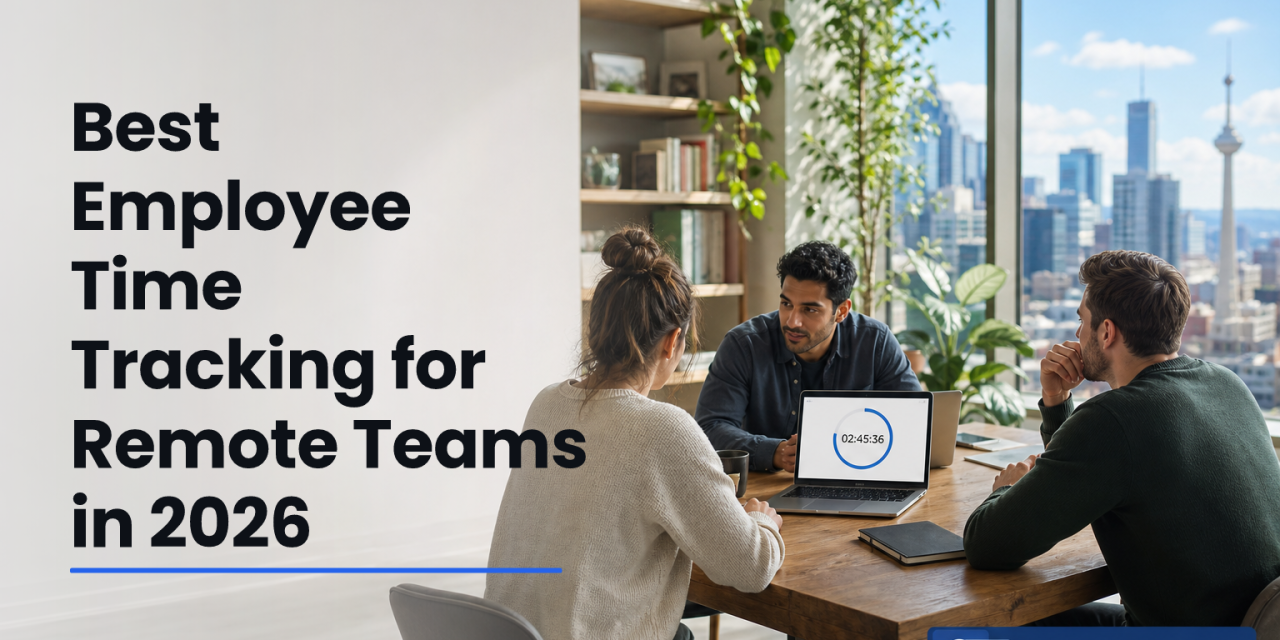
The best setup in 2026 pairs automatic, timezone‑aware logs with privacy controls and clear proof of work so you can coach, not police. Done right, employee time and attendance tracking builds trust and shows output, not just screen time.
You manage people, not proxies.
Yet remote work makes basics. Who is on? When did they start?
What did they get done?, hard to confirm without poking or chasing. However, you can balance clarity and care. You can give your team a simple way to log real work while you see clean data you can rely on.
Moreover, scale matters. EmpMonitor is trusted by 15,000+ companies across 100+ countries and tracks over 500,000 employees. As a result, you get proven workflows and support instead of guesswork. And because 2026 will put more pressure on outcomes, not hours, you need time data that holds up in one‑on‑ones, audits, and vendor reviews, without turning your culture into a surveillance zone.
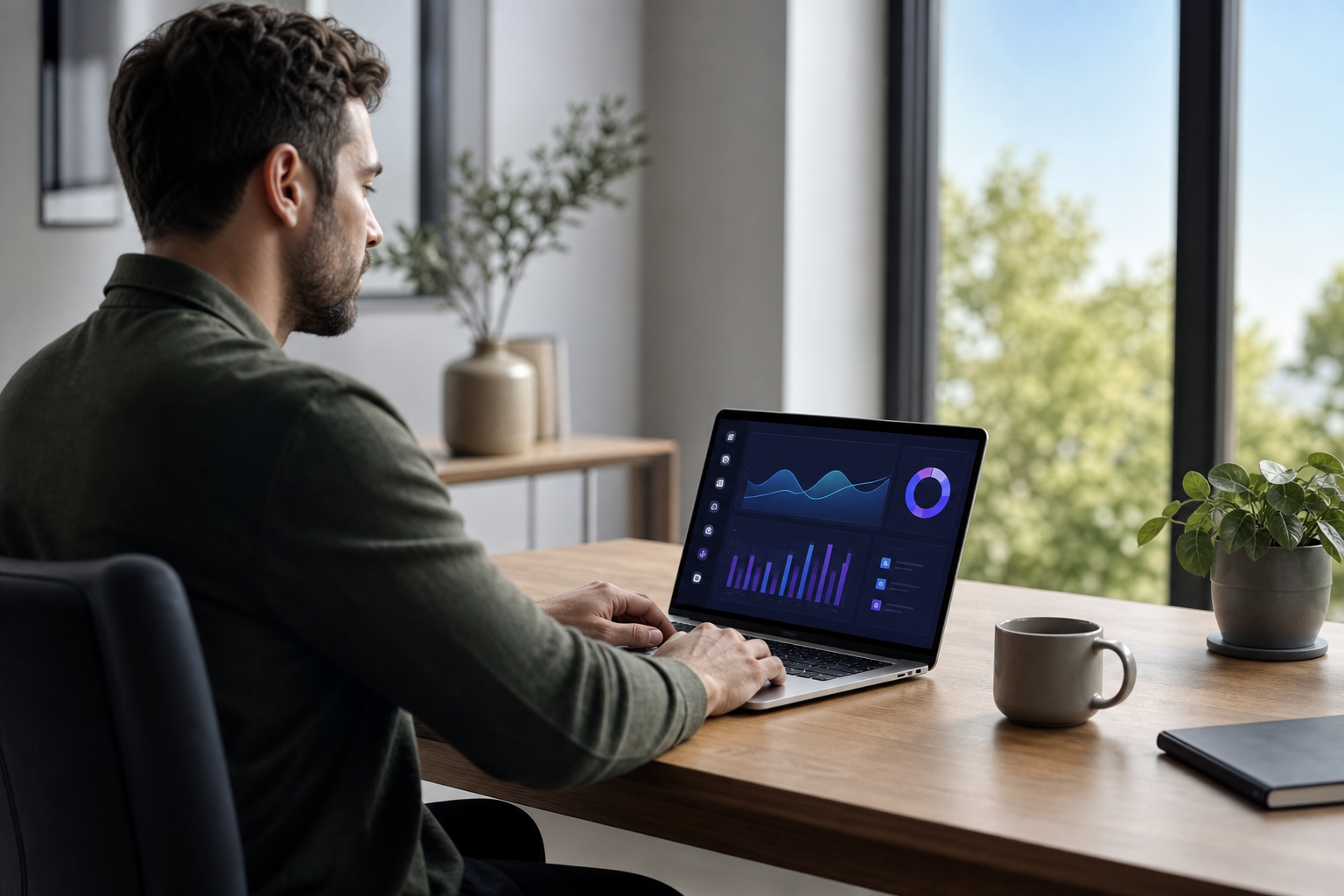
Why Remote Teams Struggle With Time Tracking
Visibility breaks first. In a spread‑out team, “9 a.m.” spans six time zones. As a result, simple questions. Who is online? Who swapped shifts?, turn into Slack threads and calendar guesswork. That noise kills focus and delays handoffs.
Time Zones Create Gaps
Your team logs in from Nairobi, Berlin, and Austin. However, most tools still think in one office clock. Therefore, a late check‑in in one region looks like an absence in another. Without timezone‑aware rules, you can’t compare hours or plan overlaps. And payroll disputes creep in fast.
Attendance Has Oversights
Manual timesheets are slow and easy to game. For example, a “start” click can sit idle for an hour if no one notices. Meanwhile, PTO or sick leave can slip by if it’s tracked in a separate sheet. With no single source of truth, you lack clean attendance history for reviews or audits. That risk grows with every headcount and region.
Trust Wears Thin
People hate feeling watched. On the other hand, you can’t lead a team you can’t see. The gap between those truths is where culture cracks. If data feels like surveillance, people hide. If data feels fair and accurate, people engage. That line depends on two things: clear rules and privacy controls your team can use.
Compliance Raises the Stakes
Across borders, rules differ. Overtime, rest periods, and data rights all vary. Therefore, you need records that show who worked, when, and on what, with proper consent and security. In 2026, more clients will ask for those logs in vendor due diligence. Without a reliable system for employee time and attendance tracking, you inherit audit pain and contract risk you don’t need.
Remote time data should end debates, not start them.
What to Look for in a Remote Time Tracking Tool
Picking a tool is less about features and more about habits. Specifically, look for a setup that automates busywork, respects privacy, and produces reports you can defend.
Automatic Time Capture
First, remove manual entry. Automatic tracking starts and stops with real activity, not guesswork. Moreover, it should sync across devices and survive flaky Wi‑Fi. That way, you replace “Did you clock in?” with data you trust.
Idle Detection That’s Fair
Second, measure true activity, not just open tabs. Good idle rules pause the clock when keyboards stop and resume when work resumes. As a result, you avoid inflated hours while keeping lunch and quick errands sane and above board.
Timezone‑Aware Attendance
Third, the system must store and report hours in each person’s local time and your company time. Therefore, holidays, weekends, and shifts make sense wherever people live. For background, see the basics of Time and attendance and how they underpin payroll and labor law.
Screenshot Verification You Control
In some teams, screenshots help verify billable work. However, this should be your call. You need flexible rules: frequency, blur sensitive areas, and disable for private time. Transparency is key.
Productivity Analytics You Can Explain
Simple, honest metrics beat black boxes. Specifically, look for app and URL usage, active vs. idle time, trends by person or team, and custom categories for “productive” vs. “unproductive” apps. If a number drives coaching, you should be able to show how it was made.
Privacy Controls That Build Trust
A “private time” switch lets people pause tracking for personal breaks or health tasks. Moreover, visible mode and clear alerts show when tracking runs. In addition, role‑based permissions restrict who can see screenshots or app data. That reduces fear and gossip.
Security and Compliance
You need encryption in transit, hardened servers, and IP allowlisting. In addition, check that the vendor is GDPR compliant and will sign DPAs. Good vendors also publish audit logs for admin actions and offer 24/7 support.
Quick Red Flags
- No clear private time or visible mode
- One‑size‑fits‑all “productivity score” you can’t configure
- Manual timesheets as the main record
For deeper context on culture and staffing impact, this explainer on work time tracking pairs well with a buyer demo. And if you’re aligning HR data too, bookmark this guide on hr tracking software.
Also Read!
How EmpMonitor Solves Time Tracking for Remote Teams
EmpMonitor focuses on accuracy, choice, and clarity. It automates the grunt work of time logs while giving you privacy controls your team can see and use.
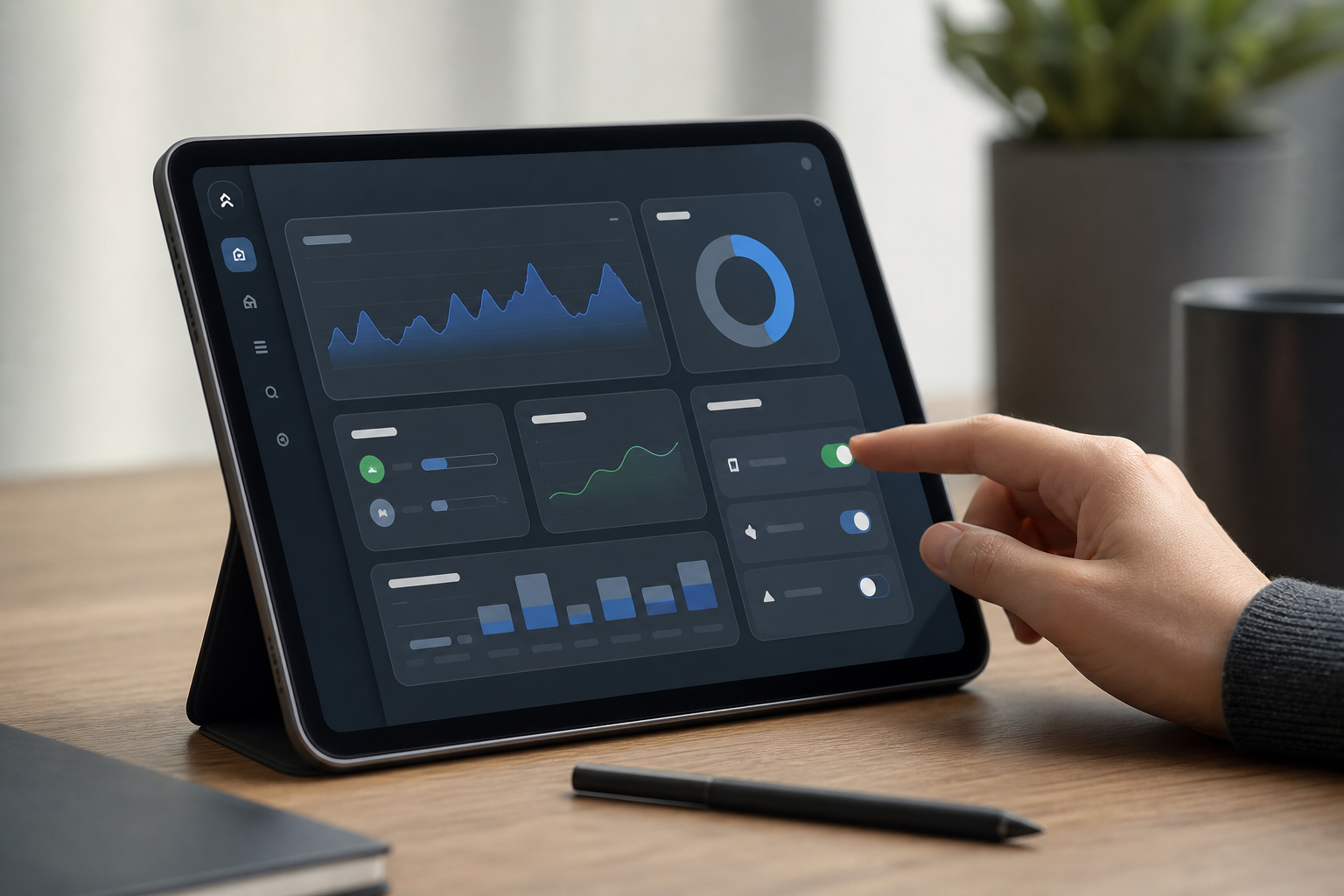
Automatic, Not Intrusive
EmpMonitor captures work time automatically. Moreover, it tracks active vs. idle states, so you bill for real effort. Idle time tracking pauses the clock when keyboards and mice rest, then resumes when work picks up. Therefore, your reports reflect actual hours, not open windows.
In addition, attendance tracking is timezone‑aware. Shifts and holidays follow each person’s locale, while summaries roll up in your company time. As a result, you can compare a designer in Manila with an engineer in Toronto and get apples‑to‑apples totals.
Proof You Can Review
For teams that need extra proof, screenshot monitoring is configurable. You choose frequency, retention, and whether to run it at all. Furthermore, the real‑time dashboard shows who is online now, what apps they use, and which projects move. That visibility reduces status pings and daily standup bloat.
EmpMonitor also calculates productivity by app and URL categories you define. Specifically, you can mark IDEs and CRMs as productive, social feeds as unproductive, and neutral apps like calendars as neutral. Then, trend lines show how work shifts week to week.
“Simplified the management of the entire workforce by 80% in terms of workforce, time, and effort.” — Ashwin Kumar, Chief Project Coordinator
Privacy by Design
Respect is built in. The private time option lets employees pause tracking for personal moments. In addition, EmpMonitor supports both Stealth and Un‑stealth (visible) modes, so you can choose full transparency for culture fit or stealth for lab or kiosk devices where prompts are impractical. Role‑based permissions keep screenshots and keystrokes away from people who don’t need them.
Shift scheduling ties it all together. You can assign timezone‑aware shifts, set grace periods, and align coverage across regions. Meanwhile, custom alerts and auto email reports keep leads informed without checking the dashboard all day.
“EmpMonitor does one thing really well: it saves us time!” — Education Career Counsellor
Compared to alternatives that only total hours, EmpMonitor adds data you can act on, idle vs. active time, app usage, screenshots, and a live view, without forcing “always on” snooping. That balance helps you coach on outcomes and habits, not gut feel.
EmpMonitor vs. Hubstaff vs. Time Doctor: Honest Comparison
You asked for a straight read on price, depth, and privacy. Here it is, focused on what managers of remote teams value most in 2026.

| Criteria | EmpMonitor | Hubstaff | Time Doctor |
|---|---|---|---|
| Pricing (per user) | Bronze: $11/yearly or $12 monthly (1–10). Gold: $9/yearly (51–200). Free 15‑day trial. | Varies by plan; time tracking focus. | Varies by plan; time tracking focus. |
| Monitoring Depth | Time + idle, app/URL, screenshots, live screencasting, keystroke monitoring, forensic analytics. | Time + screenshots; depth varies by plan. | Time + screenshots; depth varies by plan. |
| Privacy Features | Stealth/Un‑stealth, private time, role permissions, configurable screenshots. | Transparency features available; details vary by plan. | Transparency features available; details vary by plan. |
| Analytics | Real‑time dashboard, productivity calculation, custom reports. | Reporting available; scope varies by plan. | Reporting available; scope varies by plan. |
| Security | GDPR compliant, SSL, Firewall, IP allowlisting, data loss prevention. | Security controls; confirm per plan. | Security controls; confirm per plan. |
Three points to note:
- Pricing honesty: EmpMonitor’s published tiers run $9–$12 per user for most teams, with a free 15‑day trial to test before you buy. Therefore, you can budget with fewer surprises.
- Depth without add‑ons: Live screencasting, keystroke monitoring, and data loss prevention are included, so IT and compliance get what they need from one tool.
- Culture controls: You can run in visible mode, enable private time, and restrict who sees sensitive data. That reduces pushback and helps adoption.
“The EmpMonitor has the best features that help employers to keep an eye on their employees effectively and efficiently.” — Clifford M., Information Technology System Administrator
Speed matters in incidents too. In one finance team’s words, “Since implementing EmpMonitor, we’ve improved our time to acknowledge mishaps to just under 5 minutes.”. Finance Sector Cross‑Asset Financial Engineer. For regulated teams, that blend of visibility and audit‑ready logs is hard to replace.
If your team only needs a light time clock, lighter tools can work. However, if you want reliable employee time and attendance tracking plus deeper monitoring and security, EmpMonitor stacks those needs in one place.
**Get pricing with volume savings →
Trust, Security, and Scale
You need a partner, not just a product. EmpMonitor is trusted by 15,000+ companies across 100+ countries and tracks over 500,000 employees globally. Moreover, every plan includes 24/7 customer support for all customers, not just enterprise buyers.
Security is table stakes. EmpMonitor is GDPR compliant and protects data with SSL encryption, a hardened Firewall, and IP allowlisting. For policy details, review the official text of the EU GDPR. In addition, user activity monitoring supports security policies and data loss prevention, helping IT reduce insider risk without blocking real work.
“Handled the complex and multifaceted security issues in our company with ease and efficiency.” — Forensic & Legal Master Analyst in Financial Forensics
Results should be explainable, not magic. EmpMonitor’s advanced analytics and custom reports show where time goes and how it trends.
“EmpMonitor’s advanced analytics offer profound insights into employee performance, driving operational efficiency improvements that have truly transformed our business.” — James George, Accountant
In 2026, more clients and auditors will ask for clear system logs and role‑based access. Therefore, pick tools that already pass that bar and back them with always‑on support.
Also Read!
EmpMonitor vs Teramind for Call Centers: Which Is Better for Employee Screenshot Monitoring?
Best Employee Screenshot Monitoring for Call Centers in 2026
Getting Started: Deploying EmpMonitor for Your Remote Team
You can roll out in a day with a clean plan and the right guardrails.
- Sign up for the free 15‑day trial. No long calls, no invoices, just access.
- Install the lightweight agent on remote machines. Windows, macOS, and more are covered.
- Configure timezone‑aware shift schedules. Align regions and overlaps; see this primer on staffing and scheduling if you’re planning coverage.
- Choose privacy defaults. Enable Un‑stealth (visible) mode, set screenshot rules, and turn on the private time option to build trust on day one.
- Create roles and permissions. Limit screenshot and keystroke access to the smallest group that needs it.
- Review your first dashboard reports. Check active vs. idle ratios, app usage, and attendance. Then, adjust categories and alerts for your team’s work.
Personalized onboarding and VIP support are available if you want hands‑on help. Moreover, multiple roles and permissions make it easy to scale across departments. With this setup, employee time and attendance tracking runs in the background while your team stays focused.

Before you move to formal reviews, you can also share the mobile punch and desktop app notes from this short read on an employee time clock app. That helps set clear norms across the team.

Frequently Asked Questions
How much does EmpMonitor cost for a small remote team?
Bronze runs $11 per user per month when paid yearly or $12 monthly for 1–10 users. As your team grows, volume discounts drop the rate to $9 per user per month at 51–200 users on the Gold tier. A free 15‑day trial lets you test before committing. Therefore, you can benchmark results with no risk.
Does EmpMonitor work across different time zones?
Yes. Shift scheduling and attendance tracking are timezone‑aware, so each person’s local hours are logged correctly. Moreover, the real‑time dashboard reflects local start times and overlaps, which helps leads plan handoffs. As a result, distributed teams avoid missed shifts and payroll disputes.
Can remote employees see when they’re being monitored?
You choose. EmpMonitor supports both Stealth and Un‑stealth (visible) modes. Teams that value transparency can use visible mode so people know when tracking runs. In addition, the private time option lets anyone pause tracking for personal breaks, which increases buy‑in.
How accurate is automatic time tracking compared to manual timesheets?
Automatic tracking removes copy‑paste and memory errors. EmpMonitor logs active and idle time, app and URL usage, and optional screenshots to verify sessions. Therefore, managers get tamper‑resistant attendance records. In fact, those records reduce disputes and shorten one‑on‑ones focused on time audits.
Is EmpMonitor GDPR compliant for European remote workers?
Yes. EmpMonitor is GDPR compliant, protects data with SSL encryption and a hardened Firewall, and supports IP allowlisting. In addition, data loss prevention features add a further layer for teams in finance, healthcare, and legal. If you need a DPA, the team can help during onboarding.
How does EmpMonitor compare to Hubstaff or Time Doctor?
EmpMonitor combines time tracking with deeper monitoring like keystroke logging, live screencasting, and forensic analytics at comparable pricing. Moreover, it includes data loss prevention and HRMS features that many tools treat as add‑ons. If you need only a light time clock, lighter tools may fit; if you need security and proof, EmpMonitor stands out.
What if my team pushes back on being monitored?
Start in Un‑stealth (visible) mode and enable the private time option. Then, explain that the goal is better coaching and fair credit for work, not control. Moreover, use role permissions to limit who can see screenshots and keystrokes. As a result, you’ll reduce friction and keep trust high.
How long does it take to set up EmpMonitor for a remote team?
Most teams are operational within a day. The lightweight agent installs fast on remote machines without IT overhead. Moreover, personalized onboarding and VIP support are available if you want help setting shifts, privacy defaults, and roles. Therefore, you can run a live pilot before the 15‑day trial ends.
Final Takeaways
- Accuracy without friction wins. Automatic, timezone‑aware logs and fair idle rules produce reliable records your team can trust.
- Privacy drives adoption. Visible mode, a private time switch, and role‑based access turn monitoring into coaching and proof, not control.
- Security and scale matter in 2026. GDPR compliance, SSL, Firewall, IP allowlisting, and data loss prevention give IT and clients what they expect.
If you want clear data and a calmer culture, start with a small pilot and share what you learn in your next team meeting.
**Start your free trial today →
For a broader view of productivity patterns and planning, you can also explore these reads: Primary keyword: work time tracker and this primer on AI time tracking.