Screenshots help QA teams spot coaching moments, but used the wrong way they can also create risk. For call centers which is better for employee screenshot monitoring, the short answer is this. Pick Teramind if you need deep data controls and strict compliance. Choose EmpMonitor if you want budget-friendly screenshots with straightforward productivity tracking.
In 2026, most operations leaders don’t want another silo. You want proof of work and fair coaching data. You need controls that keep PCI and GDPR auditors satisfied without slowing agents down. This comparison explains how EmpMonitor and Teramind differ on screenshot capture, stealth mode, idle tracking, scheduling, data security, and analytics. It covers cost at 50, 100, and 200+ agents.
EmpMonitor is used by 15,000+ companies across 100+ countries. It tracks over 500,000 employees, so it’s proven at scale. Meanwhile, Teramind is known for OCR on screenshots, DLP rules, and behavior analytics. Both have strengths; the better fit depends on your risk posture and budget. If you also manage web and app usage, this companion guide can help: Best Employee Internet Monitoring for Call Centers in 2026.

What Call Centers Actually Need From Screenshot Monitoring Software
If you manage a 24/7 floor, screenshots are not a “nice to have.” They are a control point. But screenshots alone don’t answer the whole QA and compliance story. You also need context, audit trails, and a way to run shifts at scale. The criteria below reflect what call center and BPO leaders evaluate in 2026. This is especially true for those who need to meet PCI DSS and GDPR duties.
First, capture frequency matters. You need adjustable intervals that adapt by queue, client, or risk profile. Too few images starve QA. Too many flood storage and raise privacy concerns. Ideally, you set intervals per group and burst-capture during investigations.
Second, stealth mode is practical on regulated desks. For certain lines of business, background capture with visible disclosure at login reduces coaching bias. Equally, you should have an un-stealth option for training labs.
Third, scalability for 200+ agents requires policy inheritance, bulk deployment, and role-based access. Supervisors need just their team view. Auditors need read-only historical access across programs.
The non-negotiables
- Capture frequency: per-agent or per-group intervals, with event-triggered bursts.
- Stealth/Un-stealth mode: both modes available, with clear disclosure and policy logs.
- Scalability: 200+ seat floors, role/permission controls, bulk rollout.
- Shift scheduling: assign rosters, rotations, and holiday overrides in one place.
- Idle detection: keyboard/mouse idle thresholds, exclusions for approved tools.
- Compliance: GDPR-aligned processing, PCI DSS safeguards for card data workflows.
- Storage: retention controls, export options, and data residency choices.
For compliance, you should document lawful basis, access controls, and retention. GDPR sets rules on data minimization and purpose limits; see the full text of the regulation here: EU GDPR Regulation (2016/679). For card flows, PCI DSS governs how you prevent unmasked PAN data from exposure. Background reading is here: Payment Card Industry Data Security Standard.
Finally, check that the vendor names call centers and BPO as a core segment. That signals they understand multi-tenant programs, queue-level rules, and auditor access. EmpMonitor does list call centers and BPO as a target segment. It notes GDPR compliance, shift scheduling, and a stealth/un-stealth mode, which align with these needs.
Also Read!
Best Employee Screenshot Monitoring for Call Centers in 2026
EmpMonitor Overview: Strengths and Weaknesses for Call Centers
EmpMonitor focuses on productivity and monitoring basics, with screenshot recorder, automatic time tracking, URL/app tracking, and a real-time dashboard. For screenshot oversight, you get automatic screenshots. You get live screencasting to view a session in progress when you need extra context. This is useful for quick coaching when AHT or after-call work drifts.
For workforce hygiene, EmpMonitor tracks idle time and calculates productivity against your allowed app/site list. Shift scheduling is built in, so you can assign rosters and see if agents work within set hours. That reduces the need for a separate scheduling tool for small to mid teams.
On scale, EmpMonitor reports tracking over 500,000 employees and being used by 15,000+ companies across 100+ countries. In practice, that reach shows it can handle a 200-seat floor and beyond with roles and permissions for managers, QA, and HR. Data security includes SSL encryption, firewall protections, and IP allowlisting to restrict who can access the console.
“Simplified the management of the entire workforce by 80% in terms of workforce, time, and effort.” — Ashwin Kumar, Chief Project Coordinator
Where EmpMonitor fits and what to watch
- Strengths: automatic screenshots, live screencasting, idle detection, shift scheduling, custom reports, and advanced analytics focused on productivity and security.
- Price signal: the Gold tier lists $9/user/month (51–200 users) with Diamond as custom pricing for 200+ users. A free 15-day trial helps you pressure-test fit without a PO.
- Gaps to plan for: EmpMonitor does not claim native call recording integration in the feature list, so you’ll still rely on your telephony stack for voice capture. Also, confirm OS coverage for your fleet during the trial if you run non-Windows desktops.
- For deeper productivity reporting ideas, see this related analysis: EmpMonitor vs Teramind for Call Centers: Which Is Better for Employee Productivity Tracking?
If your main need is visual confirmation of work with simple analytics and you want to keep costs low, EmpMonitor’s mix of automatic screenshots and live screencasting covers the essentials well.
Teramind Overview: Strengths and Weaknesses for Call Centers
Teramind emphasizes risk reduction and forensic depth. Beyond capturing screenshots, it offers OCR-based screenshot analysis to read on-screen text and DLP rules to restrict or flag risky actions. It also provides behavioral analytics to learn baseline patterns. Those tools suit programs with strict PCI DSS handling, high fraud exposure, or third-party audit demands.
For example, you can set rules that detect on-screen card data and then mask, block, or flag the event. You can also profile normal work patterns and alert on anomalies. That gives QA and InfoSec a shared signal when something drifts from policy. It is more than a pile of images to review.
However, the extra control comes with more setup work. You’ll invest time to define rules, tune alerts, and train analysts. The console has more knobs by design, so new managers may need onboarding. Pricing is usually higher per seat than basic monitoring tools. You’re paying for OCR, DLP, and behavior analytics in one platform.
Where Teramind fits and trade-offs
- Strengths: OCR on screenshots, DLP policies, user and entity behavior analytics, and detailed forensics. These help you prove and prevent, not only review.
- Learning curve: deeper features mean more configuration and change management.
- Budget: expect a higher price point per user compared with screenshot-only tools; plan your ROI case around avoided incidents and audit savings.
- Compliance alignment: the model supports GDPR data minimization and access controls when configured with clear roles and retention; for PCI DSS, on-screen detection and redaction policies help reduce exposure.
If your board or client contracts push you to strict controls and evidence, Teramind is a strong candidate. If you just need lightweight screenshot oversight with productivity basics, the overhead may feel heavy.
Feature-by-Feature Comparison: Screenshots, Stealth, Scalability, and More
Both tools can capture screens and help managers coach. The differences show up in depth, governance, and cost-to-outcome trade-offs. Here’s how they compare on six dimensions call center leaders ask about the most in 2026.
Side-by-side summary
| Dimension | EmpMonitor | Teramind | Winner |
|---|---|---|---|
| Screenshot frequency | Automatic screenshots with adjustable settings; live screencasting for context | Screenshots plus OCR-based analysis to read on-screen text | Teramind for detection depth |
| Stealth mode | Stealth/Un-stealth mode available with policy control | Stealth capture options with rule-based triggers | Tie |
| Idle detection | Idle time tracking with thresholds; productivity calculation tied to app/URL use | Idle tracking with anomaly detection as part of behavior analytics | Teramind for analytics |
| Shift scheduling | Built-in shift scheduling and attendance tracking | Scheduling not the core focus; depends on plan and setup | EmpMonitor for scheduling |
| Data security | SSL, firewall, IP allowlisting, GDPR compliant; DLP noted in features | DLP rules, OCR, behavior analytics; strong forensic posture | Teramind for controls |
| Reporting & analytics | Real-time dashboard, custom reports, advanced analytics on productivity | Advanced behavioral analytics and forensic reports | Teramind for depth |
Moreover, EmpMonitor’s screenshot recorder and live screencasting are handy for “see it now” coaching without pulling vast logs. In contrast, Teramind’s OCR and DLP rules help you find risky content on the screen. That holds even if a human never reviews the raw image.
For day-to-day workforce management, EmpMonitor’s shift scheduling and attendance are practical. You can keep scheduling, monitoring, and basic productivity in one place. That reduces tool sprawl for mid-sized BPO teams.
Meanwhile, data security programs may prefer Teramind. Its rule engine and behavior analytics make it easier to prove policy enforcement and to investigate incidents with fewer oversights. If your clients ask for evidence that you prevent on-screen PAN exposure per PCI guidance, that rule-based approach helps. It is easier to audit.
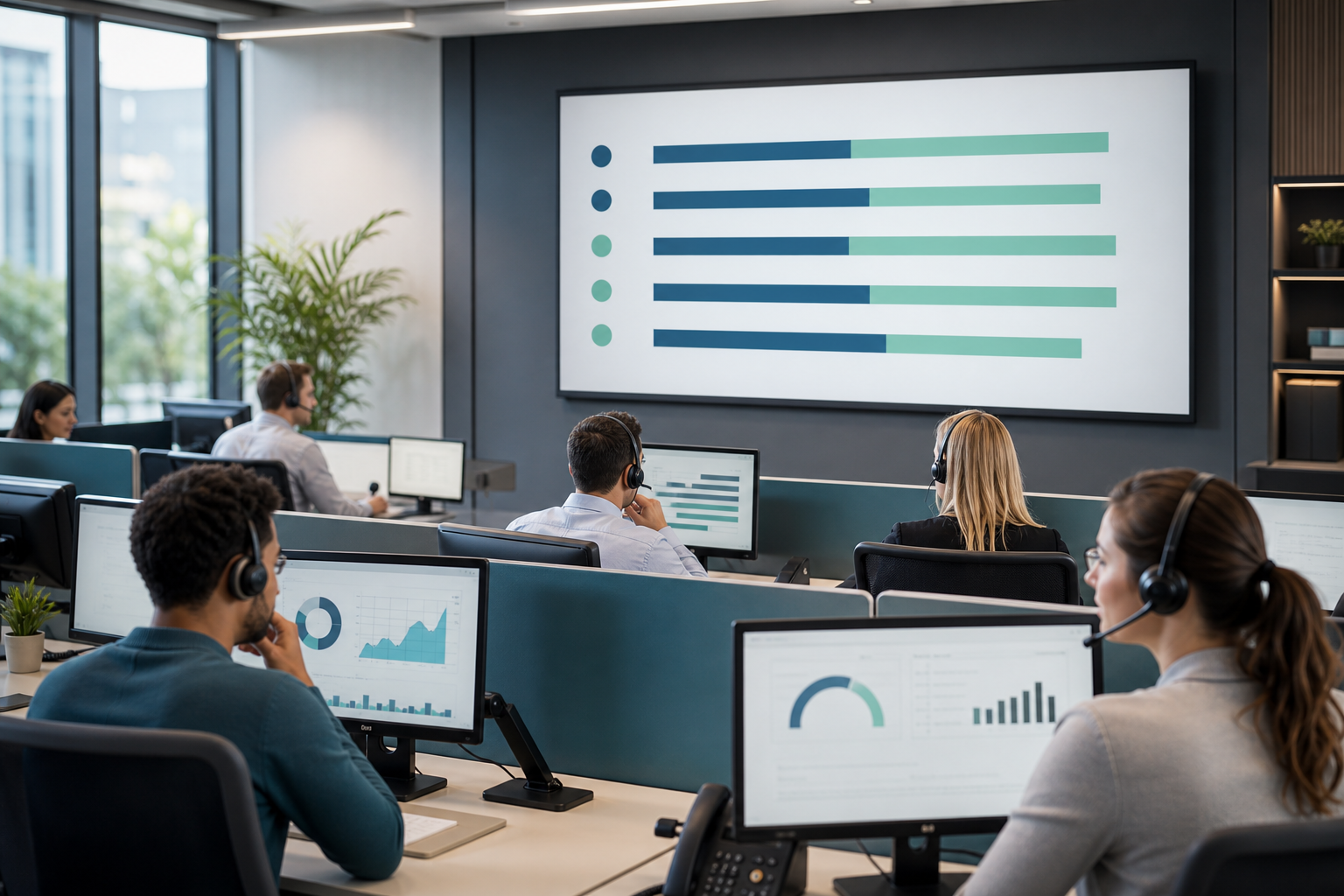
To close the gap, note that EmpMonitor also lists features for DLP, user behavior analytics, and forensic analysis. But its center of gravity is still on productivity and workforce oversight. That may be exactly what you want for high-volume, cost-sensitive queues.
Also Read!
Pricing Comparison: Which Offers Better Value for Large Agent Teams?
EmpMonitor publishes simple tiers with volume discounts and a free 15-day trial:
- Bronze: $11/user/month paid yearly ($12 paid monthly) for 1–10 users
- Silver: $10/user/month paid yearly ($11 paid monthly) for 11–50 users
- Gold: $9/user/month paid yearly ($10 paid monthly) for 51–200 users
- Diamond: custom pricing for 200+ users
- Free 15-day trial available
Here’s how that plays out at common call center sizes using the yearly rates:
- 50 agents (Silver at $10): about $500 per month total
- 100 agents (Gold at $9): about $900 per month total
- 200 agents (Gold at $9): about $1,800 per month total
- 200+ agents: Diamond tier with custom pricing
Teramind uses a per-user model as well, with pricing tied to the feature set (e.g., whether you include DLP, OCR, and behavior analytics). Because those advanced features are bundled, the per-seat price is usually higher than basic screenshot tools. For an apples-to-apples check, request a quote with 50, 100, and 200+ seats. Then match it to your compliance risk exposure and potential audit savings.
If you want more context on measuring value, this deep-dive on internet and app oversight for call centers can help. It helps you estimate both soft and hard ROI: EmpMonitor vs Teramind for Call Centers: Which Is Better for Employee Internet Monitoring?.
Verdict: Which Screenshot Monitoring Tool Should Your Call Center Choose?
If your first question is cost control and your second is ease of rollout, EmpMonitor is the safer pick. It gives you automatic screenshots, live screencasting, idle tracking, shift scheduling, and custom reports at $9–$10 per user in the 51–200 seat range. You get a free 15-day trial to validate fit. It’s also GDPR compliant and includes security features like SSL, firewall protections, and IP allowlisting. Per customer feedback, it has “simplified the management of the entire workforce by 80%.” That lines up with what busy ops managers need on a daily basis.
If your first question is audit risk and your second is incident response, Teramind stands out. Its OCR-based screenshot analysis, DLP rule engine, and behavior analytics are built for environments where you must prevent and prove, not just review. You’ll pay more and spend more time on setup. You gain controls that map well to PCI and strict client obligations in 2026.
As a final note, neither platform markets native call recording integration in their monitoring feature lists. Plan to keep voice capture in your telephony stack and treat screenshots as a visual record that complements QA scorecards and system logs.
Quick Decision Guide
- Choose EmpMonitor if you need core screenshots, live screencasting, idle tracking, and built-in shift scheduling at ~$9–$10 per user for 51–200 seats, plus 24×7 customer support.
- Choose Teramind if you need OCR on screenshots, DLP rules, and behavior analytics to enforce policy and pass strict audits, and you’re prepared for a higher price point.
- Consider a mixed approach if you run multiple programs: use a heavier control set for PCI desks and EmpMonitor for general service queues to balance cost and risk.
**Start Your Free Trial Today →
Moreover, if you want to benchmark productivity reporting approaches before you commit, this practical guide can help. It outlines what good looks like on a call floor: Best Employee Productivity Tracking for Call Centers in 2026.