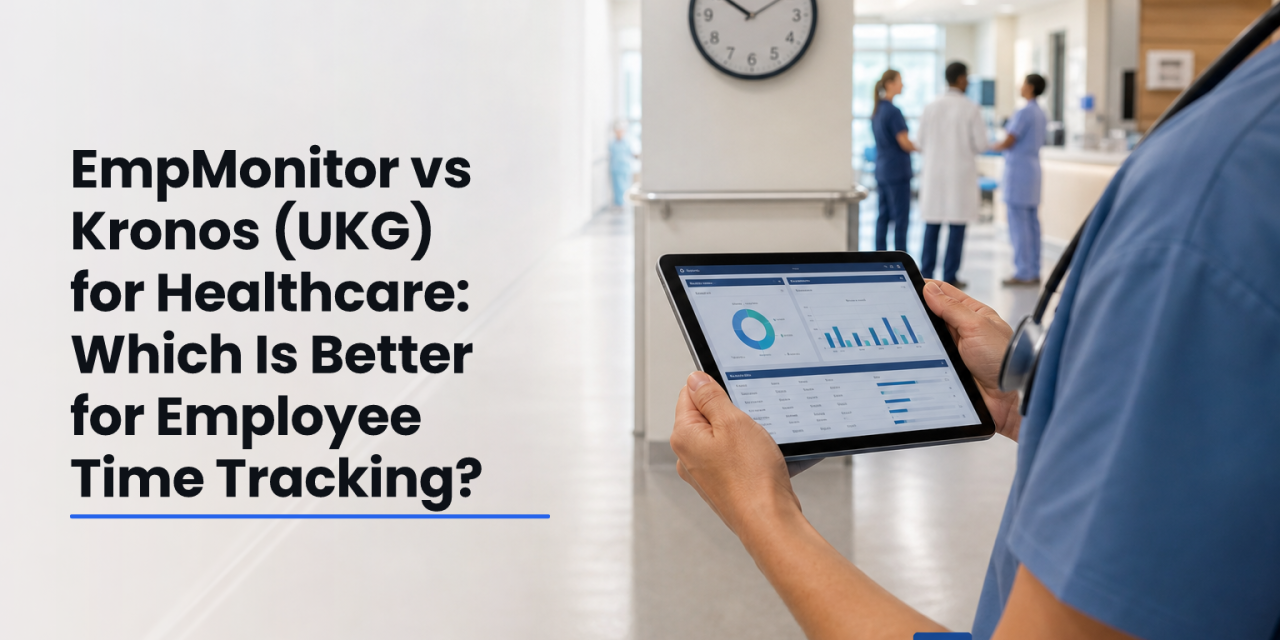
Time tools that miss nurse schedules cost more than they save. This 2026 guide compares employee time and attendance tracking across EmpMonitor and Kronos (UKG) for real healthcare needs. For large hospital systems, Kronos is usually the safer pick thanks to deep healthcare workflows. For clinics and mixed desk/non‑desk teams, EmpMonitor is the value choice that’s easier to roll out.
However, both tools can work in healthcare if you match them to your size, staffing model, and budget. In this review, you’ll see where each product shines, what you may give up, and how costs stack up over a full year. You’ll also get clear next steps so your team can choose with confidence, not guesswork.
“EmpMonitor has been essential in enabling us to track how each hospital employee is working in general, identify problems quickly, and fix them.” — Medical Sector Clinical Coordinator
 . Healthcare Time Tracking 2026"; columns for Feature, EmpMonitor, Kronos; rows for Scheduling, Real-time Monitoring, Compliance/Security, Reporting/Analytics, Deployment Ease, Scalability; healthcare iconography; brand-neutral color palette; accessible fonts)
What Healthcare Organizations Need From Employee Time Tracking
Healthcare schedules never sleep. You staff nights, weekends, and holidays, and you need employee time and attendance tracking that respects patient acuity, union rules, and budget caps. The right tool must cover compliance, scheduling, and payroll handoffs without adding admin work.
First, you need HIPAA-adjacent data safeguards. While a time app alone does not make you HIPAA compliant, you still need strong controls around staff data. For background, see HIPAA. EmpMonitor highlights data security and privacy protections plus GDPR compliance, supported by SSL, firewalls, and IP allowlisting. Those controls help reduce risk even if clinical data lives elsewhere.
Second, true 24/7 shift scheduling matters. Rotations, on-call pools, and backfill must be easy to set and track. EmpMonitor includes a shift scheduling feature, while Kronos offers nurse scheduling that’s built for hospitals. Your aim is fewer phone trees and safer staffing.
Third, multi-location tracking is vital. You may float nurses, run satellites, and staff outreach clinics. Therefore, your tool should show attendance by site and department, not just by user. It should also support roles and permissions so unit managers can view only their teams.
The six-point checklist
- HIPAA-adjacent security and GDPR-aligned controls
- 24/7 shift scheduling that fits rotations and on-call
- Multi-location visibility and role-based access
- Overtime and labor-law rule support
- Clean payroll/EHR handoffs
- Simple clock-in for non‑desk staff
Fourth, overtime and labor-law compliance can’t be an afterthought. The system should help you flag meal breaks, double-time, and local rules before payroll runs. Alerts beat corrections.
Fifth, integration with payroll and, ideally, your HR stack or EHR, will cut duplicate entry. You won’t want to export CSVs by hand every week. Even if you start simple, plan for that handoff.
Sixth, ease of use for non‑desk staff is non‑negotiable. If clock-in takes 5 taps or a desktop login, adoption will crater. Simple kiosk or mobile flows win hearts on the floor.
For a deeper look at how staffing choices shape cost and output, this primer on staffing and scheduling adds helpful context for clinical managers.
EmpMonitor Overview: Strengths and Weaknesses for Healthcare
EmpMonitor is first an employee monitoring platform, then a time tracker. It offers automated time tracking, attendance tracking, screenshot monitoring, URL/app tracking, idle time tracking, and real-time dashboards. For healthcare, that means strong visibility on computer-based roles (billing, IT, telehealth hubs, schedulers) and workable time/attendance for mixed teams. It is not a healthcare-native suite, so you won’t find nurse staffing models or clinical fatigue rules built in.
On strengths, you get simple setup, intuitive dashboards, and pricing that starts around $9–$12 per user per month, plus a free 15-day trial. The product includes shift scheduling, multiple roles and permissions, and custom reports with advanced analytics. Security controls include SSL, firewalls, and IP allowlisting, and the company states it is GDPR compliant. Social proof is solid: EmpMonitor is used by 15,000+ companies across 100+ countries and tracks over 500,000 employees.
On the floor, speed matters. Real-time activity tracking and the live dashboard help managers spot attendance gaps or idle time before patient care suffers. That visibility also supports audits and internal policies.
“EmpMonitor has been essential in enabling us to track how each hospital employee is working in general, identify problems quickly, and fix them.” — Medical Sector Clinical Coordinator
However, you trade off deep healthcare workflows. There’s no native nurse-to-patient ratio engine, mandated rest modeling, or enterprise-grade fatigue management. If you need certified badge terminals at every ward or bi-directional EHR feeds, you’ll likely add other tools. You also should plan a privacy review, because screenshot monitoring and keystroke tracking may not suit every unit.
Where EmpMonitor fits best
- Clinics, urgent care, and outpatient centers that want affordable time tracking plus desktop monitoring
- Hospital departments with mostly computer-based roles
- Cross-functional teams that need quick rollout and clean analytics
To explore related use cases beyond hospitals, you can scan this guide on work time tracking for process ideas that also apply to admin and back-office teams.
Kronos (UKG) Overview: Strengths and Weaknesses for Healthcare
Kronos, now part of UKG, is the healthcare incumbent. It’s built for nurse scheduling, complex rotations, clinical fatigue management, labor analytics, and enterprise payroll integration. If you run a hospital system, you’ll recognize its terms, rules engines, and workflow depth. That’s the draw: fewer gaps between policy and practice.
On strengths, UKG’s scheduling models handle float pools, self-scheduling, and enterprise forecasting. Labor analytics can highlight premium pay trends and help control overtime. Payroll integration is mature, which reduces hand-entry errors. For large systems, the benefit is one backbone for time, scheduling, and pay, aligned to clinical operations.
On the other hand, you pay in money and time. UKG’s cost is higher, its setup is longer, and training takes real effort. You’ll plan a project, not a quick install. If your team is under 200 staff or split across many non‑desk roles without badge terminals, the lift may feel heavy for the return. You also may still add specialist tools for certain units or telehealth operations.
Where UKG fits best
- Large hospital systems that need deep nurse scheduling and fatigue rules
- Union environments with complex labor agreements
- Enterprises requiring tight links to payroll and broader HCM suites
If your aim is only basic attendance visibility for a few clinics, UKG may be more than you need. But for enterprise-grade, healthcare-native workflows, it remains a standard.
Also Read!
Feature-by-Feature Comparison: EmpMonitor vs Kronos for Healthcare Teams
Both tools can support employee time and attendance tracking, but they win in different lanes. Here’s how they compare across six dimensions.
| Dimension | EmpMonitor | Kronos (UKG) | Winner |
|---|---|---|---|
| Shift Scheduling | Built-in scheduling for teams and shifts | Advanced nurse scheduling and rotations | Kronos |
| Real-Time Monitoring | Real-time dashboard, live activity, productivity/idle tracking | Real-time staff status within scheduling context | EmpMonitor for monitoring; Kronos for ops view |
| Compliance/Security | SSL, firewall, IP allowlisting; GDPR compliant; data security & privacy protection | Enterprise security; aligns with healthcare compliance programs | Tie (different emphases) |
| Reporting/Analytics | Custom reports and advanced analytics | Labor analytics for healthcare and payroll | Kronos |
| Ease of Deployment | Fast rollout, 15-day trial | Longer enterprise implementation | EmpMonitor |
| Workforce Scalability | 1 to 1000+ employees; multiple roles & permissions | Scales across hospital systems | Kronos for very large orgs |
EmpMonitor’s real-time activity tracking, live screencasting, productivity measurement, and idle time tracking give managers instant visibility. That’s ideal for remote schedulers, billing, and support staff. Kronos centers on operational coverage: who’s on the floor, skill mix, and rule compliance. For a nurse manager, that lens can matter more than screen activity.
On compliance and security, EmpMonitor emphasizes SSL, firewalls, IP allowlisting, and GDPR. UKG focuses on enterprise risk management and healthcare-grade controls. Both aim to reduce risk, but neither is a one-click compliance solution for GDPR Article 5 or HIPAA by itself. Your policies and integrations still decide the outcome.
For analytics, EmpMonitor’s custom reports and advanced analytics help you spot trends in attendance and productivity. UKG’s labor analytics tilt toward reducing premium pay and aligning staffing with demand. If you want monitoring-led insights, EmpMonitor wins. If you want enterprise labor strategy tied to payroll, UKG wins.
Finally, setup. EmpMonitor’s lighter footprint, clear pricing, and quick start help smaller teams move fast. UKG projects take longer, but they deliver scale, depth, and ties to the rest of your HCM. If you’re still weighing scheduling models, this explainer on staffing and scheduling may help clarify your approach before you buy.

Pricing Comparison: Which Offers Better Value for Healthcare Budgets?
EmpMonitor posts transparent tiers: Bronze $11–$12 per user per month (1–10 users), Silver $10–$11 (11–50), Gold $9–$10 (51–200), and Diamond custom for 200+. A free 15-day trial helps you test real shifts before you commit. You also get 24×7 customer support, personalized onboarding, and VIP support on higher tiers. For many clinics, that clarity keeps approval simple.
UKG uses custom enterprise pricing. You’ll scope modules, integrations, and rollout, then receive a quote. Total cost of ownership can include implementation services, training, data migration, and ongoing admin. For hospital systems, that spend can pay off through labor analytics and tighter payroll integration. For smaller teams, the lift may feel heavy.
In short, EmpMonitor is the budget-friendly path to start tracking time, viewing real-time dashboards, and scheduling shifts with minimal friction. UKG is the strategic investment for large organizations that want scheduling depth and payroll links to shave premium pay over time.
If you want to explore adjacent tools before shortlisting, this guide to an employee time clock app gives a quick sense of clock-in options you can compare during trials.
**See EmpMonitor Pricing →
Verdict: Which Time Tracking Tool Should Your Healthcare Organization Choose?
For large hospital systems, Kronos (UKG) wins. Its deep healthcare workflows, nurse scheduling, fatigue management, and labor analytics align with clinical operations. You’ll invest more time and budget, but you gain an integrated backbone that scales across sites and unions.
For smaller clinics, outpatient groups, and mixed teams, EmpMonitor is the value-driven alternative. You get automated time tracking, attendance, shift scheduling, and real-time monitoring at $9–$12 per user per month with a free 15-day trial. The product supports companies with 1 to 1000+ employees and has helped leaders “simplify the management of the entire workforce by 80%”, based on customer feedback. Security is built-in with SSL, firewalls, IP allowlisting, and GDPR alignment. That’s a strong package if you don’t need clinical scheduling depth.
In 2026 and beyond, you can also blend both worlds. Some hospitals keep UKG for payroll and nurse scheduling but add EmpMonitor for computer-centric teams to gain real-time activity insights and detailed attendance analytics. This hybrid approach can be lower risk than a full rip-and-replace.
Quick Decision Guide
- Choose EmpMonitor if you need affordable time tracking plus real-time monitoring, fast rollout, and clear per-user pricing for clinics or departments.
- Choose Kronos (UKG) if you need enterprise nurse scheduling, fatigue management, and labor analytics tied to payroll across a hospital system.
- Consider a hybrid stack if you need UKG for clinical scheduling and payroll but want EmpMonitor’s monitoring and custom analytics for desktop-based teams.
To see how automated tracking fits your HR toolkit, this overview of hr tracking software outlines the core building blocks you can mix and match without overbuying.