Let’s start with a story.
A client reached out a few months ago. He was not in panic mode, but he was clearly frustrated. He managed a remote IT team of 22 employees working across three different time zones. On the surface, everything looked fine. Deadlines were mostly being met. Status calls were attended regularly. Reports showed a healthy level of activity.
Still, something felt off.
His instincts told him that some of the logged hours were not actually being worked.
As it turned out, his instincts were right.
The Employee Who Was “Always Busy”

One case quickly stood out during the investigation.
A Developer Who Looked Highly Active
A senior developer consistently logged full 8-hour workdays. Activity logs showed regular keyboard input and mouse movement. According to the existing time tracking software, he appeared to be one of the most active members of the team.
However, something did not add up.
A Sudden Drop in Output
Over the previous six weeks, his actual work output had quietly declined. Tasks were taking longer, and deliverables were not matching the level of activity reported by the tracking system.
How the System Was Being Tricked
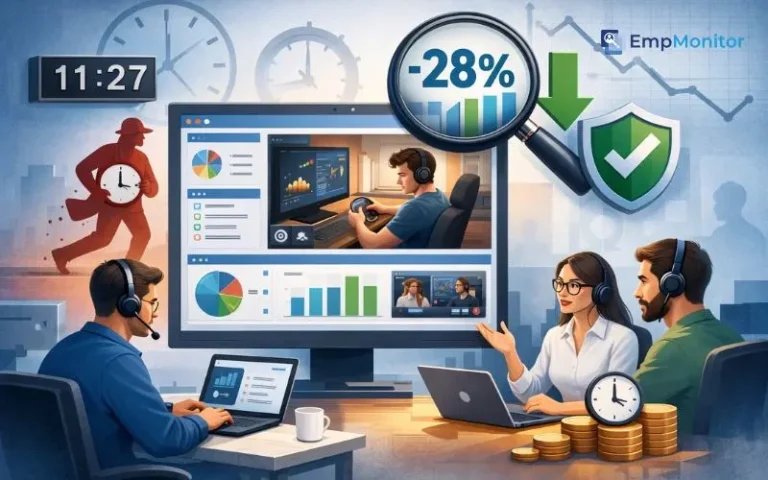
After a closer review, the manager discovered the reason. The employee was using a dual-monitor setup:
- One screen displayed development tools such as a code editor and terminal windows
- The second screen was used for streaming shows
To keep the tracker active, the employee would occasionally tap a key or move the mouse.
Why the Software Missed It
The time tracking tool only detected keyboard and mouse activity, which meant it recorded the time as productive even though meaningful work was not being done.
From the system’s perspective, everything appeared normal.
The Real Impact
In reality, the company was paying for full-time work while receiving significantly less output.
This situation is a classic example of time theft, and it is more common in remote teams than many managers realize.
The Bigger Problem Nobody Was Measuring

As the client investigated further, the issue turned out to be larger than just one employee.
Reviewing the Productivity Data
The client examined six weeks of productivity logs. At first glance, the numbers appeared normal. Employees were logging their hours, and attendance records looked consistent.
However, once he compared logged hours with actual project deliverables, the gap became clear.
Warning Signs in Project Performance
Several patterns started to appear:
- Projects were taking longer than originally estimated
- Bugs that should have been identified earlier were slipping through development cycles
- Sprint commitments were often missed by small margins
Small Issues That Added Up
Individually, none of these issues seemed serious. But when viewed together over several weeks, they revealed a consistent productivity gap across the team.
Estimating the Productivity Loss
After analyzing the data more closely, the client estimated that 25 to 30 percent of paid work hours were not translating into meaningful output.
The Missing Piece
The company already had:
- A time tracking tool
- Attendance records for employee shifts
What it lacked was clear visibility into what employees were actually doing during their workday.
Why the Old Tool Was Not Enough
The existing software was not necessarily flawed. It was simply designed to solve a different problem.
What the Old Tool Did Well
- Accurately tracked clock-in and clock-out times
- Detected keyboard and mouse activity
- Recorded whether employees appeared active during their shift
Where It Fell Short
- It could not show what was actually happening on the screen
- It could not differentiate between real work and artificial activity
- Occasional key presses or mouse movements could keep the system from marking a user idle
Why This Matters in Remote Teams
In a remote work environment built on trust, visibility into how time is actually spent becomes critical. Activity indicators alone do not always reflect meaningful productivity.
The Need for Better Insight
The client needed a system that could show not only whether employees were present at their computers, but also how their work hours were being used.
That search eventually led him to EmpMonitor.
Bringing EmpMonitor In
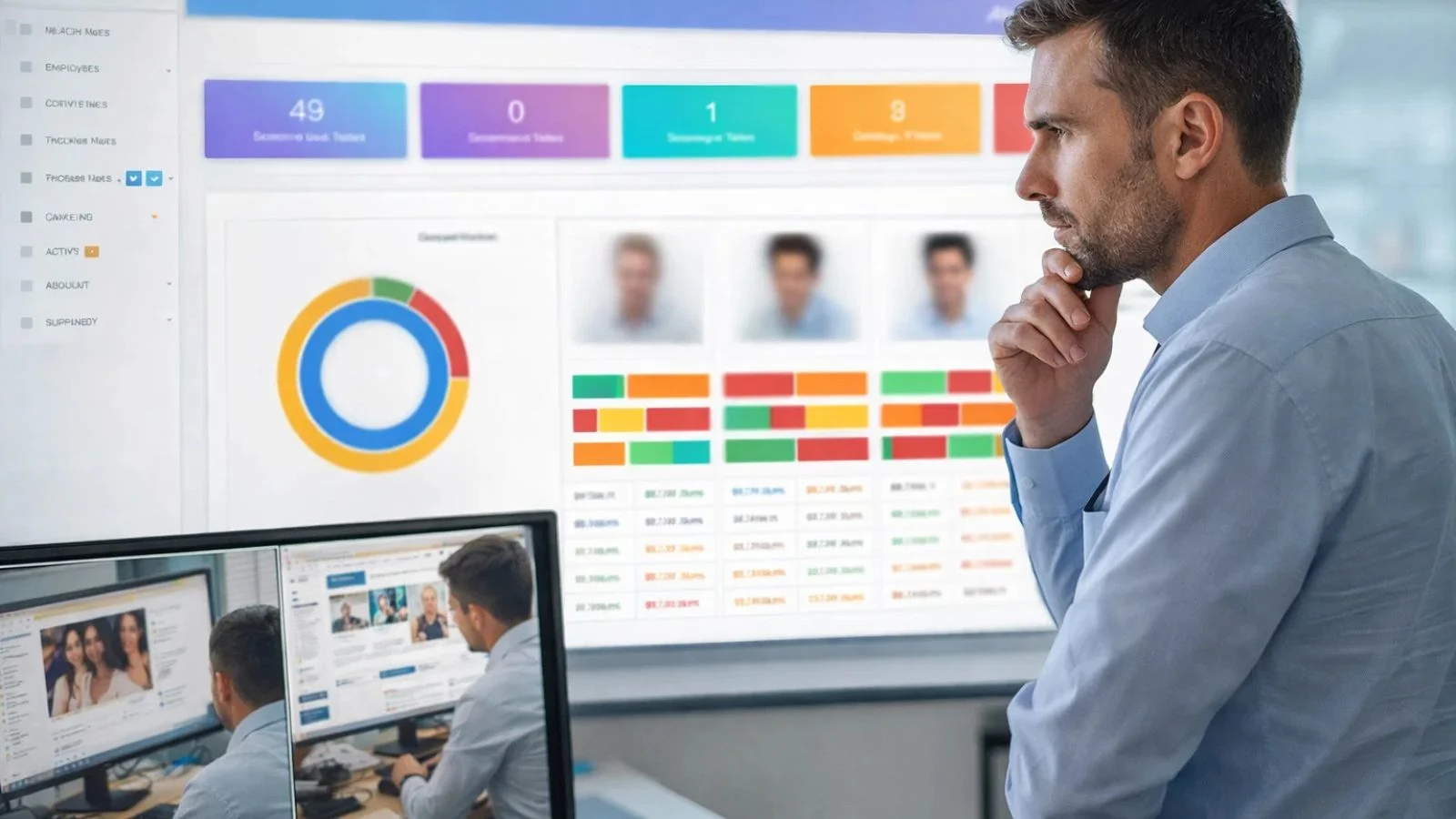
Instead of rolling it out to the entire team immediately, the client started with a two-week pilot.
Seven employees were selected for the test group. The group included both high performers and individuals the manager had concerns about.
EmpMonitor was installed, and the team was informed in advance. Transparency was important to the client. The goal was not to catch people doing something wrong. The goal was to create a more accountable and transparent work environment.
Several features immediately stood out.
- Dual-screen monitoring allowed the manager to view activity across multiple monitors. If work was happening on one screen while entertainment ran on another, both were visible.
- Real-time screenshot capture provided periodic snapshots of the workday. Each screenshot included timestamps, offering an honest picture of what employees were working on at different moments.
- Application and URL tracking recorded every program opened and every website visited. Work-related and non-work activities could be categorized clearly.
- Idle time detection helped distinguish between genuine work activity and artificial attempts to avoid idle status.
- Attendance and shift reports automatically record login times, logout times, and breaks without relying on manual entries.
Within 48 hours, the client had more practical insight into his team’s daily work patterns than he had gained in the previous six months.
What the Data Revealed
The results were eye-opening.
1. Hidden Non-Work Time During Paid Hours
Across the pilot group, reports showed that an average of 2.1 hours per employee per day was spent on non-work activities during paid work hours.
2. Common Sources of Lost Productivity
The activity logs showed several recurring patterns, including:
- Social media browsing during work hours
- Streaming platforms running in the background
- Personal errands handled through the browser
- Lunch breaks extending far beyond the recorded time
Individually these seemed minor, but together they created a noticeable productivity gap.
3. The Dual-Monitor Workaround
The developer mentioned earlier was identified quickly. His dual-monitor setup appeared in the logs during the first day through screenshots and application activity reports.
One screen displayed development tools, while the second was used for streaming content.
4. A Data-Driven Conversation
The conversation that followed was calm and professional. There was no dramatic confrontation because the data clearly showed what was happening.
Once expectations were clarified and monitoring was in place, the situation corrected itself.
5. Productivity Recovered Quickly
Within two weeks, the developer’s productivity improved noticeably, and his output returned to expected levels.
The 28% Turnaround: Before vs After Implementing EmpMonitor
Encouraged by the pilot results, the client rolled EmpMonitor out to the entire team of 22 employees over the following month.
Within 60 days, time theft dropped by 28 percent.
But the real shift was not just in the numbers. It was in the way the team worked every day.
Before EmpMonitor
- Limited visibility into what employees were actually doing during work hours
- Time tracking relied mainly on keyboard and mouse activity
- Logged hours often did not align with real project output
- Employees could keep activity trackers active without meaningful work
- Project timelines frequently stretched beyond estimates
- Managers depended on assumptions instead of real productivity data
- Around 25–30% of paid work hours showed weak correlation with deliverables
After EmpMonitor
- Clear visibility into daily work activity through screenshots and activity reports
- Dual-screen monitoring prevented hidden non-work activity on secondary monitors
- Accurate tracking of applications, websites, and idle time
- Managers could rely on concrete productivity insights instead of guesses
- Employees became more mindful about how they used work hours
- Sprint timelines and delivery estimates became more predictable
- Time theft dropped by 28% within 60 days
When employees know their work activity is being tracked in a meaningful way, the nature of the workday changes. Breaks are taken honestly, focus during work hours improves, and managers no longer spend hours chasing updates because the data is already there.
Also Read
How EmpMonitor Helped a Distributed Team Work Smarter, Not Longer
Remote Team Productivity Challenges — and How EmpMonitor Solved Them
What This Is Not About
It is important to clarify that EmpMonitor is not designed to create a culture of suspicion.
The client did not implement the tool to punish employees. He implemented it because he was responsible for managing a business, paying salaries, and ensuring that work was actually getting done.
Employees who were already performing well noticed little change, except that their efforts were now clearly visible in the data.
Those who were underperforming had the opportunity to adjust. Most of them did.
The Bottom Line
Time theft in remote teams rarely appears as obvious misconduct. More often it shows up as small gaps between hours logged and work completed.
When those gaps repeat across multiple employees and weeks, the productivity loss becomes significant.
The right monitoring tool does not eliminate trust. Instead, it provides the transparency that makes trust sustainable.
If you manage a remote team and your reports look fine but the results do not match expectations, it may be worth taking a closer look.
EmpMonitor could be a good place to begin.
1. What is time theft in remote teams?
Time theft happens when employees are paid for hours they are not actually working. In remote teams, this can include long idle periods, excessive personal browsing, streaming content during work hours, or artificially keeping activity trackers active without doing real work.
2. How does EmpMonitor help reduce time theft?
EmpMonitor provides better visibility into employee work activity. Features like screenshot monitoring, application and website tracking, idle time detection, and dual-screen monitoring help managers understand how work hours are being spent and identify productivity gaps.
3. Will employee monitoring tools affect team trust?
Monitoring tools do not have to damage trust when implemented transparently. When employees are informed about the system and understand its purpose, it often improves accountability and ensures that everyone’s work effort is recognized fairly.
4. Is EmpMonitor suitable for small remote teams?
Yes. EmpMonitor can be used by both small and large teams. Even smaller organizations benefit from having clear insights into work activity, attendance, and productivity trends without needing complex manual reporting systems.