**Start your free trial today →
Productivity in healthcare is the rate at which your teams turn clinical time into safer patients, accurate records, and covered shifts. This guide shows how employee productivity measurement and reporting works in hospitals and clinics in 2026 without burning people out or risking privacy.
As a new operations leader, you inherit legacy reports, tense staffing, and watchful regulators. You also face real pushback from nurses, MAs, and billers who worry tracking will feel like surveillance. You can defuse that. Start by defining what “good work” looks like for each role, then measure only what helps care, safety, and compliance.
Moreover, set a simple rule: track the work, not the worker’s private life. Therefore, separate clinical outcomes from keystrokes, and patient time from computer time. As a result, you’ll get useful trend lines that help schedule smart, fund more staff, and reduce rework. In addition, this article uses concrete steps, tools, and a five‑day plan you can run this week.
Why Productivity Tracking in Healthcare Is Different from Every Other Industry
In manufacturing, output is widgets. In healthcare, output is outcomes, safe handoffs, complete charts, and coverage across nights and weekends. You are not optimizing a line; you are balancing patient risk, time to care, and staff well‑being. Consequently, any metric must respect acuity, clinical judgment, and the stop‑everything nature of emergencies.
Outcomes Over Outputs
For clinical roles, “productive” can mean fewer falls, timely meds, lower readmits, and satisfied patients. However, those are team outcomes with many inputs, not just clicks or visits. Therefore, scorecards should pair outcomes with process signals you can observe, like time to triage, documentation lag, or closed care gaps per shift. On the other hand, admin roles skew toward measurable queues: claims cleared, denials appealed, authorizations approved, and clean claims rate.
Moreover, healthcare is a named target segment for workforce tools, yet one size never fits all. A float nurse on a 7p‑7a ICU shift will “look idle” in an app while they are in a room managing a pressor. A coder’s “idle time” might be thinking through a tricky modifier. Hence, separate patient‑facing time from computer‑based work to avoid false flags.
“EmpMonitor has been essential in enabling us to track how each hospital employee is working in general, identify problems quickly, and fix them.” — Medical Sector Clinical Coordinator
As you build your dashboard, keep this north star: employee productivity measurement and reporting in health systems should prove better care and safer operations, not squeeze minutes from breaks or silent moments of clinical focus. If staff see that link, they will support the plan.
Clinical vs. Admin Examples
- Clinical: “ED door‑to‑provider under 20 minutes,” “notes signed by end of shift,” “med reconciliation complete before discharge.
- Admin: “claims finalized per hour,” “denial overturn rate,” “prior auth turnaround under 24 hours.
A 6-Step Framework for Tracking Healthcare Employee Productivity
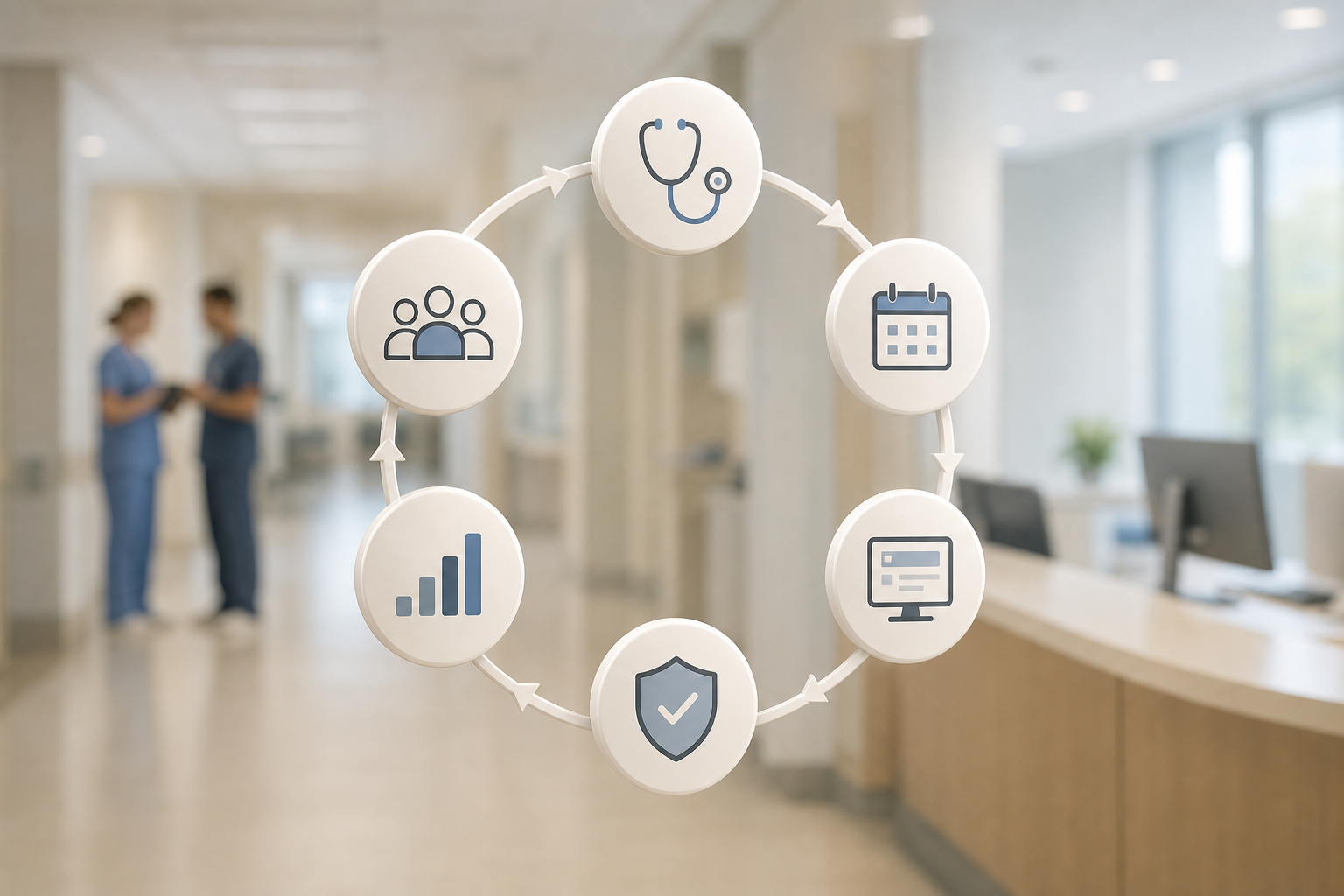
You need a simple, repeatable way to track work across roles without drowning in data. Use this six‑step framework. It respects shifts, privacy, and clinical reality while still giving you hard numbers for staffing and budgets. It also keeps employee productivity measurement and reporting consistent across departments.
- Define role‑specific KPIs
- Clinical example: documentation lag, care gaps closed, on‑time med admin rate.
- Admin example: claims cleared per day, average handle time, first‑pass yield.
- Map shift patterns and coverage windows
- Example: 7a‑7p med‑surg with lunch overlap, ICU nights with charge nurse relief, billing team 8a‑6p with staggered starts.
- Separate patient‑facing vs.
- Example: badge‑tap room time vs. EHR time; phone triage vs. claims editing.
- Choose secure, HIPAA‑aware tracking methods
- Example: time stamps and app/URL activity (no PHI in screenshots), attendance tracking, and shift scheduling to align people to load.
- Set realistic baselines before targets
- Example: three weeks of data to find normal variance by unit, then set goals one standard deviation better.
- Lock review cycles and feedback loops
- Example: weekly huddles for trends, monthly custom reports for leaders, quarterly advanced analytics for staffing plans.
Make KPIs Practical
Specifically, Step 1 is where projects stall. Keep KPIs short and human. For instance, “notes signed in 24 hours” is clearer than “productivity index 0.84.” Furthermore, build KPIs with charge nurses and team leads so they own the numbers, not just receive them.
Additionally, Steps 2 and 3 protect trust. Nights differ from days. Float pools differ from primary teams. Therefore, adjust targets for shift differentials and case mix. You can track attendance and coverage without equating badge taps or screen time to “effort.
Moreover, for Step 4, pick tools that support shift scheduling, productivity measurement and calculation, attendance tracking, and custom reports with advanced analytics. Those features let you view the same reality from floor to boardroom without ten spreadsheets.
For inspiration on shaping fair KPIs, see this practical case study on measuring productivity. It shows how simple definitions cut noise and speed up action.
**Get real-time insights free →
Also Read!
5 Common Mistakes Healthcare Organizations Make with Productivity Tracking
First, copying office monitoring to the bedside. A desktop screenshot every five minutes may work for a back‑office team, but it makes no sense for bedside nurses. Instead, track process outcomes that align to care, and restrict any computer activity data to admin roles or charting blocks.
Second, ignoring HIPAA when capturing screens. If you track screens at all, mask PHI by design. The U.S. Department of Health & Human Services explains security standards that apply to electronic protected health information; review the HIPAA Security Rule here: HHS HIPAA Security Rule overview. Then, configure your tools to avoid PHI in screenshots and to store data with strict access controls.
Third, chasing vanity metrics. Counting clicks or raw “active minutes” is easy, but it rarely maps to outcomes. Instead, pair “time on task” with results, like clean claims rate or documentation timeliness. As a result, your reports guide better staffing and training.
Shift and Culture Pitfalls
Fourth, not accounting for shift differentials. Nights, weekends, and high‑acuity units show different patterns. Therefore, compare people only within like shifts and roles. Moreover, use multiple roles and permissions so each leader sees the right team baseline.
Fifth, treating tracking as surveillance rather than support. Communicate the “why,” publish privacy rules, and enable a private time option for personal breaks on shared workstations. In addition, state your data security and privacy protection controls up front, including GDPR compliant processing where relevant, to build trust.
Ultimately, these fixes make employee productivity measurement and reporting credible. They also reduce noise, protect privacy, and cut the risk of disputes at HR or compliance review.
A Simple Guardrail Checklist
- Publish a one‑page privacy and PHI‑masking policy.
- Turn on role‑based access; audit it quarterly.
- Use private time controls on shared kiosks.
- Compare like‑for‑like shifts, not across units.
- Pair time signals with a care or quality result.
Tools and Methods for Healthcare Productivity Measurement
You have four broad options. Each fits a different question. Choose based on what you need to see this quarter, and recall that 2026 budgets demand proof.
Method Categories at a Glance
- EHR‑embedded analytics
- Best for: documentation timeliness, order sets use, throughput.
- Pros: close to the workflow; fewer systems.
- Limits: may miss time off‑EHR or non‑chart tasks.
- Use when: you need compliance and clinical process views tied to encounters.
- Time‑and‑motion studies
- Best for: redesigning a unit, spotting waste in a clinic.
- Pros: fine‑grained observation; rich context.
- Limits: labor‑intensive; Hawthorne effect.
- Use when: you want a before/after for a redesign, not daily tracking.
- Workforce management platforms
- Best for: staffing plans, shift coverage, float pools.
- Pros: forecasting; scheduling; attendance.
- Limits: less view of what happens on the screen.
- Use when: you must match people to demand by hour and skill.
- Employee monitoring tools like EmpMonitor
- Best for: computer‑based work (billing, coding, authorizations, call centers) and documentation windows for clinical staff.
- Pros: automated time tracking, real‑time dashboard, idle time tracking, productivity calculation, and data security features such as SSL, firewall, and IP allowlisting with data loss prevention options.
- Limits: needs careful privacy configuration to avoid PHI.
- Use when: you want transparent, role‑based insights on app/URL use and task time to support coaching and staffing.
To be clear, EmpMonitor is one option among monitoring tools. It is used by 15,000+ companies across 100+ countries and tracks over 500,000 employees, with GDPR compliant processing and 24×7 customer support per its published stats. Mention it in governance, but pick any tool only after your KPIs and privacy rules are set.
Furthermore, whatever you choose, set guardrails: mask PHI, use least‑privilege access, and log who views reports. Then, feed the data into monthly reviews. As a result, employee productivity measurement and reporting becomes a steady drumbeat, not a fire drill.
Key Takeaways and What to Do This Week
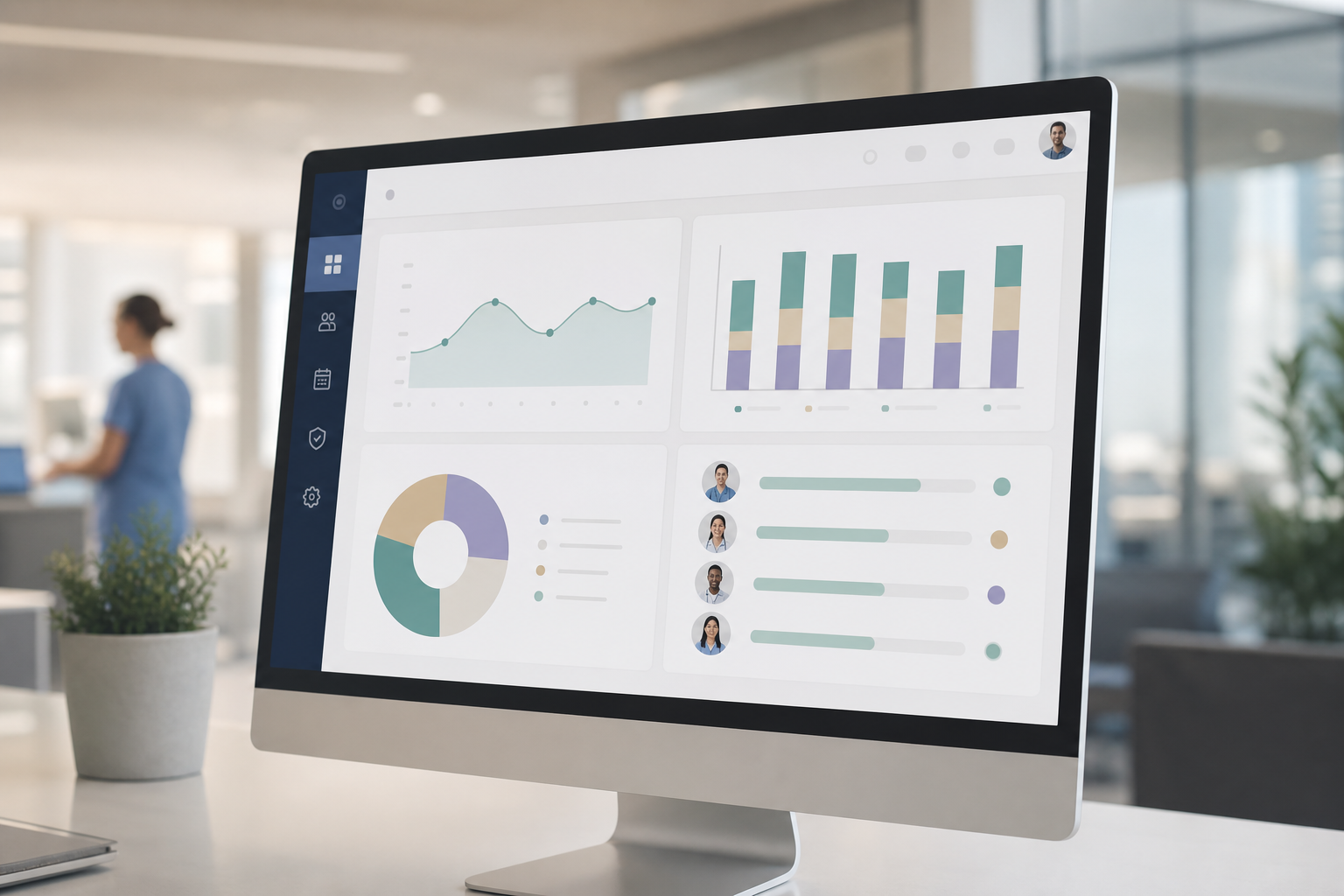
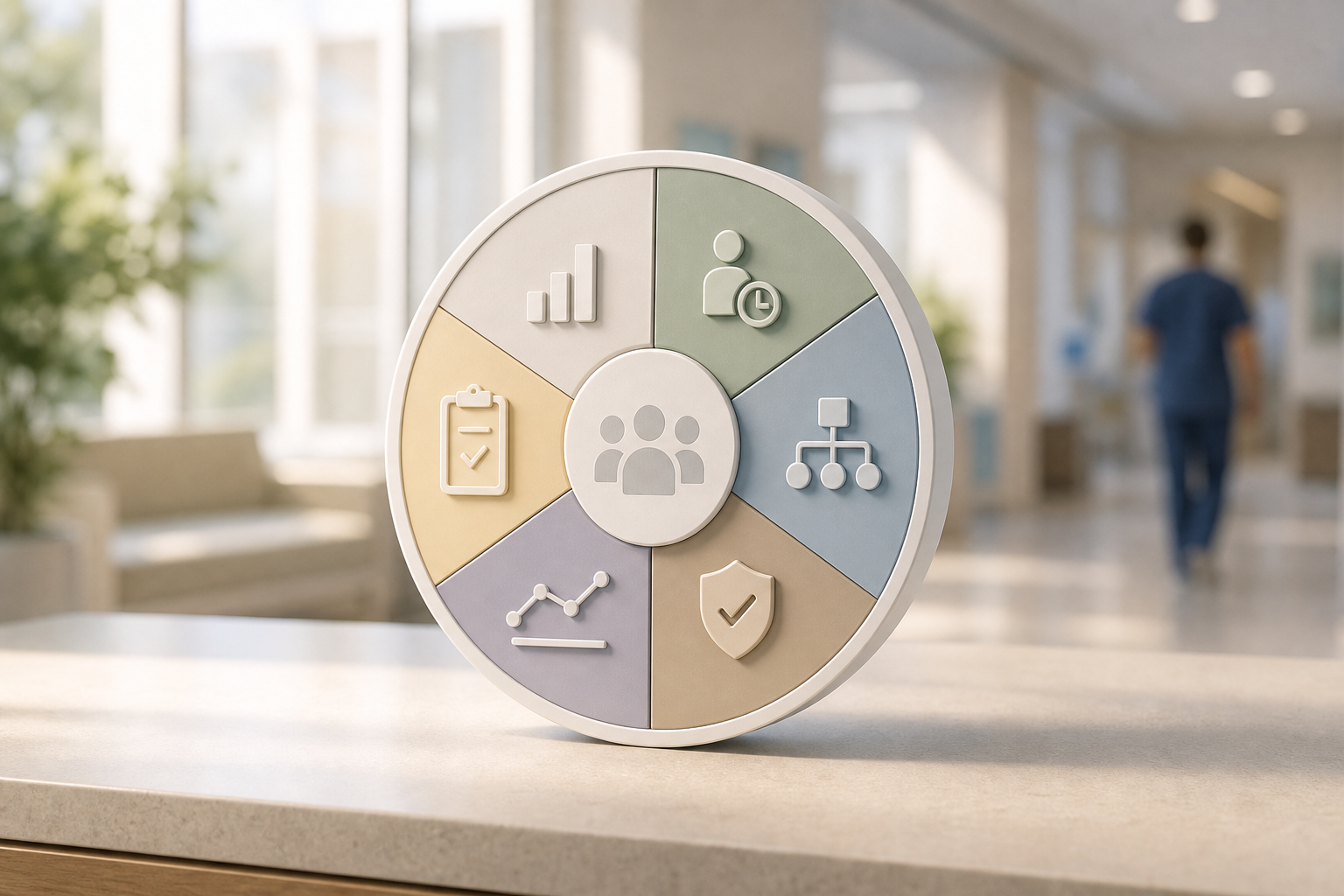
Before we close, here’s a quick visual to share at your next huddle.
Key Takeaways
- Track care, safety, and coverage first; then add time signals to explain variance.
- Write KPIs with team leads; keep them role‑specific and short.
- Separate patient‑facing and computer‑based tasks to avoid false flags.
- Secure the data: mask PHI, use roles and permissions, and publish privacy rules.
- Make employee productivity measurement and reporting a monthly ritual, not a one‑off.
What to Do This Week
- Monday: Audit your current metrics. Flag any that do not tie to care, safety, or compliance. For modern reporting tips, read this 2026 view on reporting.
- Tuesday: Map roles and shifts. Define like‑for‑like comparison groups by unit and schedule.
- Wednesday: Draft 3 KPIs per role. Pair one outcome (e.g., clean claims rate) with one process (e.g., documentation lag).
- Thursday: Shortlist one tracking tool to pilot. Ensure automated time tracking, real‑time dashboards, idle time tracking, productivity calculation, and security controls (SSL, firewall, IP allowlisting, and DLP). For context on rollout, see this guide to a performance tracking system.
- Friday: Launch a two‑week pilot with privacy rules, roles and permissions, and a private time option turned on. Schedule a 30‑minute review for next Friday.
As you run the plan, share early wins. For example, show how a small tweak reduced documentation lag by two hours per shift or cut rework in claims. Small gains build support, and support earns you the funding to fix the bigger problems next.