Organizations adopting AI productivity tools are seeing noticeable improvements not just in output but also in managerial confidence. According to workforce research, companies using AI productivity tools report a 30% increase in team productivity within the first few months. That’s more than just a small improvement; it’s a significant shift in how work gets done.
If you’re evaluating tools or trying to determine which software is truly valuable, this guide is for you.
In a hurry? Listen to the blog instead!
What Are AI Productivity Tools?

AI productivity tools are platforms that leverage artificial intelligence to track activities, analyze behavior, and provide insights. For AI-assisted reports or summaries, an AI checker can add another review step before managers rely on the output for decisions. These tools don’t simply log hours; they interpret them, identifying what’s productive, what’s a waste of time, and where attention is needed before issues arise.
The best tools go beyond passive data collection. They actively turn raw activity into insightful reports, giving teams and managers the clarity they need to act, not just observe.
Why Businesses Are Moving Toward AI Tools ?
The shift isn’t just a trend; it’s a response to how outdated productivity management has become in modern work environments.
With the rise of remote and hybrid work, managers can no longer rely on physical presence to gauge effort. That absence of visibility creates uncertainty and introduces risks. Deadlines get missed. Productivity Problems go unnoticed. Resources are misallocated. And by the time these issues are realized, the damage is often already done.
- Lack of Visibility in Remote Work
With teams scattered across cities or time zones, check-ins become the only feedback loop. But they’re incomplete and time-consuming, offering no insight into how time is spent between meetings. Tools provide managers with continuous, actionable insights. - Manual Reporting Wastes Time
Asking employees to log their own productivity is inefficient and inconsistent. Managers spend hours compiling data that could be gathered in minutes. Tools automate this process, making it faster and more reliable. - Invisible Underperformance
Without real-time data, performance issues only become apparent during reviews, long after they’ve already impacted productivity, morale, and deliverables. Early detection requires early visibility, and tools are key to making this possible. - Productivity Gaps Go Unnoticed
Not all inefficiencies are glaringly obvious. Subtle losses, like low-output hours, fragmented work habits, or tasks taking longer than necessary, go undetected without the right data. Tools identify these gaps early, so they can be addressed proactively. - Lack of Objective Performance Reviews
Without solid data, reviews, promotions, and compensation decisions rely on impressions rather than facts. Managers need concrete evidence, and employees need to trust that the process is fair. Productivity tools provide the objective, data-driven insights necessary for fair decision-making.
These aren’t just edge cases; they’re common challenges in most modern organizations. And they’re exactly what productivity tools are designed to solve.
How AI Productivity Tools Work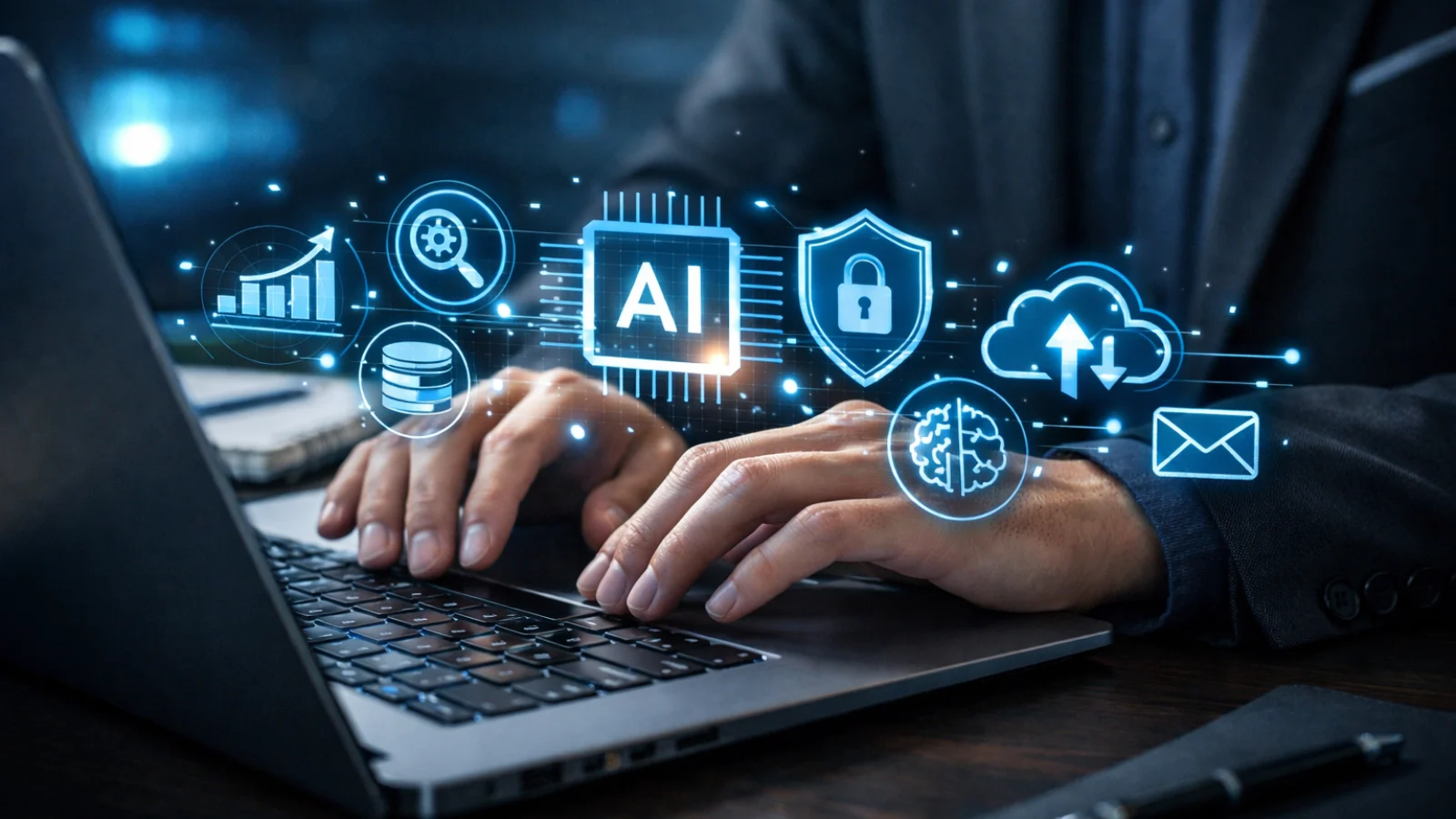
AI productivity tools work beyond their marketing claims, which is what separates a smart purchase from an expensive mistake. Here’s what to look for in productivity tools:
- Real-Time Activity Tracking
Real-time tracking gives managers a continuous view of what’s happening across devices, which apps are in use, how long attention stays on each, and when employees are actively working versus when they’re just logged in. This visibility informs decisions around scheduling, staffing, and workflow management. Productivity tools make this process seamless. - AI-Powered Productivity Reports
AI productivity tools take raw activity data and convert it into structured, readable insights such as productivity scores, trend lines, department-level summaries, and individual performance snapshots. These reports provide more than just activity logs; they contextualize the data to help managers understand where time is most effectively spent. - Screenshot & Screen Monitoring
For teams handling sensitive tasks, screenshot monitoring provides a visual record of what’s on screen during active hours. This feature builds trust when used transparently and ethically, ensuring managers have the context they need without constant oversight. AI productivity tools enhance the experience with detailed visual context. - Idle Time & Active Time Detection
Knowing when employees are logged in is one thing; knowing if they’re actually working is another. Idle time detection helps identify inactivity, screen-lock periods, or low-engagement moments, distinguishing them from productive hours. This clarity is essential for payroll accuracy and honest performance evaluations, and productivity tools make this distinction clear. - App & Website Usage Analytics
Understanding which tools consume the most time can reveal inefficiencies in work processes. Analytics show which apps and websites correlate with high output and which are draining productivity, helping managers optimize workflows.
If you’re evaluating tools or trying to determine which software is truly valuable, this guide is for you.
Key Benefits of Using AI Productivity Tools
While features describe what these tools do, the benefits show what they deliver:
- Less Time Lost on Manual Processes
Automated tracking and reporting free up managers from time-consuming tasks. The data provided by productivity tools is more accurate than anything compiled manually, allowing managers to focus on decision-making. - Accountability Without Micromanagement
Productivity tools make it possible to hold remote teams accountable through data instead of constant check-ins. The tool handles monitoring; managers can focus on outcomes. - Early Detection of Performance Gaps
By establishing behavioral baselines, deviations are easy to spot. With AI productivity tools, a team member who typically logs eight solid productive hours but has spent two weeks averaging five, that’s a signal. - Evidence-Based Payroll and Appraisal Decisions
Compensation and promotion decisions are clearer when based on data. Employees are more receptive to feedback when it’s backed by objective evidence, and managers feel more confident when delivering it. AI productivity tools make this process smoother. - Reduced Time Theft and Unproductive Drift
Employees are more likely to stay on track when they know their activities are being tracked. AI productivity tools strengthen productive habits by creating a more structured work environment.
Who Benefits Most from AI Productivity Tools?
While every organization can benefit, some environments see an immediate impact:
- Remote & Hybrid Teams
Teams without physical presence can benefit the most from productivity tools. These tools replace the need for constant check-ins with reliable, structured data, reducing the need for frequent meetings and enabling more strategic conversations. - BPOs & Call Centers
In high-volume operations, small dips in productivity can lead to significant aggregate losses. AI productivity tools help managers spot performance issues as they arise, improving overall efficiency. - IT & Software Companies
Development teams often work in long, deep cycles where interruptions are costly. AI productivity tools provide visibility into where developer time is spent, helping engineering leads allocate resources more efficiently and reduce time lost to distractions. - Startups Scaling Quickly
Fast-growing companies can struggle to maintain visibility as they scale. Tools give lean teams a way to track and optimize productivity without requiring a large HR infrastructure. - Enterprises Managing Large Workforces
Large organizations need a standardized way to measure and compare productivity across teams and locations. Productivity tools provide consistency, allowing enterprises to identify high-performance pockets and replicate them while addressing underperformance with data.
What the Best AI Productivity Tools Have in Common
Not all productivity tools are created equal. The best tools share a few key characteristics that distinguish them from the rest:
- They Provide Actionable Insights
A dashboard full of raw numbers doesn’t help unless managers can act on them. The best AI productivity tools translate activity into clear, interpretable reports. - They Are Transparent
The most effective productivity tools are those that are openly disclosed to employees. When monitoring is transparent, it builds trust and minimizes ethical risks. - They Are Contextually Intelligent
Good productivity tools understand that not all hours are created equal. They score productivity based on context, whether it’s time spent in a development environment or on social media. - They Integrate Seamlessly
AI productivity tools should run quietly in the background without disrupting work. The best tools integrate easily into existing workflows, reducing friction. - They Scale with Your Organization
Whether your team has ten members or five hundred, the right tool should scale to meet your needs without losing effectiveness.
Also Read
List of Best Productivity Tools In 2025
A Simple Tool That Solved a Big Productivity Problem: A Client Story
How EmpMonitor Turns These Insights Into Action
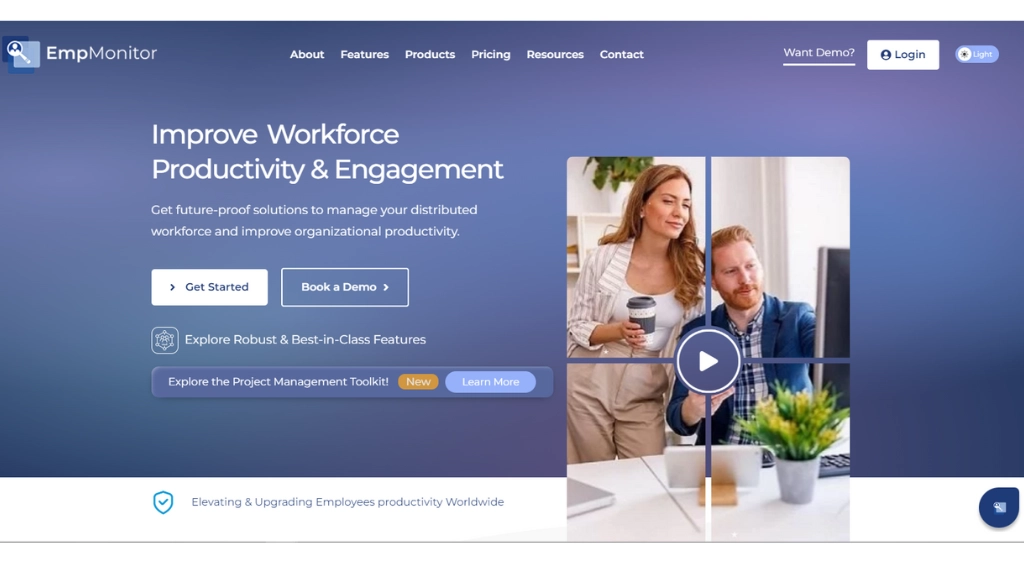
If the features described so far sound like exactly what your team needs, EmpMonitor is worth a close look.
Where most tools handle one or two of these pain points, EmpMonitor brings them together: real-time activity monitoring, automated screenshots, screen recordings, idle and active time detection, app and website usage analytics, chat monitoring, attendance logs, GPS tracking, and AI-powered productivity reports, all accessible from one dashboard across PC, Mac, and laptop.
For managers dealing with remote or hybrid teams, the platform removes the guesswork from daily oversight. Instead of relying on check-ins or self-reported timesheets, you get continuous, structured data that reflects how work actually happens. And for employees, the transparency is straightforward, monitoring is disclosed, consent-based, and designed to support fair evaluations rather than surveillance.
Setup takes three steps: create an account, add your users, and fill in department details. From there, every element of your team’s workflow is trackable, reportable, and accessible across devices.
Beyond monitoring, EmpMonitor also includes project management, web and app blocking, data loss prevention, and cloud storage, making it practical not just for tracking productivity, but for actively improving it.
Conclusion
Managing a team has never been more complex. Distributed workforces, hybrid schedules, and growing expectations mean managers need more than intuition to stay ahead. AI productivity tools close that gap by replacing guesswork with data, turning everyday work activity into insights that actually drive decisions.
The organizations seeing the biggest gains aren’t just adopting these tools. They’re using them to build a culture of transparency, accountability, and continuous improvement. When everyone understands how performance is measured, trust goes up, and productivity follows.
If you’re looking for a place to start, EmpMonitor brings everything covered in this guide under one roof, from real-time monitoring and automated reports to project management and data security, making it one of the more complete options available for teams of any size.
The shift toward smarter workforce management isn’t coming. It’s already here.
Frequently Asked Questions
What are AI productivity tools?
AI productivity tools track and analyze employee activities, providing actionable insights into work patterns. They go beyond time tracking, offering data that helps managers optimize productivity.
How do AI tools improve productivity?
Productivity tools replace guesswork with data, providing managers with real-time insights into how their team’s time is being spent. This transparency leads to improved accountability and output.
Are AI tools useful for remote work?
Yes. AI productivity tools are particularly effective for remote teams, providing real-time tracking, behavioral analytics, and performance dashboards that help maintain visibility.
Is employee monitoring software legal?
Yes, as long as employees are informed, and consent is obtained in compliance with local labor laws. Transparency is key to ensuring that monitoring is both legal and ethical.
Are AI productivity tools different from simple timesheets?
Productivity tools provide deeper insights, such as app usage, activity patterns, idle time, and behavioral analytics, unlike simple timesheets, which only track hours worked.