Work has changed dramatically over the last few years.
With hybrid teams, remote employees, flexible schedules, and increasing cybersecurity risks, organizations need more visibility into how work gets done. Today, employee monitoring is no longer just about tracking activity—it’s about improving productivity, protecting business data, and helping teams perform at their best. Modern monitoring solutions also offer stealth mode capabilities, allowing organizations to gain valuable workplace insights while ensuring seamless system performance and uninterrupted workflows.
Recent studies show that a large percentage of organizations use workforce monitoring tools to gain insights into productivity, application usage, and operational efficiency. As remote and distributed work continues to grow, the employee monitoring software market is expected to expand significantly in the coming years.
Questions like these have become common among business leaders:
- Are employees spending their time on productive tasks?
- Which applications and websites consume the most work hours?
- How can managers identify productivity bottlenecks?
- Is sensitive company data adequately protected from insider threats?
Modern employee monitoring software helps answer these questions while providing actionable insights that support smarter decision-making.
Among the many workforce management platforms available today, EmpMonitor has emerged as a popular choice for businesses looking to improve productivity, monitor work activities, and strengthen security across their organizations.
In this detailed EmpMonitor review, we’ll explore its features, usability, monitoring capabilities, reporting tools, and how it helps businesses manage both in-office and remote employees more effectively.
Whether you’re managing a growing startup, a hybrid workforce, or a large enterprise team, this guide will help you determine whether EmpMonitor is the right fit for your organization.
You can also try EmpMonitor’s free 15-day trial to explore its monitoring, productivity tracking, and workforce analytics capabilities firsthand.
In a hurry? Listen to the blog instead!
What Is EmpMonitor?
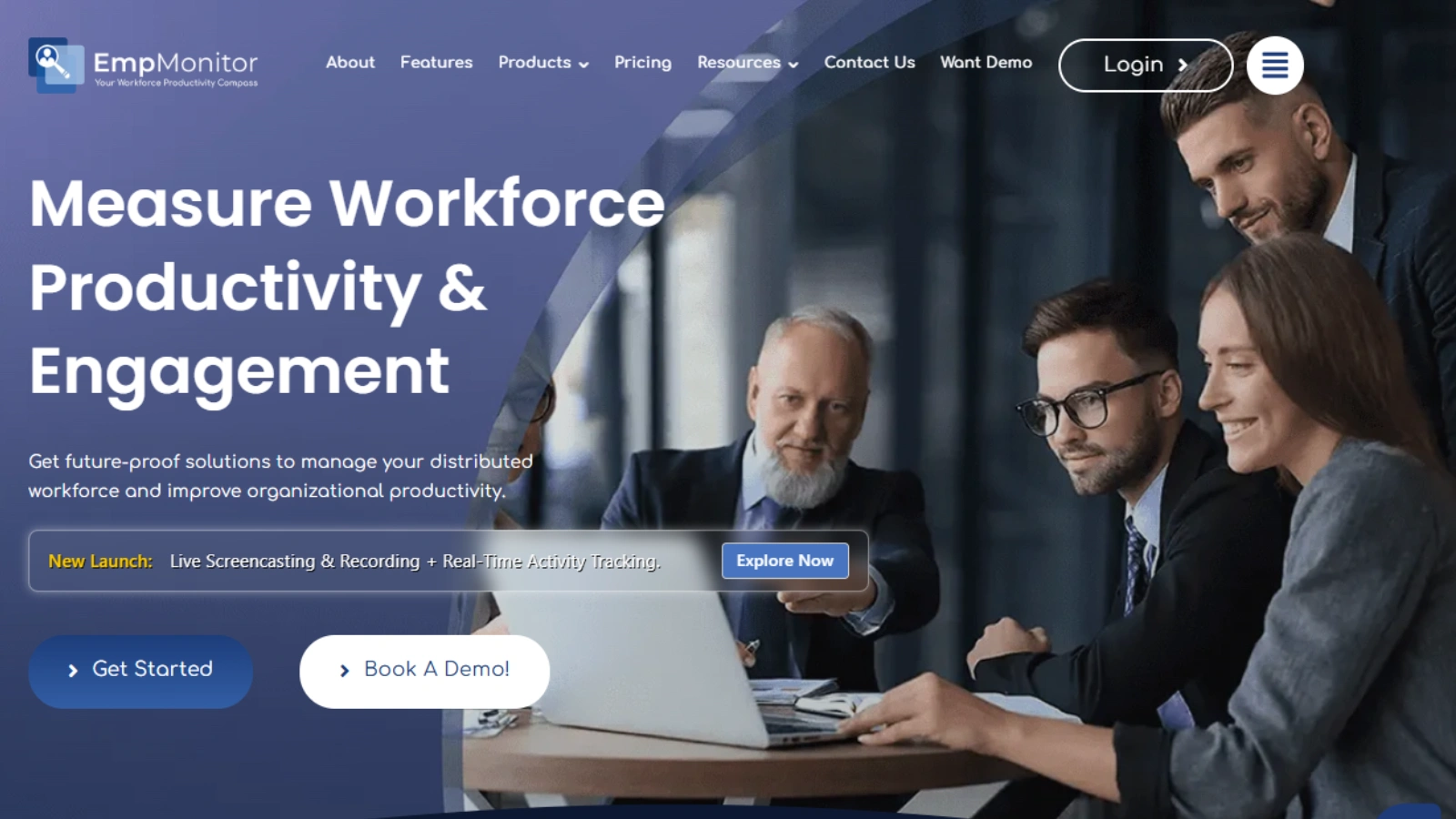
EmpMonitor is one of the leading employee management software. It helps employers and managers to keep a check on workplace productivity by managing all the computers in the organization remotely from a centralized location.
With this real-time computer management software, users can view employees’ computer activities and manage them instantly. EmpMonitor is agent-based and provides on-premise solutions for all its customers.
To get started with EmpMonitor –
Sign up and install an EmpMonitor agent on the system you want to keep a check on. EmpMonitor then proceeds ahead and provides the details regarding employees’ computer activities, based on the no of productivity hours, top 10 apps and websites used, etc.
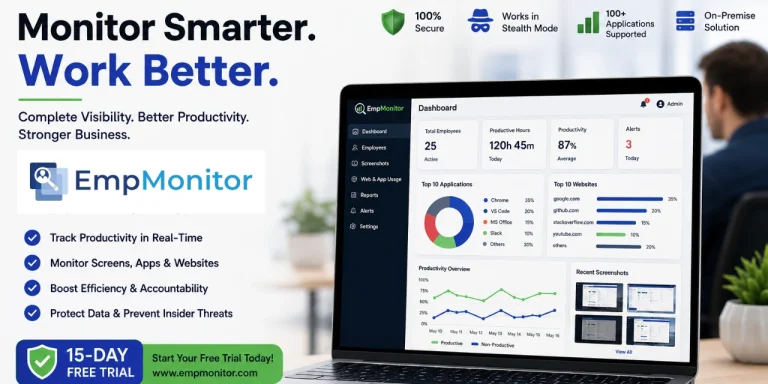
EmpMonitor works in stealth mode and is also platform-compatible with 100+ software (different category software); therefore, it doesn’t hamper the employees’ work as well.
However, it’s an important practice to tell your employees about the need for employee management practices that take place in your organization; it helps in building trust, which is one of the important factors governing the employer-employee relationship.
EmpMonitor provides insights into the top 10 websites & apps; user logs and screenshots are automatically captured and are created in high quality.
Hence, once your employees know about capturing screenshots, they won’t open their bank accounts accidentally on the office computers, as it jeopardises their personal financial details.
EmpMonitor also helps to gain complete visibility & total control over the computer activities of the employees. Helps in analysing productivity, effectiveness, and focus using screenshot monitoring, browser tracking history, and top apps and websites used.
It allows you to better understand your team by tracking key metrics and the date of successful use. Handy while attempting to improve the efficiency of the squad.
Want To Know About The Features?
Let’s understand in depth a few characteristics of EmpMonitor. Let’s also discuss how easy or hard it is to use these characteristics.
Productivity Analysis & Measurement –
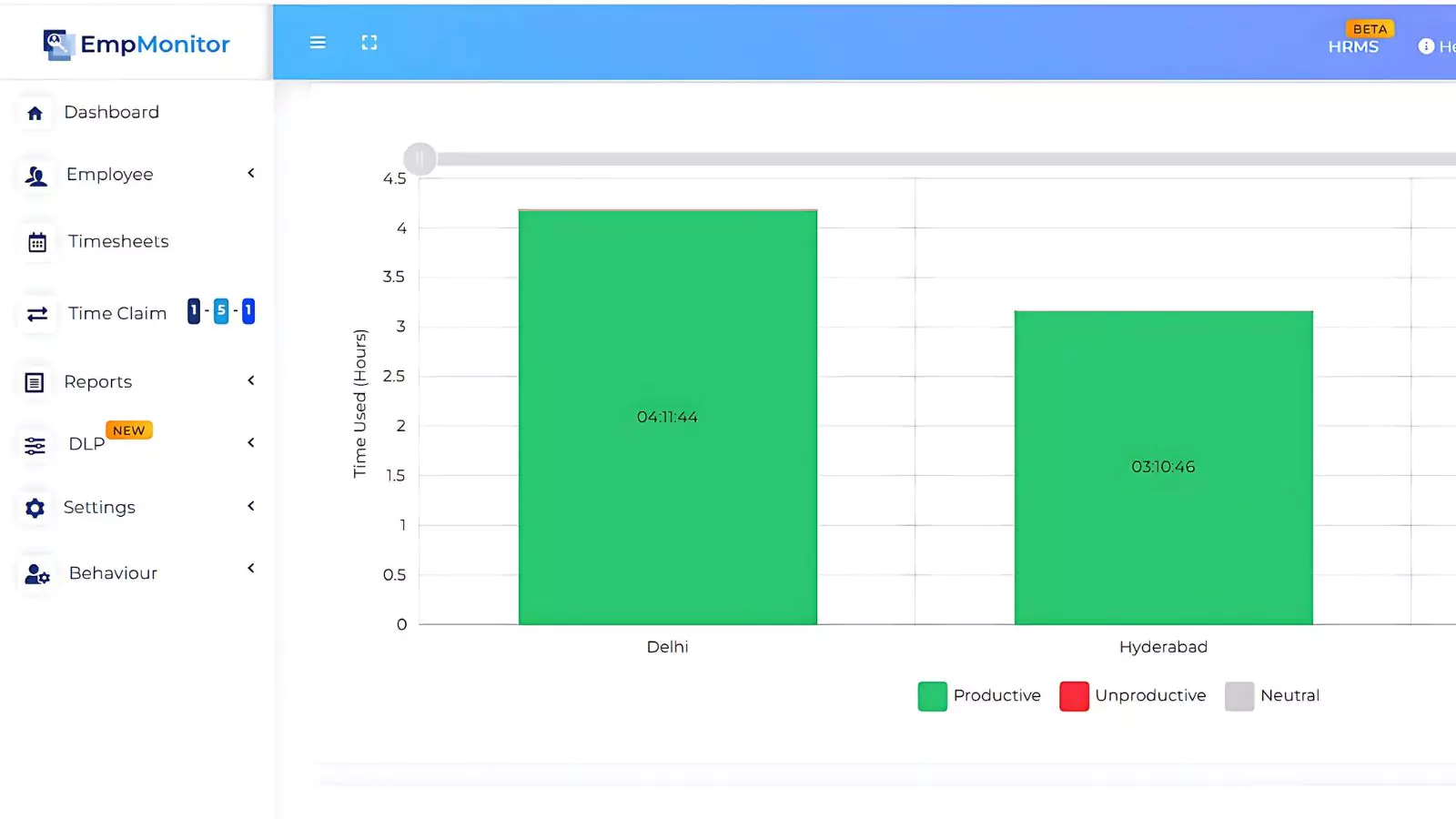
The secret to organisational success is employee productivity analysis. Measuring the efficiency of workers brings crucial improvements to how a business operates and also positively affects the quality of work of both workers and employers.
Hence, EmpMonitor’s detailed reports and interesting graphs provide an all-round analysis of the company’s productivity workflow. It also helps to gain insights into your company’s top working day, and you can also see it location-wise, department wise & yes, you can also change the date.
Productivity Reports –
The Employee Productivity Report will help you to assess your employees’ results. You will see a contrast of employee efficiency and time management and an overview of how much revenue they have generated.
Having detailed productivity reports –
- Helps to gain detailed insights and avoid common efficiency pitfalls
- Allows having a detailed analysis of data & workflow of every employee based on different roles, designations, and departments.
- The graphical charts help workplaces to give you a jumpstart to their work efficiency.
Screenshot Monitoring Feature –
Using this feature, high-quality screenshots are captured at different intervals of time. EmpMonitor also allows users to adjust the time intervals of the screenshots to 15-second intervals as per your needs.
You can also access the screenshots of the users of 90 days of any employees, and it can also be customized using the customization feature of EmpMonitor.
It is one of the smartest ways to monitor the employee’s computer activities, especially while they are working from home. It helps to manage the employees’ every single activity and thereby helps your organization protect against insider threats.
Web & App Usage Reports –
You can take a quick look at the top apps used by individuals, groups, departments, etc. all at once.
It helps employers to check the low-productivity apps like various social sites. A few companies also prefer blocking sites with high bandwidth to minimize overall costs and prevent affecting the consumption of company internet.
With EmpMonitor, employers can also gain complete insights into the top 10 apps used in the past 180 days and in real-time at a single glance. Dates can also be adjusted according to the requirement.
Keystroke Monitoring –
EmpMonitor team doesn’t use any illegal monitoring methods, such as gathering personal profile passwords and other related information.
The keystroke monitoring feature is highly important as it helps in keeping the private information of your employees safe. Their level of keyboard operation during the day can be useful to measure productivity and what people do at work.
In order to quantify idle time, EmpMonitor records keyboard movements.
Productivity Analysis & Measurement –
Get complete detailed insights into your employees log in and log out time, along with productive and non-productive hours at a single place. EmpMonitor provides detailed insights into user logs of 7 days’ productive hours for the current and last 7 days.
The insights are represented in the form of charts and graphs that are easy and interesting. You can also set the date accordingly.
Role-Based Monitoring –
In an organization, the employees work based on different hierarchies and manage their teams accordingly. Therefore, in such a scenario, the admin may generate the group on the basis of rank, place, department, and employee.
He can then delegate the tracking settings so that the tracking of employees can function as per group. It not only helps the employers to save time and manage their teams individually but also helps the teams in having a quick, detailed analysis of their productivity within their departments.
Timesheet Management –
The time employees spend on assignments and programmes must be properly accounted for by every corporation or organisation. Time entry requires workers to enter the time on a timesheet to begin and end work on a job or project.
Hence, EmpMonitor – timesheet management software helps businesses to meet their client deadlines, manage costs and payroll, and achieve success when the time is utilized effectively.
Free Trial Offer –
EmpMonitor comes with a 15-day free trial option. The free plan allows us to monitor upto 5 employee computers. Productivity Reports, Productivity Alerts, Real-Time Screenshots, Advanced Access Control, Productivity Analysis & Measurement, Web & App Usage Reports, Stealth mode, Flexible Monitoring Mode, Detailed Timesheet, Role-Based Access.
How To Install & Set Up the EmpMonitor Agent?
- Visit – EmpMonitor.com
- Click on the Login/Signup button available on the main menu.
- If you are a new user, click on the Signup option available.
- Register using your basic details, including name, mail ID, username, phone number, password, address, etc.
- Check the terms and conditions of EmpMonitor & proceed.
- A confirmation mail would be sent to your email.
- Activate your EmpMonitor account from your email to complete the registration process.
- Once your subscription is successfully completed, to enjoy your membership, click the Download File button. You will see a dialogue box appear that begins the installation process. Click on the Next button.
- Select the installation location. Click on the Next Button.
- Click on Install.
- Click the Finish button to complete the Installation.
Will Employees Know That They Are Watched?
This employee management software works completely in stealth mode and is not visible in the program list, neither recognized from the task manager. Until and unless employers specifically tell their employees about time tracking, there is no certain way of letting it know.
But It’s a smart thought to let workers know that their PC activity is being monitored and how it is being done. Tracking someone without telling them can violate trust in the organization, which later decreases the overall productivity.
Also Read –
Is employee monitoring legal?
Check the blog and know whether Employee Monitoring Is A Productivity Booster or Privacy Killer?
If you are planning to use EmpMonitor, then here are some of the quick suggestions –
Notify your staff that you’re using tracking tools. Although it may lead to trust issues, here are a few benefits that you can share with them –
- If they know they’re being watched, employees can work more efficiently and not waste time.
- It is fair for them to notify the staff.
- Employees are aware of not opening websites that could contain confidential information, such as websites for banking.
- Although EmpMonitor works completely in stealth mode. But some curious employees usually like checking out the software running in their system, and if employers notify them beforehand, it will go a lot better than employees finding it out themselves.
Planning to get started with EmpMonitor and get your employees away from productivity blues, then start your free trial now! Don’t forget to share your EmpMonitor experience with me here in the comments section below!
Till then, happy and safe management!
FAQs
1. Is Your Team Secretly Wasting Hours Every Day? Here’s How to Find Out
Many businesses lose productive hours without realizing it. EmpMonitor helps you identify time-wasting activities, track work patterns, and gain insights into employee productivity.
2. What Are Employees Really Doing During Work Hours?
EmpMonitor provides visibility into app usage, website activity, screenshots, and work hours, helping managers understand how time is being spent across the organization.
3. Can Stealth Mode Monitoring Reveal Productivity Problems You Never Knew Existed?
Stealth Mode allows businesses to gather workplace insights without disrupting workflows, making it easier to identify inefficiencies and improve team performance.
4. Are Remote Employees Actually Working or Just Staying Online?
With detailed productivity reports, timesheets, and activity tracking, EmpMonitor helps organizations measure actual work performance rather than simply tracking online presence.
5. Could Your Business Be One Insider Threat Away From a Security Disaster?
EmpMonitor helps organizations monitor computer activities, detect suspicious behavior, and strengthen data security to reduce the risk of insider threats and compliance issues.