15,000+ companies across 100+ countries already track hours without spreadsheets. This guide explains how employee time and attendance tracking helps small teams cut errors, control payroll, and see real work in 2026.
Here’s the quick answer small business owners ask first: choose an automated tracker that logs time, attendance, and idle activity in the background, then turns that data into simple reports. That keeps you out of manual timesheets, reduces payroll disputes, and shows who is working on what right now. EmpMonitor checks all those boxes with automatic tracking, attendance, idle time detection, and clear analytics, starting at $11 per user per month when paid yearly for 1–10 users.
You don’t have an HR department, and you can’t waste Fridays chasing timesheets. You need proof of hours for payroll and clients. You need to know if your remote staff is online during shifts. And you need all of it to take minutes, not a whole afternoon.
Because EmpMonitor tracks over 500,000 employees, it has already seen the patterns that cause headaches: late manual entries, gaps in hybrid schedules, and messy approvals. In 2026, you can skip those common pitfalls. You can set clear shifts, let the app capture active time, and use sortable reports to approve payroll with confidence.

Why Small Businesses Struggle With Employee Time Tracking
For small teams, the top issues are simple but costly. Manual spreadsheets feel quick at first, but they break under pressure. One late Friday, and totals don’t match. One missed formula, and a paycheck is short. Errors turn into long Slack threads and long nights.
Buddy punching adds another leak. A friend clocks in for a coworker who is running late, and you pay for minutes or hours that never happened. Even for a five‑person team, that adds up by month’s end. It’s hard to police, and it’s awkward to confront.
Hybrid work brings new oversights. Without a real system, you can’t see if hours during home shifts overlap, drift late, or balloon after midnight. Managers fly blind on who is active, which apps they use, and how long key tasks take. That makes planning and pricing hard.
Payroll multiplies the pain. Manually retyping hours into a pay run raises the chance of a mismatch. Then you fix it, resend, and take another hit next cycle when more gaps appear. You want peace of mind that the data is right the first time, without a second spreadsheet to “confirm.
- Where errors creep in:
- Manual entry and edits change totals without an audit trail.
- Buddy punching raises paid hours with no real work.
- Remote days hide shift drift and overtime risks.
- Re-keying hours for payroll doubles the chance of a mistake.
If you’re curious how formal systems define these problems, see this overview of time and attendance systems (Wikipedia). For a team of 1–50, the cost of inaccuracy is not abstract. It shows up in refunds to clients, write‑offs for over‑billed tasks, and payroll made from guesses. That is why a reliable process for employee time and attendance tracking protects cash flow and trust.
The remote/hybrid visibility gap
- Without real‑time status, managers can’t see who is online now.
- Without app/URL context, it’s hard to coach or set better estimates.
- Without a single source of truth, disputes spiral.
What to Look for in a Small Business Time Tracking Tool
Choosing software shouldn’t take weeks. In 2026, small teams need a tool that sets up fast, tracks in the background, and scales from a single founder to 50 employees. You also need clear pricing per user, so you can budget growth without surprises.
First, pick automatic over manual. If people must start and stop timers all day, data will slip. Background capture fixes that.
Second, make sure attendance is baked in, not bolted on. Shift rules should match your shop hours and your team’s time zone. Third, look for idle time detection so you can see breaks and true active time without guesswork.
Non‑negotiables for 2026 time tracking
- Automated capture vs. manual timers to reduce missed hours.
- Built‑in attendance with shift rules, late flags, and approvals.
- Idle time detection to separate real activity from screen time.
- Real‑time dashboard to see who is online and what’s active now.
- Custom reports you can export in one click for payroll.
- Clear per‑user pricing and a free 15‑day trial to validate fit.
- Simple setup, roles, and permissions so you don’t need IT help.
- Scalability from 1 to 50 users without changing tools.
Moreover, reporting depth matters. A weekly total is not enough. You want project‑level, app‑level, and per‑employee summaries you can scan in minutes. You also want alerting and email reports so managers stay informed without logging in ten times a day.
If you’re still weighing manual logs against apps, this primer on work time tracking shows how teams move from “chase and check” to a light, automated flow. And if your staffing varies by season, this guide on staffing and scheduling will help you match hours to real demand.
Finally, watch the hidden costs. A “cheap” tool with no attendance means you’ll add a second tool later. Two tools mean two data sources and more admin. Therefore, an all‑in‑one for employee time and attendance tracking reduces risk and saves your future self time.
Also Read!
EmpMonitor vs Hubstaff for Call Centers: Which Is Better for Employee Time Tracking?
How EmpMonitor Solves Time Tracking for Small Teams
EmpMonitor focuses on small teams that need clear hours, not more admin. Automatic time tracking runs in the background, so your team doesn’t juggle start/stop buttons. The system logs active and idle time, making it clear how much of the day went to real work.
Attendance is part of the core. You can set shifts, time zones, and grace periods, then see late, absent, or early departures at a glance. For hybrid staff, the real‑time dashboard shows who is online now and which apps are in use. That visibility helps you coach without guesswork and supports employee time and attendance tracking across locations.
Idle time detection separates quick breaks from real gaps. You can set idle thresholds that fit your work style. For roles that demand focus, screenshots and URL/app tracking can be enabled to add context. For roles that do not, you can keep it simple with time, attendance, and productivity summaries.
Shift scheduling lets you plan hours and avoid overlap or gaps. You can assign rotating shifts, set exceptions, and approve changes in one place. Managers see the plan and actual hours side by side, which keeps payroll clean and helps forecast hiring needs.
Custom reports turn raw hours into answers. Need a weekly download for payroll? A per‑project view for client billing?
A productivity summary for one employee? It’s all a few clicks. And because the app offers advanced analytics, you get trends you can act on, not just totals.
“EmpMonitor does one thing really well: it saves us time!” — Education Career Counsellor
Teams that adopt EmpMonitor report big management wins. One Business & IT Sector Associate Vice President said it “simplified the management of the entire workforce by 80% in terms of workforce, time, and effort” and improved day‑to‑day productivity. That is what you want from tool choice: fewer moving parts, more clarity.
Pricing fits small teams. The Bronze plan is $11 per user per month when paid yearly, or $12 paid monthly for 1–10 users. As you grow, the Silver plan is $10 per user per month when paid yearly for 11–50 users. A free 15‑day trial is available, so you can see reports with your real data before you commit.
As a result, you get one platform that replaces manual sheets, scattered apps, and guesswork. And if you need help, 24X7 customer support is part of the package, with personalized onboarding and VIP support available to get you live fast.
Moreover, you stay in control of privacy. Features such as screenshots and keystrokes are configurable. If you only want time and attendance, keep it focused. You can enable deeper monitoring later if your policy and needs change.
EmpMonitor vs. Toggl vs. Hubstaff: Which Fits Small Businesses Best?
Small businesses usually compare three paths: a manual‑entry tracker (like Toggl), a tracker with light monitoring (like Hubstaff), or an all‑in‑one tracking + monitoring platform (EmpMonitor). The right pick hinges on how much accuracy and visibility you need for payroll, planning, and coaching.
Unlike manual‑first tools, EmpMonitor captures time automatically, includes attendance by design, and adds monitoring depth when you need it. That means fewer missed hours, fewer disputes, and better context on how work happens. Compared to alternatives, you also get productivity measurement, URL and app tracking, and screenshot monitoring in one place.
Here’s a high‑level view to help you decide:
| Criteria | EmpMonitor | Toggl | Hubstaff |
|---|---|---|---|
| Pricing Snapshot | Bronze: $11/user/month yearly (1–10); Free 15‑day trial | Manual time entry plans; see vendor | Plans with tracking; see vendor |
| Time Capture | Automated time tracking | Manual timers | Automated tracking |
| Attendance Features | Built‑in shifts, late/absent flags | Add‑ons or manual | Shifts and attendance |
| Idle Tracking | Yes, configurable | Limited or none | Yes |
| Reporting Depth | Custom reports, advanced analytics | Time reports, exports | Time and activity reports |
| Monitoring Depth | Productivity Measurement, URL/app tracking, Screenshot monitoring, keystrokes (configurable) | None (tracking only) | Activity, screenshots |
“Simplified management of the entire workforce by 80% in terms of workforce, time, and effort.” — Ashwin Kumar, Chief Project Coordinator
For very lightweight needs, a manual tracker can work for freelancers. However, for a team of 1–50 with payroll and shifts, manual entry creates gaps you must fix by hand. EmpMonitor’s all‑in‑one blend (time + attendance + monitoring + analytics) is built for that reality. The free 15‑day trial lets you test automated rules, idle thresholds, and reports with your team before you make a call.
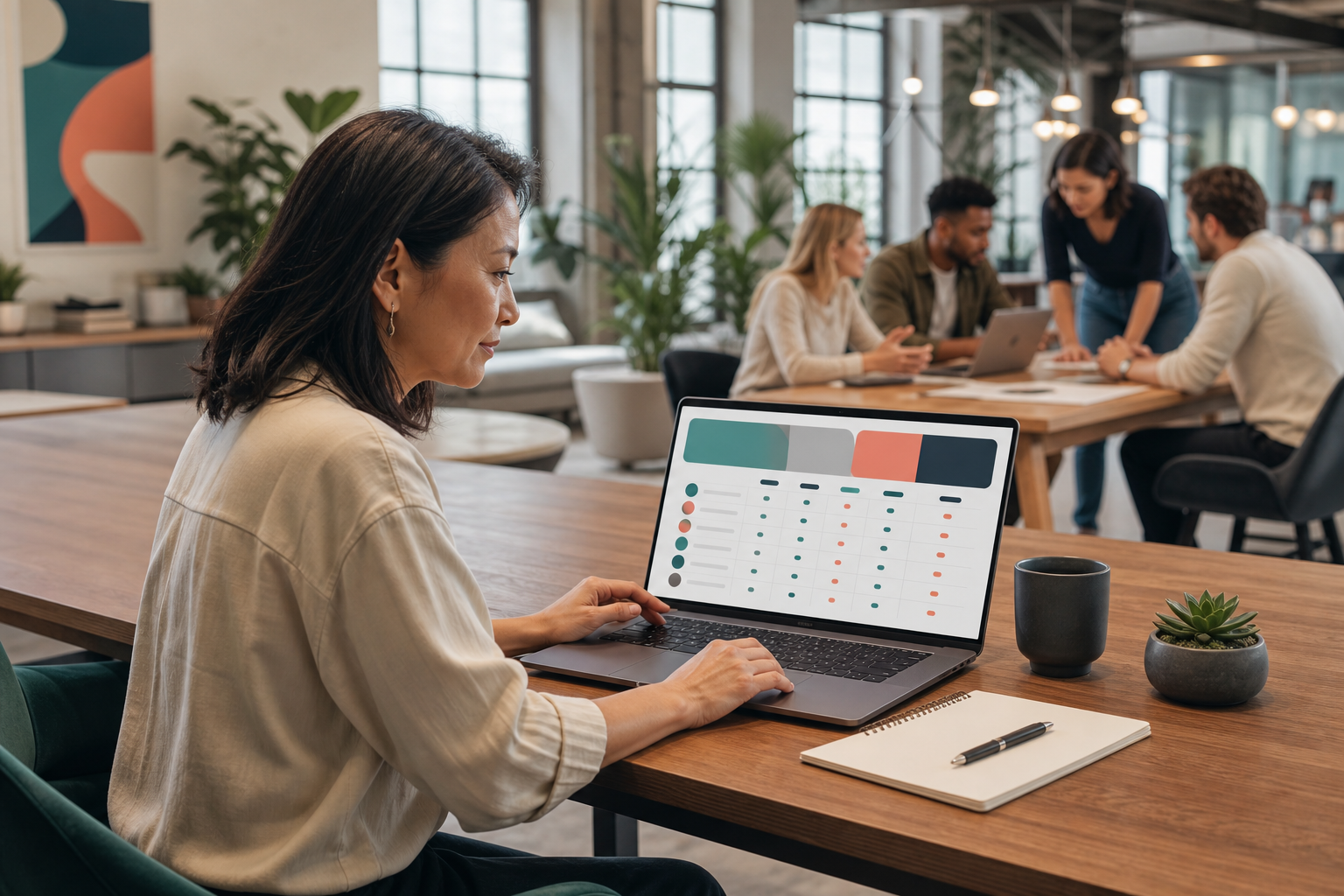
If you’re exploring app options for simpler punch‑in flows, this roundup of the best employee time clock app picks will help you see where punch clocks shine, and where automated tracking saves more time.
Why 15,000+ Companies Trust EmpMonitor
Trust grows from proof. EmpMonitor is trusted by 15,000+ companies across 100+ countries and tracks over 500,000 employees globally. Those numbers reflect a tool that small and large teams can use daily without friction.
Security and privacy come first. EmpMonitor is GDPR compliant and protects data with SSL, Firewall, and IP allowlisting. You choose what to monitor, and you can enable a private time option so employees can pause tracking during personal breaks. That balance builds buy‑in and keeps your policies clear.
“EmpMonitor’s advanced analytics offer profound insights into employee performance, driving operational efficiency improvements that have truly transformed our business.” — James George, Accountant
Support is always on. 24/7 customer support is available to all customers, not just the largest accounts. That means your five‑person shop gets help at the same level as a large enterprise. And if you want a guided rollout, personalized onboarding and VIP support are there to shorten the path.
Moreover, IT leaders value control. As one Information Technology System Administrator shared, “The EmpMonitor has the best features that help employers to keep an eye on their employees effectively and efficiently.”. Clifford M., Information Technology System Administrator. For small teams, that translates to fewer tools, fewer tickets, and a setup you can manage yourself.
If you want to see how HR can work from one system instead of five, this guide to hr tracking software shows how time, attendance, and analytics connect in practice.
Also Read!
How to Get Started With EmpMonitor in Under 15 Minutes
You can go from zero to useful reports in one short session.
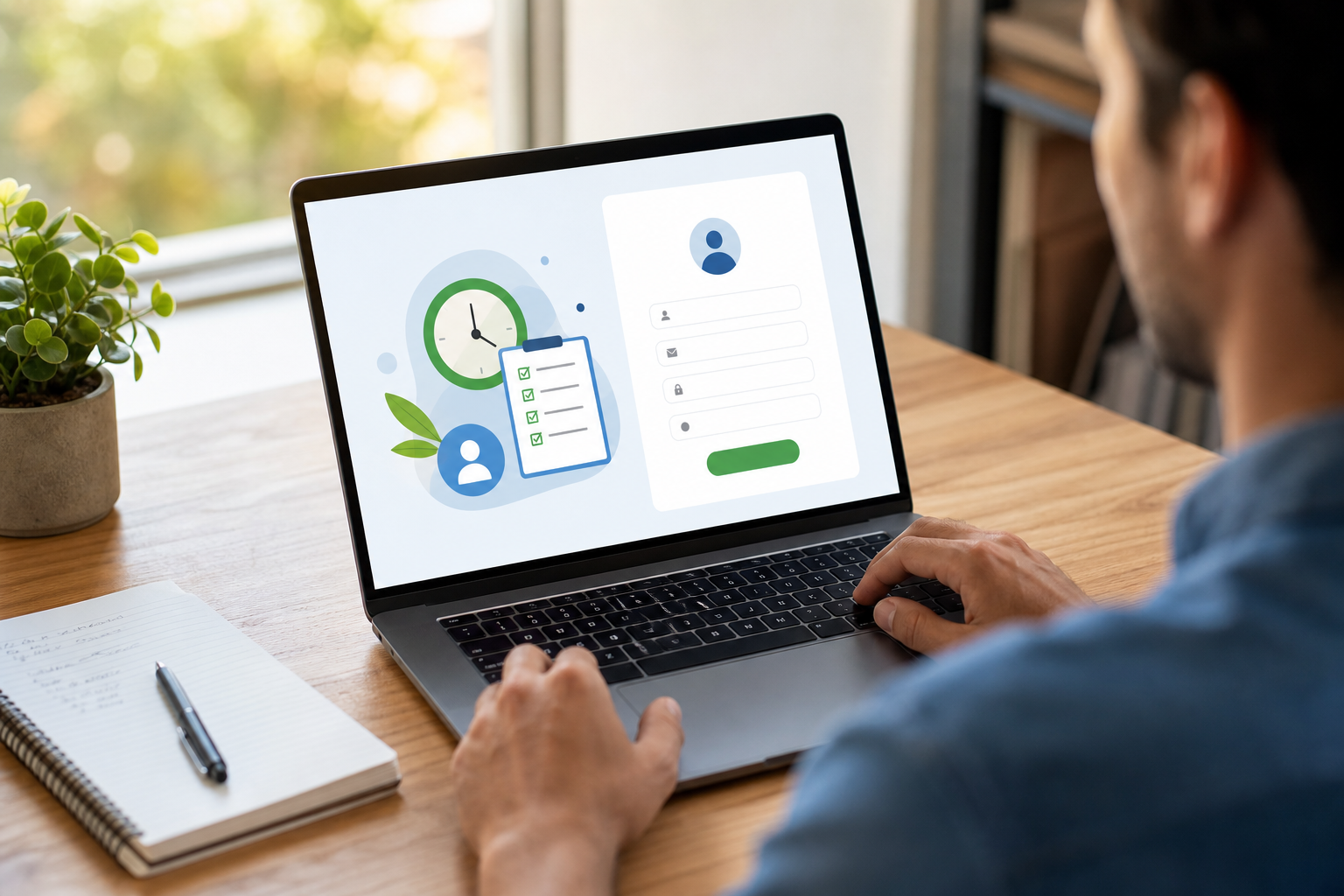
- Step 1: Sign up for the free 15‑day trial
Go to the trial page and create your account. No credit card is required, and you can invite teammates later. You’ll land on a clean setup wizard. - Step 2: Install the lightweight agent on employee devices
Download the app for each device and run the installer. The agent starts capturing time automatically based on your rules. You can roll out to a few people first to test. - Step 3: Configure shifts, attendance, and idle rules
Set your work hours, time zones, grace periods, and idle thresholds. Add roles and permissions so managers see only their teams. If you prefer a light footprint, keep screenshots off for now. - Step 4: Review the real‑time dashboard and run your first report
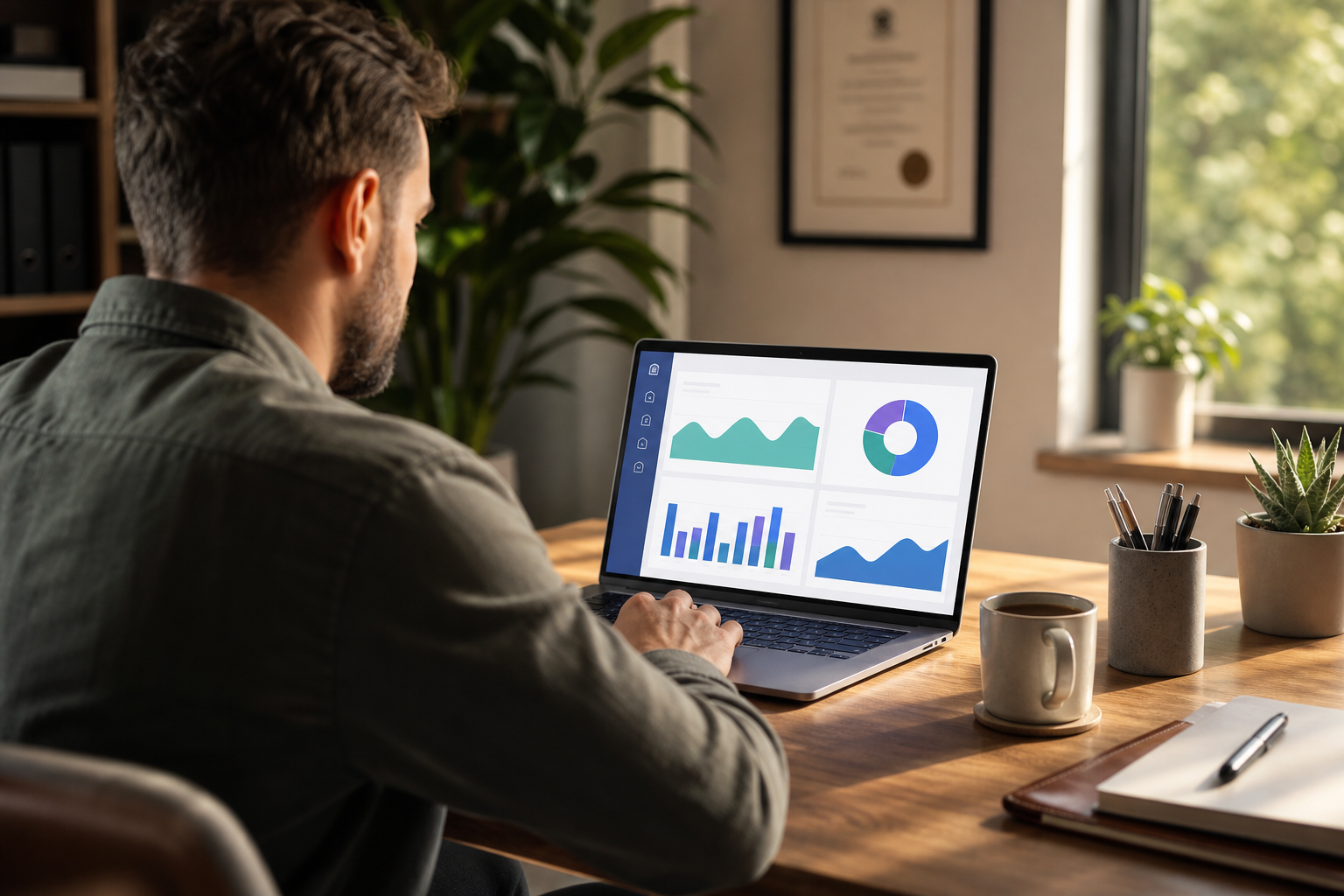
Check who is online, which apps are active, and total active vs. idle time. Then export a custom report for payroll or a client invoice. If you want hands‑on help, ask for personalized onboarding or VIP support during your trial.
As a result, you’ll have real data flowing the same day. If it looks right, invite the rest of the team and lock in your plan. The Bronze plan is built for 1–10 users, and the Silver plan scales to 50 without changing systems, ideal for growth.
Frequently Asked Questions
How much does EmpMonitor cost for a small business with under 10 employees?
The Bronze plan costs $11 per user per month when paid yearly, or $12 per user per month when paid monthly for 1–10 users. A free 15‑day trial is available so your team can test real workflows before paying. You can start small and add users any time. Your data from the trial rolls into your paid plan when you upgrade.
Can EmpMonitor track time automatically without employees clocking in manually?
Yes. EmpMonitor offers fully automated time tracking that logs hours, active time, and idle time in the background. You don’t need start/stop timers. Managers can set idle thresholds, review active apps, and export reports with a few clicks. This removes the usual gaps from manual entry.
Is EmpMonitor too complex for a team of 5–10 people?
No. The Bronze plan is built for 1–10 users and focuses on simplicity. Personalized onboarding and VIP support are available to help small teams set up fast without IT overhead. You can start with time and attendance only, then add more features if you need them. Most teams get value on day one.
How does EmpMonitor compare to free time tracking tools like Toggl?
Toggl focuses on manual time entry, which can work for solo work. EmpMonitor adds automated tracking, attendance rules, idle detection, screenshots, and productivity analytics, features that help you manage employees, not just log hours. If you need payroll‑ready reports and shift oversight, the all‑in‑one approach reduces admin work.
Does EmpMonitor work for remote and hybrid small teams?
Yes. The real‑time dashboard, screenshot monitoring, and URL/app tracking give visibility into remote work. EmpMonitor is used across 100+ countries by 15,000+ companies, so hybrid setups are common. You can set shifts by time zone and monitor activity fairly and transparently. Idle thresholds help you see real focus time, not just screen on/off.
Is employee monitoring with EmpMonitor legal and GDPR compliant?
EmpMonitor is GDPR compliant. It includes a private time option so employees can pause monitoring during personal breaks, which supports fair use. Security is protected with SSL, Firewall, and IP allowlisting. Be sure to share your policy with staff and get consent where required.
Can I use EmpMonitor just for time tracking without the monitoring features?
Yes. You can configure or disable screenshots and keystroke monitoring. Many small businesses start with automated time tracking and attendance only. Later, they may enable URL/app tracking or screenshots for specific roles if policy and needs call for it. Settings are flexible and role‑based.
What happens after the 15‑day free trial ends?
You choose a paid plan starting at $11 per user per month (Bronze, billed yearly), or $12 per user per month if billed monthly for 1–10 users. No credit card is required to start the trial. Your trial data is preserved when you upgrade, so you don’t lose any history. You can also step up to the Silver plan as you add users.
The Bottom Line
- Automated time, built‑in attendance, and idle detection reduce errors and payroll friction.
- All‑in‑one platforms with reports, app/URL context, and real‑time dashboards give you clarity for coaching and planning.
- A free 15‑day trial lets you validate the fit in 2026 with your real team and real hours.
If you want a single system that replaces timesheets and guesswork, EmpMonitor is a safe, budget‑friendly bet for teams of 1–50. Try it with your workflow, keep what works, and switch on more only if you need it.
For more on AI‑assisted logging and where it saves time, you can also read this guide on ai time tracking.