Choosing the wrong workforce tools can quietly disrupt your operations. Initially, everything seems fine, but over time, inefficiencies arise. Tasks take longer, communication breaks down, and managers lose visibility. Instead of simplifying work, these tools slow it down.
The impact goes beyond productivity; it affects morale, decision-making, and costs. As teams become disengaged, growth stalls.
However, this outcome is avoidable. With the right approach, workforce tools can be a powerful advantage. This blog will guide you on choosing and implementing tools that support, not delay, your team.
Listen To Podcast In Human Voice-
What Are Workforce Tools?
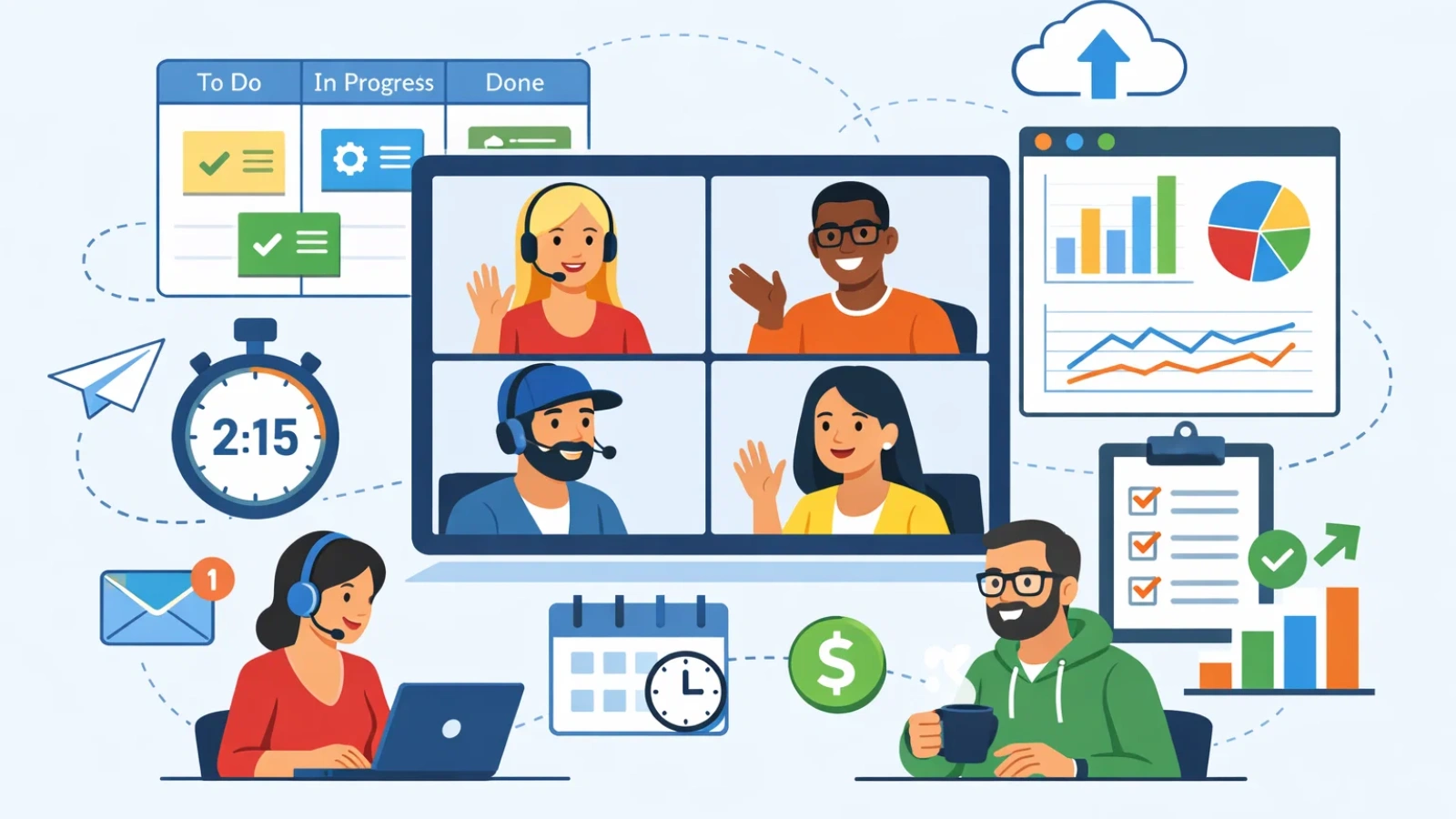
Workforce tools are digital solutions that help optimize business operations by managing various tasks such as employee scheduling, attendance tracking, recruitment, onboarding, performance monitoring, and strategic workforce planning.
Organizations typically turn to these tools when manual processes, like spreadsheets, become inefficient. Without clear data, communication gaps widen, and decision-making slows.
What makes modern workforce tools valuable is not just automation but the visibility they provide. Managers can easily track team activities, spot issues early, and make informed decisions based on data, not guesswork.
For example, workforce tools automatically generate accurate reports on employee hours and provide structured data for performance reviews, eliminating the need for manual tracking and memory-based evaluations.
These small improvements lead to better organization, clearer communication, and a more efficient leadership process, ultimately helping businesses scale successfully.
Key Features to Look for in the Best Workforce Tools

When choosing the best workforce tools for your team, it’s essential to focus on the features that will drive efficiency, enhance team collaboration, and help you meet business goals. Here are the key features you should look for in an effective workforce tool:
1. User-Friendly Interface
A simple, intuitive interface is essential for any workforce tool. The tool should be easy for your team to learn and navigate without requiring extensive training. A user-friendly interface reduces the risk of errors and increases employee adoption rates, ensuring that the tool is used to its fullest potential.
2. Real-Time Analytics and Reporting
One of the most valuable features in workforce tools is real-time analytics. These tools should provide you with up-to-date data on key performance indicators (KPIs), such as employee productivity, attendance, and workload distribution. By offering detailed reports and dashboards, workforce tools allow HR managers and team leaders to make data-driven decisions, identify bottlenecks, and optimize operations.
3. Automated Scheduling
Scheduling employees can be one of the most time-consuming tasks for HR teams. Workforce tools that offer automated scheduling features can help streamline this process. These tools use algorithms to create optimized schedules based on factors like employee availability, workload, and shift preferences. Automated scheduling not only saves time but also ensures that your team is staffed efficiently, reducing the risk of overwork or understaffing.
4. Integration with Other Systems
A great workforce tool should seamlessly integrate with your existing software systems. This includes payroll systems, performance management tools, and recruitment platforms. Integration eliminates the need for manual data entry, reduces errors, and improves overall efficiency. It also ensures that all your business operations are synchronized, making it easier to manage and analyze data across the organization.
5. Employee Self-Service Options
Empowering employees with self-service features is a must-have for modern workforce tools. Self-service capabilities allow employees to access and manage their own schedules, time off requests, pay stubs, and benefits information. This not only saves HR teams valuable time but also enhances employee satisfaction by providing greater control over their work-life balance.
6. Mobile Compatibility
In today’s fast-paced work environment, having access to workforce tools on mobile devices is crucial. Look for tools that are mobile-friendly or offer a dedicated mobile app. Mobile compatibility allows managers and employees to access schedules, track time, and communicate on the go, ensuring that productivity is maintained regardless of location.
7. Compliance Tracking
Maintaining compliance with labor laws, including those related to overtime, breaks, and employee rights, is a critical part of workforce management. The best workforce tools offer built-in compliance tracking, ensuring that your company adheres to local, state, and federal regulations. This feature helps mitigate the risk of compliance issues and potential legal disputes.
8. Customizable Workforce Planning
Every organization has unique needs when it comes to workforce planning. The best workforce tools allow you to customize features and workflows to match your specific business requirements. Whether it’s setting up custom workflows for recruitment, performance reviews, or goal tracking, customizable tools ensure that you can align the tool with your team’s needs.
9. Time and Attendance Tracking
Accurate time and attendance tracking is crucial for both payroll accuracy and employee accountability. Workforce tools with built-in time tracking features allow employees to clock in and out, track hours worked, and request time off. This data can be used to generate accurate payroll reports and ensure that your team is adhering to schedules.
10. Scalability
As your business grows, so too should your workforce tools. Ensure that the tools you choose are scalable to accommodate a growing team, new projects, or expanded business operations. A scalable tool allows you to add more employees, departments, or functions as your organization expands, providing flexibility to meet future needs.
11. Collaboration Features
Effective communication is key to a productive workforce. Look for workforce tools that offer collaboration features, such as team messaging, task assignments, and feedback systems. These tools help foster a collaborative environment, improve employee engagement, and ensure that everyone is aligned with organizational goals.
12. Employee Development and Training
Investing in employee development is crucial for long-term success. Workforce tools that include learning management systems (LMS) or offer integrated employee training features can help you track and manage employee progress. These tools enable you to assign courses, track completion, and assess skill development, helping to create a more capable workforce.
How EMPMonitor Helps Boost Workforce Productivity
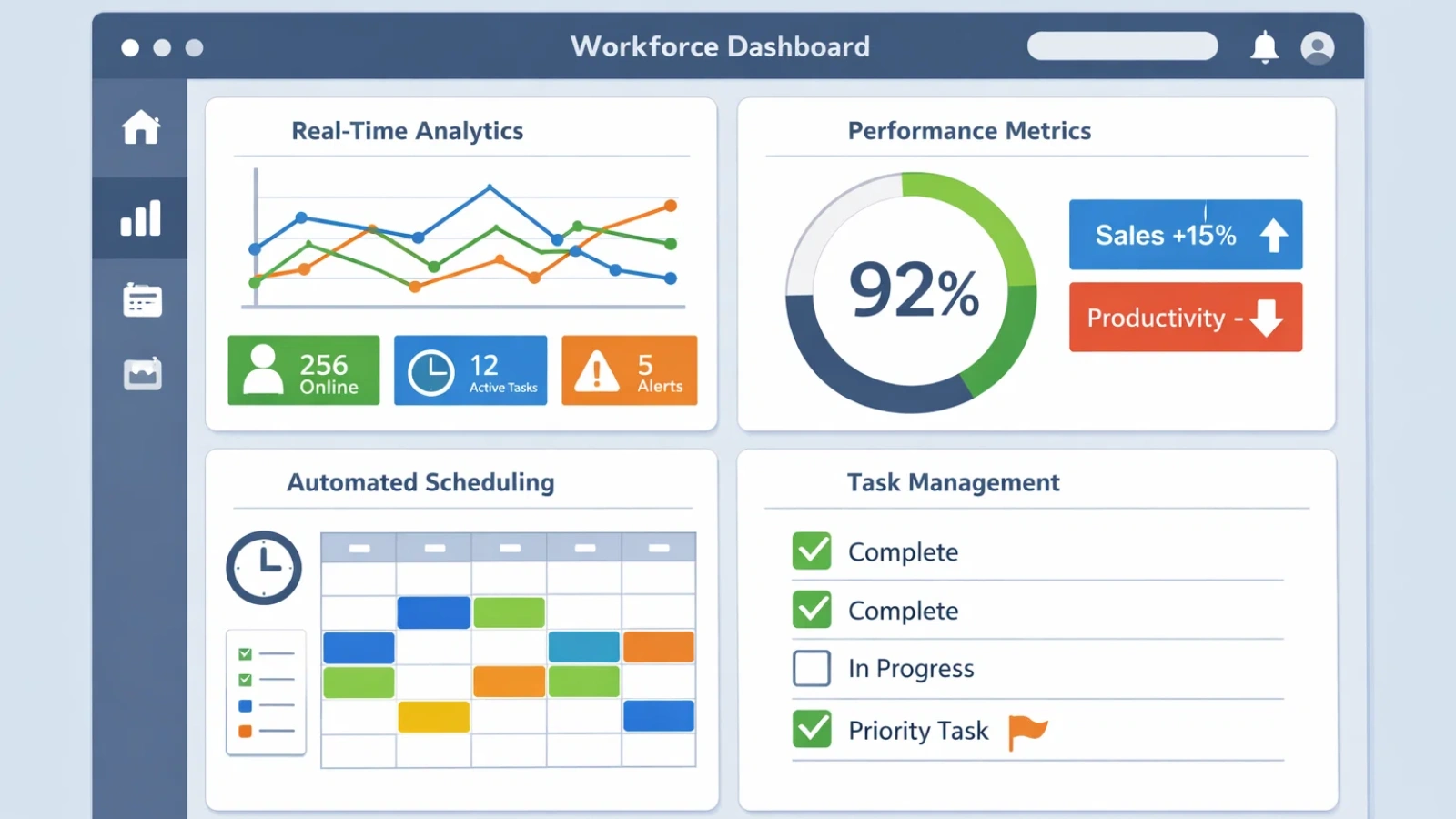
EMPMonitor is a productivity management tool designed to help businesses optimize workforce efficiency by providing real-time insights into employee performance. Here’s how it can help:
- Track Employee Activity in Real-Time
EMP Monitor allows managers to track employee activities throughout the day, enabling quick identification of time management issues or distractions, which can be addressed immediately to maintain focus. - Generate Detailed Activity Reports
The tool generates comprehensive reports detailing employee activities, including time spent on specific tasks, applications, and websites. These insights allow managers to make informed decisions to improve productivity. - Streamline Time Tracking
EMP Monitor automatically tracks employees’ work hours, attendance, break times, and overtime, ensuring accurate timekeeping and compliance with labor regulations, without the need for manual input. - Optimize Workforce Efficiency
By analyzing employee behavior and identifying areas for improvement, EMP Monitor helps businesses optimize workflows, reduce unproductive time, and more effectively allocate resources to maximize efficiency. - Enhance Employee Accountability
EMP Monitor increases accountability by providing transparency into employee performance. This visibility helps keep employees focused on their tasks, while also offering managers the opportunity to provide constructive feedback and support.
With these capabilities, EMP Monitor ensures teams remain productive and aligned with organizational goals, driving improved outcomes across the board.
Also Read
7 Reasons Why Your Company Needs Workforce Management Tool
6 Reasons Why Your Business Needs Digital Workforce Management
How to Apply or Use Workforce Tools
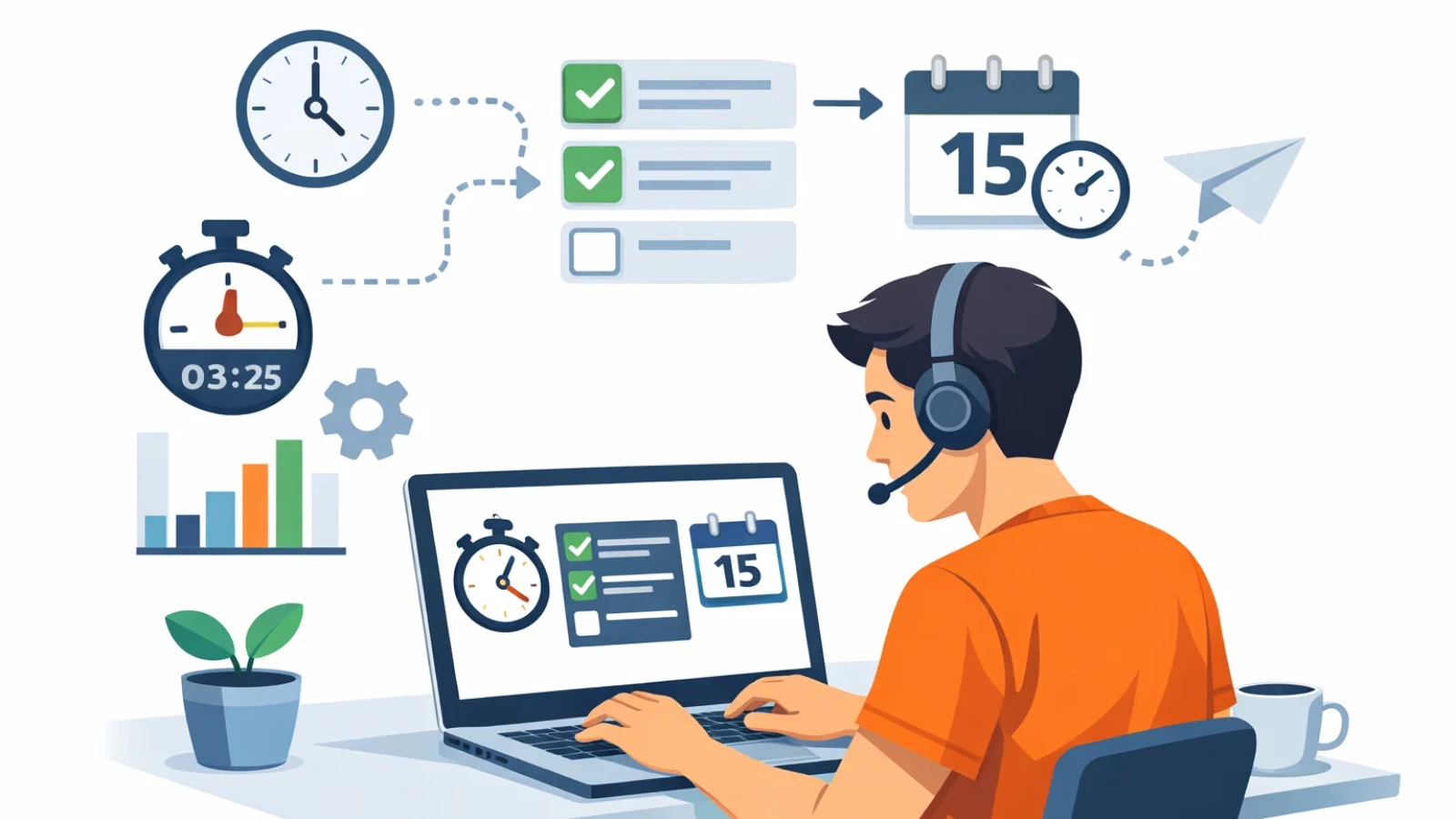
Implementing workforce tools effectively requires a thoughtful approach to ensure they align with your business needs and deliver maximum value. Here’s a simple, step-by-step guide to help you apply and use workforce tools successfully, from assessing your needs to continuous monitoring and adjustments.
Step 1: Assess your needs
Before selecting workforce tools, take a detailed inventory of your current workforce and business needs. This includes understanding your company’s goals and determining what processes need improvement (e.g., scheduling, performance tracking, recruiting).
Step 2: Evaluate available tools
Look for tools that align with your company’s size, budget, and the specific tasks you need to streamline. Consider both basic workforce management tools and more advanced strategic planning tools.
Step 3: Implement in phases
It’s essential to introduce these tools gradually to avoid overwhelming your team. Start with core functionality like employee scheduling and gradually expand into more complex strategic tools.
Step 4: Monitor and adjust
Track the performance of the tools regularly to ensure that they’re delivering the expected results. Be ready to make adjustments as needed.
Common Mistakes to Avoid
When choosing workforce tools, it’s easy to make decisions based on the latest features or immediate needs. However, overlooking key factors can lead to inefficiencies and missed opportunities down the line. To help you make the right choice, here are some common mistakes to avoid when selecting workforce tools.
Overlooking Scalability
Some workforce tools work well for small teams but struggle as organizations grow. Always consider future needs before committing.
Getting Distracted by Features
A long list of features can be appealing, but complexity often reduces usability. The most effective workforce tools strike a balance between functionality and simplicity.
Ignoring Integrations
Disconnected systems create inefficiencies. Strong workforce tools integrate seamlessly with payroll, recruitment, and performance platforms.
Assuming the Tool Does the Work
Even the best workforce tools require proper implementation and training. Without that, adoption drops and value is lost.
Frequently Asked Questions
What are workforce planning tools, and how do they help my business?
Workforce planning tools help businesses manage their workforce efficiently by forecasting staffing needs, tracking performance, and optimizing schedules. These tools ensure that your team is always aligned with business objectives and prepared for any changes or growth.
How do strategic workforce planning tools differ from regular workforce tools?
Strategic workforce planning tools are focused on long-term goals. They help businesses align their workforce with future needs by identifying skills gaps, forecasting talent requirements, and creating actionable plans to ensure the right talent is in place for the future.
Why is strategic workforce planning important for my business?
Strategic workforce planning ensures that your business has the right people, with the right skills, at the right time. By planning ahead, you can avoid skills shortages, optimize your workforce, and better support your company’s long-term goals, which is key to sustainable growth and success.
Why is strategic workforce planning essential for business success?
Strategic workforce planning helps businesses ensure they have the right talent at the right time to meet future needs. By forecasting staffing requirements and addressing skill gaps, it improves efficiency, supports better decision-making, and ensures long-term growth and adaptability in a competitive market.