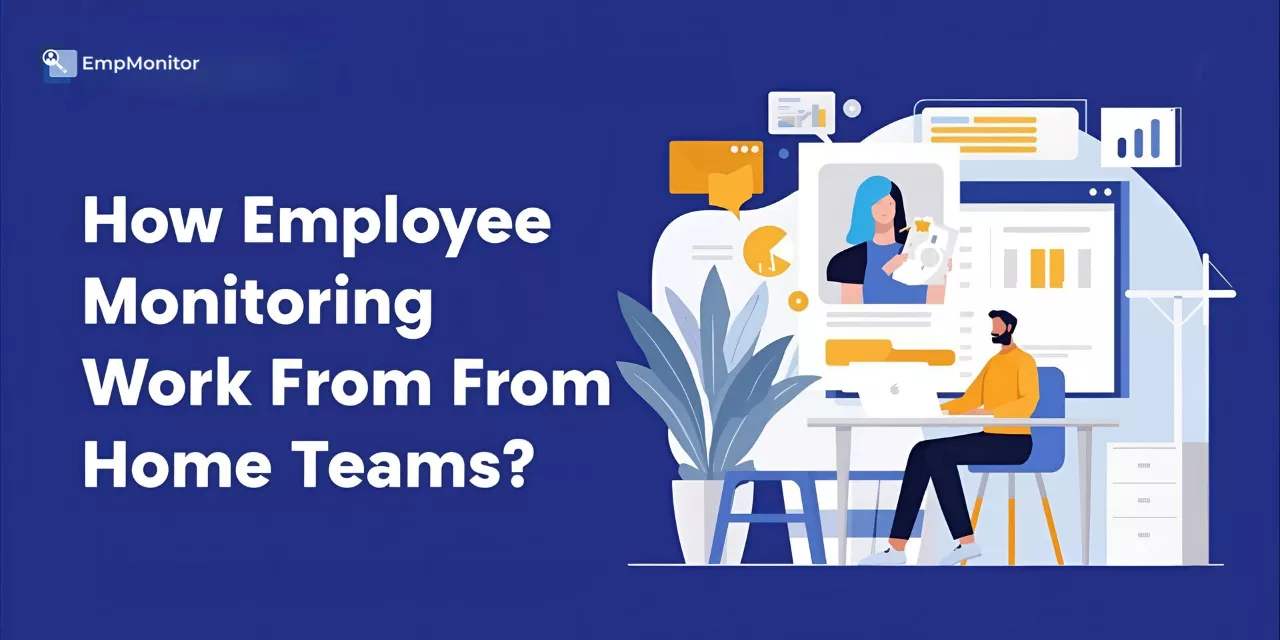
The last few years have completely changed how people approach office work. More teams want flexibility, and many employers now see real value in structured remote setups. Still, even with the rise of Work From Home, leaders worry about consistency, output, and whether teams stay connected without being in the same space. A balanced approach to monitoring can help, not by policing employees, but by giving everyone a clearer picture of expectations and progress. That’s where this conversation starts, and it naturally leads us into understanding what modern employee monitoring actually means.
In a hurry? Listen to the blog instead!
Meaning Of Employee Monitoring In Remote Teams
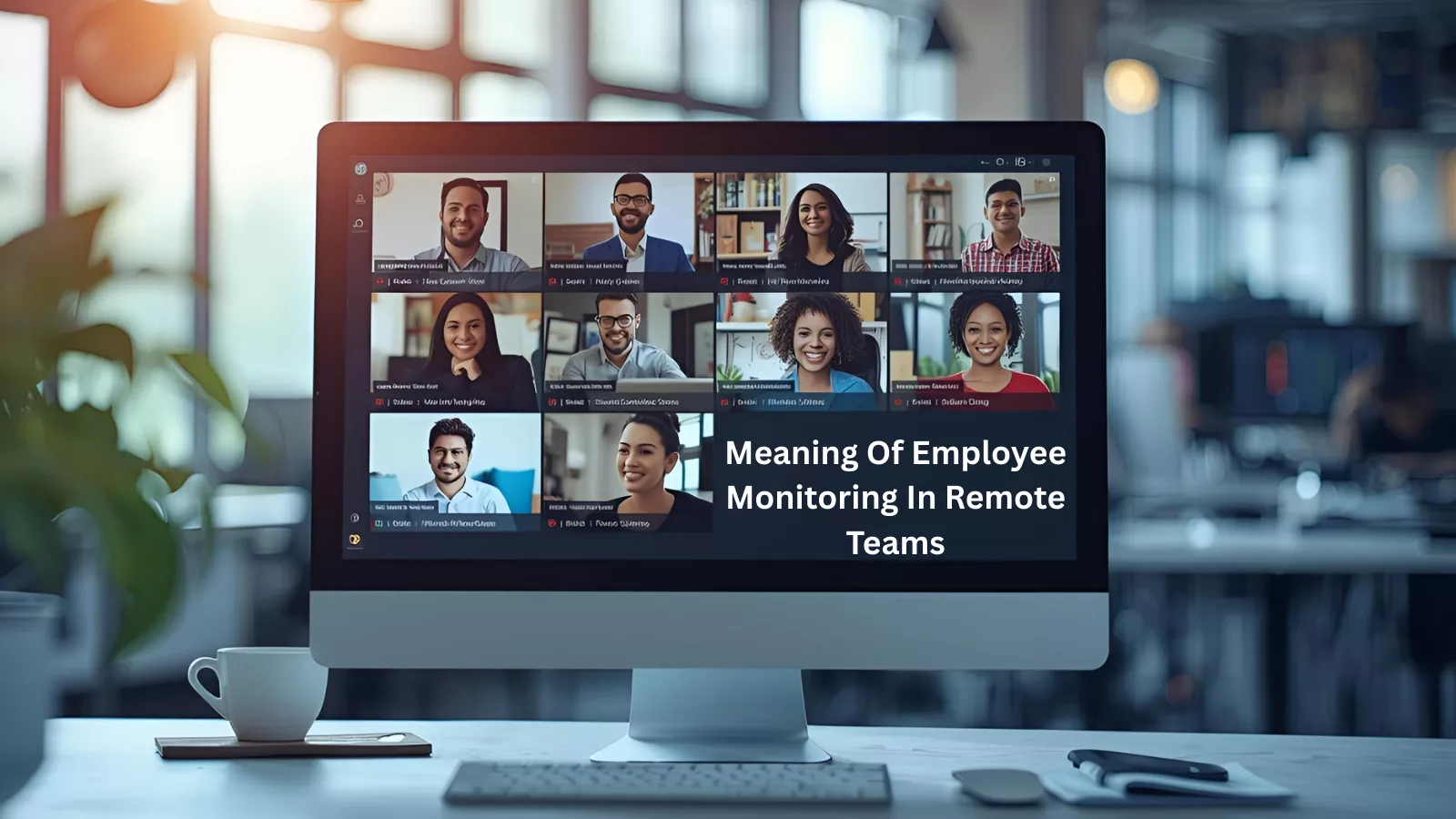 Before deciding whether monitoring makes sense, it’s important to understand what it covers. At its core, employee monitoring refers to a set of methods that help organizations see how work moves across teams. In a Work From Home arrangement, that clarity becomes useful because managers cannot rely on casual office interactions to stay aligned. Instead, they depend on thoughtful systems that show how tasks are executed, where delays appear, and what kind of support each person may need.
This perspective shifts monitoring from a fear-driven idea to a supportive one. When employees know the purpose is to improve fairness and remove unnecessary pressure, the entire process feels more transparent. With that foundation in place, we can now explore why companies lean toward this approach and how it fuels strong remote teams.
Key Benefits Of Monitoring For Work From Home Roles
A well-structured monitoring strategy does more than track activity. It helps organizations identify real patterns, both good and bad, and act early. This bridges the gap between intention and output, especially in Work From Home environments where visibility is naturally limited. To understand the real value, let’s walk through the major advantages and how each one supports better teamwork.
1. Higher Output
Most leaders want to know whether projects move forward at a healthy pace. When remote workflows become complex, it’s easy for small bottlenecks to turn into bigger delays. Monitoring tools give managers a snapshot of working habits and help them identify which tasks take longer than expected. This opens the door for targeted support instead of general assumptions. As teams settle into Work From Home, this kind of clarity becomes essential for long-term success, setting the stage for our next point—accountability.
2. Clear Accountability
Even the best remote teams need structure. Monitoring creates a fair, transparent system to understand how work gets done. Instead of relying on guesswork, leaders can view progress based on actual data. This helps work from home employees stay aligned with deadlines and company standards, without feeling micromanaged. When people see that expectations apply evenly across the board, they feel more confident and supported. That sense of stability makes it easier to move into discussing engagement, which is a major part of maintaining healthy remote culture.
3. Better Engagement
One challenge with Work From Home is the risk of feeling disconnected. Employees sometimes wonder whether their efforts are noticed, or whether their workload is understood. Monitoring offers managers real insight into team effort, making recognition more meaningful. When someone finishes ahead of schedule or handles an unusual amount of work, leaders can acknowledge it quickly. That simple gesture strengthens motivation. These connected experiences help maintain morale, while our next section shows how monitoring also protects data, an equally important responsibility.
4. Safer Data Habits
Remote work increases the number of locations, networks, and devices interacting with company information. This makes data protection a priority. Monitoring helps security teams notice unusual patterns—such as unauthorized access or risky file activities—before they become serious issues. With real-time visibility, organizations can address threats faster. This layer of safety supports everything else within Work From Home, and it guides us toward another vital aspect of remote operations: compliance.
5. Better Policy Alignment
Many industries have strict policies that extend to how employees use information, tools, and communication channels. When teams work remotely, these guidelines must still be followed. Monitoring helps companies spot potential issues early, whether it’s restricted website access, questionable downloads, or unusual user behavior. This strengthens compliance and keeps organizations prepared for audits. With stability across policies, we can now transition to a benefit every business pays attention to—cost improvements.
6. Cost Improvements for Businesses
A thoughtful Work From Home model lets companies reduce expenses such as large office spaces, extra utilities, or underused software. Monitoring supports this by showing which tools teams actually use and which ones can be removed to save money. Leaders also gain a better sense of team capacity, helping them distribute work efficiently rather than hiring prematurely. Once cost structure becomes healthier, organizations naturally turn their focus to employee retention, which brings us to our next benefit.
7. Lower Turnover
When employees feel valued, supported, and recognized, they tend to stay longer. Monitoring helps managers identify workload imbalances early and prevent burnout. It also gives employees a way to demonstrate their efforts even when they are away from the office. This creates a sense of fairness that strengthens retention. With these advantages in mind, it’s time to understand how companies can implement monitoring smoothly, especially when teams work remotely.
Read More
How Do Employers Track Remote Workers? 5 Exclusive Methods for 2025!
Smart Ways To Monitor Remote Teams
 A thoughtful approach makes remote monitoring feel supportive rather than intrusive. When teams work from different locations, clarity and communication matter as much as the tools you use. A balanced plan respects privacy, encourages honest conversations, and helps employees understand the purpose behind monitoring. As companies refine their Work From Home structure, the methods below help build trust while maintaining visibility.
Reliable Software
The first step is choosing software that makes monitoring feel fair and helpful instead of overbearing. This is where EmpMonitor fits in naturally. It offers structured reports, real-time insights, and clean dashboards that make productivity patterns easy to follow. For teams that depend heavily on virtual coordination, this level of clarity becomes essential. Once the right software is in place, the next priority is strengthening communication.
Consistent Check-Ins
Regular check-ins help people stay aligned without overwhelming them. These short touchpoints allow employees to raise concerns, share updates, and get clarity on tasks. When planned thoughtfully, they create a healthy rhythm instead of adding pressure. As communication becomes smoother, it opens the door for a more proactive practice: letting employees speak for themselves through self-reporting.
Self-Reporting Channels
Remote teams appreciate having space to express what’s helping or slowing them down. Surveys, feedback forms, and open channels allow employees to share their experience honestly. This feedback helps organizations improve their monitoring approach and offer better support. Once individual perspectives are clear, it becomes easier to study how the team interacts as a whole.
Team Interaction Patterns
Team conversations often reveal more than formal reports. Active channels show healthy engagement, while stretches of silence may indicate confusion or stress. Observing these patterns helps managers spot communication gaps and reduce friction. With interactions better understood, the final step is reviewing how tasks move across the workflow.
Project Tracking
Task movement provides a realistic view of progress. Monitoring project updates helps managers catch delays early, rebalance workloads, and prevent small issues from becoming bigger problems. When this visibility is combined with clear communication and reliable tools, remote teams are able to maintain strong momentum.
How EmpMonitor Supports Work From Home Teams?
 After its earlier introduction, here’s a closer look at how EmpMonitor strengthens remote workflows. Instead of juggling scattered tools or guessing whether tasks are on track, teams get a unified system that simplifies coordination. The goal isn’t to pressure employees but to create an environment where everyone works comfortably, managers stay informed, and projects move forward smoothly. Five core features make this possible.
1. Time Tracking for Day-to-Day Clarity
EmpMonitor captures active hours in real time, helping managers and employees understand when tasks start, how long they take, and how schedules vary. This creates consistency across the team and removes the stress of manual reporting.
2. Productivity Insights for Better Planning
Detailed productivity trends highlight strengths, delays, and areas that may need support. Instead of relying on assumptions, teams get practical data that helps balance workloads and set realistic goals.
3. Activity Reports for Workflow Transparency
Clear records of apps and websites used during the day help managers understand workflow patterns without interrupting an employee’s routine. This makes accountability easier to maintain and reduces confusion around task progress.
4. Automated Screenshots for Quality Assurance
For roles that demand precision or involve sensitive tasks, automated screenshots offer an additional layer of confirmation. They support quality checks while still maintaining a respectful dynamic between managers and employees.
5. Attendance Management for Remote Schedules
With remote teams often spread across different regions, accurate attendance becomes crucial. EmpMonitor captures log-ins, breaks, and log-outs precisely, helping teams coordinate timelines without confusion.
Final Thoughts
Making Work From Home successful requires trust, structure, and clarity. Employee monitoring, when implemented with empathy and transparency, strengthens all three. It helps leaders understand performance honestly, protects sensitive information, and keeps teams connected no matter where they are located. With thoughtful tools and clear communication, remote work becomes more reliable for the long term. As organizations explore better ways to support their teams, combining smart monitoring with genuine leadership will always create the strongest results.
FAQ Section
1. Do employees need to be informed before monitoring is implemented?
Yes. Transparency is essential for healthy work from home. Companies should clearly explain what will be monitored, why it’s being used, and how the data supports productivity and fairness. Clear communication builds trust and prevents misunderstandings.
2. Can monitoring affect employee motivation in a Work From Home setup?
Monitoring can improve motivation when used correctly. When employees know the purpose is to recognize effort, reduce workload imbalances, and keep expectations clear, they feel more supported. The key is using data to guide—not control—daily work.
3. Is monitoring helpful for hybrid teams as well?
Absolutely. Hybrid teams benefit from the same clarity around progress and workload distribution. Monitoring helps ensure no one feels disconnected, whether they are in the office or remote, and keeps collaboration consistent across locations.
4. How can companies keep monitoring from feeling intrusive?
By setting boundaries. This includes avoiding personal device tracking, limiting monitoring to work hours, and using features that focus only on productivity-related activity. Pairing this with open discussions helps employees feel respected and included.
5. What type of data should be prioritized when evaluating work from home performance?
The most valuable insights usually come from task progress, productivity patterns, attendance accuracy, and engagement levels. Instead of focusing on minute-by-minute activity, companies get better results by reviewing overall output and workflow trends.