Some problems do not arrive loudly. They settle in quietly, week after week, until the gap between effort and output becomes too wide to ignore.
For the operations head of a mid-sized logistics coordination firm, that gap had been growing for nearly a year. The team of 30 was not shrinking. The workload was not decreasing. And yet, output targets were being missed consistently, clients were becoming harder to satisfy, and internal reviews kept arriving at the same unhelpful conclusion: everyone is busy, but nothing is moving fast enough.
The manager had tried process changes, restructured reporting lines, and introduced new project workflows. Nothing moved the needle in any lasting way. What he had not yet tried was looking at the data behind the day itself.
That changed when he found the right productivity tool.
What Problem Was The Manager Trying To Solve?
The firm coordinated time-sensitive logistics for clients across multiple regions. Speed and accuracy were not aspirational targets. They were contractual obligations. Missing a coordination window did not just mean a delayed report. It meant a delayed shipment, a frustrated client, and a conversation the manager did not want to have.
For most of the firm’s history, the team had delivered reliably. Then, as the client roster expanded and the team grew to keep pace, something shifted. Output per person declined gradually. Turnaround times stretched. And the manager, now several layers removed from day-to-day execution, had no clear way of understanding why.
He needed a productivity tool that could show him what was actually happening during working hours, not what people reported, but what was verifiably true.
Why Did Standard Management Approaches Stop Working?
Before turning to any external solution, the manager exhausted the conventional options. Daily standups were introduced to surface blockers early. Task management software was updated with stricter deadline tracking. Team leads were asked to submit end-of-day summaries flagging incomplete work.
Each of these measures added process without adding viability. The standups confirmed that people were working. The task software showed when deadlines were missed, but not why. The summaries described what had been done, never what had been avoided or deferred.
The manager was not lacking effort from his team. He was lacking a productivity tool that could turn working hours into honest, actionable data. Employee productivity could not be improved without first being accurately understood.
How The Right Tool-(EmpMonitor) Turned Things Around
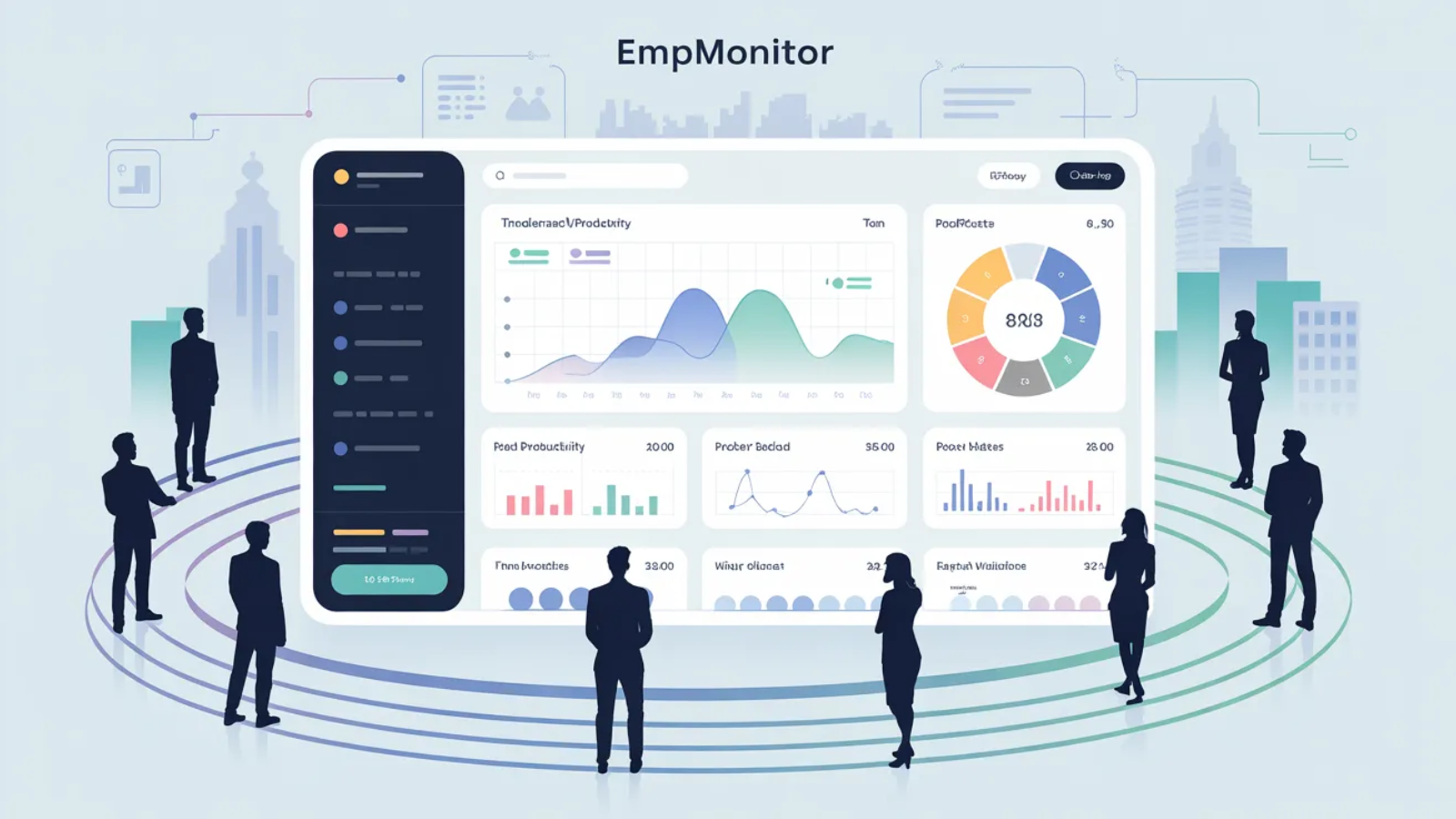
After researching workforce monitoring platforms, the manager chose EmpMonitor. The decision came down to one core requirement: he needed a productivity tool that provided objective data without creating additional reporting burden for an already stretched team.
EmpMonitor met that requirement completely.
The implementation was handled transparently. The manager gathered the team, explained what the tool would track and why, and framed the entire exercise around fairness. The goal was not to catch anyone out. The goal was to ensure that effort was being recognized properly and that workloads were being distributed in a way that gave everyone a realistic chance of succeeding.
The team accepted the rollout with minimal resistance. Within a week, the data began to tell a story that no standup or summary had ever come close to capturing.
Also Read:
List of Best Productivity Tools In 2025
Make Your Employees More Productive With Six Simple Tips!
What Features Made EmpMonitor The Right Productivity Tool For This Team?
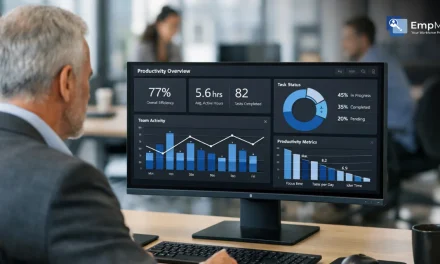
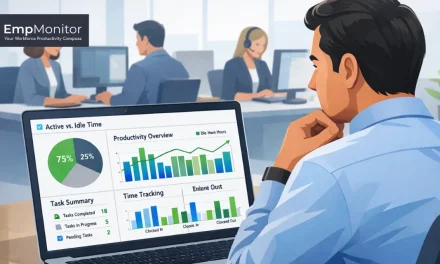
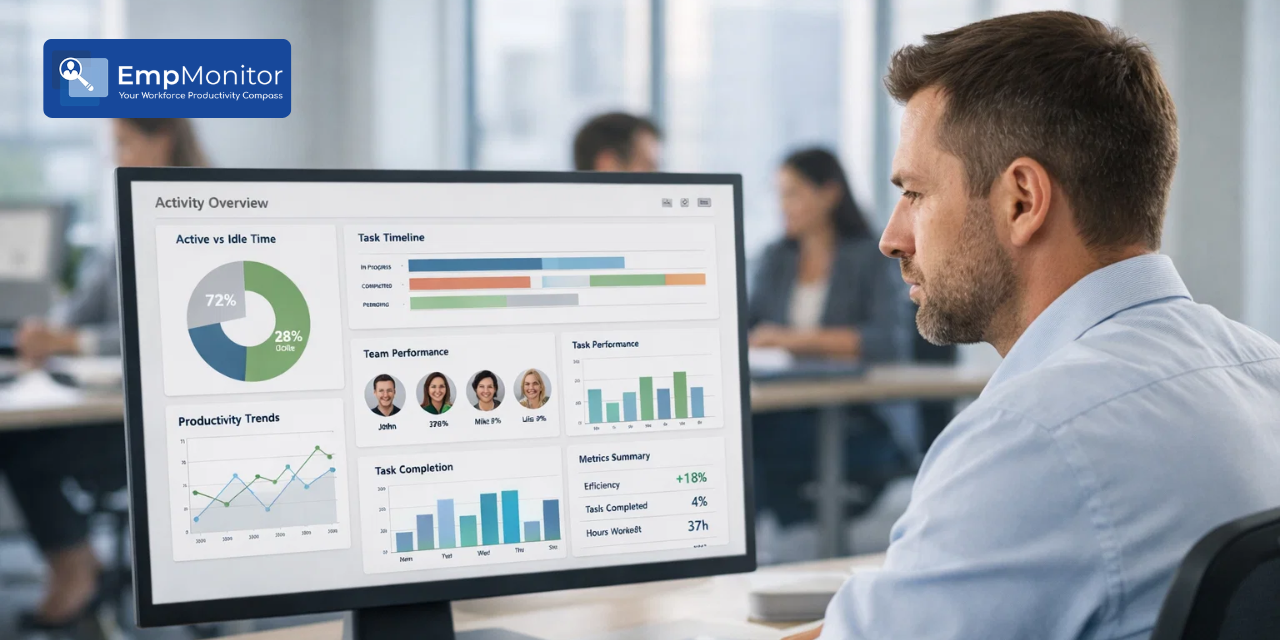
The real breakthrough came when the manager finally gained clear visibility into how the team’s time was being spent throughout the day. Instead of relying on assumptions, updates, or delayed reports, he now had access to real, continuous data that reflected actual work patterns.
Real-Time Activity Monitoring:
With a live view of active and idle time across the team, the manager could instantly spot productivity gaps as they happened. This shifted his approach from reacting to issues after the fact to addressing them in real time.
App and Website Usage Tracking:
Detailed insights into application usage revealed a critical gap between logged hours and time spent on core work tools. This made it easier to redirect focus toward high-priority tasks and reduce distractions.
Productivity Reports:
Over time, the data formed clear patterns. The manager could see when productivity dipped, how workloads were distributed, and where time was consistently being lost. These insights made decision-making far more precise and effective.
Supporting Features That Strengthened the Impact
While the core issue was solved by visibility, a few additional features helped reinforce and sustain the improvements:
Attendance and Time Logs:
Accurate records of login times, logout times, and idle periods brought clarity to working hours, helping eliminate uncertainty around availability and consistency.
Automated Screenshots:
Periodic screenshots added context to the data, offering a transparent and reliable way to understand daily activity without depending on manual updates.
Project and Task Mapping:
By linking time spent to specific tasks and client work, the manager could ensure that effort was aligned with business priorities, not just activity for the sake of being busy.
What Did The Data Reveal That Nothing Else Had?
Two weeks of data from EmpMonitor produced insights that months of manual management had completely missed.
Unproductive time was widespread and patterned. Across the team, productivity reports showed that a consistent portion of logged working hours were not being directed toward client-facing tasks. The pattern was not random. It was concentrated at predictable points in the day, suggesting habitual drift rather than occasional distraction.
A small group was carrying the team. Individual usage data revealed a significant workload imbalance. Several team members were consistently overloaded with complex, high-priority coordination tasks. Others with comparable scheduled hours were handling far lighter queues.
As a productivity tool with individual-level reporting, EmpMonitor made this imbalance impossible to overlook.
Tasks were stalling at handoff points. Project tracking data showed that delays were not primarily happening during execution. They were happening between team members at the moments when a task moved from one person to the next and sat unacted upon for hours before being picked up. These gaps had been completely invisible before EmpMonitor.
How Did Things Change After EmpMonitor?
The shift was not immediate or dramatic. It was steady and cumulative, built from a series of small, data-informed decisions made consistently over 30 days.
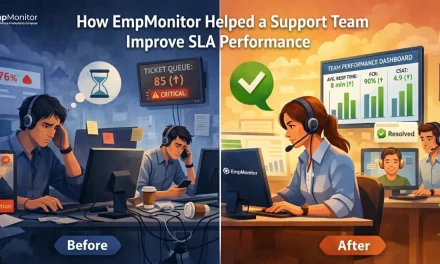
Before EmpMonitor, the average task turnaround time was sitting at 3.2 days against a target of 2 days. After 30 days with the productivity tool in place, that figure dropped to 1.8 days, below target for the first time in nearly a year. Idle time during core working hours fell from 31% to 12%. The workload distribution across the team, previously skewed heavily toward a handful of individuals, became balanced across the group. Client escalations dropped from 18 per month to 6. And the team’s overall output score, tracked internally against weekly targets, rose from 61% to 84%.
Each of these numbers reflected a decision that was only possible because the productivity tool made the underlying data available.
What Actions Did The Manager Take Based on EmpMonitor’s Data?
Three changes followed directly and immediately from what the data showed.
Workloads were rebalanced:
The team members who had been absorbing disproportionate complexity were given support. Those with available capacity were redirected to higher-priority tasks. For the first time, resourcing decisions were grounded in actual usage data rather than assumed availability, and the results followed quickly.
Handoff protocols were restructured:
With task stalling points now visible in EmpMonitor’s project tracking data, the manager introduced explicit ownership rules for task transitions. Tasks no longer sat unactioned at handoff points. Accountability was clear, and delays that had previously gone unnoticed for hours were now flagged within minutes.
Performance conversations became honest and constructive:
With a reliable productivity tool providing objective data, feedback sessions lost their ambiguity. Team members who were working hard had their effort confirmed. Those who needed to redirect their focus received specific, evidence-based guidance rather than vague concerns and responded to it accordingly.
What Does This Story Tell Us About Finding The Right Productivity Tool?
The manager in this case did not have a team that lacked talent or commitment. He had a team operating without the data infrastructure needed to direct that commitment effectively.
A good productivity tool does not solve problems by itself. It makes problems visible for the first time, and visibility is where every genuine solution begins. Once the data was available, the right decisions followed naturally, and the results confirmed that the problem had never been the people.
If your team is working hard but the output is not matching the hours, the gap is almost certainly a visibility problem. The right productivity tool is how you close it.
EmpMonitor is a practical place to start.
FAQs
1. What Makes EmpMonitor an Effective Productivity Tool for Operations Teams?
EmpMonitor combines real-time activity monitoring, app usage tracking, automated screenshots, attendance logs, and project management integration into a single platform. Together, these features give managers the objective, continuous data needed to make faster and better decisions about workloads, focus, and performance.
2. How Quickly Can a Productivity Tool Like EmpMonitor Produce Results?
In this case, meaningful improvements were visible within the first two weeks of implementation, with full results measurable within 30 days. The speed of improvement depends on how quickly managers act on the data, but the data itself is available from the first day of use.
3. Is EmpMonitor Suitable as a Productivity Tool for Remote or Distributed Teams?
Yes. EmpMonitor works across all devices and operating systems, making it equally effective for in-office, remote, and hybrid teams. Its real-time dashboard and cloud-based reporting mean that location is never a barrier to visibility.