Remote work isn’t a temporary workaround anymore. In 2026 it’s simply part of how many companies operate – sometimes by choice, sometimes because the talent they need isn’t sitting in one city.
But once remote becomes the default, old management habits start to break. In-office life came with built-in “signals”: you could see who was around, overhear collaboration, notice delays, and sense team energy without dashboards. Distributed teams don’t get that for free. And that gap is exactly why employee productivity and monitoring platforms exploded in popularity.
These tools can bring clarity. They can also create friction. Done well, they help teams coordinate and stay healthy at scale. Done poorly, they feel like surveillance – and you pay for that in trust, morale, and retention.
Why Remote Work Feels Harder to Manage (Even When It Works)
Traditional management leaned heavily on presence. It wasn’t always fair, but it was familiar: you could “see” work happening. Remote work removes those cues, and many managers still don’t have a clean replacement.
That uncertainty leads to the same anxious questions showing up again and again:
- Are people actually working during business hours?
- Are they available when teammates need them?
- Are projects moving, or is everything stuck in async limbo?
- Is output consistent, or are we just hoping it is?
There’s a second issue too: plenty of companies never built strong performance frameworks. In the office, “being busy” often substituted for measurable outcomes. Remote work forces teams to define results more clearly – and when they can’t, they reach for activity metrics as a shortcut.
Coordination gets trickier as well. Time zones stretch a single workday into a relay race. Without deliberate systems, decisions slow down, handoffs break, and teams drift into silos.
So the demand makes sense: companies want visibility again. The question is what kind of visibility – and at what cost.
What Productivity Monitoring Platforms Actually Measure?
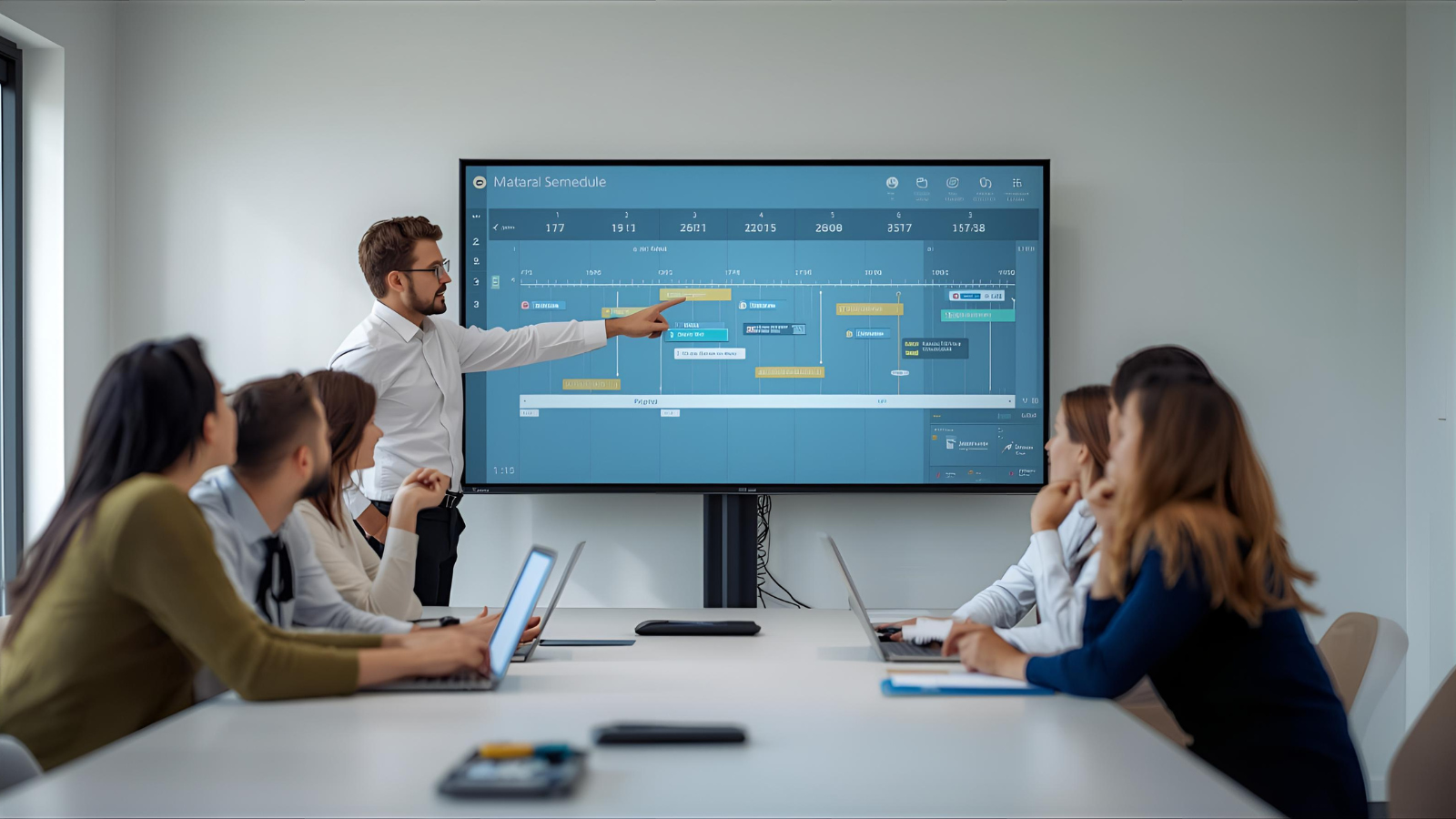
Most modern platforms go far beyond simple time tracking. They capture patterns that used to be invisible unless you were physically nearby.
Activity and time tracking
Basic tracking shows when someone is active, which apps are in focus, and how time spreads across tasks or projects. For some teams, that alone is useful – especially in client service work where billing and utilization matter. Tools like EmpMonitor use activity tracking to help teams understand how time is distributed across tasks and projects.
Screenshots and recording
Some tools capture screenshots at intervals. Others record more continuously. This is where the trust conversation often starts. Even if the intention is “accountability,” employees frequently experience it as a camera pointed at their desk.
Keystrokes and mouse movement
Input-based scoring is common because it’s easy to quantify. The problem is obvious: typing is not the same as thinking. A developer designing an architecture diagram may look “inactive.” A writer drafting a plan may pause for long stretches. Keystroke numbers don’t map cleanly to knowledge work value.
App and website categorization
Platforms often classify tools as productive/neutral/unproductive. That can help highlight distractions, but it can also misread reality. A marketing role might need social platforms. A researcher might spend hours reading. “Productive” can’t be one-size-fits-all.
Task and project context
The most useful setups connect time and activity to actual work items: tickets, tasks, client projects, deliverables. That’s when tracking becomes more than “they were active” and starts answering “what got done.”
Collaboration Analytics: A Different Lens Than Surveillance
A big shift in 2026 is that remote management isn’t only about activity. It’s also about how teams communicate and coordinate.
Communication analytics can show response patterns, bottlenecks, and collaboration gaps. For example:
- who is overloaded with questions
- which teams rarely interact
- where decision loops stall
- whether meeting load is killing focus time
Meeting analytics can also be surprisingly revealing. If half the company spends their best hours inside calls, productivity issues aren’t about employee discipline – they’re about calendar culture.
One distributed engineering org used collaboration analytics and realized their teams had quietly split into isolated clusters. Cross-team interaction dropped, knowledge sharing slowed, and duplication increased. After seeing the pattern clearly, they introduced lightweight fixes: rotating pairing across teams, shared technical forums, and intentional cross-project assignments. The platform didn’t solve collaboration on its own – it simply made the problem visible.
Performance Measurement: When Platforms Push Teams Toward Outcomes
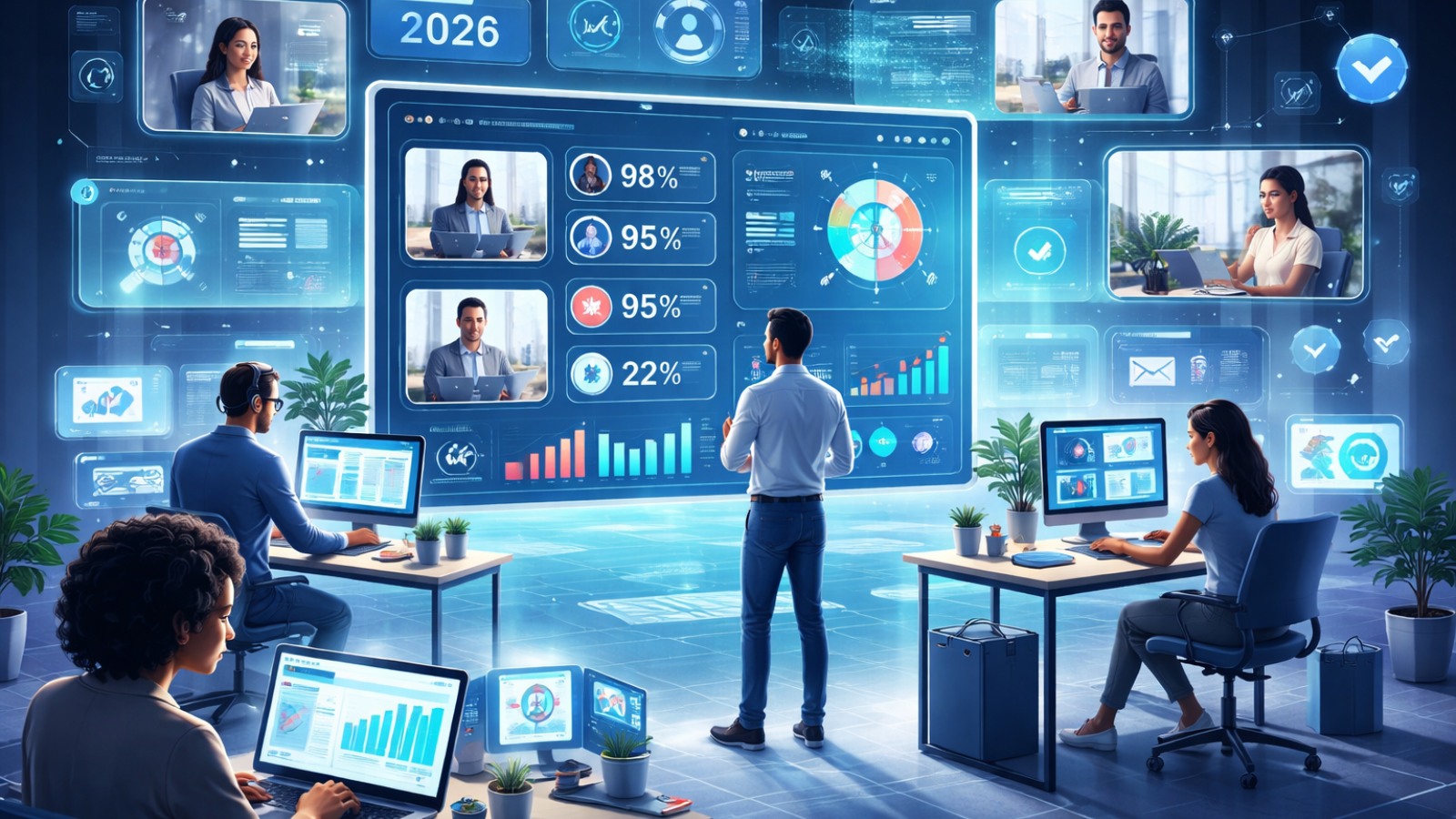
Remote work does one thing well: it forces clarity.
The strongest productivity platforms are moving toward goal-based measurement, often with OKR-style frameworks. Instead of watching activity, managers track progress against measurable outcomes.
When goals are visible and aligned, it reduces the temptation to micromanage. People know what matters. Teams know priorities. And performance conversations become less personal and more grounded.
Dashboards can help here – not as judgment tools, but as early warnings:
- a goal is slipping
- a project is under-resourced
- workload is uneven
- a dependency is blocking progress
Recognition features matter too. In offices, wins are often noticed naturally. Remote teams miss those moments unless systems surface them. Peer recognition and milestone shoutouts may sound “soft,” but they play a real role in keeping remote culture alive.
Privacy, Trust, and the Thin Line Between Visibility and Control
This is where everything gets sensitive.
Monitoring can signal distrust, even when the company calls it “optimization.” And once trust breaks, productivity usually drops – regardless of what the dashboards show.
At minimum, ethical implementation requires transparency:
- what data is collected
- why it’s collected
- who can access it
- how long it’s stored
- what it will not be used for
Data minimization matters too. Collect only what supports a legitimate business purpose. Keystroke logging and constant screenshot capture often go far beyond what’s needed for performance management – and can feel dehumanizing.
Remote work also blurs personal boundaries. If employees use personal devices or home networks, monitoring risks capturing private activity. Clear policies around work hours, off-hours behavior, and device scope are essential – and in many jurisdictions, legally required.
European GDPR standards, for example, create strict rules around justification, proportionality, and employee data rights. Global companies can’t treat monitoring as a single policy; they have to adapt to where employees actually live and work.
Workforce management platforms need careful implementation considering both operational needs and employee rights. The SpdLoad team has worked with organizations building remote work tooling that balances productivity visibility with privacy protections – focusing on outcomes and availability rather than invasive surveillance of every keystroke or screen. The pattern is consistent: the more thoughtful the design, the less resistance teams have to the tooling.
The New Direction: Focus, Sustainability, and Well-Being
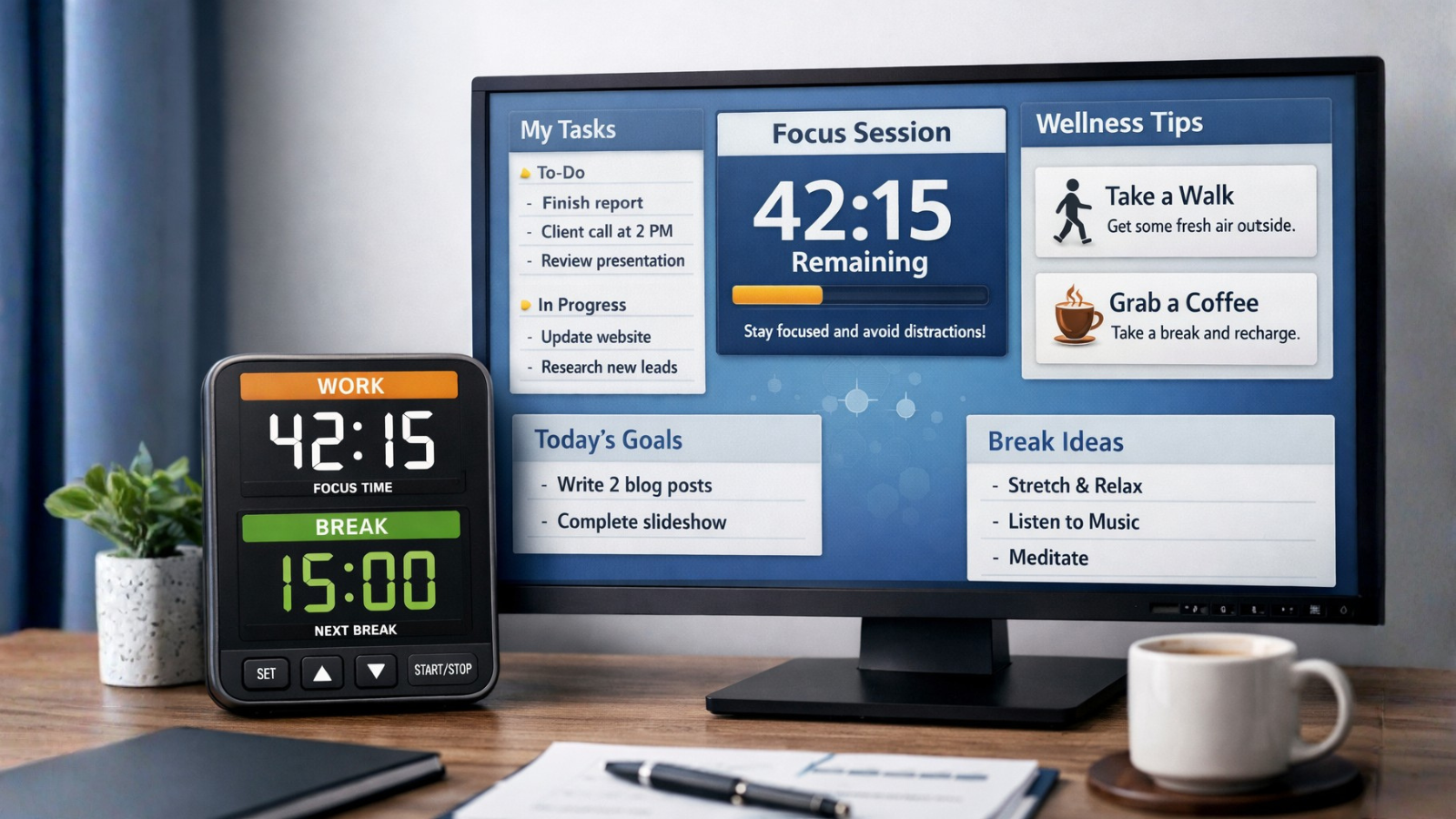
Some platforms are moving away from “watching” and toward “supporting.”
Focus-time analytics can show whether a team actually has time to do deep work. Burnout indicators can highlight unhealthy patterns early – excessive overtime, weekend spikes, late-night work, or days with no meaningful breaks.
When used responsibly, these signals can drive better policies:
- meeting-free blocks
- workload redistribution
- better handoff practices
- protected off-hours norms
Break reminders and habit prompts can help too, especially in roles where people forget to stop. The goal isn’t to “optimize every minute.” It’s to avoid grinding teams down.
Asynchronous Work: Platforms as Coordination Infrastructure
Remote teams don’t just work from different places. Often they work at different times.
That’s why async features matter:
- clear status broadcasting (availability, focus, response expectations)
- written, searchable communication threads
- lightweight progress updates
- handoff systems for time-zone relays
Good async tooling prevents the classic failure mode where projects stall simply because the right person is offline.
Integrations and Automation: Making Visibility Less Manual
Another big reason these platforms spread is simple: nobody wants to write status updates all day.
Integrations connect productivity systems to:
- ticket trackers
- version control
- project management tools
- CI/CD pipelines
- billing systems (for service firms)
- communication platforms
That reduces duplicate data entry and improves accuracy. It also makes reporting less of a “manager asks / employee explains” cycle and more of a continuous picture.
A remote consulting firm built an integrated setup linking time tracking, project management, client billing, and communication flows. The result wasn’t just better billing accuracy – it was clearer project health and capacity forecasting without constant manual reporting.
Customization: One Team’s “Productivity” Is Another Team’s Workflow
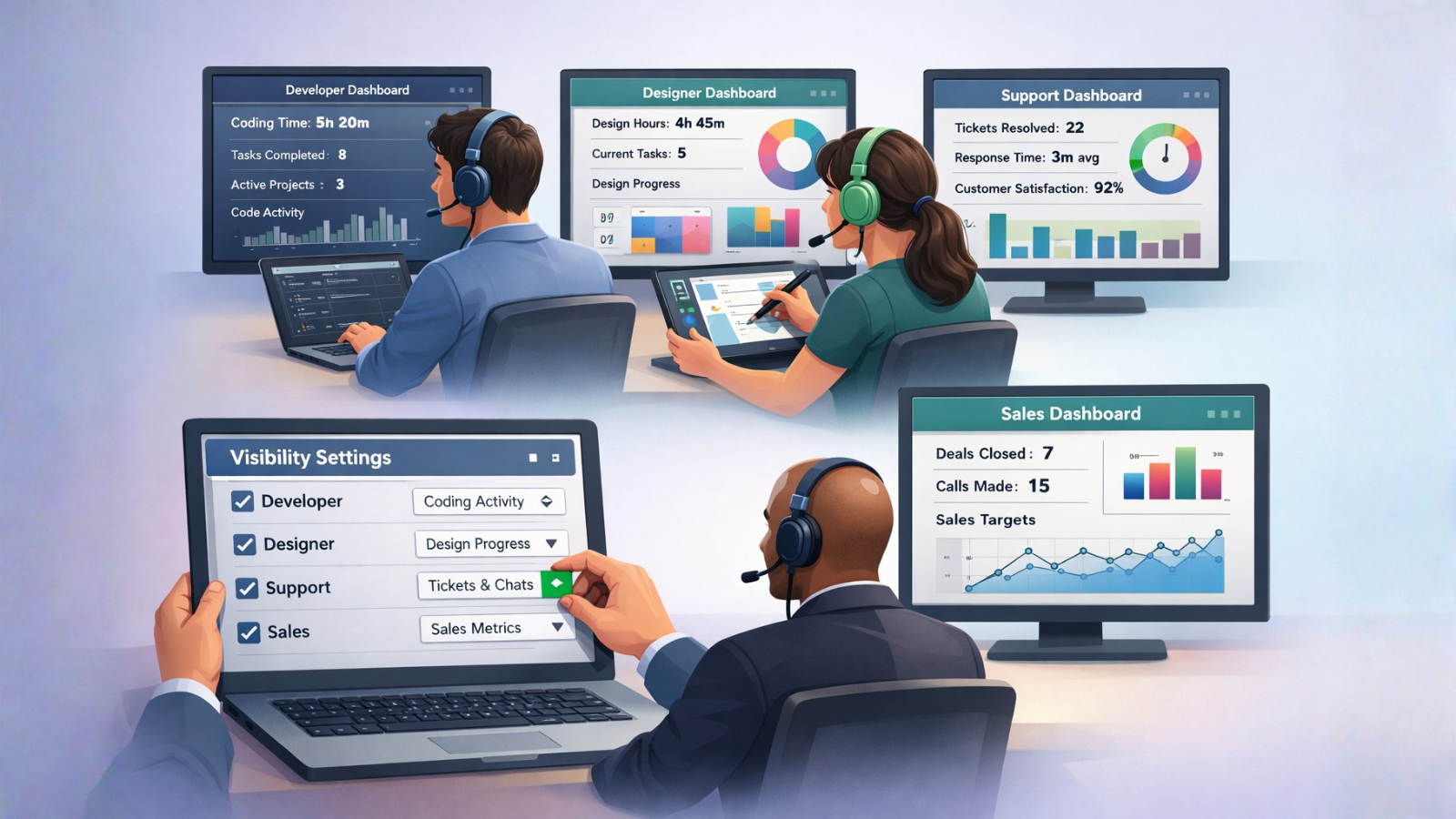
The biggest implementation mistake is forcing the same monitoring model on everyone.
A developer’s output doesn’t look like a support agent’s output. A designer needs long focus blocks. A sales role has different activity patterns than an engineering role.
That’s why strong platforms support:
- role-specific metrics
- team-specific policies
- different visibility levels by function
- opt-in personal analytics (for self-improvement)
Flexibility matters because culture varies too. Some teams thrive with minimal tracking and strong outcome clarity. Others prefer more structured visibility, especially in client-facing operations.
The Real Goal: Visibility Without Killing Autonomy
The healthiest remote organizations aim for a balance:
- managers get enough visibility to support the team and remove blockers
- employees keep autonomy and dignity
- measurement focuses on outcomes, not constant activity proof
Two-way transparency helps a lot. When employees can see the same metrics managers see, monitoring feels less like a hidden camera and more like a shared tool.
Coaching orientation matters too. Use data to improve workflows, not to punish “low activity.” Most productivity problems are system problems: unclear priorities, too many meetings, broken handoffs, poor tooling, unrealistic timelines.
Companies like SpdLoad demonstrate that effective remote work management doesn’t require invasive monitoring. Their approach to workforce optimization emphasizes clear goals, consistent communication, and outcome measurement over activity surveillance preserving trust while still improving performance and coordination.
Looking Forward
Employee productivity and monitoring platforms will keep evolving as remote work matures. The direction is already visible: the best tools are shifting toward effectiveness, alignment, and sustainable performance – not just surveillance.
Organizations that deploy these platforms thoughtfully can build remote cultures that last. Those that use monitoring as a substitute for trust will struggle with engagement and retention, no matter how “good” their productivity dashboards look.
Remote work’s future won’t be decided by the sophistication of monitoring technology. It will be decided by how wisely – and humanely – companies choose to use it.