You don’t need more reports, you need live, factual screen evidence. For call centers in 2026, employee screenshot and screen recording is the fastest, most defensible way to see work, coach in the moment, and prove compliance. The best setup gives you configurable screenshots, live screen view, idle detection, scheduling, and granular access, at scale and with clear privacy rules.
Here’s the short answer: adopt a monitoring platform that captures on-screen activity at set intervals, lets supervisors view screens live for urgent help, and secures that data with SSL plus IP allowlists. Pair it with shift-aware time tracking and role permissions. Then publish a fair policy with a clear “private time” option for breaks. Do that, and you’ll reduce escalations, shorten handle times with better coaching, and pass audits with proof.
EmpMonitor is designed for this exact use case. It’s trusted by 15,000+ companies across 100+ countries and tracks over 500,000 employees. Those scale numbers matter when you’re running 300+ seats per site, across several sites, and swapping classes of 25 agents at a time. In this guide, you’ll learn what to look for, how EmpMonitor maps to call center needs, and where alternative tools are strong.

Why Call Centers Struggle with Agent Screen Visibility
Turnover in call centers is high. New hire classes form each month, and skill levels vary. As a result, QA and floor leads spend much of the shift chasing issues that appear on agent screens for seconds at a time. Without screen evidence, post-call audits feel late and light on context.
On top of this churn, compliance risk is real. Agents view payment cards, health records, and IDs. You need to block unsafe sites, detect data exfil risk, and prove adherence to standards like PCI DSS. However, blanket recording can create privacy pushback and large data stores, which adds cost and risk.
Remote and hybrid teams raise the stakes. Workstations now sit in homes, satellite offices, and managed service partners. You need the same controls and visibility across all those endpoints. But VPN drop-offs and BYOD quirks can break lighter tools, which leads to oversights during peak call windows.
The Real-Time Gap on the Floor
- New agents miss on-screen prompts during live calls, and you spot it only in QA days later.
- Fraud checks need proof, yet you lack time-stamped screenshots to defend a dispute.
- Idle time between calls balloons because no one sees what’s on the second monitor.
In short, you need timely proof, not just a weekly scorecard. That means scheduled screenshots for audit trails and on-demand live views for coaching. With both, you cut handle-time spikes and catch risky behavior early.
“EmpMonitor does one thing really well: it saves us time!” — Education Career Counsellor
Moreover, visibility must scale to hundreds or thousands of seats. Role-based access keeps TLs focused on their pods while IT and compliance own policy. And to keep agents on your side, a visible mode with a clear privacy toggle is better than surprise audits.
What to Look for in Screenshot Monitoring Software for Call Centers
The right platform should meet operational needs first, then compliance. Start with capture controls, access controls, and data safeguards, and make sure it works with shifts and large teams. Also, ensure GDPR compliant processing and retention settings when you handle EU resident data; see the GDPR overview for core principles around data minimization and transparency.
Configurable capture intervals matter. Some teams want a screenshot every 3 minutes during training, then every 10 minutes for steady-state. Others need denser captures for high-risk queues. You should be able to tune per team or campaign without new installs.
Stealth vs. Visible Modes (With Private Time)
Stealth/Un-stealth mode is not about hiding. It’s about matching your policy to the work. For PCI or HIPAA workflows, you might capture without on-screen prompts to avoid agent gaming.
For general service, a visible icon helps self-correct. A private time option lets agents pause monitoring for breaks and personal time. That small switch builds trust and cuts HR noise.
Real-Time Live View and Idle Detection
Live screencasting lets a team lead join the moment the agent freezes. You can prompt them, share a template, and save the call. Idle time tracking, paired with URL and app tracking, shows if slack time is rest or non-work browsing. With shift scheduling, you’ll also separate “idle at lunch” from “idle on the clock.
Roles, Security, and Scale
- Multiple roles & permissions: TLs see their squads; QA sees audits; IT sets global rules.
- Data security: SSL in transit, firewall controls, and IP allowlisting for admin access.
- GDPR compliant processing: explain what you capture and why, and respect data rights.
- Scalability: provision 1,000+ agents, with groups and bulk changes that don’t break.
Furthermore, check that reports export cleanly for client audits and that you can fetch screenshots by ticket, agent, or timestamp. Shift-aware graphs help you see spikes tied to specific queues.
Also Read!
How EmpMonitor Solves Screenshot Monitoring for Call Centers
EmpMonitor covers the core needs of a production floor: automatic screenshots, live screencasting and recording, idle time tracking, URL and app tracking, and a real-time dashboard that scales. It also brings shift scheduling and multiple roles & permissions so supervisors, QA, and IT work together without stepping on each other’s access.
Automatic screenshots run on the cadence you set by team, campaign, or user group. For example, training pods can capture every 3 minutes for the first two weeks, then relax to every 8–10 minutes. Each screenshot carries a timestamp, machine name, and user, so you can tie it back to a call or case ID. That trail is gold during client audits and dispute reviews.
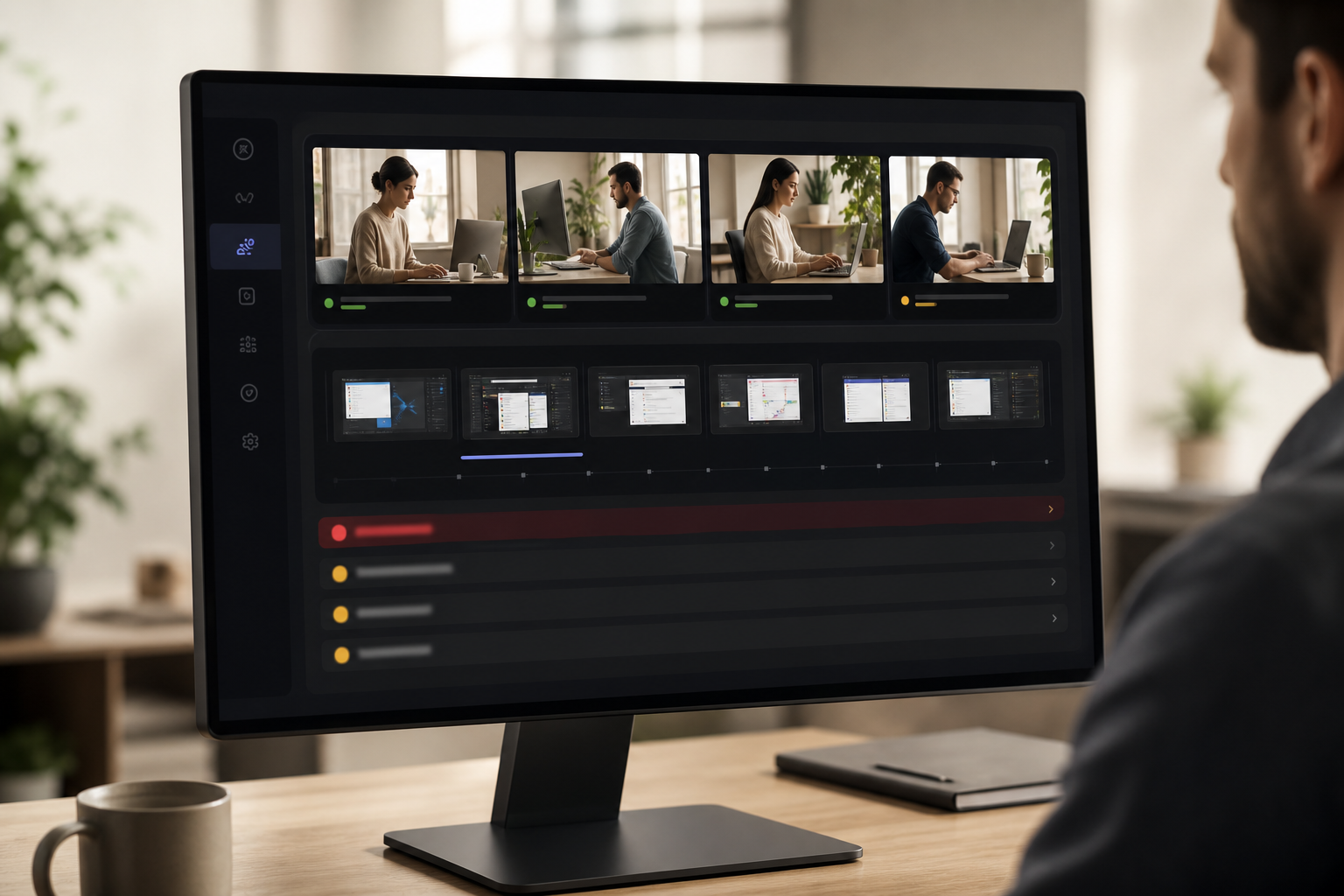
Live screencasting lets supervisors watch any screen in real time. During spikes, team leads can hop between tiles on the real-time dashboard and coach without a desk walk. Compared to alternatives that only save periodic shots, live view cuts escalations because you solve issues on the call, not in Friday’s QA meeting.
Idle time tracking flags inactive periods. When paired with URL and app tracking, you see if the lull is queue-related or if the agent drifted to non-work sites. As a result, you can adjust schedule buffers or coach on focus. The goal is not to police clicks, but to keep SLAs intact with fair, clear data.
“Simplified the management of the entire workforce by 80% in terms of workforce, time, and effort. Also, the productivity at my workplace has never been this great.” — Business & IT Sector Associate Vice President
EmpMonitor’s shift scheduling and attendance tracking align screenshots, time, and productivity. This context keeps your metrics honest. Teams that move from generic time tools to EmpMonitor report fewer disputes because screen evidence and time align.
The Dashboard Agents and TLs Actually Use
- Real-time dashboard to watch live screens and recent shots side by side
- Alerts and auto email reports for spikes in idle or blocked apps
- Custom reports you can hand to clients without rework
EmpMonitor is trusted by 15,000+ companies across 100+ countries and tracks over 500,000 employees. In addition, 76% of businesses rely on EmpMonitor for a smooth management process. That kind of adoption shows it handles real-world call center sprawl. Unlike some “time-only” apps, EmpMonitor includes Stealth/Un-stealth mode, shift scheduling, and keystroke monitoring when your policy allows.
EmpMonitor vs. Hubstaff vs. Teramind: Which Fits Your Call Center?
Honest comparison helps. EmpMonitor focuses on the call center stack: automatic screenshots, live screencasting and recording, shift scheduling, roles, and compliance controls. Hubstaff is known for simple time tracking and lightweight screenshots. Teramind is known for deep user behavior analytics. Each has a place based on risk, budget, and scale.
Here’s a high-level table using only confirmed details for EmpMonitor and neutral placeholders for competitor-specific items you should verify with their sales teams.
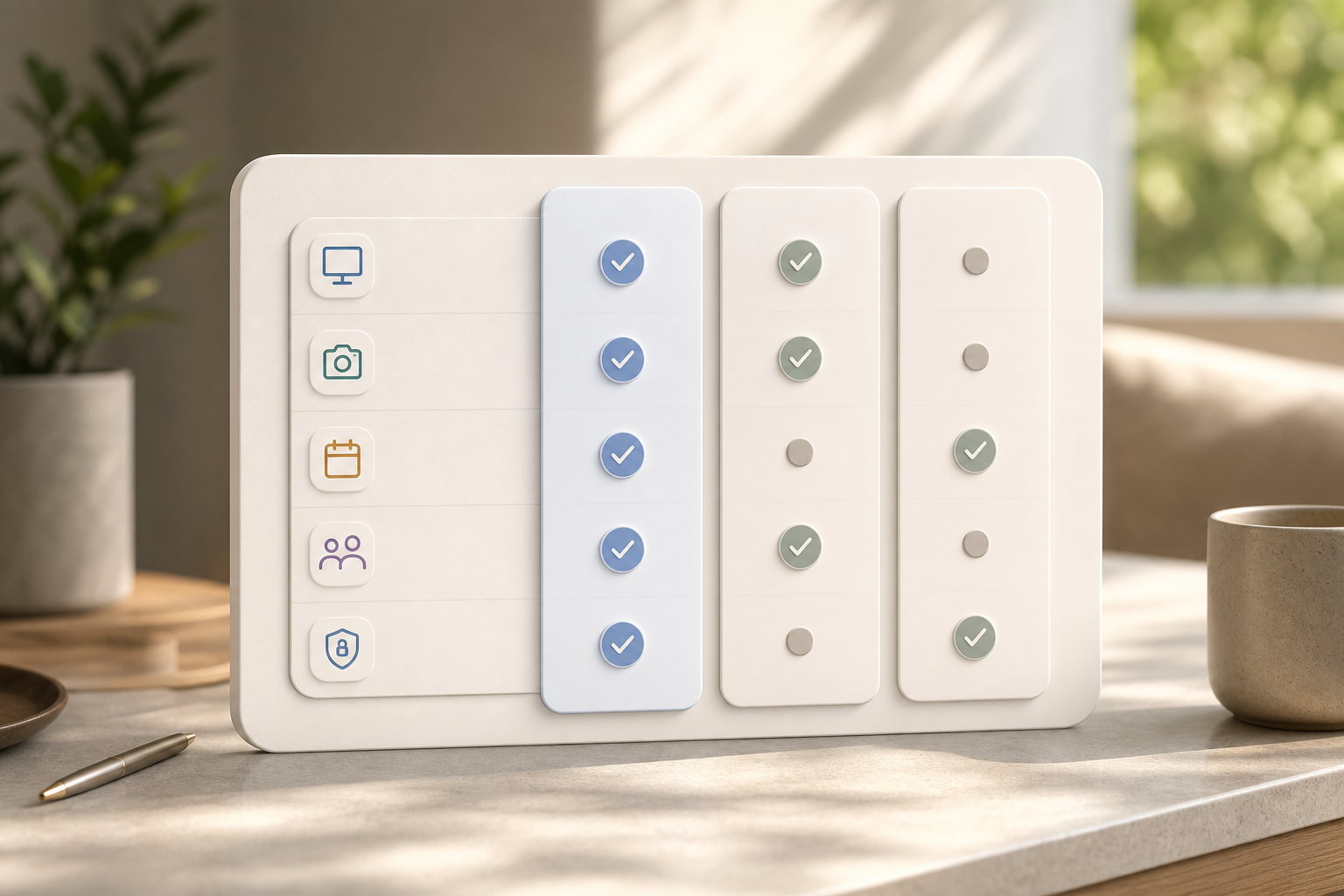
| Criterion | EmpMonitor | Hubstaff | Teramind |
|---|---|---|---|
| Screenshot frequency | Admin-configurable automatic screenshots | Verify with vendor | Verify with vendor |
| Live view | Live screencasting and recording | Verify with vendor | Verify with vendor |
| Stealth mode | Stealth/Un-stealth mode available | Verify with vendor | Verify with vendor |
| Pricing (yearly) | Bronze: $11/user/month; Gold (51–200): $9/user/month; Diamond: Custom (200+) | Varies by plan | Varies by plan |
| Shift scheduling | Native shift scheduling | Verify with vendor | Verify with vendor |
| Roles & permissions | Multiple roles & permissions | Verify with vendor | Verify with vendor |
| Compliance & security | GDPR compliant; SSL, Firewall, IP allowlisting | Verify with vendor | Verify with vendor |
| Scale | Tracks over 500,000 employees; 15,000+ companies | Verify with vendor | Verify with vendor |
| Trial | Free 15-day trial available | Verify with vendor | Verify with vendor |
In prose, acknowledge strengths: Hubstaff shines for teams that want straightforward time tracking with minimal setup. Teramind appeals to security-led orgs that prioritize deep user behavior analytics and forensic options. EmpMonitor strikes a balance for call centers: live view for coaching, automatic screenshots for audits, shift-aware attendance, and data security stack (SSL, firewall, IP allowlisting).
“The EmpMonitor has the best features that help employers to keep an eye on their employees effectively and efficiently.” — Clifford M., Information Technology System Administrator
If you’re moving from a time-only solution, EmpMonitor’s real-time dashboard plus URL/app tracking reduce context switching. You’ll also avoid add-on charges for essentials like shift scheduling because they’re built in. The pricing tiers. Bronze, Silver, Gold, and Diamond, make it simple to model costs for 100, 300, or 1,000 seats.
**Get Live Screen Visibility Now →
Trust, Compliance, and Security Credentials
Trust is not a slogan; it’s your audit trail. EmpMonitor is GDPR compliant and includes data security & privacy protection as a core feature. The stack includes SSL in transit, firewall controls, and IP allowlisting so only approved networks can access admin tools. That combination helps keep screen data safe without slowing your teams.
EmpMonitor is used by 15,000+ companies across 100+ countries and has 5000+ Ongoing Customers. At call center scale, those numbers show the platform holds up under real load. Moreover, the product supports forensic analysis and user behavior analytics when you need to investigate incidents with clear screen evidence and timelines.
“Since implementing EmpMonitor, we’ve improved our time to acknowledge mishaps to just under 5 minutes.” — Finance Sector Cross-Asset Financial Engineer
In fields like banking, forensics, and healthcare, proof matters. EmpMonitor offers data loss prevention capabilities and user monitoring to ensure compliance with security policies. For EU projects, align your retention settings with GDPR principles and publish your fair-use policy. For PCI environments, restrict live view access to a small, logged group, and use IP allowlisting to limit where reviewers can sign in.
Also Read!
Remote Team’s Guide to Employee Screenshot Monitoring
Best Employee Screenshot Monitoring for Remote Teams in 2026
Getting Started: Deploying Screenshot Monitoring in Your Call Center
You can move from test to live in days, not months. Start with the free 15-day trial and a pilot of 10–25 agents across one or two queues. Keep the scope tight, include one new-hire class, and recruit two strong team leads to co-own the rollout. That way, you’ll see both training and steady-state needs.
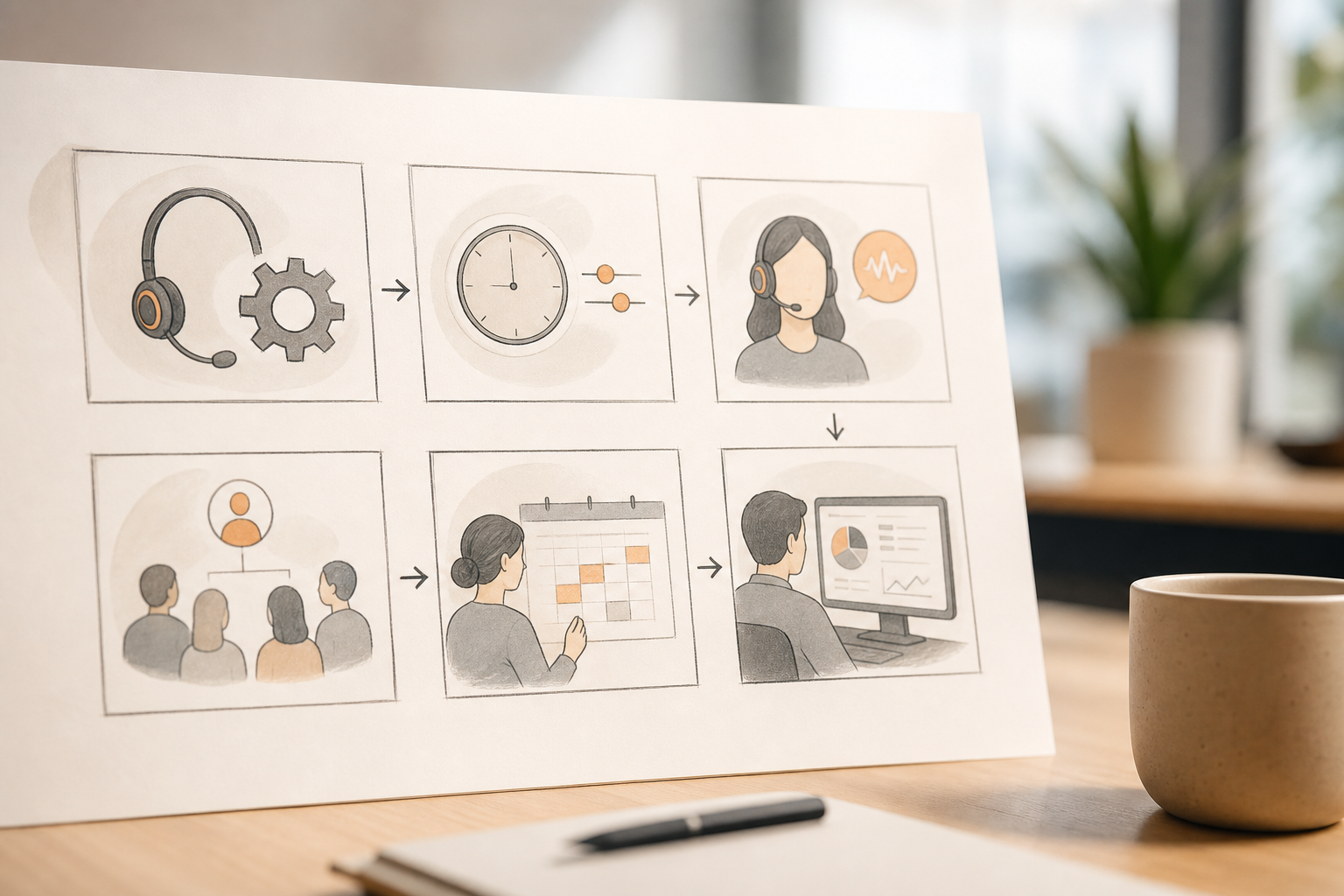
Step 1: Install agents on pilot machines and group them by team or campaign. For Step 2, configure screenshot intervals (e.g., every 3–5 minutes for training; 8–10 minutes for experienced teams). In Step 3, choose Stealth/Un-stealth mode to match your policy and enable the Private time option for breaks.
Step 4: Assign roles, team leads to their pods, QA to audit groups, IT to global settings. For Step 5, set shift scheduling so attendance, idle, and screenshots align to each agent’s work hours. Finally (Step 6), review the real-time dashboard daily; tag 3–5 improvement wins per team lead per week.
“Highly recommended!” — Shekhar Gupta, HR Manager
Personalized onboarding is included, and 24X7 customer support for new and existing customers keeps momentum high. During the trial, aim for two concrete wins: faster coaching with live view and fewer audit gaps with automatic screenshots. Capture those results and present them in your steering meeting with costs from the Gold tier if you have 51–200 users.
**Try EmpMonitor Free for 15 Days →
Frequently Asked Questions
Pricing and Plans
How much does EmpMonitor cost for a call center with 100+ agents?
Gold tier covers 51–200 users at $9/user/month when paid yearly. If you plan to grow beyond 200 users, Diamond offers custom pricing for 200+ users. You can also start on the free 15-day trial to validate features and performance before you commit. For teams under 50, Bronze and Silver tiers are available.
Monitoring Experience
Can agents tell when screenshots are being taken?
EmpMonitor supports both Stealth and visible (Un-stealth) modes. You can run in Stealth for targeted compliance audits or choose visible mode to nudge self-regulation. A Private time option lets agents pause monitoring for breaks or personal tasks, which helps with trust and policy clarity. Align the mode with your notice and consent process.
How often does EmpMonitor capture screenshots?
Admins set the interval. Many call centers choose every 3–10 minutes based on risk and training needs. For real-time supervision, EmpMonitor also includes live screencasting so a team lead can view a screen while the call is active. You can adjust intervals by team or campaign without reinstalling.
Is screenshot monitoring legal in call centers?
Yes, when employees are informed and your use follows local laws. EmpMonitor is GDPR compliant and supports visible mode plus workflows that help you gather consent. You should also document your retention periods and who can access recordings. Always consult your legal counsel for your jurisdiction.
Comparisons and Features
How does EmpMonitor compare to Hubstaff for call centers?
EmpMonitor offers Stealth mode, keystroke monitoring, and shift scheduling as native features. By contrast, Hubstaff is known for simple time tracking and may lack or charge extra for some of those controls in certain plans. EmpMonitor also scales to 200+ users with custom pricing and tracks over 500,000 employees globally. Evaluate your need for live view and audit trails before choosing.
Can supervisors view agent screens in real time?
Yes. EmpMonitor includes live screencasting alongside periodic automatic screenshots. A supervisor can open the real-time dashboard and watch any assigned agent’s screen without extra software. This helps with on-call coaching and quick escalations.
Does EmpMonitor track idle time between calls?
Yes. Idle time tracking detects inactivity periods, and URL/app tracking adds context about how that time was spent. With shift scheduling, you’ll see whether idle happened on the clock or during a scheduled break. Supervisors can use this insight to balance workloads or set better buffer times.
Deployment
How long does it take to deploy EmpMonitor across a 200-seat call center?
Most call centers go from pilot to full rollout within days, supported by personalized onboarding and 24/7 support. The 15-day free trial lets you test features on a small team first. After the pilot, use bulk deployment tools and groups to add the rest of your agents. Keep your change log and training simple to maintain speed.

Final Takeaways
- Real-time live view plus scheduled screenshots fix the “we saw it too late” problem and create strong audit trails.
- Clear roles, shift-aware tracking, and privacy modes reduce disputes and help you meet GDPR and industry standards.
- EmpMonitor brings these controls together at scale, with pricing built for 51–200 agents and beyond, and support that runs 24/7.
If you need proof without pause, start small, tune intervals, and publish a fair-use policy with a private time option. Then expand by team. You’ll coach faster, cut escalations, and walk into audits with facts.