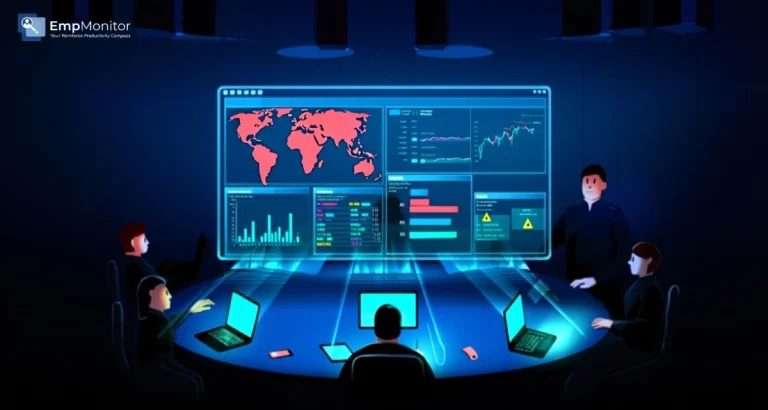
Security teams today are overwhelmed with alerts coming from multiple tools, dashboards, and endpoints. When data is scattered across platforms, identifying real threats becomes slower and more complicated. That’s why centralized monitoring has become essential for modern organizations.
This is where SIEM integration plays a crucial role. A Security Information and Event Management (SIEM) system collects and analyzes logs from various sources, giving security teams a single, unified view of potential risks. But for this system to be effective, it must receive accurate and detailed data from endpoint monitoring tools.
Connecting EmpMonitor to your SIEM allows you to consolidate alerts, correlate events, and respond faster to suspicious activity. Instead of juggling multiple systems, your team can manage everything from one centralized dashboard, making detection, investigation, and response far more efficient.
You can listen to this blog here.
Understanding SIEM and Its Role in Modern Security
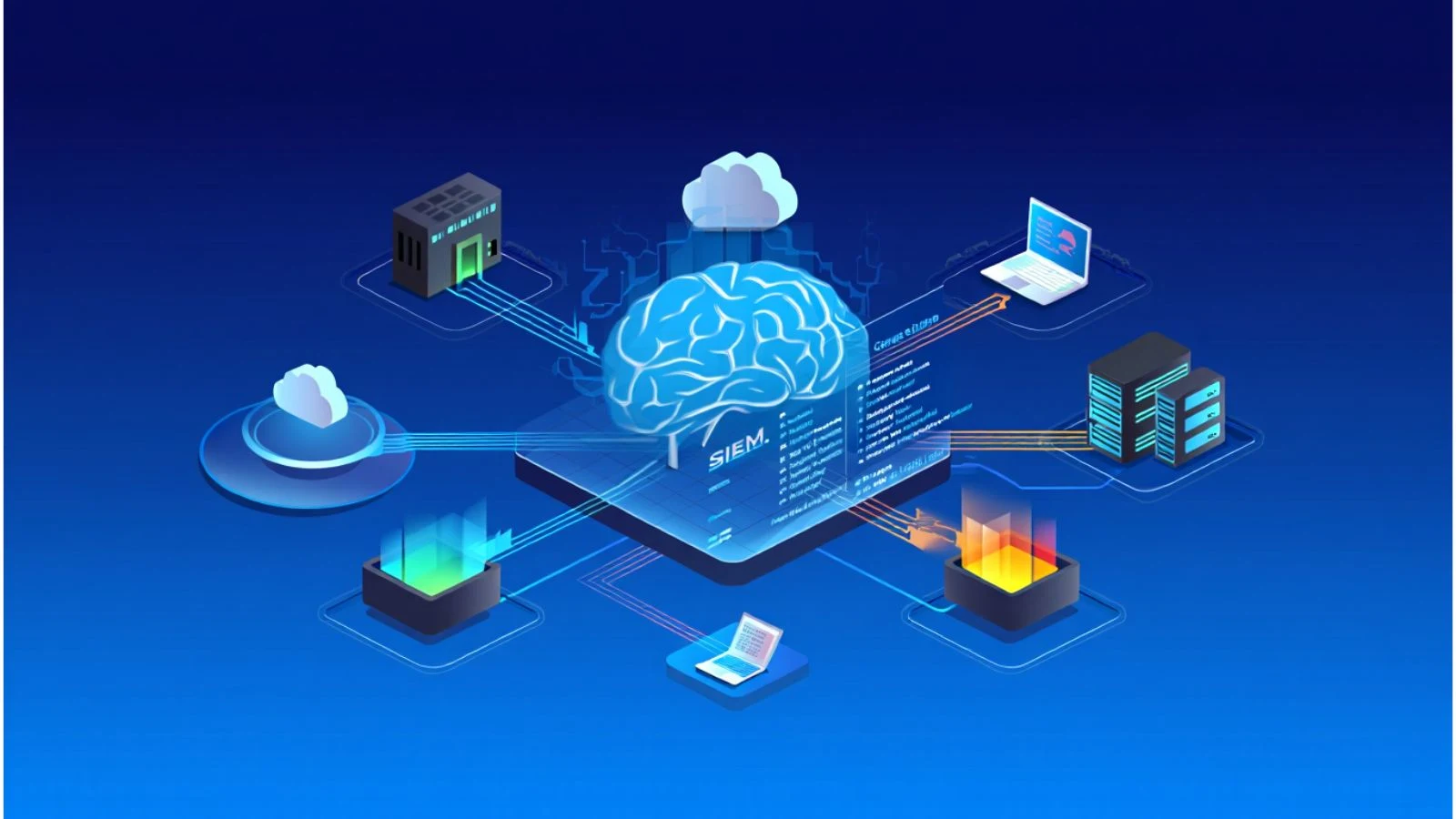
A Security Information and Event Management (SIEM) platform acts as the central nervous system of your cybersecurity infrastructure. It collects logs, analyzes events, and correlates data from multiple sources such as firewalls, servers, cloud platforms, and endpoint tools into one unified dashboard.
Modern SIEM solutions are designed to do more than just store logs. They use real-time analytics, threat intelligence feeds, and behavioral analysis to detect suspicious patterns that might otherwise go unnoticed. Instead of reviewing hundreds of disconnected alerts, security teams can identify coordinated attacks, insider threats, or compliance violations through centralized insights.
The real power of SIEM integration lies in correlation. For example, a failed login attempt on one device might not seem alarming. But if your SIEM detects multiple failed logins across systems, followed by unusual file access, it can flag a potential breach. Without proper integration, these signals would remain isolated and much harder to interpret.
By bringing together data from different tools, including endpoint monitoring platforms, organizations gain better visibility, faster incident response, and improved compliance reporting. Simply put, a SIEM transforms raw security data into actionable intelligence.
Why SIEM Integration Matters for Endpoint Monitoring
Endpoint monitoring tools generate a large volume of valuable data—user activity logs, file access records, application usage, login attempts, and system changes. On their own, these insights are useful. But when they operate in isolation, security teams may struggle to connect endpoint events with broader network activity.
This is where SIEM integration becomes essential. By forwarding endpoint logs directly into your SIEM platform, you create a centralized system that can correlate endpoint behavior with firewall alerts, server logs, cloud activity, and more. Instead of investigating incidents manually across multiple dashboards, your team can analyze everything in one place.
For example, if an employee downloads sensitive files and, shortly after, there’s unusual outbound traffic detected by your firewall, a properly configured SIEM can link these events together. Without integration, those alerts might appear unrelated.
Another major benefit of SIEM integration is faster response time. Centralized alerts allow security teams to prioritize risks based on severity and context. Rather than reacting to isolated endpoint notifications, they can assess the full picture before taking action.
How EmpMonitor Fits into Your Security Stack
EmpMonitor strengthens endpoint visibility by capturing detailed user activity such as application usage, file access, and login behavior. While traditional tools focus on blocking threats, EmpMonitor provides context about how endpoints are actually being used.
Through proper SIEM integration, this endpoint data can be forwarded to your SIEM platform for centralized analysis. Once inside the SIEM, logs from EmpMonitor can be correlated with network, cloud, and server events, helping security teams detect patterns that isolated alerts might miss.
EmpMonitor also generates structured logs that align well with modern siem solutions, making integration smoother and more efficient. Instead of operating as a standalone tool, it becomes a valuable data source within your broader security ecosystem.
Salesforce SIEM Integration and Other Platforms
Organizations today rely on multiple platforms, CRM systems, cloud apps, collaboration tools, and endpoint monitoring. That’s why compatibility matters when planning SIEM integration. Your SIEM should be able to ingest logs not just from endpoints, but also from business-critical platforms.
For example, Salesforce SIEM integration allows security teams to monitor login activity, permission changes, and data exports within Salesforce. When this data is combined with endpoint logs from EmpMonitor, it creates a more complete security picture. Suspicious activity in a cloud application can be correlated with behavior on the user’s device.
Most modern siem solutions support log forwarding via APIs, syslog, or connectors, making it easier to unify multiple data sources. The key is ensuring that all logs, whether from endpoints, cloud platforms, or server,s are normalized and properly categorized for accurate correlation.
Steps to Connect EmpMonitor to Your SIEM
Connecting EmpMonitor to your SIEM requires a structured approach. While EmpMonitor provides detailed activity logs and alerts, proper SIEM integration depends on how those logs are exported and ingested into your centralized platform. Here’s the correct way to approach it:
1. Configure Detailed Logging in EmpMonitor
Start by enabling comprehensive activity tracking within EmpMonitor. This includes user behavior logs, application usage, login events, and file access activity. The more structured and detailed your logs, the more valuable they become once sent to your SIEM.
2. Identify Log Export Options
Determine how EmpMonitor allows log extraction, whether through report exports, API access, or available connectors. If direct forwarding isn’t built in, you may use middleware, scripts, or a log collector to retrieve and forward data securely.
3. Prepare Logs for SIEM Ingestion
Your SIEM requires standardized formats to process events effectively. Map important fields such as timestamps, usernames, device IDs, and event types so your SIEM can categorize and correlate events properly.
4. Forward Logs to the SIEM Platform
Use supported ingestion methods like API forwarding, secure file transfer, or syslog (if available through integration layers). This step ensures that EmpMonitor activity data becomes part of your centralized monitoring system.
5. Create Correlation Rules Inside the SIEM
Once logs are flowing, configure rules within your SIEM to correlate endpoint events with network, server, or cloud logs. This is where the true value of SIEM integration appears isolated events turn into meaningful security insights.
6. Test and Continuously Optimize
Run controlled scenarios to confirm that alerts trigger correctly. Fine-tune thresholds to reduce noise and prevent alert fatigue while ensuring real risks are prioritized.
By following these steps, EmpMonitor becomes a powerful endpoint intelligence source within your broader siem solutions, strengthening visibility and improving response time without overstating native integration capabilities.
Best Practices for Effective SIEM Integration
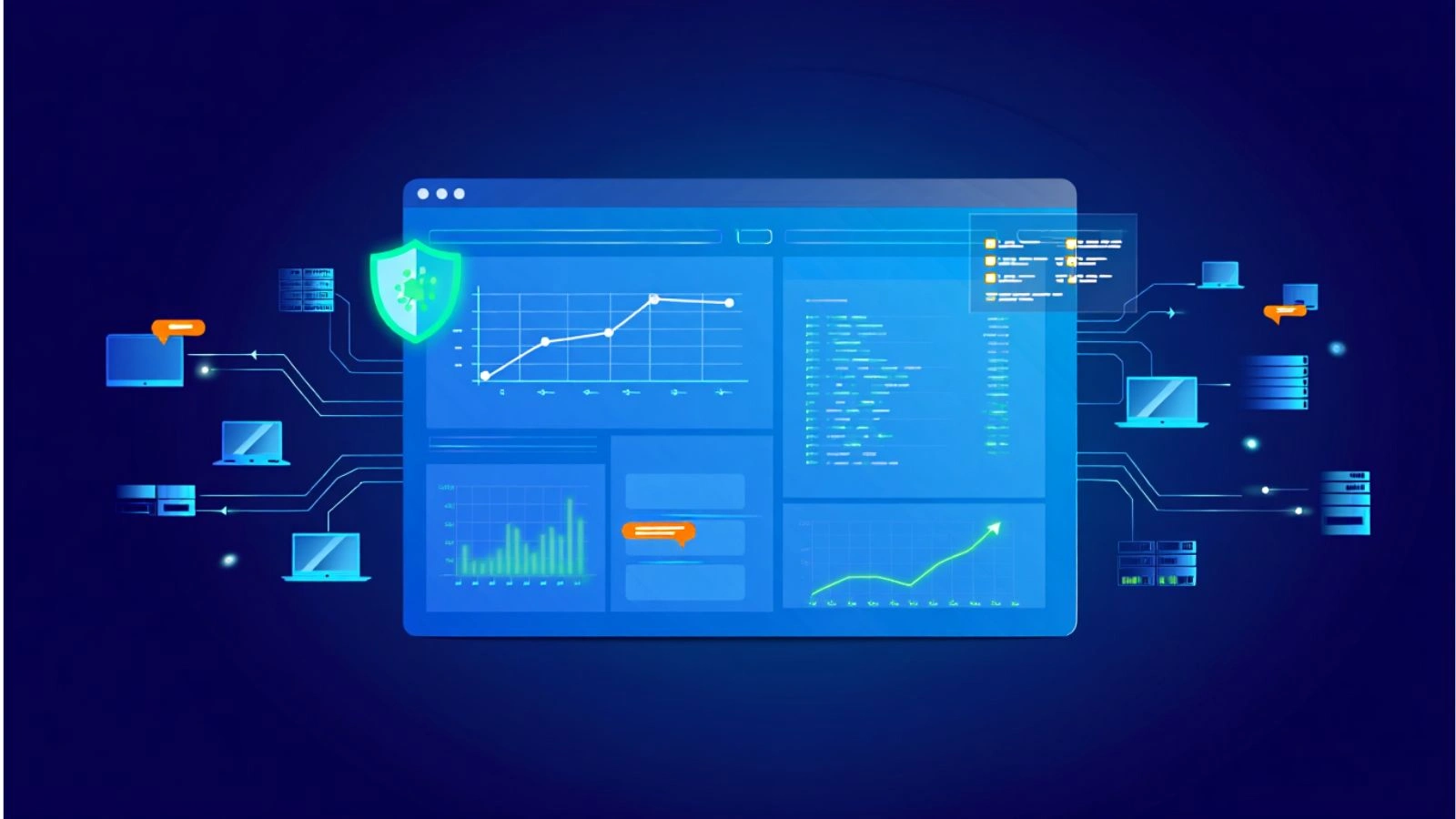
Successfully implementing SIEM integration is not just about connecting tools; it’s about ensuring the data flowing into your SIEM is meaningful, accurate, and actionable. Without proper planning, even the best systems can generate noise instead of clarity. Here are the key best practices to follow:
1. Focus on High-Value Data
Not every log needs to be forwarded. Prioritize critical events such as unauthorized access attempts, unusual file transfers, privilege changes, or policy violations. Filtering unnecessary data helps reduce alert fatigue and improve analysis efficiency. Platforms like Aikido apply this same filtering principle on the application security side — using reachability analysis to suppress noise and surface only the vulnerabilities that are actually exploitable in your codebase, before that data ever reaches your SIEM.
2. Normalize and Standardize Logs
For SIEM platforms to correlate events accurately, logs must follow consistent formatting. Ensure that timestamps, user IDs, device identifiers, and event categories are properly mapped. Clean, structured data enhances the effectiveness of your siem solutions.
3. Avoid Alert Overload
Too many alerts can overwhelm security teams. Configure thresholds carefully and use correlation rules to combine related events into a single meaningful alert rather than multiple isolated notifications.
4. Continuously Tune Correlation Rules
Threat patterns evolve. Regularly review and adjust detection rules to improve accuracy. Effective siem integration is an ongoing process, not a one-time configuration.
5. Maintain Compliance and Data Privacy
When forwarding endpoint logs into centralized systems, ensure you comply with data protection regulations. Define clear retention policies and restrict access to sensitive activity data.
6. Monitor Performance Impact
Large-scale log forwarding can affect system performance if not configured properly. Test integration settings to maintain a balance between visibility and efficiency.
By following these best practices, organizations can ensure that endpoint data from EmpMonitor strengthens centralized monitoring rather than creating unnecessary complexity. The goal is simple: smarter alerts, faster response, and a more resilient security posture.
Also Read,
How Does Employee Monitoring Tools Affect The Productivity Of The Business?
SIEM Solutions: Your First Line of Defense Against Cyber Attacks
Conclusion
Centralized alert management has become essential for organizations handling growing volumes of security data. When endpoint activity, cloud events, and network logs operate in silos, identifying real threats becomes slower and more complex. Bringing these signals together inside a unified monitoring system improves visibility, accelerates response time, and reduces the chances of missing critical warning signs.
By connecting EmpMonitor to your existing security infrastructure, you transform raw endpoint activity into actionable intelligence. Instead of reacting to isolated alerts, your team gains context, allowing faster investigation and more accurate threat detection.
A well-planned connection strategy, combined with proper log mapping and correlation rules, ensures that endpoint activity strengthens your overall security posture. The result is smarter monitoring, fewer blind spots, and a more confident approach to risk management.
FAQs
1. Why should endpoint monitoring data be sent to a centralized system?
Centralizing endpoint data allows security teams to correlate device activity with network, cloud, and server events. This broader context improves threat detection accuracy and speeds up investigations.
2. Does connecting monitoring tools require advanced technical expertise?
It depends on your environment. Some setups allow straightforward API or log forwarding, while others may require middleware or custom configuration. Working with your IT or security team ensures proper implementation.
3. Can centralized alerts reduce false positives?
Yes. When events are correlated across multiple systems, alerts become more contextual. This reduces unnecessary notifications and helps teams focus on genuine risks.