
For small teams in 2026, website and app usage monitoring is the clearest way to see where time, attention, and risk are going without overwhelming your culture or budget. With thin margins and fast-moving client demands, a lightweight approach to visibility helps you coach early, safeguard data, and keep projects on track, while still respecting privacy and the trust you’ve built with your people.
Beyond these pillars, confirm that the vendor supports:
- Role-based access controls so managers only see their teams
- Data encryption in transit and at rest, with clear retention periods
- Export options (CSV/PDF) for audits and HR documentation
- SSO and SCIM where available to simplify user management
- Minimal CPU and battery impact confirmed by public benchmarks or trials
Ease of Setup (No IT Department Required)
- Simple installer for Windows and macOS
- Clear, guided onboarding with defaults that work
- Real-time data in minutes, not days
Privacy by Design
- Transparent mode for open teams
- Stealth mode available when policy and law allow
- Private time option to pause tracking without friction
Reporting That Saves Time
- Real-time dashboards for a live view
- Daily/weekly email reports for owners and leads
- Filters for teams, projects, or locations
As a result, you get a tool that respects your team and your budget. With website and app usage monitoring that is both deep and easy to read, you can correct course early, not after the month is gone. Finally, confirm the agent is lightweight so laptops stay fast and battery life stays strong. If possible, test on at least two different machines (one newer, one older) to see performance under real conditions.
How EmpMonitor Handles Internet Monitoring for Small Teams
EmpMonitor focuses on what small teams need most: visibility that’s fast to set up and easy to act on. URL and app tracking shows which sites and tools get real use, broken down by productive or unproductive based on your categories. Moreover, the real-time dashboard gives you a live picture of work across locations, so stand-ups and check-ins stay short and clear.
Idle time tracking highlights gaps between hours logged and hours actually active. As a result, you can spot stalled work, adjust assignments, or fix blockers before a day goes sideways. In addition, automatic screenshots add context without micromanaging, so you see what was on-screen when spikes or dips occur.
Where distractions hurt output, web app and USB blocking draws a clean line. You can block high-risk sites, streaming, or unknown storage devices to reduce both drift and data leaks. Furthermore, alerts and auto email reports cut the time you spend chasing updates. Owners get a simple weekly rollup; managers get daily summaries they can act on in five minutes.
EmpMonitor also balances oversight with trust. Stealth/Un-stealth mode lets you match your policy and culture. The Private time option means people can pause tracking during breaks, medical calls, or personal errands. Therefore, employees keep control over private moments while you keep a clear view of work.
To support day-to-day operations, EmpMonitor includes role-based permissions, audit logs, and downloadable reports you can attach to client updates or HR files. Data is encrypted in transit and at rest, and retention windows can be tuned to your policy so you only keep what you truly need. If you use project tools, you can map categories to roles or departments and export summaries for billing or retros.
“Simplified the management of the entire workforce by 80% in terms of workforce, time, and effort.” — Ashwin Kumar, Chief Project Coordinator
Pricing fits small teams. Bronze is $11/user/month paid yearly, or $12/user/month paid monthly for 1–10 users. Silver is $10/user/month paid yearly (11–50 users). In addition, a Free 15-day trial is available, and you get 24X7 customer support during setup and beyond.
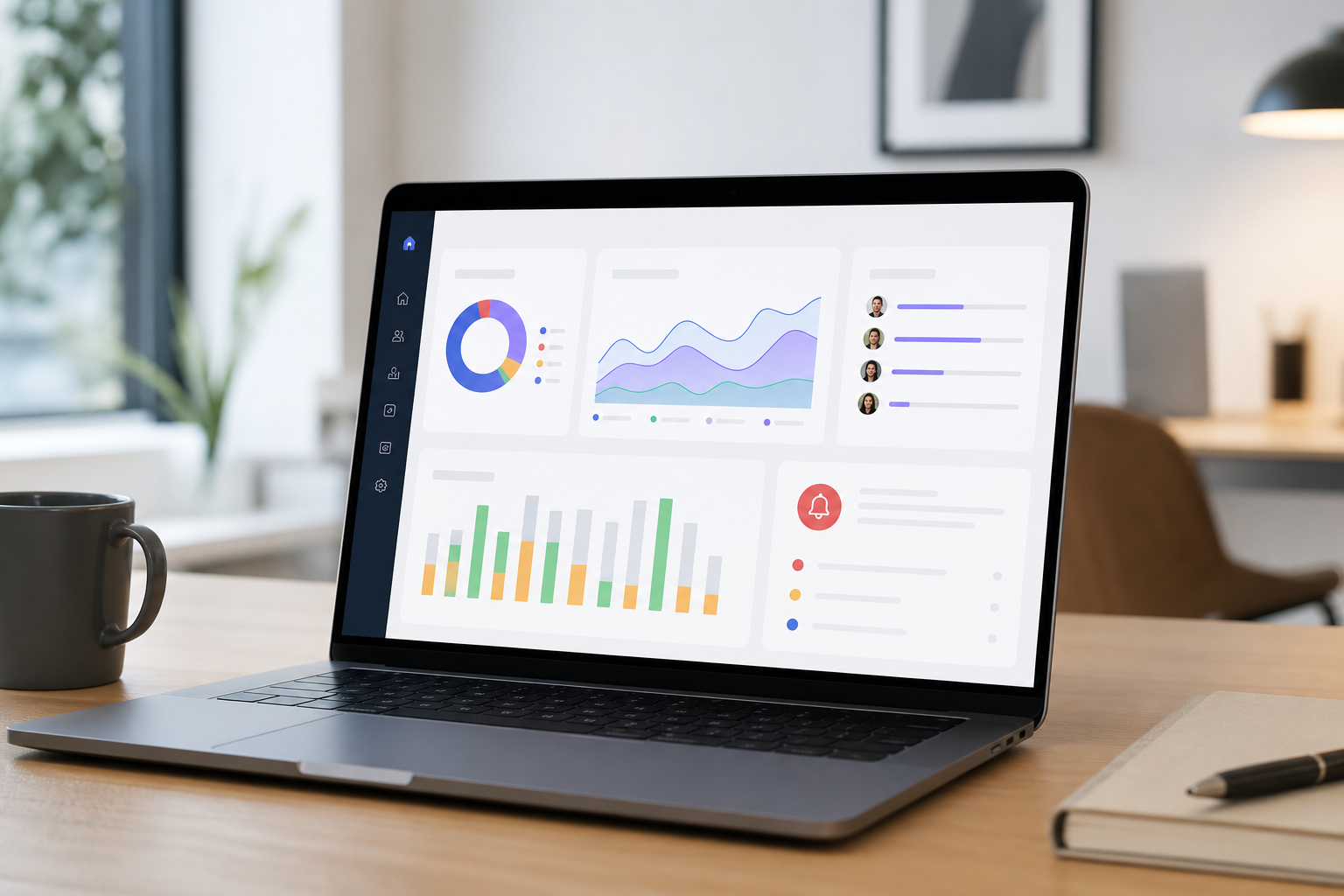
Unlike manual time sheets or basic timers, EmpMonitor’s website and app usage monitoring shows true activity, not just hours “on the clock.” Compared to alternatives that focus on time tracking alone, EmpMonitor pairs real-time visibility with blocking, idle detection, and alerts you can tailor to each role. As a result, you fix leaks, protect data, and give your team the feedback they need to do their best work.
Also Read!
Call Center Guide to Employee Internet Monitoring
EmpMonitor vs Teramind for Call Centers: Which Is Better for Employee Internet Monitoring?
EmpMonitor vs. Hubstaff vs. ActivTrak: Which Fits Small Businesses Best?
Choosing between well-known names comes down to clarity, cost, and control. Below is a small-business view that covers pricing tiers, tracking depth, screenshots, stealth mode, GDPR, and setup. Moreover, it calls out where each tool tends to shine so you can choose with confidence.
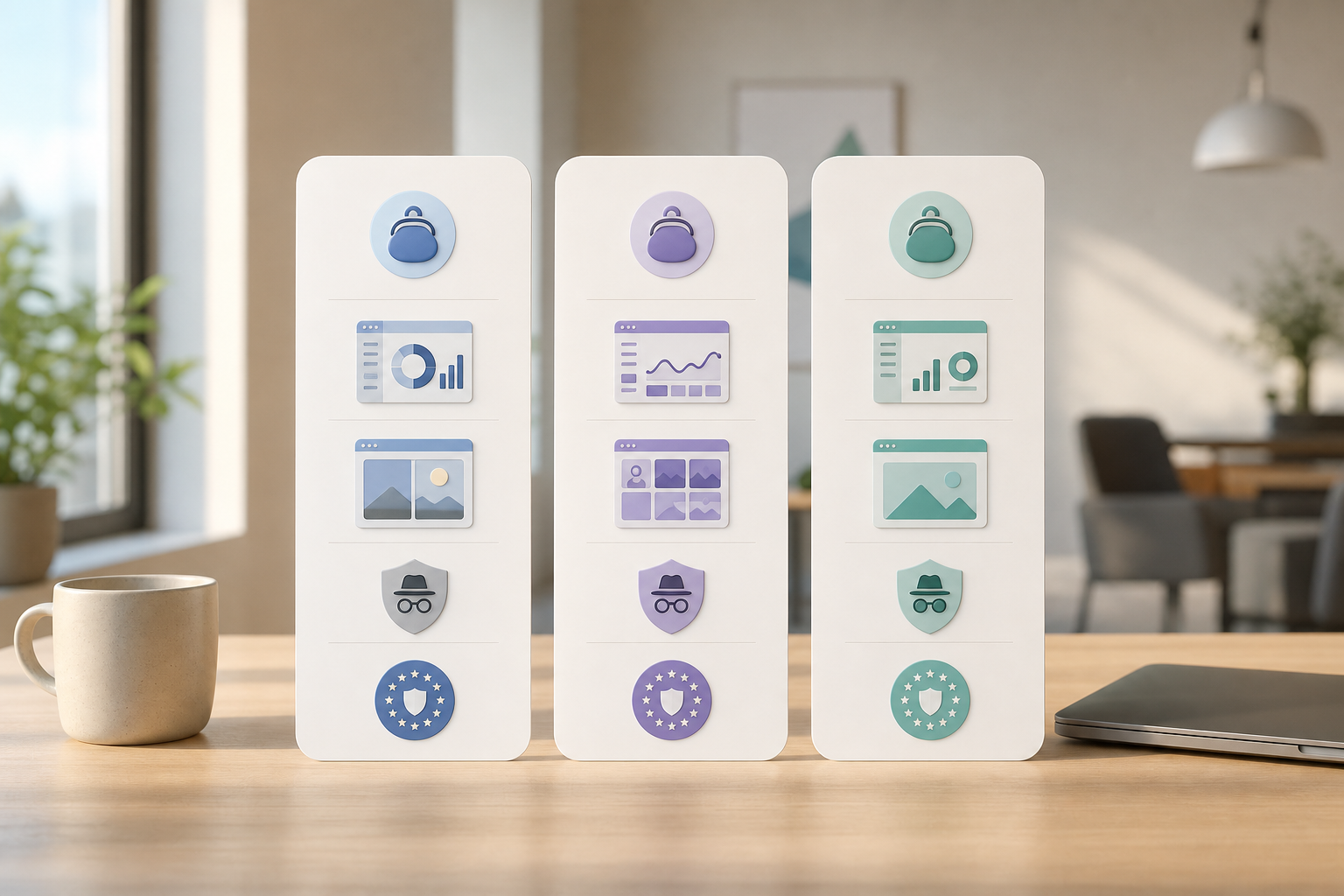
| Criteria | EmpMonitor | Hubstaff | ActivTrak |
|---|---|---|---|
| Pricing (1–10 users) | Bronze: $11/user/month paid yearly; $12 monthly | Starts at $7+/user/month (varies by plan) | Free limited tier; paid plans available |
| Pricing (11–50 users) | Silver: $10/user/month paid yearly | Volume pricing varies by plan/features | Paid tiers vary by features/volume |
| URL/App Tracking Depth | Detailed time on each site/app with categories | Strong app/URL tracking in paid tiers | Strong app/URL insights; free tier limited |
| Screenshot Frequency | Automatic, configurable intervals | Available on select paid plans | Available on select paid plans |
| Stealth Mode | Available (Stealth/Un-stealth) | Not a core focus | Not a core focus |
| GDPR Compliance | GDPR compliant features and workflows | Vendor materials vary by plan | Vendor materials vary by plan |
| Setup Complexity | Lightweight agent, real-time in minutes | Guided setup; features depend on plan | Guided setup; analytics-focused onboarding |
Compared to alternatives that start as time trackers, EmpMonitor centers on visibility plus control (blocking, alerts, idle detection) out of the box. Hubstaff can be a fit if you mainly need time tracking with light app/URL data and plan-based add-ons. ActivTrak can be a fit if you want analytics and a limited free tier to start, then scale into paid plans later.
“EmpMonitor does one thing really well: it saves us time!” — Education Career Counsellor
As a result, if you need fast, deep oversight for a 1–50 user team with privacy options and controls, EmpMonitor lines up cleanly. If you want to test with no risk first, there’s a Free 15-day trial and 24/7 support to guide you.
As a result, you’ll have website and app usage monitoring live in under half an hour, with settings tuned to your team. If any step feels unclear, a support specialist can hop on a quick call to finish the setup with you.
**[Book free onboarding today →]
Frequently Asked Questions
How much does employee internet monitoring cost for a small business?
EmpMonitor’s Bronze plan is $11/user/month (paid yearly) for 1–10 users, or $12/user/month paid monthly. Silver is $10/user/month (paid yearly) for 11–50 users. A Free 15-day trial is available so you can test before you buy. For context, Hubstaff starts at $7+ per user, and ActivTrak has a free tier with limits.
Can employees tell they're being monitored?
EmpMonitor supports both stealth and visible modes, so you can roll out the way your policy requires. For most small teams, transparent mode with a Private time option works best. Employees can pause monitoring during breaks or personal moments, which balances oversight with trust. As a result, adoption is smoother and less stressful.
Is employee internet monitoring legal for small businesses?
Yes, in most places when you give proper notice and follow the law. EmpMonitor is GDPR compliant, and it supports transparent policies with features like Private time. In the United States, most states allow monitoring on company devices if you disclose it in writing. Always consult local employment law before rollout.
Do I need an IT team to set up internet monitoring software?
No. You can install a lightweight agent on each device and be live in minutes. Personalized onboarding and 24/7 support are included, so you’re never on your own. Most small businesses finish setup in under 30 minutes. If you get stuck, a support specialist can jump in to complete the configuration.
What's the difference between URL tracking and web filtering?
URL tracking logs which sites and apps team members use so you can review patterns and coach. Web filtering (blocking) prevents access to sites or apps you choose, which reduces distraction and risk. EmpMonitor offers both in one place. That way you can review usage, then block what hurts focus or security.
How accurate is idle time detection?
EmpMonitor measures keyboard and mouse inactivity to flag idle periods. Combined with automatic screenshots and app tracking, it gives a reliable view of active versus idle time. Moreover, you can tune idle thresholds to match different roles. As a result, your reports reflect real work, not guesswork.
Are there better alternatives to EmpMonitor for very small teams under 5 people?
If you only need a light start, ActivTrak’s limited free tier can help you test basic analytics. However, EmpMonitor’s Bronze plan (1–10 users) includes features free tools tend to lack, such as stealth mode, web/USB blocking, and alerts. In addition, the Free 15-day trial lets you try full features at no cost. For long-term control and growth, EmpMonitor scales cleanly to 50 users and beyond.
Does EmpMonitor work with remote and hybrid employees?
Yes. The cloud dashboard shows real-time activity for any device with the agent installed, no matter the location. Moreover, email reports keep remote managers in sync without meetings. With website and app usage monitoring across home and office, hybrid teams stay aligned on output and safety.
How do we roll out monitoring respectfully without hurting morale?
Start with a written policy, a live kickoff meeting, and an open Q&A. Explain what data is captured, how Private time works, who can view reports, and how long data is retained. Calibrate productive/unproductive categories with team input, and review the first two weeks together to confirm accuracy. When people see fair rules and accurate context, trust usually grows, not shrinks.
The Bottom Line for 2026
You need clear, fair visibility that respects your team. You need setup that takes minutes, not days, and pricing that fits a 1–50 user plan. You need controls, alerts, blocking, idle tracking, and a Private time option so trust stays intact.
EmpMonitor checks those boxes with GDPR alignment, SSL, firewall and IP allowlisting, and real proof: trusted by 15,000+ companies across 100+ countries and tracking over 500,000 employees. If you want to see the impact on your own team, try it first and judge by the results.