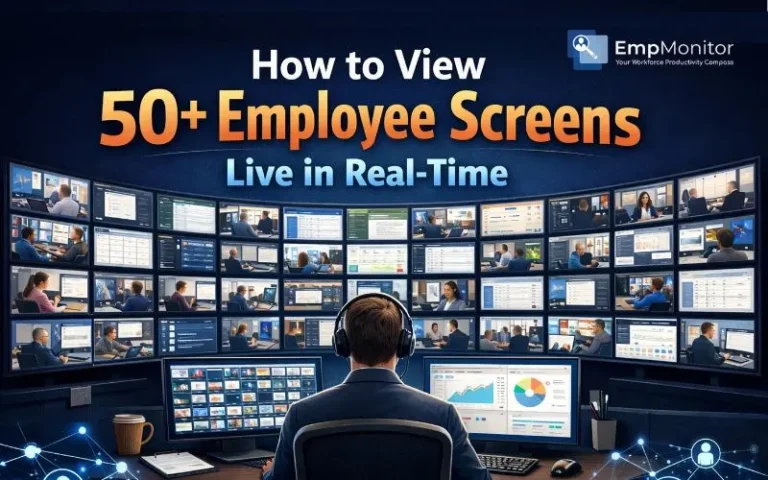
Monitoring 50+ screens simultaneously isn’t just a software decision, it’s an architectural, operational, and ethical challenge. At small scale, a simple live screen setup works fine. At enterprise scale, the equation changes. Bandwidth spikes, admin machines freeze, privacy questions surface, and what seemed like a productivity tool can quickly turn into a compliance risk.
If you want to implement a reliable live screen view for multiple computers, you need to think beyond installation guides. You need to design for scale, performance, and culture.
Listen To The Blog!
The Architecture of Scale: Hardware & Bandwidth
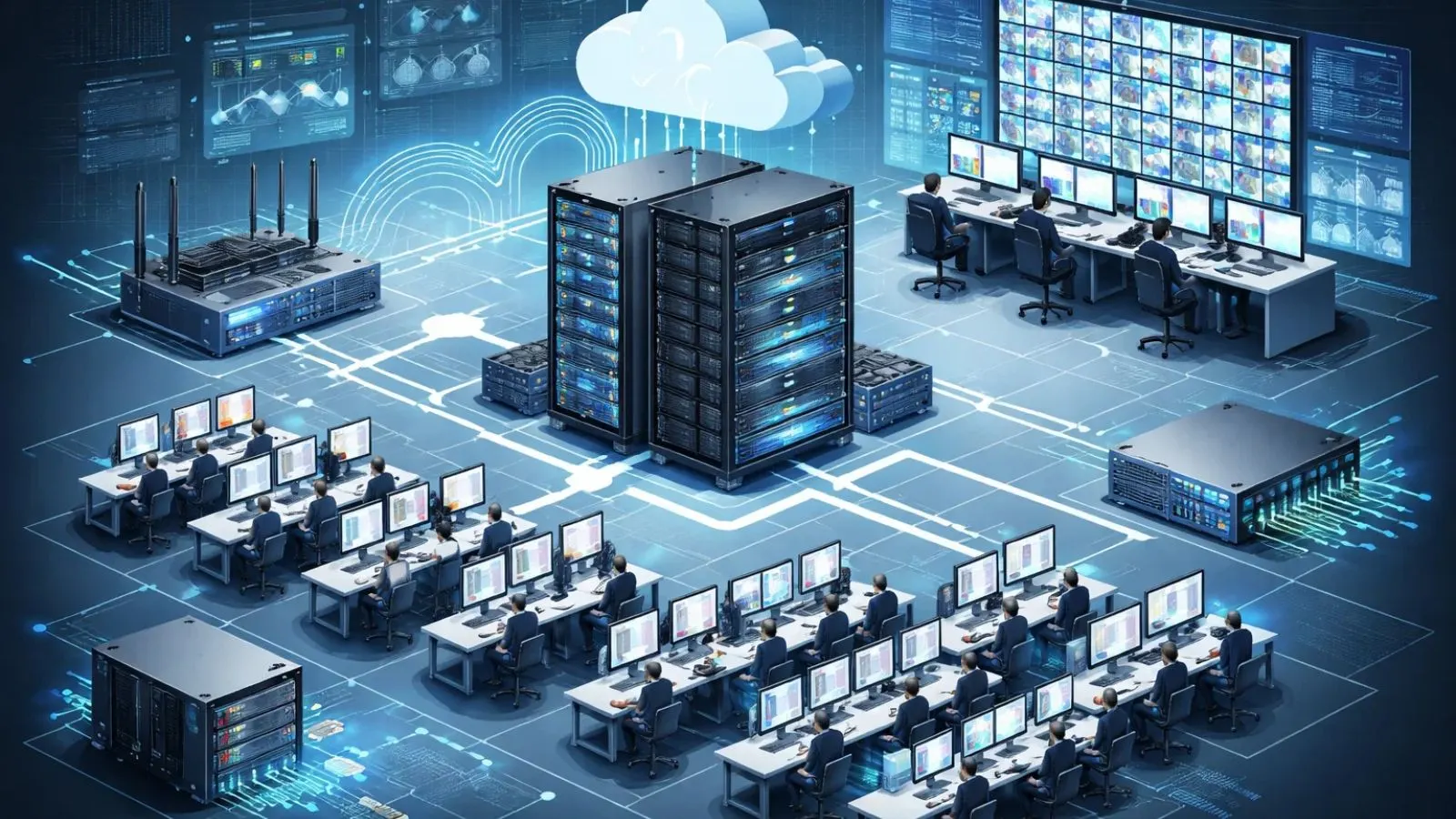
Monitoring one employee in real time is simple. Monitoring 50+ simultaneously requires deliberate infrastructure planning. Without proper design, a large-scale live screen view for multiple computers can overwhelm networks and slow down systems.
Bandwidth: The Hidden Bottleneck
Bandwidth determines whether your monitoring system runs smoothly or cripples performance. A true video-based live screen stream using protocols like RTSP or WebRTC can consume 500 Kbps to 2 Mbps per user. Across 50 employees, that can mean 25–100 Mbps of continuous traffic—before factoring in cloud apps, VoIP calls, or daily business operations.
High-frequency screenshot capture (every 1–5 seconds) is often more scalable. Instead of constant video streaming, compressed image frames are transferred at intervals, reducing bandwidth strain and making performance more predictable.
Before deployment, assess available endpoint upload speeds, core switch capacity, and WAN limitations—especially for distributed teams. Without this audit, your live screen initiative can throttle the entire network.
The “Grid View” Rendering Challenge
The strain isn’t only on the network, it’s also on the admin console. Rendering 50+ live thumbnails requires a multi-core CPU, 16–32 GB RAM, GPU acceleration, and ideally dual or ultra-wide monitors. If the admin system cannot process concurrent feeds smoothly, lag undermines real-time visibility.
Cloud vs. On-Premise
On-premise setups offer tighter control over routing and data storage but demand significant infrastructure. Cloud-based platforms shift processing to distributed servers, making them more flexible for remote and hybrid teams. In high-concurrency environments, cloud architectures typically scale more efficiently, provided internet connectivity and vendor security standards are strong.
Additionally, VPS hosting provides a middle ground by offering dedicated virtualized resources on shared servers, combining some control and scalability benefits of on-premise and cloud solutions.
Choosing the Right Monitoring Protocol
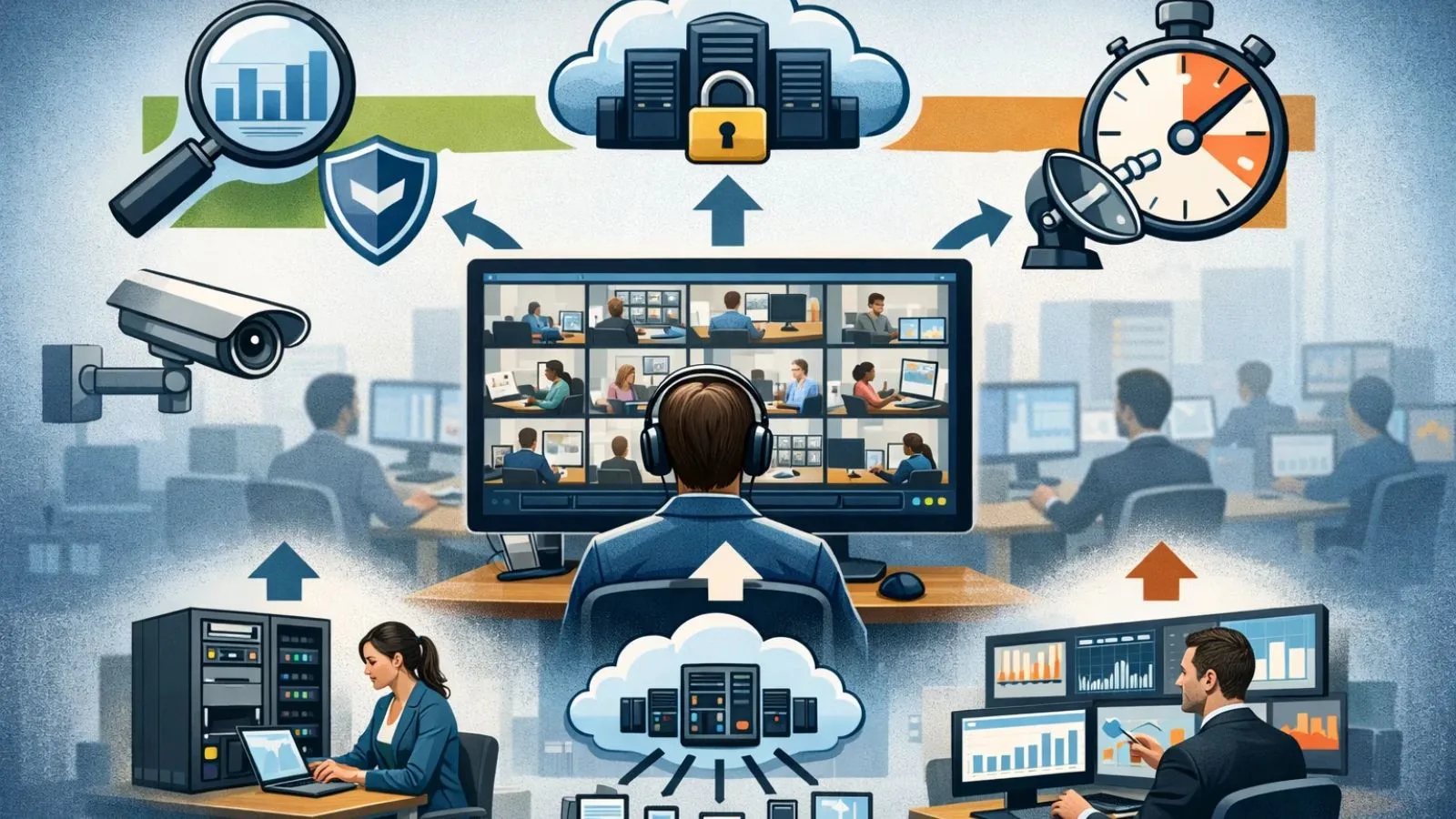
Not all “live” monitoring solutions are built the same. The protocol behind your live screen view directly impacts bandwidth usage, system performance, scalability, and even compliance risk.
Streaming vs. Periodic Screenshots
True video streaming using technologies like WebRTC or RTSP delivers smooth, continuous motion. However, this approach demands higher bandwidth and sustained CPU usage—especially when monitoring 50+ endpoints simultaneously.
Periodic screenshot capture offers a more scalable alternative. Instead of transmitting constant video, the system captures compressed images at fixed intervals. This method:
- Consumes significantly less bandwidth
- Simplifies storage and archival
- Scales more predictably across large teams
For most organizations, capturing screenshots every 2–5 seconds provides sufficient situational awareness while avoiding infrastructure overload. The experience still resembles a live screen view, but with far lower network strain.
Stealth vs. Transparent Agents
Most monitoring tools rely on endpoint agents that run as background services. The distinction lies in how visible—and how disclosed—the monitoring is.
Transparent agents typically appear in system trays or task managers and notify employees that monitoring is active. This model aligns more closely with compliance standards and workplace transparency policies.
Stealth agents operate silently in the background. While technically similar in how they capture data, they may be restricted in certain jurisdictions and raise serious ethical and legal concerns.
From a technical standpoint, both approaches use comparable data-capture mechanisms. From a governance perspective, however, the difference is substantial.
Essential Features for Managing 50+ Screens
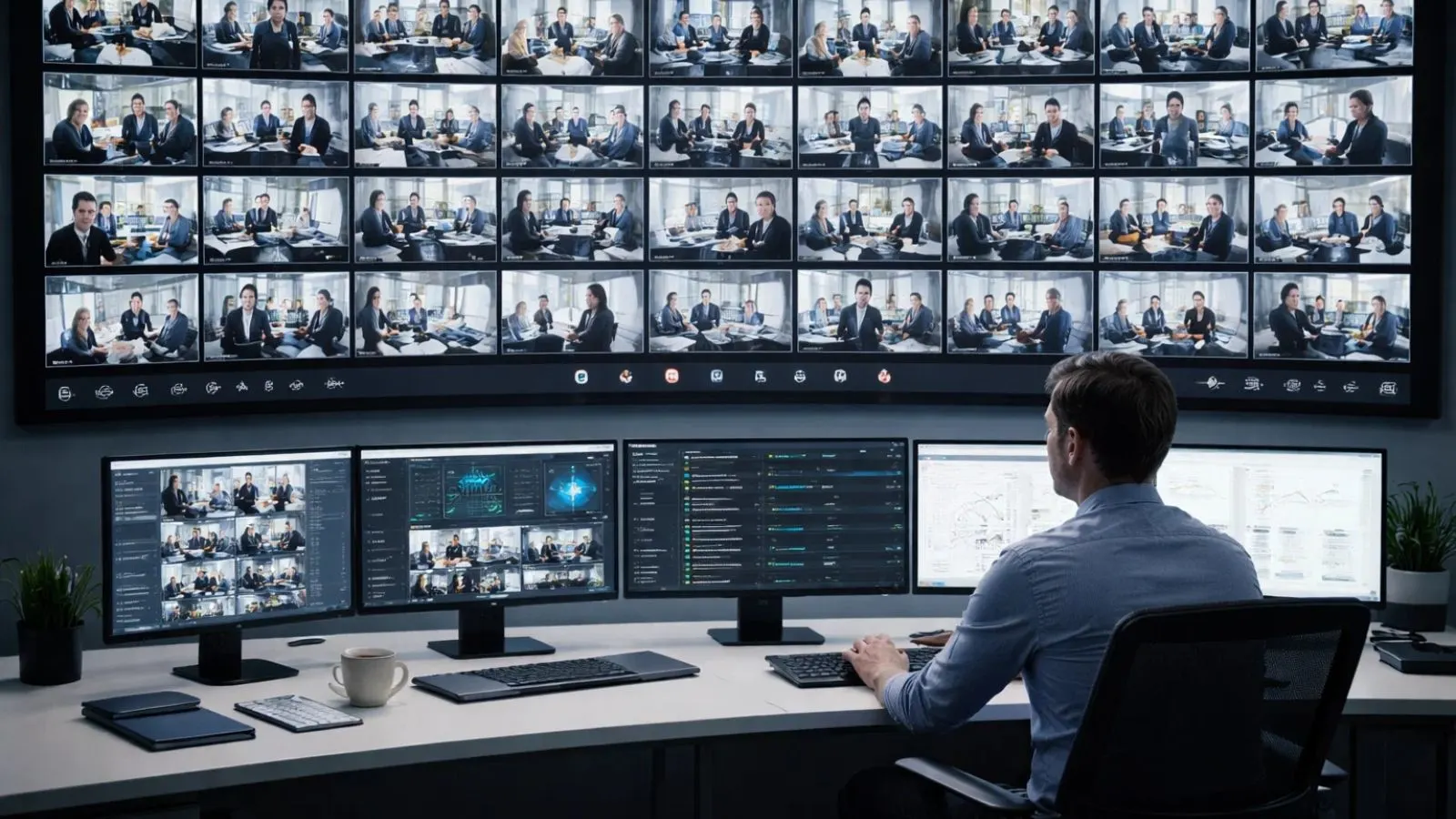
When overseeing 50+ endpoints, manual observation becomes inefficient. A wall of thumbnails may look impressive, but without intelligent prioritization, it quickly turns into visual overload. Effective live screen view systems rely on automation and structured management to stay practical at scale.
Smart Alerts & Triggers
Enterprise-grade platforms use rule-based engines to filter signal from noise. Instead of continuously watching every screen, administrators configure automated alerts for events such as restricted applications being launched, suspicious file transfers, access to sensitive folders, or excessive idle time.
When triggered, the system flags the specific user, allowing managers to zoom in immediately rather than scanning dozens of screens. This shifts monitoring from passive observation to proactive risk management.
Group Categorization
Without segmentation, 50 screens become clutter. Logical grouping, such as Sales, Support, Development, HR, or Finance, brings structure to oversight.
Filtered live screen views by department allow supervisors to focus on relevant teams instead of navigating one massive grid. This improves clarity, speeds up response time, and supports department-level accountability.
Remote Control Capability
A scalable solution must allow administrators to move seamlessly from overview to action. From the grid interface, managers should be able to select a single endpoint, expand it to full screen, and initiate authorized remote control when necessary.
This capability is particularly valuable for IT troubleshooting and remote support. Rather than dispatching on-site technicians or scheduling calls, administrators can intervene instantly from the monitoring dashboard, saving time while maintaining operational continuity.
Also Read
Privacy, Ethics, and Legal Compliance

This is the most critical layer of large-scale monitoring. Implementing a live screen view for 50+ employees without governance isn’t just risky, it can cross legal boundaries. Technology alone is not enough; employee monitoring policy and compliance must lead the strategy.
The Transparency Policy
In most professional environments, employees should be clearly informed that monitoring is in place. Transparent policies build trust, reduce legal exposure, and establish clear behavioral expectations.
When monitoring is openly communicated, through an Acceptable Use Policy (AUP) or employment agreements, it shifts from “surveillance” to structured oversight. Secret monitoring, while technically possible, often damages workplace culture and increases organizational liability.
Compliance Frameworks (GDPR, CCPA, HIPAA)
Screen monitoring may unintentionally capture sensitive information such as customer data, financial records, medical details, or password fields. Depending on industry and geography, organizations must comply with regulations like the General Data Protection Regulation, California Consumer Privacy Act, and Health Insurance Portability and Accountability Act.
These frameworks require strict controls around data collection, storage, retention, and access. Monitoring systems should support role-based access control, encrypted storage, detailed audit trails, and configurable retention periods to remain compliant.
Privacy Masks
Advanced monitoring platforms include privacy masking features that black out password fields, exclude banking applications, or hide specific domains from capture.
In regulated sectors, privacy masking is no longer optional, it’s a necessary safeguard that balances visibility with responsible data protection.
Can EmpMonitor Handle 50+ Live Screens Efficiently?

Managing 50+ systems requires more than just basic screen sharing, it demands scalability and intelligent filtering. EmpMonitor supports a structured live screen view for multiple computers, allowing admins to monitor large teams from a centralized grid dashboard.
Instead of bandwidth-heavy video streaming, it uses optimized screenshot intervals to deliver a near real-time live screen experience without overloading the network. This makes it practical for hybrid and distributed teams.
What makes it effective at scale is automation. Smart alerts notify managers when restricted apps are opened, unusual activity occurs, or idle time exceeds limits, so no one has to manually watch dozens of screens.
With department-level segmentation, remote zoom-in capability, and detailed productivity analytics, EmpMonitor transforms monitoring from passive surveillance into performance optimization, while supporting transparent deployment aligned with internal compliance policies.
Implementation Checklist: A 5-Step Rollout
Deploying a live screen view for multiple computers across 50+ endpoints requires a structured approach. A rushed rollout can strain infrastructure and create cultural resistance. A phased, policy-driven implementation ensures both technical stability and organizational acceptance.
1. Audit Network Capacity
Begin by evaluating your infrastructure. Measure available bandwidth, analyze switch throughput, and simulate peak traffic conditions. This step prevents unexpected slowdowns once multiple live screen sessions run concurrently.
2. Choose Scalable Architecture
Select a monitoring solution designed for high-concurrency grid views and efficient compression. Ensure it can handle simultaneous endpoints without excessive bandwidth or CPU consumption, especially in hybrid or distributed environments.
3. Draft an Acceptable Use Policy (AUP)
Before deployment, formalize governance. Clearly define:
- What is being monitored
- Why monitoring is necessary
- Who can access collected data
- How long information will be retained
This transparency reduces legal exposure and builds employee trust.
4. Deploy at Scale
Use MSI installers, RMM platforms, or domain-based deployment to roll out agents efficiently. Centralized deployment minimizes manual errors and ensures consistent configuration across all endpoints.
5. Optimize, Don’t Micromanage
After implementation, focus on insights—not surveillance. Use monitoring data to identify workflow inefficiencies, training gaps, or operational bottlenecks. The goal is performance improvement and risk reduction, not creating a culture of constant suspicion.
Final Thoughts: It’s Not Just About Watching Screens
At a small scale, a live screen monitoring setup is simply a technical utility. At enterprise scale, it becomes a strategic system that directly impacts network performance, management processes, and workplace culture.
A well-implemented live screen view for multiple computers can strengthen IT support response, safeguard sensitive data, and uncover productivity bottlenecks. Poorly designed deployments, however, can overload infrastructure, increase legal risk, and erode employee trust.
The difference is not in the software alone, but in thoughtful architecture, intelligent alerting, and ethical, transparent implementation. Monitoring 50+ screens should never be about surveillance; it should be about building a scalable, compliant, and responsible digital workplace.
FAQs
1. How does large-scale screen monitoring impact employee morale?
If implemented transparently with clear objectives, monitoring can improve accountability and clarity. However, overly aggressive or secretive monitoring can reduce morale, increase stress, and lead to higher attrition. The key is positioning it as a productivity and security tool—not a surveillance mechanism.
2. Can screen monitoring systems integrate with existing HR or security tools?
Yes. Many enterprise-grade solutions offer API integrations with HRMS platforms, SIEM systems, and identity management tools. This allows activity data to support performance reviews, security investigations, or compliance audits within a unified ecosystem.
3. What are the storage requirements for monitoring 50+ screens long term?
Storage needs depend on capture frequency, image resolution, and retention policy. Screenshot-based systems consume significantly less storage than full video recording, but organizations should still estimate monthly data growth and plan scalable cloud or on-prem storage accordingly.
4. Is screen monitoring suitable for fully remote global teams?
It can be, but cross-border data transfer regulations must be considered. Organizations operating across multiple countries must ensure their monitoring data storage and processing comply with regional privacy laws and data residency requirements.