Human resources technology has moved well beyond payroll and holiday requests. Today, HR teams may use digital platforms for recruitment, onboarding, time tracking, performance management, employee communications, learning, workforce planning, and retention.
Those systems can reduce manual work and give employees a simpler way to access services, but they also create more points where personal and company information is stored or transmitted.
That is one reason security now belongs in the HR tech conversation. The question is not simply which tools an HR team should adopt. It is also how those tools fit into a secure digital workplace.
HR tech and the security of remote work
Security becomes more complicated when employees work from home, travel, or move between offices and public spaces. An employee may sign into an HR portal from a home network in the morning, use a laptop from a coworking space in the afternoon, and check a work message from a phone later that evening.
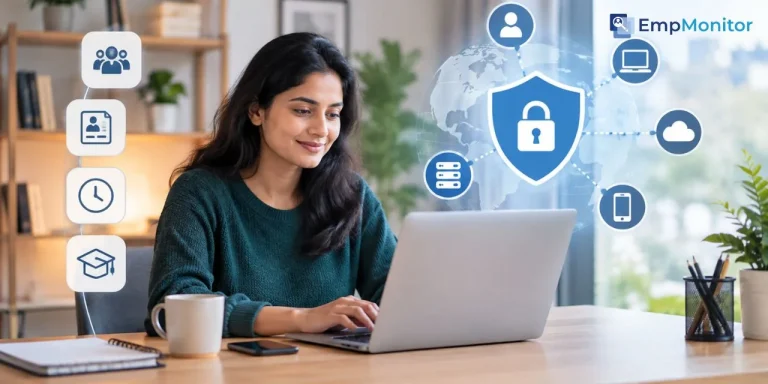
Employees should be cautious when using unfamiliar networks, particularly when accessing sensitive accounts. A VPN can add encryption between a device and a VPN server and can be useful when someone needs to connect through a network they do not control. It is one security measure, rather than a replacement for secure websites, strong passwords, multifactor authentication, device updates, and company security policies.
NIST recommends appropriate VPN protection for telework and stresses the importance of securing devices and home networks.
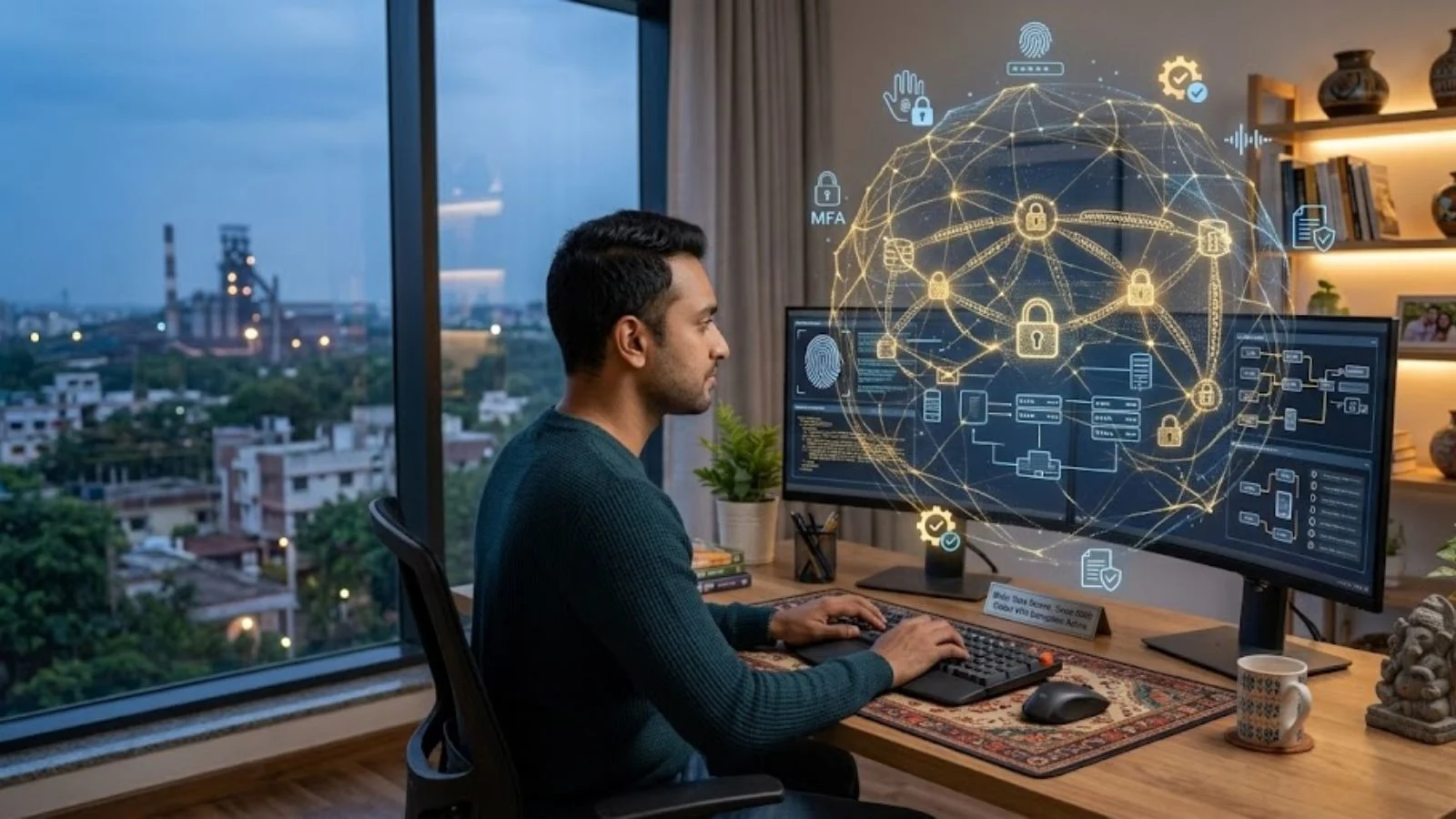
Access should follow the job, not convenience
HR technology often brings together information that would previously have been held in separate systems. An HR professional might have access to employee records, while a manager may need information about their direct reports but not the wider workforce. Payroll staff may require financial data, while other employees may need only their own payslips and benefits information.
Access controls help keep those boundaries in place. Give each person the access they need to do their job and review that access when their responsibilities change.
This is particularly important when people change teams, take on temporary responsibilities, leave the organisation, or move from employee to contractor status. An account that remains active after someone leaves creates an unnecessary route into company systems.
The zero-trust model takes a similar view of access. NIST describes zero trust as an approach that does not grant implicit trust based simply on a user’s network location or whether a device is company-owned. Authentication and authorisation are treated as separate steps before access to a resource is granted.
Employee communication is part of security
Technology cannot protect a workforce if employees do not understand what is expected of them. A message asking a worker to reset a password, approve a login, or open an attachment can look routine, especially when people are busy.
Phishing works because the request often resembles a normal workplace task. The FTC recommends that businesses train employees to recognise spear phishing and independently verify unexpected requests for sensitive information rather than relying on contact details supplied in the suspicious message.
Security instructions should be easy to find and written in language employees can follow without specialist knowledge. HR teams can also help make sure that new starters receive basic security guidance during onboarding instead of encountering it for the first time after an incident.
For HR teams reviewing how communication works across a distributed workforce, a practical guide to communication skills can provide useful context for thinking about how managers and employees exchange information.
Employee monitoring needs clear limits
Many HR technology platforms can collect information about working patterns. Depending on the system, that may include working hours, attendance, device activity, performance information, or communications data.
There can be legitimate reasons to collect some of this information. Security teams may need logs to investigate an incident, while HR may need attendance information for administrative purposes. The problem starts when data is collected simply because the technology makes it possible.
The UK’s Information Commissioner’s Office says organisations monitoring workers need a clear purpose and should not collect more information than is necessary for that purpose. It also warns that monitoring remote workers can create additional privacy risks because home environments contain information about workers’ private lives and families.
This matters when selecting or configuring HR technology. HR teams should understand what information a platform collects, who can access it, how long it is kept, and what happens if the data is later used for another purpose.
Data minimisation should shape HR systems
The more information a company collects, the more information it has to protect. Digital systems can make accumulation almost effortless.
An HR platform might store records that are no longer needed, retain old permissions, or export information into other systems. Over time, copies can spread across shared drives, analytics tools, email accounts, and third-party services.
A better approach is to ask what data is actually needed for a defined purpose. If a system does not need a particular field, there is a case for not collecting it. If a report is required only for a limited period, there may be little reason to keep it indefinitely.
This also affects vendor selection. HR teams should ask suppliers about access controls, retention, encryption, backups, incident response, and the use of subcontractors. Security should be treated as part of the system’s basic requirements rather than an optional extra.
HR tech can support retention when it is designed around people
Retention is often discussed as a question of pay, progression, management, and workplace culture. Technology cannot solve those issues by itself, but it can affect how employees experience routine parts of work.
A confusing onboarding process, fragmented HR systems, or repeated requests for information can create frustration. Clear self-service tools and accessible employee information can remove some of those routine problems.
HR teams considering the technology side of retention can also look at the wider need and importance of employee retention and how daily workplace processes contribute to whether people want to stay.
The important distinction is between technology that supports employees and technology that simply generates more data about them. A useful system should make an existing process clearer or easier without creating unnecessary surveillance or administrative work.
Security should be part of implementation from the beginning
Security is easy to overlook when HR technology is treated as a separate project. In practice, implementation can affect identity management, employee data, devices, integrations, and access to other business systems.
Who needs access to the system? What information will it hold? Where will that information be stored? Which other applications will connect to it? How will accounts be created and removed? What happens if an employee loses a device? What happens if the supplier suffers a security incident?
Answering those questions before deployment is usually easier than trying to fix unclear responsibilities after the system is already embedded in daily work.
A practical checklist for HR teams
A straightforward review can cover much of the basic ground:
- Map the HR systems employees use and identify what information each contains.
- Review access regularly, especially after role changes and departures.
- Require multifactor authentication for important systems where available.
- Give remote workers clear guidance on secure networks, devices, passwords, and phishing.
- Understand what employee monitoring tools collect and limit data to what is necessary.
- Check how vendors store, protect, retain, and delete HR information.
- Make security guidance part of onboarding and regular employee communication.
- Review third-party integrations rather than assuming connected systems are automatically safe.
HR technology is part of the wider security picture
HR technology sits close to some of an organisation’s most sensitive information. It can touch employee identities, contact details, payroll information, performance records, benefits, recruitment data, and workplace communications. As more employees work across locations and use cloud-based services, those systems are no longer confined to a single office network.
HR teams do not need to become cybersecurity specialists. They do need to consider security, privacy, and access alongside usability, cost, and employee needs. Clear access controls, sensible data practices, secure remote connections, and transparent policies can reduce avoidable risk while allowing HR technology to do its practical job. That balance matters as HR systems become central to everyday work.