Let’s start with a situation a SaaS company couldn’t quite explain.
On paper, their remote team looked productive.
Employees logged full workdays. Daily standups ran on schedule. Tasks moved steadily across the project board. Weekly reports showed healthy activity levels.
Yet something didn’t feel right.
Projects that should have taken a few days quietly stretched into a full week. Small feature updates lingered longer than expected. Support tickets occasionally piled up even when enough agents were online.
Nothing looked like a serious problem.
Still, the results didn’t match the hours being logged.
At first, the leadership team assumed the delays were just normal growing pains. The company had recently expanded to about 18 remote employees working across different cities, and some adjustment was expected.
But as weeks passed, the pattern kept repeating.
Work hours looked consistent.
Productivity didn’t.
That contradiction was the first sign that something inside the team’s daily workflow wasn’t as clear as it seemed.

When Logged Hours Don’t Match Real Output
The operations manager started comparing time logs with project progress.
Employees were consistently logging full workdays. Attendance reports looked perfectly normal. No one appeared to be absent or inactive.
Still, completed tasks didn’t always reflect those hours.
A developer might log eight hours but complete only a portion of a task that typically requires half that time. Designers often needed extra days to finish assets that previously required only a few focused sessions.
Nothing suggested intentional misuse of time.
But the numbers were not aligning.
The team knew when employees were online.
They just didn’t know what was actually happening during those hours.
A Workday That Looked Busy
One example made the situation clearer.
A product designer appeared extremely active throughout the day. Messages were answered quickly. Updates were posted regularly in the project channel.
From the outside, it looked like constant progress.
But during the weekly design review, fewer assets were completed than expected.
At first, managers assumed the work might be more complex than planned.
Then they looked closer.
Design files often stayed open for hours without meaningful changes. Edits happened in short bursts, followed by long, quiet periods.
It wasn’t obvious what was happening during those gaps.
The team wasn’t lacking effort.
What they lacked was visibility.
The Limits of Basic Time Tracking
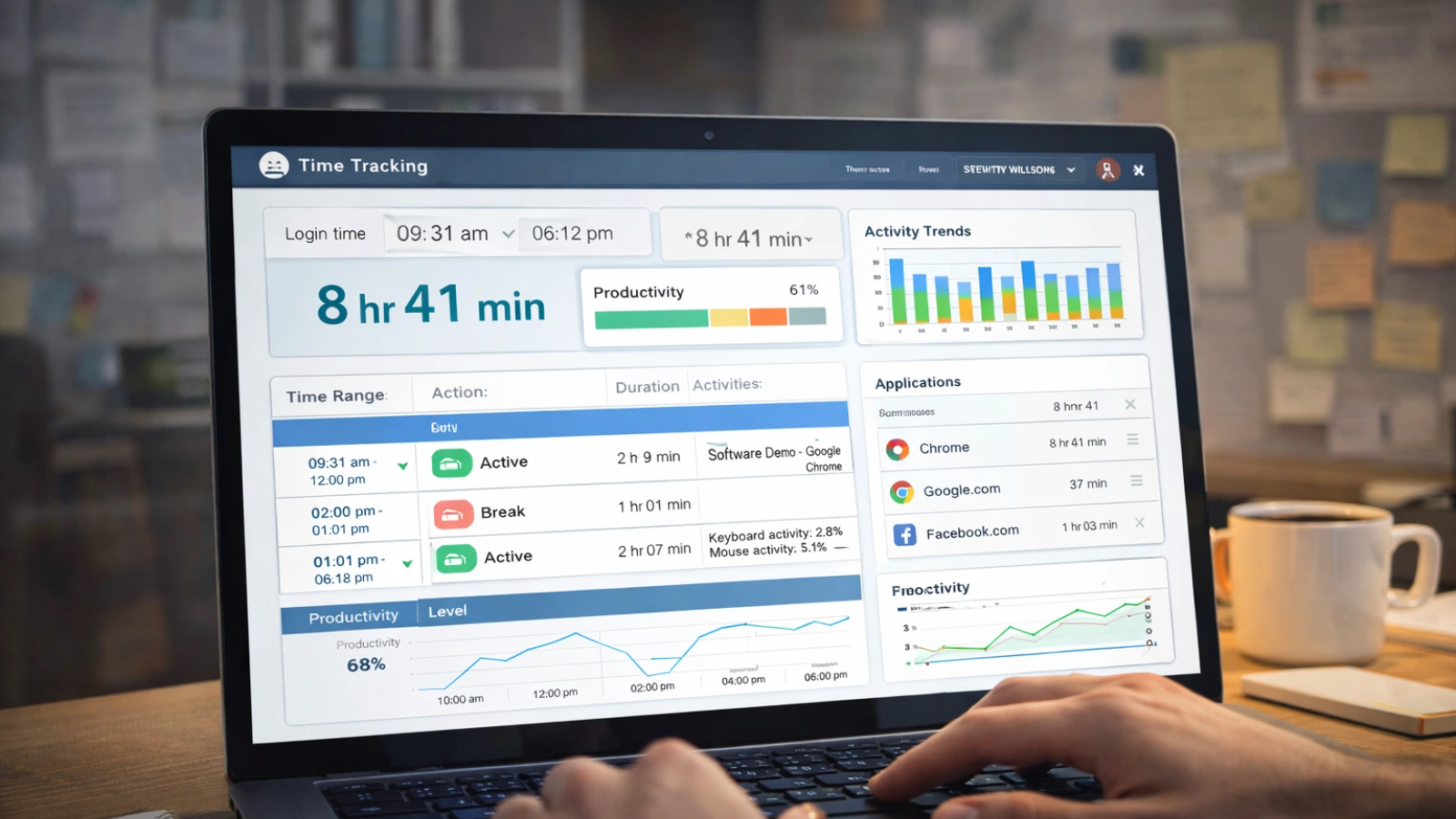
The company was already using a time-tracking tool.
It recorded login times and total hours worked. The system could also detect keyboard and mouse activity.
That sounded useful at first.
But it left one important question unanswered.
Was that activity actually work?
Someone could move a mouse every few minutes, and the system would record the entire session as productive time.
The software confirmed that employees were online.
It did not explain how their time was being used.
For managers trying to understand productivity, that difference mattered a lot.
Discovering EmpMonitor
While searching for better ways to understand team productivity, the operations manager came across EmpMonitor.
What stood out immediately was the level of visibility it offered.
Instead of simply tracking whether someone was active, the platform showed how work hours were actually spent.
The company decided to start with a small pilot.
Eight employees from different departments joined the trial. The team was informed beforehand. Transparency was important. The goal wasn’t to police employees but to understand daily work patterns more clearly.
Within a few days, the reports began revealing something interesting.
What the Data Revealed
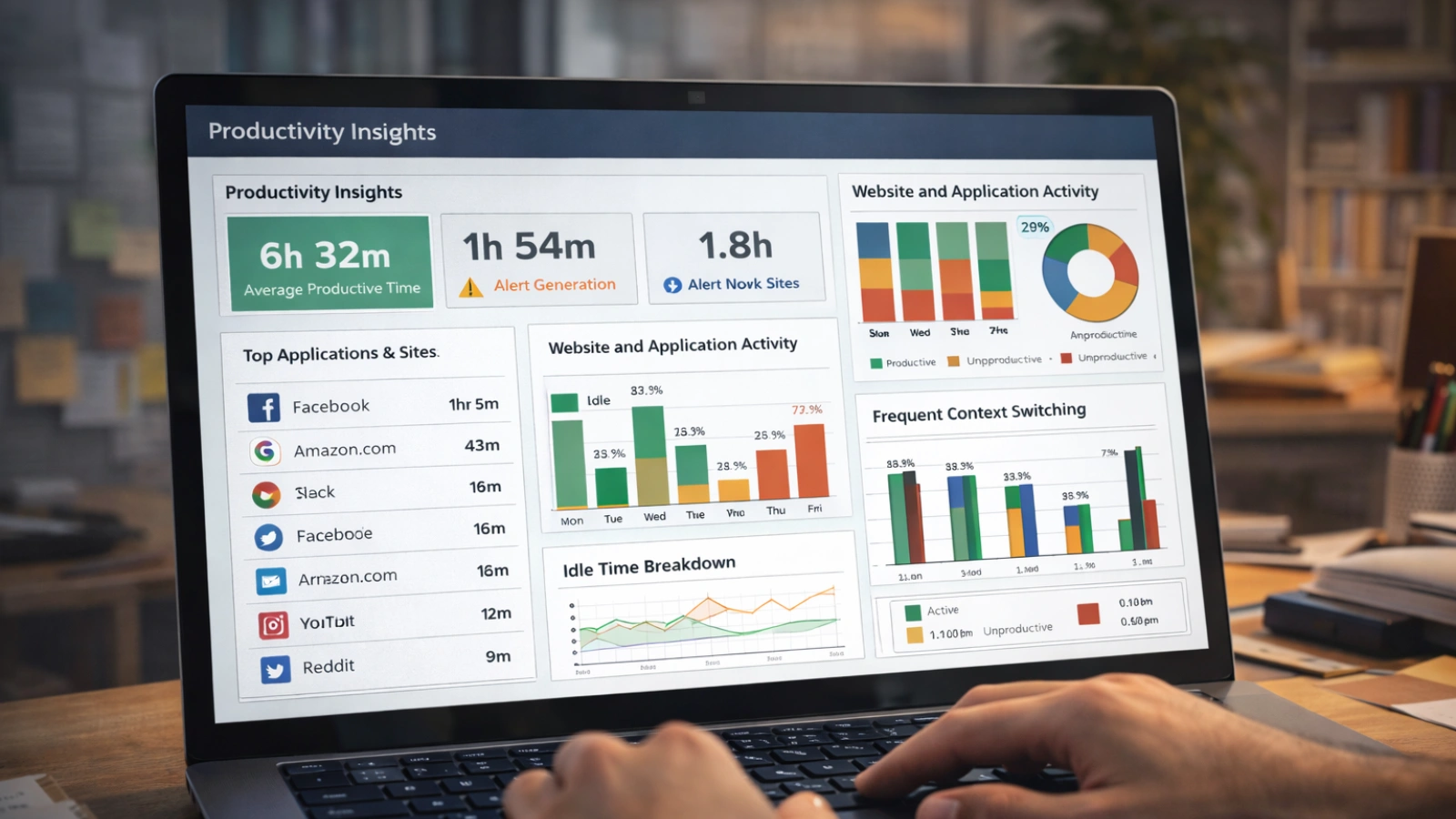
EmpMonitor provided insights that the team had never seen before.
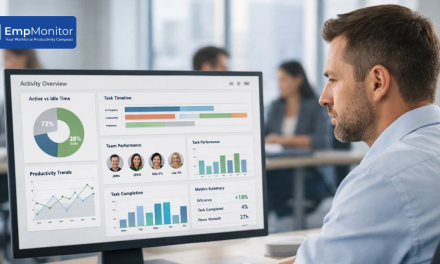
Screenshot monitoring captured periodic snapshots of employee screens during work hours. These images created a visual timeline of the workday.
Application and website tracking showed exactly which tools employees used most frequently.
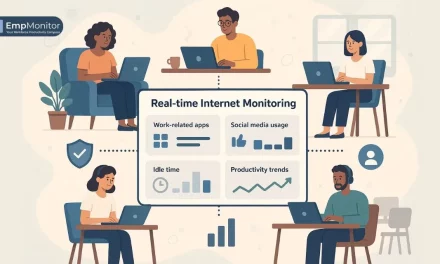
Idle time detection highlighted periods where computers remained active, but little work was happening.
Once the reports were reviewed, a pattern quickly appeared.
Across the pilot group, employees spent an average of 1.8 hours each day switching between non-work websites, messaging apps, and unrelated tasks.
None of these distractions looked dramatic on their own.
But together they added up.
By the end of the week, the company realized something surprising.
The team was losing more than 20 productive work hours every week.
Small Adjustments, Big Results
Once the data became visible, conversations with employees were surprisingly straightforward.
Managers didn’t have to rely on assumptions anymore. They could simply show how time was being used during the workday.
Most employees were surprised by their own activity patterns.
Frequent context switching was the biggest issue. Jumping between tasks, apps, and browser tabs created constant interruptions that slowed real progress.
With better awareness, the team began making small changes.
Employees grouped similar tasks. Focused work sessions replaced scattered multitasking. Non-work browsing during work hours gradually decreased.
These adjustments were not forced.
They happened naturally once everyone could see the full picture.
The Productivity Shift
After the pilot delivered clear results, the company rolled EmpMonitor out across the entire team.
Within a few weeks, the difference became noticeable.
Developers spent longer uninterrupted periods coding. Designers completed assets faster. Support teams responded to tickets more efficiently during peak hours.
Managers also gained something they previously lacked.
Clarity.
Instead of guessing how time was being used, they could now see real productivity patterns across the team.
By reducing small daily distractions, the company recovered more than 20 productive hours each week.
Read More!
Empmonitor Features – EmpMonitor – Workforce Management Software
Before vs After Implementing EmpMonitor
Before EmpMonitor
Limited visibility into how work hours were spent
Productivity assumptions are based mostly on login times
Frequent task switching and unnoticed distractions
Managers relied heavily on status updates
Project timelines often stretched unexpectedly
Weekly productivity gaps were difficult to explain
After EmpMonitor
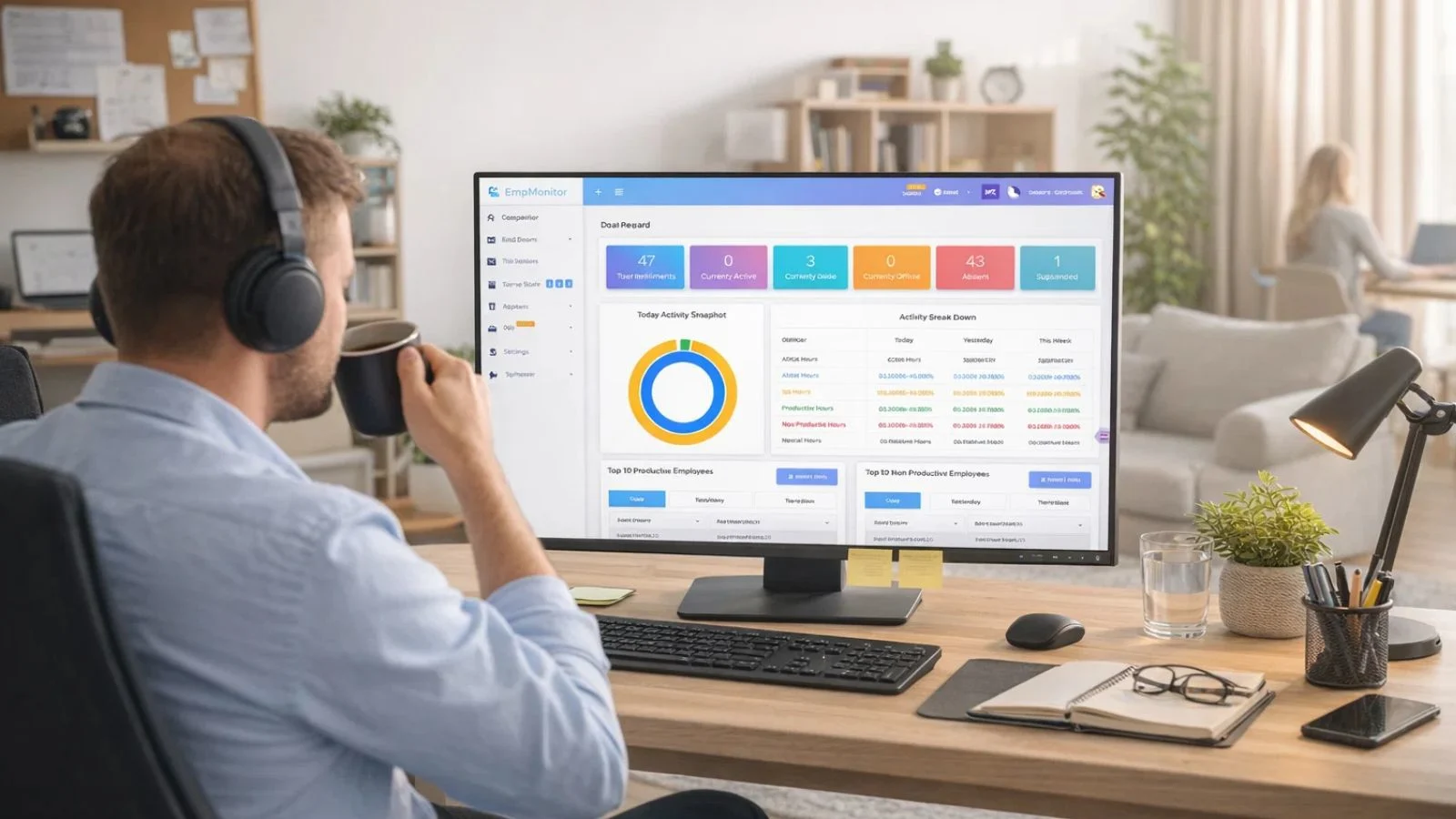
Clear visibility into applications, websites, and work activity
Screenshot monitoring provided context behind daily work sessions
Idle time reports highlighted hidden productivity gaps
Employees became more mindful about how they used their time
Managers gained reliable productivity insights
The team recovered 20+ productive hours every week
What Changed for the Team
The biggest improvement was not just the recovered time.
It was the clarity that came with it.
Before using EmpMonitor, managers often relied on guesswork when evaluating productivity. Now they could understand how workdays actually unfolded.
Employees also benefited from that transparency.
High performers could clearly demonstrate their contributions. Others gained awareness of habits that were quietly slowing them down.
The system didn’t replace trust.
It simply gave the entire team a clearer picture of how work was happening.
The Bottom Line

Productivity issues in remote teams rarely come from one major problem.
More often, they come from small inefficiencies that accumulate quietly over time.
Without the right visibility, those inefficiencies remain hidden behind logged hours and activity indicators.
EmpMonitor helped this SaaS company replace guesswork with real insight.
And with that insight, the team was able to recover more than 20 hours of productive work every week.
Sometimes the biggest productivity improvement starts with simply seeing the workday more clearly.
Frequently Asked Questions
1. Why do productivity gaps happen in remote SaaS teams?
Productivity gaps often occur when managers can see logged work hours but lack visibility into how those hours are spent. Employees may be online and active, but distractions, task switching, or inefficient workflows can reduce real output.
2. How did EmpMonitor help the SaaS company recover productive hours?
EmpMonitor provided visibility into daily work activity through features like screenshot monitoring, application tracking, and idle time reports. These insights helped the team identify time lost to distractions and improve focus, allowing them to recover more than 20 productive hours each week.
3. Does employee monitoring reduce trust in remote teams?
Not necessarily. When implemented transparently, monitoring tools often improve accountability and clarity. They help managers understand work patterns while also highlighting the efforts of employees who consistently stay productive.
4. What insights can EmpMonitor provide to managers?
EmpMonitor shows application usage, website activity, idle time, and screenshots of work sessions. These insights help managers understand how employees spend their work hours and identify productivity gaps.