
**Start your free trial today →
Across 100+ countries, the most reliable way to raise call center output in 2026 is to see work as it happens and coach in near real time. You need employee productivity measurement and reporting that turns desktop activity, idle gaps, and app use into fair, shift-aware metrics you can act on the same day.
That means one thing: pair live dashboards with idle detection, URL/app tracking for CRM adherence, and automated reports that reach team leads before the next huddle. Then, use screenshots or live screen views for coaching, not policing. Done right, you’ll cut noise, protect privacy, and improve adherence without burning trust.
Per our audits of large BPO teams, the target is simple and concrete: show active time, show idle time between calls, show which tools were in use, and map it to each shift. As a result, team leads can spot a 20-minute backlog before it becomes a full-hour slump. Moreover, analysts get clean data for weekly trends and SLA reviews. And importantly, the approach must be GDPR-ready for global clients and secure enough for finance and healthcare queues.
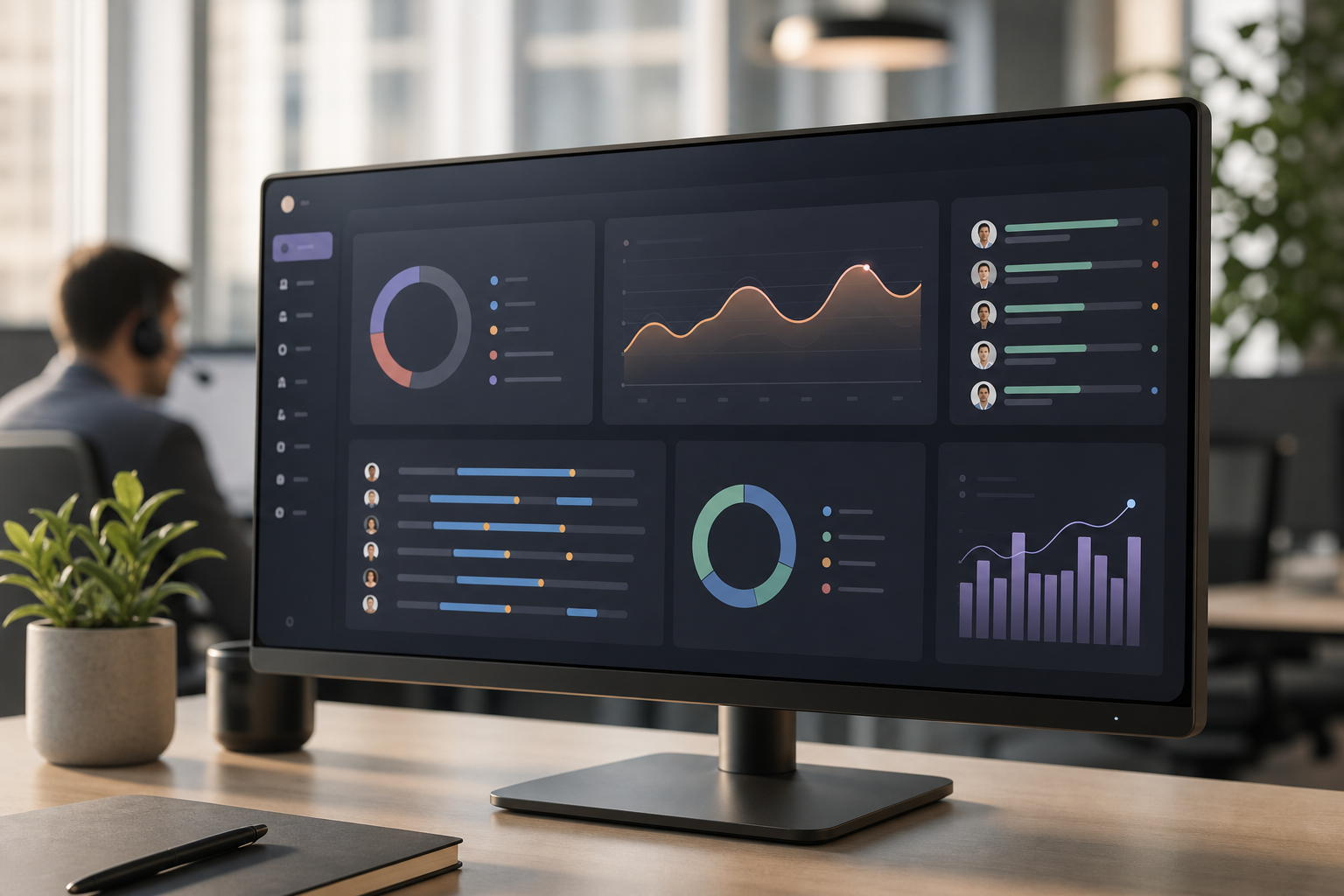
Why Call Centers Struggle With Agent Productivity Visibility
Agent work is fragmented by design. In a single hour, an agent may jump from ACD to CRM to knowledge base to chat, then wait in-queue for the next live contact. Without clear employee productivity measurement and reporting across these tools, it’s hard to tell if an “idle” minute is coachable downtime or system lag.
Remote and hybrid adds more noise. Home networks spike latency. Personal distractions creep in. On the other hand, queues surge at odd times across time zones, and leaders must re-assign work on the fly. Therefore, visibility must be both granular and shift-aware, or the same metric looks fair at noon and unfair at 2 a.m.
Churn and untracked tasks
Attrition compounds the issue. As agents churn, you train new hires while KPIs still tick. However, your real drain is the hidden idle time between calls and the untracked non-call tasks, follow-up emails, CRM notes, refunds, research. If those don’t count, your productivity math is wrong and your coaching misses the mark.
Moreover, many teams still rely on manual exports from ACD/CRM plus a patchwork of spreadsheets. That process adds hours and hides trends. For practical context on how other ops teams moved past spreadsheets, see this case-led guide on measuring productivity. It shows how to tie activity signals to outcomes without drowning in reports.
Pain patterns you may see this week
- Spikes of 15–25 minutes with no calls and unclear desktop activity
- High adherence on paper but low wrap-up quality in CRM notes
- Agents bouncing between 6–10 apps with no single, trusted log
- Overnight shift metrics blended with day shift, masking gaps
- Remote agents with unknown URL/app use during idle windows
As a result, QA hears “we’re busy,” while WFM sees open capacity. Both can be true. The fix is consistent, shift-scoped data that blends desktop activity with your telephony and CRM reality.
What to Look for in Call Center Productivity Tracking Software
Your buyers’ checklist should match real queue life. The goal is precise, fair data today, at scale tomorrow. As you compare tools, insist on clear employee productivity measurement and reporting that respects privacy and works for 1,000+ seats.
First, demand real-time dashboards. If a supervisor can’t see live activity and idle time per agent, they can’t coach in the moment. Second, insist on idle time detection between calls. Specifically, track keyboard/mouse inactivity and flag gaps so team leads know if it’s coaching time or a routing/tech issue.
Shifts, screenshots, and automated reports
Third, get shift scheduling support built in. You’ll want productivity by shift, not just by day. Fourth, add screenshot or screen recording options for QA and coaching. However, use them with policy clarity and a private time option to pause during breaks.
Fifth, require URL/app tracking tied to your CRM and knowledge base. For example, Salesforce, Zendesk, or a custom CRM should land in “productive” by default. Meanwhile, personal social media or video should mark “unproductive” unless you allowlist for training links. Sixth, make automated reporting a default. Daily emails to each team lead with highlights, risks, and agent-level details save hours and increase action.
Buyer checklist (save this for vendor calls)
- Live dashboards with second-by-second activity signals
- Idle time tracking between calls and during wrap-up
- Shift-aware metrics and scheduling built in
- Screenshots and optional live screen viewing for QA
- URL/app tracking for CRM and knowledge base compliance
- Automated daily/weekly reports to email or Slack
- Roles/permissions for managers, QA, and clients
- Proven scale for 1,000+ agents without lag
- GDPR compliant with clear data retention and access logs
For privacy and international work, confirm GDPR alignment in writing. The text of GDPR (Regulation (EU) 2016/679) defines data minimization and purpose limits. Therefore, your vendor should explain what is tracked, how long it’s stored, and who can see it. In addition, look for SSL encryption, firewall controls, and IP allowlists to reduce risk from home networks.
Finally, compare price to the hours you’ll save. If automated, shift-aware reports cut even 2 hours per lead per week, the tool pays for itself fast. For a deeper take on how to drive value from tracking, this primer on a performance tracking system outlines a clean path from measurement to coaching.
Also Read!
Best Employee Productivity Tracking for Remote Teams in 2026
How to Track Employee Productivity in Call Centers: A Step-by-Step Guide
How EmpMonitor Solves Productivity Tracking for Call Center Teams
EmpMonitor is built for desk-based teams who live inside phones, CRM, and knowledge tools. It gives you real-time activity tracking, idle time tracking, URL/app insights, and screenshots, plus shift scheduling and automated reports, so your employee productivity measurement and reporting is accurate and fair.
Start with live data. Supervisors see who’s active, which apps are in use, and who’s been idle. As a result, they can jump in during the same shift, not a day later. Pair that with idle time detection between calls, and you’ll spot stuck screens, long wrap, or queue dips before SLAs move.
Shift scheduling and app categorization
Shift scheduling is native. You can define day, swing, and night patterns and view productivity by shift. Therefore, a 78% active-time agent on nights isn’t judged by day-shift peaks. URL/app tracking maps to your CRM and tools out of the box. For instance, set Salesforce or Zendesk as “productive,” research tools as “neutral,” and personal browsers as “unproductive” with a clear, auditable rule set.
Screenshots and live screencasting give QA context. Use periodic screenshots for routine checks, or jump into live screencasting for coaching during a spike. Meanwhile, keystroke monitoring helps detect risky patterns (e.g., mass copy/paste) without storing actual content, supporting both coaching and security.
Automated reporting and roles
Moreover, EmpMonitor calculates productivity from defined rules and produces custom reports. Managers get auto emails with top performers, risk flags, and idle trends. Analysts can drill into shift views and export as needed. With roles and permissions, you can share read-only views with clients while keeping agent details inside your team.
"Simplified the management of the entire workforce by 80% in terms of workforce, time, and effort." — Ashwin Kumar, Chief Project Coordinator
That 80% simplification shows up in daily routines: fewer spreadsheet merges, faster stand-ups, and clearer coaching notes. Social proof matters too: EmpMonitor is Trusted by 15,000+ companies across 100+ countries and Tracks over 500,000 employees globally. Therefore, you’ll deploy features that have handled scale and edge cases already.
Unlike tools built for field work, EmpMonitor focuses on desktops. Compared to alternatives that lean on GPS or light-weight timers, you get features your QA leads will use every day: live screencasting and recording, URL/app tracking mapped to CRM, and shift-aware reports.
Security and support
Furthermore, data security is not bolted on later. You get data protection with SSL, firewall controls, and IP allowlisting options. And if your team runs around the clock, 24×7 customer support means someone can help during your 3 a.m. handoff.
**Get instant, GDPR-safe tracking →
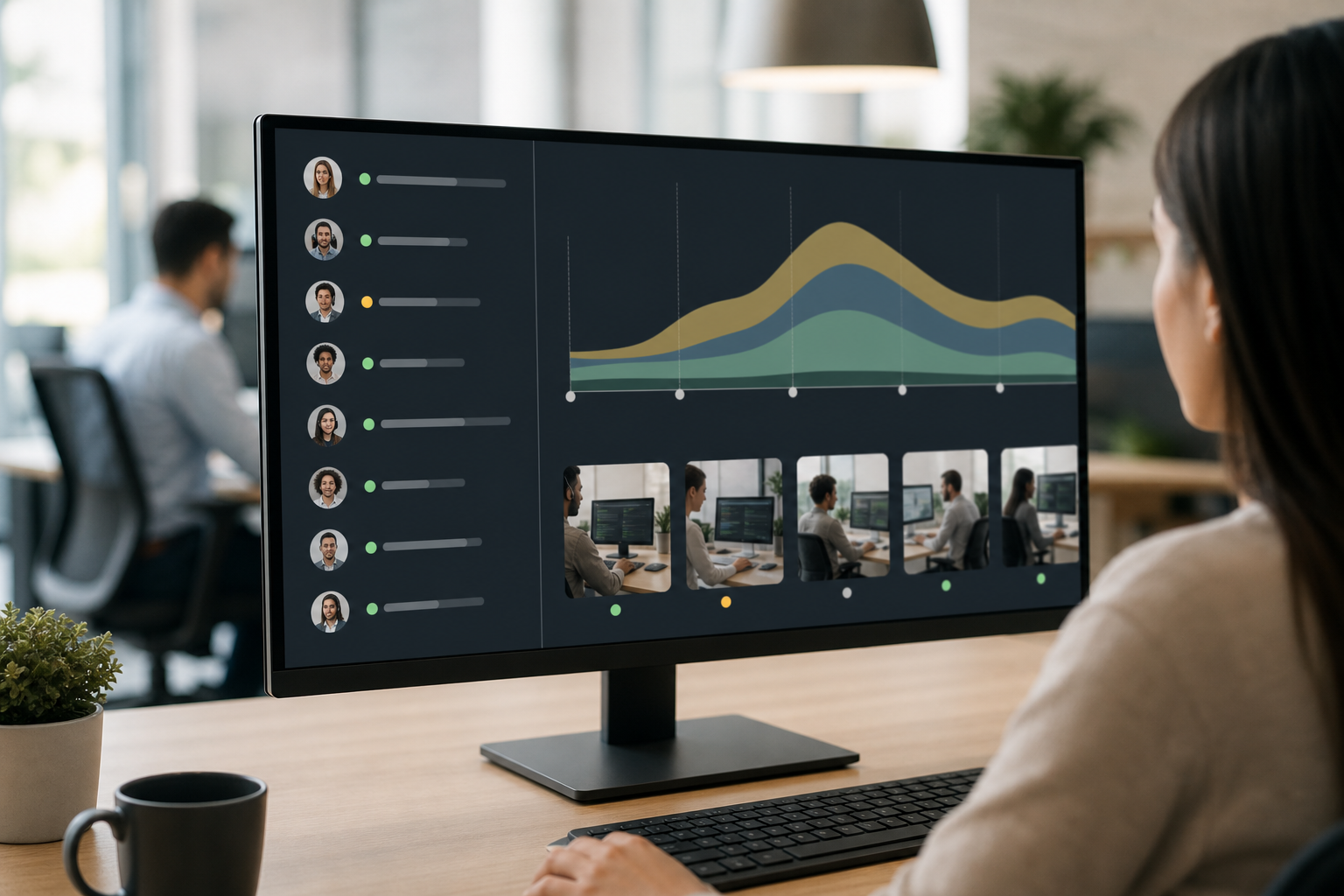
EmpMonitor vs. Hubstaff vs. Time Doctor for Call Centers
BPO leaders ask for an honest take. Here it is: Hubstaff shines for field teams with GPS. Time Doctor stands out for distraction alerts and basic timing for freelancers. EmpMonitor is purpose-built for desk-based call centers that need live screencasting, keystroke monitoring, HRMS, and shift scheduling in one place to support accurate employee productivity measurement and reporting.
Side-by-side comparison for call center needs
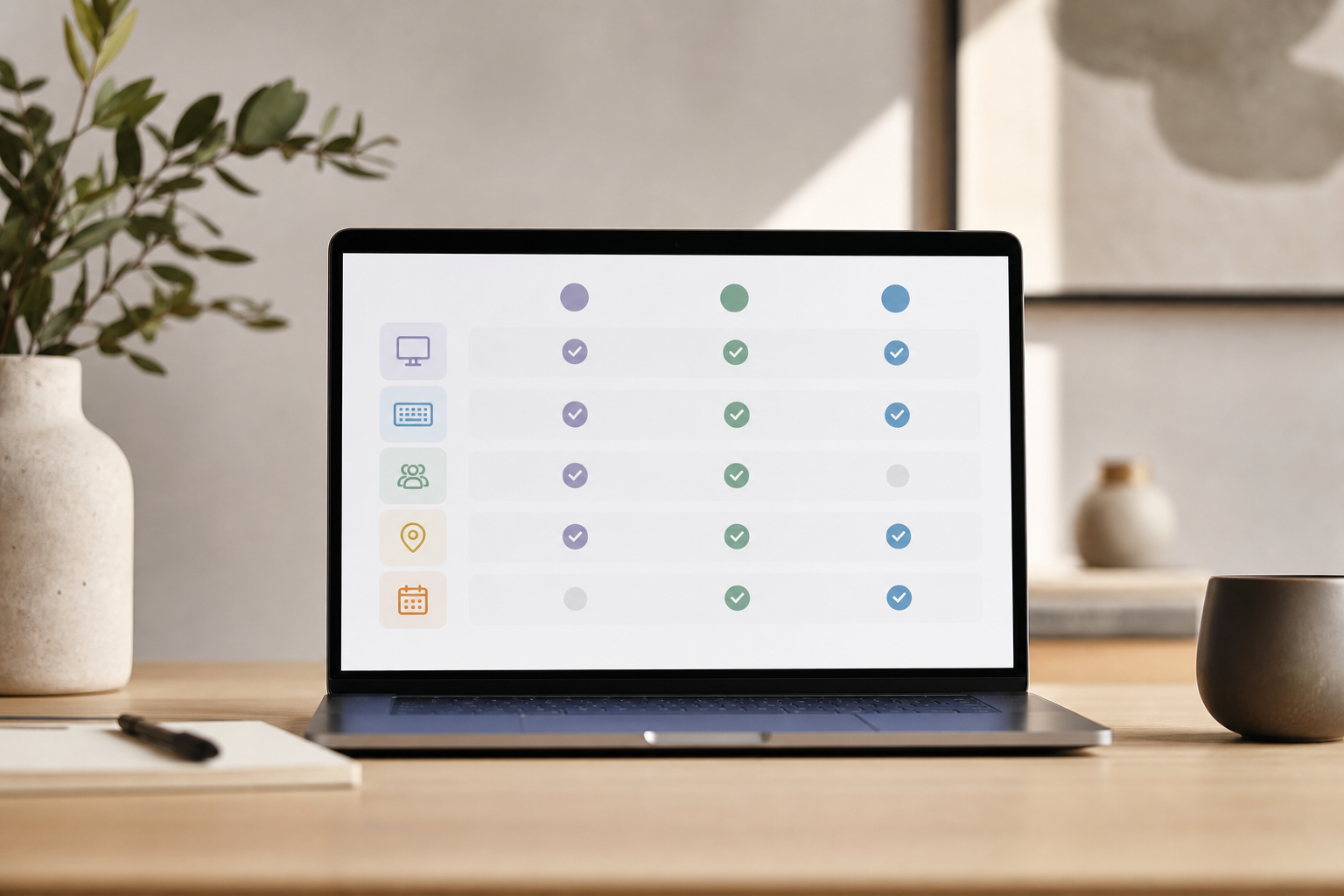
| Feature | EmpMonitor | Hubstaff | Time Doctor |
|---|---|---|---|
| Stealth/Un-stealth mode | Yes (both) | Limited | Limited |
| Live screencasting and recording | Yes | No | Screenshots only (no true live cast) |
| Keystroke monitoring | Yes | No | Limited (focus on activity) |
| HRMS (Human Resources Management Solution) | Built-in | No | No |
| Shift scheduling | Built-in | Basic scheduling | Basic scheduling |
| URL/app tracking for CRM adherence | Deep, with categories | Yes (lighter) | Yes |
| Idle time tracking between calls | Yes | Yes | Yes |
| GPS focus | No | Yes (strong) | No |
| Scale (1000+ agents) | Designed for desk teams | Designed for field teams | Suited to freelancers/SMBs |
Compared to Hubstaff, which is excellent for crews on the move, EmpMonitor gives call center supervisors real-time desktops with live screencasting and HRMS links. Compared to Time Doctor, which helps freelancers keep focus with alerts, EmpMonitor adds stealth/un-stealth modes, keystroke monitoring, and shift-aware dashboards your QA and WFM teams will actually use.
"The EmpMonitor has the best features that help employers to keep an eye on their employees effectively and efficiently." — Clifford M., Information Technology System Administrator
In practice, that means your floor lead can join a live screen during a spike, check CRM adherence with URL/app logs, and coach on the spot. Then, HR can cross-reference attendance and shifts in the same system. As a result, you cut handoffs, speed QA loops, and avoid “who’s got the right data?” debates.
Also Read!
EmpMonitor vs Hubstaff for Remote Teams: Which Is Better for Employee Productivity Tracking?
Trust, Compliance, and Security Credentials
Global BPOs run on trust. EmpMonitor is GDPR compliant and supports Compliance and security with SSL, Firewall, IP allowlisting. Therefore, you can set clear access rules by role, restrict logins to office IPs, and keep audit trails for client reviews.
Security is more than transport encryption. EmpMonitor provides user activity monitoring to ensure compliance with security policies and offers data loss prevention capabilities to reduce risk from copy/paste or USB moves. In addition, the private time option lets agents pause monitoring during breaks, which supports fairness and transparency.
Scale and support matter when you staff nights and weekends. EmpMonitor is Trusted by 15,000+ companies across 100+ countries and Tracks over 500,000 employees globally. Furthermore, 24×7 customer support means you can deploy changes during off-hours and still reach help fast.
"Since implementing EmpMonitor, we've improved our time to acknowledge mishaps to just under 5 minutes." — Finance Sector
"Simplified the management of the entire workforce by 80% in terms of workforce, time, and effort. Also, the productivity at my workplace has never been this great." — Business & IT Sector Associate Vice President
As a result, your security team gets the controls they need, while ops gets the clarity to coach and improve. And your clients see that their data, and their customers, are handled with care.
Getting Started: Deploying EmpMonitor in Your Call Center
You can roll out EmpMonitor in days, not weeks. The flow below scales from a 20-seat pilot to a 500-seat floor without rework, and it keeps your employee productivity measurement and reporting clean from day one.
Step-by-step rollout
-
Sign up: Use the Free 15-day trial available to test with one queue. No long forms, and you can invite a few team leads right away.
-
Install: Add the agent to workstations via MSI or direct download. Choose Stealth/Un-stealth mode based on your policy. Set the private time option for breaks.
-
Configure shifts: Set day, swing, and night in Shift scheduling. Map agents to teams so reports route to the right leads.
-
Define categories: Mark CRM and knowledge tools as “productive,” research sites as “neutral,” and personal social as “unproductive.” Include allowlists for training content.
-
Enable reports: Turn on Automated reports and Alerts and auto email reports for each supervisor. Set weekly summaries for WFM and QA.
-
Coach with context: Use Real-time activity tracking and live screencasting for fast, fair coaching when idle gaps grow or CRM steps are missed.
Pricing is clear. Bronze: $11/user/month paid yearly. Gold (51–200 users): $9/user/month paid yearly. Diamond: Custom pricing for 200+ users. If you’re ready to scale, Personalized onboarding guides your setup and integrates your policies.
**Check pricing and start in minutes →
Frequently Asked Questions
How much does EmpMonitor cost for a large call center?
Starts at $9/user/month for the Gold tier covering 51–200 users. For 200+ agents, the Diamond tier offers custom pricing. A Free 15-day trial available lets you test features with your team before any commitment. You can review plan details and seat ranges to match each site or client queue. This way, finance sees a clean roll-up by team.
Can EmpMonitor track productivity across different shifts?
Yes. Built-in shift scheduling lets you set multiple shifts and track productivity per shift. You can compare day vs. night output without blending the numbers, which keeps coaching fair. Automated reports can route to each shift supervisor by email, so leads get insights before the next huddle. As a result, coverage and adherence improve without extra spreadsheets.
Does it work in stealth mode so agents aren't distracted?
EmpMonitor supports both stealth and un-stealth modes. Many call centers choose stealth to collect unbiased data while disclosing monitoring through company policy. In addition, the private time option lets agents pause tracking during breaks, which supports trust. You can switch modes per team if client contracts differ.
How does idle time tracking work between calls?
EmpMonitor detects periods of keyboard/mouse inactivity and logs them as idle time. Supervisors can see these gaps by agent and by shift, which helps spot queue dips or tech issues. With live screencasting, you can check context before coaching. Over time, reports will show if process tweaks reduce those gaps.
Is EmpMonitor GDPR compliant for international BPO operations?
Yes, EmpMonitor is GDPR compliant with SSL encryption, firewall protection, and IP allowlisting. You can define data access by role and set retention that matches client policy. The platform also offers a private time option so agents can pause during breaks. For clarity, document your use case and consent method as part of onboarding.
How does EmpMonitor compare to Hubstaff for call centers?
Hubstaff excels at GPS tracking for field workers and mobile crews. EmpMonitor is better for desk-based call center agents, with live screencasting, keystroke monitoring, HRMS integration, and built-in shift scheduling. If you manage 24×7 queues on desktops, you’ll get more precise coaching and QA context with EmpMonitor. If you dispatch vans or on-site techs, Hubstaff’s GPS focus is a fit.
Can managers see agent screens in real time?
Yes. Live screencasting lets supervisors view any agent’s screen in real time for coaching or QA. Automatic screenshots can also be captured at set intervals for later review. With roles and permissions, you can limit who can cast or view and log each action. This keeps audits clean and fair.
How long does it take to deploy across a 500-agent call center?
EmpMonitor offers personalized onboarding and 24×7 support. Most deployments at scale complete within days because the platform already Tracks over 500,000 employees globally. You can stage by team to reduce risk and run shift-based pilots before a full cutover. As a result, coaches and leads can use live data within the first week.
Final Takeaways
- Real-time, shift-aware data beats weekly exports. You’ll coach on the same day, not after SLA drift.
- Pair idle tracking, URL/app logs, and live screens with clear policy and a private time option. You’ll get fair, privacy-aware data.
- For desk-based call centers in 2026, EmpMonitor brings the pieces together—live views, shift scheduling, keystrokes, screenshots, and automated reports—at proven scale.