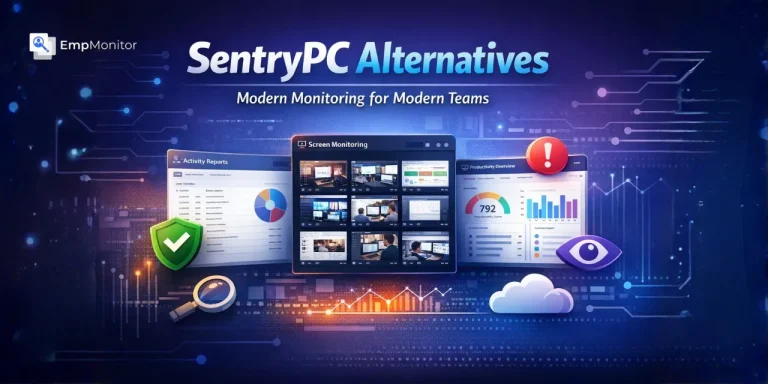
Managing a team in 2026 looks very different from what it did five years ago. Whether you run a small local shop or a growing remote company, you need to know how work is getting done. For years, SentryPC has been a go-to name for basic activity logging. It’s affordable and does the job of recording keystrokes and blocking websites.
However, as businesses grow, their needs change. You have remote employees, field workers, hybrid setups, and growing security concerns, all at the same time. If you feel like you’ve outgrown your current setup, exploring SentryPC alternatives is the next logical step for your workforce management strategy. We have put together a list of the best SentryPC alternatives available today, with a clear breakdown of what each one does, so you can find the right fit for your team.
Hit ‘Play’ Button & Tune Into The Blog!
What Is SentryPC And What Does It Do?
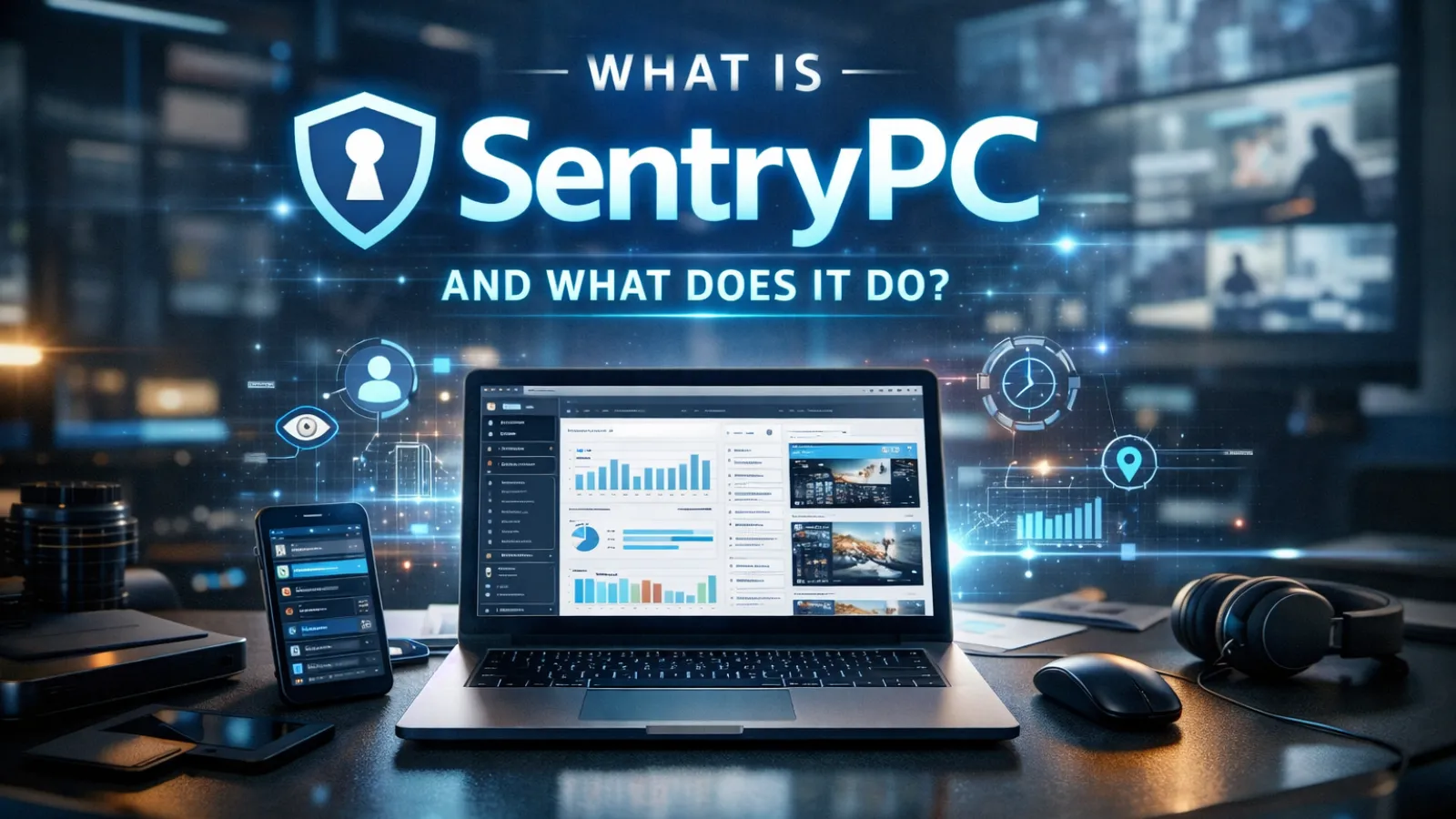
SentryPC is a cloud-based computer monitoring software. It lets you track what employees (or family members, or students) do on their computers, all managed remotely through a web dashboard. It’s very effective for basic oversight and parental controls.
Here is a quick look at what SentryPC offers:
- Activity logging: keystrokes, websites visited, applications used
- Screenshot capture at set intervals
- Content filtering: block specific websites or app categories
- Time management controls: set usage limits or schedules
- Chat and communication monitoring
- USB/removable drive usage logs
- Device location tracking
- Remote management from any browser
It is straightforward to set up and reasonably priced, especially for individuals and very small businesses monitoring one to a few devices.
That said, SentryPC is a solid entry-level tool, but it only have desktop monitoring and content filtering tool.As your team expands, you might find you need more “intelligence” behind the data, like knowing who is at risk of burnout or automatically tracking field staff. This is why many are moving toward more comprehensive team monitoring solutions.
Why Modern Businesses Are Shifting Their Strategy?
Simple activity tracking is a starting point but it is not a full solution. Modern tools help you spot bottlenecks in your workflow. Instead of just seeing that an employee spent two hours on a specific app, new software helps you understand if that app is actually helping them finish their projects. This shift toward transparency helps build trust while keeping productivity high.
The tools we cover below address these needs in different ways. Some are focused on security, some on productivity analytics, some on remote workforce management, and some does it all.
The 9 Best SentryPC Alternatives For Enhanced Productivity

1. EmpMonitor: The All-in-One Workforce Solution
If you want a “wholesome” tool that covers everything from security to HR, EmpMonitor is the top choice. It’s designed to be a complete partner for your business.
It brings together employee monitoring, productivity tracking, HR automation, field force management, and insider threat detection, all in one platform.
Productivity Tracking: A clear picture of how your team’s time is actually spent. It tracks active time, idle time, productive hours, and unproductive hours, broken down by individual employees and teams.
Insider Threat Detection: One of the best features. It protects your data by detecting USB usage and blocking unauthorized file transfers with DLP. You also get real-time behavioral reports as well.
Web and App Usage Tracking and Blocking: See every site visited and application used. Block specific websites or apps that are not relevant to work.
Field Force Management: Live GPS tracking, Geo-fencing with entry/exit alerts, geo-verified client visit and route history.
Face Recognition and Access Management: An extra layer of security. Facial recognition-based access management, ensures that only callowed persons can get access or entry.
User Activity Reports: Detailed, exportable reports on web usage, app usage, and productivity trends. Reports are available for employees as well making it best for self correction approach as well.
These level of wide ranged features makes EmpMonitor best for businesses who don’t want to juggle between multiple sftwares and tools.
2. ActivTrak
ActivTrak is designed to help managers understand how work actually happens and catch burnout before it becomes a problem.
- Productivity classification: Tracks app and website usage, labeled productive or unproductive by role
- Productivity Lab: Benchmarks your team’s performance against industry norms
- Workload balance alerts: Flags over-utilized or under-utilized employees so managers can act early
- AI productivity coach: Sends employees personalized nudges to improve focus habits
- Schedule adherence tracking: See if teams are working when they are supposed to
3. Teramind
Teramind is for organizations where protecting data and staying compliant is the top priority.
- User Behavior Analytics (UBA): Builds a behavioral baseline per employee; flags deviations instantly
- Automated policy enforcement: Blocks risky actions in real time, not just after the fact
- Full activity capture: Screen recordings, emails, file transfers, keystrokes, social media, and meetings
- Forensic level logs: Detailed audit trails for compliance reviews and internal investigations
4. Hubstaff
Hubstaff makes accurate time tracking the center of how you manage and pay your team.
- Multi-device clock-in: Desktop, mobile app, or browser extension
- GPS and geo-fencing: Location tracking tied to job sites for field teams
- Automated payroll: Pays based on tracked hours; integrates with QuickBooks, PayPal, Wise
- Hubstaff Tasks: Built-in Kanban project management linked to time tracking
- Screenshots and activity levels: Optional proof-of-work features for remote teams
Read More
The Best Employee Tracking Software For Creative Agencies (Ranked)
5. Insightful

Insightful gives enterprise teams a strategic view of how time and tools are being used across departments.
- Active vs. bridge time: Identifies gaps between focused work sessions where workflows lose momentum
- Department-level analytics: Compare productivity patterns across teams
- Real-time monitoring: Screenshots, app and website tracking, automated timesheets
- Custom dashboards: Tailored reports by role, team, or department
6. Time Doctor
Time Doctor tracks time at the task and project level, giving managers and employees a precise view of where hours go.
- Distraction alerts: Prompts employees to refocus when they have been idle or off-task
- Project-level billing: Generates client billing reports directly from tracked time
- Optional screenshots and web/app usage reports
- Integrations: Connects easily with 3rd partyproject management and payroll tools
7. DeskTime
DeskTime starts tracking the moment an employee turns on their computer, no manual timers needed.
- Automatic URL and app tracking: Classified as productive, unproductive, or neutral
- Shift scheduling and absence calendar: Manage schedules alongside productivity data
- Cost calculation: Ties tracked hours to hourly rates for payroll and invoicing
- Optional screenshots at configurable intervals
8. KeepActive (Previously Kickidler)
Keepactive previously known as Kickidler is built around continuous visibility, not just periodic snapshots.
- Full-screen continuous video recording: Review any moment of any employee’s day
- Live multi-screen dashboard: View multiple employees simultaneously in a grid
- Violation detection: Flags policy breaches in real time with visual alerts
- DLP suite: Monitors file transfers, blocks unauthorized screen captures, tracks device location
- Employee self-monitoring: Staff can view their own productivity reports for transparency
9. Veriato
Veriato is purpose-built for detecting insider risks before they become incidents.
- AI behavioral baselines: Monitors every user and flags significant deviations
- Risk scoring: Assigns a risk score to users showing unusual behavior patterns
- Broad activity monitoring: Apps, web, email, file transfers, keystrokes, social media, communications
- Forensic recording: Video and screenshots for HR investigations and compliance audits
- Remote and hybrid support: Works across distributed teams with customizable reporting
Choosing The Right Tool For Your Team
Every business has a different set of priorities. Here is a simple way to think about which tool fits which need:
The complete solution: If you need an all-in-one solution that handles monitoring, field operations, HR, and security, EmpMonitor is the strongest choice. It is the only workforce management software on this list that combines productivity tracking, field force management with geo-fencing, facial recognition, DLP, attendance automation, and detailed reporting in a single platform.
Team Wellness: If your top concern is team wellness and burnout prevention ActivTrak’s coaching and workload balance tools make it a good fit.
Security & Compliance: When protecting sensitive data is the only priority, Teramind or Veriato.
Remote Payroll & Client Billing: Hubstaff and Time Doctor both integrate time tracking directly with payroll and invoicing.
Simple Time Tracking: DeskTime or KeepActive (Kickidler) are easy to deploy and straightforward to use.
The important thing is matching the tool to the actual problem you are trying to solve. A tool that does a lot of things adequately may serve you better than a specialist tool that handles only one need perfectly, especially as your team grows.
Conclusion
SentryPC served a purpose, and still does for very specific use cases. But if your team has outgrown basic activity logging, the tools on this list give you a much fuller picture of how your workforce operates.
Whether you need airtight security, smarter productivity insights, automated HR workflows, or tools that work for both desk-based and field employees, there is a modern option that fits. And if you want all of that in one place, EmpMonitor is worth a close look.
Frequently Asked Questions (FAQs)
Can modern monitoring tools handle field-based employees?
Yes. Unlike basic desktop loggers, several modern alternatives now include mobile apps with GPS tracking and geo-fencing. This allows you to verify client visits and track work hours for sales teams or technicians who are never in a traditional office.
How do these tools help with HR and attendance without manual logs?
Modern platforms automate the entire process. They use triggers like computer activity or facial recognition to “clock in” an employee. This automatically generates error-free timesheets, saving HR departments hours of manual data entry and reconciliation every week.
Is it possible to block physical security risks like data theft via USB?
Absolutely. Many advanced SentryPC alternatives now include Data Loss Prevention (DLP) features. These tools can detect when a USB drive is plugged in, block unauthorized file transfers, and alert management in real-time if sensitive company data is being moved.
Are these tools suitable for small businesses or first-time buyers?
Absolutely. Many of these tools, including EmpMonitor, are designed to be approachable for teams that are setting up monitoring for the first time. The dashboards are straightforward, setup is guided, and you do not need a dedicated IT team to get started. EmpMonitor in particular is built to scale, useful whether you have 10 employees or 1,000.