Microsoft’s 2025 Digital Defense Report found that identity-based attacks increased by 32% during the first half of 2025. As employees connect from home networks, hotels, coworking spaces, and personal devices, organizations need greater control over how business traffic reaches external websites.
Proxies can support data protection by reducing direct exposure of employees’ public IP addresses and centralizing approved outbound traffic. They also help companies separate business workflows, standardize outbound connections, and maintain greater visibility and control over how remote teams access external resources, although they should complement encryption, multifactor authentication, and endpoint security rather than replace them.
What Role Do Proxies Play in Secure Remote Work?
A proxy acts as an intermediary between an employee’s device and the external websites or online services they access. Instead of connecting directly from a home, hotel, coworking space, or public Wi-Fi network, the employee’s traffic passes through managed proxy infrastructure that replaces the original public IP address. This gives the organization greater control over outbound connections and reduces the direct exposure of employees’ local network details.
Different proxy types support different remote-work needs. Residential proxies use IP addresses associated with real household internet connections, making them useful for localized research, website testing, and accessing region-specific content. Rotating proxies automatically switch the outgoing IP address between requests or sessions, which helps teams distribute larger workloads, reduce dependence on one IP, and support recurring public data or monitoring tasks.
Which Remote-Work Problems Can Proxies Reduce?
Proxies can reduce several privacy and operational problems associated with distributed web access. They do not protect compromised devices or replace identity and access management or endpoint security controls.
Direct IP Exposure
Employees may otherwise reveal their home, hotel, or coworking-space IP addresses to every external platform they access. A managed proxy separates the employee’s immediate network location from approved research, testing, and monitoring traffic.
Inconsistent Regional Results
Search results, advertisements, prices, content, and product availability may change according to the visitor’s location. Centralized proxy targeting gives remote employees a consistent testing environment regardless of where they are physically working.
Shared Network Reputation
Hotels, public Wi-Fi networks, and coworking spaces often place many unrelated users behind one public IP address. Private or well-managed proxy pools can reduce dependence on that shared reputation, although request behavior and destination policies still affect access.
Interrupted Sessions
A remote connection may change when an employee switches networks or when an ISP assigns a new address. Sticky proxy sessions are designed to keep the same exit IP for a defined period, improving continuity during multi-step authorized workflows.
Which Remote Workflows Benefit From Proxies?
Proxies are most useful when the result depends on public network identity, geographic location, or session consistency. Their role should be limited to documented business workflows involving external websites and publicly accessible information.
- Regional website testing: QA teams can compare language, pricing, redirects, availability, and page behavior from approved countries or cities.
- Public data collection: Analysts can distribute authorized requests across controlled IP pools instead of relying on one employee’s local connection.
- Advertising verification: Marketing teams can confirm whether campaigns and landing pages appear correctly in selected markets.
- Mobile experience testing: A mobile proxy provider helps teams review mobile ads, applications, search results, and carrier-specific experiences.
- Brand monitoring: Investigators can review public listings, regional promotions, unauthorized sellers, and search visibility without exposing local employee IPs.
- External security validation: Authorized teams can test regional restrictions, public access rules, and session behavior from controlled network environments.
Which Are the 6 Best Proxy Solutions for Secure Remote Work?
The best proxy solutions for secure remote work combine reliable routing, suitable proxy types, flexible session control, and compatibility with common business tools. The table below provides a quick comparison of six providers before examining their strengths, limitations, and ideal use cases in more detail.
| Provider | Best Remote Work Fit | Relevant Proxy Types | Session Control | Protocols | Trustpilot Rating |
| 1. Live Proxies | Controlled, recurring enterprise workflows | Rotating residential, rotating mobile | Rotating and sticky up to 24 hours | HTTP, SOCKS5 | 4.4/5 |
| 2. Oxylabs | Large international data and QA operations | Residential, mobile, datacenter | Rotating and sticky | HTTP(S), HTTP/3, SOCKS5 | 4.0/5 |
| 3. SOAX | Precise regional and network-level testing | Residential, mobile, ISP, datacenter | Per-request rotation and sticky | HTTP(S), SOCKS5; UDP and QUIC on residential and mobile | 3.7/5 |
| 4. Decodo | Flexible self-service deployment | Residential, mobile, datacenter | Per-request rotation and sticky up to 24 hours | HTTP(S), SOCKS5 | 4.2/5 |
| 5. IPRoyal | Smaller teams with irregular traffic | Residential, mobile, ISP, datacenter | Rotating and sticky up to 7 days | HTTP(S), SOCKS5 | N/A |
| 6. Webshare | Pilots and lightweight workflows | Rotating residential, datacenter | Rotating and sticky | HTTP, SOCKS5 | 4.0/5 |
1. Live Proxies
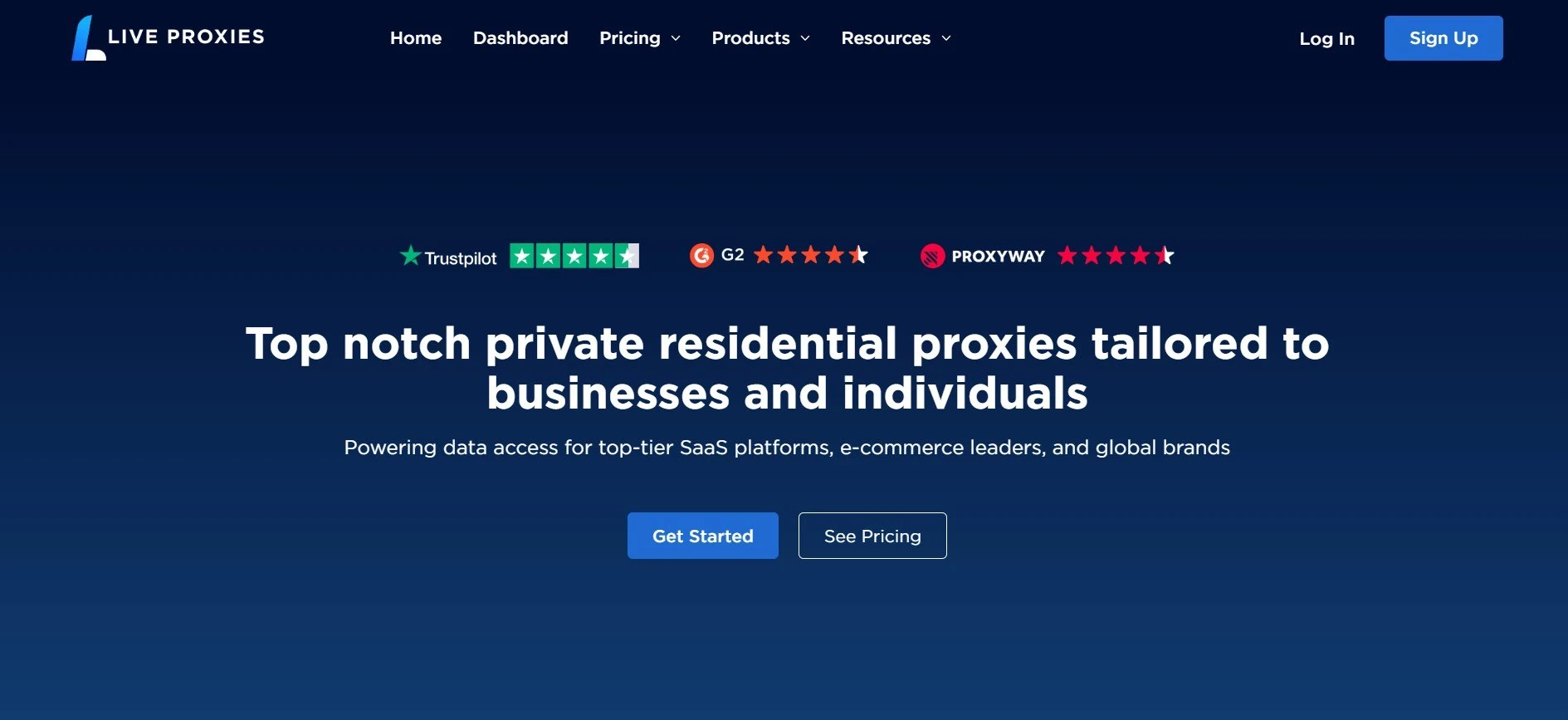
Live Proxies offers rotating proxies across both residential and mobile networks. Its residential proxies use IP addresses from real household connections, while its mobile proxies route traffic through carrier-assigned IPs, giving remote teams suitable options for standard web workflows and mobile-specific testing. The service provides private, target-based IP allocation, access to millions of IPs across 55+ countries, strong coverage in the United States, Canada, and the United Kingdom, and country, city, and ASN targeting. It also supports unlimited threads, HTTP and SOCKS5 protocols, and sticky sessions lasting up to 24 hours.
Advantages:
- Private target-based IP allocation
- Sticky sessions up to 24 hours
- Country, city, and ASN targeting
- Unlimited threads and enterprise bandwidth options
Considerations:
- Smaller published geographic coverage than some competitors
- Advanced configurations may require a custom enterprise plan
Best for: Distributed teams that need private IP allocation, extended session continuity, and controlled access across key commercial markets.
2. Oxylabs
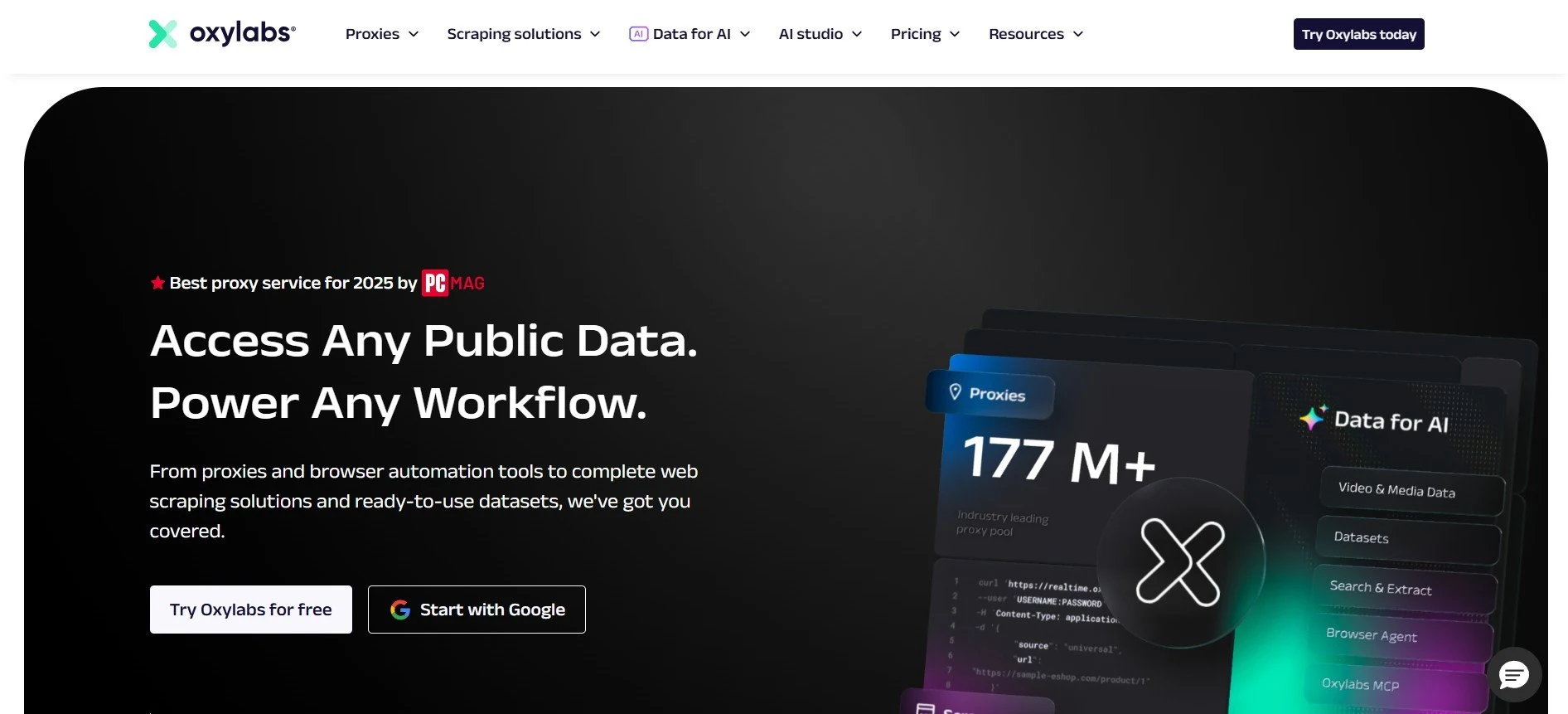
Oxylabs is designed for enterprises operating international public data, localization, research, and testing programs. Its residential network includes more than 175 million IPs across 195 locations, with country, state, city, ZIP code, and ASN targeting, unlimited concurrent sessions, HTTP(S), HTTP/3, and SOCKS5 support, and access to additional scraping infrastructure.
Advantages:
- Large global residential IP network
- Advanced geographic targeting
- Unlimited concurrent sessions
- Enterprise scraping and unblocking tools
Considerations:
- Higher cost for large-scale plans
- More complex than smaller teams may require
Best for: Large organizations running technically demanding regional testing or continuous public data pipelines.
3. SOAX
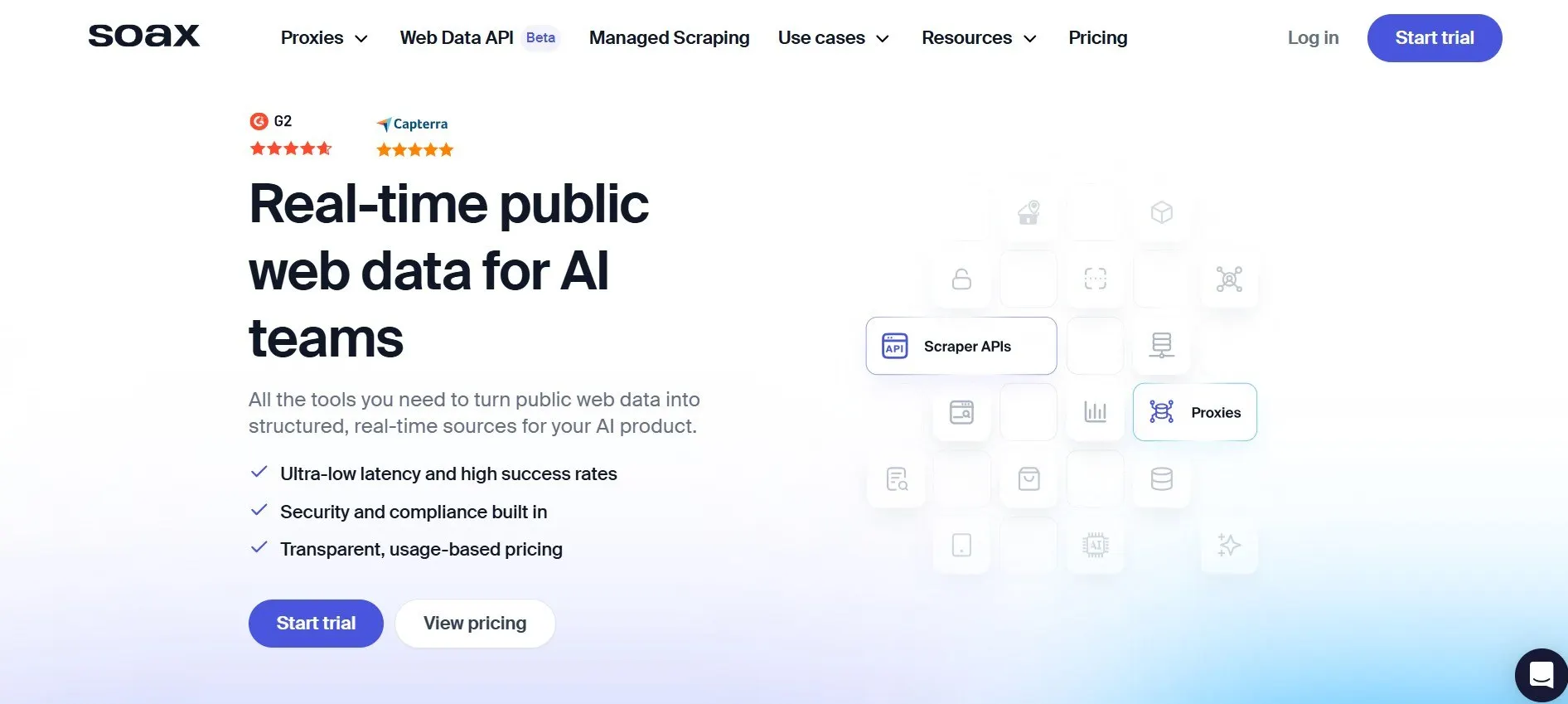
SOAX combines residential, mobile, ISP, and datacenter proxies within a unified subscription environment. Its network includes more than 155 million residential IPs and over 33 million mobile IPs, with access to 195+ locations and country, region, city, ISP, and mobile carrier targeting depending on the selected proxy type. The platform supports rotating and sticky sessions, unlimited connections, and HTTP(S) and SOCKS5 protocols, while UDP and QUIC are available for residential and mobile proxy workflows.
Advantages:
- Residential, mobile, ISP, and datacenter proxies
- Broad protocol support
- Precise city, ISP, and carrier targeting
- Unified subscription management
Considerations:
- Higher monthly entry price
- Session limits vary by proxy product
Best for: Development and advertising teams that require several proxy types, protocols, and network-level targeting controls.
4. Decodo
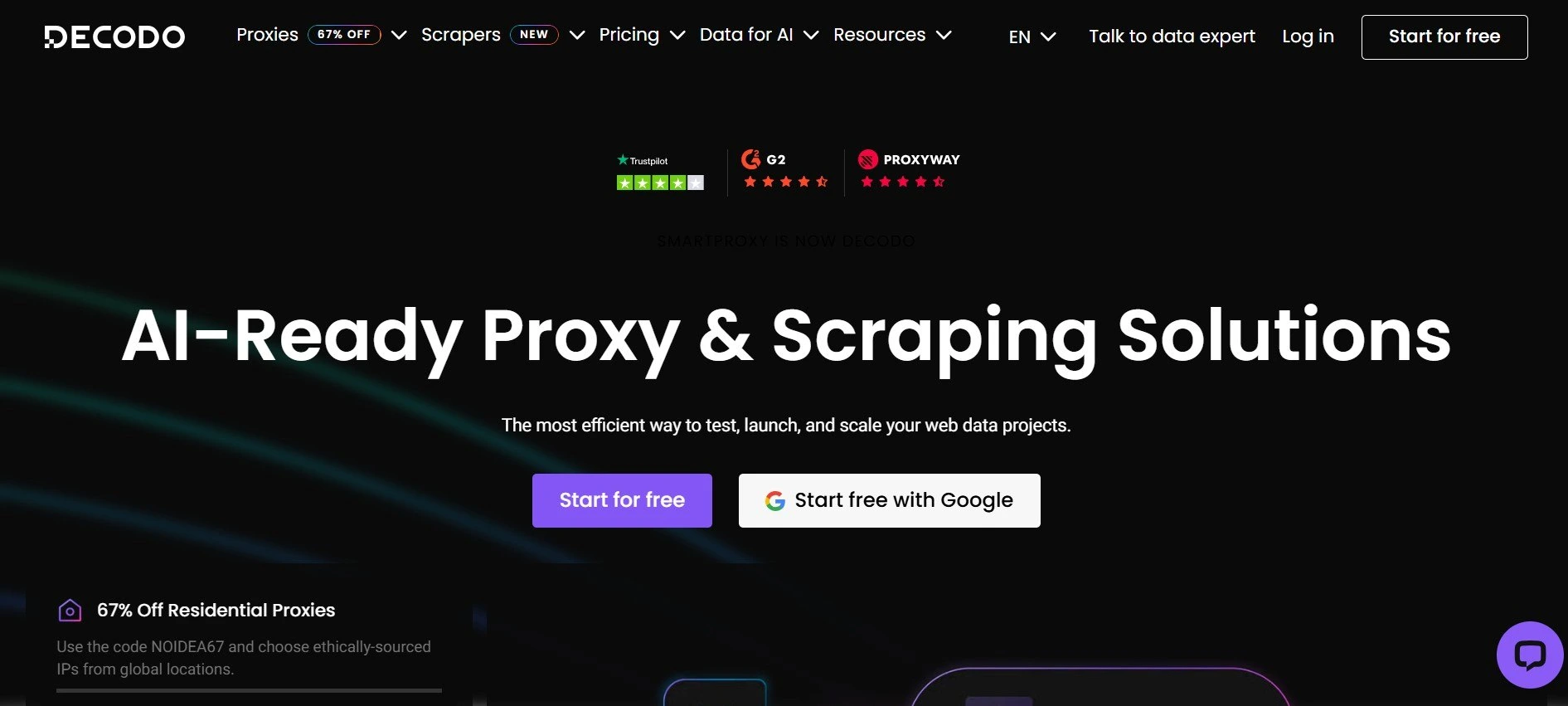
Decodo, formerly Smartproxy, offers residential, mobile, and datacenter proxies with a self-service dashboard and enterprise options. Its residential network includes more than 115 million IPs across over 195+ locations, with country, state, city, ZIP code, and ASN targeting, per-request rotation, sticky sessions lasting up to 24 hours, and HTTP, HTTPS, and SOCKS5 support.
Advantages:
- Large residential proxy network
- ZIP code and ASN targeting
- Sticky sessions up to 24 hours
- Subscription and pay-as-you-go options
Considerations:
- Lower rates require larger traffic commitments
- Long sticky sessions may end early if the residential peer goes offline
Best for: Growing remote teams seeking strong targeting and session controls without a large enterprise commitment.
5. IPRoyal

IPRoyal provides residential, mobile, ISP, and datacenter proxies for smaller organizations and teams with changing traffic requirements. Its residential network includes more than 64M+ IPs across 195+ countries and regions, with country, state, and city targeting, per-request rotation, and configurable sticky sessions lasting up to seven days. The service also supports unlimited simultaneous residential sessions, HTTP(S) and SOCKS5 protocols, API access, and both pay-as-you-go and subscription-based traffic purchasing.
Advantages:
- Flexible traffic purchasing
- Sticky sessions up to seven days
- Multiple proxy types
- Simple self-service setup
Considerations:
- Fewer advanced targeting options
- Lighter enterprise management features
Best for: Small and midsize teams that prioritize flexible traffic purchasing and long residential sessions.
6. Webshare
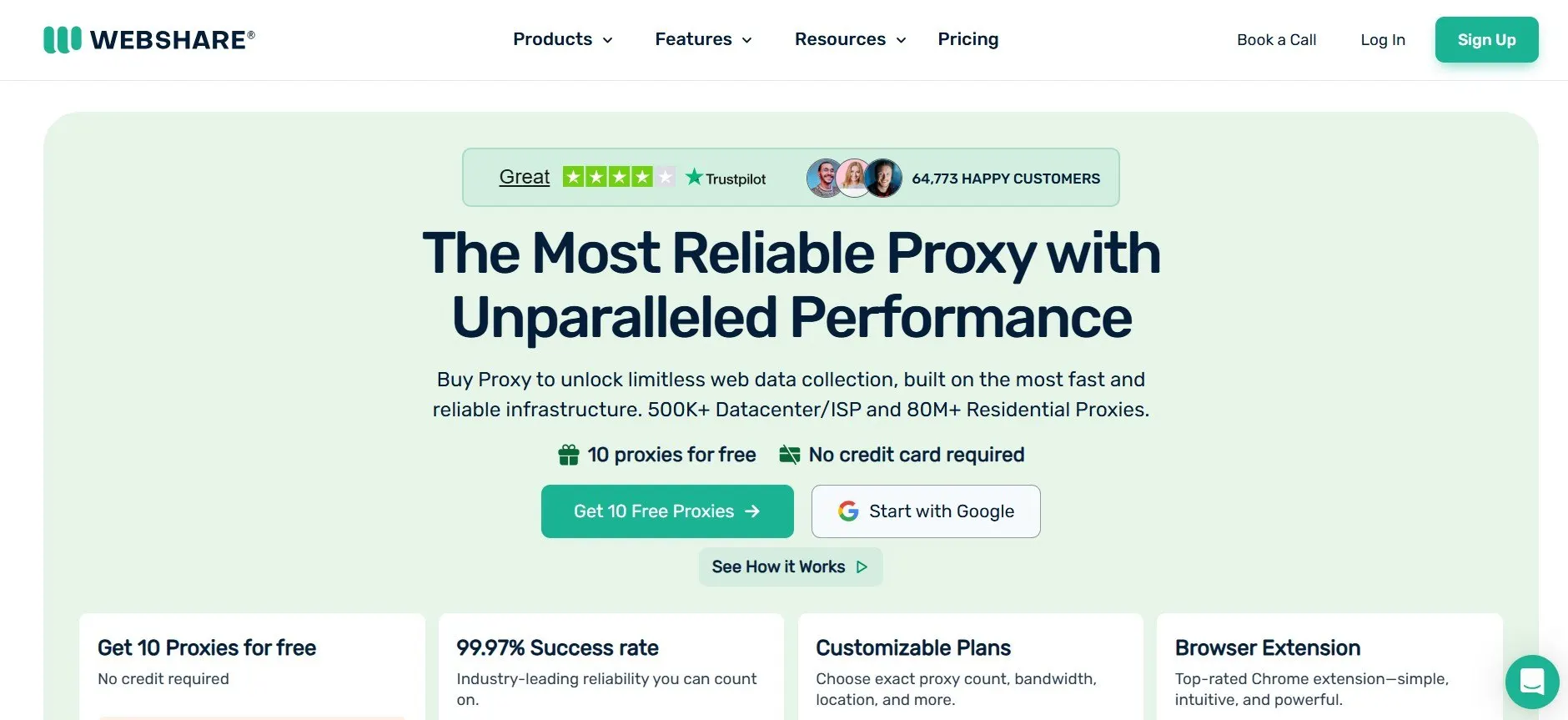
Webshare offers rotating residential proxies and datacenter proxy servers through a straightforward self-service platform. Its permanent free plan includes 10 datacenter proxies and 1GB of monthly traffic, making it practical for initial testing. The rotating residential product provides access to more than 80 million IPs, country- and city-level targeting, HTTP and SOCKS5 support, and a choice between per-request rotation and sticky sessions lasting from one minute to 24 hours.
Advantages:
- Free testing plan
- Simple self-service dashboard
- HTTP and SOCKS5 support
- API-based proxy management
Considerations:
- No mobile proxy product
- Rotating residential targeting is limited to country and city
Best for: Startups, technical pilots, low-volume workflows, and teams testing proxy compatibility before scaling.
Teams that want one more option to shortlist can also look at the best proxies by Proxy-Seller, which offers residential, mobile, ISP, and datacenter IPs with country and city targeting, so the same account can cover both regional testing and day-to-day outbound routing.
How Can Companies Deploy Proxies Safely?
A well-selected provider cannot compensate for unmanaged devices, shared credentials, or unclear access policies. Proxy deployment should be governed as part of the organization’s wider remote-work security program.
- Define permitted workflows: Document which employees, tools, destinations, and business processes are authorized to use proxy infrastructure.
- Separate internal access: Keep private corporate systems behind approved VPN, ZTNA, or identity-aware remote-access controls.
- Issue individual credentials: Give each employee or service a separate account to simplify revocation and activity tracking.
- Protect administrative access: Restrict dashboards, API keys, billing controls, and IP allowlists to authorized administrators.
- Use encrypted applications: Require HTTPS, TLS-enabled APIs, and other encrypted protocols whenever sensitive business information is transmitted.
- Separate business functions: Assign different credentials, endpoints, or sessions to development, QA, research, advertising, and production monitoring.
- Monitor operational metrics: Track traffic volume, connection success, location accuracy, latency, session continuity, and unexpected configuration changes.
- Review sourcing policies: Confirm how residential and mobile IPs are acquired and whether the planned use complies with applicable rules.
- Test before expansion: Run representative workloads against approved targets before committing to larger bandwidth or enterprise contracts.
- Prepare rapid revocation: Establish a process for disabling credentials immediately after device loss, employee departure, or suspected account compromise.
When Is a Proxy the Wrong Tool?
A proxy may be less suitable when employees mainly need direct access to private company systems, such as internal databases, file servers, or restricted applications. In these situations, a VPN or zero-trust access platform may provide a more complete fit because it is designed specifically for authenticated access to internal resources.
A different solution may also be more practical when the task does not require location control, IP rotation, public IP privacy, or managed outbound routing. Proxies remain highly effective for regional testing, public web research, external monitoring, and distributed online workflows, while other tools may be better for full-network access or device-wide protection.
Conclusion
Proxy infrastructure helps remote teams control outbound connections, limit the exposure of employees’ public IP addresses, and access external resources through consistent regional environments. The best solution depends on the required proxy types, session controls, protocols, targeting options, sourcing standards, and scalability. Combined with encryption, multifactor authentication, endpoint protection, and clear access policies, proxies can strengthen a secure remote-work strategy.