**Start your free trial today →
Trusted by 15,000+ companies across 100+ countries, EmpMonitor already tracks over 500,000 employees. For hospitals in 2026, the clearest path is a privacy-first system for employee productivity measurement and reporting that understands shifts, clinical nuance, and data sensitivity.
Put simply, the best tool helps you spot work bottlenecks fast without adding to burnout. It should show where time goes, protect patient data, and fit bedside, telehealth, and back-office work. You need clear dashboards, not surveillance. You need coaching cues, not blame. And you need healthcare-grade security that your compliance team can review and approve.
Moreover, your teams deserve context. Idle time near an on-call pager isn’t “wasted.” Nor is a nurse stepping away to calm a family. A healthcare-ready platform measures computer work for admin, billing, records, and telehealth roles, and pairs with team goals for clinical teams. That balance is what turns tracking into workforce optimization.
Why Healthcare Organizations Struggle with Productivity Tracking
Hospitals run 24/7. Shifts turn over at 7 a.m., 3 p.m., and 11 p.m., and weekends look like weekdays. In that swirl, measuring work without hurting trust is hard.
Generic trackers view a quiet keyboard as a problem. In a hospital, that pause might be patient counseling, triage, or a huddle on an adverse event. If the tool can’t read that nuance, it will mislabel care as “idle.
Furthermore, healthcare data is different. A billing clerk may open protected records. A telehealth clinician may screen share with a patient.
Screenshots and logs must never expose protected health information. While monitoring can help fix bottlenecks, it must respect legal and ethical lines. You need clear controls, audit trails, and a way to turn off tracking when anyone handles sensitive data.
In addition, roles blend. Charge nurses may handle staffing, answer calls, and document in the EHR. Respiratory therapists may split time between bedside care and device logs.
Schedulers may also handle prior authorizations. A tool that assumes one static job misses these mixed roles. It needs role-based permissions and smart grouping so you can compare like to like.
Why generic trackers fail in clinical contexts
Most generic tools were built for office teams on fixed hours. They flag “low activity” without context. They lack shift-aware rules, can’t separate clinical from admin time, and provide few privacy controls. As a result, they can undercut morale and flood you with noisy alerts.
To avoid that, your platform must bring shift scheduling, role-based views, and privacy-by-design. It should also support clear, ethical use with your staff council and compliance team. In this section and throughout, we’ll point out where employee productivity measurement and reporting needs a healthcare lens, not a generic one.
You’re not trying to watch people. You’re trying to find stuck work, uneven staffing, and risky workflows before they hurt patients or your team.
What to Look for in a Healthcare Productivity Tracking Solution
First, check security and privacy. EmpMonitor is GDPR compliant and offers SSL encryption, Firewall controls, IP allowlisting, and data loss prevention. For U.S. providers, your compliance team will also align tool use with the HHS HIPAA Privacy Rule. You need role-based permissions, audit logs, and a private-time control so staff can pause monitoring when working with sensitive data.
Second, confirm shift awareness. The system should map to rotating schedules and on-call blocks, not just 9–5. It must track attendance and time by shift, and separate night work from day work so you can compare fairly. Without this, overnight teams look “less active” on paper even when they are handling urgent tasks.
Third, demand nuance on idle time. In healthcare, low keyboard or mouse input does not always mean low work. Your tool should let you tag productive apps and URLs, set flexible idle thresholds, and add notes to explain context. That way, telehealth consults, payer calls, and case reviews show as productive time, not gaps.
Security, roles, and real-time reporting
- GDPR compliant design and data security & privacy protection are non-negotiable. You need granular permissions so HR, Nursing, and IT each see only what they should.
- Multiple roles & permissions let you set different views for clinical educators, unit managers, and revenue cycle leads.
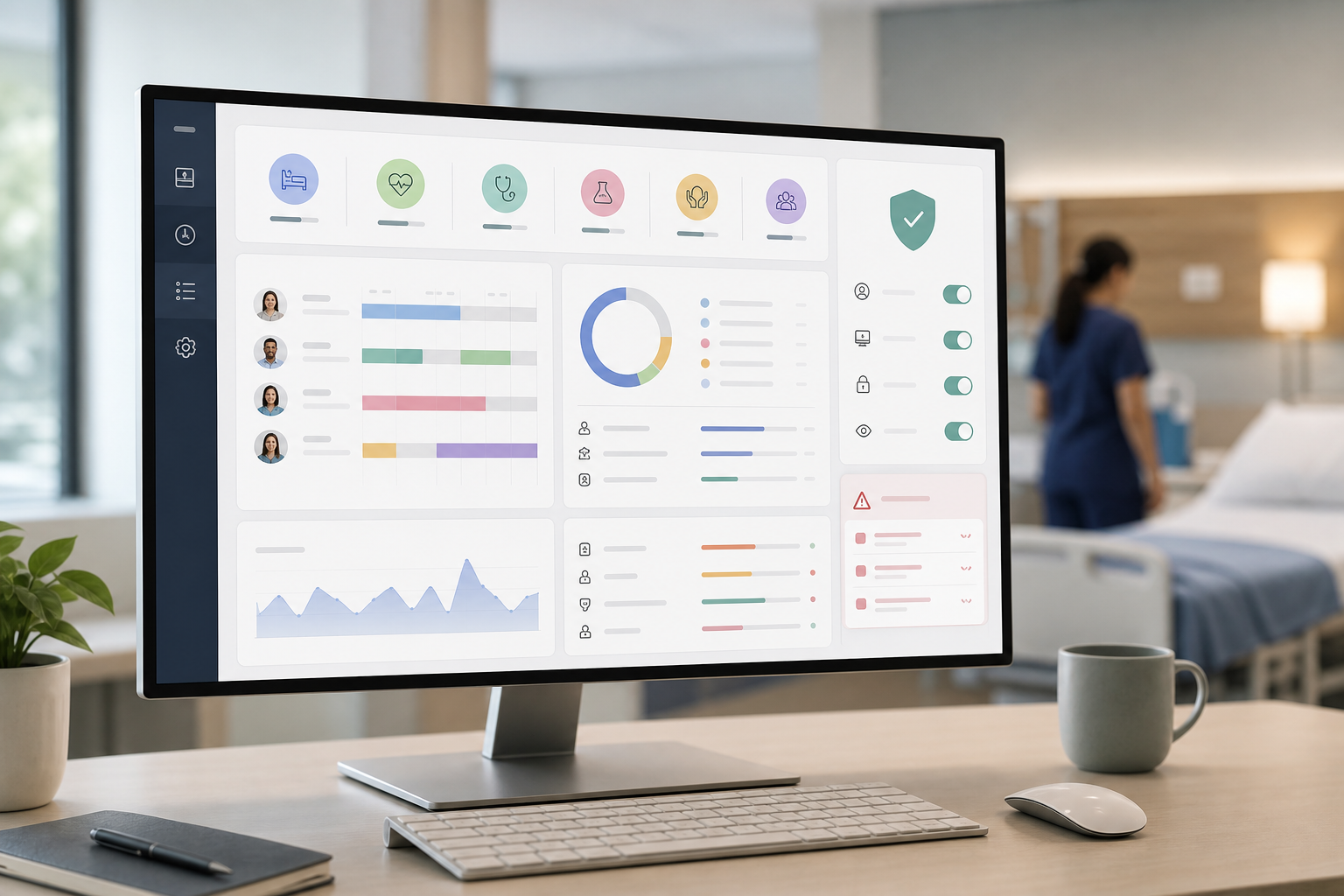
- Real-time dashboards give you live staffing and activity signals so you can adapt coverage. Waiting until the end of a pay period is too late to help this week’s patients.
- Shift scheduling must exist inside the same system. If you bolt it on, you will spend hours matching logs to rosters.
Finally, choose a platform that supports education. Short coaching notes aligned to team goals are better than “gotchas.” This is workforce improvement, not surveillance. If you want more on practical frameworks, this case-based guide to measuring productivity is a helpful read, as is this primer on building a performance tracking system. In each case, the goal is the same: clear, fair employee productivity measurement and reporting you can stand behind.
Also Read!
EmpMonitor vs Hubstaff for Small Businesses: Which Is Better for Employee Productivity Tracking?
How EmpMonitor Solves Productivity Tracking for Healthcare Teams
EmpMonitor was built to make work visible and secure without slowing care. Shift scheduling maps to real rosters, including rotating nights and weekends. Attendance tracking and automated time tracking run in the background, so teams don’t need to punch clunky clocks. Managers can see present, late, or missed shifts in one place and respond in real time.
On the measurement side, EmpMonitor tracks productive apps and URLs and calculates productivity with context. Idle time tracking can be tuned per role, so a patient billing call or a long EHR review isn’t marked idle. Real-time dashboards show work trends by unit, role, and shift. With that view, you can rebalance queues, support a swamped registrar, or shift coverage to the ED within minutes.
For admin compliance and training, screenshot monitoring helps you verify process steps. You can keep it limited to non-clinical roles or specific apps, and you can enable the Private Time option so staff can pause tracking. That control builds trust and protects sensitive tasks. EmpMonitor also brings data loss prevention, web app and USB blocking, and security controls like SSL, Firewall, and IP allowlisting to reduce risk.
Measurement and reporting with healthcare nuance
- Productivity Measurement and advanced reports let you compare like roles across sites without naming and shaming.
- A Real-time dashboard highlights bottlenecks so you can act this shift, not next quarter.
- Custom reports let you share only what each stakeholder needs, from unit managers to revenue cycle leads.
“EmpMonitor has been essential in enabling us to track how each hospital employee is working in general, identify problems quickly, and fix them.” — Medical Sector Clinical Coordinator
Moreover, the platform has simplified management of the entire workforce by 80% for leaders who cited gains in workforce, time, and effort. Those gains matter in 2026 as margins tighten and teams deal with burnout risk. With employee productivity measurement and reporting aligned to healthcare work, you get fair metrics that guide coaching, not punitive screenshots.
**Get instant visibility now →
EmpMonitor vs. Hubstaff vs. ActivTrak: Which Fits Healthcare Best?
Healthcare needs shift-aware tracking, privacy-by-design, and clear reporting for mixed roles. EmpMonitor brings those pieces together with security features and fair pricing. Hubstaff is known for GPS tracking for mobile and field teams. ActivTrak is praised for analytics and productivity insights. Each tool has strengths; the best fit depends on your use case.
Here’s a fair, healthcare-focused view:
| Criteria | EmpMonitor | Hubstaff | ActivTrak |
|---|---|---|---|
| Pricing | Bronze: $11/user/month paid yearly; Free 15-day trial available | Per-seat pricing; check current plans | Per-seat pricing; check current plans |
| HIPAA-adjacent security | GDPR compliant; SSL, Firewall, IP allowlisting; DLP; web app and USB blocking | Security controls vary by plan; review with compliance | Security controls and analytics; review with compliance |
| Shift support | Built-in shift scheduling and attendance | Scheduling features; confirm shift depth | Scheduling integrations; confirm fit |
| Screenshot monitoring | Available for admin compliance; Private Time option | Available in select plans; confirm scope | Available in select plans; confirm scope |
| Privacy controls | Private Time option; Multiple roles & permissions; Stealth/Un-stealth mode | Role controls; confirm privacy features | Role controls; confirm privacy features |
| Healthcare fit | Role-based views, DLP, IP allowlisting, custom reports | Strong for field teams (GPS), general productivity | Strong analytics; general productivity |
Compared to alternatives, EmpMonitor emphasizes healthcare-friendly controls. Private Time, Multiple roles & permissions, and Stealth/Un-stealth mode help you tailor visibility by role. Data loss prevention plus web app and USB blocking reduce the risk of sensitive data leaving your network. The free 15-day trial makes it easy to test in a unit before a full rollout.
“Handled the complex and multifaceted security issues in our company with ease and efficiency.” — Forensic & Legal Master Analyst
For GPS tracking for staff in the field, Hubstaff may be worth a look. Those who want deep analytics out of the box will find ActivTrak stands out. When your top need is secure, shift-aware employee productivity measurement and reporting that respects clinical context, EmpMonitor is built for that job.
Also Read!
Best Employee Productivity Tracking for Small Businesses in 2026
Best Employee Productivity Tracking for Call Centers in 2026
Trust, Compliance, and Proven Scale in Regulated Industries
You need a tool your compliance team can trust. EmpMonitor is GDPR compliant with SSL, Firewall, and IP allowlisting. It’s trusted by 15,000+ companies across 100+ countries and tracks over 500,000 employees globally. In addition, 76% of businesses rely on EmpMonitor for a smooth management process, which shows broad confidence in its reliability and support.
Support also matters. EmpMonitor provides 24X7 customer support for new and existing customers. That means when a shift lead needs help at 2 a.m., someone answers. Finance and forensics teams use the same controls you will, which adds confidence for hospitals.
“Since implementing EmpMonitor, we’ve improved our time to acknowledge mishaps to just under 5 minutes.” — Finance Sector Cross-Asset Financial Engineer
In 2026, you can’t trade speed for safety. With role-based access, DLP, and private time, you can run employee productivity measurement and reporting with care and still move fast.
Getting Started: Deploying EmpMonitor in a Healthcare Setting
A smooth rollout builds trust. Start small, be clear, and set fair rules. You can use the Free 15-day trial to pilot with one unit, validate reports, and get feedback. Personalized onboarding will help you tune settings for clinical and admin teams, and you can set Multiple roles & permissions so each leader sees only their staff.
Step-by-step plan:
- Sign up for your trial and invite a small pilot group across roles. 2) Configure shift schedules and attendance rules to match your rosters. 3) Set role permissions for clinical education, unit managers, HR, and IT.
- Define the productive app and URL list for billing, records, and telehealth. 5) Enable the Private Time option and document when to use it. 6) Build Custom reports for each audience and review results in week one.
Share the “why” with staff: reduce overload, spot stuck work, and improve handoffs. Make it privacy-first. Allow private time and avoid screenshots for clinical apps. Then, expand by department. With that approach, employee productivity measurement and reporting becomes a fair way to improve care and staff well-being.
Frequently Asked Questions
Is EmpMonitor HIPAA compliant for healthcare use?
EmpMonitor is GDPR compliant and includes SSL encryption, Firewall controls, and IP allowlisting. These controls, plus data loss prevention and role-based permissions, support HIPAA-adjacent safeguards when used under your policies. However, HIPAA compliance is a program, not a feature. You should review EmpMonitor with your compliance team and align monitoring policies with the HIPAA Privacy Rule.
How much does employee productivity tracking cost for a hospital?
EmpMonitor starts at $9–$12 per user per month depending on tier, with Diamond custom pricing for 200+ users. A Free 15-day trial is available so you can test before you buy. Compared to Hubstaff and ActivTrak per-seat pricing, organizations often find EmpMonitor’s healthcare-friendly security features and role controls deliver strong value at this range. For exact quotes, see the pricing page or contact sales.
Can EmpMonitor handle rotating shifts and 24/7 healthcare schedules?
Yes. Built-in shift scheduling and automated time tracking support rotating days, nights, weekends, and on-call patterns. Attendance tracking adapts to non-standard hours, so overnight and per-diem staff show up correctly. You can also run reports by shift to compare like to like.
Does productivity tracking work for clinical staff who aren’t at desks?
EmpMonitor tracks computer-based work, which makes it ideal for admin, billing, records, command center, and telehealth roles. For bedside staff, pair EmpMonitor data with task boards, rounding goals, or unit-level outcomes. That hybrid view helps you see trends without reducing care to keystrokes.
How does EmpMonitor protect sensitive patient data during monitoring?
The Private Time option lets employees pause monitoring for sensitive work. SSL encryption protects data in transit, and IP allowlisting restricts where the console can be accessed. In addition, USB blocking and data loss prevention help reduce data exfiltration risk. The architecture is GDPR compliant to support strong privacy practices.
What are alternatives to EmpMonitor for healthcare productivity tracking?
Hubstaff and ActivTrak are popular alternatives. Hubstaff stands out for GPS tracking for mobile and field teams. ActivTrak is known for strong analytics and productivity insights. EmpMonitor differentiates with healthcare-ready data security features and pricing, plus role-based controls and privacy options.
How long does it take to deploy EmpMonitor across a healthcare organization?
Personalized onboarding is included, and most organizations configure roles, shifts, and productive-app lists within days. The Free 15-day trial helps you validate settings with a pilot before scaling. 24/7 support is available to resolve setup issues fast. Start small, gather feedback, and then expand by unit.
Summary: What “Good” Looks Like for 2026
- Choose measurement that respects care. Use shift-aware tracking, fair idle rules, and role-based views.
- Put privacy first. Use GDPR-grade security, data loss prevention, and the Private Time option to protect staff and patients.
- Act in real time. Use dashboards and custom reports to fix bottlenecks this week, not next quarter.
When you treat employee productivity measurement and reporting as workforce improvement, teams feel supported and patients benefit. If you want to see it in action, start with a small pilot and expand from there.