
Track productivity by defining outcomes per role, picking 2–3 KPIs, setting a baseline, and reviewing a 30‑day pilot with your team. That is the core of employee productivity measurement and reporting for a small business in 2026.
If you lead a team of five, fifteen, or fifty, you’ve likely felt the tension: you want fair, clear standards, but you don’t want to spy. You’re right to feel that. People do their best work when they trust their manager and know what “good” looks like. The good news is you can measure work in a way that’s simple, humane, and budget‑friendly.
Here’s the plan: define “productive” for each role, choose a few proof points, and track them with light‑weight tools. Then, you talk about the data weekly and fix bottlenecks. You measure to coach, not to catch. If you want a deeper dive on benchmarks and templates, this 2026 guide to metrics and reports breaks down formats you can copy.
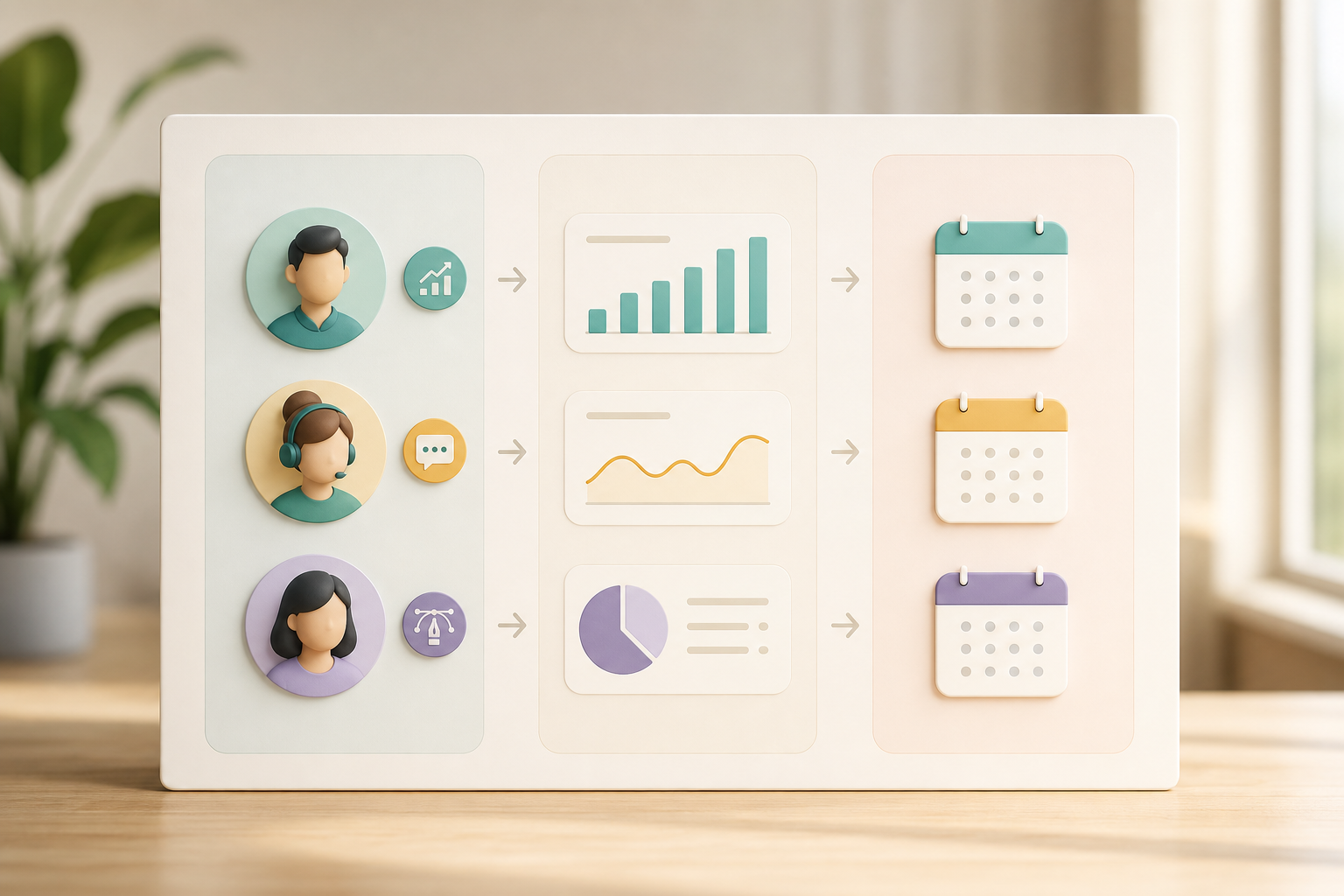
What Does Employee Productivity Tracking Actually Mean for a Small Business?
Productivity tracking is not surveillance. It’s a shared scorecard that shows whether work is moving the business forward. In a small shop, that means tying day‑to‑day effort to outcomes you care about: revenue, leads, shipped features, resolved tickets, or completed orders. You don’t need to watch every click. You need a few fair measures and a habit of review.
For clarity, think in two buckets. Output‑based metrics show results: proposals sent, bugs fixed, designs approved, NPS changes. Activity‑based metrics show effort: hours logged, calls made, emails sent, apps used.
Blend results and activity
Both have value. However, results matter more than raw activity. The trick is to blend them so you can coach early and still judge by outcomes.
Moreover, small teams need simpler systems than enterprises. You don’t have a PMO or a BI team. You need setup in hours, not months; reports in minutes, not a week. Tools that offer a “Productivity Measurement” feature, real‑time visibility, and quick reports can help you make the call in your next one‑on‑one, not next quarter. And because small businesses range from 1 to 1,000+ employees, you want software that grows with you without forcing big‑company process on a 12‑person crew.
"EmpMonitor does one thing really well: it saves us time!" — Education Career Counsellor
Output vs. Activity (and why the blend works)
- Output: what shipped or changed. Example: “12 tickets resolved with CSAT 4.7+.
- Activity: supporting signals. Example: “4 hours of focused work on help desk and docs.
- Blend: results first, effort as context when results dip.
For a plain‑English primer, see this overview of Productivity.
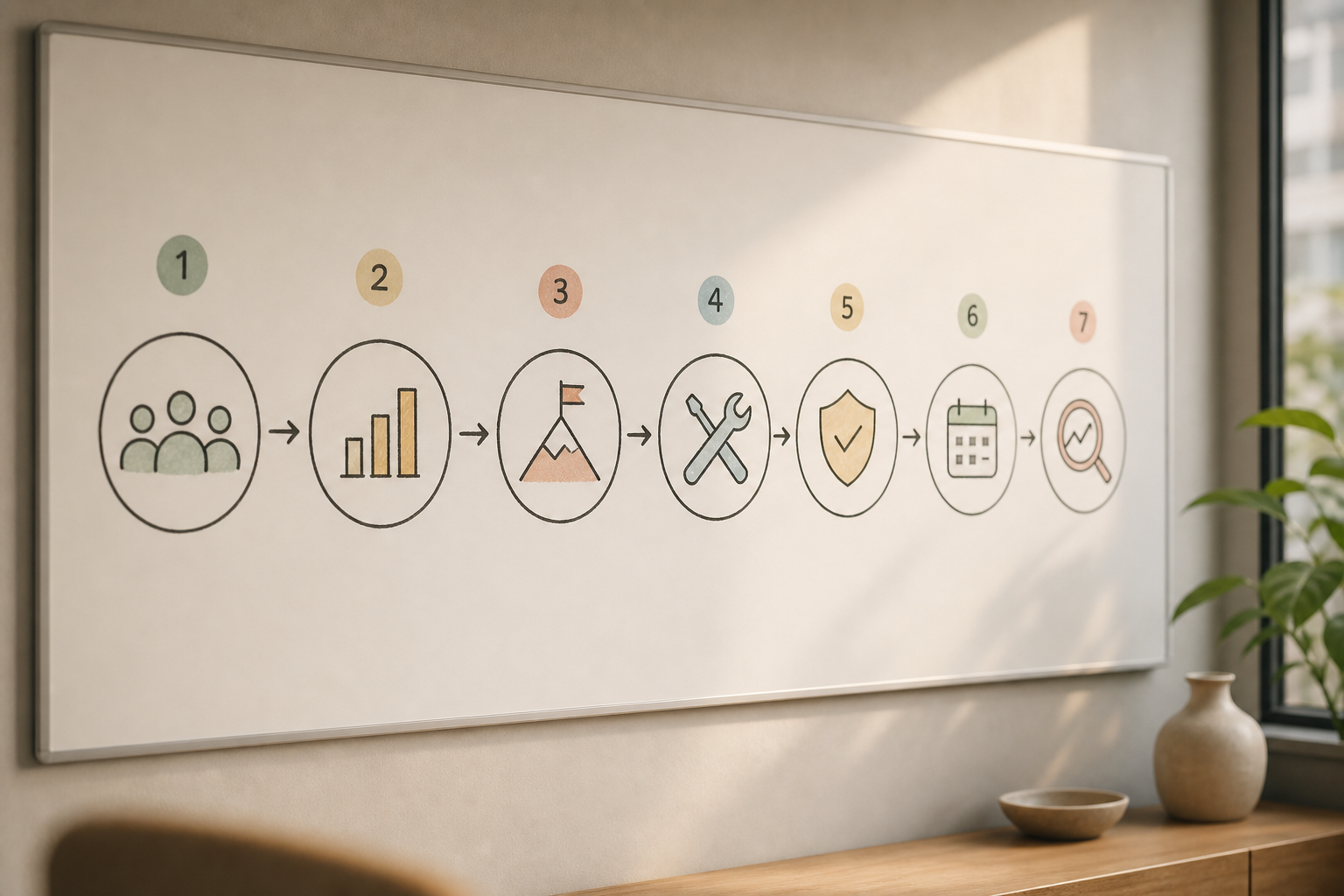
7 Steps to Set Up Productivity Tracking for Your Small Team
You can stand this up in a week. Here’s the playbook I use with small teams.
Plan the roles and KPIs
- Define what “productive” means per role
Say it out loud and write one sentence per role. – Sales: “Create pipeline and close deals with healthy margin. – Support: “Resolve tickets fast with high CSAT. – Marketing: “Ship campaigns that lift qualified leads.
- Design: “Deliver assets on time that meet the brief. – Engineering: “Ship stable code that meets scope. Clarity beats dashboards. People want to know how you’ll judge the work.
- Choose 2–3 KPIs per position
Pick results first, then add one activity signal.
-
Sales rep: demos booked, deals won, calls placed. – Support agent: tickets resolved, CSAT, first‑response time. – Designer: approved deliverables, on‑time rate, review cycles.
-
Developer: stories completed, defect rate, code review turnaround. Keep it tight. Three KPIs per role is a hard cap.
- Set baselines before you track
Collect two weeks of normal work to set a starting point. Don’t change pay or targets yet. Use those numbers as today’s “truth,” then agree on a modest lift (for example, +10% tickets resolved, or 1 extra demo per week). Baselines make later changes feel fair, not sudden.
Track and communicate
- Pick a tracking method
Use light tools that don’t add admin grind. Real‑time activity tracking tells you when work happens. Automated time tracking removes guesswork.
A simple productivity calculation (like “productive hours / total hours”) offers a helpful trend line. Custom reports let you filter per role. And advanced analytics can flag spikes in idle time so you can ask, “Is something blocked?
- Communicate transparently with employees
Explain the “why,” the KPIs, and who sees what. Put it in writing. Ask for feedback.
Promise no surprises: coaching first, then goals, and reviews on a set cadence. Transparency builds trust and better data. This sample plan pairs well with a simple performance tracking system.
Pilot and refine
-
Run a 30‑day pilot
Pilot with one squad or role. Meet weekly for 15 minutes to review trends. Coach to remove roadblocks. Adjust KPIs that don’t signal real work. A short pilot makes the system a team project, not a top‑down mandate. -
Review and adjust
At day 30, compare results to your baseline. Keep what worked. Cut what didn’t. If needed, add one metric, but never go past three. Lock your reporting cadence (weekly role reviews; monthly team view).
“Simplified the management of the entire workforce by 80% in terms of workforce, time, and effort.” — Ashwin Kumar, Chief Project Coordinator
As you formalize these steps, skim this case story on measuring productivity for real KPIs and reporting screens you can mirror.
Also Read!
Best Employee Productivity Tracking for Small Businesses in 2026
Best Employee Productivity Tracking for Call Centers in 2026
5 Mistakes Small Businesses Make with Productivity Tracking
You don’t have room for bloated process. Here are the traps I see, plus fixes you can use today.
- Tracking hours instead of output
Fix: Lead with results. Keep hours as context. For example, track “tickets resolved and CSAT” before “hours online.” Use activity only to diagnose dips in output.
Communicate and focus
-
Not telling employees they’re being monitored
Fix: Be upfront. Share what’s tracked, how long you retain data, and who sees it. Offer a Private time option for breaks and personal tasks. Clear policy beats rumor. -
Measuring everything instead of what matters
Fix: Cap at 2–3 KPIs per role. If a metric doesn’t drive a decision, drop it. Focus brings better coaching and less noise.
Keep it simple and actionable
-
Using enterprise tools that overwhelm small teams
Fix: Choose tools with fast setup, sane defaults, and reports you can scan in under 2 minutes. A real‑time dashboard and alerts with auto email reports help you act without digging. -
Ignoring the data after collecting it
Fix: Build a short weekly ritual. Review trends, ask one “what’s in your way?” question, and agree on one change. If you don’t act on it, don’t track it.
"EmpMonitor’s advanced analytics offer profound insights into employee performance, driving operational efficiency improvements that have truly transformed our business." — James George, Accountant
Privacy and compliance matter, too. If you operate in or serve the EU, structure your policy to align with the General Data Protection Regulation. Pick software that is GDPR compliant and advertises data security & privacy protection, including SSL, firewall, and IP allowlists. Transparency plus a Private time control removes the fear that measurement equals surveillance.
Affordable Productivity Tracking Tools for Small Teams
You don’t need a stack of ten tools. Start with one of these categories and add only if a gap appears.
- Time trackers (Toggl, Clockify): Simple time logs and basic reports. Good for roles that jump between clients or tasks. Watch for manual logging fatigue.
- Activity monitors (EmpMonitor, Hubstaff): Real‑time activity tracking, automated time tracking, URL and app tracking, and productivity calculation. Useful when work lives on a computer and you need trends, not timesheets.
- Project management tools: Task status and throughput views. Great for “what’s in progress” but light on focus/idle signals without add‑ons.
For sub‑50‑person teams, ease of setup, cost per user, and reporting speed matter most. Tools like EmpMonitor bundle a real‑time dashboard, Attendance Tracking, alerts and auto email reports, and Custom reports. Pricing is straight‑forward in 2026: Bronze is $11/user/month paid yearly ($12 monthly) for 1–10 users, Silver is $10/$11 for 11–50, and Gold is $9/$10 for 51–200; a Free 15‑day trial is available. According to EmpMonitor, the platform is trusted by 15,000+ companies across 100+ countries and tracks over 500,000 employees. That scale means you get features tested in lots of setups without big‑company bloat.
Neutral tip: put price per user, setup time, and “time to first useful report” on one page. If you can’t get a useful report in the first hour, keep looking. Likewise, if the trial hides core features like URL and app tracking or Attendance Tracking behind a paywall, that’s a red flag.
Key Takeaways
A small business does not need a surveillance system to improve output. You need a few clear measures, a short review habit, and a tool that makes the data easy to read. With that mix, people know what “good” looks like and feel trusted while they work.
- Define “productive” per role, then cap at 2–3 KPIs. Results first, activity as context when results dip.
- Set a baseline before goals. A 30‑day pilot makes the system fair and lets your team shape it.
- Use tools that do the grunt work: automated time tracking, a real‑time dashboard, and alerts you can act on.
- Protect trust: share your policy, provide a Private time option, and stay GDPR aligned with clear data retention rules.
- Build a weekly ritual. If a metric doesn’t spark a decision or a coaching chat, it doesn’t belong on your scorecard.
Finally, keep your reporting short and human. Across sections above, you saw how employee productivity measurement and reporting ties to real work, not busywork. That approach scales as you grow from five to fifty without drowning you in data.
What to Do This Week: Your Productivity Tracking Quick-Start
Here’s a Monday–Friday plan that fits around real work.
-
Monday — Audit your workflow
List your top five workflows (sell, fulfill, support, invoice, market). For each key role, write one sentence on what “productive” means. Keep it plain. -
Tuesday — Pick the top 3 roles to track
Choose three roles that drive revenue or customer trust. Draft 2–3 KPIs for each. Lead with outcomes, add one activity signal. -
Wednesday — Draft your transparency policy
Write one page that says what you track, why, who sees it, and how Private time works. Include a line on data retention and who to ask for help. Align to GDPR if you serve EU customers. -
Thursday — Trial one tool
Start a Free 15‑day trial. Aim to see a first useful report in under one hour. Many teams value Personalized onboarding; ask for it if you want a quick walkthrough. If you want sample KPIs to copy, this real case study shows before‑and‑after reports you can mirror. -
Friday — Review your first data
Meet for 20 minutes with the pilot team. Ask: What looks right? What feels unfair? What one change will make next week better? Lock next week’s plan and start the 30‑day pilot on Monday.
You’ve now launched employee productivity measurement and reporting without drama. It’s clear, kind, and useful. Keep it simple, talk about the data weekly, and you’ll see steady gains.
"We're impressed with the results!" — Arjun Krishnan, IT Director