
Online privacy is no longer something people think about only after a data breach. In 2026, VPNs will become everyday security tools for remote workers, freelancers, travelers, students, businesses, and anyone who wants more control over their internet connection.
A VPN, or Virtual Private Network, helps protect your online activity by creating an encrypted connection between your device and the internet. It can hide your IP address, reduce exposure on public Wi-Fi, improve privacy while browsing, and help users access the web more securely from different locations.
But not all VPNs are built the same. Some focus on speed. Some focus on streaming. Some offer advanced privacy tools, while others provide residential IPs, unlimited devices, malware blocking, or free plans. That is why choosing the right VPN in 2026 depends on your needs, budget, device count, and level of privacy required.
In this guide, we will cover the top 5 VPN in 2026, starting with Mysterium VPN, followed by other leading VPN tools worth considering.
What Is A VPN And Why Is It Important In 2026?
A VPN is a privacy and security tool that routes your internet traffic through an encrypted tunnel. Instead of your internet activity being directly visible to websites, public Wi-Fi networks, or other third parties, a VPN masks your IP address and makes your connection more private.
In 2026, VPNs are especially important because people work, shop, bank, stream, and communicate across multiple networks and devices. Many users regularly connect from airports, cafés, hotels, coworking spaces, and home networks that may not be secure. A VPN adds an extra layer of protection when using these networks.
VPNs are also useful for businesses.Choosing the right VPN for remote teams means looking beyond personal use and considering factors like multi-device support, access controls, and compatibility with existing security tools. A VPN can help protect sensitive information, reduce exposure to unsafe networks, and support safer browsing habits.
However, VPNs should be used responsibly. Businesses should define clear VPN policies, approve trusted tools, and avoid unauthorized VPN usage on company devices. A VPN protects privacy, but it should also fit within an organization’s security and compliance framework.
Shortlist – Best For Quick Picks
- Mysterium VPN – Best for residential IPs and decentralized privacy
- NordVPN – Best for all-around security and advanced privacy features
- ExpressVPN – Best for premium speed, ease of use, and global access
- Surfshark – Best for unlimited device connections
- Proton VPN – Best for privacy-focused users and free VPN access
- Astrill VPN – Best for censorship bypass, dedicated servers, and advanced privacy features
Best VPN Tools
Mysterium VPN
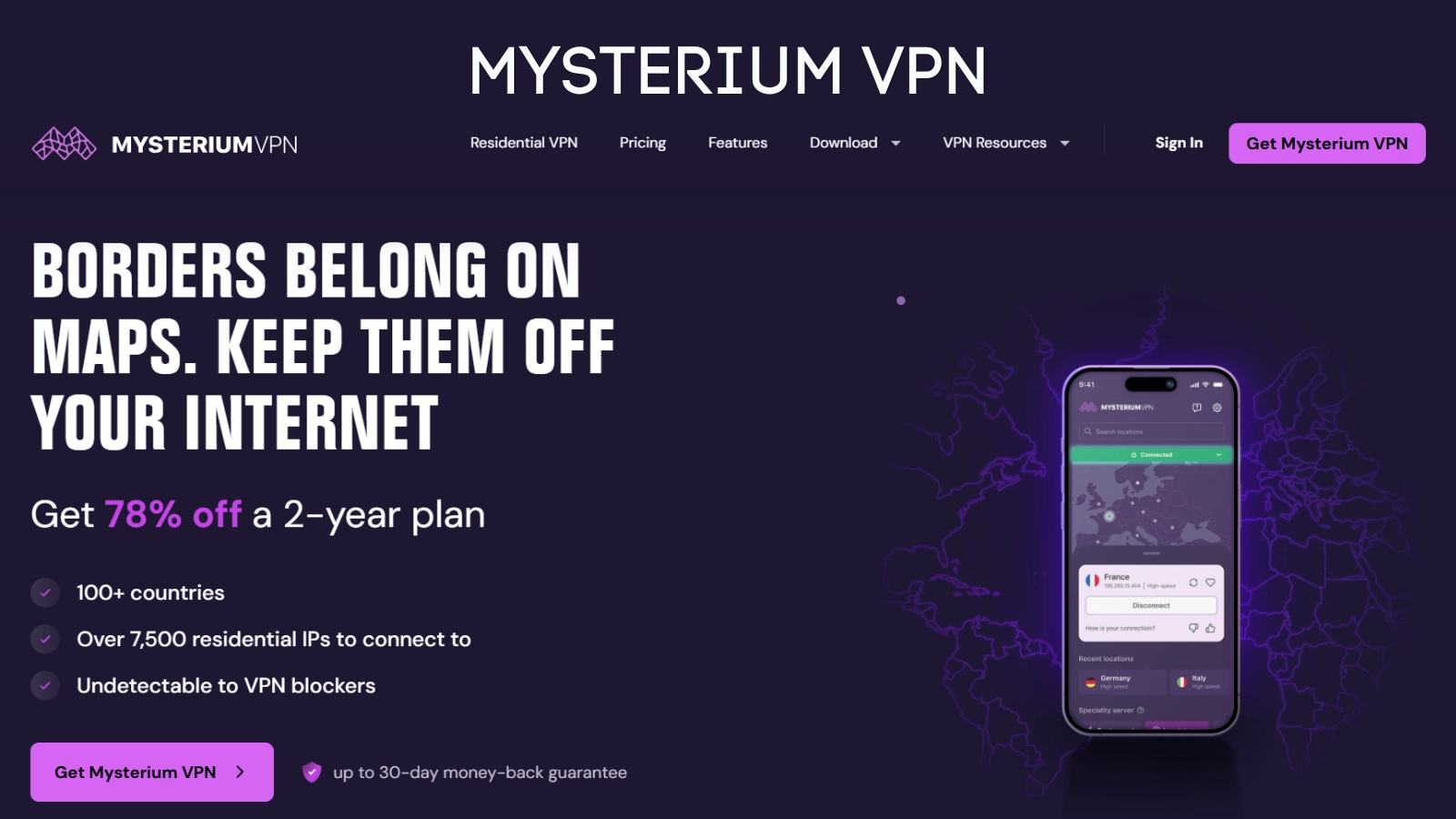
Mysterium VPN is one of the most interesting VPN tools in 2026 because it takes a different approach from many traditional VPN providers. Instead of relying only on standard data center servers, Mysterium VPN offers residential IP access through a privacy-first VPN experience. This makes it a strong option for users who want more natural-looking connections, better location flexibility, and access to residential IPs across many countries.
Mysterium VPN is especially useful for people who want more than basic VPN protection. It offers features such as WireGuard, OpenVPN, Double VPN, residential IPs, city-level choices, malware blocking on higher plans, and support for multiple devices depending on the plan. The service is designed for users who want secure browsing, IP masking, and global access without depending only on traditional VPN infrastructure.
For users comparing VPN pricing in 2026, Mysterium VPN is also competitive. Its plans include monthly, yearly, and two-year options, with longer plans offering stronger savings. The Plus and Pro plans are particularly useful for users who want residential IP access and more advanced protection.
Pros:
- Offers residential IPs for more natural-looking browsing.
- Includes a decentralized, privacy-first approach.
- Supports WireGuard and OpenVPN.
- Offers up to 15 devices on the Pro plan.
- Includes 100+ supported countries on higher plans.
- Useful for users who want city-level location control.
- Competitive long-term pricing.
Cons:
- Some advanced features are available only on higher-tier plans.
- Users who only need a basic VPN may not need residential IP features.
- Refund conditions may depend on usage and plan terms.
Pricing:
Mysterium VPN pricing varies by plan and billing length. At the time of review, its pricing includes monthly, one-year, and two-year plans. The two-year plans offer the best value, with Basic, Plus, and Pro options available. The Plus plan is positioned as a strong value choice for users who want residential IPs, while Pro adds more protection features such as malware blocking and family-friendly internet options.
NordVPN
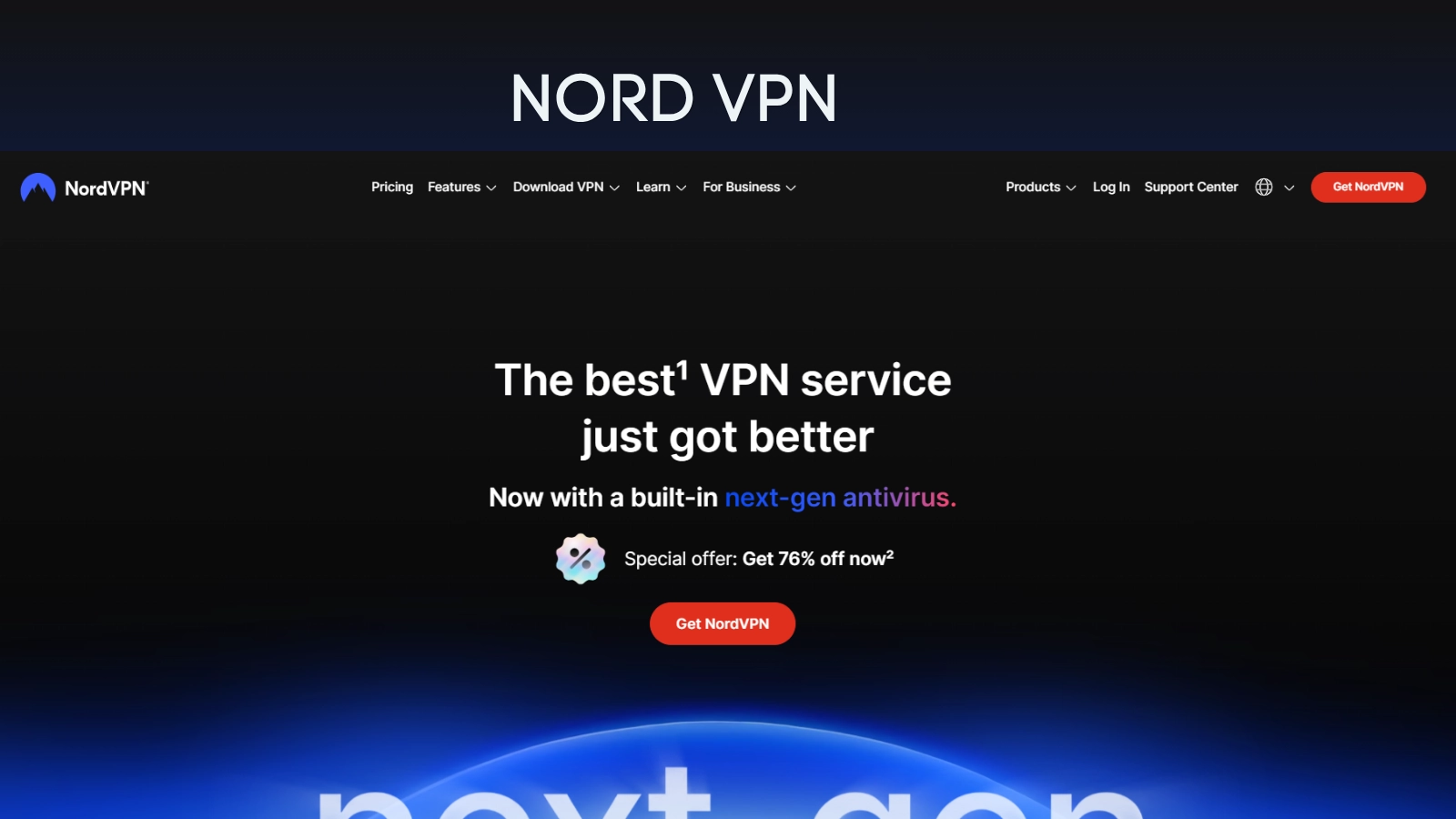
NordVPN is one of the most well-known VPN services and remains a strong choice in 2026 for users who want a balanced mix of security, speed, and usability. It is designed for everyday browsing, remote work, public Wi-Fi protection, and more private internet access. You can claim VPN free trial through this link from NordVPN.
NordVPN includes several advanced privacy and security features, such as Double VPN, obfuscated servers, dedicated IP options, and Meshnet. These features make it appealing for users who want more control over how they connect and how much privacy protection they need.
NordVPN is a good choice for individuals, families, and professionals who want a reliable all-around VPN. It supports multiple devices and offers several plan levels, so users can choose between basic VPN protection and more complete security bundles.
Pros:
- Strong all-around VPN for privacy and security.
- Offers advanced options such as Double VPN and obfuscated servers.
- Supports up to 10 devices.
- Includes Meshnet for secure device-to-device connectivity.
- Multiple pricing tiers are available.
- Good choice for users who want a mainstream, polished VPN experience.
Cons:
- Some advanced cybersecurity features require higher-tier plans.
- Pricing can vary depending on subscription length and promotions.
- Maybe more than what casual users need if they only want simple IP masking.
Pricing:
NordVPN offers different pricing tiers and subscription lengths, including monthly, yearly, and two-year plans. Its plans commonly include Basic, Plus, Complete, and Prime options, with longer subscriptions usually offering lower average monthly pricing.
ExpressVPN
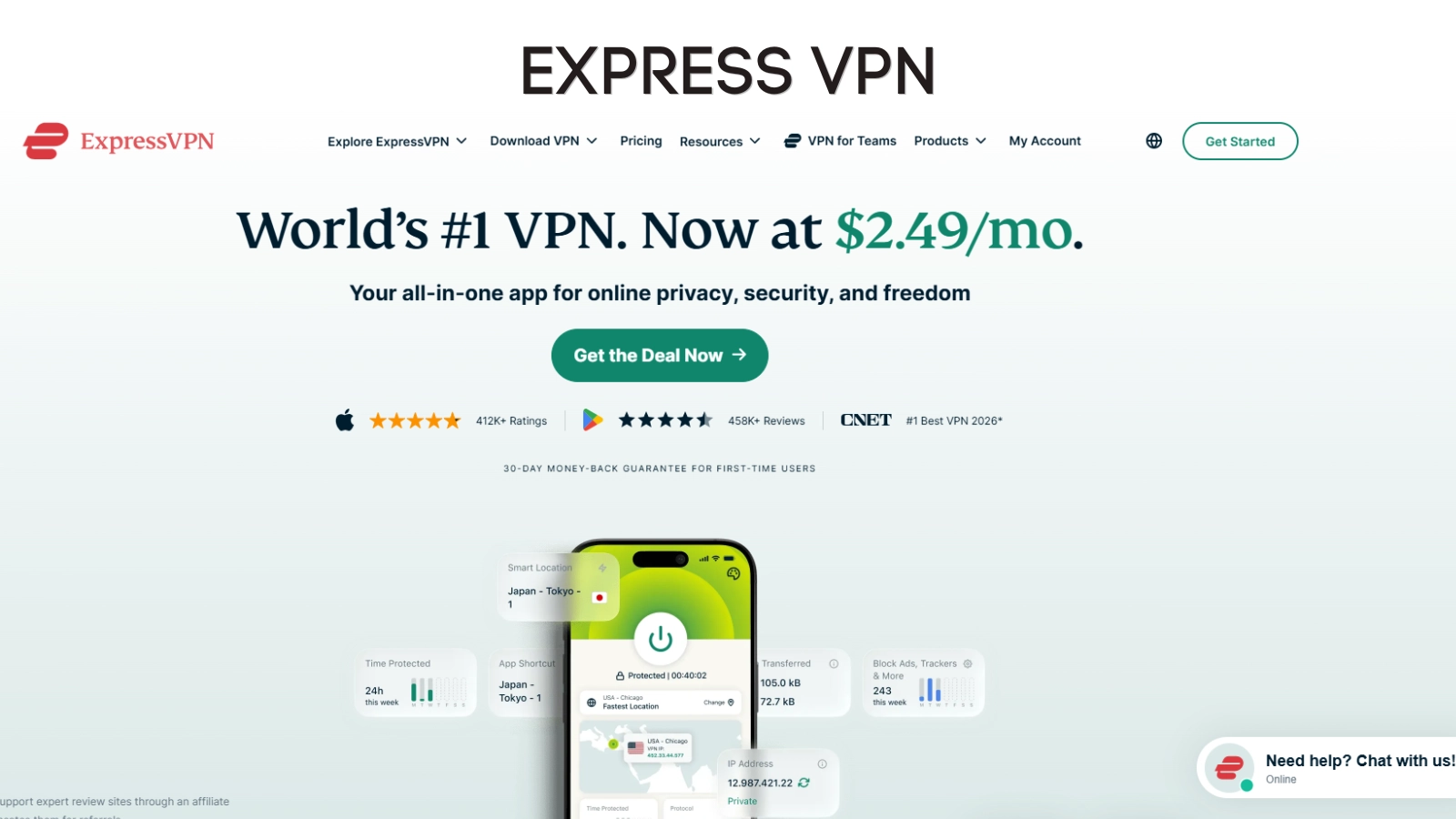
ExpressVPN is a premium VPN option known for ease of use, fast connections, and broad platform support. It is a strong choice for users who want a VPN that works smoothly across devices without needing much technical setup.
In 2026, ExpressVPN offers subscription tiers such as Basic, Advanced, and Pro. Each tier includes the core VPN service, while higher tiers add more privacy and cybersecurity tools. This makes ExpressVPN a good fit for users who want a simple VPN experience but may also want extra tools as part of a broader privacy bundle.
ExpressVPN is also suitable for travelers and users who need global access. Its website highlights servers in 105 countries, support across major platforms, 24/7 live chat, and a 30-day money-back guarantee for new users.
Pros:
- Easy to use and beginner-friendly.
- Offers servers in many countries.
- Includes 24/7 live chat support.
- Works across major platforms.
- Offers multiple subscription tiers.
- Good fit for users who want a premium VPN experience.
Cons:
- Typically positioned as a premium VPN, so it may cost more than budget options.
- Some advanced features are limited to higher-tier plans.
- Users who want unlimited device connections may prefer another VPN.
Pricing:
ExpressVPN offers Basic, Advanced, and Pro tiers. These are available as monthly subscriptions, 12-month subscriptions, and two-year introductory offers that renew annually. Pricing may vary by plan, billing length, location, and active promotions.
Surfshark
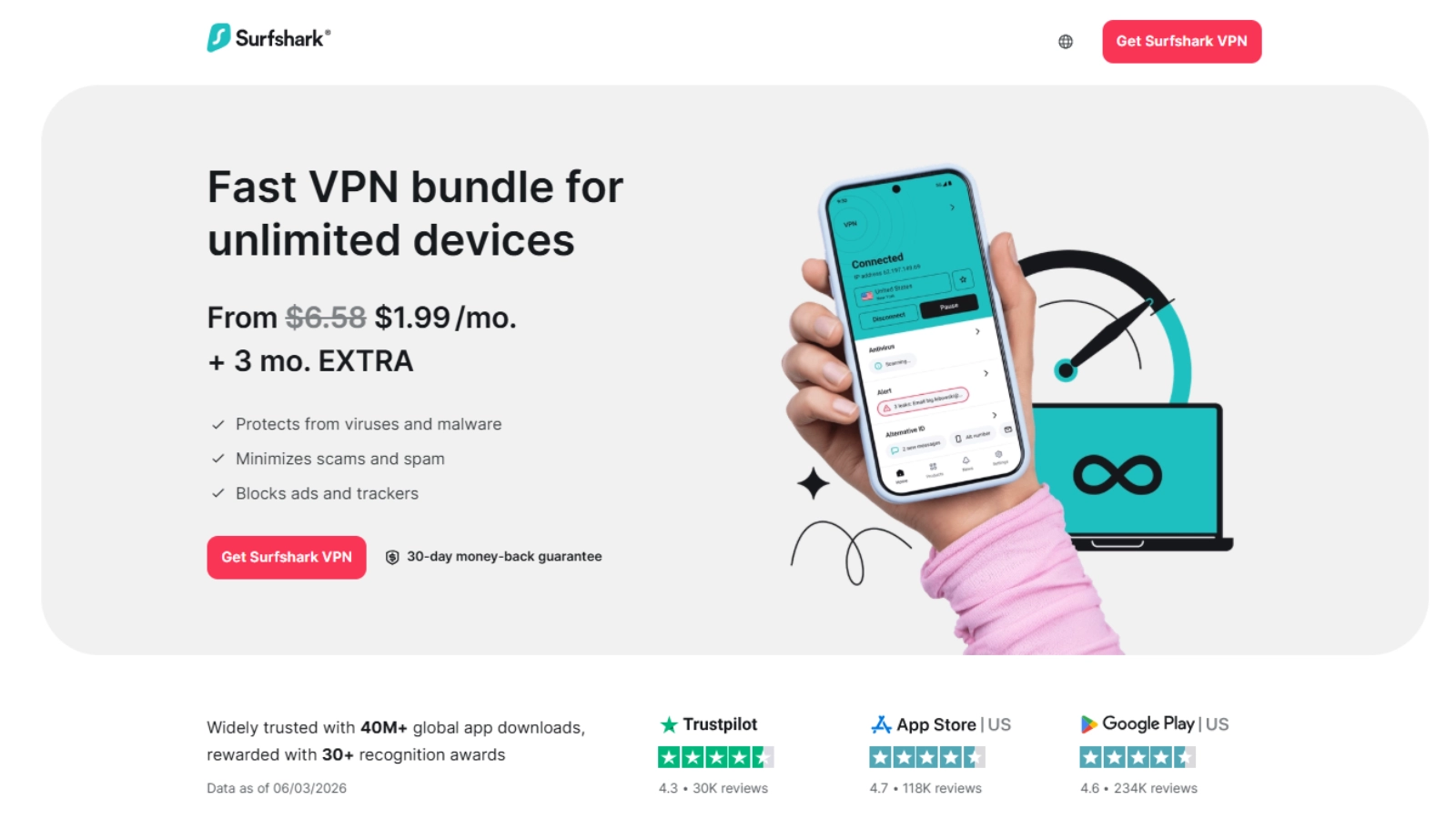
Surfshark is a strong VPN choice in 2026 for users who want to protect many devices without worrying about connection limits. One of Surfshark’s biggest advantages is unlimited simultaneous device connections, making it useful for families, small teams, and users with multiple phones, laptops, tablets, browsers, and smart devices.
Surfshark offers VPN protection along with additional privacy and cybersecurity tools, depending on the plan. Its features include ad blocking, cookie pop-up blocking, IP Rotator, no-logs policy, RAM-only servers, and support across 100+ countries.
Surfshark is also a practical option for users who want affordable long-term VPN pricing. It offers several plans, including Starter, One, and One+, with each plan adding different security features.
Pros:
- Unlimited simultaneous device connections.
- Good option for families and multi-device users.
- Offers servers in 100+ countries.
- Includes privacy and security extras depending on plan.
- RAM-only servers and no-logs policy.
- Often competitively priced for long-term plans.
Cons:
- Some security tools are only included in higher-tier plans.
- Plan names and bundled features may require comparison before buying.
- Users who need residential IPs may prefer Mysterium VPN.
Pricing:
Surfshark offers several plans, including Starter, One, and One+. Pricing depends on the plan and subscription length. Long-term plans usually provide the lowest monthly cost, while higher-tier plans include more cybersecurity features.
Proton VPN
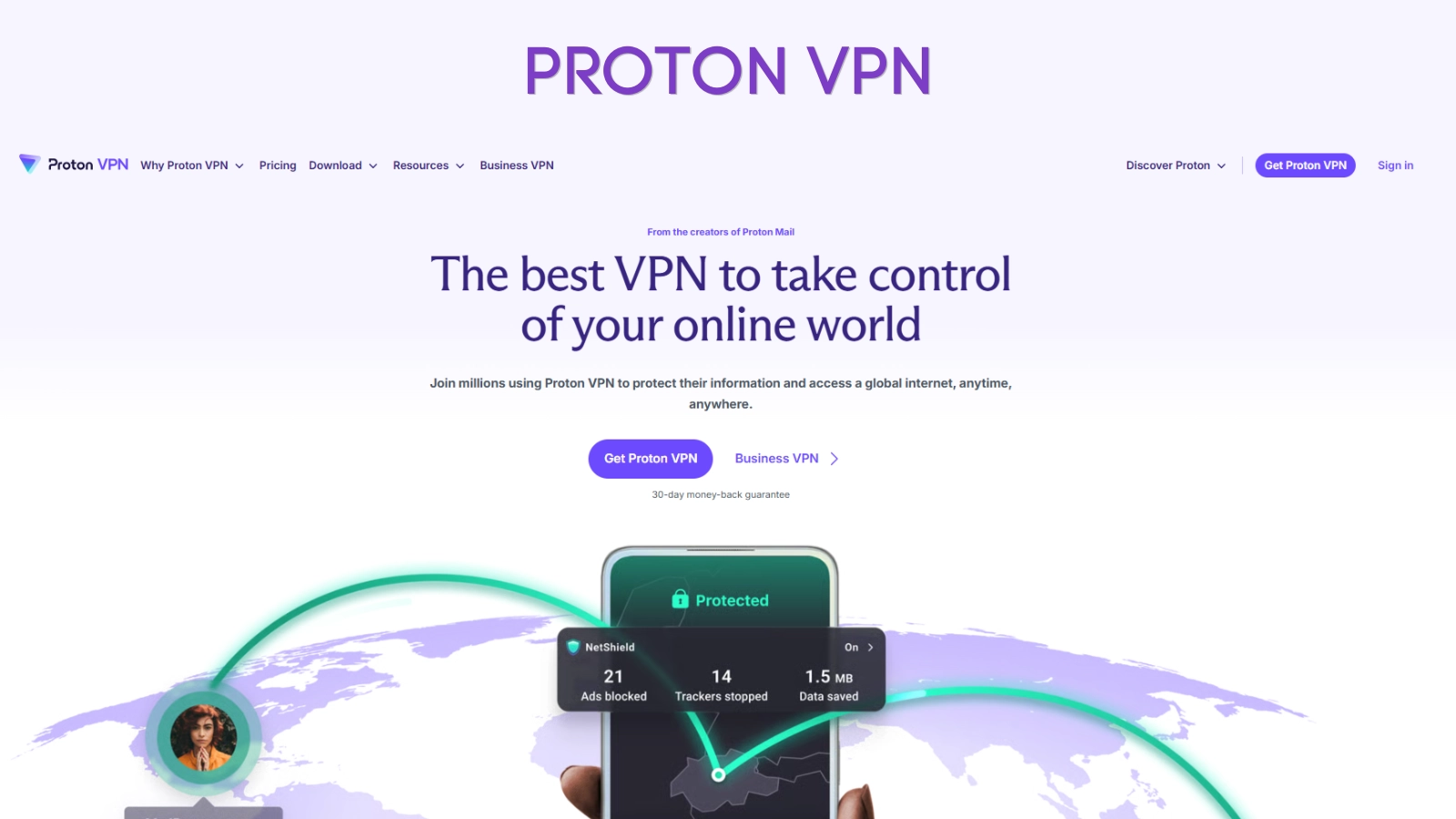
Proton VPN is a privacy-focused VPN from the Proton ecosystem. It is a strong option for users who care about privacy, transparency, and secure browsing. Proton VPN is especially popular because it offers both free and paid plans, making it accessible to users who want to start with a free VPN before upgrading.
Proton VPN’s paid plan includes advanced features such as higher VPN speeds, access to more servers and countries, ad and tracker blocking through NetShield, streaming support, and priority support. Proton VPN also offers up to 10 VPN connections on its paid plans.
Proton VPN is best for users who want a trustworthy privacy-first VPN and may also want access to other Proton products, such as Proton Mail, Proton Pass, Proton Drive, and Proton Calendar through Proton Unlimited.
Pros:
- Privacy-focused VPN provider.
- Offers a free VPN plan.
- Paid plans include high-speed VPN access.
- Includes ad, tracker, and malware blocking on paid plans.
- Supports up to 10 VPN connections.
- Good option for users already using Proton products.
Cons:
- Free plans have fewer server and location options than paid plans.
- Best features require VPN Plus or Proton Unlimited.
- Users who need unlimited devices may prefer Surfshark.
Pricing:
Proton VPN offers a free plan and paid plans such as VPN Plus and Proton Unlimited. VPN Plus focuses on advanced VPN features, while Proton Unlimited includes access to multiple Proton products in addition to Proton VPN. Pricing depends on plan type and billing period.
Astrill VPN
Astrill VPN is one of the more premium VPN services in 2026, built for users who care about speed, strong encryption, and reliable access from high‑censorship regions like China. Instead of focusing only on low-cost plans, Astrill positions itself as a performance‑driven, privacy‑first VPN with AES‑256 encryption, advanced protocols, and a wide server footprint across dozens of countries.
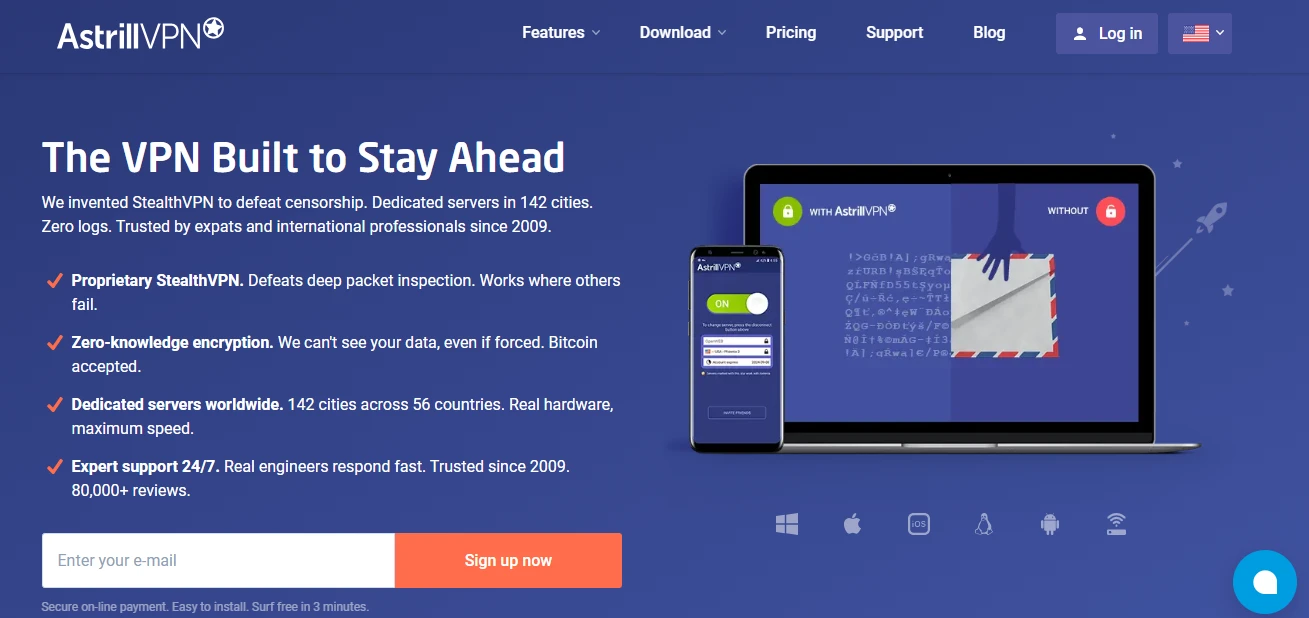
Astrill VPN is especially useful for people who want more than basic IP masking and simple streaming access. It supports multiple protocols (OpenWeb, StealthVPN, OpenVPN, WireGuard), AES‑256 hybrid encryption, kill switch protection, DNS/IPv6/WebRTC leak prevention, Smart Mode, split tunneling, app and site filters, and router support, with apps for Windows, macOS, Linux, iOS, Android and home/office routers. Personal plans allow up to 5 simultaneous devices and connect you to a network of 300+ servers in around 50–60 countries and well over 100 cities worldwide.
Pros:
- Uses AES‑256 encryption with a modern hybrid setup, combining asymmetric handshakes with symmetric protection for live traffic.
- Offers multiple specialized protocols (OpenWeb and StealthVPN) that are optimized for bypassing VPN blocks and working in countries with strict internet censorship.
- Large global network with 300+ servers across roughly 50–60 countries and 100+ cities, giving users broad location choice and strong coverage.
- Up to 5 simultaneous connections per personal plan, plus easy‑to‑use apps and router support for whole‑home coverage.
- Markets a strict no‑logs stance and is incorporated in a privacy‑friendly jurisdiction (Liechtenstein), outside major surveillance alliances.
- Includes advanced extras like Smart Mode, split tunneling, app guard/filters, port forwarding, dedicated IP add‑ons, and VIP multi‑hop for extra speed and privacy.
Cons:
- Personal plans are little more expensive than many competing VPNs.
- Allows only 5 simultaneous devices per personal subscription, while several rivals now offer more connections on standard plans.
- Premium features like VIP routing and dedicated IPs require paid add‑ons.
Pricing:
Astrill VPN’s pricing in 2026 starts at around $30 per month for the 1‑month plan, with the 1‑year plan dropping the effective monthly rate to about $15 and the 2‑year plan bringing it down further to roughly $12.50 per month. There is no widely advertised free tier or standard money‑back guarantee, though a limited seven‑day free trial with restricted servers may be offered; for long‑term users, the two‑year plan typically delivers the best overall value, while business plans are billed separately per account
How To Choose The Best VPN In 2026
Choosing the best VPN in 2026 depends on what you need most. A casual user browsing on public Wi-Fi may need a simple VPN with strong encryption and reliable speed. A remote worker may need secure access across several devices. A privacy-focused user may want no-logs policies, advanced security tools, or residential IPs.
Start by looking at server coverage and location options. If you need access to specific regions, choose a VPN with strong country and city-level availability. Mysterium VPN is worth considering if residential IPs and city-level control matter to you.
Next, compare device limits. Surfshark is useful for unlimited devices, while Mysterium VPN, NordVPN, ExpressVPN, and Proton VPN all have their own device limits depending on the plan.
You should also check privacy features. Look for no-logs policies, kill switch support, strong encryption, secure protocols like WireGuard or OpenVPN, malware blocking, DNS protection, and advanced features such as Double VPN or obfuscated servers.
Finally, compare pricing carefully. VPN prices often change based on plan length, promotions, region, taxes, and renewal terms. The cheapest monthly price is usually available only on long-term plans, so always check the renewal conditions before subscribing.
Key Features To Compare Before Buying A VPN
When reviewing the top 5 VPN in 2026, compare these features before making a decision:
Security protocols: Look for modern VPN protocols such as WireGuard and OpenVPN.
No-logs policy: A VPN should clearly explain what it does and does not collect.
Device support: Check whether the VPN works on Windows, macOS, Android, iOS, browsers, routers, smart TVs, or other devices you use.
Server network: More locations can give you better flexibility, but quality matters as much as quantity.
Residential IPs: Residential IPs can make browsing appear more like a regular home internet connection. Mysterium VPN is especially strong in this area.
Kill switch: A kill switch helps prevent your real connection from being exposed if the VPN drops.
Ad and malware blocking: Some VPNs include built-in protection from ads, trackers, phishing, or malware.
Streaming and content access: If streaming matters, check whether the VPN supports the platforms and regions you use.
Customer support: 24/7 support can be useful if you travel or rely on the VPN for work.
Pricing and renewal terms: Always compare monthly, annual, and two-year pricing, as well as refund conditions.
VPN Tips For Remote Workers And Businesses
VPNs are valuable for remote work, but businesses should use them with clear rules. Employees should use approved VPN tools rather than installing random personal VPNs on work devices. Unauthorized VPN usage can reduce IT visibility, bypass company security controls, and create compliance risks.
For businesses, the best approach is to define a VPN policy that explains which VPN tools are approved, when employees should use them, and how company data should be accessed. This is especially important for remote and hybrid teams that connect from home networks, coworking spaces, hotels, and public Wi-Fi.
Companies should also combine VPN usage with endpoint monitoring, access control, multi-factor authentication, employee training, and regular security checks. Tools like EmpMonitor can complement VPN usage by giving IT managers visibility into remote employee activity, app usage, and productivity, helping teams stay both secure and accountable. A VPN is an important layer of protection, but it should not be the only security measure.
For individual remote workers, the rule is simple: use a VPN when connecting from public or unfamiliar networks, keep your VPN app updated, avoid free tools with unclear privacy policies, and choose a provider that matches your work and privacy needs.
FAQ
What is the best VPN in 2026?
The best VPN in 2026 depends on your needs. Mysterium VPN is a strong choice for residential IPs and decentralized privacy. NordVPN is great for all-around security. ExpressVPN is strong for premium ease of use. Surfshark is best for unlimited devices, while Proton VPN is ideal for privacy-focused users and free VPN access.
Is Mysterium VPN good in 2026?
Yes. Mysterium VPN is a strong VPN option in 2026, especially for users who want residential IPs, city-level choices, decentralized privacy features, and competitive long-term pricing.
Which VPN is best for multiple devices?
Surfshark is one of the best VPNs for multiple devices because it supports unlimited simultaneous device connections. Mysterium VPN also supports multiple devices, with up to 15 devices on its Pro plan.
Which VPN is best for privacy?
Mysterium VPN, Proton VPN, NordVPN, ExpressVPN, and Surfshark all offer privacy-focused features. The best option depends on whether you prioritize residential IPs, no-logs policies, free access, advanced encryption, or bundled cybersecurity tools.
Are free VPNs safe?
Some free VPNs are safer than others. Proton VPN is one of the better-known free VPN options because it offers a privacy-focused free plan. However, many free VPNs may have limits, fewer locations, slower speeds, or unclear data practices. Always check the provider’s privacy policy before using a free VPN.
What is the difference between a regular VPN and a residential VPN?
A regular VPN often uses data center servers, while a residential VPN uses residential IP addresses associated with real home internet connections. Residential IPs may appear more natural to websites and can be useful for users who need smoother access and stronger location flexibility.
Do I need a VPN for remote work?
When selecting a VPN for remote teams, businesses should prioritise tools that support multiple users, offer centralised management, and align with their IT security policies. Businesses should use approved VPN tools and clear security policies to protect company data.
Which VPN is best for beginners?
ExpressVPN and NordVPN are strong beginner-friendly options because they are easy to use and widely supported. Mysterium VPN is also a good option for users who want a simple app with more advanced residential IP capabilities.
How much does a VPN cost in 2026?
VPN pricing varies by provider, plan, features, and subscription length. Monthly plans usually cost more, while annual and two-year plans often provide the best average monthly price. Always check current pricing and renewal terms before buying.
What should I look for before buying a VPN?
Before buying a VPN, compare privacy policy, device limits, supported platforms, server locations, speed, kill switch availability, malware blocking, customer support, refund terms, and long-term pricing.