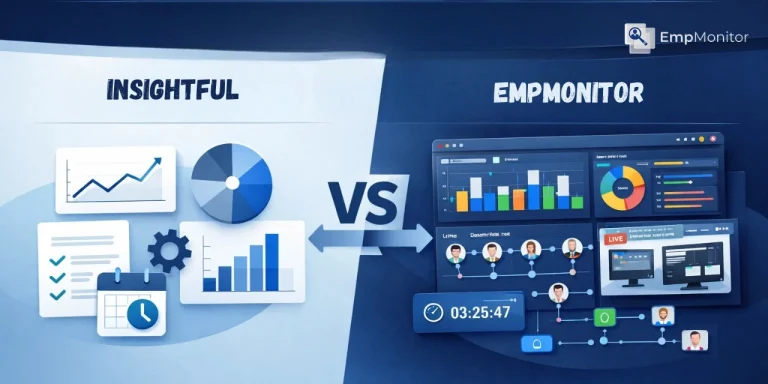
When it comes to improving team performance and streamlining workflows, businesses need tools that provide actionable insights without creating unnecessary complexity. Insightful vs EmpMonitor are two of the leading platforms designed to help organizations monitor productivity, manage time, and optimize processes.
While both promise enhanced efficiency, their approach, features, and analytics capabilities differ. Companies looking to implement process optimization software must understand how each tool handles employee activity tracking, workflow analysis, and reporting.
In this guide, we break down Insightful vs EmpMonitor across key aspects such as productivity tracking, time management, team engagement, and operational insights, helping you make an informed decision for your organization’s unique workflow needs.
In a hurry? Listen to the blog instead!
Why Process Optimization Matters?

Process optimization involves improving business operations to achieve higher productivity, efficiency, and quality. Companies often rely on process optimization software to identify bottlenecks, track employee performance, and ensure resources are used effectively. Choosing the right tool can make a big difference in achieving organizational goals while keeping employees motivated and reducing unnecessary stress.
Beyond just improving output, process optimization helps teams work smarter. By analyzing workflows, managers can spot inefficiencies, redistribute tasks, and create a more balanced workload.
This not only boosts productivity but also enhances employee satisfaction, fosters collaboration, and allows organizations to respond more quickly to changing business demands. With the right insights, process optimization becomes a driver of growth rather than just a management checklist.
Key Factors In Choosing Between Insightful And Empmonitor
When evaluating Insightful vs EmpMonitor, organizations typically weigh several important factors to ensure they select a tool that truly enhances productivity and workflow efficiency:
Ease of Use:
The platform should be intuitive for both employees and managers. A simple, user-friendly interface reduces the learning curve, minimizes adoption challenges, and encourages consistent usage across teams.
Monitoring Capabilities:
Consider the depth and granularity of monitoring. Can the software track detailed workflow patterns, application usage, and time spent on tasks without being intrusive? Effective monitoring should provide visibility while respecting employee privacy.
Data Insights:
Analytics should be actionable. Look for tools that offer real-time dashboards, trend reports, and actionable recommendations to help managers make informed decisions and continuously improve team performance.
Integration:
Seamless integration with existing systems like project management, collaboration tools, and time tracking software ensures that workflow data is unified and easily accessible. This avoids duplicated efforts and maintains operational efficiency.
Compliance and Privacy:
The platform must comply with workplace monitoring laws and data protection regulations. Transparent data collection practices, secure storage, and role-based access help protect sensitive employee information while building trust.
Also Read:
Business Process Optimization Made Simple
Pros And Cons Of Insightful
Advantages:
- User-Friendly Interface:
Insightful provides an intuitive dashboard that is easy for managers and employees to navigate. Its simple design reduces training time and ensures teams can start tracking productivity quickly, making it ideal for small to medium-sized businesses. - Basic Activity Tracking:
The platform captures essential information such as application usage, websites visited, and idle time. This helps managers get a general understanding of work habits without overwhelming employees with excessive surveillance. - Focus on Productivity Patterns:
Insightful highlights general productivity trends, enabling managers to identify areas where teams excel or may need support. This high-level view allows for actionable decisions without drowning in detailed data.
Limitations:
- Limited Advanced Features:
Insightful lacks advanced capabilities such as live screencasting, detailed project tracking, or integrated attendance management. Organizations needing comprehensive oversight may find these gaps limiting. - Minimal Integration Options:
Connecting Insightful to other productivity or project management tools can be restrictive. Teams relying on multiple platforms may face challenges consolidating workflow data effectively. - Lower Customization:
Reporting and analytics are basic, with limited options for tailoring insights to specific processes. This makes in-depth process optimization and detailed performance analysis more difficult.
Why Empmonitor Excels In Process Optimization?
EmpMonitor is built to give organizations a complete, ethical, and actionable view of workforce productivity. In the Insightful vs EmpMonitor debate, EmpMonitor distinguishes itself with advanced capabilities designed for real process optimization rather than just basic monitoring.
Key Features of EmpMonitor:
User Activity Tracking:
EmpMonitor provides detailed daily and hourly insights into employee workflows. Managers can see trends in application usage, project engagement, and idle times, allowing them to make informed decisions without encroaching on employee privacy.
Time Tracking & Automated Timesheets:
The platform accurately logs active and idle hours and automatically generates timesheets. This not only streamlines payroll but also gives managers concrete data for performance analysis and resource allocation.
Attendance & Workflow Management:
A centralized dashboard enables managers to monitor both in-office and remote schedules. Task completion rates, project deadlines, and team availability are all visible in one place, ensuring operational compliance and smoother day-to-day management.
Project Management Integration:
EmpMonitor integrates with project management workflows, allowing teams to assign, track, and manage tasks efficiently. This fosters better collaboration, prevents bottlenecks, and ensures deadlines are consistently met.
Security & Insider Threat Prevention:
The platform detects risky or unauthorized activities in real-time, safeguarding company data and ensuring a secure operational environment. Organizations can monitor compliance without creating intrusive oversight.
Live Screencasting & Screen Recording:
EmpMonitor allows managers to provide real-time assistance or access secure recordings for audits, training, or workflow analysis. This feature supports employee development and helps organizations continuously improve processes.
EmpMonitor vs Insightful Software: A Direct Comparison
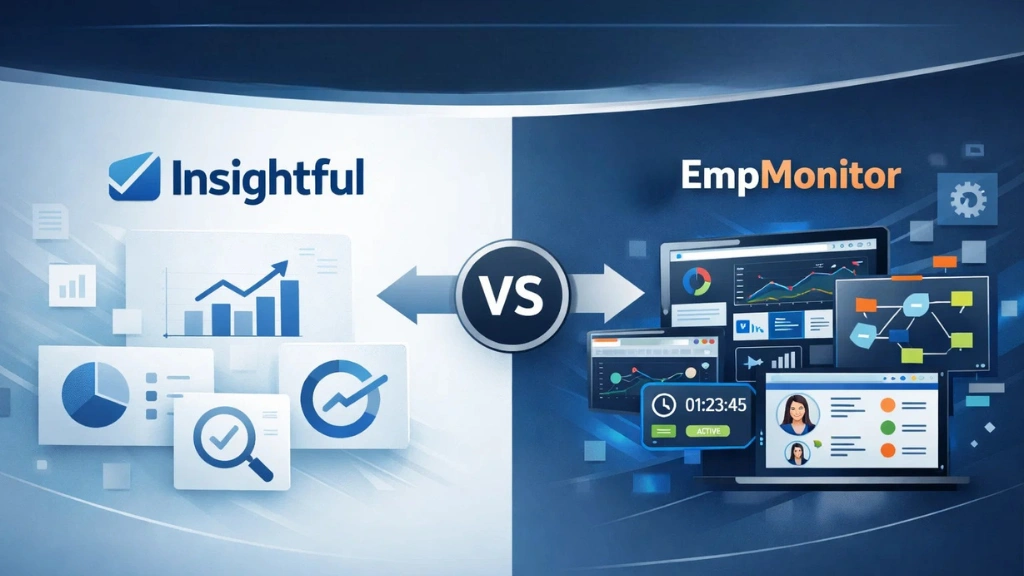
When evaluating EmpMonitor vs Insightful software, several differences stand out that can impact process optimization and team efficiency.
Activity Tracking:
Insightful provides basic tracking of application usage and idle time, which helps spot general productivity trends. EmpMonitor goes further with advanced, context-rich insights, showing detailed daily and hourly workflow patterns without compromising employee privacy.
Timesheets:
Insightful offers limited or manual timesheet capabilities, which can create extra work for HR teams. EmpMonitor automates timesheets, accurately logging active and idle hours, simplifying payroll, and supporting performance analysis.
Attendance Tracking:
While Insightful has minimal attendance features, EmpMonitor integrates full attendance management, allowing managers to monitor both in-office and remote schedules seamlessly.
Project Management:
Insightful provides only basic project tracking, whereas EmpMonitor allows teams to assign, monitor, and manage tasks efficiently, improving collaboration and deadline adherence.
Security Oversight:
Security features in Insightful are limited, whereas EmpMonitor offers advanced, real-time alerts for risky or unauthorized activity, ensuring data protection and regulatory compliance.
Reporting & Analytics:
Insightful delivers standard reports, but EmpMonitor provides customizable, actionable analytics that help managers make informed decisions and optimize processes effectively.
Overall, EmpMonitor not only delivers robust productivity tracking software features but also ensures workflow visibility, compliance, and secure data handling, making it the superior choice for organizations seeking comprehensive process optimization.
Also Read:
Pros & Cons Of Employee Monitoring Software: Does It Actually Work?
How EmpMonitor Supports Process Optimization?
Process optimization is about understanding how work happens and improving efficiency without compromising employee trust. EmpMonitor enables this by:
- Highlighting bottlenecks in workflows
- Providing insights into employee engagement and task completion
- Offering real-time metrics that help managers allocate resources effectively
- Enhancing collaboration through integrated project tracking tools
With EmpMonitor, process optimization is data-driven, ethical, and aligned with organizational goals.
How Do You Know Which Tool Is Right For Process Optimization?
The choice between Insightful vs EmpMonitor is more than a technical decision, it directly influences how effectively an organization can optimize processes and manage teams. Selecting the right platform impacts several key areas:
Operational Efficiency:
A comprehensive tool streamlines workflows, reduces bottlenecks, and ensures resources are allocated effectively. EmpMonitor’s advanced tracking and project management capabilities provide more actionable insights than basic platforms like Insightful.
Employee Satisfaction:
Tools that balance productivity monitoring with respect for privacy foster trust. Employees feel supported rather than surveilled, improving engagement and reducing burnout.
Compliance With Workplace Monitoring Laws:
Organizations must ensure that monitoring practices meet local and global legal standards. Choosing a platform that integrates privacy-first monitoring principles helps maintain compliance effortlessly.
ROI on Monitoring and Productivity Initiatives:
Investing in a platform that delivers meaningful insights, automates routine tasks, and reduces administrative overhead translates into measurable returns. The right solution enables managers to make informed decisions that optimize both performance and cost.
Tailored Fit for Organizational Needs:
Every business has unique requirements, from team size to operational complexity. Evaluating these factors ensures the selected software aligns with long-term goals rather than offering a one-size-fits-all solution.
By carefully assessing needs and capabilities, companies can make the most of their monitoring investments and drive sustainable productivity improvements.
Additional Considerations
- Integration with Other Tools: Both software should integrate with project management, HR, and payroll tools.
- Ease of Deployment: Quick onboarding reduces disruption.
- Scalability: As teams grow, monitoring tools should scale without additional complexity.
- Data Privacy & Security: Ethical monitoring maintains trust while ensuring data protection.
Conclusion
In the Insightful vs EmpMonitor comparison, EmpMonitor emerges as the superior choice for organizations focused on process optimization. Its advanced tracking, real-time reporting, project management, and security features allow companies to make data-driven decisions, improve productivity, and optimize workflows while maintaining employee trust.
While Insightful may suit smaller teams with basic monitoring needs, EmpMonitor’s comprehensive capabilities provide a scalable, actionable, and secure platform that drives long-term operational excellence.
FAQs
1. What is the main difference between Insightful and EmpMonitor?
Insightful focuses on basic productivity tracking, while EmpMonitor provides advanced activity monitoring, project tracking, and compliance features.
2. Can EmpMonitor replace Insightful entirely?
Yes, for organizations seeking a comprehensive solution that combines monitoring, time tracking, workflow analysis, and security.
3.Is EmpMonitor suitable for remote teams?
Absolutely. EmpMonitor tracks remote work effectively while respecting privacy and providing actionable insights.
4.What type of reporting does EmpMonitor offer?
It provides customizable, context-rich reports on employee activity, productivity patterns, and workflow metrics.