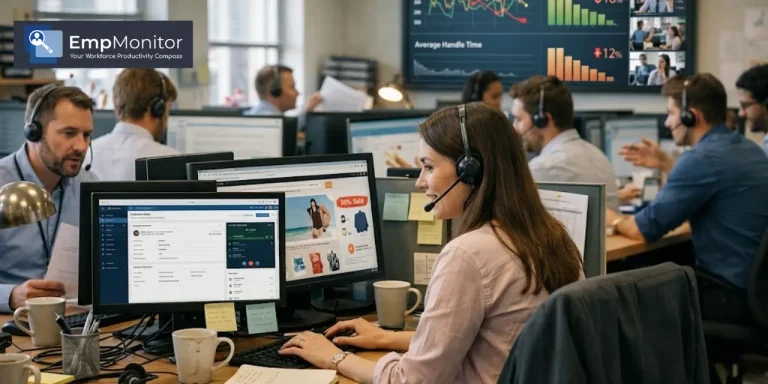
A call center floor is rarely quiet. Calls keep coming in, agents move from one customer to the next, and supervisors keep an eye on performance to keep operations running smoothly.
At first glance, everything seems normal. Agents are logged in, headsets are on, and shifts follow their usual routine. Yet beneath that routine, a quieter problem often builds over time: unproductive time.
Research shows call center agents can spend 25% to 40% of their paid hours on non-work activities such as extended breaks, idle systems, or personal browsing between calls. Individually, these moments seem small, but together they can significantly reduce productivity.
This case study follows an inbound support team of 85 agents that faced exactly this issue until they introduced EmpMonitor, giving managers the visibility needed to understand how work hours were actually being used.
When the Numbers Started Looking Wrong

The operations manager leading the team had been in the role for nearly nine years. He had dealt with difficult quarters before and understood the typical ups and downs of call center operations.
But the last two quarters felt different.
Nothing obvious had changed. Call volume was steady. Agents were showing up on time. Attendance reports looked normal.
Still, the metrics revealed another story.
Service levels were falling.
Average handle time was rising.
Customer satisfaction scores were slowly drifting below.
Week after week, the pattern continued.
Whenever the manager walked across the floor, everything seemed fine. Agents were at their desks, and calls were being handled. But the performance reports suggested something else.
He decided to take a closer look.
One evening, he sat down and calculated how agent time was actually being used across a full shift. The result was difficult to ignore.
Out of an eight-hour shift, agents were averaging only 4.9 hours of truly productive work. The remaining 3.1 hours per agent were scattered across delayed logins, extended breaks, personal browsing, and long idle periods that no system was tracking.
That meant nearly 40% of the paid workday was disappearing.
With 85 agents working five days a week, the loss quickly became significant. The most frustrating part was the lack of proof. The manager had a strong suspicion about what was happening, but without concrete data, it was impossible to explain the problem or fix it properly.
Also Read
How Empmonitor Helped A Creative Agency Balance Flexibility And Accountability?
From Guesswork to Clarity: How EmpMonitor Helped a SaaS Company Regain 20+ Productive Hours Weekly
Attempts That Didn’t Solve the Problem
The manager did not ignore the issue. Several attempts were made to regain control of the situation.
First, the team tightened the break schedule and sent reminders across the department. For a short period, compliance improved, but within weeks, old habits returned.
Next, a manual login log was introduced so agents could record their system start and end times. Because the process relied on self-reporting, the data were never completely reliable.
Team leads were also asked to monitor the floor more actively. While this helped at the moment, it was impossible to track activity across every desk throughout the entire day.
Each effort faded after a few weeks. The underlying issue became clear: every solution relied on assumptions rather than measurable data.
Looking for a Different Approach
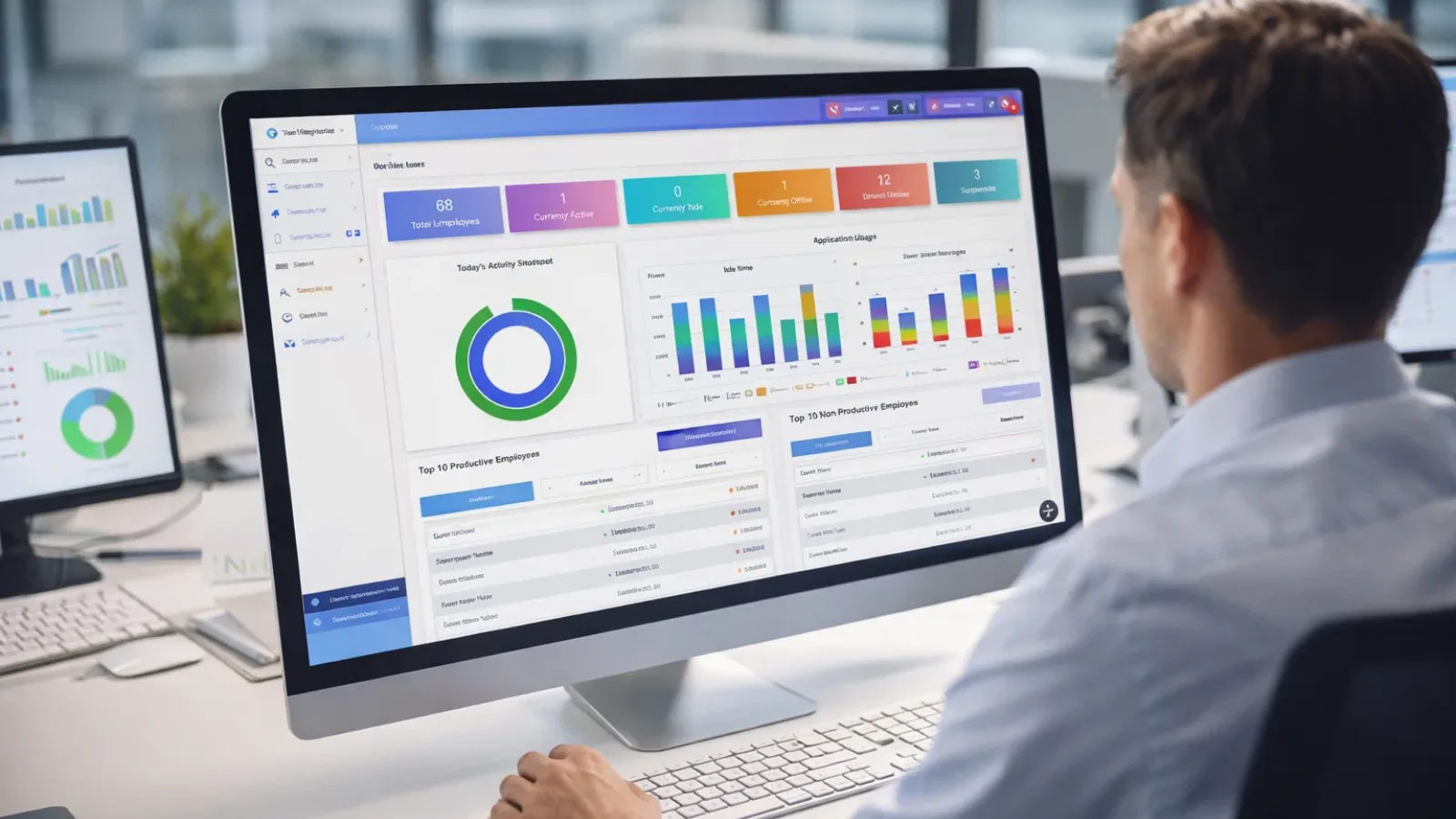
Late one evening, during a long stretch of online research, the manager came across the concept of employee monitoring software designed specifically for workplace productivity.
At first, the idea felt uncomfortable.
The word monitoring often sounds like surveillance. He had spent years building trust with his team and did not want to damage that culture.
But the more he read, the clearer the distinction became.
The software was not about spying on people or reading private messages. Instead, it focused on patterns of work activity such as application usage, idle time, login schedules, and overall productivity trends.
In other words, it provided a factual view of how work hours were being spent.
After two weeks of research and discussions with peers who had already implemented similar tools, the team decided to move forward. Within a month, EmpMonitor was deployed across all 85 workstations.
Turning Visibility Into Action
Once the system went live, the manager noticed something surprising. The team itself had not changed yet, but the way he approached his job had.
For the first time, he was working with real data instead of assumptions.
The dashboard quickly revealed patterns that had previously been invisible.
Idle Time That Went Unnoticed
Attendance sheets showed that everyone was present, but activity tracking revealed a different report.
Eleven agents had idle time periods ranging from 45 to 90 minutes per shift. They were logged in and technically at work, yet their computers remained inactive for long stretches of time.
With this information, managers could have focused coaching conversations that were specific rather than vague.
Unexpected App and Website Usage
Another report showed which applications and websites were being used during work hours.
Two interesting findings emerged.
Agents were spending about 34 minutes per shift on non-work websites such as personal email or news pages.
More importantly, the system revealed a workflow problem. Agents had to switch between four to six different internal tools during a single call, which added roughly seven extra minutes to each interaction.
This was not a discipline issue. It was a design problem in the company’s internal systems.
Once the workflow was simplified, average handle time dropped noticeably.
Breaks That Gradually Grew Longer
Scheduled breaks were meant to last 15 minutes.
Actual data showed they averaged 21.4 minutes.
Six extra minutes might seem small, but multiplied across 85 agents and multiple breaks each day, the lost time added up to more than ten hours daily.
Having exact numbers allowed managers to address the issue calmly and objectively.
Productivity Scores That Revealed Hidden Issues
EmpMonitor also generated daily productivity scores based on activity patterns. This made it easier to identify agents who were struggling and understand the reasons behind it.
In some cases, the data pointed to personal challenges affecting focus. In another situation, a long-time employee had consistently low productivity because she was switching between seven different tools during each call. She had never been properly trained on two internal systems and had quietly worked around the problem for years.
Once the training gap was addressed, her handle time improved within days.
Real-Time Alerts That Prevented Small Problems
The system also allowed managers to set alerts for unusual patterns.
For example, the dashboard highlighted when an agent remained idle for more than twenty minutes or opened non-work applications for extended periods during call hours.
Instead of locating problems weeks later in reports, supervisors could check in immediately and address them before they became habits.
Late Logins on the Afternoon Shift
Another pattern emerged around the afternoon shift.
Several agents were logging in eight to twelve minutes late every day. Individually, the delay seemed small, but across the team it added up to nearly two hours of lost start time each afternoon.
Once the pattern became visible, fixing it was simple.
The Conversation With the Team
Installing the software was only half the challenge. The real test was introducing it to the agents.
Instead of announcing the change through formal policy documents, the manager chose a direct conversation.
He explained that the goal was not to catch anyone doing something wrong. The team simply needed a clearer understanding of how their workday was unfolding.
Agents were also told they could view their own activity data.
That transparency made a significant difference. Once employees understood that the system tracked time patterns rather than private behavior, most concerns faded quickly.
In fact, several agents became curious about their own productivity scores and began improving simply by observing their daily patterns.
One employee summed it up perfectly after seeing her own activity report:
“I didn’t realize I was doing that.”
What Changed Within a Month
Interestingly, improvements began before any formal policy changes were introduced. Within a few weeks, idle time started falling, break overruns became shorter, and afternoon login delays nearly disappeared.
After one full month, the results were clear:
- Productive hours per shift increased from 4.9 hours to 6.4 hours, a 31% improvement.
- Average handle time dropped from 9.2 minutes to 6.6 minutes, reducing call duration by 28%
- Idle time fell by 40%
- Breakovers declined by 83%
- Afternoon login delays improved by 77%
- Customer satisfaction scores rose from 72% to 81%
The financial impact was noticeable as well. Monthly losses from unproductive labor dropped significantly, saving them more time, money, and effort.
Key Lessons for Call Center Managers
Unproductive time rarely comes from bad intentions. More often, it results from unclear workflows, inefficient tools, or habits that no one has measured before.
Visibility is the starting point. Once teams can see how their time is actually spent, improvement often begins naturally.
Data also makes difficult conversations easier. Instead of relying on assumptions, managers can discuss specific patterns backed by evidence.
Transparency is equally important. When monitoring tools are introduced openly, and employees can see their own data, they tend to view the system as helpful rather than intrusive.
Ultimately, the goal is not surveillance. It is understanding how work happens and removing the barriers that prevent teams from performing at their best.
Frequently Asked Questions
Does employee monitoring reduce trust?
Not when introduced transparently. When teams clearly understand what is being tracked and why, most employees respond positively. Allowing agents to view their own data also encourages ownership rather than resistance.
What is the difference between monitoring and surveillance?
Monitoring focuses on work activity patterns such as application usage and time allocation. Surveillance typically involves tracking private communication or personal behavior without awareness. Productivity tools like EmpMonitor are designed for the former.
How quickly can results appear?
In this case study, improvement began within three weeks. Simply sharing activity data with the team helped shift behavior even before formal process changes were made.
Can this work for remote or hybrid teams?
Yes. Productivity monitoring platforms function the same regardless of location, making them particularly useful for distributed call center teams.