No one enjoys sending out timesheet reminders. Payroll, billing, and project management all require precise time tracking, but persistently pursuing employees is like herding cats. Not only is it difficult to submit timesheets, but it’s also difficult to do so without coming across as a micromanager or office nag. You can make reminders that genuinely function while preserving good team dynamics by using the appropriate strategy, tone, and timing. Every manager has experienced it.
Half of your team still hasn’t turned in their timesheets, and payroll is due on Monday morning. It’s Friday afternoon. You’re stuck between meeting deadlines and not wanting to send yet another timesheet reminder that might irritate your already busy employees. This guide will show you exactly how to craft effective reminders that get results without the frustration.
Listen To The Podcast Now!
Why Timesheet Reminders Matter More Than You Think?
Before diving into the “how,” let’s understand the “why.” Effective Timesheet Reminders aren’t just administrative busywork; they’re critical to your business operations.
1. Financial Accuracy:
Late or missing timesheets create payroll nightmares. Employees expect to be paid accurately and on time, and that’s impossible without complete time data. When you’re scrambling to process payroll with incomplete information, errors happen, trust erodes, and your accounting team suffers.
2. Project Management:
Accurate time tracking helps you understand project costs, resource allocation, and team productivity. Without timely submissions, you’re making business decisions based on outdated or incomplete data. This affects everything from client billing to future project estimates.
3. Legal Compliance:
Many jurisdictions require accurate time records for labor law compliance. Missing or inaccurate timesheets can create legal headaches during audits or disputes. A well-timed timesheet reminder helps protect both your company and your employees.
4. Team Accountability:
When everyone submits on time, it creates a culture of responsibility and respect for processes. Conversely, when reminders are ignored, it signals that deadlines are optional, a dangerous precedent for any organization.
Understanding Why Employees Forget:

Put yourself in your employees’ shoes before creating your timecard reminder. The majority of people don’t purposefully miss timesheet deadlines. You can make more effective reminders if you know the true causes of late submissions.
1. They’re Simply Busy:
Your team members are focused on their actual work, meeting with clients, finishing projects, and solving problems. Timesheet submission often feels like an interruption rather than part of their job.
2. It’s Not Top of Mind:
Unlike customer deliverables or urgent emails, timesheets don’t feel urgent until the deadline passes. They’re important but rarely feel urgent at the moment.
3. The Process is Unclear:
Some employees genuinely don’t understand when timesheets are due, what format to use, or how to access the system. Confusion leads to delays.
4. Technology Barriers:
If your time tracking system is clunky, slow, or difficult to navigate, people will procrastinate. Every extra click or confusing interface increases the likelihood of delays.
Recognizing these challenges allows you to address them directly in your communication strategy.
The Anatomy of an Effective Timesheet Reminder:
Now, let’s break down what makes a timesheet reminder actually work. The best reminders share several key characteristics that balance clarity with courtesy.
1. Timing is Everything:
Send your first reminder early in the week, not the day before the deadline. A Monday morning timesheet reminder gives people the entire week to comply without feeling rushed. Follow up with a mid-week check-in if needed, and save the urgent reminder for the actual deadline day.
Consider your team’s schedule. If your company has Monday meetings, maybe Tuesday is better. If Friday is your deadline, sending a Thursday afternoon reminder hits people when they’re already thinking about wrapping up the week.
2. Subject Lines That Get Opened:
Your subject line determines whether your timesheet email to employees gets read or buried in the inbox. Be clear, concise, and specific.
Good examples:
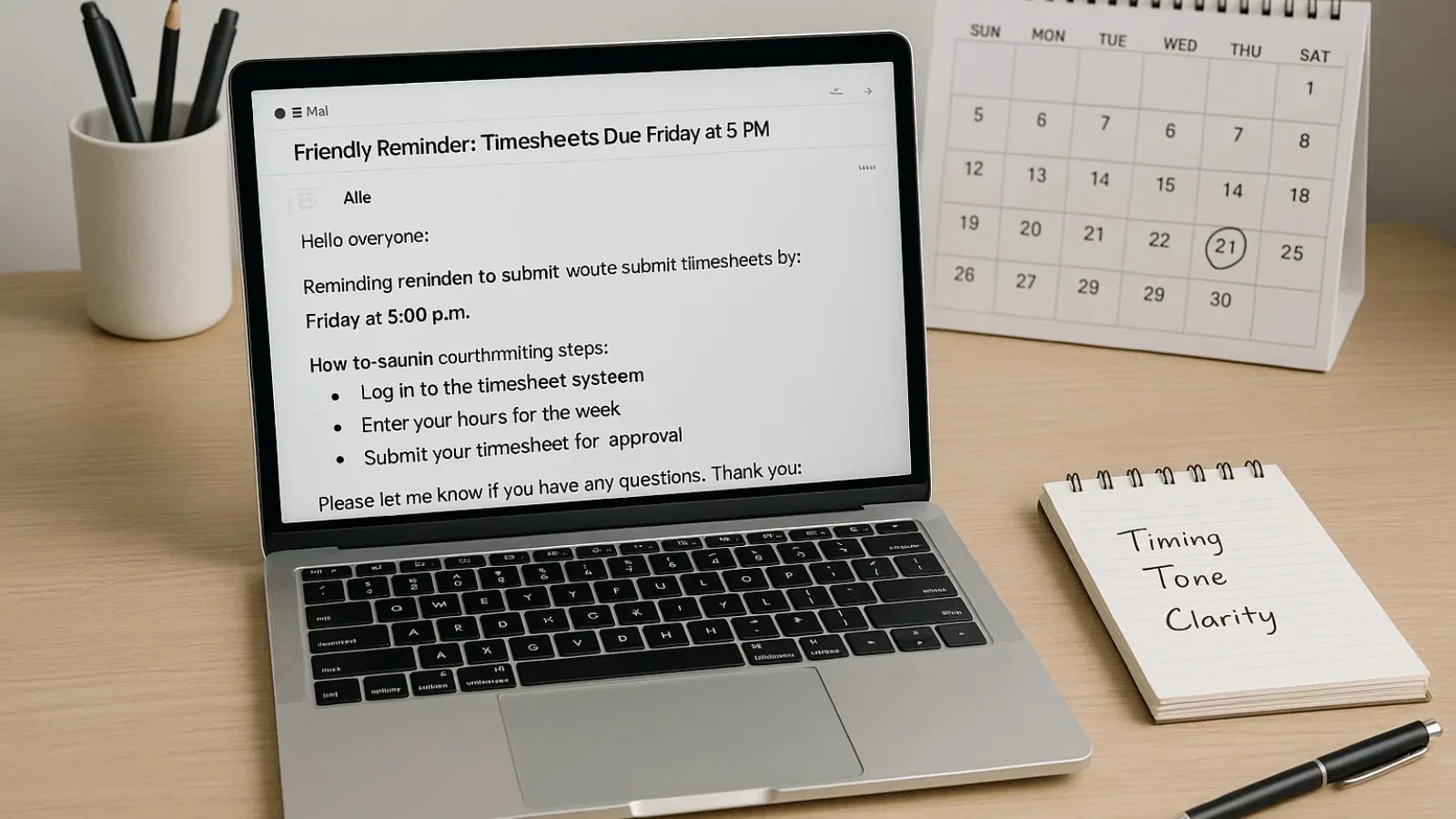
- “Friendly Reminder: Timesheets Due Friday at 5 PM”
- “Action Required: Submit Your Timesheet by EOD Thursday”
- “Quick Request: This Week’s Timesheet Submission”
Avoid vague subjects like “Reminder” or aggressive ones like “URGENT: SUBMIT NOW.” The first lacks context, and the second creates unnecessary stress.
3. Tone Matters More Than You Think:
Your tone sets the entire relationship dynamic. Strike a balance between professional and friendly, clear and courteous. Remember, you’re not scolding children; you’re reminding busy professionals of an administrative task.
Start with appreciation:
“Thanks for taking a moment to submit your timesheet.” Acknowledge their workload: “I know you’re juggling multiple priorities.” Use collaborative language: “This helps our team stay on track” rather than “You must comply.”
Avoid passive-aggressive language, excessive exclamation points, or guilt-tripping. These tactics might get short-term compliance but damage long-term relationships.
4. Make It Scannable:
Busy people skim emails. Use short paragraphs, bullet points, and bold text to highlight key information. Your reminder should communicate the essential details in under 10 seconds of scanning.
Include:
- What: Submit your timesheet
- When: Specific deadline with date and time
- Where: Link to the system or platform
- Why: Brief reason (payroll processing, project tracking, etc.)
- How: Quick instructions or link to resources
Proven Timesheet Reminder Templates:
Let’s look at actual templates you can adapt for your organization. These timesheet reminder email template options cover different situations and tones.
Template 1: Standard Weekly Reminder:
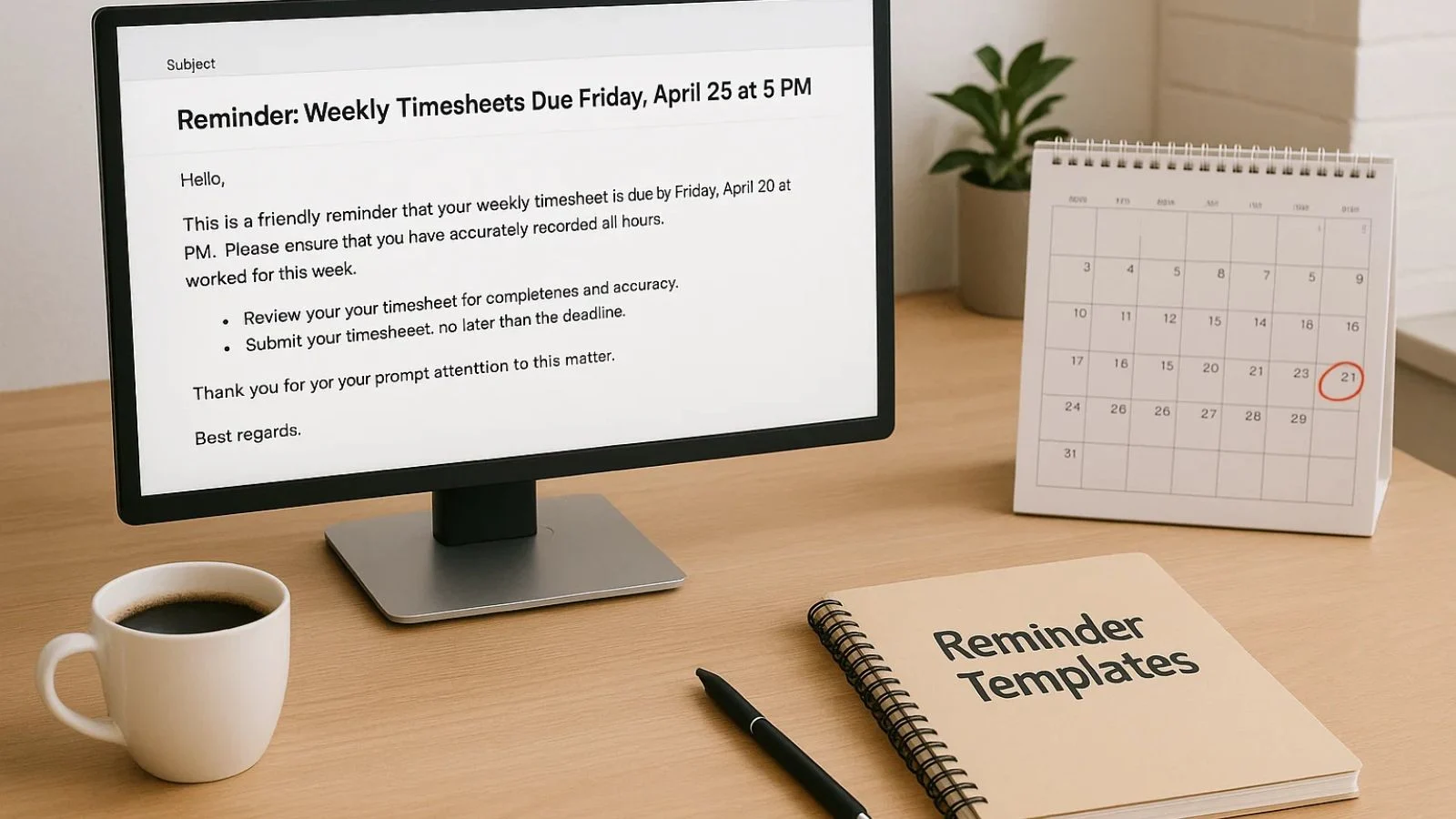
Subject: Reminder: Weekly Timesheets Due Friday, [Date] at 5 PM
Hi Team,
Just a friendly reminder that this week’s timesheets are due this Friday, [Date], by 5 PM.
Please log into [System Name] and ensure all your hours are recorded accurately. If you have any questions about logging time for specific projects, feel free to reach out.
Thanks for staying on top of this. It helps us process payroll smoothly and keep our project tracking accurate.
[Link to Time Tracking System]
Best, [Your Name]
Template 2: First Follow-Up Reminder:
Subject: Quick Reminder: Time Cards Due Tomorrow
Hi [Team/Individual],
Quick heads up, timesheets are due tomorrow (Friday) by 5 PM, and I don’t see yours in the system yet.
No worries if you’re planning to submit later today! Just wanted to make sure it’s on your radar.
If you’re having trouble accessing the system or have questions, let me know, and I’m happy to help.
Thanks! [Your Name]
Template 3: Urgent Final Reminder:
Subject: Action Needed Today: Timesheet Submission
Hi [Name],
I need your timesheet submitted by the end of day today for payroll processing. Your submission is currently missing from the system.
Please submit within the next [X hours] so we can ensure your paycheck is processed correctly and on time.
If there’s an issue preventing submission, please let me know immediately so we can resolve it.
[Link to System]
Thank you, [Your Name]
Template 4: Appreciative Group Reminder:
Subject: Thank You + Reminder: Timesheets Due Friday
Team,
First, thank you to everyone who’s already submitted their timesheets; you’re making our lives much easier!
For those who haven’t yet, a friendly reminder that employee timesheet reminder submissions are due this Friday at 5 PM.
Quick link: [System URL]
We appreciate you taking care of this so we can keep everything running smoothly.
Cheers, [Your Name]
Best Practices for Timesheet Reminder Success:
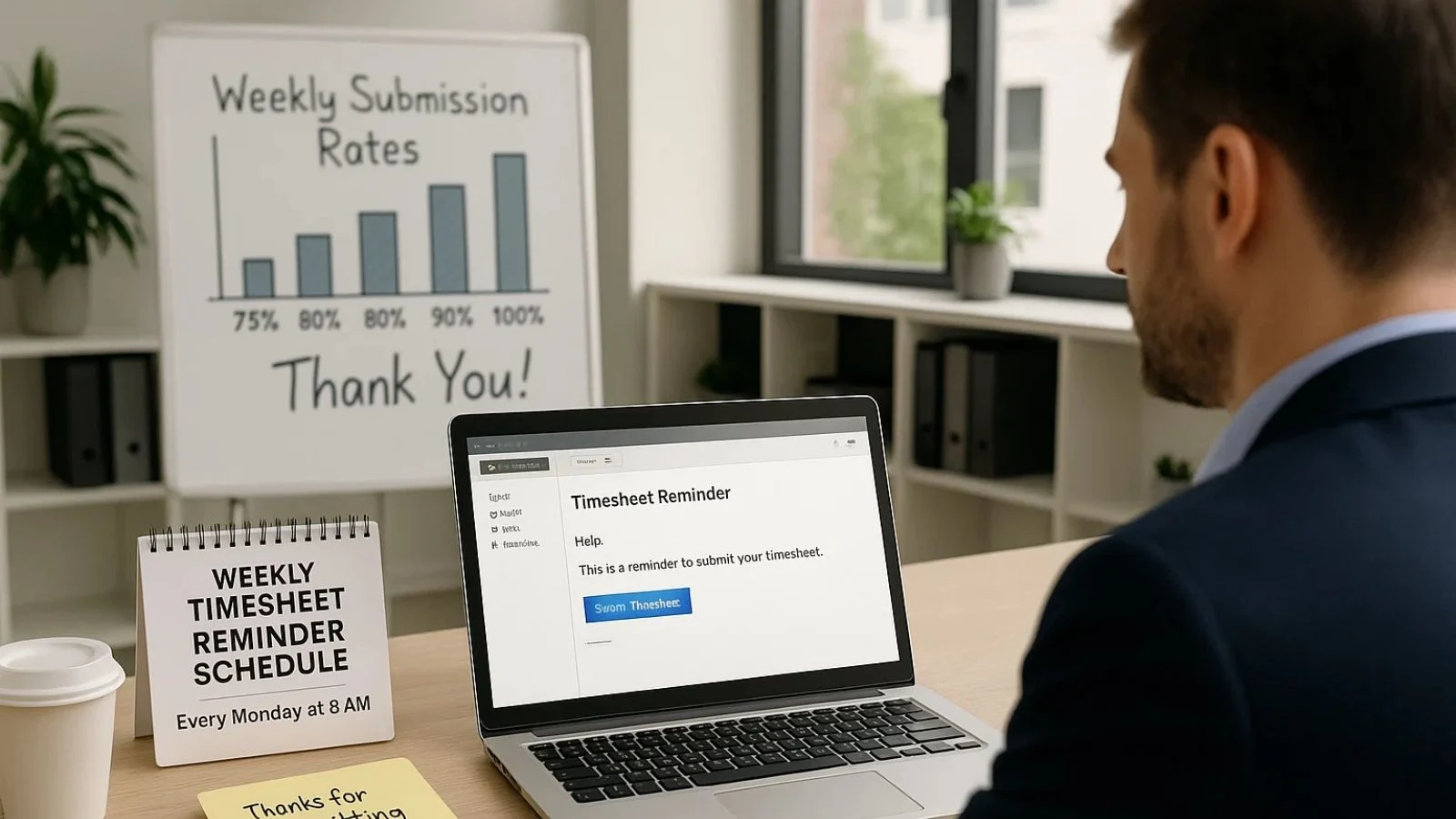
Beyond templates, implementing these strategies will dramatically improve your submission rates while keeping your team happy.
1. Create a Consistent Schedule:
Don’t make people guess when reminders are coming. Establish a predictable pattern, same day, same time each week. This trains people to expect the reminder and builds it into their routine. When your timesheet reminder arrives every Monday at 9 AM, it becomes part of the week’s rhythm rather than an unwelcome surprise.
2. Personalize When Necessary:
For repeat offenders, skip the group email and have a private conversation. A quick one-on-one chat can uncover underlying issues,maybe they don’t understand the system, or maybe they’re overwhelmed with their workload. Personal attention shows respect and often solves problems that group reminders cannot.
3. Make Submission Easy:
The harder it is to submit a timesheet, the more reminders you’ll need to send. Ensure your time tracking system is user-friendly, mobile-accessible, and fast. Include direct links in every reminder. Consider integrating reminders with tools your team already uses daily, like Slack or Microsoft Teams.
4. Lead by Example:
If you’re a manager who tracks time, submit your timesheet early and visibly. Mention it in team meetings. When leaders model the behavior they expect, compliance naturally improves.
5. Acknowledge Good Behavior:
Positive reinforcement works better than nagging. A simple “Thanks to everyone who submitted early this week!” goes a long way. Some teams even gamify it, tracking submission rates and celebrating improvements.
6. Address Technology Issues Immediately:
If someone reports a problem with the time tracking system, prioritize fixing it. Nothing kills compliance faster than a broken or frustrating tool. When people feel heard and see problems resolved quickly, they’re more likely to engage with the process.
Also Read:
How To Set An Effective Timesheet Reminder for Employees?
Stop Relying on Google Timesheet: Better Alternatives for Your Team
How EmpMonitor Simplifies Timesheet Management?

Let’s discuss a workable solution that can completely change the way you track your time and get rid of the majority of your timesheet reminders. EmpMonitor is a complete time tracking and employee monitoring solution that automates a large portion of the manual labour managers usually deal with. The system operates in the background to automatically record precise time data rather than pursuing users.
Automatic Time Tracking:
EmpMonitor records work hours automatically as employees log in and use their computers. This eliminates the need for manual timesheet submission in many cases. Employees don’t need to remember to start and stop timers; the system handles it.
Built-In Reminder System:
The platform includes configurable automated reminders that go out on your schedule. Set it once, and the system handles your weekly timesheet reminder communications without you lifting a finger. You can customize the message, timing, and frequency to match your company culture.
Real-Time Visibility:
Managers can see at a glance who’s submitted time data and who hasn’t, allowing for targeted follow-up instead of blanket reminders to everyone. This saves time and prevents annoying employees who are already compliant.
Detailed Activity Tracking:
Beyond just hours worked, EmpMonitor tracks application usage, website visits, and active versus idle time. This provides context for the hours logged, making timesheet data more valuable for project management and productivity insights.
Mobile Accessibility:
Employees can check their tracked time and make adjustments from any device, removing the “I’ll do it when I’m back at my desk” excuse that often delays submissions.
Integration Capabilities:
EmpMonitor connects with popular payroll and project management systems, creating a seamless workflow from time tracking to payment processing.
By implementing a solution like EmpMonitor, many companies reduce timesheet-related communication by 70% or more. The system becomes the enforcer, leaving managers free to focus on more strategic work while still maintaining accurate time records.
Common Mistakes to Avoid:
Even with good intentions, managers often sabotage their own reminder efforts. Here are mistakes to watch out for:
1. Sending Too Many Reminders:
Bombarding people with daily reminders creates email fatigue. They’ll start ignoring all your communications, not just timesheet ones. Stick to a reasonable schedule, typically no more than three reminders per deadline cycle.
2. Being Vague About Deadlines:
“Please submit your timesheet soon” is useless. Always specify the exact date and time. Clarity prevents confusion and excuses.
3. Forgetting the “Why”:
People are more likely to comply when they understand the reason. Don’t just tell them to submit; explain how it affects payroll, project billing, or team planning.
4. Using Fear Tactics:
Threats about disciplinary action might work short-term, but create a toxic culture long-term. Save consequences for truly chronic issues, not occasional forgetfulness.
5. Ignoring Feedback:
If multiple people complain about the timesheet process, listen. They might be identifying genuine problems with your system or approach that, once fixed, will improve compliance naturally.
6. Poorly Crafted Emails:
A confusing or overly long timesheet submission email defeats its own purpose. Keep your messages clear, concise, and action-oriented so employees know exactly what’s expected.
Conclusion:
Empathy, clear communication, and clever systems are all you need to master the timesheet reminder. You can attain high compliance rates without lowering team morale by comprehending why employees forget, creating thoughtful messages, and utilizing automation tools. Keep in mind that the objective is to create a culture where everyone feels valued and understands their part in the larger scheme of things, not just to get timesheets turned in. Start with the offered templates, modify them to fit the tone of your business, and observe how your stress levels decrease and your submission rates rise.
FAQ’s:
Q1: How often should I send timesheet reminders?
Ans: Send an initial reminder early in the week, a follow-up mid-week if needed, and a final reminder on the deadline day. Three reminders per cycle are typically sufficient without becoming annoying.
Q2: What should I do about employees who consistently ignore reminders?
Ans: Have a private conversation to understand the underlying issue. It might be confusion about the process, technology problems, or workload concerns. Address the root cause rather than just sending more reminders.
Q3: Is it better to send reminders via email or use another method?
Ans: Email works for most teams, but consider your company culture. Some teams respond better to Slack messages, Teams notifications, or even SMS. Use the channel your employees actually check regularly.
Q4: How can I make timesheet submission feel less like a chore?
Ans: Simplify the process with user-friendly tools, explain the benefits clearly, acknowledge timely submissions, and consider automating as much as possible with solutions like EmpMonitor that reduce manual entry.