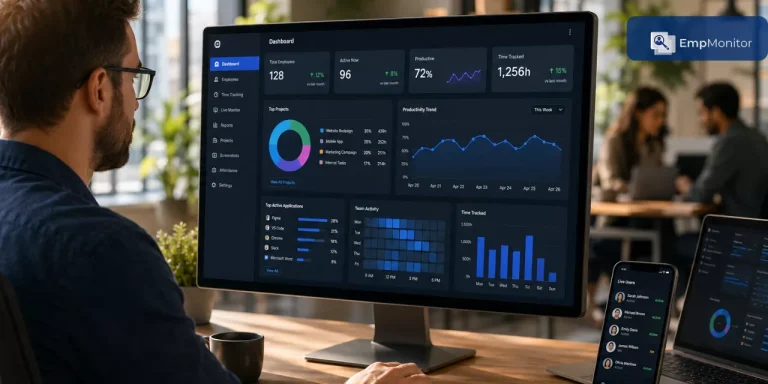
It’s Monday morning, and your HR manager is buried in spreadsheets, trying to reconcile timesheets from multiple departments. Meanwhile, project deadlines slip because nobody knows who’s working on what, and payroll errors have become a monthly ritual.
Sound familiar?
The average HR professional wastes nearly 14 hours weekly on administrative tasks that could be automated. That’s almost two full workdays lost to paperwork instead of strategic work.
This is where hr tracking software becomes a game-changer.
Modern hr time tracking software isn’t just about clocking in and out—it’s a comprehensive solution that delivers real-time productivity insights, enables data-driven decisions, and transforms workforce management. Whether you’re running a startup or managing distributed teams across time zones, the right system creates clarity from chaos.
In this guide, we’ll cover everything you need to know about choosing and implementing hr software for time tracking, from essential features of time tracker to common pitfalls. By the end, you’ll know exactly what works for your unique needs.
What Is HR Tracking Software? (Beyond The Digital Time Clock)
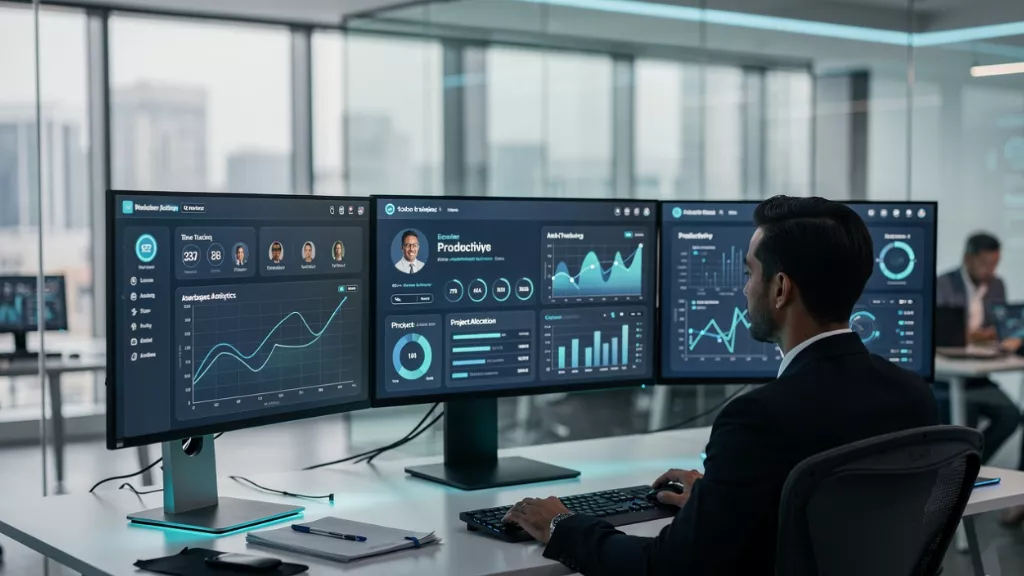
HR tracking software is a technology solution that monitors, records, and analyzes how employees spend working hours. But it’s far more than a fancy stopwatch.
Think of it as your command center for workforce intelligence. Modern systems combine multiple capabilities:
Time and Attendance Management: Automatically records work hours, breaks, and clock-outs. No more manual timesheets or “forgot to punch in” excuses.
Activity Monitoring: Tracks applications, websites, and tasks during work hours. This reveals productivity patterns and bottlenecks, not micromanagement data.
Project Time Allocation: Shows exactly how much time goes into specific projects or clients. Critical for billing accuracy and resource planning.
Reporting and Analytics: Transforms raw data into actionable insights about trends, time-wasters, and efficiency opportunities.
Compliance Documentation: Maintains detailed records for labor law compliance, overtime calculations, and audit trails automatically.
The real power comes from integration. When time tracking connects with payroll, project management, and HR systems, you eliminate data silos and create a single source of workforce truth.
Why Your Business Needs HR Software for Time Tracking
I’ve heard every objection: “Our team is too small,” “We trust our employees,” “Manual tracking works fine.” Here’s the truth: these excuses cost companies time and money.
A mid-sized marketing agency I worked with was convinced their 35-person team didn’t need tracking. They were “creative professionals” working on passion, not punch clocks. Six months after implementation, they discovered:
- 23% of billable hours went untracked ($180K in lost annual revenue)
- Project estimates were off by 40% on average
- Three employees were consistently overworked while others had spare capacity
- Client profitability varied wildly without accurate time allocation
The best hr software for time tracking 2026 solves problems you didn’t know existed.
Also Read
How Does Work Time Tracker Boost the Team’s Productivity?
For HR Teams: Reclaim Your Time
Stop chasing timesheets. Automated tracking eliminates the weekly “Did you submit your hours?” routine. Payroll becomes a button click instead of a three-day ordeal. You finally have data for strategic workforce decisions.
For Managers: Lead With Insight
You can’t improve what you don’t measure. Time tracking provides visibility into team capacity, project health, and productivity trends. You’ll spot overwhelmed employees before burnout hits and identify training needs based on actual task completion times.
For Remote Teams: Bridge the Visibility Gap
When teams are scattered across locations, trust alone doesn’t cut it. You need objective data to evaluate performance fairly, ensure accountability, and maintain cohesion.
For Finance: Turn Time Into Profit
Accurate time data transforms financial forecasting. You’ll know true project costs, price services competitively, and identify which clients actually generate profit versus just busy work.
Essential Features in Top HR Tracking Software
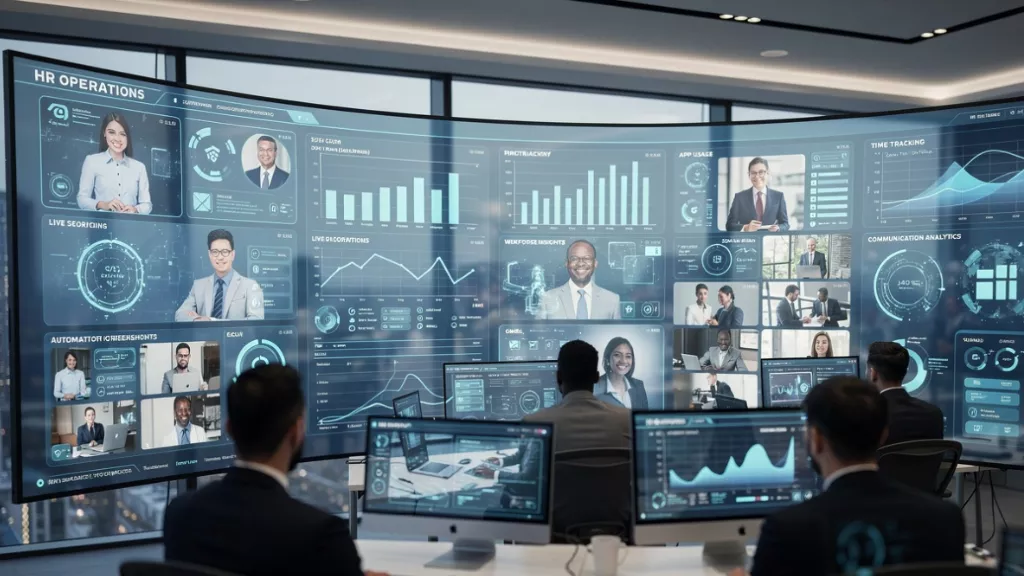 Not all time tracking solutions deliver equal value. Here’s what separates the best from the rest:
Real-Time Visibility
Top systems show what’s happening right now, not just what happened yesterday. Get instant visibility into all employees’ activity, see live app and web usage along with active or idle status, all from a single, centralized dashboard.
This situational awareness helps you understand if teams focus on priority tasks or get stuck in email when deadlines approach.
Comprehensive Activity Recording
Sometimes you need the full picture. Screen recordings let you access recorded sessions of employee screens to review activities, ensure compliance, and maintain complete visibility across the team. This visual trail proves invaluable for training, quality assurance, and resolving work disputes.
Accurate Time Tracking
Basic tools require manual start/stop buttons that employees forget. Advanced systems effectively track every minute of employee working hours, weeding out unnecessary time gaps and increasing productivity. You get clear insight into actual time spent, not estimated time.
Automated Documentation
Get automated screenshots at customized intervals to capture workflow details under a single dashboard for better evaluation. These real-time updates provide visual evidence of activity patterns without constant manual monitoring.
Smart Analytics
The best systems visualize employee engagement and enable flawless team analysis with graphic-rich analytical reports and automated timesheets. Instead of drowning in spreadsheets, you get clear visual data that drives decisions.
Communication Monitoring
Modern work happens across Slack, Teams, and email. Track total time spent on chat and social apps during working hours to increase team focus. This messaging vigilance helps identify if communication tools help or hinder productivity.
Remote Support Capabilities
When problems arise, advanced systems let you securely connect to employee devices to troubleshoot problems, provide real-time support, resolve issues, and guide tasks with ease. This hands-on control resolves IT issues in minutes, not days.
Live Oversight
For teams requiring higher accountability, monitor live screens of all employees from one unified panel, enhancing visibility, accountability, and workflow efficiency. This live feed particularly benefits security-sensitive industries and remote teams where physical oversight isn’t possible.
A Comprehensive Solution: EmpMonitor in Action
 Let me show you what complete hr tracking software looks like in practice.
EmpMonitor represents an all-in-one solution addressing the challenges we’ve discussed. Instead of juggling multiple tools for time tracking, screen monitoring, and reporting, everything lives under one roof.
Real-Time Monitoring: The platform provides Real-Time Monitoring with instant visibility into all employees’ activity, showing live app and web usage along with active or idle status from a centralized dashboard.
Screen Recordings: Screen Recordings through the Activity Update feature let you access recorded sessions to review activities, ensure compliance, and maintain complete team visibility with a visual trail for training and quality assurance.
Screencast: The Screencast capability allows you to securely connect to employee devices for real-time troubleshooting and support, resolving technical issues in minutes with hands-on control.
Live Screen Monitoring- It lets you view all employee screens from one unified panel, enhancing accountability and workflow efficiency, especially valuable for security-sensitive work.
Time Tracking: This module effectively tracks every minute of working hours, eliminating time gaps and increasing productivity with clear insight into actual time spent.
Automated Screenshots – At customized intervals, capture workflow details for better evaluation with real-time updates, providing visual activity evidence.
Chat Monitoring- It tracks time on messaging and social apps during working hours, increasing focus through messaging vigilance that identifies productivity patterns.
Finally, Insightful Reports visualize employee engagement with graphic-rich analytical reports and automated timesheets that drive decision-making.
The platform brings all these capabilities together cohesively rather than feeling bolted-together. You’re not jumping between dashboards or reconciling data from multiple sources—everything flows into one comprehensive workforce view.
Common Implementation Mistakes to Avoid
Even the best software fails without proper implementation. Here are critical pitfalls:
Stealth Implementation: Rolling out monitoring without employee awareness destroys trust and creates legal liability. Announce weeks in advance, explain what’s tracked and why, and address privacy concerns directly.
Tracking Everything Without Purpose: Monitoring every data point because you can creates overload and makes employees feel micromanaged. Track with specific goals—improving estimates, reducing payroll errors, or ensuring data security.
Skipping Manager Training: You can’t flip the switch and expect data-driven decisions. Train managers on interpreting data, having constructive productivity conversations, and using insights to support rather than punish.
Ignoring Mobile Workers: Many companies implement desktop-only solutions while half their workforce uses mobile devices. Ensure robust mobile capabilities matching actual work patterns.
Set It and Forget It: Implementation is the starting line, not the finish. Schedule quarterly reviews of tracking configuration, update policies, and refine reporting to maintain relevance.
Measuring Success: Know If It’s Working
You’ve invested in software and trained your team. How do you measure actual value delivery?
Quantitative Metrics:
- Payroll accuracy (expect 40-60% reduction in discrepancies)
- Project estimate accuracy (typically improves 25-35% within six months)
- Administrative time savings (automation cuts time-related tasks 50-70%)
- Overtime costs (better visibility reduces unnecessary overtime 15-25%)
- Billing leakage (service businesses often capture 10-20% more billable time)
Qualitative Indicators:
- Manager confidence in resource allocation decisions
- Employee understanding of time usage patterns
- Consistent on-time, on-budget project delivery
- HR focus shifting from firefighting to strategic planning
If you’re not seeing improvements in at least three areas within 90 days, something’s wrong with your implementation, configuration, or the software itself.
The Future of HR Tracking in 2026
The time tracking category evolves rapidly. Here’s what’s emerging:
AI-Powered Insights: Next-generation systems predict rather than just report—identifying burnout risk before it manifests, suggesting optimal team compositions, and automatically flagging capacity constraints.
Seamless Ecosystems: Walls between HR tracking, project management, and business intelligence are dissolving. Expect unified workforce analytics combining time data with output quality and financial performance.
Privacy-First Monitoring: As regulations tighten, tracking shifts toward aggregate patterns and outcome measures rather than granular surveillance—from “What is this person doing?” to “Is work getting done effectively?”
The companies winning with hr tracking software in 2026 use it to optimize performance and protect wellbeing, not enforce presence.
Conclusion: Your Path to Smarter Workforce Management
HR tracking software isn’t about distrust—it’s about clarity. It replaces guesswork with evidence, hunches with data, and chaos with strategic insight.
When payroll runs in 30 minutes instead of three days, when project managers allocate resources confidently, when executives see workforce capacity at a glance, and when employees understand their productivity patterns—that’s when time tracking transforms from overhead into competitive advantage.
Start with clarity about your specific needs. Choose a solution matching your workforce type and values. Implement transparently with employee buy-in. Measure what matters.
Most importantly, remember that technology only delivers value through supportive culture. The best hr time tracking software won’t help organizations that punish rather than improve, hide monitoring rather than explain it, or confuse activity with achievement.
Done right, HR tracking creates accountability, continuous improvement, and mutual respect. It helps good employees showcase contributions, struggling employees get support before failing, and organizations make decisions benefiting everyone.
The workforce management landscape in 2026 belongs to organizations combining human judgment with data intelligence. The tools are here. Are you ready to use them?
FAQs
Q: Is HR tracking software legal, and what are compliance requirements?
Yes, HR tracking software is legal when implemented correctly. In the US, you must inform employees about monitoring (some states require explicit consent). GDPR in Europe requires clear documentation, employee consent, and strict data protection. Always consult legal counsel for federal, state, and international compliance. Transparency builds both legal compliance and trust.
Q: How much does HR tracking software cost, and what’s the ROI?
Pricing ranges from $2-5 per user monthly for basic solutions to $8-20+ for comprehensive platforms. ROI typically exceeds costs: Companies save 15-20 hours monthly per manager, reduce payroll errors 40-60%, and capture 10-20% more billable time. Most see positive ROI within 3-6 months through reduced costs, improved billing, and better allocation.