
Start your free 15‑day trial →.
Employee productivity measurement and reporting helps remote teams stay aligned, improve accountability, and identify bottlenecks without creating a culture of surveillance. The key is balancing outcome-based metrics with transparent reporting and privacy-first policies.
What Does Effective Productivity Tracking Actually Mean for Remote Teams?
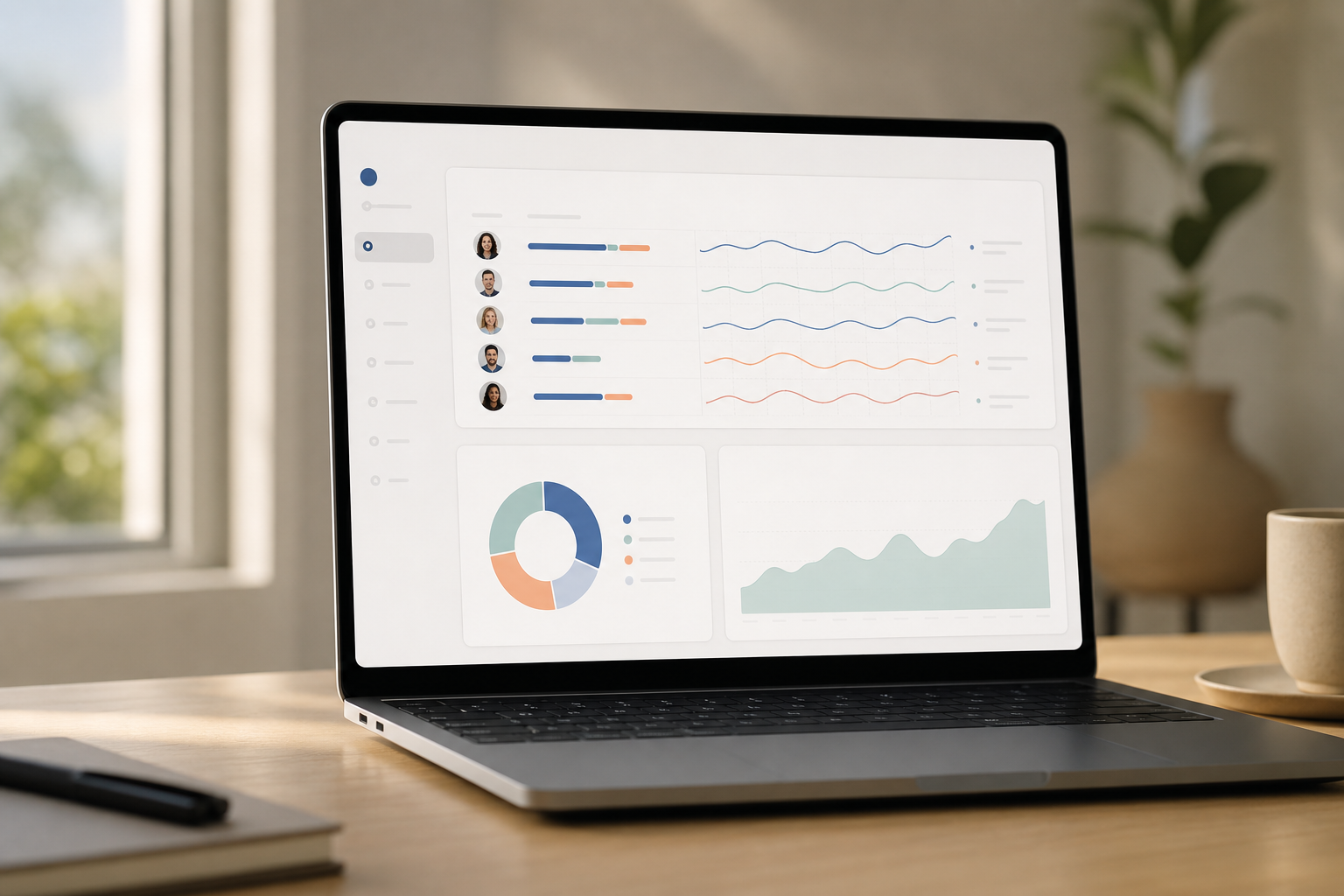
Effective tracking means proving outcomes without spying. It blends what people ship with how they spend time. And it does so in the open. As a result, it gives you a shared source of truth you can use in 1:1s, sprint reviews, and planning.
Specifically, think in two layers and make both explicit in your playbook. First, you have output-based measurement.
It captures the tangible work that actually changes the business: commits merged, tickets closed, ad campaigns launched, bugs fixed, demos booked, or content published. Second, you have activity-based measurement.
This looks at the patterns that explain how those results happened, including real-time activity signals, app and URL usage, and attendance context. When you combine them, anecdotes become evidence. Conversations shift from opinions to observable patterns.
Output vs. Activity: How to Balance Both
Output is the north star. However, output lags. You ship a feature at the end of the sprint, not hour two.
Therefore, you pair outcomes with leading signals. For developers, that could be pull requests reviewed and deep work hours. For sales, it could be qualified calls and proposals sent.
Then you use light activity data to unblock. A designer stuck in meetings all day will ship less. That insight is the point.
In addition, you need a clear Productivity Measurement method that blends both sides. Define role outputs per week. Then agree on two or three leading activities that reliably predict those outputs. Track both over time.
Use a simple productivity calculation to show trends and diagnose bottlenecks rather than to punish short-term dips or one-off slow weeks. This approach makes it obvious which levers to pull. It also gives individuals control over their craft and clarity about expectations.
-
Role clarity matters: document the core output for each role and time-box it (per week, sprint, or month).
-
Leading indicators should be within the person’s control and easy to count weekly.
-
Keep the set small: one output metric plus two leading indicators per role is usually enough to guide action.
Close the Trust Gap with Transparent Reporting
Remote work strains trust faster than co-located work. So you must tell people what you track, why, and how it’s used. For example, share your policy, show the dashboard to the whole team, and give folks a say in category rules. Therefore, everyone sees the same numbers and the same story. People know how the data is collected and what it will influence.
“Share the dials, not just the score.” It lowers anxiety and raises buy-in.
Finally, keep privacy top of mind. Set clear “no tracking” boundaries and work hours rules. Moreover, make sure people can see and correct their own data before you review it. That single habit prevents most disputes and keeps culture strong. It also improves data quality because people spot issues you might miss.
And yes, this section is where you ground your first mention of employee productivity measurement and reporting in policy, not panic.
What tracking is not:
- It’s not keylogging or always-on screenshots by default.
- It’s not micromanagement by minute.
- It’s not weaponizing data against individuals; it’s guiding better work and process.
Also Read!
Best Employee Internet Monitoring for Call Centers in 2026
Best Employee Internet Monitoring for Small Businesses in 2026
Step-by-Step Framework to Set Up Remote Productivity Tracking
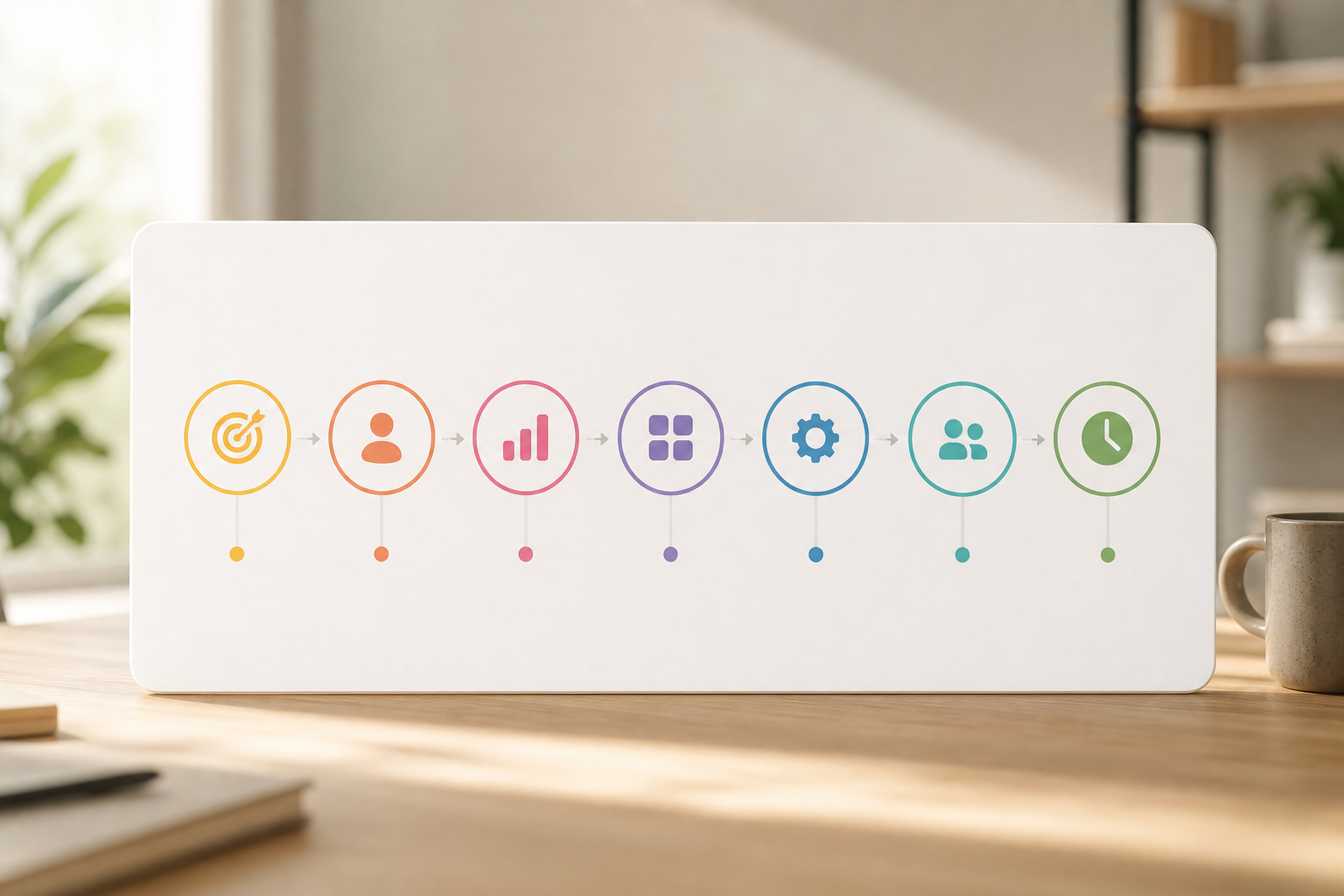
Here’s the seven-step sequence I’ve used to roll out fair, low-drama tracking. It works for startups and mature teams. Tweak the examples to fit your stack.
1) Define measurable outcomes per role
Start with output by role. Engineering teams can anchor on features released per sprint, mean time to restore, and bugs resolved. Marketing focuses on posts shipped, MQLs, and landing pages published. Sales typically leans on qualified meetings, proposals, and closed-won counts. Write the unit, the time frame, and the owner for each metric. Then sanity-check it with the team to confirm that goals reflect reality and are within people’s control.
Add specificity by turning those categories into clear targets the team can actually hit. An engineering target might read, “two user-facing features per sprint; MTTR under two hours; and 10 priority-two bugs closed,” with links to the associated artifacts.
Marketing could aim for “four blog posts per month, 80 MQLs, two new landing pages, and one A/B test each week.” That way there’s a cadence across creation and optimization.
Sales might commit to “12 SQLs per month, 15 proposals sent, and $X in closed-won per quarter.” This balances pipeline development and conversion.
Tying outcomes to artifacts such as PRs, landing pages, or proposals turns reviews into concrete discussions grounded in the work itself rather than memory. Strengthen this by capturing links in a shared doc so you can open evidence in seconds during reviews.
Tip: Tie outcomes to artifacts (links to PRs, pages, proposals) so reviews reference real work, not memory. Screenshots of dashboards help too. Short clips or Looms can show context where needed.
2) Choose leading vs. lagging indicators
Pick two leading signals that predict each output. For engineering, deep work hours and PR reviews tend to correlate with throughput. For sales, discovery calls and follow-ups sent are reliable tells. Content and design teams can look to draft throughput and edits completed for early momentum. In addition, add one lagging output per role to anchor results and keep the conversation centered on value delivered.
When you pick your lead indicators, make sure they are squarely within the person’s control and are easy to count weekly. “Proposals sent” is preferable to “prospect’s budget approved” because your team can act on it and adjust behavior quickly. Favor measures that show a relationship with outcomes within two to four weeks, so cause and effect are close enough to coach.
For product and design, that might be focused Figma hours in designated files, design reviews delivered, or prototype tests completed. For customer support, tickets resolved, CSAT responses, and proactive check-ins often predict backlog health. And for operations or finance, reconciliations completed, cycle times, and error rates provide a dependable forward view.
3) Set baselines
Establish a two- to four-week baseline before you set goals so you see what “normal” looks like for the team today. During this period, track outputs and key activities without imposing targets. Then visualize the combined time series to surface natural cadence and variance. Share the resulting baseline graph with the team and invite comments. People will often spot constraints or hidden work you missed. This makes later targets feel fair and sets the tone that employee productivity measurement and reporting is collaborative.
A solid baseline accounts for the context that can skew results. Confirm time zones, holidays, and unusual events such as launch weeks so outliers don’t become false expectations. Capture both the central tendency (median) and the spread (p25–p75) so you don’t anchor to a single high or low week.
Finally, document assumptions in plain language. If a metric is inherently squishy, like story points, note that and pair it with a more concrete companion measure to keep reviews grounded. Add examples so everyone understands how to score work consistently.
4) Select tracking categories
Define which apps and URLs are “productive,” “neutral,” or “unproductive” by role, since the same tool can be critical for one function and a distraction for another. A video platform may be essential for Sales demos but merely neutral for Backend engineering, where it mostly supports occasional collaboration. Agree on a Private time option so people can pause tracking for personal breaks, health needs, or sensitive client work. This early debate pays dividends by building trust and dramatically reducing noisy or misclassified data.
In implementation, start with a shared baseline library of categories and then layer in role-based overrides so context is preserved without creating chaos. Review and refresh categories monthly to prevent drift as tools and workflows evolve. A new AI assistant can go from experiment to essential in a quarter. Keep an “unclassified” bucket visible so teammates can suggest accurate categories quickly and keep the data clean.
Protect privacy by excluding obvious sensitive destinations such as healthcare portals, banking, and personal email. Document those exclusions in your policy. Reinforce them during onboarding.
5) Implement tools
Choose tools that match your approach rather than forcing your process to fit a platform. Automated time tracking reduces manual updates and ensures consistency. A real-time dashboard helps managers coach and unblock faster when patterns change. URL and app tracking fills in context without guesswork and lets you connect outcomes to behavior. Custom reports and advanced analytics make trends obvious during reviews. Keep the initial rollout simple and only add detail if it helps a clear decision.
Round out your selection with a few operational must-haves. Single sign-on (SSO/SAML) simplifies secure access and lowers friction during onboarding. Role-based permissions ensure individual contributors, managers, and admins see the right level of detail without exposing sensitive data. Decide on data retention windows up front.
For example, keep 90 days for detailed drills and 12 months for summaries. Confirm you can export data via API or CSV for your BI tools when deeper analysis is needed. Test exports before you need them.
6) Communicate policies
Share what you track, when tracking is paused for non-work windows, and how screenshots are handled (if at all). Document how attendance tracking works across time zones. Clarify where the data lives, who can see it, and how long it’s retained. Then hold a Q&A to answer concerns and invite edits. Transparency here is a force multiplier. When people understand intent and mechanics, fear subsides and the data gets better.
Cover a few essentials in the policy language so there are no surprises. Reaffirm that purpose in meetings. Spell out the scope, devices, apps, private time, and excluded categories so personal boundaries are explicit. Explain access in plain terms by naming who can view, approve, or edit entries.
Provide a straightforward appeals process with a defined SLA for corrections. Close with compliance details including GDPR/CCPA coverage, a signed DPA on request, and data residency options where applicable. Include a policy version history so updates are easy to follow.
7) Review cadence
Run a weekly team review of trends and a biweekly 1:1 for coaching so insights turn into action. For example, discuss the last sprint’s outcomes first. Then use activity data to identify and remove blockers before they cascade. Publish a light monthly report that shows progress and flags risks early. Revisit a few category rules or goals as you learn. Over the quarter, you’ll steadily fix process issues before they threaten the big picture.
Turn the cadence into a rhythm everyone recognizes. Each week, reserve 20 minutes to celebrate wins and pick one bottleneck to fix. Keep the scope tight and the energy positive.
Every other week, compare one outcome metric and one lead indicator in each 1:1. Agree on a two-week experiment to try before the next meeting. Keep experiments small and specific so learning is fast and reversible.
Monthly, send a short summary with highlights, risks, and one policy or category update so the narrative stays current. Quarterly, prune one metric and add one only if you can act on it. Recalibrate targets so ambition stays aligned with reality and capacity.
Post the calendar invites so nothing slips. Share templates for the weekly and monthly reviews to keep the process consistent. Rotate who presents so the system feels co-owned rather than top-down.
-
Weekly: celebrate one win, pick one bottleneck, and commit to one small change.
-
Biweekly: compare one output metric with one lead indicator in 1:1s and run a two-week experiment.
-
Monthly/Quarterly: share a narrative summary, flag risks, prune or add one metric, and recalibrate targets.
For a deeper dive into goal math, here’s a practical case study on measuring productivity. And for rollout tips in a real-world scenario, see this guide to a simple performance tracking system that reinforces the same principles with different teams and timelines.
Therefore, by the end of Step 7, your team has a living system, not a one-off spreadsheet, for employee productivity measurement and reporting. It evolves with your work. It grows trust while it grows results.

**Get instant insights today → Equating hours logged with output
Equating hours logged with output
Hours are easy to count. However, they’re a poor stand‑in for results. Pair hours with deliverables so time becomes context rather than a proxy. For example, track deep work hours against story points completed or features shipped. Look for patterns rather than single-week blips. Then coach to the gap, not the clock, so your conversations stay focused on value and learning.
Make it actionable by interpreting the combinations you see. If hours are high and output is low, investigate context switches, meeting load, or unclear priorities that may be stealing focus. If hours are low and output is high, protect that person’s focus patterns and ask them to share their tactics as team best practices. When both hours and output are low, set a smaller, clearer goal and remove one dependency so momentum can start again.
Track to coach, not to punish. Use the data to unblock, protect focus, and celebrate repeatable wins.
Over time, these simple if/then moves build a culture that optimizes for outcomes without glamorizing exhaustion. The message is simple. Protect focus and ship value.
2) Tracking without telling employees
Secret tracking kills trust. In fact, stealth/un-stealth mode exists for different contexts, but remote knowledge work thrives on transparency. Always announce what you track and why. Let people view and comment on their own data before reviews so you avoid bad surprises and misinterpretations. When people understand that employee productivity measurement and reporting is meant to support them, they lean into the process.
Build transparency habits into regular rituals rather than ad-hoc updates. Share the dashboard in team meetings so the same data informs planning and retros. Offer a personal analytics page where each person can validate activity, add annotations, and request category fixes in-line.
Include a “How we use this data” explainer during onboarding and refresh it quarterly. Repetition reduces anxiety and keeps norms current as tools and rules evolve. Keep the explainer short and friendly.
3) Ignoring async timezone differences
A 9 a. m. standup for you might be 6 p. m. for them. Therefore, attendance tracking needs flexible windows that recognize varied schedules and commitments across regions. Focus on response SLAs and handoff speed rather than demanding that everyone is online at the same hour. Add clear quiet hours so people can do deep work and still collaborate effectively across time zones.
A few simple async practices make a big difference in day-to-day flow. This keeps expectations shared and fair. Use status messages and focus‑mode integrations to signal when deep work is happening and should be protected.
Record key meetings. Post short summaries with decisions and owners. Store them in a predictable place so no one has to chase context.
These small habits remove friction and prevent burnout.

4) Measuring too many metrics
A dashboard packed with 40 dials hides the real story and invites gaming. Start with three per role: one output and two leading activities. Only add another metric if a decision truly requires it. This constraint forces clarity and tells the team exactly what matters. As a result, people can scan the page in seconds and know where to focus.
Keep the signal high by routinely pruning anything that doesn’t drive action. If a metric never changes behavior or informs a clear choice, archive it and free up attention. Where measures are redundant, combine them and pick the clearer single view. If “tickets closed” mirrors “throughput,” report one and use the other ad hoc when needed.
Use diagnostics sparingly to investigate specific questions rather than flood weekly updates. Less noise. More signal.
5) Never acting on the data
Tracking is half the job; coaching is the other half. If idle-time spikes midweek, it’s a prompt to re-check meeting load or priority clarity rather than a reason to scold. If “unproductive” app time rises, revisit category rules or workload before assuming intent. Close the loop by stating what you changed and what improved so the team sees the benefit of surfacing patterns.
A lightweight action loop keeps momentum high and drama low. Implement one change, perhaps batching reviews on Tuesdays and Thursdays and blocking 9 a. –12 p. m.
for focus, and measure again. Expect focus hours to recover to baseline within two weeks. If they don’t, refine the hypothesis and try the next smallest lever. The habit matters more than any single tweak.
Finally, keep privacy safe. Offer a Private time option to pause tracking for breaks, health needs, or personal tasks. Your team will remember that respect long after quarterly numbers fade. As a result, your employee productivity measurement and reporting will be far more credible. Respect today builds trust tomorrow.
Also Read!
Call Center Guide to Employee Internet Monitoring
EmpMonitor vs Teramind for Call Centers: Which Is Better for Employee Internet Monitoring?
Tools and Resources for Remote Productivity Measurement
Tools fall into four useful categories. Choose the approach that fits your work. Then pick features that support your policies. Keep your stack simple enough to explain in three sentences.
Time trackers
Time-tracking tools focus on hours, shifts, and work windows, so prioritize automated capture that reduces manual updates, idle-time context that explains gaps, and attendance summaries that make patterns visible at a glance. A Private time toggle is essential for trust, and clear data retention rules prevent your archives from becoming a risk.
Activity monitors
Activity monitors add app and URL tracking, optional screenshot monitoring, and configurable alerts or automated email reports when rules trigger, which can be helpful for coaching and compliance.
Project-based tools
Project-based tools live where work actually happens: tasks, sprints, and reviews. Look for simple throughput graphs, links back to artifacts, and task and project management that people will actually use day to day.
Async communication analyzers
Communication analyzers map message load and response time across Slack/Teams and email, highlighting after-hours creep and slow handoffs that can quietly sap energy.
Tools like EmpMonitor bring several of these pieces together, from Real-time dashboard and URL/app insights to Custom reports and Advanced analytics, and are used by 15,000+ companies across 100+ countries, tracking over 500,000 employees. It’s also GDPR compliant, with a Free 15-day trial available, which lowers risk while you test if the fit matches your policy. Trials help you validate assumptions quickly. Run one with a small pilot group before a full rollout.
Compliance and ethics checklist for 2026
Create and sign a DPA with vendors and confirm their sub-processors and data residency up front so legal foundations are solid. Provide employees with easy access to their data and a clear correction pathway to fix inaccuracies quickly. Define retention windows with automated deletion so your system doesn’t accumulate unnecessary risk. Conduct a DPIA if your jurisdiction requires it.
Document the lawful basis and legitimate interest for processing. Train managers on ethical use so no one drifts into quota gaming or “always online” pressure. A small investment here pays off in trust and audit readiness later.
Add a few practical touches. Publish a privacy FAQ in plain English. Keep a changelog of policy updates and notify teams when anything shifts. Review access logs quarterly to confirm permissions remain appropriate. These steps make compliance visible and reassuring.
Also Read!
EmpMonitor vs Hubstaff for Small Businesses: Which Is Better for Employee Internet Monitoring?
What to Do Next: Building a Productivity Culture, Not Just a Dashboard
Dashboards don’t build teams. People do. So connect the numbers to better work weeks and growth paths. Turn insights into rituals that protect focus and reward real progress.
Share data with context
Publish team-level trends, not just scores, and always pair performance data with the process signals that explain it. For example, show cycle time next to meeting load so it’s obvious that batching reviews or trimming status calls can speed up delivery. Then discuss what you’ll try next sprint and note it right on the chart so experiments are visible.
When you add short narratives, what you tried, what moved, what you’ll do next, and tag weeks with launches, outages, or holidays, everyone understands the story without a long meeting. Use “traffic light” summaries for execs and keep deeper drill-downs accessible to practitioners who want to explore.
Make context a habit. Add a one-line hypothesis under each chart. Include owner initials and a next-review date.
Keep the story fresh so the numbers never sit alone. Tie each change back to the principle it supports, such as reducing handoff latency or protecting maker time. That way the data is always in service of better weeks, not just better charts.
-
Add to each chart: owner initials, hypothesis, and next-review date.
-
Tag weeks with launches, outages, or holidays to preserve context.
-
Note the one experiment you’ll try next and link to outcomes in the following cycle.
Use insights in 1‑on‑1s
Bring two charts to each 1:1: an output trend and one leading indicator. Ask the employee what they see first so the conversation starts with their perspective. Agree on one small change to try for two weeks. Log the choice in your notes and revisit it next time; the tight loop builds momentum without pressure. Coach with curiosity by asking what surprised them in the trend, which meeting or dependency slowed them down most, and what single experiment could best protect their focus next week. When you approach patterns as a shared puzzle rather than a verdict, people become co-owners of improvement.
Close each 1:1 with a commitment and a safeguard. Define the experiment and the time box. Clarify what not to do so focus is protected. These micro-commitments compound.
Iterate quarterly
Each quarter, prune a metric and add one if needed so your dashboard stays lean and useful. In addition, review privacy choices, data access, and who can export what; roles and responsibilities often shift as teams scale. Tools with multiple roles and permissions and personalized onboarding make this far easier because they codify your intent and reduce ad-hoc exceptions. Finally, favor real-time insights for day-to-day coaching and monthly summaries for leadership so everyone gets the right level of detail without duplication.
Run a brief retro on the system itself. What worked? What confused people?
What should we stop tracking? Write it down and share it. Treat the system as a product you continuously improve.
Above all, keep the promise: your employee productivity measurement and reporting exists to grow results and protect focus, not to police. When people feel that, they lean in. They also volunteer better ideas because the system feels fair.
**See pricing and start today →
Frequently Asked Questions
Is activity tracking mandatory for every role? No. If outcomes are clear and timely, for example, sales roles with daily pipeline movement, activity tracking can be minimal. Use it where it explains variance or helps remove blockers. Keep the focus on outputs so autonomy remains high.
How do we avoid gaming metrics? Measure families of metrics, one outcome and two leads, and rotate a diagnostic metric quarterly so no single number becomes the goal. Share raw context and artifacts in reviews. This makes gaming obvious and unrewarding while encouraging people to improve the real work.
Pro tip: Celebrate teams who prune metrics that no longer drive action. Making room for clarity signals that the goal is better work, not bigger dashboards.
Will this increase burnout? It shouldn’t. When used well, employee productivity measurement and reporting reduces burnout by cutting performative busyness, clarifying priorities, and protecting focus hours. The system is there to simplify decisions, not create new ones. If stress rises, remove one metric and one meeting.
How do we keep privacy intact? Use private time, excluded categories, short retention windows, and role-based access. Be explicit about all four in your documentation. Let employees see and annotate their data before any review so errors are fixed and context is captured. Publish your appeal steps so corrections are fast.
Remember: privacy controls are features, but trust is the outcome. Review access and exclusions quarterly and communicate changes openly.
What about contractors? Apply the same transparency and respect. Align on outcomes.
Clarify which activity signals are required for the engagement. Specify data handling in contracts and DPAs so expectations are consistent and lawful. Respect boundaries such as device ownership and data residency.
By combining outcomes, thoughtful lead indicators, privacy-first policies, and open reporting, you’ll build a resilient system that helps remote teams do their best work, and proves it without turning work into surveillance. The result is simple. Better focus, better trust, and better results, measured fairly and shared openly.