
More call centers break productivity by tracking the wrong things than by not tracking at all. The fix is a clear plan for employee productivity measurement and reporting that blends outcomes, time, and context.
Here’s the short answer: define 4–6 outcome and time KPIs (AHT, FCR, occupancy, adherence), label productive apps and sites, track time and idle with context, use real-time dashboards and alerts, and review results weekly with coaches. That’s the system you’ll build in this 2026 guide.
For context, you need both speed and quality. Average Handle Time (AHT) means little if First Call Resolution (FCR) is low. Likewise, high occupancy looks great until adherence starts to slip and shrinkage rises. Therefore, you’ll balance metrics, set baselines, and make small weekly moves that stick.
Moreover, this isn’t a theory piece. You’ll get steps, example targets, and what to watch for in real queues. For a deeper story on how one team changed outcomes by reclassifying “productive” work, see this practical measuring productivity case study.
Why Productivity Tracking in Call Centers Is Different from Other Industries
Call centers are volume machines. Thousands of short interactions per day, across calls, chat, and email, create a river of micro-metrics that can drown simple time trackers. As a result, you must connect time data to queue outcomes and schedules, not just “hours worked.
Second, shift rotations change the baseline hour by hour. For example, your 09:00–13:00 AHT will differ from 17:00–21:00 due to contact mix and staffing. Therefore, your system needs shift-aware views and a strong shift scheduling feature to view performance in context and compare like with like.
Multi-Channel and Idle Time
Third, multi-channel work adds complexity. An agent might juggle two chats and a callback while drafting an email. Without URL and app context, you might label research as “unproductive,” yet it could be key to raising FCR. Consequently, you’ll classify apps and sites and revisit those labels as products and policies evolve.
Fourth, idle time between calls isn’t always bad. Queues dip. Wrap-up is real. However, extended idle during busy intervals signals a routing, adherence, or coaching issue. Tools with idle time tracking help you separate healthy gaps from hidden loss.
Compliance, Privacy, and Scale
Compliance adds guardrails. You may need GDPR-aligned auditing and role-based access. Moreover, with hundreds of agents across sites, you’ll want multiple roles and permissions so team leaders see only their groups. Security matters too: SSL, firewalls, and IP allowlists help protect contact data. Because call centers are an explicitly listed target segment for workforce monitoring vendors, you will find shift-aware, queue-aware features that map cleanly to your operation.
- High agent volume and micro-metrics demand outcome-linked time data
- Shift scheduling and adherence views keep comparisons fair
- Idle time tracking shows where performance leaks or queues starve
- Compliance and role security reduce risk as you scale
To ground definitions like First Call Resolution, this brief First call resolution overview is a helpful refresher.
7 Steps to Build a Call Center Productivity Tracking System
Before you buy tools, sketch the system. Then add technology to scale it.
-
Define KPIs: Pick 4–6. Include AHT, FCR, occupancy, and schedule adherence. Add QA score and CSAT if you have clean surveys.
-
Baseline current performance: Pull 2–4 weeks of data by queue, shift, and channel. Note hour-of-day peaks.
-
Classify productive vs. unproductive apps/URLs: Mark CRM, ACD, help center, and knowledge bases as productive. Review research/news sites with your QA lead.
-
Set up time tracking: Turn on automated time tracking and idle detection. Map activities to queues or teams.
-
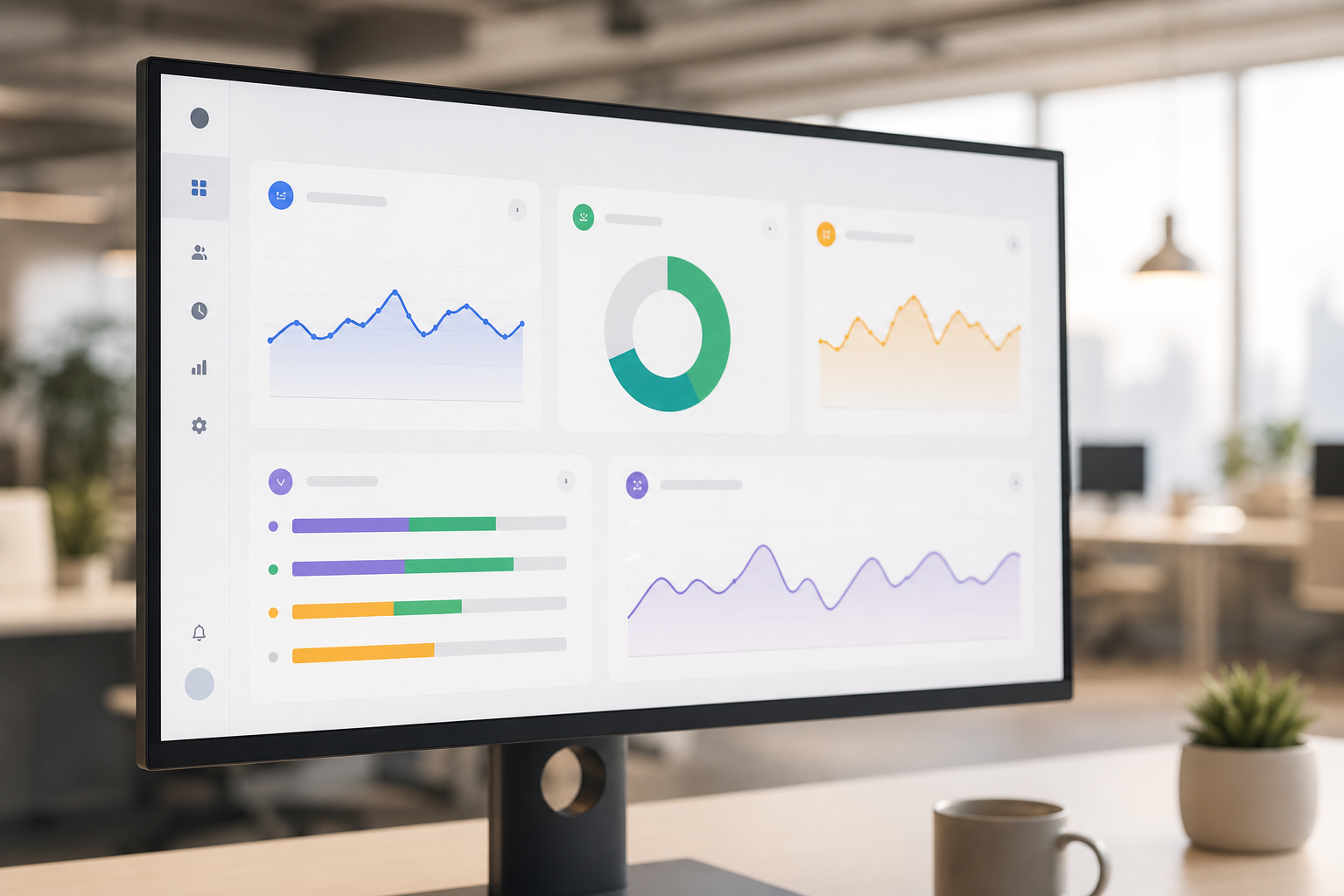
Configure real-time dashboards: Build a real-time dashboard with queue KPIs, team occupancy, adherence, and productive time.
-
Establish alert thresholds: Use alerts and auto email reports when AHT spikes, FCR dips, adherence falls, or idle exceeds target during peak.
-
Build a weekly reporting cadence: Send custom reports each Monday. Review in team huddles. Log 1–2 actions per team.
Specifically, connect time to outcomes. For example, if “Productivity calculation” shows 6.2 hours productive per shift, and occupancy is 82%, check whether FCR moved. If not, swap blanket speed goals for targeted QA themes.
Sample Baseline and Targets (2026)
You can keep targets simple and visible.
- AHT: 5:30 baseline, 5:10 target this quarter
- FCR: 72% baseline, 76% target this quarter
- Occupancy: 80% baseline, 83% target this quarter
- Adherence: 89% baseline, 92% target this quarter
Moreover, keep channels separate. Chat AHT and email resolution time won’t match voice. Therefore, set targets per channel, then ladder up to a balanced scorecard.

“EmpMonitor does one thing really well: it saves us time!” — Education Career Counsellor
For more ways to tie goals to coaching, this guide to building a performance tracking system offers helpful templates you can adapt.
**Get Instant Productivity Dashboards →
Also Read!
EmpMonitor vs Hubstaff for Remote Teams: Which Is Better for Employee Productivity Tracking?
5 Common Mistakes Call Centers Make with Productivity Tracking
1) Chasing vanity metrics over outcomes
AHT without FCR, or “productive hours” without QA, drives rush behavior and repeat contacts. Instead, balance measurement with outcome KPIs and coach on both speed and accuracy. In addition, use advanced analytics to spot where short calls still create rework.
2) Creating a surveillance-heavy culture that kills morale
Always-on screenshots with no context or choice erode trust. Instead, enable a private time option for short personal breaks and document your monitoring policy. Furthermore, use Stealth/Un-stealth mode thoughtfully: be clear when tracking is visible and why.
3) Ignoring idle time context
Idle isn’t always waste. Queues dip, wrap-up happens, and training occurs. Therefore, analyze idle by interval and queue demand. If idle spikes while SLAs slip, check routing and adherence before blaming agents.
4) Failing to segment by shift and channel
Night shift voice isn’t day shift chat. As a result, blend averages hide wins and problems. Segment by shift, channel, and queue in your reports. Then compare like to like over time.
5) Not acting on the data
Great reports that don’t change schedules or coaching don’t move results. So, set one owner per metric, one action per week, and track the change. Moreover, post wins where teams can see progress and learn from peers.
By fixing these five issues, you raise quality, protect culture, and keep your system credible. Additionally, you’ll reduce disputes with clear reporting and transparent settings.
Tools and Software for Call Center Productivity Tracking
You’ll mix three tool categories to cover schedules, queues, and desktop activity.
-
Workforce management (WFM) platforms: These handle forecasting, shift scheduling, adherence, and intraday moves. Names you may know include NICE IEX and Verint. Evaluate how well they integrate with your ACD and how flexible their intraday views are.
-
ACD reporting and analytics: Your ACD (e.g., Genesys, Five9, Amazon Connect, Cisco) is the source of truth for calls, chats, and queues. Ensure it exposes real-time KPIs and historical exports for AHT, FCR proxies, occupancy, and service level. Look for role-based dashboards for team leads.
-
Employee monitoring tools: These add real-time activity tracking, automated time tracking, attendance tracking, screenshot monitoring (used sparingly), URL and app tracking, and idle detection. Tools like EmpMonitor fit here and can map time and activity to teams or projects, then feed custom reports and alerts.
If you’re comparing options, assess:
- Real-time dashboards that merge ACD KPIs with productive time
- Idle detection that respects breaks and wrap-up rules
- Shift support across rotations, time zones, and teams
- Screenshot settings you can throttle or disable for privacy
- Scalability and roles so team leads see only their groups
One option to evaluate is EmpMonitor. It offers real-time activity tracking, automated time tracking, attendance tracking, screenshot monitoring, shift scheduling support, alerts and auto email reports, and custom reports. It’s trusted by 15,000+ companies across 100+ countries and tracks over 500,000 employees. For pricing, plans for larger teams start at $9/user/month (Gold, paid yearly, 51–200 users). It’s also GDPR compliant and provides SSL, firewall, and IP allowlisting features for security.
“Simplified the management of the entire workforce by 80% in terms of workforce, time, and effort.” — Ashwin Kumar, Chief Project Coordinator
As you shortlist, pilot with one queue for two weeks. Then compare results against your baseline and decide.
What to Do Next: Your First 30 Days of Productivity Tracking
Start small. Pick one queue, one shift, and one lead who will own the rollout.
Week 1.
- Map where AHT, FCR, occupancy, adherence, QA, and CSAT live today.
- List installed apps and sites agents use by queue.
- Draft your productive/unproductive app allowlist with QA and IT.
Week 2.
- Turn on automated time tracking, URL and app tracking, and idle detection for 10–15 agents.
- Set roles for managers and QA only.
- Configure a real-time dashboard for that queue and shift.
Week 3.
- Run two full weeks of data for the pilot team.
- Tweak the productive app list as edge cases show up.
- Turn on alerts and auto email reports for AHT spikes, idle overage, and adherence dips.
Week 4.
- Hold a 45-minute review with the pilot team. Share what changed and why.
- Agree on one coaching focus (e.g., hold time) and one schedule tweak (e.g., breaks).
- Publish a one-page summary and next steps.
Because risk-free trials help speed buy-in, note that a Free 15-day trial is available. Moreover, personalized onboarding is offered, which helps you set roles, alerts, and reports correctly the first time.
**Start Your Pilot With Onboarding →
Key Takeaways
- Balance time and outcomes: AHT, FCR, occupancy, adherence, QA, and CSAT belong together for credible reporting.
- Classify apps and URLs, then revisit labels with QA to protect FCR while raising speed.
- Use real-time dashboards and alerts, then coach weekly; measurement without action won’t move results.
- Start with one queue and one shift for 30 days, then scale with a clear playbook.
What to Do This Week
Pilot the system on one queue. Define your KPIs, classify apps, and turn on time tracking and dashboards for 10 agents. Schedule a review in two weeks, and set one coaching action. Then, share results and expand.