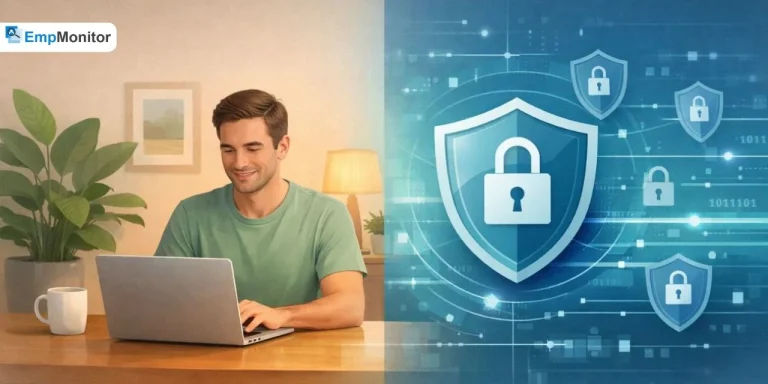
The use of personal computer monitoring is an issue that makes many individuals uneasy. Employers aim to safeguard business operations, while employees seek clarity on what activities are being tracked. The topic feels deeply personal in today’s digital workplace.
The shift toward remote work has blurred the boundaries between professional responsibilities and personal space. Organizations rely on monitoring systems to protect sensitive data and ensure productivity, yet constant surveillance can create discomfort and weaken trust. No one wants to feel as though every action is being watched.
As a result, the debate around personal computer monitoring has become more relevant than ever. The challenge lies in finding a balanced approach that respects individual privacy while still allowing businesses to maintain security and accountability.
Listen To The Podcast Now!
What does Personal Computer Monitoring Actually Mean?
When we talk about “what is PC Monitoring” we’re really talking about keeping tabs on how computers are being used at work. It’s not as sinister as it sounds; think of it more like having visibility into what’s happening on company devices.
This could mean tracking which programs people are using, seeing what websites they visit during work hours, monitoring emails and messages, or keeping an eye on file downloads and transfers. The goal isn’t usually to catch people slacking off.
Most organizations are genuinely trying to protect sensitive information, spot security problems before they become disasters, and understand how their teams work so they can help them work better.
Technology has come a long way, too. Modern systems can show you patterns in how people work, alert you when something suspicious is happening, and even help identify when someone’s burning out by working too many hours. It’s become a lot more sophisticated, and that’s both good and concerning, depending on how it’s used.
The Legal Side of Things:
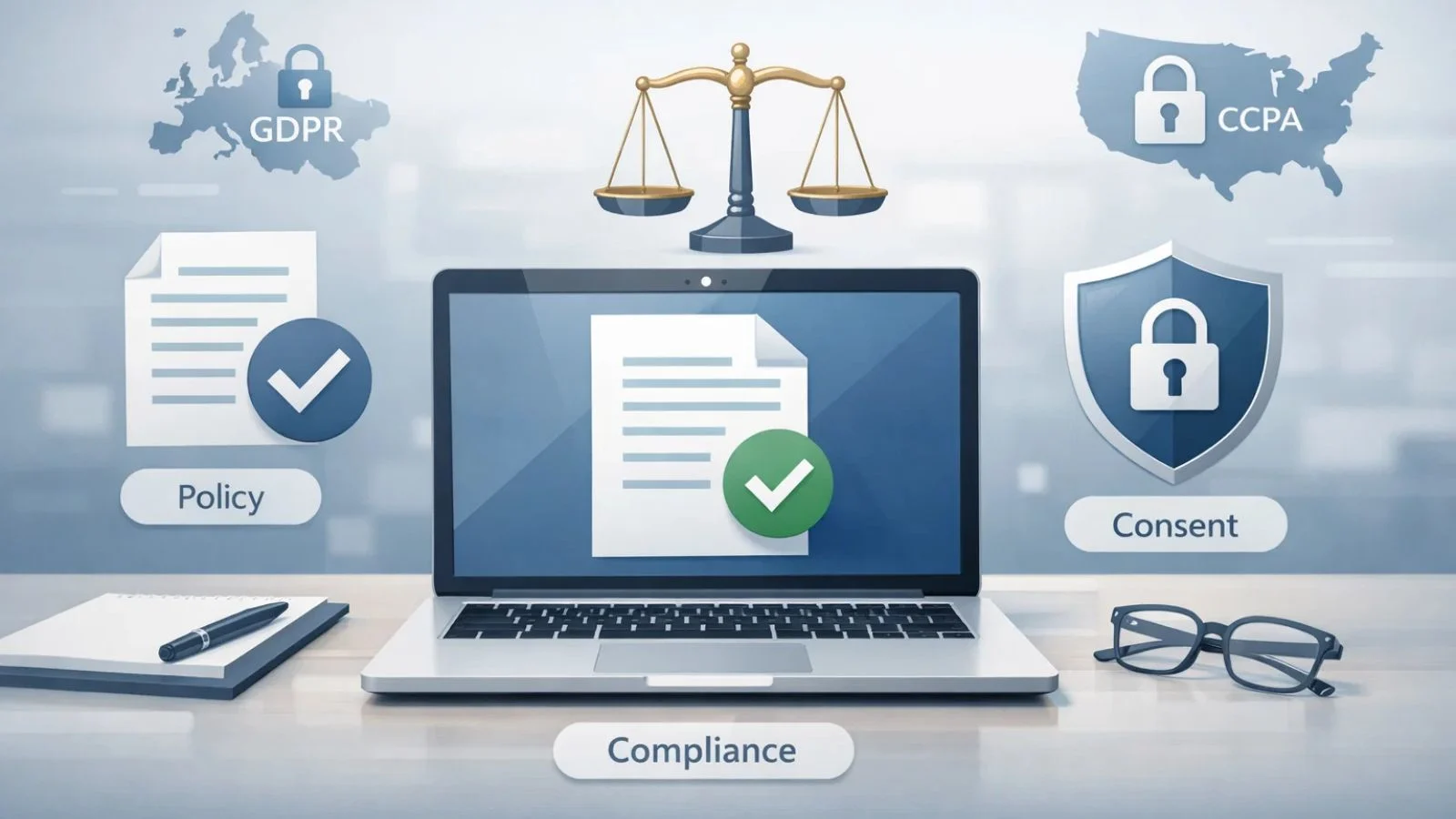
Before implementing computer monitoring, companies must understand the legal framework. Rules vary by location and industry, so compliance is essential from the start.
Organizations often have the right to monitor activity on company-owned devices, but transparency is required. Employees should be clearly informed, and in many cases, their acknowledgment or consent is necessary.
Privacy regulations are becoming stricter worldwide. Laws like the General Data Protection Regulation in Europe and the California Consumer Privacy Act in the United States set clear standards for data protection.
Industry-specific rules also apply. Healthcare organizations must follow the Health Insurance Portability and Accountability Act, while financial firms operate under their own regulatory requirements.
Can My Employer Monitor My Personal Computer?
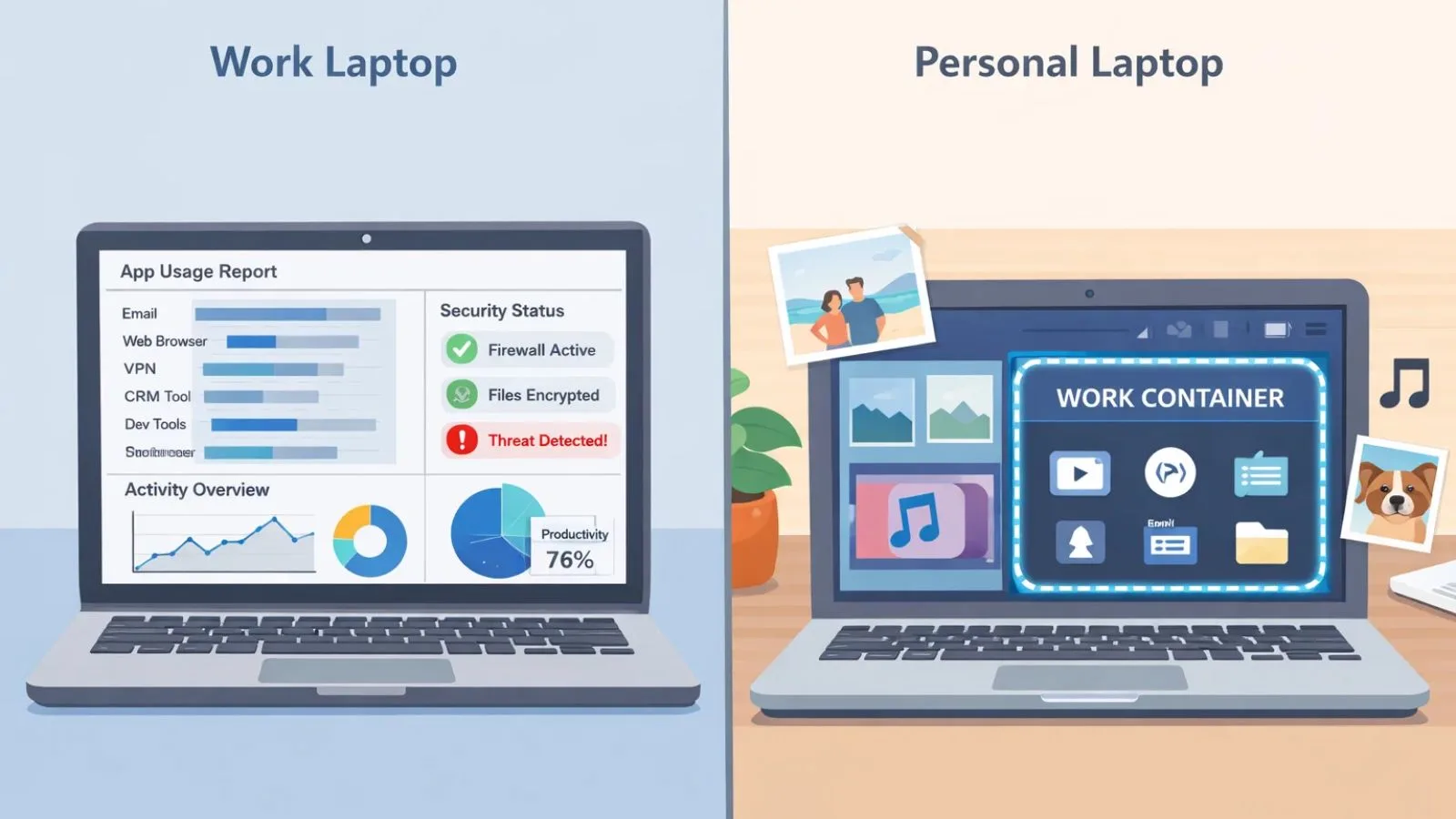
This is probably the question I hear most often. Can my employer monitor my personal computer? Well, it depends on a few things.
If you’re using a laptop or desktop that your company gave you, then yes, they can monitor pretty much everything you do on it. You might not like hearing that, but the device belongs to them, and you likely agreed to monitoring when you signed your employment paperwork.
But what about your own personal computer at home? That’s where things get interesting. Your employer can’t just install monitoring software on your personal device without your permission. That would be illegal in most places. However, if you’ve agreed to let them install work-related software, you need to read the fine print. Some of those programs come with monitoring capabilities built in.
Many companies are now using BYOD (Bring Your Own Device) policies to handle this gray area. These policies usually involve creating a separate work “container” on your personal device, where work apps and data live separately from your personal stuff. The company can monitor what happens in that container, but theoretically not your personal apps and files.
Different Approaches to Monitoring:
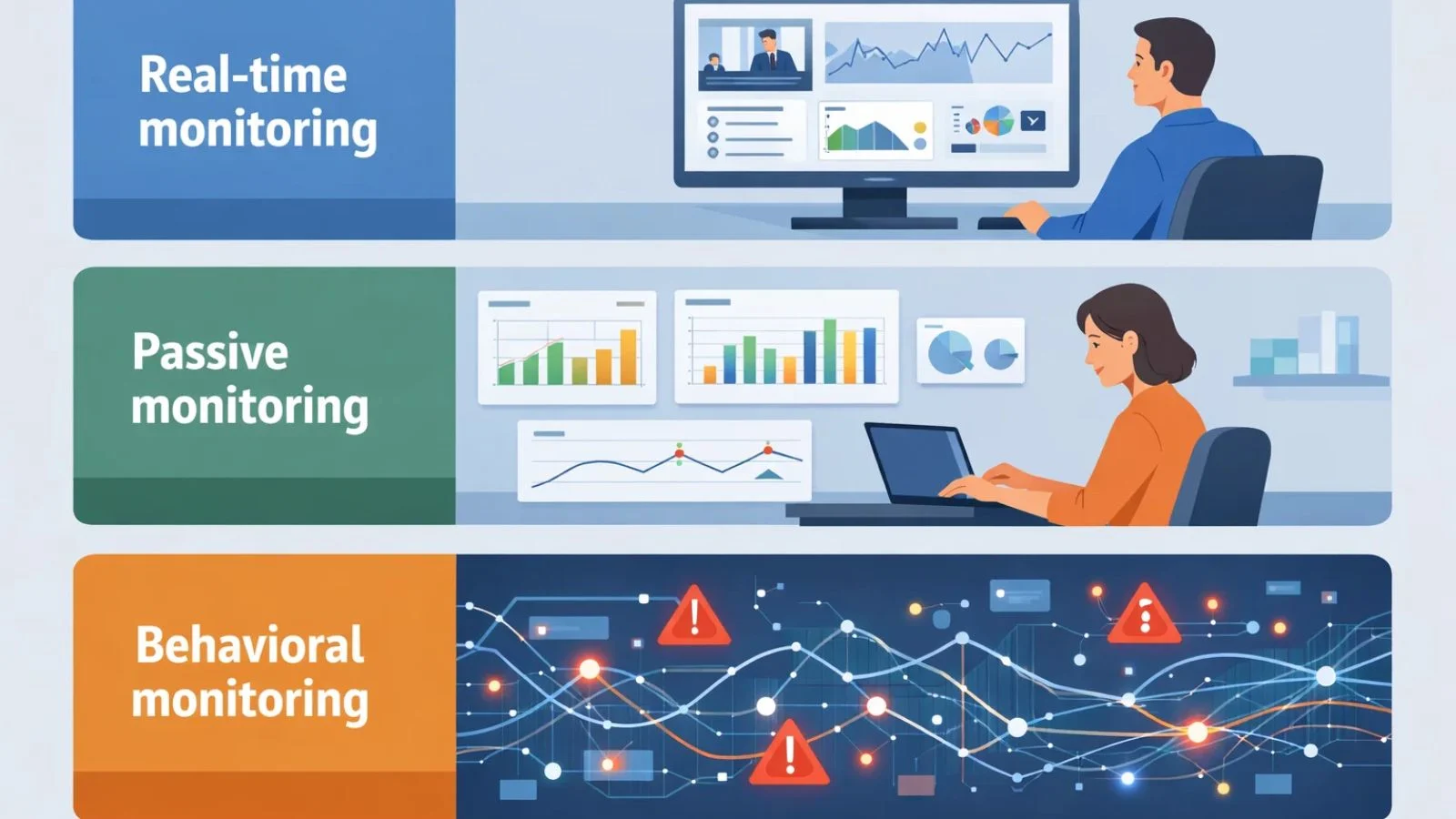
Not all personal computer monitoring works the same way. Different approaches reflect different goals and workplace cultures.
Some organizations use real-time monitoring, where activity can be viewed as it happens. This provides immediate visibility but can lead to a sense of constant supervision.
Others rely on passive monitoring, which runs in the background and collects data over time, such as application usage and productivity patterns. It feels less intrusive, though tracking still takes place.
A more balanced approach is behavioral monitoring. Instead of tracking every action, it focuses on patterns and flags unusual activity, such as large or unexpected data transfers that may indicate a security risk.
The type of monitoring a company adopts often reveals its priorities. Some focus on control and oversight, while others emphasize security, efficiency, and trust.
Why Being Upfront Matters So Much?
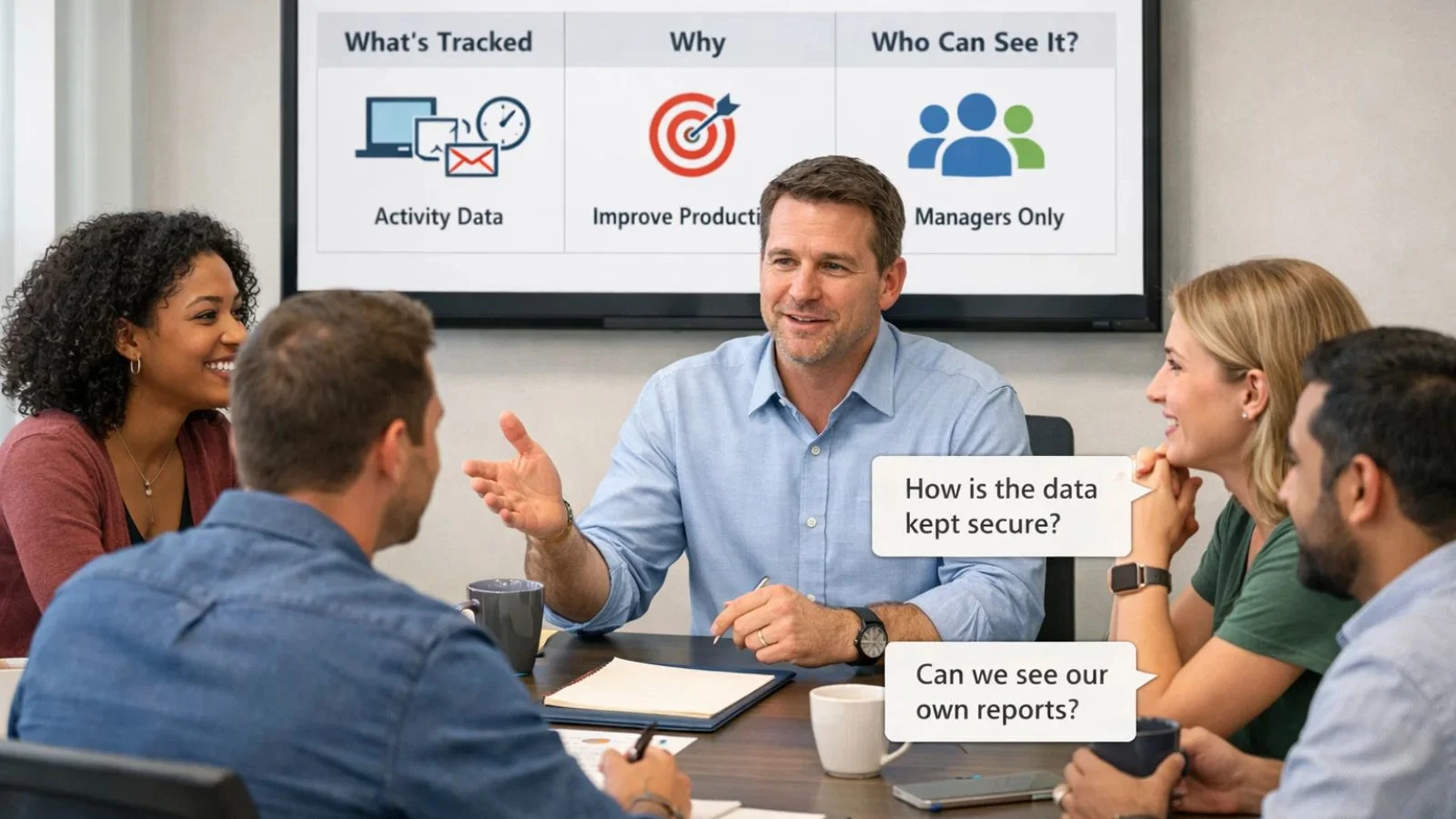
Here’s something I feel strongly about: if you’re going to monitor employees, tell them. Don’t hide it, don’t bury it in fine print, and don’t wait until someone asks.
The companies that handle personal computer monitoring well are the ones that make it a conversation, not a secret. They create clear policies that spell out exactly what’s being tracked, why it matters, how the information will be used, and who gets to see it. And crucially, they write these policies in normal English, not legal jargon.
I’ve seen companies hold meetings specifically to discuss their monitoring practices, giving employees a chance to ask questions and voice concerns. That kind of openness builds trust in a way that no amount of policy documents can. When people understand the “why” behind monitoring, they’re much more likely to accept it.
Regular reminders help too. Include monitoring information in new hire orientation, mention it in periodic policy reviews, and make sure it’s easy to find in your employee handbook. The goal is to make monitoring just a normal part of how your workplace operates, not some secret surveillance program.
Doing It Right: Ethical Implementation:
First, get clear on why you’re doing this. What problem are you actually trying to solve? If you’re worried about data breaches, focus your monitoring on security-related activities. If you’re concerned about productivity, measure outputs and results rather than tracking every minute someone spends on each task.
Proportionality is key. The level of personal computer monitoring should match the actual risk or concern. You don’t need to track every keystroke to prevent security breaches. Keep it focused and relevant.
Respect people’s privacy, even at work. Don’t monitor personal devices. If someone’s working from home, consider limiting monitoring to work hours. Exclude personal accounts and apps from tracking. And don’t monitor people during video calls when they’re in their own homes.
Also, think about data minimization. Only collect what you actually need and will use. Gathering massive amounts of data “just in case” creates privacy risks and doesn’t really help anyone.
Choosing the Right Personal Computer Monitoring Software:
The market is flooded with employee monitoring software options, and they’re definitely not all created equal. Some are designed with privacy and ethics in mind, while others basically turn your workplace into a surveillance state.
When you’re evaluating solutions, look beyond just the feature list. Yes, you need capabilities like activity tracking, security alerts, and reporting. But you also need to think about privacy protections. Can you customize what gets monitored? Are there strong access controls? Can you anonymize data for aggregate reporting?
Integration matters too. Your monitoring solution should play nicely with your other systems, HR platforms, security tools, and project management software. And please, pay attention to user experience. If the monitoring software is clunky and difficult to use, people will find ways around it.
Also Read:
How To Maximize Team Productivity Using PC Monitoring Software?
EmpMonitor: A Solution That Gets the Balance Right:
When evaluating personal computer monitoring software that balances security with employee respect, EmpMonitor stands out as a strong option. It is designed to focus on insights rather than intrusive surveillance.
EmpMonitor is a personal computer monitoring solution designed to balance workplace security with employee respect. Instead of focusing on constant surveillance, it emphasizes actionable insights that help organizations understand productivity, improve workflows, and maintain transparency.
Key Features:
1. Activity Tracking: Monitors application usage, website visits, and time spent on tasks to provide a clear view of work patterns.
2. Real-Time Alerts: Notifies administrators of suspicious activities such as unauthorized access or unusual data transfers.
3. Flexible Monitoring Controls: Allows customization of monitoring levels based on roles, teams, or sensitivity of work.
4. Behavioral Insights: Highlights productivity trends and patterns instead of focusing on individual actions alone.
5. Visual Dashboards: Present data through easy-to-understand reports for better decision-making.
6. Workload Analysis: Helps identify bottlenecks, inefficiencies, and potential employee burnout.
7. Compliance Support: Includes audit trails, data retention settings, and access control features.
8. Transparency Tools: Enables the sharing of summarized reports while restricting detailed data to authorized users.
Making It Work: Implementation Best Practices:
Rolling out personal computer monitoring requires a thoughtful and structured approach. A rushed implementation can create confusion and distrust, while a well-planned strategy helps ensure acceptance and effectiveness.
Starting with a pilot program is a practical first step. A small group of employees can test the system, provide feedback, and help identify any issues before a wider rollout.
Creating an oversight committee adds accountability. Involving teams from IT, HR, legal, and general staff ensures that monitoring practices remain fair, transparent, and aligned with company policies.
Clear procedures should be established for handling concerns. Employees need to know where to raise issues, what response timelines look like, and that they are protected from any form of retaliation.
Training is essential for both managers and employees. Managers must learn how to interpret monitoring data responsibly, while employees should understand what is being tracked, why it is necessary, and what rights they have regarding their data.
Using Monitoring Data Responsibly:
Personal computer monitoring should always be handled with care and responsibility. Clear principles help ensure it is used fairly and effectively.
1. Avoid decisions based only on data: Monitoring data lacks context. Time spent on a website or app may be work-related, so conclusions should never be drawn without a proper understanding.
2. Prioritize data security: Monitoring data is highly sensitive. Strong access controls, encryption, and regular security audits are essential to prevent breaches and maintain trust.
3. Use monitoring ethically: It should never be used for personal bias, discrimination, or settling conflicts. Its purpose must remain professional and objective.
4. Address issues constructively: When concerns arise, they should be handled through private discussions focused on understanding the situation.
5. Focus on improvement: The goal of monitoring is to enhance productivity and processes, not to punish individuals.
Conclusion:
Personal computer monitoring doesn’t have to be this huge conflict between what companies need and what employees deserve. With the right approach, clear communication, and appropriate technology, you can protect your business while respecting people’s privacy and dignity.
The secret is treating personal computer monitoring as transparency rather than surveillance, focusing on legitimate needs rather than comprehensive tracking, and treating employees as partners in security. When both sides understand the “why” and trust that monitoring will be used fairly, it becomes just another part of how modern workplaces operate.
FAQ’s:
Q1: Is personal computer monitoring legal?
Ans: Yes, monitoring company-owned computers is generally legal, but companies must follow local privacy laws and usually need to inform employees. Since laws vary by location and industry, it’s smart to consult with a lawyer.
Q2: What should I do if monitoring at work makes me uncomfortable?
Ans: Start by reading your company’s monitoring policy so you understand what’s actually happening. Then have an honest conversation with HR or your manager about your specific concerns. Most reasonable employers are willing to address legitimate privacy worries.
Q3: Can monitoring software track personal activities?
Ans: On company-owned devices, monitoring software can technically access most activity. Ethical organizations, however, limit their focus to work-related data and make an effort to respect personal boundaries. On personal devices, monitoring should be far more restricted. Employers are expected to track only work-related applications, and only after clear, explicit consent has been given.