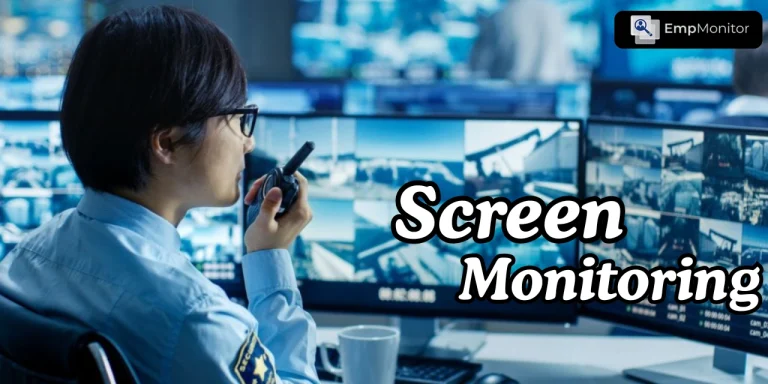
These days, work isn’t just limited to offices it happens from home, cafés, or co-working spaces. When teams are spread across locations and time zones, keeping track of productivity and workflow can be challenging. Screen monitoring helps managers understand how employees use their computers, whether in real-time or through recorded activity, without hovering over every task.
Of course, like any workplace tool, monitoring has its upsides and downsides. In this blog, we’ll dive into the benefits, the potential pitfalls, and the return on investment (ROI) of screen monitoring, as well as how organizations can implement it responsibly to support productivity while maintaining employee trust.
Hit ‘Play’ Button & Tune Into The Blog!
What Is Screen Monitoring And How Does It Work?
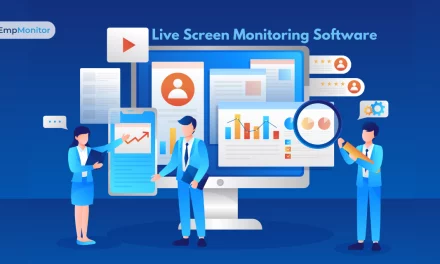
It refers to observing employees’ computer activity to gather insights about workflow, application usage, and productivity patterns. It can range from live viewing of screens to automated logging of activities, screenshots, and application usage reports.
Organizations typically implement monitoring tools that capture data and present it in a dashboard for managers. Some systems also integrate with time-tracking software, project management tools, and workforce analytics platforms.
With employee screen monitoring software, managers gain visibility into tasks, understand work habits, and identify inefficiencies. However, misuse or excessive monitoring can damage trust and morale, making it essential to implement it thoughtfully.
Why Are Companies Turning To Screen Monitoring?

With more teams working remotely or in hybrid setups, organizations need ways to stay productive, secure, and efficient without micromanaging. Screen monitoring provides insights into workflow, task completion, and digital behavior, helping managers make informed decisions. Here are the main reasons companies are adopting it:
1. Maintaining Productivity in Remote Work Environments:
Remote and hybrid teams require visibility without micromanagement. Monitoring allows managers to track progress on tasks, see idle versus active time, and ensure deadlines are met. When used transparently, this helps employees stay accountable and encourages consistent performance.
2. Identifying Workflow Inefficiencies:
Monitoring software helps uncover bottlenecks, repetitive tasks, or underutilized resources. By understanding how employees spend time on applications or projects, organizations can optimize processes and allocate resources more effectively.
3. Enhancing Security and Compliance:
Monitoring is also valuable for safeguarding sensitive information. It can detect suspicious activity, prevent accidental data leaks, and help ensure compliance with industry regulations. For industries handling financial, healthcare, or legal data, this becomes a critical feature.
4. Supporting Performance-Based Decision Making:
By tracking digital work habits, managers can base evaluations on concrete data rather than assumptions. This strengthens performance reviews, coaching, and employee development programs.
Also Read:
How To Use Screen Monitoring To Improve Team Productivity?
What Are The Real Pros Of Screen Monitoring For Businesses?
While sometimes controversial, monitoring has tangible benefits when implemented responsibly.
- Improved Employee Accountability:
Employees are more likely to stay focused when they know their work patterns are being observed ethically. - Enhanced Productivity Insights:
Managers can identify top performers, understand time allocation, and adjust workflows to boost efficiency. - Data-Driven Decision Making:
With detailed activity logs, organizations can make informed staffing, scheduling, and project allocation decisions. - Security Risk Mitigation:
Monitoring software helps detect unauthorized access, risky behaviors, or potential insider threats. - Compliance and Audit Support:
Accurate logs and screen captures provide an audit trail, simplifying regulatory compliance.
What Are The Key Cons And Pitfalls Of Screen Monitoring?
Despite the benefits, there can be potential downsides if monitoring is not handled properly:
- Employee Privacy Concerns:
Over-monitoring can make employees feel distrusted, reducing morale and engagement. - Legal Risks:
Improper or non-transparent tracking may violate privacy regulations in some jurisdictions. - Resource Intensive:
Implementing and managing monitoring software requires time, training, and IT support. - Potential Over-Reliance on Metrics:
Focusing solely on digital activity may overlook qualitative aspects of work, such as collaboration, creativity, and problem-solving. - Employee Resistance:
Workers may perceive monitoring as invasive unless it is implemented transparently and ethically.
How Can Organizations Implement Screen Monitoring Responsibly?
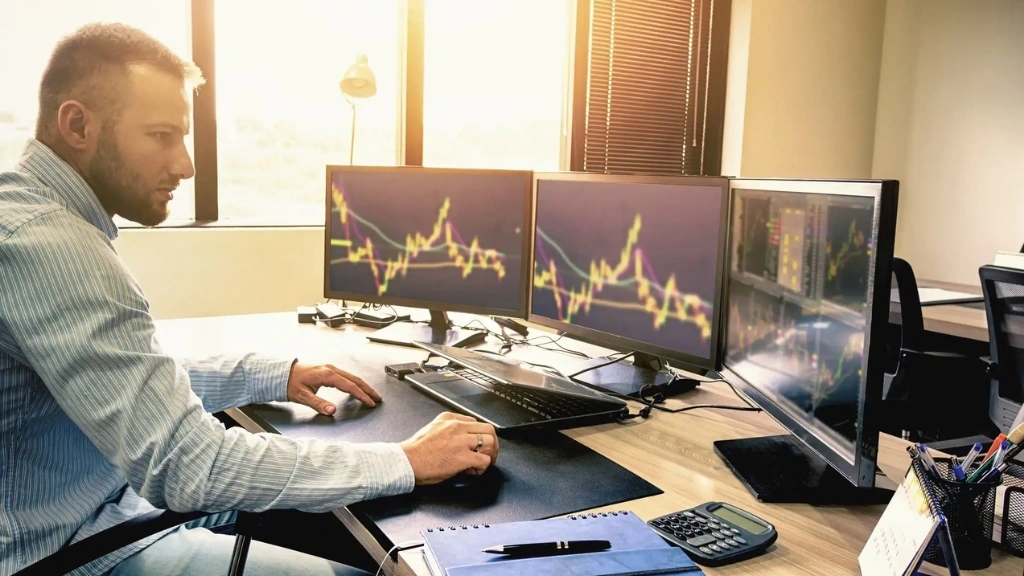
To maximize the benefits of monitoring while minimizing risks, companies should follow these best practices:
- Establish Clear Policies:
Define what will be monitored, why, and how the data will be used. Share policies with employees to ensure transparency. - Focus on Productivity Metrics, Not Personal Activity:
Monitor work patterns, application usage, and project progress without tracking personal messages, browsing, or unrelated activities. - Limit Access and Protect Data:
Only authorized personnel should view monitoring data, and it should be securely stored to prevent misuse. - Communicate Purpose Clearly:
Employees should understand that monitoring exists to support productivity, protect company assets, and improve workflows—not to micromanage. - Regularly Review and Adjust:
Evaluate monitoring practices periodically to ensure they are effective, fair, and aligned with organizational goals.
How Does Screen Monitoring Affect ROI?
When implemented thoughtfully, monitoring can deliver a clear return on investment by improving productivity, efficiency, and resource management. Here’s how it can impact your organization::
1. Reduced Idle Time:
By identifying unproductive patterns, managers can provide targeted training, adjust workloads, or reassign tasks to improve efficiency. This ensures that employees spend their time on high-value activities, boosting overall output.
2. Optimized Resource Allocation:
Data from monitoring helps managers make smarter decisions about staffing, task assignments, and project timelines. By understanding how resources are being used, organizations can reduce bottlenecks, minimize wasted effort, and allocate talent where it’s needed most.
3. Enhanced Project Completion Rates:
Monitoring application usage and workflow allows managers to spot delays early and take corrective action. This ensures that deadlines are met consistently, projects stay on track, and deliverables are completed efficiently.
4. Lower Compliance Costs:
Accurate digital records from monitoring provide a reliable audit trail, reducing the risk of regulatory violations. Organizations can streamline compliance processes, prevent fines, and save time during audits.
5. Improved Employee Development:
Monitoring provides insight into employee strengths and areas for improvement. Managers can use this data to offer targeted coaching, mentorship, and training, helping employees grow professionally and contributing to a more capable, high-performing team.
How Can EmpMonitor Help Organizations Implement Ethical Screen Monitoring?
Among the tools available for responsible screen monitoring, EmpMonitor stands out as a comprehensive platform designed for modern workplaces.
Key Features of EmpMonitor
- Screen Monitoring & User Activity Tracking
- Detailed daily and hourly insights into employee workflows
- Context-rich reporting for productivity analysis without invading personal privacy
- Time Tracking & Automated Timesheets
- Track active and idle hours to assess performance patterns
- Generate accurate timesheets for payroll and productivity evaluation
- Attendance & Workflow Management
- Centralized dashboard for attendance, leave, and project tracking
- Supports compliance and operational efficiency
- Project Management & Collaboration
- Assign tasks, monitor milestones, and track resource allocation
- Facilitate team collaboration while keeping transparency
- Security & Insider Threat Prevention
- Detect risky or unauthorized activity in real-time
- Protect sensitive data while maintaining a secure digital workspace
- Live Screencasting & Screen Recording
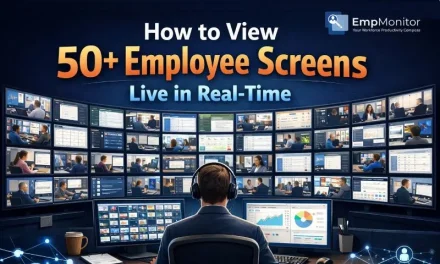
- Monitor employee screens live or via secure recordings
- Use recordings for training, audits, and dispute resolution
By integrating EmpMonitor into your workflow, organizations can implement screen monitoring ethically, gain actionable insights, and improve ROI while protecting employee trust.
What Are The Best Practices For Using Employee Screen Monitoring Software?
To get the most value from employee screen monitoring software while maintaining trust, organizations should follow a few key practices:
1. Start with Transparency:
Clearly explain the purpose, scope, and benefits of monitoring to employees. Open communication helps build trust and ensures everyone understands why monitoring is in place.
2. Avoid Micromanagement:
Use insights from monitoring to guide coaching, improve workflows, and optimize resource allocation — not to constantly watch every move. This encourages accountability without harming morale.
3. Integrate With Productivity Tools:
Connect monitoring with project management, time-tracking, and reporting software. This creates actionable insights, helping managers make informed decisions rather than simply collecting data.
4. Focus on Outcomes:
Measure results, not just screen activity. Ensure that monitoring aligns with organizational goals and supports employee performance, rather than becoming a tool for invasive oversight.
How Tracking Software Fits Into Modern Workplaces
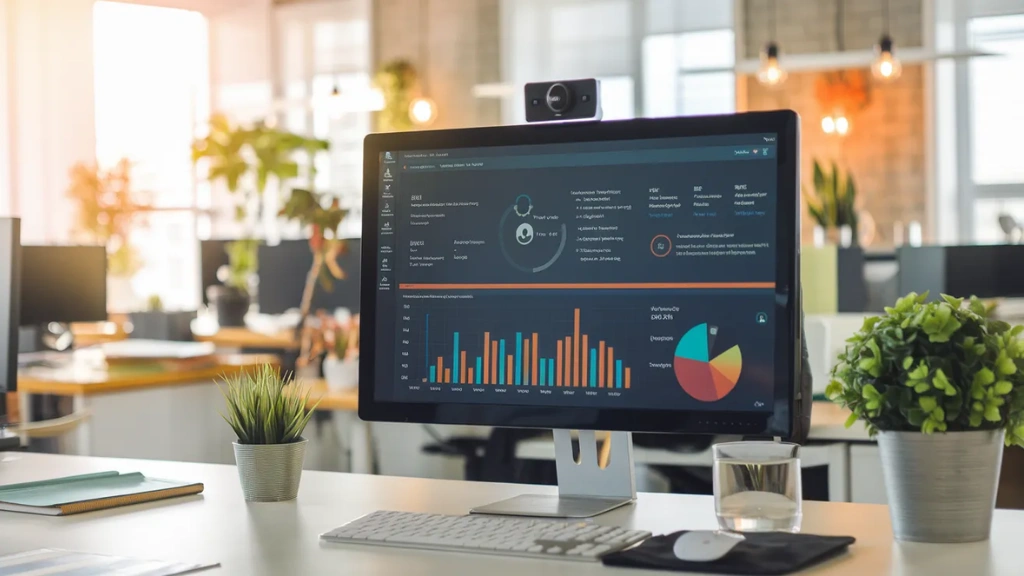
Tracking software is evolving beyond simple screen observation. Modern tools provide:
- Workflow optimization insights
- Security monitoring and compliance logs
- Real-time reporting dashboards
- Automated analysis for ROI measurement
By combining tracking software with ethical practices and tools like EmpMonitor, organizations can ensure productivity, accountability, and employee satisfaction.
Also Read:
How to Utilize Employee Screen Monitoring Software In A Lawful Way In 2025?
What Common Mistakes Should Organizations Avoid In Screen Monitoring?
Even the best monitoring tools can fail to deliver value if not implemented thoughtfully. Here are common pitfalls to watch out for:
1. Over-Monitoring:
Watching every keystroke or screen constantly can hurt employee morale and trust. Use monitoring to guide improvement, not to micromanage.
2. Lack of Transparency:
Employees need to understand why monitoring is in place and how their data is used. Without clarity, monitoring can feel secretive or unfair.
3. Ignoring Context:
Raw activity data can be misleading. Managers should interpret information alongside workflow patterns and project demands to avoid incorrect conclusions.
4. Neglecting Training:
Managers must learn how to analyze monitoring data responsibly. Proper training ensures insights are used to support employees rather than penalize them.
5. Overreliance on Technology:
Monitoring software is a tool, not a replacement for human judgment. Decisions should combine data insights with managerial experience and team understanding.
The Future Of Screen Monitoring
With AI and automation, monitoring is becoming smarter:
- Predictive Analytics: Identifying engagement drops or productivity bottlenecks.
- Integrated Platforms: Combining monitoring with time-tracking, HR, and project management systems.
- Employee-Centric Features: Focus on collaboration, skill development, and ethical oversight.
Tools like EmpMonitor already lead the way, offering actionable insights while maintaining trust and compliance.
Conclusion
Screen monitoring is not just about watching employees, it’s about gaining insight, optimizing workflows, and improving ROI. When implemented ethically, with transparent policies and responsible tools like EmpMonitor, it enhances productivity, secures sensitive data, and fosters accountability without eroding trust.
By combining modern monitoring tools with best practices, organizations can maximize ROI, boost team performance, and create a supportive digital workplace for distributed and hybrid teams.
FAQs
1. What is the difference between screen monitoring and tracking software?
Screen monitoring observes employee activity on devices, while tracking software may include additional analytics like time management, project progress, and productivity insights.
2. Can monitoring harm employee trust?
Yes, if implemented without transparency. Ethical monitoring, clear policies, and communication preserve trust.
3. How does monitoring improve ROI?
By reducing idle time, improving task allocation, optimizing workflow, and supporting compliance, organizations gain measurable productivity and cost benefits.
4. Is employee monitoring software legal?
When used transparently and in compliance with local labor laws, it is legal. Consent and clear communication are essential.