Remote work began as an emergency in 2020 when offices closed, and teams had to move online almost overnight. What began as a short-term solution has quickly become long-term growth.
People realized that they could be just as productive working from home, and sometimes even more so, and companies saw the savings. Employees saw the flexibility, and soon, the remote workforce became a normal part of how the world operates. One major factor behind this smooth transition was the use of remote work software.
These tools kept everyone connected, organized, and on track when face-to-face meetings were not possible.
Five years later, almost every business uses some form of remote work management or monitoring software. However, using these tools effectively is what really makes the difference.
The right setup can boost productivity, build trust, and create a healthy workflow, whereas the wrong approach can leave teams overwhelmed and disconnected.
In this blog, we will look at how to maximize the benefits of remote work software with practical steps that help both managers and remote workers get more out of their tools.
Listen to the audio version of this blog.
What Is Remote Work Software?

Now that remote work has become part of everyday work life, the tools behind it matter more because remote work software is the digital setup that helps teams to stay connected, organized, and productive from anywhere.
It includes apps for communication, project management, file sharing, time tracking, and workflow automation. All designed to make collaboration smooth, even when people are not in the same place.
There are a few main types you will hear about:
- Remote work software: the general tools that help teams communicate and collaborate.
- Remote work management software: focused on planning, assigning tasks, tracking progress, and keeping projects on schedule.
- Remote work monitoring software: used to track activity, measure productivity, or manage attendance.
Together, all these tools make remote working efficient and transparent.
For businesses, they mean better coordination. For remote workers, they mean fewer mix-ups and more flexibility to do great work from home or anywhere.
Benefits Of Using Remote Work Software

The right remote work software changes how work is completed. When used effectively, it brings structure, speed, and visibility to everyday tasks. Here’s how it helps:
Smooth Communication
It helps with chats, video calls, and shared workspaces. Teams can talk, plan, and make quick decisions, just as they would in person.
Better Collaboration
Everyone can see what is happening in real time.
Files, notes, and feedback stay in one place, so no one is chasing old links or waiting for approvals. This makes teamwork simple, even across time zones.
Higher Productivity
Features such as task tracking, reminders, and automation keep things moving. Managers can see progress without micromanaging, and remote workers can focus on what matters.
Clear Accountability
Remote work management software provides visibility into who is doing what and when. This reduces confusion and helps teams stay aligned with their goals and deadlines.
Flexibility and Balance
Remote work software gives people control over their work schedules. When tasks are organized and communication is clear, remote workers can manage their time better, leading to less stress and better results.
Data-Driven Insights
With built-in analytics or remote work monitoring features, companies can track productivity trends and find ways to improve their workflows.
In short, good software keeps teams connected, makes projects easier to manage, and builds trust among team members.
Read More…
How To Maximize The Benefits Of Remote Work Software?

Having remote work tools is a good start, but getting the most out of them takes intention.
Many teams use these platforms only at a surface level, sending messages, assigning tasks, and checking updates.
The real value comes when you use the software to build smarter workflows, strengthen communication, and create a sense of accountability in your organization.
This section will walk through practical ways to get better results from your remote work software.
Choose The Right Remote Work Software For Your Team

The best software is not always the most popular one because it is the one that fits how the team works.
Before choosing the right software, take a moment to understand your team’s daily routines and challenges.
Do you require better project tracking, faster communication, or more visibility into workloads?
If your team struggles with coordination, opt for strong remote work management software.
For communication-focused teams, tools such as Microsoft Teams are effective. If productivity or attendance needs to be monitored, remote work monitoring software can help, as long as it is used transparently.
When your software supports your workflow instead of complicating it, your team’s efficiency naturally improves.
Train Your Remote Workers To Use The Software

Even the best tools are useless if people don’t know how to use them.
A common mistake companies make is assuming everyone will “figure it out.” In reality, that leads to confusion, missed updates, and wasted time.
Start with a simple onboarding session that walks your team through key features, not everything, just what they will actually use.
Create short guides or screen recordings for quick reference. Encourage questions and share small tips along the way, like how to set task priorities or automate recurring work.
If your team includes new remote workers, give them a few days to get comfortable with the tools before adding more responsibilities. Consistent, hands-on training helps everyone work more efficiently and reduces the daily friction that slows remote teams down.
Use Remote Work Management Software For Better Planning

Planning is where remote teams either stay aligned or fall apart.
That’s why remote work management software plays such a big role, because it brings structure to scattered tasks and helps everyone see what needs to be done and when.
Use it to assign tasks, set priorities, and map deadlines so nothing slips through the cracks.
Dashboards and progress trackers give managers a quick view of who’s working on what, while team members can easily check updates without asking around.
A good system also encourages accountability. When everyone can see the same goals, progress feels more transparent, and deadlines stop being stressful surprises.
The key is to keep things organized but flexible; planning should guide your work, not slow it down.
Balance Productivity & Trust with Remote Work Monitoring Software

Managers need to know how projects are progressing, and employees need to feel trusted when working independently.
Remote work monitoring software helps with both if it is used correctly. The focus should be on improving workflows rather than watching every click.
These tools can be used to determine where time is spent, identify bottlenecks, and support people who may be overloaded.
Before introducing any tracking system, explain exactly what is being monitored and why. When people understand the purpose, they are more likely to see it as a tool for fairness rather than pressure.
When handled openly, monitoring software can create a better balance, providing leaders with useful data while helping remote workers stay focused and supported.
Encourage Strong Communication Habits

No tool can replace clear, consistent communication. Even with the best remote work software, things can easily get lost if people don’t know when or how to connect. That’s why building strong communication habits is just as important as using the right tools.
Set simple routines: daily check-ins, weekly syncs, or short project updates. Use chat apps for quick questions and video calls for deeper discussions. But also, avoid over-communication; too many messages can create noise instead of clarity.
Encourage openness in your team. When people feel comfortable sharing updates or challenges, collaboration flows naturally. The goal isn’t to talk more, but to talk better, so everyone stays informed without feeling overwhelmed.
Keep Improving Your Remote Work Setup
Remote work is not static; tools, workflows, and team needs change over time. What worked last year might slow things down today or even be counterproductive. Therefore, it is important to regularly review the performance of remote work software and systems.
Check in with your team every few months. Ask what is working well and what feels clunky or confusing. Sometimes, a small tweak, such as adjusting notifications or switching to a simpler dashboard, can save hours each week.
Additionally, stay curious about new updates or features that your current software offers. Most platforms release improvements that can make collaboration smoother or automate repetitive tasks. Keeping your setup fresh helps your team stay efficient, engaged, and ready for whatever comes next.
EmpMonitor For Smarter Remote Work Management
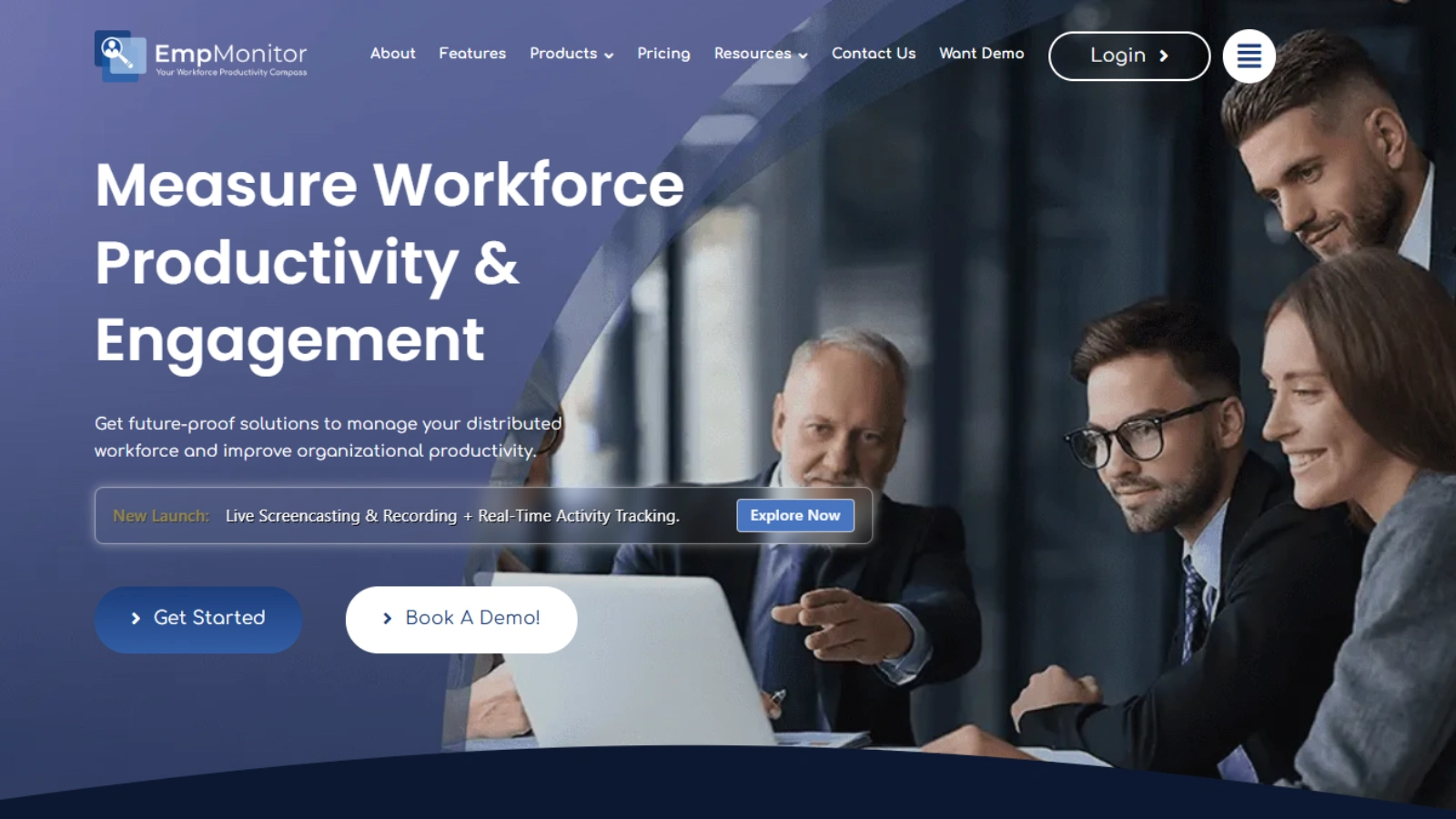
When it comes to balancing productivity and transparency in remote teams, EmpMonitor is a great example of software that helps both managers and employees stay on the same page.
It is an all-in-one platform that tracks time, monitors activity, and supports task management — all from one dashboard. Teams can see where time is going, managers can understand workloads, and everyone gets more clarity on project progress.
Key features include:
- Real-time activity tracking: Shows active and idle hours to help identify productivity trends.
- Time tracking and attendance: It automatically records work hours and creates accurate timesheets.
- Project and task management: Ongoing tasks are organized, and progress is visible to the entire team.
- Reports and analytics: Provides data that helps improve efficiency and plan smarter workflows.
- Security and compliance: Monitors usage safely, reducing risks and protecting company data.
When used responsibly, EmpMonitor helps teams work with more structure and accountability without micromanaging. This is a strong reminder that the right remote work software can do more than just track activity; it can build trust and make work smoother for everyone involved.
Conclusion: Getting The Most Out Of Remote Work Software
Remote work has changed the way we think about our jobs. What started as a quick fix a few years ago has become a normal part of life. Teams meet online, projects move across time zones, and offices have turned into screens and shared dashboards.
Remote work software is at the center of this shift. It keeps people connected, helps projects stay on track, and makes teamwork possible even when everyone is miles apart. But here’s the thing — the software itself isn’t what makes a team strong. It’s how you use it.
Choose tools that meet your team’s specific needs, not just what everyone else is using. It is important to take the time to train people properly and set clear routines. Use staff management tools to stay organized and monitoring tools to find ways to work smarter — but always be open about how they are used.
Good communication, trust, and a little flexibility go a long way. Continue to improve your setup as your team grows, and do not hesitate to try new approaches. When the system works for everyone, remote work does not feel distant; it feels connected, productive, and surprisingly human.
FAQs About Remote Work Software
How can small businesses benefit from remote-work software?
Small teams often think that these tools are only for large companies, but that is not true. Remote work software helps even small businesses stay organized, manage clients, and track progress without the need for multiple applications. It also saves time by automating daily tasks and simplifying communication.
What is the biggest mistake companies make when using remote work software?
Many teams add too many tools simultaneously. This creates confusion and overlaps. It is better to start small — pick one tool for communication and one for task management — and expand only if needed.
How can remote work software improve employee engagement?
When used correctly, these tools help employees feel seen and supported. Features such as feedback systems, recognition badges, or quick team updates can make remote workers feel connected even from a distance.
Are there any security risks associated with using remote work platforms?
Yes, especially when files and data are shared online. It is important to use software with strong security features, such as encryption, two-factor authentication, and regular backups. Always keep passwords and access permissions updated regularly.