Time tracking sounds simple. Productivity monitoring sounds smart. That’s why Hubstaff became popular with remote and hybrid teams. It tracks hours. It logs activity. It pushes data into payroll. Clean. Efficient. Automated.
But here’s the problem.
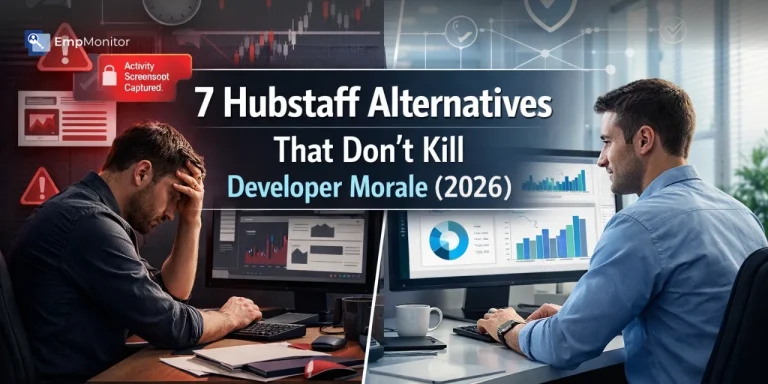
Developers are not machines. They don’t code faster because a timer is running. They don’t think better because screenshots are taken every few minutes. When monitoring feels heavy, morale drops. Creativity slows. Trust breaks.
As an employer or business owner, you need visibility. You need accountability. But you also need focus, retention, and performance. The right tool should support results, not stress your team.
That’s where smarter Hubstaff alternatives come in.
Some tools offer balanced tracking. Some focus on output, not constant surveillance. Some even provide Hubstaff alternatives free for small teams testing the waters. But very few combine productivity insights, real-time tracking, and employee transparency the right way.
This is where EmpMonitor stands out.
Built for serious businesses, EmpMonitor gives you deep productivity analytics, attendance tracking, insider threat detection, and remote workforce visibility without creating a toxic monitoring culture.
In this guide, we’ll explore 7 powerful Hubstaff alternatives that help you stay in control while keeping developer morale intact. Because performance grows in an environment of clarity, not fear.
Listen To The Podcast Now!
Why Teams Are Moving On From Hubstaff
Time tracking? Hubstaff handles that well. But for many teams, the challenges go beyond simply logging hours.
Billing flexibility can sometimes feel restrictive. For example, when seats are added close to a renewal cycle, costs may not always align perfectly with short-term usage. For rapidly scaling teams, this can require closer cost planning.
Reporting workflows may require extra effort. While data is available, managers often export reports and refine them in spreadsheets to answer specific operational questions. Over time, that manual step can add up.
Screenshot monitoring provides visibility, but it isn’t always contextual. Since captures are taken at fixed intervals rather than triggered by behavior, managers may need to sift through large volumes of images to extract meaningful insights.
Offline tracking and sync capabilities can also impact distributed teams. In environments where connectivity fluctuates, limited offline support may occasionally disrupt workflow continuity.
Individually, these aren’t deal-breakers. But collectively, they highlight an important distinction: tools focused primarily on monitoring activity may not always align perfectly with teams aiming to optimize performance, autonomy, and developer experience.
And in modern engineering environments, that balance matters.
What the Best Hubstaff Alternatives Actually Offer
Before jumping into the list, here’s what separates a great alternative from just another time tracker:
- Real productivity insights (not just hours logged)
- Automated reporting with no manual exports
- Smart alerts based on behavior — not just screenshots
- Tools developers won’t resent using
- Scalability for hybrid and remote teams
- Strong compliance and security features were needed
With that in mind, here are the 7 best Hubstaff alternatives worth considering in 2026.
1. EmpMonitor

EmpMonitor is not just monitoring software. It is a structured workforce intelligence system built for employers who need productivity visibility, operational control, and enterprise-grade security without stacking multiple tools. If you’re wondering about efficiency and features, EmpMonitor vs hubstaff shows why EmpMonitor offers more integrated solutions in a single platform.
Below is a detailed breakdown of all 10 integrated products and the key features under each.
1️⃣ Employee Monitoring Software
Provides real-time visibility into employee work activity across remote, hybrid, and office environments.
Features: live screen monitoring, automatic screen recording, configurable screenshots, stealth or visible mode deployment, active vs idle time logs, app and website tracking, productivity scoring, and session history playback.
2️⃣ Workforce Productivity Engagement
Helps managers measure and improve output without micromanaging teams.
Features: productivity trend dashboards, performance benchmarking, time utilization analytics, engagement insights, team comparison reports, custom productivity categorization (productive/neutral/unproductive apps), and department-level efficiency analysis.
3️⃣ User Activity Monitoring
Captures detailed digital behavior to improve accountability and transparency.
Features: application usage tracking, website visit logs, document title tracking, login/logout history, file access records, session tracking, and behavioral pattern analysis.
4️⃣ Time Tracking Software
Ensures accurate work-hour calculation for payroll and billing.
Features: automatic time tracking, manual time entry support, idle time detection, project-based tracking, timesheet generation, payroll-ready exports, and multi-device synchronization.
5️⃣ Attendance Tracking
Manages workforce attendance across time zones and shift structures.
Features: shift scheduling, rotational shift management, late login/early logout alerts, leave and absence tracking, attendance reports, and schedule vs actual hour comparison.
6️⃣ Insider Threat Prevention
Detects and prevents internal data risks before they escalate.
Features: anomaly detection, suspicious behavior alerts, unauthorized file access monitoring, real-time policy violation notifications, session recordings for investigations, and insider risk dashboards.
7️⃣ Field Force Management Application
Designed for mobile and on-site teams requiring location verification.
Features: GPS tracking, geo-fencing, real-time location updates, mobile attendance logging, route tracking, and field task management.
8️⃣ Face Recognition Attendance & Access Management
Adds biometric security to workforce attendance.
Features: facial recognition clock-in/out, anti-buddy punching controls, access validation, secure identity verification, and photo-backed attendance logs.
9️⃣ Project Management Software
Aligns employee activity with project outcomes.
Features: task assignment, milestone tracking, workload distribution, project time allocation, budget vs actual comparison, and performance reports.
🔟 Data Loss Prevention (DLP) Software
Protects sensitive company data from internal and external threats.
Features: USB detection and blocking, file transfer monitoring, web upload tracking, email content monitoring, app and website blocking, and policy-based data restriction controls.
Together, these 10 products create a unified ecosystem for productivity optimization, compliance enforcement, workforce accountability, and data protection — all within a single platform.
2. Apploye
Apploye is one of the more flexible Hubstaff alternatives, an employee monitoring tool for teams that want time tracking, monitoring, and payroll in one tool.
It suits remote teams, agencies, and growing businesses that want control over how much they track. Apploye holds a 4.8 rating on Capterra.
1️⃣ Privacy you control
You decide how much Apploye records, and you can tell your team exactly what is tracked. You can capture random screenshots, enable screen recording, or turn both off. A built-in Pomodoro timer also lets employees schedule regular breaks, which supports focus without constant pressure.
2️⃣ Tracking and reporting
Apploye logs clock-in and clock-out times, idle time, activity levels, and app and URL usage. Project and task time tracking shows you where hours go. The team dashboard and custom reports help you compare workloads and project costs.
3️⃣ Payroll and invoicing
Tracked hours on Apploye turn into automatic timesheets, and you can set custom billable rates. You can then generate payroll and send client invoices from the same account. Apploye connects with Jira, Asana, ClickUp, and Trello, and it is GDPR and HIPAA compliant.
4️⃣ Pricing
The free plan covers up to 10 users forever with basic employee monitoring and time-tracking. Elite costs $4.50 per user per month and bundles app, URL, and activity monitoring, while Power costs $8. Hubstaff’s free plan covers one user, and its paid plans start at $4.99. Teams switching from Hubstaff get an extra 20% discount.
5️⃣ Things to consider
Apploye’s mobile app is less feature-rich than Hubstaff’s. It also offers fewer integrations overall, so check that your project and payment tools are covered if you want to use the mobile app.
6️⃣ Best for:
Small to mid-size remote teams, agencies, and businesses that want affordable time tracking with flexible monitoring and built-in payroll.
3. Teramind
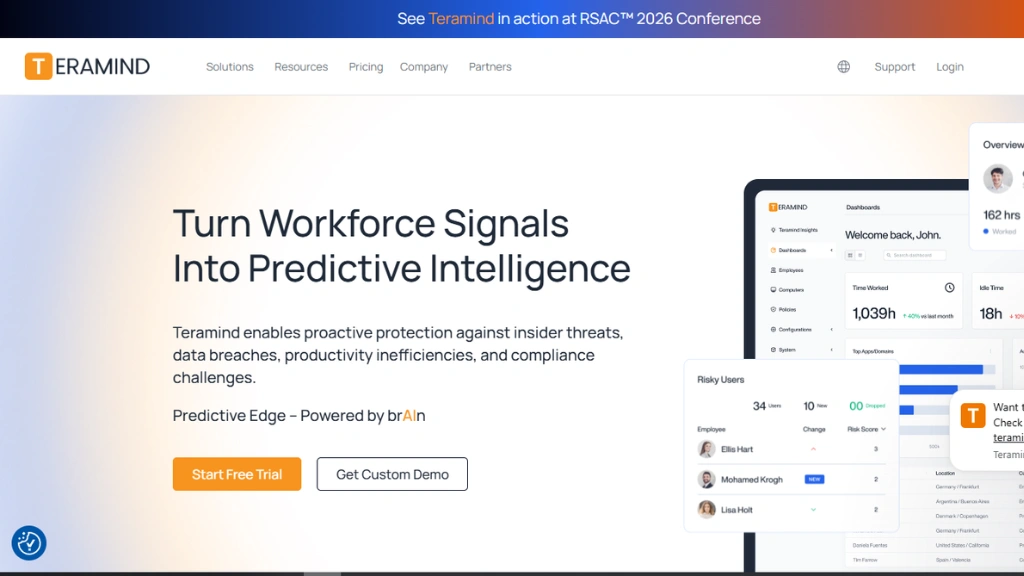
Teramind is one of the most powerful hubstaff alternatives free from micromanagement headaches — but it does come with a price tag suited to enterprise budgets.
It goes beyond time tracking entirely. Teramind detects insider threats, enforces automated policies, and responds to risky behavior in real time. Think: blocking a suspicious file download, alerting admins when someone accesses restricted data outside work hours, or locking a screen after unusual activity.
It supports stealth and visible monitoring modes, cloud and on-premise deployment, and detailed forensic audit trails. For organizations in finance, healthcare, or legal — where compliance isn’t optional — Teramind is the gold standard.
4. Time Doctor
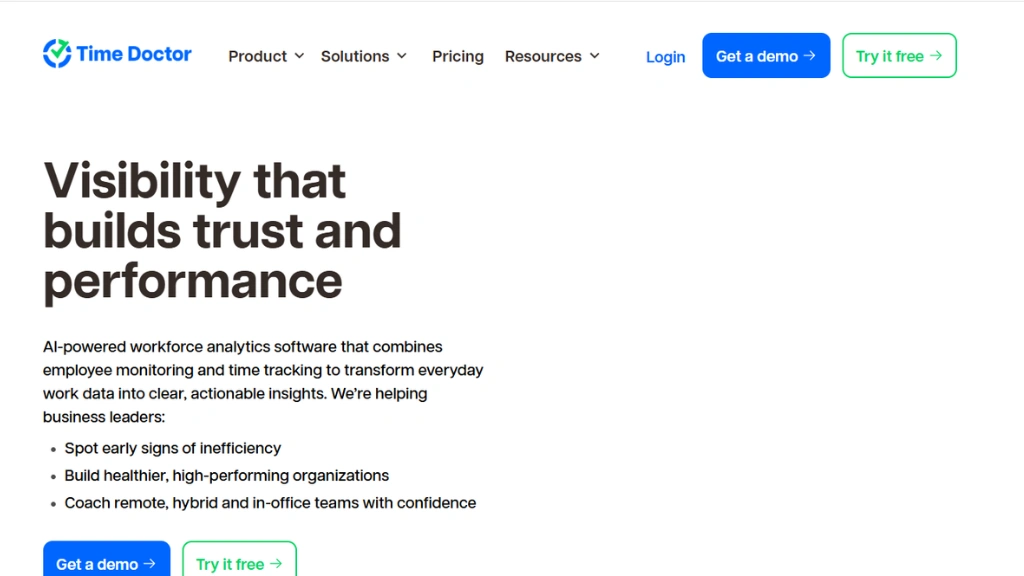
Time Doctor is one of the more well-known Hubstaff alternatives for remote teams. It tracks active versus idle time, takes randomized screenshots, and automatically feeds data into payroll.
What sets it apart is its distraction alert system. When an employee spends too long on YouTube or social media, Time Doctor sends a gentle pop-up reminder. It’s a nudge — not a punishment.
Payroll integration with platforms like PayPal and Wise makes it especially useful for agencies managing a mix of full-time staff and contractors. It’s structured, reliable, and fits teams that want transparency baked into their workflow.
5. Toggl Track
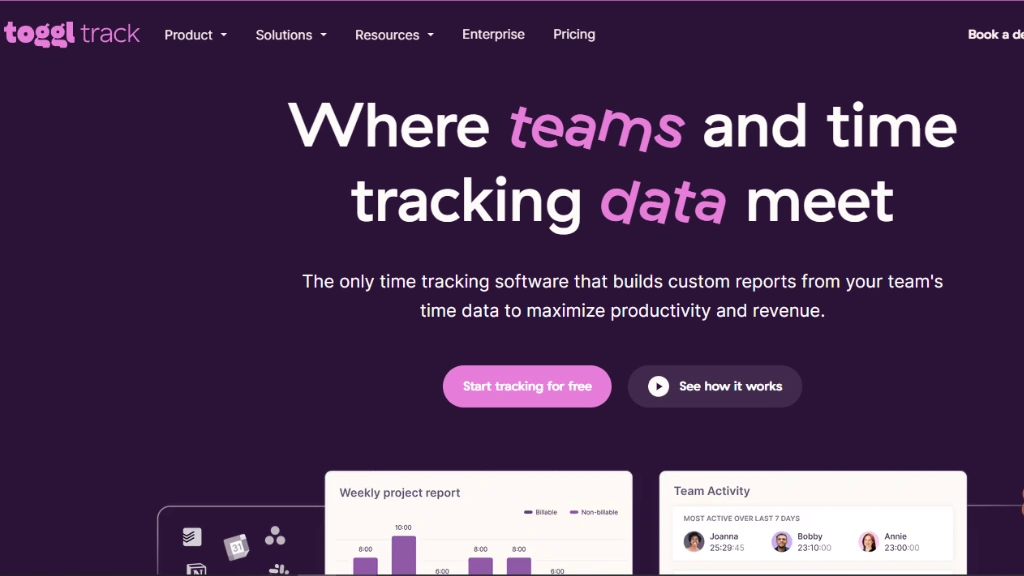
Ask most developers which productivity tool they actually like, and Toggl Track comes up often. It’s one of the cleanest hubstaff alternatives available — and deliberately so.
There are no screenshots. No keystroke logging. No GPS tracking. Just simple, flexible time tracking that respects privacy. Users can start and stop timers, log time manually, or drag and drop entries on a calendar view.
Reporting is strong and customizable. It exports easily. And the interface is genuinely a pleasure to use. For creative agencies, freelancers, and dev teams who want accurate time data without the surveillance baggage, Toggl Track is hard to beat.
6. DeskTime
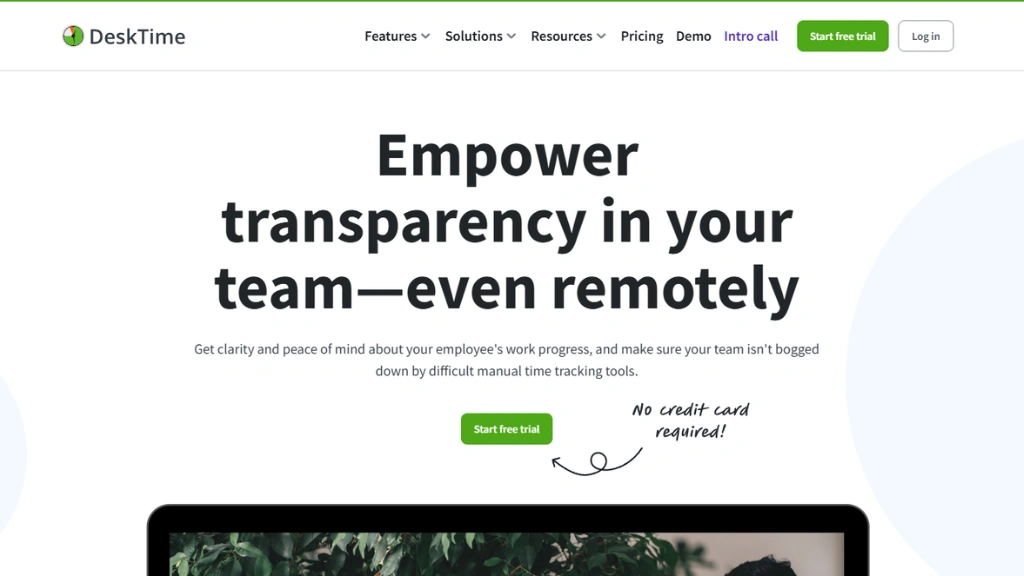
DeskTime runs quietly in the background and starts tracking the moment a computer turns on. No manual timers. No setup headaches.
It calculates productivity scores based on app and website usage, categorizing them as productive, unproductive, or neutral. Employees can also activate a “Private Time” mode — blocking tracking during personal breaks — which goes a long way in building trust.
For teams that want the best workforce software for productivity tracking without heavy configuration, DeskTime is a smart, low-friction option.
7. Insightful
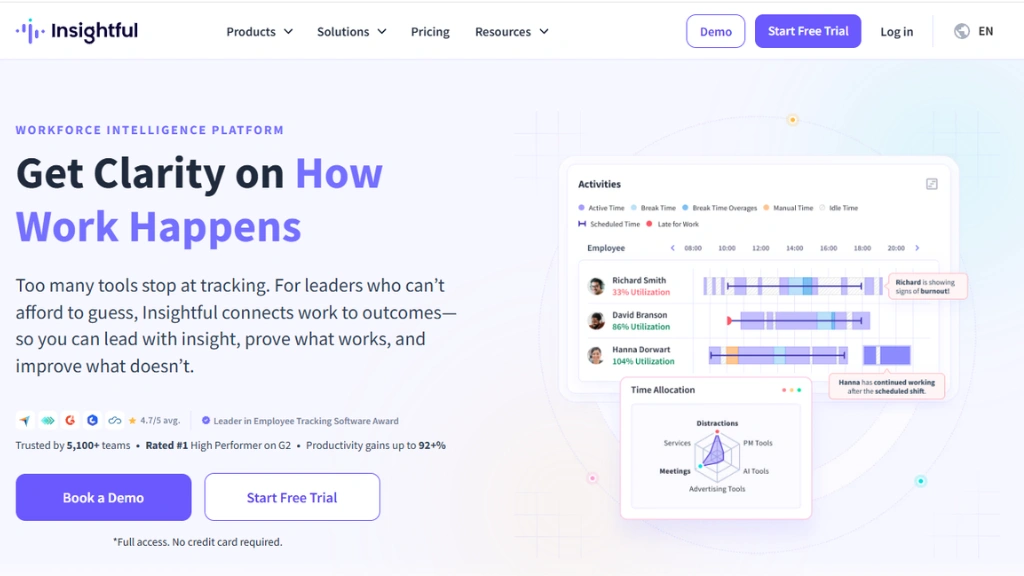
Insightful (formerly Workpuls) is built for managers who want to understand how work happens, not just how long it takes.
It surfaces engagement trends, flags potential burnout signals, and gives detailed breakdowns of time spent across apps, tasks, and projects. Screenshots are configurable — you control frequency and who sees them.
It’s one of the stronger Hubstaff alternatives for operational leaders who need workforce productivity data to make resourcing decisions, not just track attendance.
Read More:
Remote Employee Monitoring Software | List Of 21 Best Tools
8. TimeChamp
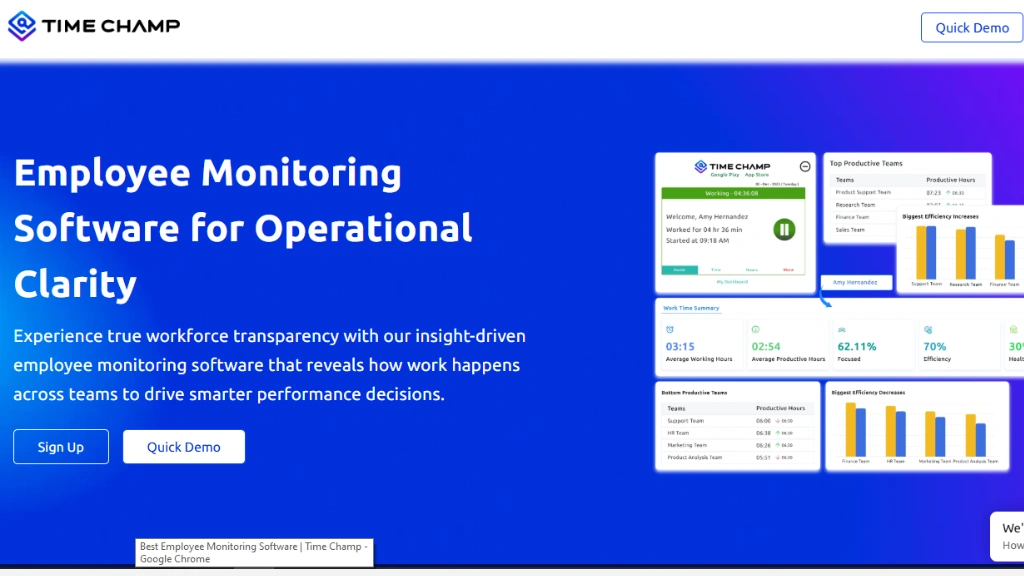
Time Champ is one of the few hubstaff alternatives free tiers that genuinely deliver value. Unlimited users. Unlimited projects. No credit card required.
It shines in project-based environments — agencies, consultancies, and client services. Keyword automation routes time entries to the right project automatically. Invoicing is built in. Budget tracking is clean and visual.
If you want solid project time tracking without paying enterprise prices, TimeCamp is worth a serious look.
The Bottom Line
Not every team needs the same thing. A freelancer needs simplicity. An enterprise needs security. A dev team needs tools that respect how deep work actually happens.
The common thread across all these hubstaff alternatives? They treat productivity as something to understand — not just monitor.
If morale matters to you, choose accordingly. Your best engineers will notice the difference.
Frequently Asked Questions
1. Are Hubstaff alternatives really better for developer productivity?
Yes — if you choose the right one. Many Hubstaff alternatives focus on output and performance insights instead of constant screenshots and surveillance. The right tool improves accountability without crushing morale.
2. Can employee monitoring actually reduce developer burnout?
Surprisingly, yes. Balanced monitoring tools that track work patterns, idle time, and workload distribution help managers prevent overwork and identify productivity gaps early — before burnout hits.
3. Is there a powerful Hubstaff alternative free for small teams?
There are limited hubstaff alternatives free in the market, but most free versions lack advanced security, insider threat detection, and compliance features. Growing businesses usually outgrow free plans quickly.
4. Do developers really hate time tracking software?
They hate intrusive tracking — not transparency. Tools that offer clear analytics, fair tracking, and policy-based monitoring tend to gain better acceptance compared to aggressive screenshot-heavy systems.
5. What should employers look for in a Hubstaff replacement in 2026?
Beyond time tracking, look for real-time activity insights, data loss prevention, insider threat monitoring, productivity analytics, shift scheduling, and scalability. Modern workforce management requires more than just a timer.