Shadow AI discovery answers where employees are using AI. Data protection answers what happens when they send sensitive material to it. Those questions require different evidence. A tool that discovers an account through a welcome email has proved something useful, but it has not necessarily inspected a prompt or prevented an upload.
Check Point AI Workforce Security is a useful shortlist entry when discovery and controls over employee AI usage belong in the same project. Nudge Security is relevant when the immediate problem is identifying AI accounts and their owners. Microsoft Purview and Cyberhaven deserve attention when the program starts with the sensitivity and movement of company data.
These nine products cover different observation and enforcement points. The comparison is organized around those differences so the team can buy the coverage it needs rather than the largest reported count of AI applications.
How this comparison works
The comparison separates account discovery, observed activity, content inspection, and enforcement. Nudge appears first for the initial inventory problem, followed by Check Point and Harmonic for employee usage controls. The remaining products bring data-security or SaaS context. This ordering helps readers distinguish the evidence each deployment must produce.
Recommendations use official product pages and documentation. No hands-on performance benchmark was conducted. This article was prepared for a Check Point content project; product numbers aid navigation and do not represent independent scores.
Compare the source of visibility
| Tool | Useful starting need | Coverage question |
|---|---|---|
| Nudge Security | Find AI accounts and owners | What comes from account evidence versus observed activity? |
| Check Point AI Workforce Security | Discover and govern employee AI use | Which browser, desktop, and development surfaces are included? |
| Harmonic Security | Understand AI activity and data sharing | Which devices and traffic paths are observed? |
| Microsoft Purview | Connect AI usage to data security policy | Which licenses, connectors, and sources are enabled? |
| Netskope One AI Security | Govern AI access and data through security controls | Which modules and traffic paths provide enforcement? |
| Cyberhaven | Follow sensitive data into AI workflows | How much lineage is available for the affected data? |
| Nightfall AI | Protect data used by employees and AI workflows | Which actions can be blocked in the proposed deployment? |
| Obsidian Security | Combine browser and agent visibility | Which surfaces have observation and enforcement? |
| Reco | Understand AI within connected SaaS | Which accounts, permissions, and events are exposed? |
1. Nudge Security
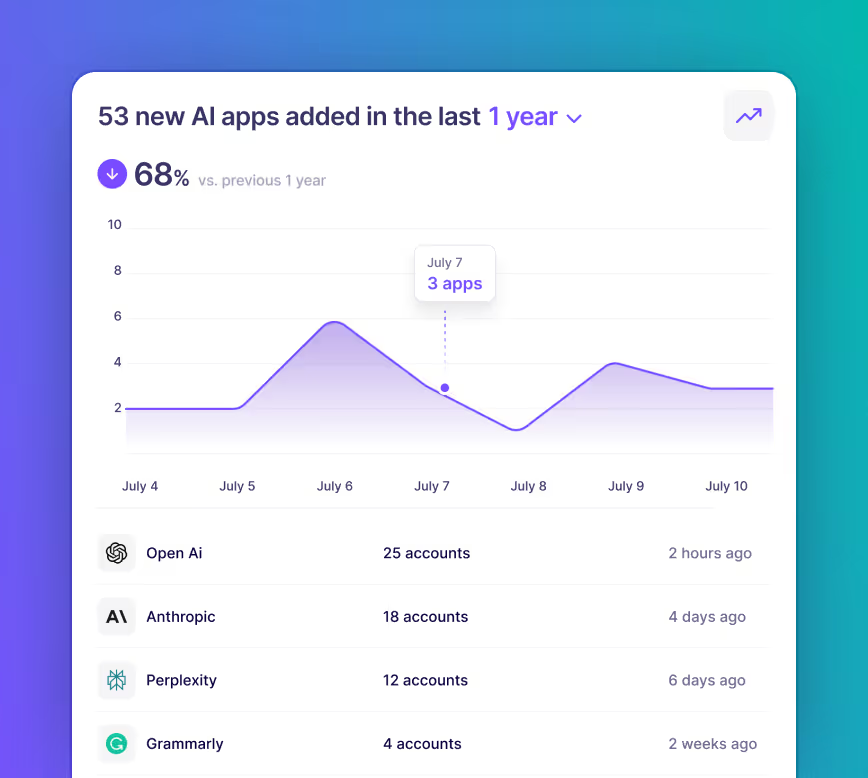
Nudge is a strong discovery-oriented candidate when the organization cannot identify AI accounts, including free accounts and tools adopted outside procurement. Its documentation describes account discovery through a read-only email integration with Microsoft 365 or Google Workspace, along with ownership, OAuth, and governance context. Browser-based activity visibility is a separate part of the offering. Official product information.
This is useful for finding responsible people and starting a cleanup or approval workflow. Keep the evidence types distinct: account discovery is not proof of current use, and current use is not proof that prompt content was inspected. Nudge’s fit is clearest when the first deliverable is a defensible inventory and an owner-led action process rather than universal inline prompt blocking.
2. Check Point AI Workforce Security
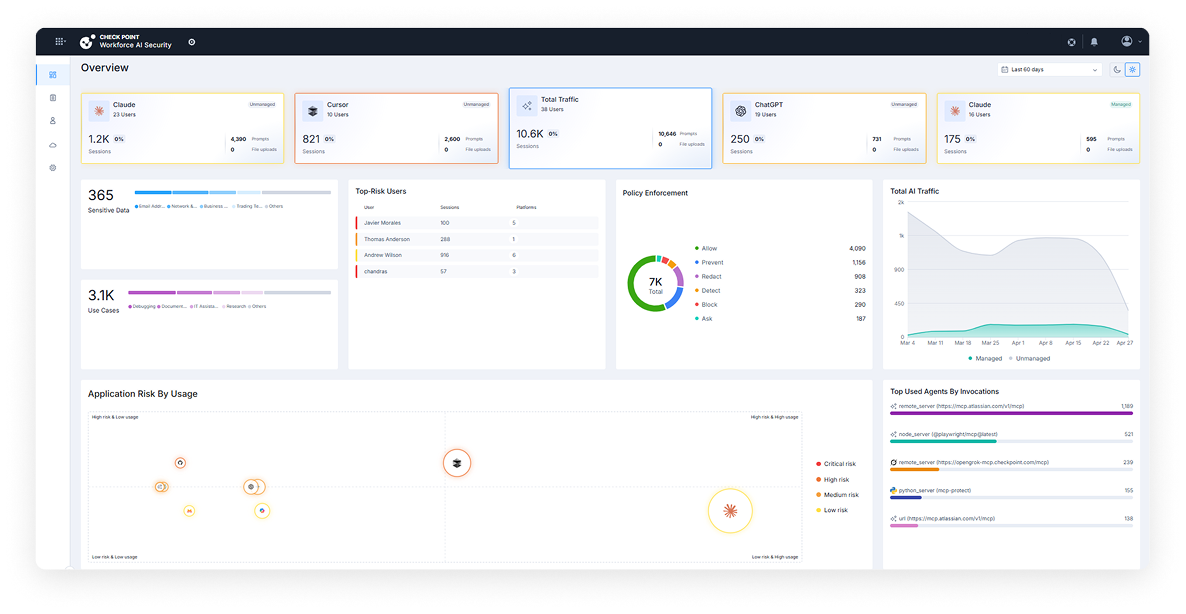
Check Point describes discovery and controls for employee AI activity across surfaces including browsers, desktop applications, and development tools. Its workforce security materials also describe contextual data protection and policy choices for AI use. This is relevant when the organization needs to move from an inventory of tools to a policy employees can actually follow. Official product information.
The purchase should identify the required tier and deployment surface. Check Point distinguishes a web-focused Essentials scope from broader Enterprise coverage. Build a small test matrix for browser prompts, file uploads, desktop use, and an IDE workflow, then confirm which are covered by the proposed configuration. Start with the AI Workforce Security scope that matches those workflows rather than assuming all portfolio capabilities are included.
3. Harmonic Security
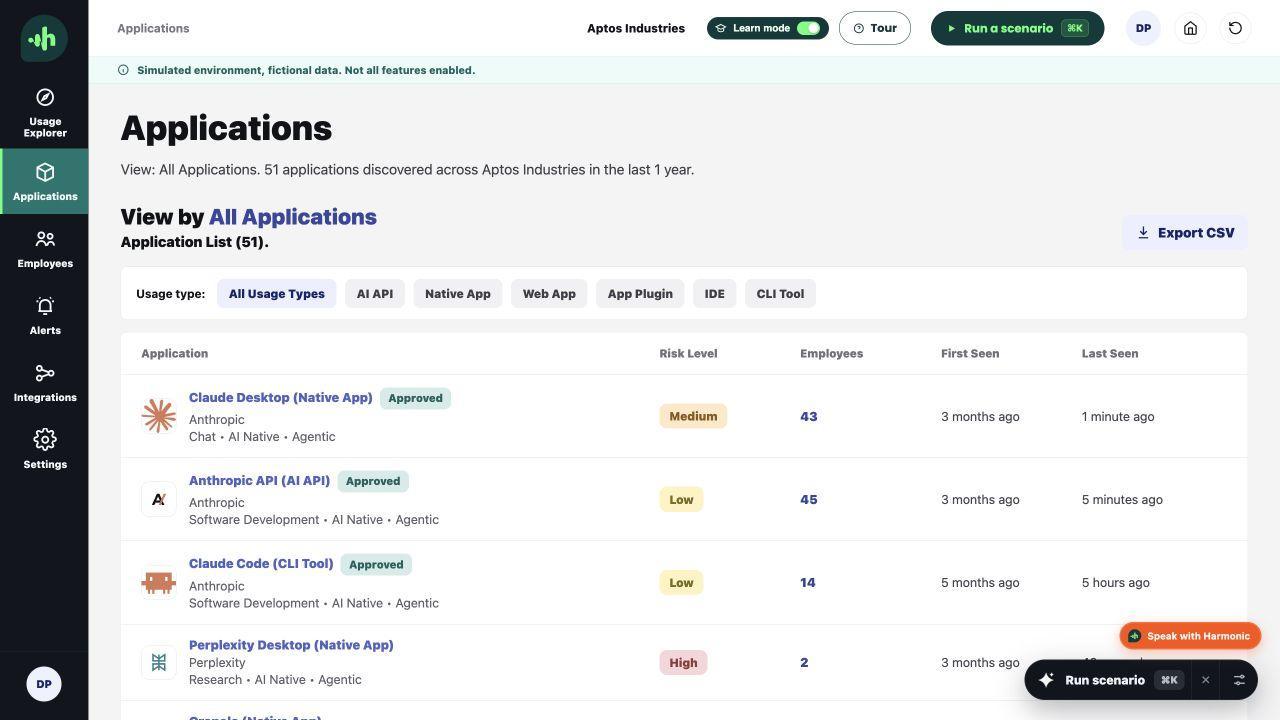
Harmonic focuses on understanding workforce AI activity and the data involved. It is relevant when security teams need more context than a domain-level record that an employee visited an AI website. Its product positioning centers on AI usage visibility and controls informed by the activity being performed. Official product information.
The useful evaluation follows an ordinary employee task, such as summarizing a document with test-sensitive content. Inspect the resulting event and determine whether it explains the service, the user context, and the material at risk. Confirm the deployment requirements and observed surfaces. A detailed event on one managed device should not be generalized to unmanaged devices or unobserved applications without a separate coverage check.
4. Microsoft Purview
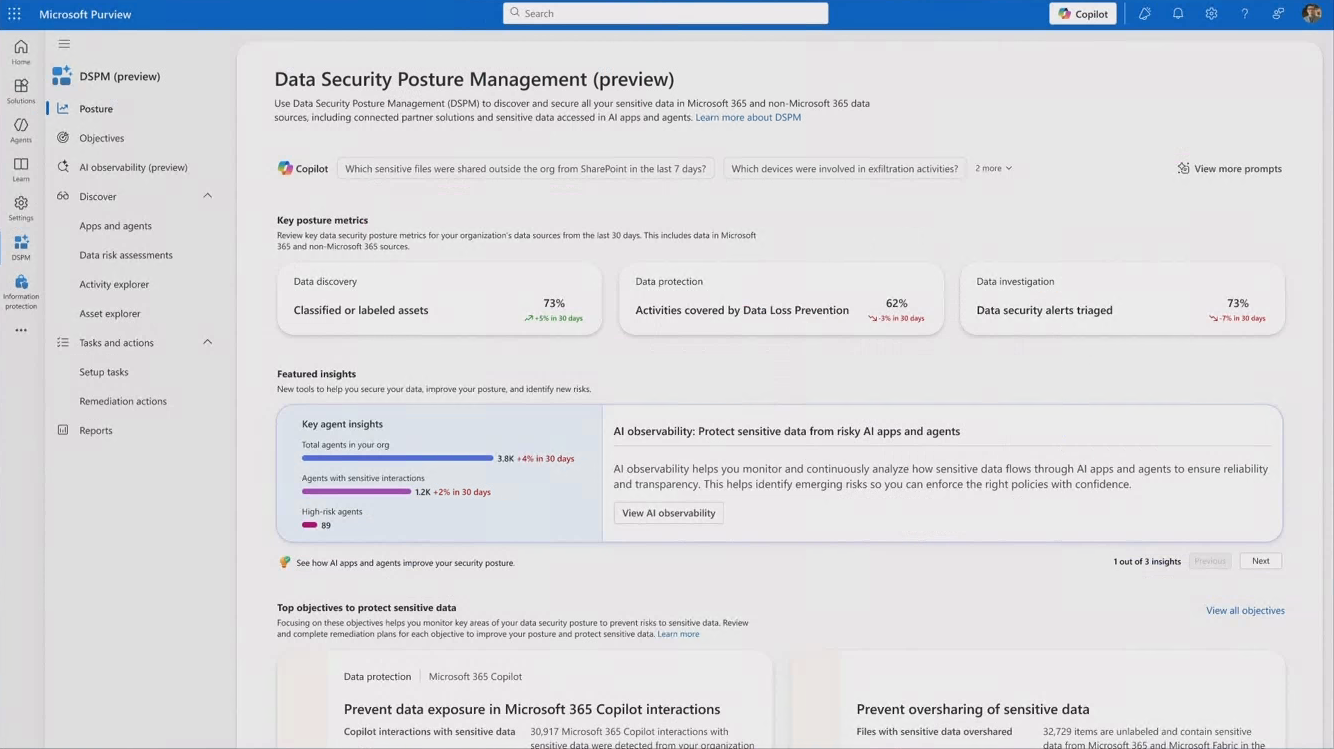
Microsoft Purview connects AI-related data security with a broader data protection program. Its current Data Security Posture Management documentation brings together information about data, access, usage, and related policy actions across supported Microsoft and third-party sources. Official documentation.
It is worth assessing when the organization already has meaningful data classification and wants AI risk to use that context. The implementation depends on the relevant licensing, integrations, and enabled sources. Begin with a specific information type and trace it through a supported AI workflow. Establish which evidence is available, which policy applies, and which team handles the result. Do not assume that every Purview capability or connected source is enabled by an existing Microsoft subscription.
5. Netskope One AI Security
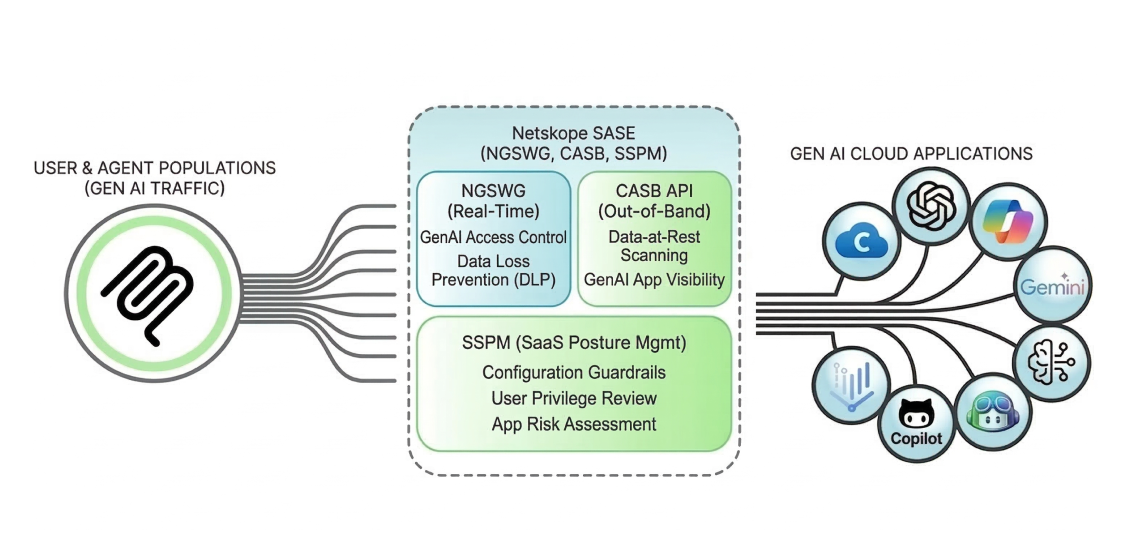
Netskope describes an AI security portfolio spanning employee access, AI applications, agents, gateways, guardrails, and testing. For shadow AI, the relevant conversation starts with visibility into sanctioned and unsanctioned usage and the data controls available on the organization’s traffic paths. Official product information.
Map the proposed modules to the existing Netskope deployment, if there is one. An organization already directing relevant traffic through supported controls may have a different integration task from one starting fresh. Test personal and corporate accounts, file uploads, and the applications that matter to the business. Confirm which function provides the actual intervention; a shared product family does not mean one configuration automatically covers employee browsing and custom agent execution.
6. Cyberhaven
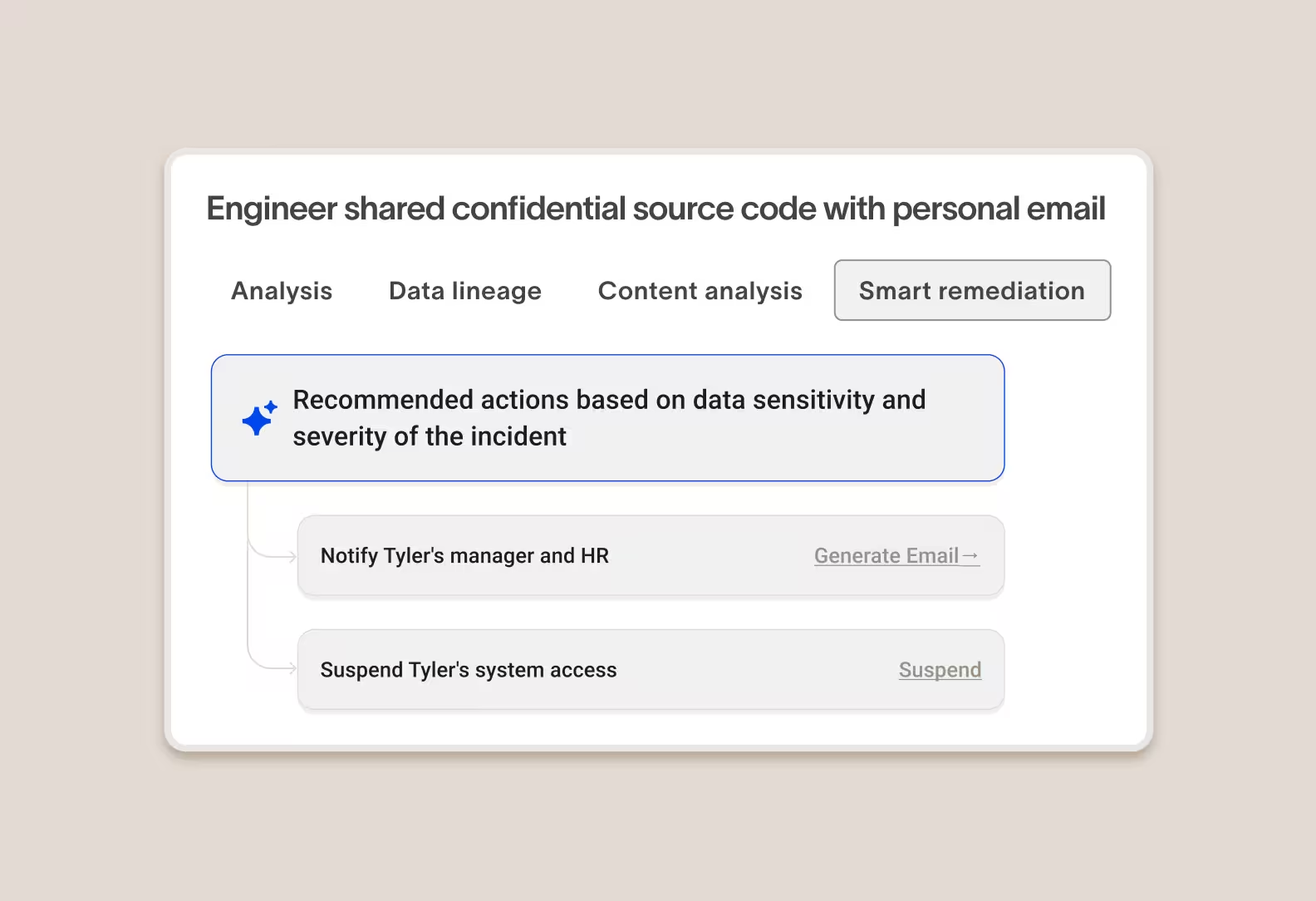
Cyberhaven is relevant when the security decision depends on where data came from and how it moved before reaching an AI service. Its platform emphasises data lineage alongside data protection, making it a useful candidate for workflows in which sensitive material is copied, transformed, or moved between applications. Official product information.
Use a realistic chain in the proof of concept: retrieve a test document, copy part of it, and attempt to use that content in an AI workflow. Inspect how much of the chain is preserved and which supported control can intervene. The practical limit is observed coverage. Lineage is valuable where the deployment can collect the necessary events, so confirm the endpoints and applications involved in the actual business process.
7. Nightfall AI
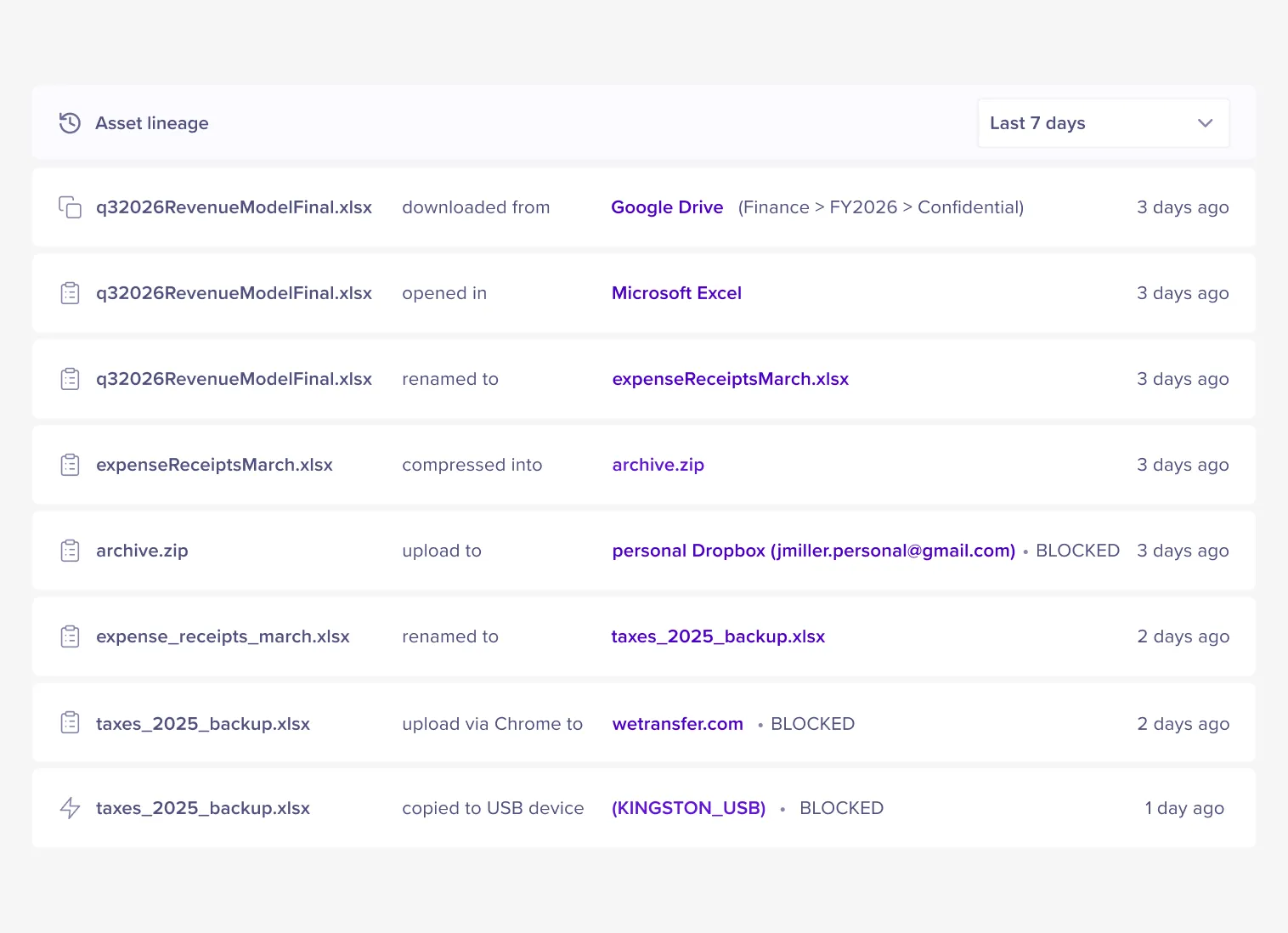
Nightfall’s current platform focuses on protecting data as employees and AI workflows interact with it. Its product materials describe data lineage, sensitive data protection, and controls relevant to AI usage. That makes it a candidate when the project is driven by data leaving an approved context. Official product information.
A useful demonstration should show the precise employee action, the detected data concern, and the resulting response. Include both a prohibited transfer and a permitted transfer using similar-looking content. This helps the team understand policy tuning and employee experience. Confirm which actions and integrations are included in the proposed deployment rather than assuming that the same enforcement applies to every browser, desktop application, and SaaS connection.
8. Obsidian Security
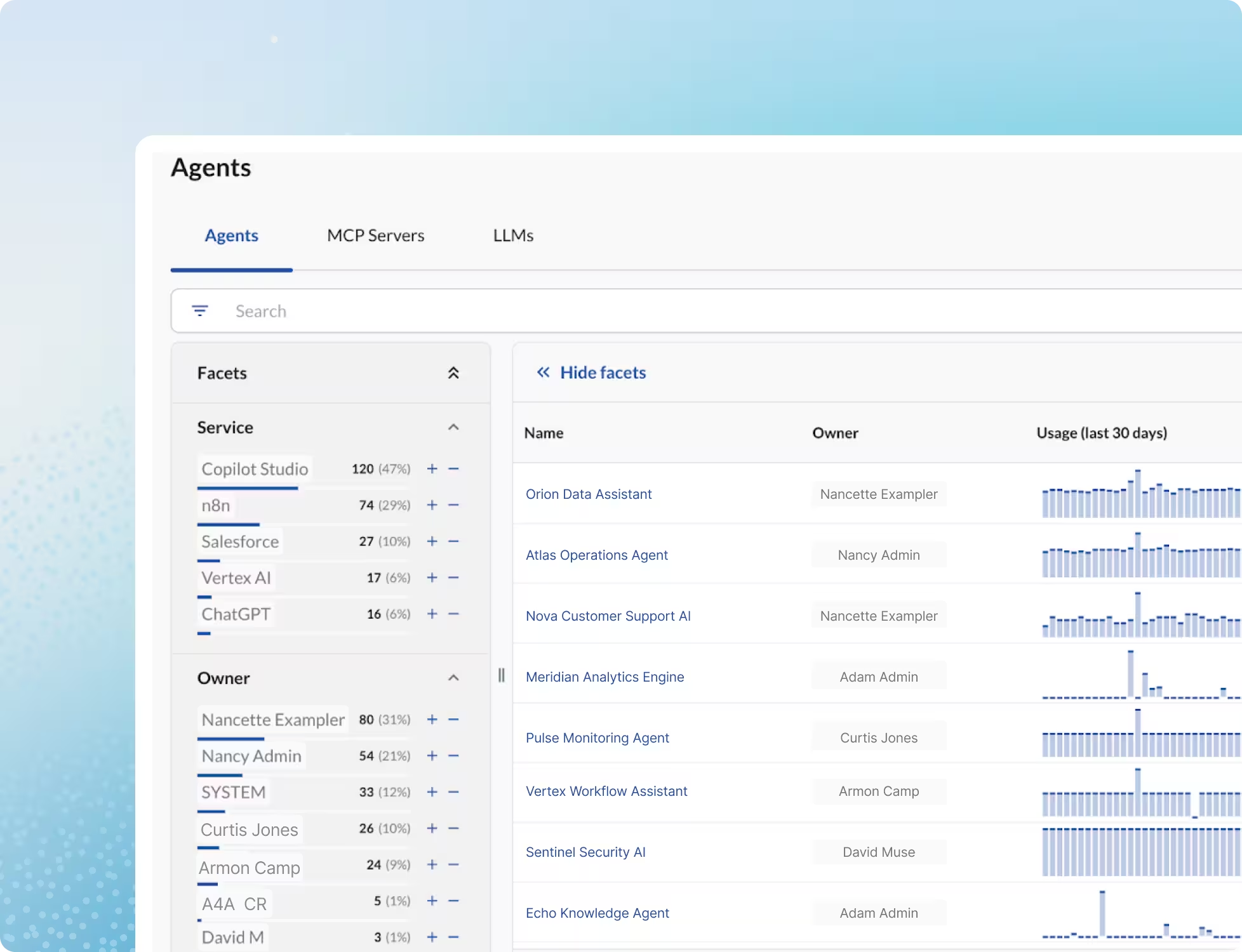
Obsidian combines browser-level discovery, API integration scanning, and agent monitoring for shadow AI. Its published scope includes a browser extension that can inspect and block sensitive data before it reaches a third-party AI tool. It also maps agents and MCP connections, connecting employee activity with the permissions behind automated workflows. Official product information.
This gives Obsidian a broader starting point than account discovery alone. The deployment still needs to cover the relevant browser and application surfaces. A useful trial follows a test-sensitive prompt from the employee action to the policy decision, then inspects the associated account and agent context. Keep browser enforcement and API-derived visibility separate in the results so each capability receives credit for what it actually demonstrated.
9. Reco
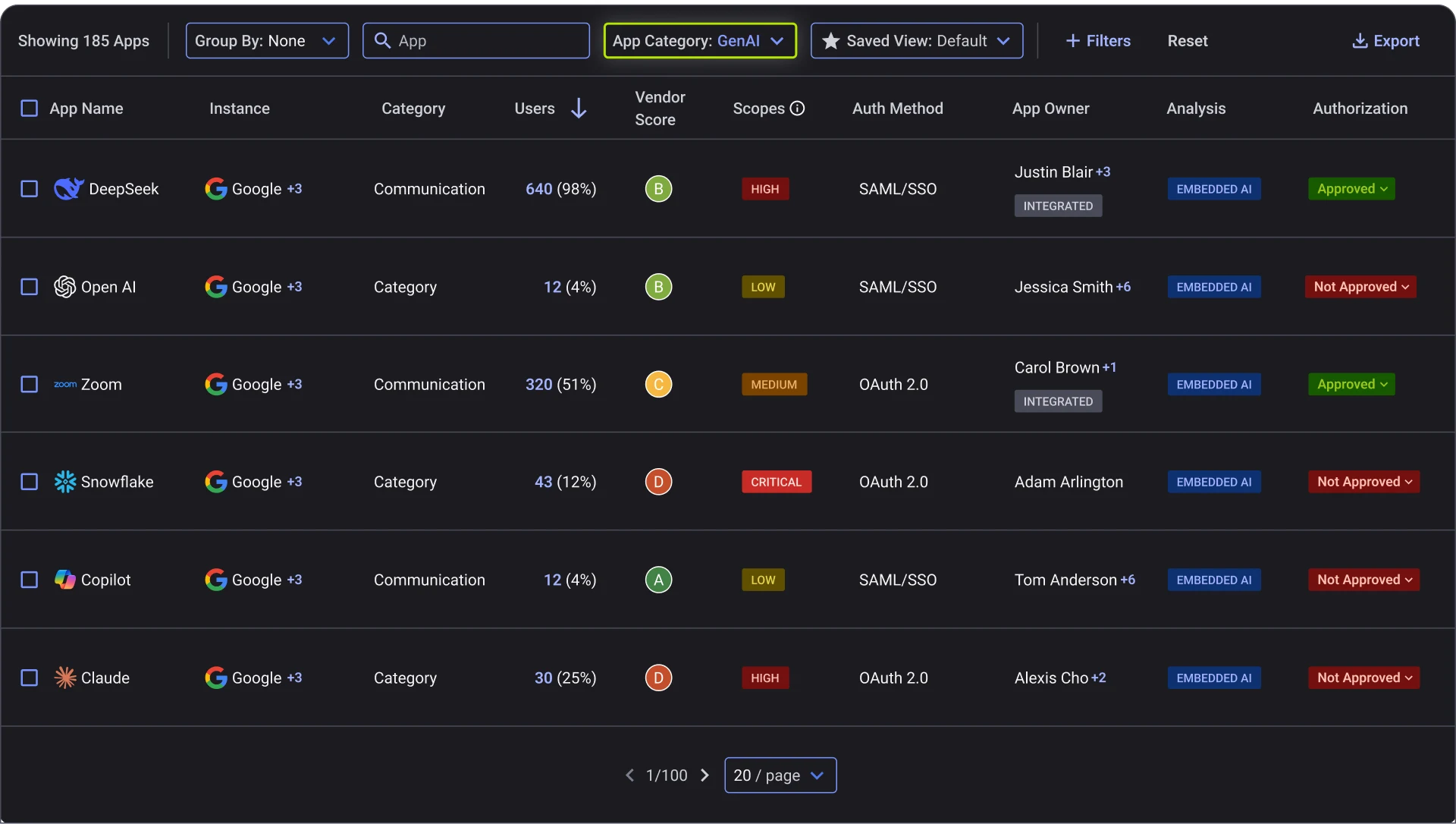
Reco addresses shadow AI through the accounts, agents, and integrations visible in its connected SaaS environment. Its Agent Security product documents inventory, permission mapping, risk scoring, and governance controls. This is useful when an AI workflow appears inside an approved business application but has never received a clear owner or access review. Official product information.
The resulting relationship context can support an approval or cleanup decision. It answers a different question from inspecting the content of every employee prompt. Keep those evidence types separate when comparing it with browser and endpoint products. For a priority workflow, the integration should identify the account and granted access with enough supporting detail for the responsible owner to act.
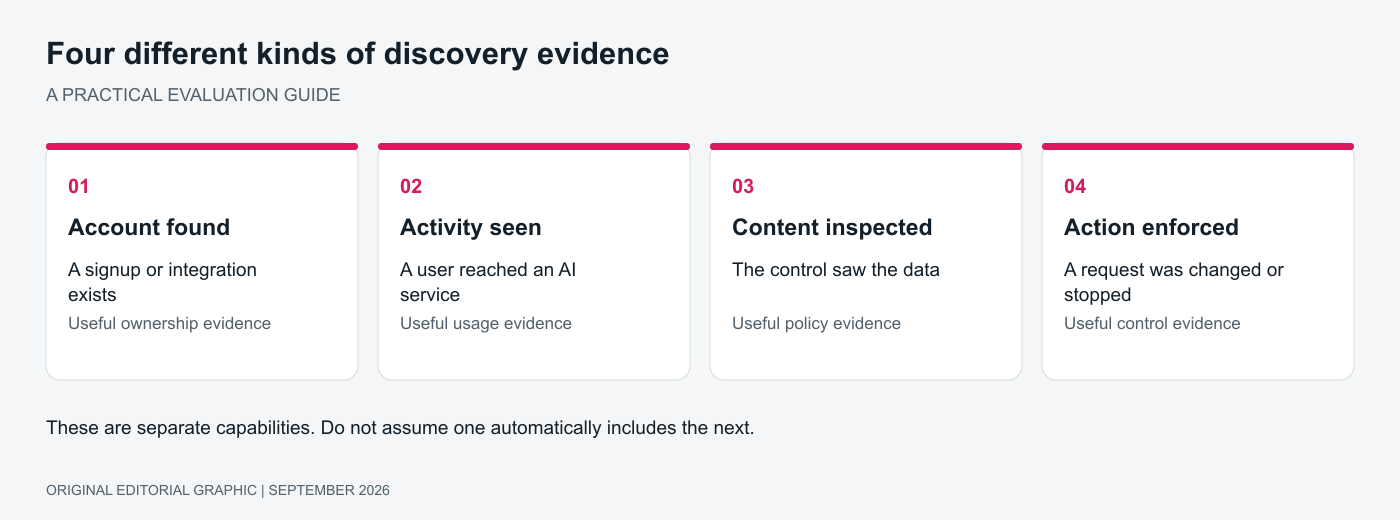
Original editorial graphic. Account discovery, activity, content inspection, and enforcement are separate capabilities.
Build a discovery test that reveals blind spots
Create a controlled set of representative activities before the trial. Include an AI account created outside procurement, a browser-based assistant, a desktop application, a coding assistant, and an AI feature inside an approved SaaS product. Use test accounts and synthetic data, and record which activity each tool detects.
Separate the results into account evidence, observed usage, inspected content, and enforced action. This prevents a broad discovery product from being unfairly compared with a narrower data protection control. It also prevents a vendor from receiving credit for enforcement when the trial only demonstrated visibility.
For each important gap, record whether the answer is another connector, another deployment component, a policy decision, or a separate product. The cost of achieving required coverage is more useful than a price for an incomplete deployment.
Move from discovery to an employee policy
An effective rollout gives employees an approved route for common work. Define which tools are allowed, which information may be used, and what happens when a task requires an exception. Test the employee-facing message as carefully as the security event. A blocked upload with no usable explanation can create support work and encourage workarounds.
Check Point is a sensible first comparison when discovery and employee controls need to work together. Nudge is a strong fit for account discovery and ownership. Purview and Cyberhaven are useful when the data context is central, while Reco and Obsidian fit a SaaS-centered investigation.