An employee reports that the work platform will not open. Their activity record shows little movement, and a manager starts asking why the task has fallen behind. The record may describe device activity accurately while saying very little about the reason work stopped.
A connection failure needs an operational response before a performance conclusion. Establish the blocked task, help the employee report the problem and record its effect. That gives the manager better evidence and gives support a problem it can investigate.
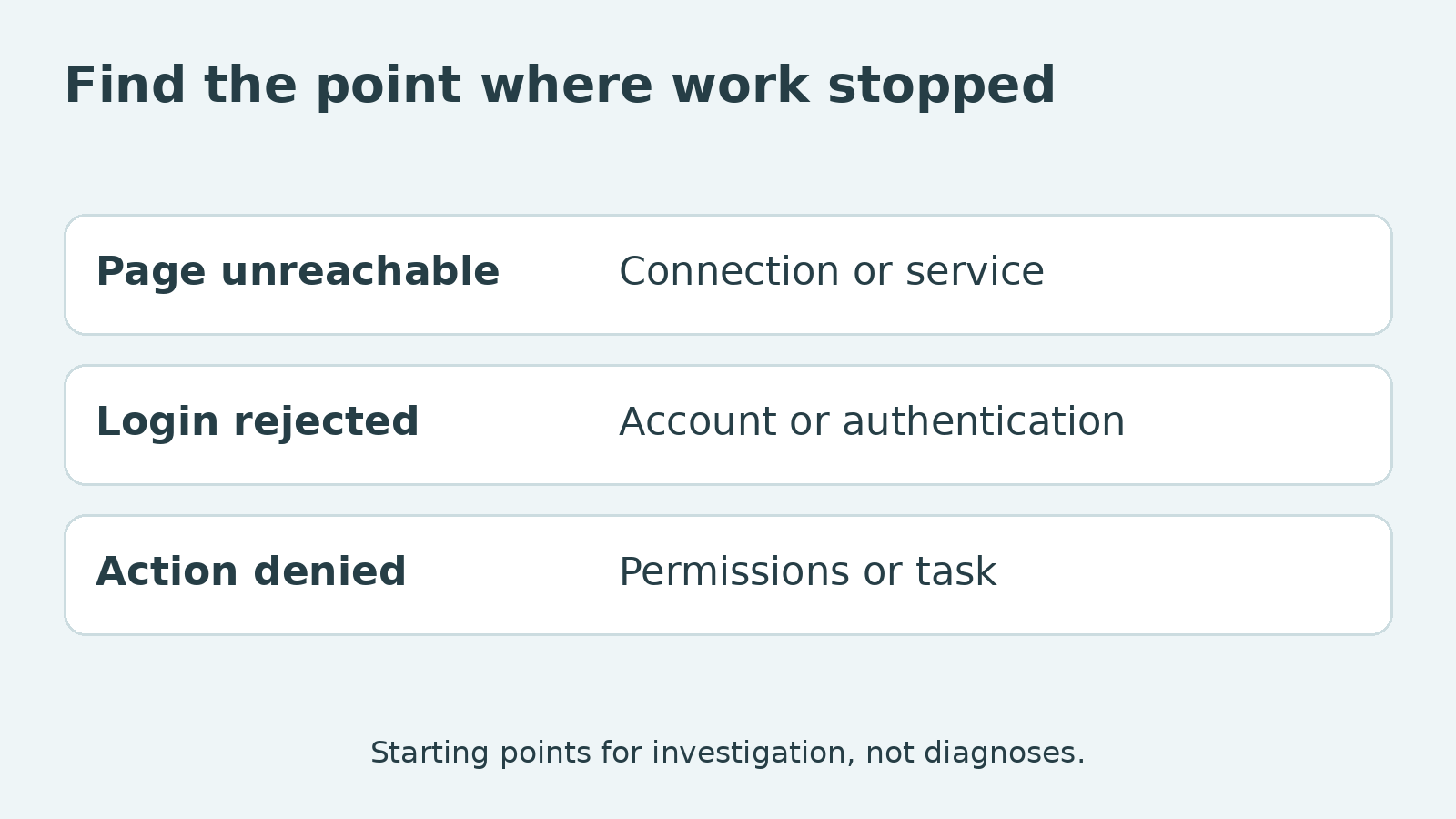
Find the point where work stopped
“I cannot access the system” can describe several failures. The browser may not reach the sign-in page. The page may load but reject the login. The account may sign in successfully and lack permission for the required action.
Ask what the employee last completed and what happened next. Capture the exact message where possible, with sensitive information removed. A short sequence of observations is more useful than a broad instruction to restart everything.
Keep the task visible. If the employee needs to update an authorised record, the investigation concerns that action. Being able to open an unrelated website does not prove the business platform works, though it can provide one useful comparison.
Do not ask for passwords or authentication codes in a team chat. Support should use the approved process for the information it needs. The manager’s job is to clarify the impact and help the report reach the right person.
Make the support record usable
Include the approximate time, affected service, device and application version, relevant connection arrangement and the step that failed. Record whether the problem is continuing or happened only during a particular attempt.
If an approved VPN for PC is part of the Windows setup, include the client version and visible connection state. That identifies a condition for investigation. It does not establish that the VPN caused the failure or that switching it off is an authorised remedy.
Avoid changing several settings while gathering the record. Removing an extension, changing networks and resetting an account together can destroy the conditions needed to explain the result. Follow support’s comparisons and keep a note of what changed.
The report should make these distinctions clear:
| Observation | What still needs investigating |
| Sign-in page cannot be reached | Connection, service availability or another access condition |
| Login is rejected | Account and authentication information |
| Login works but the task is denied | Permissions and the required business action |
| The task starts but does not finish | Application behaviour and the request’s outcome |
These are starting points, not automatic diagnoses. They help route the investigation without treating every failure as the same network problem.
Provide a permitted way to continue
Decide what the employee can usefully do while support investigates. There may be another authorised task, an approved alternate access method or a way to join a discussion without the affected platform. Name that arrangement rather than telling the person to find any workaround that succeeds.
A VPN works on covered network traffic. It does not decide whether an account has permission to use a business system, and a consumer service does not replace the company’s managed private-access arrangement. Installing a new tool during the incident can introduce another condition without resolving the original one.
Employees should know where to report access failures and how to contact support if the usual communication platform is affected too. Keep the fallback contact accessible through the organisation’s approved method.
Set a realistic follow-up point. Repeatedly asking whether the problem is fixed takes time from the investigation without necessarily producing new information. An agreed update time gives the manager and employee a clearer expectation.
For urgent work, identify the business consequence and the responsible owner. That is more actionable than treating the employee’s lack of keyboard activity as the urgency signal.
Read the activity record with the incident beside it
Once normal access returns, record the relevant period and the task’s status. If the outcome of an interrupted action is uncertain, confirm it in the business system before repeating the action. A resumed connection does not tell you whether the earlier request completed.
Keep the incident record separate from assumptions about effort. A person can be actively seeking help while producing little activity in the application being measured. Conversely, an incident report is not proof of everything that happened during the day. Use evidence at the level it supports.
If similar failures recur, review the access instructions, device arrangement and support process. A repeated obstacle deserves a process improvement, particularly when staff are inventing unofficial workarounds to meet deadlines.
Clear handling gives the organisation two useful results: the work can resume, and the manager can explain the interruption fairly. Monitoring information becomes more useful when it is read alongside the task and the conditions that affected it.