The backbone of almost every company is its data. If this data gets into unwanted hands or loses its integrity, then this creates problems for the organization. The repercussions of losing sensitive data can mean significant financial loss, damage to your brand reputation, or even violating regulatory compliance requirements.
To combat this issue, companies are now utilizing data loss prevention (DLP) solutions to help them manage their information securely and operate effectively. With a robust DLP solution, organizations can protect their confidential data, monitor users and behavior, and ensure that employees adhere to security policies.
In addition, by utilizing other tools in conjunction with their DLP solution, such as employee monitoring software like EmpMonitor, companies can both monitor employee activity and provide valuable data surrounding employee productivity and improved security for data. Combining DLP solutions with employee monitoring software will create a solid barrier against any form of cyber attack or data theft.
In a hurry? Listen to the blog instead!
What Is Data Loss Prevention (DLP)?
Data Loss Prevention (DLP) refers to a set of tools, strategies, and policies designed to protect sensitive information from being accessed, shared, or leaked without authorization. It helps organizations monitor how data is used, identify security gaps, and prevent both accidental and intentional breaches.
By combining smart technology with strong internal guidelines, DLP ensures that critical information such as customer records, financial documents, and intellectual property remains secure across devices, networks, and cloud platforms.
How Data Loss Prevention Tools Help Safeguard Sensitive Information?
Data loss prevention tools play a critical role in protecting sensitive information by controlling access, monitoring usage, and stopping unauthorized transfers. They act as the first line of defense against both accidental leaks and intentional misuse. With the right DLP solution in place, organizations can confidently secure their most important data.
Here’s how DLP tools help:
- Detect and block unauthorized access to confidential files before misuse occurs.
- Monitor employee behavior to identify suspicious actions and prevent potential insider threats.
- Secure endpoints, emails, and cloud storage to protect data across every device and workflow.
With the combination of these features, DLP tools help businesses maintain strong data integrity while allowing employees to work smoothly and efficiently without compromising security.
Why Is Data Loss Prevention Important?
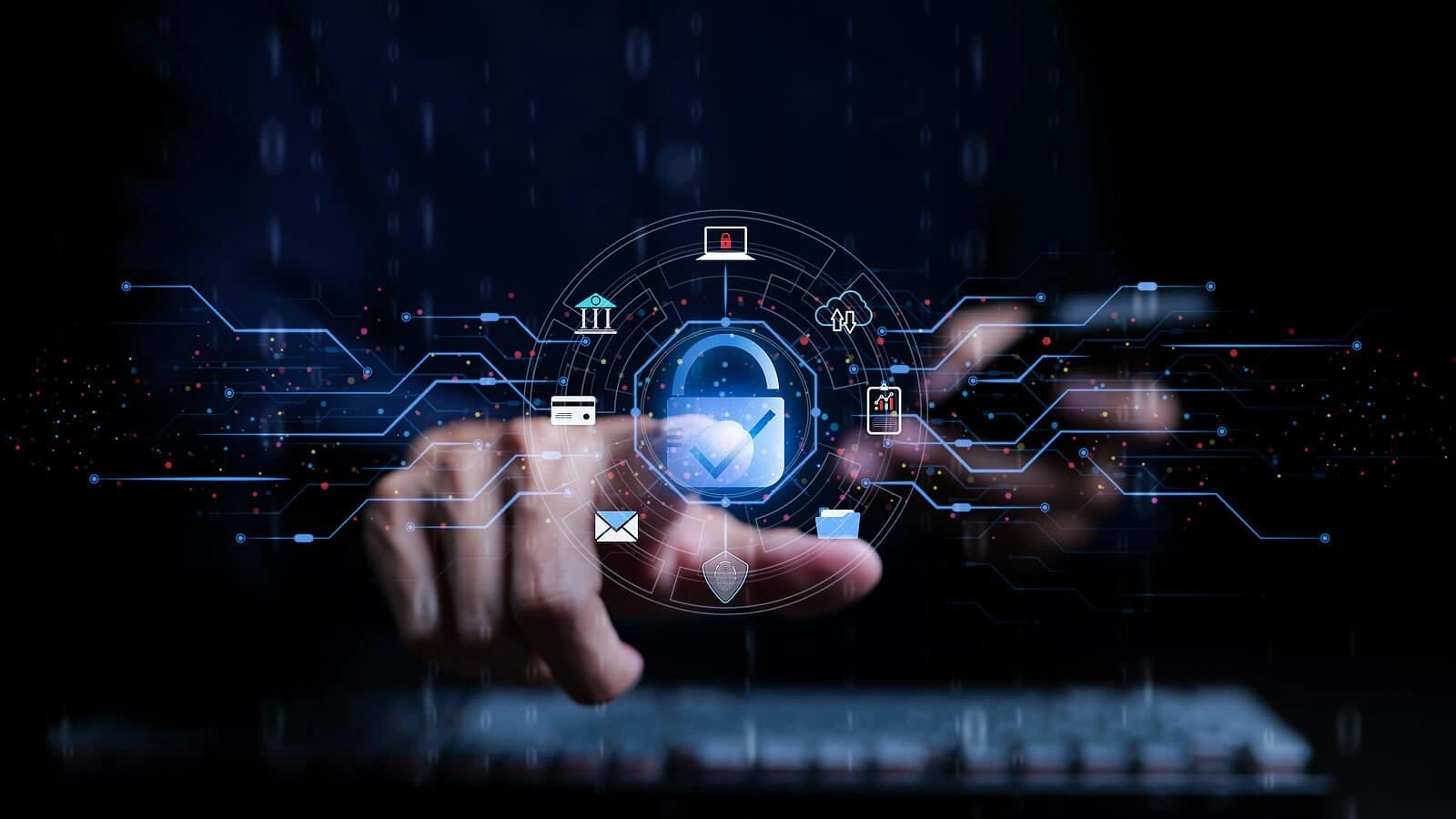
Every organization handles sensitive information, such as customer details, financial records, business strategies, and intellectual property. Losing this data can be disastrous. That’s where Data Loss Prevention (DLP) comes in. It helps organizations protect their data from accidental leaks, cyberattacks, and insider threats. Here’s why it matters:
Key Risks of Data Loss
- Cyberattacks: Hackers can use malware, ransomware, or phishing attacks to steal valuable information.
- Accidental leaks: Employees might accidentally share confidential files with the wrong people.
- Insider threats: Disgruntled or careless employees can intentionally or unintentionally compromise data.
- Regulatory penalties: Non-compliance with data protection laws can lead to fines and legal issues.
Financial, Legal, and Reputational Impacts
- High recovery costs: Fixing data breaches can cost businesses thousands or even millions.
- Legal consequences: Organizations may face lawsuits or penalties for failing to protect data.
- Loss of trust: Customers and partners expect their data to be safe. A breach can damage your reputation and reduce business opportunities.
How DLP Helps Organizations Stay Safe
- Monitor data movement: Track how sensitive information moves across devices and networks.
- Enforce security policies: Prevent unauthorized access or sharing of critical data.
- Prevent leaks proactively: Stop potential breaches before they happen.
- Ensure compliance: Meet legal requirements and industry standards with confidence.
A strong DLP strategy protects your data, prevents financial and legal trouble, and helps maintain trust with customers and partners.
Data Loss Prevention Best Practices
Limiting access to sensitive information is crucial. Employees should only access data required for their tasks. By defining user roles and permissions, organizations can prevent unauthorized handling of critical data. Combining these access controls with employee monitoring software provides insight into real-time usage and alerts for irregular activity.
Encrypting Sensitive Data for Extra Security
Encryption ensures that even if data leaves secure networks, it remains unreadable without proper authorization. Applying encryption to emails, databases, and file storage strengthens protection against both external and internal threats.
Educating Employees About Data Handling
Employees play a significant role in safeguarding data. Training programs that emphasize safe data practices, such as avoiding suspicious links, handling confidential information properly, and following IT policies, are essential for minimizing risks.
Regularly Auditing and Monitoring Data Activity
Monitoring and auditing data movement helps identify suspicious activity before it escalates. Organizations should implement regular checks and maintain logs to track access patterns. Tools like EMPMONITOR can automate this process, offering detailed reporting and insights into employee behavior.
Building A Strong Data Loss Prevention Strategy
Creating a strong Data Loss Prevention (DLP) strategy is essential to protect sensitive information and keep your organization secure. A well-planned strategy ensures data stays safe, reduces risks, and maintains compliance. Here’s how to build an effective DLP strategy:
Steps To Develop An Effective DLP Strategy
- Identify critical data: Identify your most valuable files, customer information, and confidential documents so you can prioritize protection and apply stronger security controls.
- Assess potential threats: Analyze risks from hackers, insider misuse, phishing, and accidental leaks to understand where vulnerabilities exist and how data may be exposed.
- Define policies: Create clear guidelines outlining who can access, modify, or share sensitive information to ensure consistent, controlled, and compliant data handling.
- Create an incident response plan: Develop a step-by-step plan to detect, contain, and resolve data breaches quickly, minimizing damage and restoring security without delays.
- Assign responsibilities: Give every team member clear roles in maintaining data security, ensuring accountability, and smooth execution of your organization’s DLP strategy.
Aligning DLP with Company Policies and Compliance
- Integrate DLP policies with your company’s existing rules and workflows.
- Ensure compliance with regulations like GDPR or HIPAA to avoid fines and legal issues.
- Regularly update policies to match evolving business and regulatory requirements.
Integrating DLP Across Devices and Networks
- Apply DLP protection to all endpoints, including laptops, mobile devices, and cloud storage.
- Monitor network activity to detect suspicious behavior in real time.
- Combine DLP tools with employee monitoring software for a complete overview of data usage.
By following these steps, organizations can build a strong DLP strategy that safeguards sensitive data, supports compliance, and minimizes risk.
Choosing The Best DLP Solution
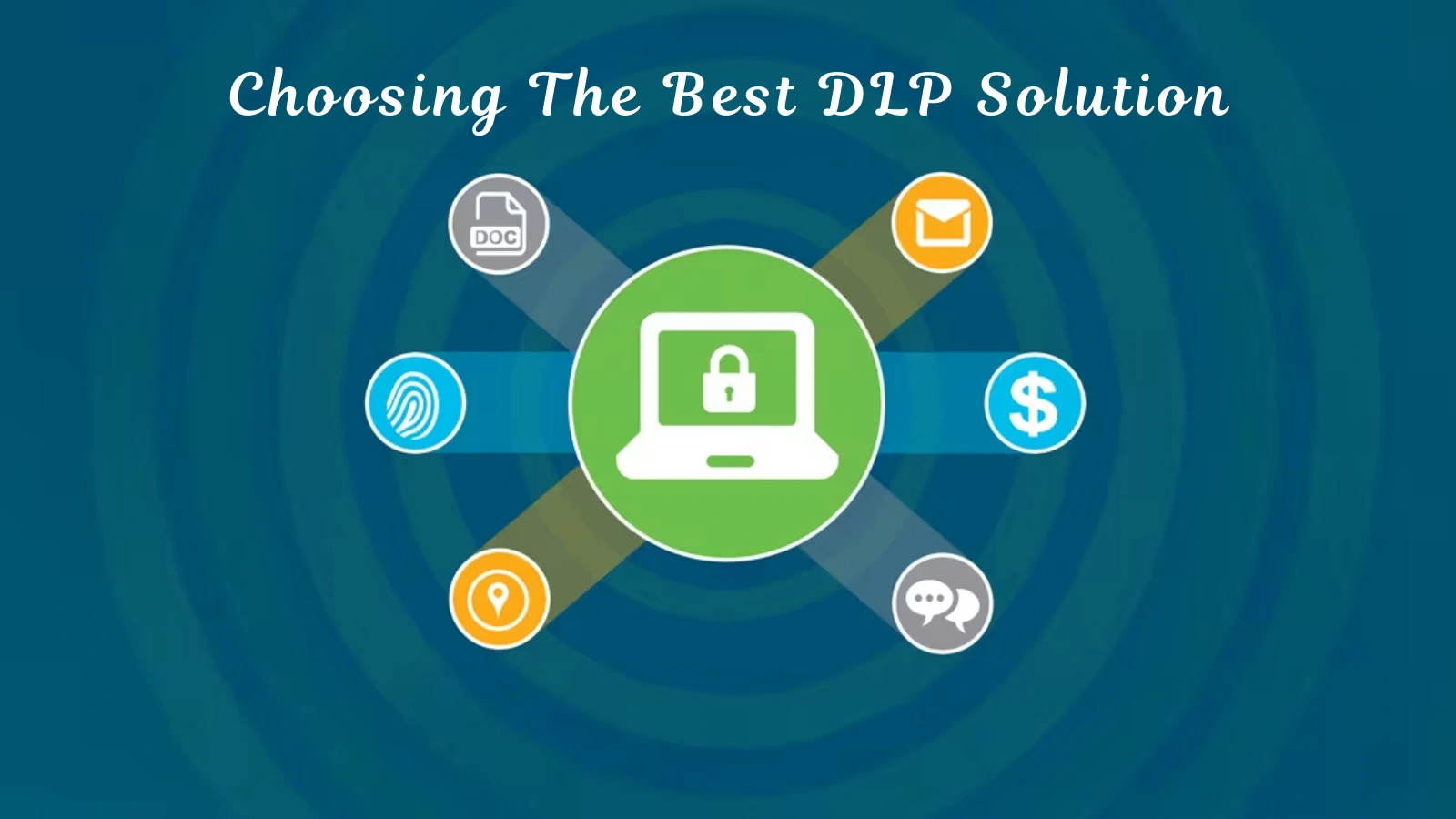
Selecting the right Data Loss Prevention (DLP) tool is essential to protect sensitive information effectively. A strong DLP solution helps prevent leaks, monitor activity, and enforce security policies. Here’s what to consider:
Features to Look for in a Data Loss Prevention Tool
- Real-time data monitoring and alerts:
A strong DLP tool should track data movement instantly and send immediate alerts when suspicious activity occurs, helping organizations detect threats early and prevent unauthorized access or data leaks effectively. - Endpoint protection and encryption:
The tool must secure all endpoints, laptops, desktops, mobiles, and encrypt sensitive files so that even if data leaves the network, it remains unreadable and protected from external attacks or insider misuse. - User behavior analytics:
DLP solutions should analyze how employees interact with data, identifying unusual behavior patterns that may indicate insider threats, policy violations, or potential risks requiring immediate action and investigation.
- Integration with existing IT infrastructure:
Choose a DLP tool that integrates seamlessly with current systems, cloud platforms, and employee monitoring software, ensuring smooth operations, easier management, and stronger overall data protection without disrupting workflows.
Read More:
Unlocking the Powerful Benefits of Data Loss Prevention Tools
Lost and Found: Navigate Data Loss Prevention For Cloud Environments
Comparing Popular DLP Tools and Platforms
- Evaluate multiple options to find the best fit for your organization.
- Consider scalability to grow with your business and ease of use for smooth adoption.
- Check reporting capabilities for clear insights into data activity.
- Verify compatibility with other tools to avoid workflow disruptions.
How To Select A Tool That Fits Your Organization’s Needs
- Match the DLP solution with your operational requirements.
- Take into account workforce size, types of sensitive data, and regulatory needs.
- Choose a solution that protects data effectively without slowing down daily operations.
Combining your DLP solution with a tool like EmpMonitor can enhance monitoring capabilities, giving you real-time insights into employee activity while keeping your sensitive data secure.
How Empmonitor Helps You Prevent Data Loss?

EmpMonitor complements DLP efforts by providing detailed oversight of employee activities and potential security risks. Key features include:
Real-Time Employee Activity Tracking
EmpMonitor tracks applications, websites, and overall productivity. Managers gain insights into live activity, allowing prompt action on suspicious behaviors.
Alerts for Suspicious or Unauthorized Data Access
The software provides real-time alerts if employees attempt unauthorized access or engage in risky activity, preventing potential data loss incidents.
Enhancing DLP Efforts with EmpMonitor’s Monitoring Capabilities
EmpMonitor offers tools to bolster DLP strategies, including:
EmpMonitor strengthens your Data Loss Prevention (DLP) strategy by offering powerful monitoring and management tools that help organizations track activity, prevent insider threats, and ensure data security. Here’s how EmpMonitor supports your DLP initiatives:
Time-Tracking
Evaluate employee work hours accurately, identify idle or unproductive time, and ensure teams are working efficiently without compromising data security.
User Activity Monitoring
Get detailed hourly and daily insights into how employees use applications, websites, and files, helping you identify unusual or risky behavior early.
Insider Threat Prevention
Detect suspicious, negligent, or malicious actions that could lead to data leaks. EmpMonitor highlights patterns that may indicate compromised security.
Attendance Monitoring
Easily track login hours, breaks, and leaves to maintain transparency and ensure employees follow organizational policies consistently.
Workforce Productivity & Engagement
Analyze workflow and productivity patterns to improve team performance while ensuring secure data handling practices are being maintained.
Live Screencasting & Screen Recording
View employee screens in real time or review recorded sessions to verify compliance, investigate incidents, and assist team members when needed.
Project Management Tools
Track tasks, deadlines, and resource allocation to ensure smoother workflows without compromising sensitive information or operational security.
Alerts & Notifications
Receive instant alerts about suspicious activity, unauthorized access attempts, or productivity issues, helping you take timely action before risks escalate.
EmpMonitor complements DLP tools by providing deep visibility into employee behavior, reinforcing security policies, and helping organizations safeguard critical data while improving productivity and accountability.
Additional Tips For Effective Data Loss Prevention
Implementing Data Loss Prevention (DLP) tools is only part of keeping your organization’s data secure. To strengthen protection, organizations should adopt additional strategies that make DLP more effective.
1. Combine DLP Tools with Employee Monitoring Software
- Using DLP alongside employee monitoring software creates a multi-layered security approach.
- Monitor data access, detect unauthorized activity, and prevent leaks before they happen.
- Maintain a clear record of employee interactions with sensitive information for accountability and compliance.
2. Create a Culture of Security Awareness
- Educate employees about the importance of data protection and safe handling practices.
- Offer regular training sessions and reminders about policies to minimize human errors.
- Encourage staff to report suspicious activity and follow security protocols consistently.
3. Regular Testing and Updating of Your DLP System
- Cyber threats evolve constantly, so DLP tools must stay current.
- Conduct periodic tests, audits, and updates to ensure policies and tools remain effective.
- Review logs and reports regularly to identify vulnerabilities and improve defenses.
Tools like EmpMonitor can enhance these practices by providing real-time employee activity tracking, automated alerts for suspicious behavior, and detailed reporting. This ensures your DLP efforts work seamlessly and your sensitive data stays protected.
Conclusion
Data loss prevention is essential for organizations that handle sensitive information. Implementing a data loss prevention strategy with effective tools and monitoring software like EmpMonitor safeguards data, reduces risks, and enhances productivity. By following best practices and maintaining a proactive approach, businesses can prevent costly breaches and protect their reputation.
Combining DLP tools with employee monitoring ensures that security measures are practical, actionable, and comprehensive.
FAQs
Q1: What is the primary purpose of data loss prevention?
Ans: Data loss prevention protects sensitive information from unauthorized access, accidental leaks, and malicious attacks. It ensures businesses maintain confidentiality and avoid costly security incidents.
Q2: How does EmpMonitor support data loss prevention?
Ans: EmpMonitor tracks employee activity, provides alerts for suspicious actions, and complements DLP tools to secure sensitive data. It adds an extra layer of visibility that helps prevent insider threats.
Q3: What are common best practices for data loss prevention?
Ans: Implement access controls, encrypt sensitive data, educate employees, and audit data activity regularly. These practices reduce vulnerabilities and strengthen overall data security.
Q4: How do organizations choose the best DLP solution?
Ans: Evaluate features such as monitoring, reporting, compliance integration, and scalability to find the right solution. Choosing the right tool ensures strong protection without disrupting workflows.
Q5: Can data loss prevention improve productivity?
Ans: Yes, by using monitoring tools alongside DLP, organizations can streamline operations while ensuring data security. This balance helps teams work efficiently with fewer interruptions and risks.