


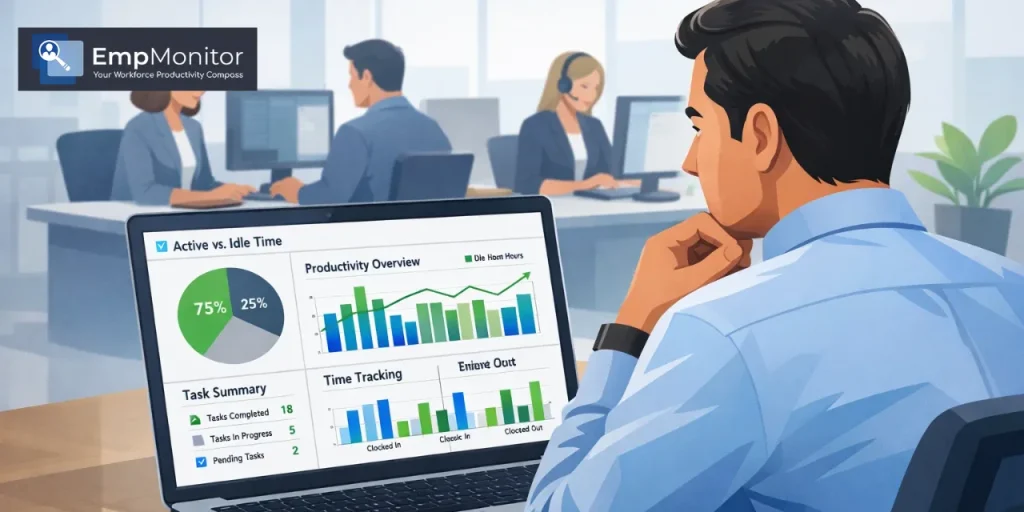
Managing a team often comes down to a simple balance: trusting people while still making sure work moves forward the way it should.
That was exactly the situation one operations manager faced while leading a growing coordination team. The group handled vendor communication, report preparation, and day-to-day operational follow-ups. On paper, everything looked organized. Employees filled out their timesheets, tasks were logged regularly, and project trackers appeared neat and complete.
Every week, the manager reviewed reports showing logged work hours, completed tasks, and progress on ongoing projects. Most employees recorded full workdays, and every assignment appeared accounted for.
But over time, small things began to feel slightly out of place.
Nothing dramatic. Just a few little details that did not quite match expectations.
Some projects that usually wrapped up within two days were stretching closer to three. Certain administrative updates that normally took 30 minutes were occasionally logged for an hour or more. Sometimes a client follow-up marked as completed during the day would still carry over into the next morning.
Individually, these moments seemed harmless. Together, they raised a quiet but important question.
Were the reported hours truly reflecting how time was being spent?
A Pattern Begins to Appear
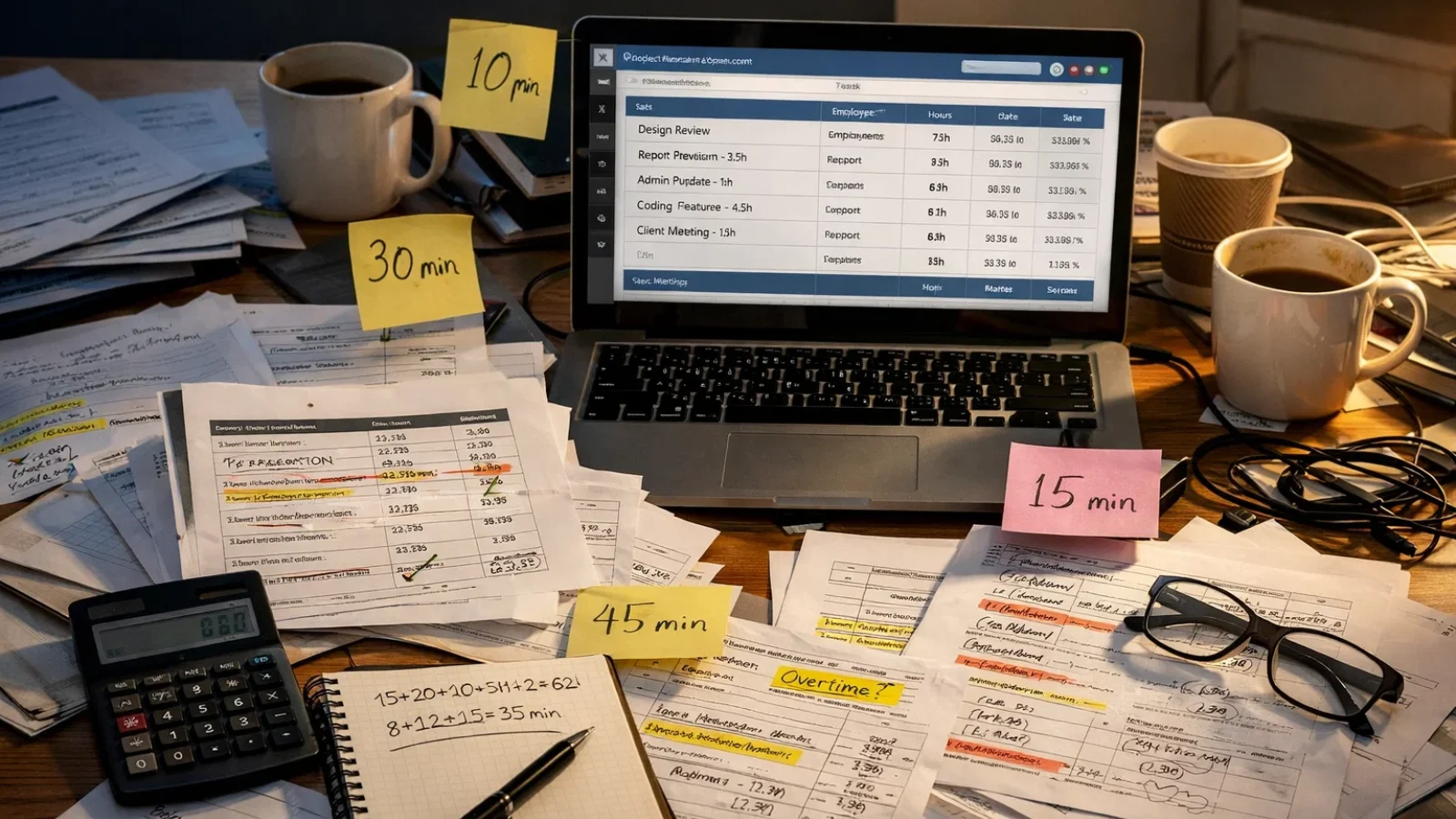

The Report That Sparked the First Doubt
The first moment that caught the manager’s attention came during a routine report review.
One employee had logged more than two hours for a task labelled report preparation. When the final document was reviewed, it appeared to be a relatively short update similar to reports that usually took much less time to complete.
When the manager asked about the difference, the explanation sounded reasonable. The employee mentioned that some data corrections had slowed the process.
Situations like this are common in operational work. At that point, there was no reason to assume anything unusual.
Still, within the next couple of weeks, similar examples started appearing again.
Small Time Extensions Across Routine Tasks
Over the following weeks, the manager noticed that several tasks were being logged for longer periods than usual.
Administrative updates that once took about half an hour sometimes appeared as one-hour task blocks. Quick coordination emails were occasionally grouped inside work sessions that stretched far longer than expected.
None of these entries suggested clear misuse. Instead, the pattern looked more subtle.
Time seemed to be stretching slightly across routine activities.
Not dramatically. Just gradually.
Estimating the Hidden Cost of Extra Minutes
To better understand the situation, the manager ran a simple internal estimate.
The review suggested that a small group of employees might be adding around 30 to 45 extra minutes to their daily task logs.
On a single day, that difference hardly seemed noticeable.
But across the team, the numbers added up.
For example:
- 6 employees adding roughly 45 minutes each day
- That equals about 4.5 additional paid hours daily.
Across a typical work month, that quietly turned into close to 100 extra paid hours.
Once average hourly pay was factored in, the additional cost reached tens of thousands of rupees each month.
Operations were still running smoothly, but the inefficiency was clear enough to deserve attention.
Also Read
How Does An Employee Time Calculator Work?
What Is Employee Monitoring Software: Its Uses & Importance Explained
The Limits of Manual Timesheets
The team relied on a project management system where employees logged time against their assigned tasks.
The system worked well for organizing assignments and tracking project progress. However, it had one important limitation.
All time entries depended entirely on self-reporting.
The platform could not show:
- Whether the computer was actively being used during logged work time
- If systems were idle while tasks were recorded
- Which applications were actually used during work sessions
Without this kind of information, managers could only rely on what appeared in the timesheet.
At the same time, the goal was never to create a surveillance environment. The manager simply wanted a clearer understanding of how work hours were unfolding throughout the day.
Situations like this are increasingly common for organizations managing a remote workforce, where managers rely heavily on digital systems and self-reported time logs to understand how work hours are being spent.
Discovering EmpMonitor

During conversations with other operations professionals, the manager came across EmpMonitor, an employee monitoring software platform designed to provide deeper insights into daily work activity patterns.
The platform offered several useful features:
- Active and idle time tracking
- Application and website usage reports
- Periodic screenshot monitoring
- Productivity trend insights
Instead of introducing the system to the entire department immediately, the manager decided to run a small pilot first.
A small group of employees was selected for the trial. The group included both consistent performers and employees who occasionally struggled with deadlines.
The goal was simple.
See what the data revealed.
After about two weeks, the results began to paint a clearer picture.
Idle Time That Had Gone Unnoticed
One of the first insights came from idle time reports.
Several employees showed noticeable periods where their computers were inactive during hours that had been logged as full work time.
In some cases, idle time approached nearly two hours during the workday, even though timesheets showed continuous activity.
This did not necessarily mean employees were doing nothing. Some may have stepped away briefly or switched tasks.
But the pattern helped explain why certain assignments were taking longer than expected.
Website and Application Usage Patterns
Application usage reports added another layer of context.
Some task blocks included periods where non-work websites were open during logged work sessions.
These moments were not constant distractions. Still, small breaks that stretched longer than planned were quietly affecting productivity.
Screenshots That Added Context
EmpMonitor also captured screenshots at periodic intervals.
These were not continuous recordings, which helped maintain a reasonable level of privacy while still providing useful context.
Most screenshots showed employees working on their assigned tasks. Occasionally, however, they confirmed that certain logged work periods included unrelated browsing or non-task activity.
A Positive Surprise from the Data
One of the most unexpected outcomes involved two employees who rarely stood out during weekly discussions.
Their work had always been steady, but the monitoring reports revealed something impressive.
Both showed consistently high active time and very little idle activity throughout the day.
Their productivity had always been there. The difference was that now it was clearly visible.
This allowed the manager to recognize their consistency with real data rather than just general impressions.
Moving from Assumptions to Evidence
With objective activity reports available, conversations with employees became easier and more constructive.
Instead of raising concerns based on assumptions, the manager could point to clear patterns in the data.
Several employees acknowledged that distractions or personal interruptions had affected their routines.
Because the discussion focused on work habits rather than accusations, employees were more open to adjusting their approach.
Over time, noticeable improvements followed.
Idle time began to decrease, and timesheets started reflecting actual work activity more accurately.
Transparency from the Start
After the pilot proved helpful, the system was gradually introduced to the rest of the team.
Employees were clearly informed about:
- What the system tracked
- Why was it being introduced?
- How the data would be used
This transparency made a big difference. The tool was viewed less as monitoring and more as a way to bring clarity and fairness to work tracking.
Results After Three Months:
Payroll Accuracy Improves
Within three months, the most noticeable improvement appeared in payroll calculations.
As logged hours began aligning more closely with actual work activity, payroll accuracy improved to nearly 99 percent.
Idle Time Drops Significantly
Average idle time across the team dropped from about 94 minutes per day to roughly 31 minutes.
Normal breaks remained part of the workday, but long inactive periods became far less common.
Projects Move Faster
With more focused work hours, project timelines improved as well.
Average completion times improved by around 18 percent, helping the team meet operational deadlines more consistently.
Fewer Timesheet Disagreements
Another benefit appeared in payroll discussions.
Because both managers and employees could reference the same activity reports, disagreements about logged work hours became far less frequent.
The shared data created a clearer and more transparent system for everyone involved.
Maintaining Trust While Using Monitoring Tools
Why Communication Matters Most
Whenever monitoring systems are introduced, one concern almost always comes up.
Will this damage trust between employees and management?
In practice, the outcome depends less on the tool itself and more on how it is implemented.
When monitoring tools are introduced transparently and used to improve workflow rather than punish employees, they can actually strengthen workplace fairness.
Reliable data helps managers:
- Recognize consistent performers
- Identify employees who may need support.
- Plan workloads more effectively.
- Ensure payroll accuracy across the team.
Technology alone does not define workplace culture. Communication and leadership always play a larger role.
Conclusion
Time padding is not always intentional. In many workplaces, it develops slowly through small distractions, loose time estimates, or unstructured work routines.
Manual timesheets rarely reveal these patterns.
In this case, introducing EmpMonitor simply helped the team see their workday more clearly.
With better visibility came more accurate payroll, clearer communication, improved project timelines, and recognition for employees who consistently stayed focused.
For organizations looking to understand productivity without creating an intrusive environment, structured activity tracking can offer a balanced and practical solution.
FAQ
What is time padding?
Time padding happens when logged work hours are longer than the actual time spent on productive tasks. This can occur due to distractions, inaccurate time estimates, or routine logging of full workdays.
How can companies detect time padding?
Companies often use workforce monitoring tools that track active vs idle time, application usage, and work activity patterns to compare reported hours with actual activity.
Is employee monitoring legal?
In most regions, it is legal if employees are informed beforehand. Many companies include monitoring policies in employment contracts or internal guidelines.
What features are useful in monitoring software?
Common features include idle time tracking, application and website usage reports, screenshot monitoring, and productivity dashboards.
How can companies introduce monitoring tools properly?
Clear communication is essential. Explaining what is tracked and why helps ensure employees see the tool as a way to improve accuracy and fairness rather than surveillance.

