


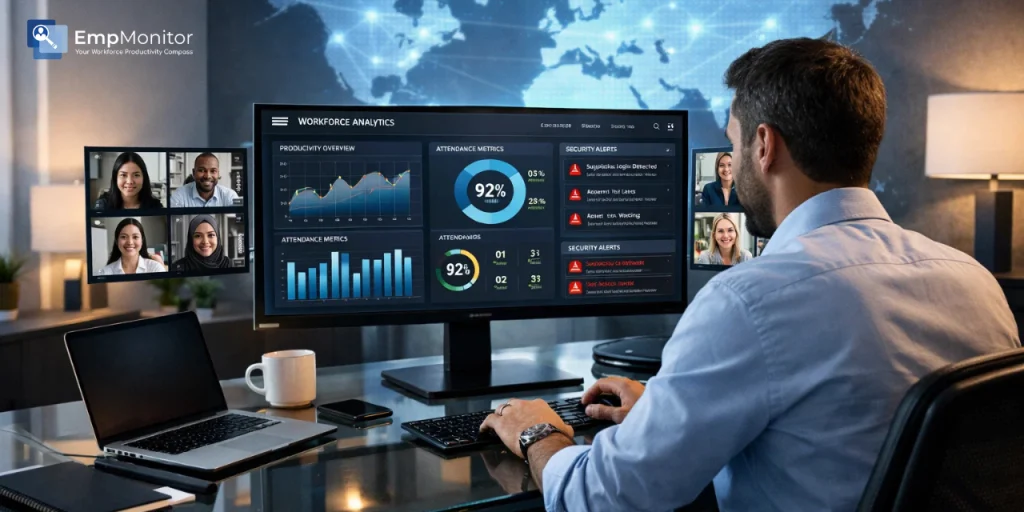
How one of the leading companies in the B2B SaaS industry transformed remote workforce challenges into operational clarity and improved productivity by 37% in just 90 days using EmpMonitor.
Industry: B2B SaaS / Technology
Company Size: 180 full-time employees
Work Model: 100% Remote (12 countries)
Challenge: Limited productivity visibility, unreliable attendance tracking, and growing data security risks
Solution: EmpMonitor – Employee Monitoring & Workforce Productivity Suite
Results: 37% productivity increase | 94% attendance accuracy | $180K saved annually
The Background: A Team Without Walls
One of the leading companies in the global SaaS technology sector made a strategic decision to fully embrace remote work.
Rather than treating remote operations as a temporary shift, the company saw it as a long-term competitive advantage. Leadership believed that talent should never be limited by geography.
Within just 18 months, the organization had built a distributed team of 180 professionals working across 12 countries, including engineers, product managers, and customer success specialists.
The remote hiring strategy unlocked access to exceptional global talent.
But as the company scaled rapidly, a critical challenge began to emerge: operational visibility.
Managers struggled to answer basic questions:
- Were employees actually working during logged hours?
- Why were some teams consistently meeting deadlines while others struggled?
- How secure was company data in a fully distributed environment?
The company realized that while remote work expanded opportunity, it also required stronger systems to maintain operational control.
The Problem: Three Cracks in the Foundation
1. Limited Visibility Into Productivity
Despite using collaboration tools like project management platforms and messaging apps, managers still lacked insight into actual work activity.
Teams could update tasks or remain online in chat systems, but that didn’t necessarily reflect real productivity.
The result was inconsistent performance across departments.
Some teams delivered projects efficiently, while others struggled with delays, even when workloads appeared similar.
Without measurable activity data, it was impossible for leadership to determine whether the issue was workload imbalance, workflow inefficiencies, or engagement gaps.
2. Inaccurate Attendance Tracking
The company relied on employees manually logging hours into shared spreadsheets.
As the organization grew, this approach quickly became unmanageable.
Employees across multiple time zones often logged hours inconsistently, and many entries were difficult to verify.
Payroll accuracy dropped significantly, with internal audits suggesting that nearly 30% of reported hours lacked reliable verification.
HR teams spent several hours every week manually reviewing and correcting time entries.
This administrative burden slowed down payroll processing and created uncertainty around workforce accountability.
3. Data Security Concerns
The biggest wake-up call came when a departing employee was found to have accessed sensitive client data shortly before leaving the company.
While the issue was contained, it exposed a serious vulnerability.
With a fully remote workforce and no endpoint monitoring tools, the organization had limited ability to track suspicious activity or investigate unusual data transfers.
Sensitive information such as product codebases, financial records, and customer data required stronger protection.
Leadership recognized that without proper monitoring and security systems, the company faced both operational and compliance risks.
“We had 180 employees and zero visibility. Something had to change before it got worse.”
The Discovery: Finding EmpMonitor

The IT and operations teams evaluated several workforce management platforms before selecting EmpMonitor.
The decision was influenced by three major factors:
Comprehensive Workforce Visibility
EmpMonitor provided a unified dashboard for real-time workforce insights, including productivity tracking, application usage monitoring, attendance automation, and activity reports.
This allowed managers to move beyond assumptions and make decisions based on actual data.
Cross-Platform Compatibility
The organization’s workforce used a mix of Windows, Mac, and Linux systems.
EmpMonitor’s compatibility across multiple operating systems made deployment seamless across departments without requiring infrastructure changes.
Cost-Effective Scalability
Compared to enterprise workforce analytics tools, EmpMonitor offered a flexible pricing model that allowed the company to scale monitoring capabilities as the team expanded.
This made it financially viable to implement across the entire 180-person workforce.
The company began onboarding employees onto EmpMonitor during Q3 2023, completing the rollout within two weeks.

The Implementation: What It Actually Looked Like
Week 1–2: Transparent Introduction
Leadership prioritized clear communication during implementation.
Employees were informed about:
- What activity data would be tracked
- Why the tool was being implemented
- How the insights would support productivity rather than punish individuals
The company also hosted internal Q&A sessions to address concerns.
This transparency helped build trust and ensured smooth adoption across teams.
Week 3–4: Establishing Productivity Baselines
Once the platform was fully deployed, the first productivity insights began to emerge.
EmpMonitor’s analytics revealed that the average employee logged 4.8 hours of active work per eight-hour day.
URL tracking also showed that a noticeable portion of working hours was spent on non-work-related browsing during peak productivity periods.
These insights helped managers understand real productivity patterns without relying on speculation.
Month 2: Optimizing Workflows
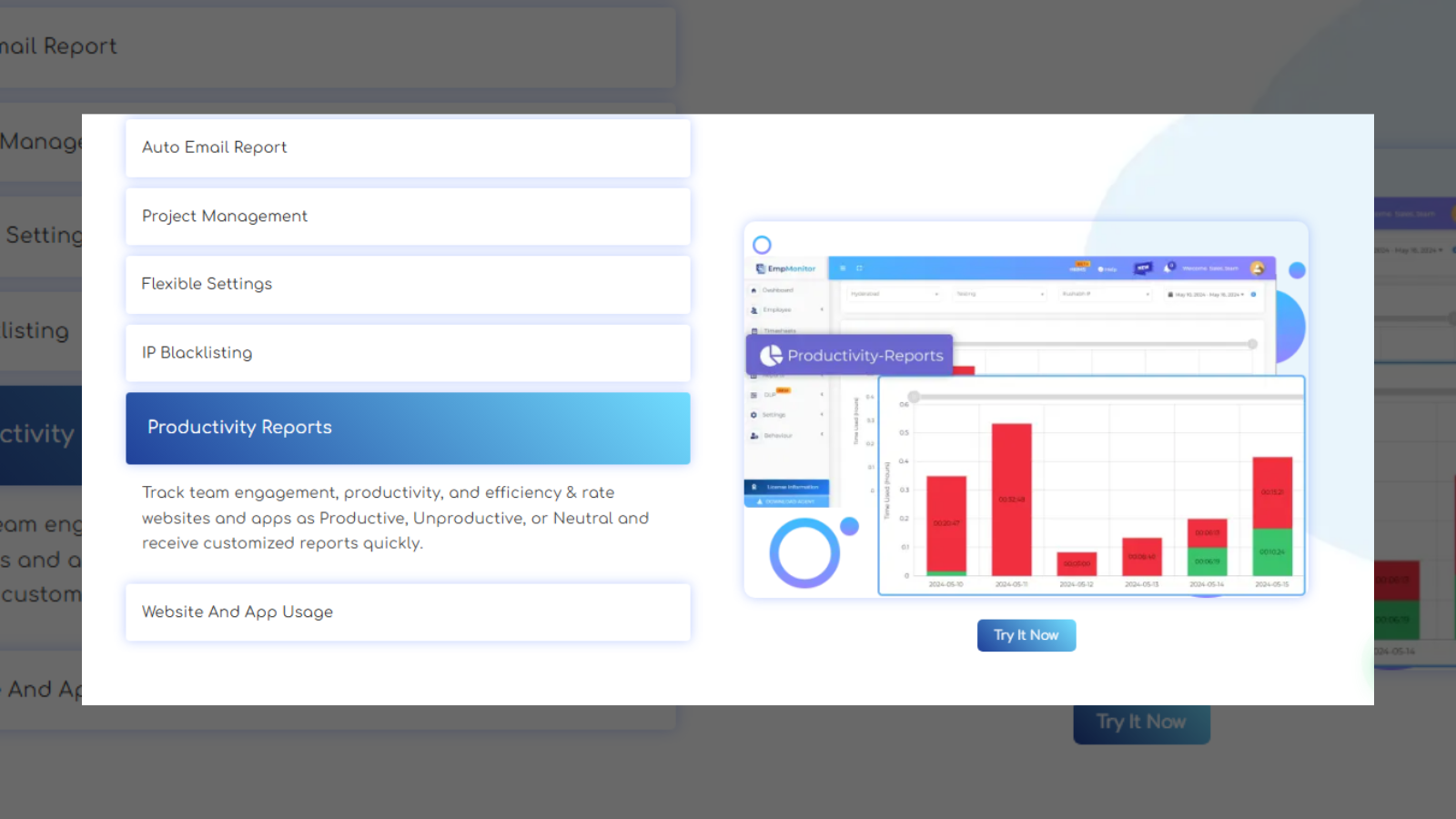
With data available, department leaders began using individual productivity reports during performance reviews.
High-performing employees were recognized and rewarded, while employees with lower engagement received structured improvement plans.
Idle time analytics also helped identify workflow bottlenecks.
In several cases, employees were not disengaged – they were simply waiting on approvals or input from other teams.
Managers adjusted project handoff processes to reduce these delays.
Month 3: Strengthening Data Security
The company’s security team activated EmpMonitor’s insider threat prevention features.
Automated alerts were configured to detect:
- Suspicious data transfers
- Unusual application access patterns
- Login activity outside standard working hours
Screenshot monitoring was configured to trigger only during flagged activity to balance security oversight with employee privacy.
Within the first month of activation, the system identified two potential data exfiltration attempts, both of which were investigated and resolved before any breach occurred.
The Results: 90 Days Later
The numbers told a compelling story:
| 37% Productivity Increase |
94% Attendance Accuracy |
$180K Annual Savings |
2 Data Breaches Prevented |
Productivity Soared
Average active work hours climbed from 4.8 to 6.6 hours per day, a 37% improvement, within three months. Project delivery timelines tightened, missed deadlines dropped by 41%, and client satisfaction scores increased for the first time in two quarters. The improvement wasn’t driven by pressure; it was driven by clarity. Employees knew what was expected, and they could see their own productivity data in real time.
Attendance Became Reliable
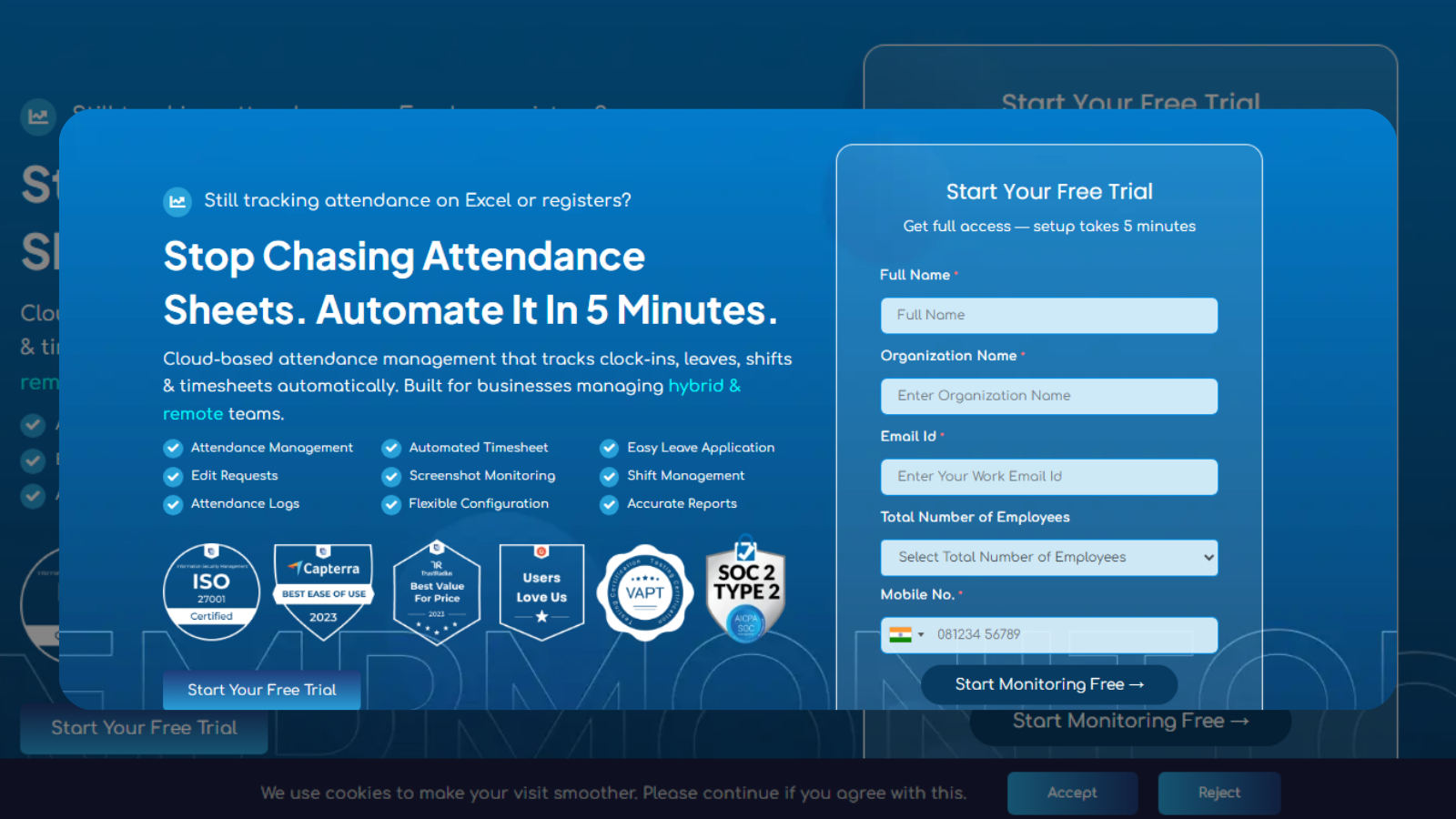
Manual timesheets were scrapped entirely. EmpMonitor’s automated attendance tracking eliminated the Friday afternoon audit ritual. Payroll accuracy jumped to 94%. HR reclaimed approximately 20 hours per month that had previously been lost to manual reconciliation, hours that were reinvested into strategic hiring and employee development programs.
Data Security Was No Longer an Afterthought
Two potential insider threats were detected and neutralized in the first month alone. The security team built a new incident response protocol around EmpMonitor’s alert system, and executive leadership finally had the peace of mind that sensitive data was being actively protected. Cybersecurity insurance premiums dropped at the next renewal, a direct financial benefit of demonstrable risk controls.
The Financial Case
Operational improvements translated into significant cost savings.
By combining:
- Reduced payroll discrepancies
- Lower HR administrative workload
- Prevention of potential data breaches
The company estimated $180,000 in annual savings.
Compared to the cost of the EmpMonitor subscription, the return on investment exceeded 14 times the annual cost.
“EmpMonitor didn’t just give us visibility – it gave us our company back.”
The Takeaway: What Remote Teams Can Learn
The experience highlights a broader lesson for remote-first companies.
Remote work offers enormous flexibility and access to global talent, but scaling a distributed workforce requires structured visibility and data-driven management.
Without accurate insights, organizations rely on assumptions, which often lead to inefficient processes and missed opportunities.
EmpMonitor enabled leadership to understand how work actually happened across the organization.
By combining transparency, accountability, and actionable data, the company successfully built a remote workforce model that balanced productivity, trust, and security.
EmpMonitor Features That Made the Difference
- Real-Time Dashboard – instant visibility into active, idle, and offline employees across all time zones
- Productivity Scoring – automated calculation of productive vs. unproductive time for every team member
- Attendance Automation – eliminated manual timesheets with accurate clock-in/out tracking
- URL & App Tracking – identified time-drain patterns and non-work browsing during core hours
- Screenshot Monitoring – on-demand and trigger-based screenshots for accountability and security
- Insider Threat Prevention – automated alerts for suspicious data movement and access patterns
- Individual & Team Reports – granular data for performance reviews and project planning
Ready to bring clarity to your remote workforce? Visit empmonitor.com to start your free trial or book a personalized demo.
FAQs:
Q1. How does EmpMonitor handle teams spread across multiple time zones?
Its real-time dashboard unifies everyone, regardless of location, into one live view. You see who’s active, idle, or offline across every time zone simultaneously, with no manual check-ins required.
Q2. Can it replace manual timesheets for remote teams?
Completely. EmpMonitor automates attendance tracking end-to-end, eliminating spreadsheet chaos and the hours wasted auditing them every week.
Q3. How do you maintain productivity accountability without a physical office?
Through real-time activity tracking, productivity scoring, and individual reports, managers get the same visibility remotely that they’d have sitting in the same room.
Q4. Is remote employee monitoring legal?
In most countries, yes – provided employees are informed. Transparent communication about what’s tracked and why is both a legal safeguard and a culture win.
Q5. How does EmpMonitor protect sensitive data in a remote setup?
Its Insider Threat Prevention module flags suspicious file transfers and unusual access patterns instantly, critical when your entire workforce operates outside a secured office network.