Modern workplaces no longer operate from a single office floor. Teams work from home, in co-working spaces, across cities, and even across continents. This shift demands better visibility, stronger accountability, and smarter performance insights. Businesses now rely on computer monitoring software to understand workflows, protect assets, and improve productivity without disrupting employee experience.
But not all tools deliver the same value. Many companies install tracking systems without clear goals, and that leads to confusion, resistance, or wasted investment. To succeed, organizations need clarity, transparency, and the right technology strategy.
This in-depth guide explores how employee tracking tools works, why it matters, and how businesses can use it responsibly to drive measurable growth.
Hit ‘Play’ Button & Tune Into The Blog!
Why Businesses Need Better Workforce Visibility?
Remote and hybrid work models changed management forever. Managers cannot rely on physical presence to measure productivity. Instead, they need accurate performance data, real-time activity insights, and security safeguards.
That’s where computer monitoring software becomes essential. It gives leaders a structured view of employee activity while helping teams optimize workflows. Rather than guessing how time gets spent, companies can analyze trends and make informed decisions.
Organizations today face challenges such as:
- Reduced visibility into remote teams
- Rising cybersecurity threats
- Time theft and idle work hours
- Project delays due to poor tracking
- Lack of productivity insights
With the right pc monitoring software, businesses address these concerns proactively instead of reactively.
Also Read:
9 Actionable Productivity Secrets That Will Boost Your Business
What Is Computer Monitoring Software?
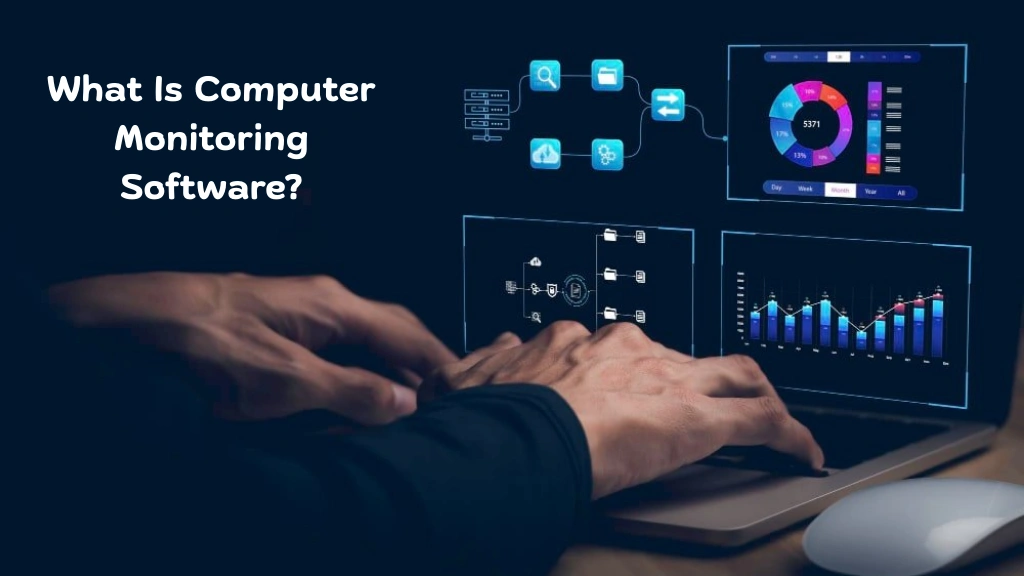

Computer monitoring software refers to digital tools that track and analyze user activity on workplace devices. It records work patterns, application usage, time logs, and system interactions to help employers understand how work progresses.
This technology does not aim to micromanage employees. Instead, it focuses on performance analytics, compliance monitoring, and operational efficiency.
The best computer monitoring software solution usually includes:
Comprehensive Activity Tracking:
Captures detailed information about user actions throughout the workday, helping managers understand workflow patterns and identify productivity gaps.
Website and Application Usage Monitoring:
Tracks which websites and applications employees use during work hours, enabling organizations to differentiate between productive and non-work-related activity.
Automated Time Tracking:
Records active and idle time accurately, generating real-time timesheets that simplify payroll processing and performance analysis.
Screen Recording and Snapshots:
Captures visual evidence of on-screen activities for compliance checks, training purposes, and dispute resolution.
Real-Time Dashboards and Live Insights:
Displays up-to-date productivity metrics, allowing managers to monitor team performance instantly without waiting for manual reports.
Detailed Productivity Reports:
Provides structured analytics with daily, weekly, and monthly summaries that highlight trends, strengths, and improvement areas.
Advanced Security Alerts:
Detects suspicious behavior such as unauthorized access attempts, unusual file transfers, or risky downloads to prevent insider threats.
Among modern solutions, EmpMonitor stands out as one of the best platforms in this space. It combines productivity tracking, real-time monitoring, insider threat prevention, attendance management, and project tracking within a single dashboard.
EmpMonitor has the potential to support organizations of all sizes by delivering actionable insights, improving team accountability, and strengthening workplace security without disrupting daily operations.
When implemented correctly, pc monitoring software builds accountability, strengthens security, and encourages consistent performance standards across teams.
What Are The Key Benefits Of Computer Monitoring Software?
1. Boosted Productivity:
Managers can identify time-consuming tasks, distractions, and inefficiencies. By reviewing activity data, teams restructure workflows and remove bottlenecks.
2. Accurate Time Tracking:
Automated timesheets eliminate manual errors. Companies rely on these tools to capture real-time work hours and improve payroll accuracy.
3. Stronger Data Security:
Sensitive information requires protection. Advanced monitoring tools detect suspicious behavior, helping prevent insider threats and data breaches.
4. Better Performance Reviews:
Objective data improves fairness. Instead of relying on assumptions, managers use these insights during evaluations
5. Improved Resource Allocation:
Businesses allocate tasks more effectively when they understand productivity patterns through monitoring tools.
How Computer Monitoring Software Improves Remote Work?

Remote teams require trust supported by data. Without insight, leaders struggle to manage distributed employees and ensure consistent performance across locations.
By using computer monitoring software, organizations can:
- Track Productivity Trends in Real Time:
Access live dashboards that display active hours, application usage, and task progress, allowing managers to make quick, data-backed decisions. - Identify Idle and Unproductive Hours Accurately:
Detect extended inactivity, unnecessary browsing, or workflow gaps so teams can address performance issues before they impact deadlines. - Monitor Workload Distribution Across Teams:
Analyze task allocation patterns to ensure balanced responsibilities and prevent burnout or underutilization. - Strengthen Accountability Through Transparent Reporting:
Provide structured performance reports that encourage employees to stay focused while maintaining clear performance expectations. - Reduce Project Delays with Early Intervention:
Identify bottlenecks, missed milestones, or workflow inefficiencies early and take corrective action to keep projects on schedule.
Unlike traditional supervision, pc monitoring software creates measurable transparency by replacing assumptions with clear, actionable data.
Some companies explore free monitoring tools during the early stages of adoption. However, as remote operations expand, they often transition to premium solutions that offer deeper analytics, stronger data protection, and enterprise-grade security features.
What Core Features Should You Look For In Computer Monitoring Software?
Choosing the right monitoring software requires attention to functionality and scalability. Some organizations even start by testing free computer monitoring software to explore basic features before investing in premium solutions.
- Real-Time Activity Tracking: Live dashboards allow managers to view app usage, website visits, and productivity levels instantly.
- Screen Recording: Many monitoring tools offer automatic screen captures to ensure compliance and resolve disputes.
- Insider Threat Prevention: Advanced systems detect harmful behavior before it escalates.
- Attendance Monitoring: Automated attendance reports simplify HR processes.
- Project Management Integration: Integrated task tracking enhances workflow coordination.
Companies seeking the best pc monitoring software focus on flexibility, detailed reporting, and security features.
Also Read:
All About Computer Monitoring Software | Free Tools & Features
Why Desktop Monitoring And Management Is Powerful Now?
How Can Organizations Ethically Implement Computer Monitoring Software?
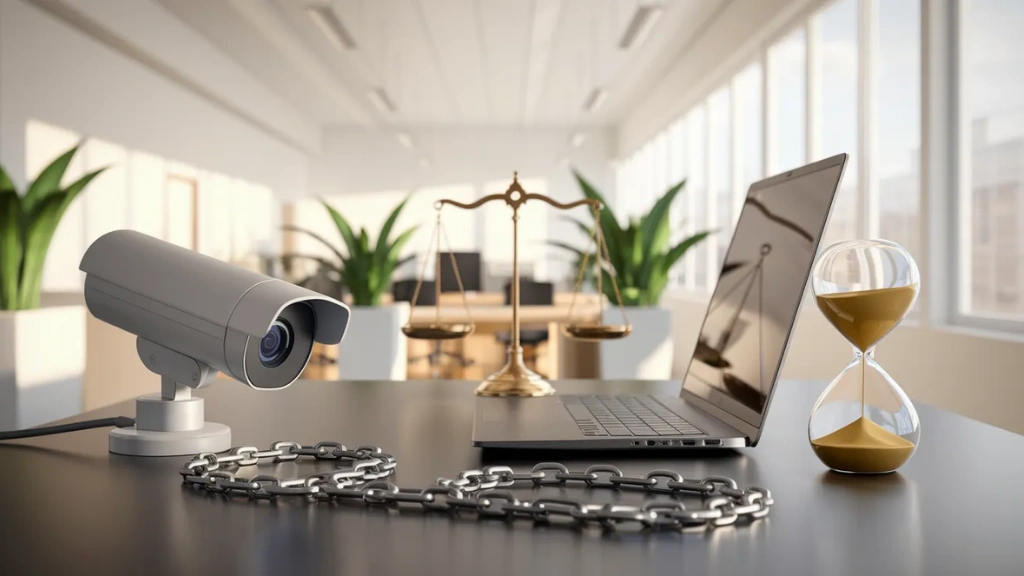
Simply installing desktop monitoring software is not enough to improve productivity or security. Its success depends on ethical implementation and transparent practices that build trust between managers and employees. Without this, monitoring can create fear, resentment, or disengagement.
To implement monitoring software responsibly, organizations should:
Clearly Inform Employees About Monitoring:
Transparency is key. Employees should know what is being monitored, why it is necessary, and how the collected data will be used. Clear communication prevents misunderstandings and ensures compliance with privacy laws.
Explain Objectives and Benefits:
Highlight how monitoring helps improve workflow efficiency, detect bottlenecks, enhance productivity, and ensure data security. When employees understand the purpose, they are more likely to view monitoring as a supportive tool rather than a punitive measure.
Define Acceptable Usage Policies:
Establish clear guidelines for device and internet use during work hours. Policies should outline what constitutes appropriate and inappropriate activities, creating a framework that protects both employees and company resources.
Protect Employee Privacy:
Restrict the monitoring to professional activities only. Avoid tracking personal communications or sensitive private information. Ensuring privacy safeguards encourages trust and ethical use of the software.
Limit Access to Authorized Personnel:
Only designated managers or administrators should have access to monitoring dashboards and data. Role-based access reduces misuse risks and protects sensitive information.
By following these steps, organizations can use pc monitoring software as a tool to support collaboration, optimize productivity, and enhance security, all while maintaining a positive workplace culture.
Why Is Empmonitor The Smartest Computer Monitoring Solution For Modern Workplaces?
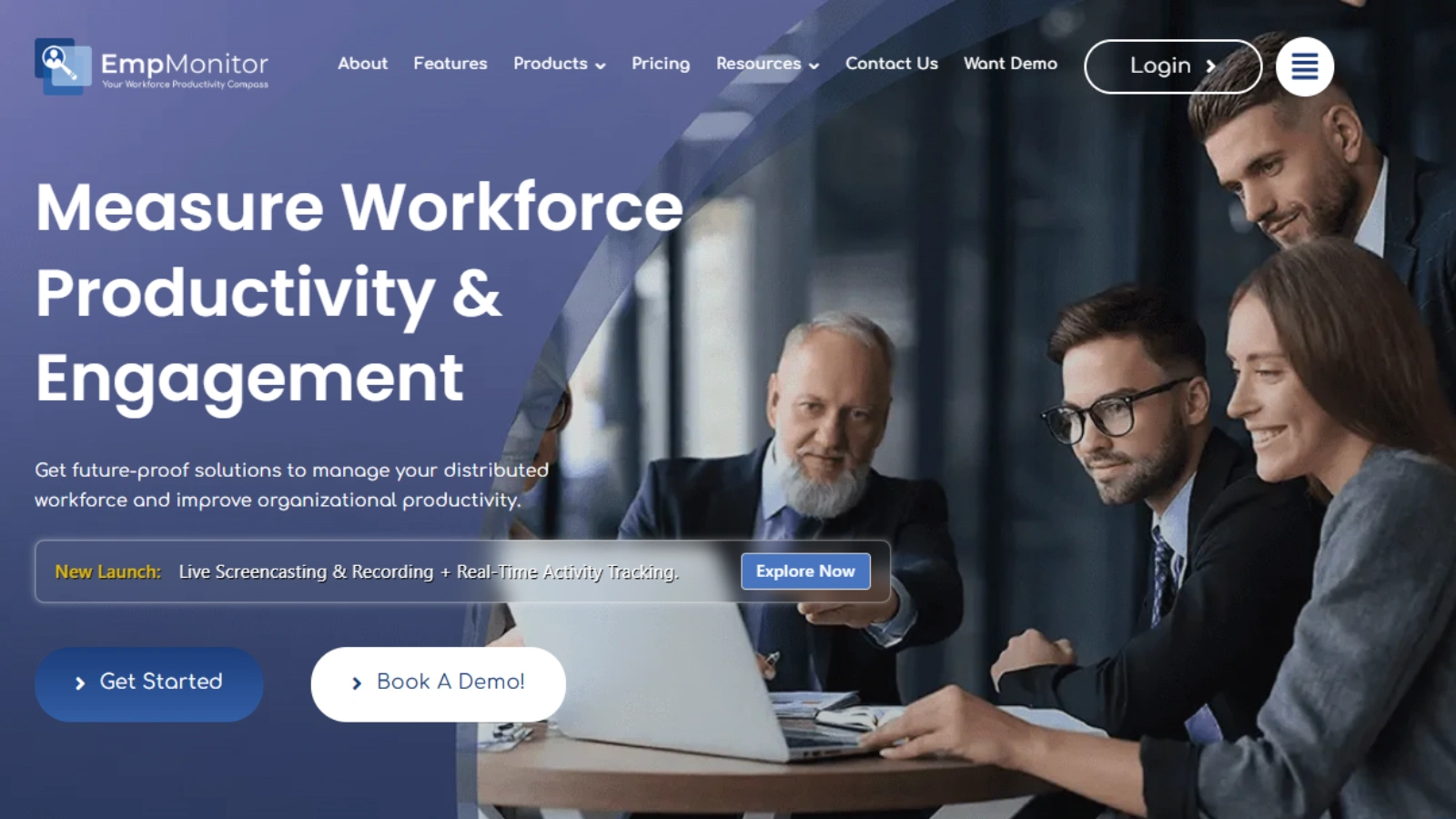

EmpMonitor offers much more than basic tracking. It provides an intelligent ecosystem built for modern enterprises.
Employee Monitoring Software:
EmpMonitor strengthens team performance with enhanced productivity tracking. It delivers detailed activity analysis and insights into daily and hourly workflows. Managers gain context-rich reporting that helps track distributed teams effectively.
Time-Tracking:
The platform analyzes productive and idle hours with meticulous accuracy. Automated reports reflect real-time timesheets, enabling precise performance assessment.
User Activity Monitoring:
Maintaining productivity becomes easier with detailed daily or hourly activity breakdowns. The system offers comprehensive reporting to improve efficiency.
Insider Threat Prevention:
EmpMonitor enhances security by identifying harmful activities in real time. It mitigates risks associated with negligent or malicious employee behavior.
Attendance Monitoring:
Its employee-friendly attendance tracking system simplifies leave management. Paperless processes save time and ensure compliance.
Workforce Productivity & Engagement:
EmpMonitor empowers teams with enterprise intelligence tools, project management, and time-tracking reports to maximize engagement.
Real-Time Activities Tracking:
Live dashboards monitor applications and website usage instantly.
Project Management:
Task allocation, milestone tracking, and collaboration tools streamline project execution.
For organizations searching for reliable employee computer monitoring software, EmpMonitor offers a balanced combination of analytics, compliance, and engagement features.
How Does Computer Monitoring Software Enhance Workplace Security?
Data breaches and insider threats can harm both reputation and revenue. Robust computer monitoring software helps organizations proactively protect their digital assets. Key security advantages include:
- Real-Time Threat Detection – Instantly identifies suspicious activity and potential cyber threats to prevent breaches.
- Asset Usage Tracking – Monitors how company devices and resources are being used to ensure compliance and prevent misuse.
- Compliance Monitoring – Helps businesses meet regulatory standards by tracking activities and maintaining audit-ready records.
- Reduced Insider Risks – Detects negligent or malicious employee behavior before it escalates into serious issues.
With computer remote monitoring software, managers gain centralized control and oversight across multiple locations without needing a physical presence.
How Computer Monitoring Software Supports HR Teams?
HR departments handle attendance, payroll, compliance, and performance reviews. Manual tracking consumes time and invites errors.
With computer monitoring software, HR teams:
- Automate attendance tracking
- Generate accurate reports
- Distribute online payslips
- Analyze productivity metrics
- Maintain compliance records
This structured system reduces administrative burden and enhances workforce transparency.
How Can Organizations Measure ROI From Computer Monitoring Software?
Investing in computer monitoring software goes beyond just tracking activity, it should deliver measurable improvements in efficiency, security, and performance. By analyzing the right metrics, businesses can quantify the return on investment (ROI) and ensure the software contributes to strategic goals.
Organizations often see tangible benefits, including:
Increased Productivity:
Provides insights into workflow patterns, helping teams focus on high-value tasks and eliminate inefficiencies.
Reduced Idle Time:
Identifies periods of inactivity or underutilization so managers can optimize task allocation.
Improved Deadline Adherence:
Monitors project progress in real time, enabling proactive interventions to meet deadlines.
Stronger Data Security:
Detects suspicious behavior and insider threats, protecting company assets and reducing potential losses.
Higher Employee Accountability:
Transparent reporting encourages employees to stay focused and take ownership of their tasks.
When implemented strategically, pc monitoring software pays for itself by boosting operational efficiency, enhancing compliance, and supporting data-driven decision-making.
The Future Of Computer Monitoring Software
As work environments evolve, computer monitoring software is becoming smarter, more automated, and increasingly data-driven. The next generation of tools will go beyond simple tracking to actively enhance productivity, security, and engagement across organizations.
Key future trends include:
- AI-Driven Performance Analytics – Uses artificial intelligence to analyze patterns, predict productivity trends, and provide actionable insights.
- Predictive Risk Detection – Identifies potential threats or workflow bottlenecks before they impact operations.
- Automated Compliance Checks – Continuously ensures adherence to company policies and regulatory standards without manual oversight.
- Deeper Workflow Insights – Offers granular visibility into processes, helping managers optimize resource allocation and task efficiency.
- Smarter Engagement Tracking – Monitors employee engagement levels and identifies areas to improve collaboration and satisfaction.
Businesses that adopt advanced pc monitoring software today position themselves for long-term scalability, improved efficiency, and a competitive edge in an increasingly digital workplace.
Final Thoughts
Workplace productivity and security require more than guesswork. Data-driven management defines modern success.
Computer monitoring software empowers organizations with visibility, accountability, and actionable insights. When companies choose ethical implementation and advanced solutions like EmpMonitor, they unlock stronger performance, higher engagement, and greater operational control.
Instead of treating monitoring as surveillance, forward-thinking businesses treat pc monitoring software as a growth catalyst.
In a competitive digital landscape, clarity wins. And the right tools make that clarity possible.
FAQs
1. Is computer monitoring software legal for businesses to use?
Yes, businesses can legally use pc monitoring software in most countries, but they must follow local labor laws and data privacy regulations. Employers should inform employees about monitoring policies, define clear usage guidelines, and ensure compliance with regional laws such as GDPR or other workplace privacy standards.
2. Can monitoring tools improve team morale instead of harming it?
Yes, when implemented correctly. If leaders use monitoring to support growth, remove bottlenecks, and recognize high performers, it strengthens team morale. Problems usually arise only when companies fail to communicate clearly or use tracking unfairly.
3. How can companies choose the right computer monitoring software?
Businesses should evaluate features such as real-time tracking, reporting depth, scalability, data security, and integration options. A reliable pc monitoring software solution should align with company size, industry needs, and compliance requirements.