


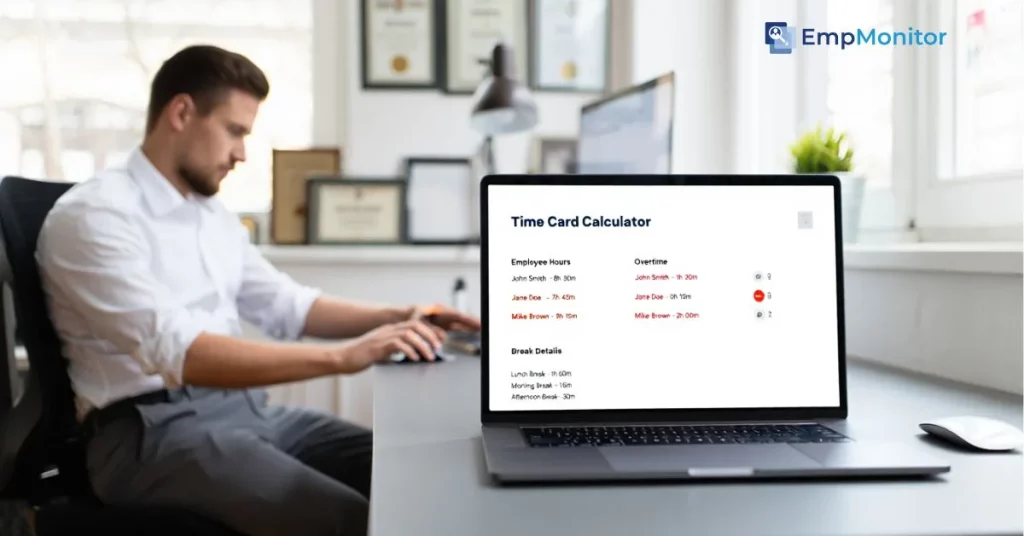
Accurately tracking employee work hours is one of the most crucial yet time-consuming parts of running a business. Many organisations still rely on manual methods, such as handwritten timesheets or spreadsheets, which can lead to payroll errors, confusion over break times, and even compliance issues. When a single miscalculation can affect both employee trust and company finances, having a reliable system to calculate work hours becomes essential.
This is where a time card calculator proves invaluable. It helps businesses quickly determine the total hours an employee has worked, including regular hours, overtime, and breaks. Instead of manually adding up each entry, a time card calculator streamlines the process, reducing errors and saving administrative time.
In this blog, we’ll explore the smart ways to use a time calculator, including features like break and lunch tracking, and show how it can improve payroll accuracy and overall time management.
You can Listen to this Blog here.
What Is a Time Card Calculator?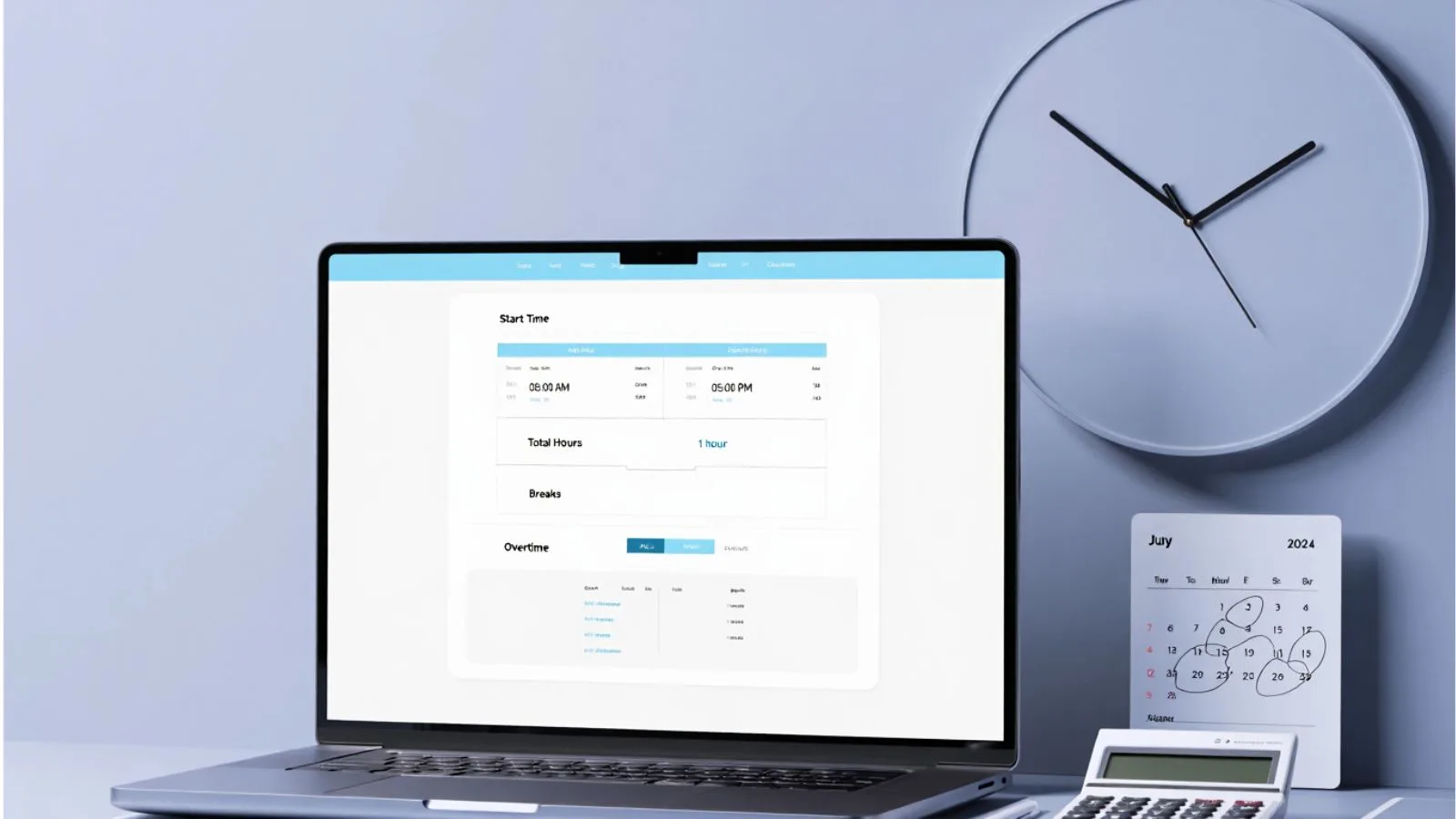

A time card calculator is a simple yet powerful tool designed to help businesses and employees track work hours accurately. At its core, it calculates the total number of hours an employee has worked by taking into account the start time, end time, and any breaks or lunch periods. This ensures payroll is accurate, overtime is calculated correctly, and work hours are documented transparently.
There are several types of time card calculators available:
Manual or basic calculators: These are often free tools where you enter start and end times to calculate total hours. They are simple but require careful input to avoid errors.
Time card calculators with lunch and breaks: These allow you to subtract lunch or other breaks automatically, reducing mistakes that can affect payroll.
Advanced online calculators: Some tools provide automated features like multiple shifts, overtime calculations, and downloadable reports, which are particularly useful for businesses with many employees.
Cloud-based time card calculators: These store time data online, allowing employees and managers to access, update, and manage work hours from anywhere. They are especially useful for remote teams and businesses that need real-time visibility into work hours.
Free time card calculators: Ideal for small businesses or freelancers who want to test basic time-tracking features without any cost.
Using a time card calculator ensures that both employers and employees have a clear record of hours worked. It also reduces disputes over payroll and improves overall productivity by eliminating time-consuming manual calculations.
How Does a Time Card Calculator Work?
A time card calculator works by taking the basic inputs of an employee’s workday and performing automatic calculations to determine total hours worked. The process is straightforward but can save significant time compared to manual methods.
Here’s how it typically works:
- Enter Start and End Times:
You input the time an employee begins and ends their workday. Some calculators accept formats like AM/PM or 24-hour time. - Include Breaks and Lunches:
Options like a time card calculator with lunch or time card calculator with breaks allow you to subtract non-working periods automatically. This ensures total hours reflect actual work time. - Calculate Total Hours:
The calculator adds up the hours worked minus breaks to give the daily total. For employees working multiple shifts, advanced calculators can sum up hours across different periods. - Overtime and Special Hours:
Some calculators can detect overtime automatically if the total hours exceed a standard limit, making payroll adjustments easier. - Generate Reports (Optional):
Many online or digital calculators let you generate weekly or monthly summaries, which are useful for payroll or attendance tracking.
By simplifying these calculations, a time card calculator, free or paid version, ensures accuracy and saves managers from tedious manual work. However, the accuracy still depends on careful input of times and breaks.
Benefits of Using a Time Card Calculator
Using a time card calculator offers several advantages for both businesses and employees. While it may seem like a simple tool, its impact on productivity, accuracy, and transparency is significant.
1. Accurate Payroll Calculation
A time card calculator ensures that every hour worked is accounted for, including regular hours, overtime, and breaks. This accuracy reduces payroll errors, helping employees get paid correctly and on time.
2. Time Savings
Manually calculating hours for multiple employees can be tedious and error-prone. With a time card calculator with lunch or breaks, all computations are done automatically, freeing HR and managers to focus on other tasks.
3. Transparency and Accountability
Employees and managers can see clear records of hours worked, breaks taken, and overtime. This transparency helps prevent disputes and fosters trust within the workplace.
4. Flexibility for Small and Large Teams
Whether using a free time card calculator or a more advanced version, businesses of any size can track hours efficiently. Even small teams can benefit from accurate time tracking without complex software.
5. Better Compliance
Many labor laws require accurate record-keeping of work hours, including overtime and breaks. A reliable calculator ensures that businesses stay compliant with regulations, avoiding penalties and legal complications.
6. Improved Productivity
By reducing time spent on manual calculations and correcting errors, businesses can streamline operations. Employees can focus on their core work while managers have reliable data for decision-making.
Common Mistakes People Make with Time Card Calculators
Even though a time card calculator simplifies time tracking, mistakes can still happen if it’s not used carefully. Being aware of common errors helps ensure accurate payroll and smooth operations.
1. Forgetting to Include Breaks and Lunches
Many users forget to subtract lunch or break periods, which can lead to overreporting hours. Using a time card calculator with lunch or break options helps prevent this error.
2. Incorrect Time Format
Entering start and end times in inconsistent formats — like mixing AM/PM with 24-hour time — can lead to incorrect calculations. Always double-check the format before submitting entries.
3. Ignoring Overtime Rules
Not accounting for overtime or extra hours worked can cause payroll discrepancies. Advanced calculators can handle overtime, but basic ones require manual adjustment.
4. Not Verifying Entries
Even automated calculators rely on accurate input. Skipping verification of entered times may result in errors that affect payroll.
5. Using Only Basic Calculators for Complex Needs
A simple or free time card calculator works for basic time tracking, but for larger teams or multiple shifts, relying solely on manual tools can be limiting and error-prone.
By understanding these common mistakes, businesses can use a time card calculator more effectively, ensuring accurate work-hour records and smoother payroll processing.
The Limitations of a Manual Time Card Calculator
While a time card calculator is helpful for basic time tracking, relying solely on a manual or simple calculator has its limitations. Understanding these drawbacks highlights why many businesses are turning to more advanced solutions.
1. Human Error
Even with a calculator, mistakes in entering start times, end times, or breaks can lead to inaccurate results. These errors can accumulate, especially when managing multiple employees, affecting payroll accuracy.
2. Lack of Integration
Manual time card calculators often do not integrate with payroll systems, making it necessary to transfer data manually. This extra step increases the chance of errors and consumes valuable time.
3. Difficulty Managing Large Teams
For businesses with many employees, manual calculators become cumbersome. Tracking multiple shifts, varying break times, and overtime calculations can be overwhelming without automation.
4. Limited Reporting
Basic calculators provide total hours worked but rarely offer detailed reports or insights. Managers may lack the data needed for productivity analysis, attendance trends, or labor cost tracking.
5. Time-Consuming for Repetitive Tasks
Repeated calculations for daily, weekly, or monthly hours take time and effort, especially when using a free time card calculator that lacks automation features.
These limitations make it clear that while a manual time card calculator can handle simple tasks, businesses with larger teams or complex payroll needs benefit more from automated solutions that reduce errors and provide detailed analytics.
EmpMonitor: The Smarter Way to Track Employee Hours
While a time card calculator helps with basic time tracking, modern businesses need more than just total hours. This is where EmpMonitor steps in — a comprehensive workforce management tool that automates time tracking, attendance, and productivity monitoring, making payroll processing smarter and more accurate.
Automatic Time Tracking
EmpMonitor captures login and logout times automatically, ensuring that every minute worked is recorded. Employees no longer need to manually input their hours, reducing human error significantly.
Breaks and Lunch Tracking
Unlike basic calculators, EmpMonitor automatically accounts for breaks and lunch periods. This feature works like a time card calculator with lunch and breaks, but without any manual calculation, guaranteeing precise work-hour records.
Payroll Integration
EmpMonitor generates accurate attendance and work-hour reports, which can be directly used for payroll processing. This eliminates errors that often arise when transferring hours from a manual calculator into payroll software.
Detailed Analytics and Insights
Beyond tracking hours, EmpMonitor provides managers with insights into employee productivity, attendance patterns, and overall workforce efficiency. These analytics help in making informed decisions and optimizing operations.
Scalable for Any Team Size
Whether you have a small team or hundreds of employees, EmpMonitor adapts to your needs. It handles multiple shifts, overtime calculations, and remote teams effortlessly, offering a level of automation that manual time card calculators cannot match.
By upgrading from a basic time card calculator to a tool like EmpMonitor, businesses not only ensure accurate payroll but also gain valuable insights that help improve productivity and streamline workforce management.
Time Card Calculator vs. EmpMonitor: A Practical Comparison
Both time card calculators and tools like EmpMonitor help track employee work hours, but their features, accuracy, and capabilities differ significantly. Here’s a clear comparison to help understand the advantages of upgrading to a smarter solution:
| Feature | Manual Time Card Calculator | EmpMonitor |
| Data Entry | Requires manual input of start/end times | Automatic tracking of login/logout and breaks |
| Break Tracking | Often manual or basic | Automatically detects lunch and other breaks |
| Payroll Accuracy | Moderate; prone to human error | High; integrates directly with payroll for accurate processing |
| Overtime Calculation | Manual or limited | Automatic, based on configurable rules |
| Team Management | Individual tracking only | Centralized management for multiple teams or locations |
| Reporting & Analytics | Minimal or none | Detailed reports on hours, attendance, and productivity |
Key Takeaways from the Comparison
- Accuracy: EmpMonitor reduces errors caused by manual entries, ensuring payroll is always correct.
- Efficiency: Automatic tracking saves hours of administrative work every week.
- Scalability: While a free time card calculator works for small teams, EmpMonitor efficiently manages larger teams with multiple shifts.
- Insights: Beyond hours, EmpMonitor provides actionable data to optimize workforce performance, which manual calculators cannot offer.
This comparison highlights that while a time card calculator is useful for basic tracking, EmpMonitor delivers a smarter, more comprehensive solution for modern businesses.
Key Takeaways: Why Smart Time Tracking Matters?
Accurate time tracking is essential for every business, and a time card calculator is a useful tool for managing basic work-hour calculations. It helps ensure employees are paid correctly, tracks overtime, and keeps work hours transparent. Using a calculator with lunch and break features further reduces errors and improves payroll accuracy.
However, for businesses with larger teams, multiple shifts, or remote employees, relying solely on a manual or basic free time card calculator may not be enough. Manual entry can lead to mistakes, inefficiencies, and lost time.
This is where smart, automated solutions like EmpMonitor become invaluable. By automatically tracking login/logout times, breaks, and productivity, EmpMonitor ensures precise payroll processing while providing actionable insights to optimize workforce performance.
In short: accurate time tracking saves time, reduces errors, fosters transparency, and empowers managers to make informed decisions — turning what was once a tedious task into a streamlined, reliable process.
Also Read,
Is Cloud-Based Timecard Software Efficient For The Growth of Businesses?
FAQs
Q1. Is there a free time card calculator I can use?
Yes, there are several free time card calculators available online. They allow basic tracking of work hours, breaks, and overtime. However, they may lack automation and advanced reporting features that larger teams require.
Q2. How does EmpMonitor improve accuracy compared to manual calculators?
EmpMonitor automatically tracks login, logout, breaks, and overtime, reducing human error. Its integration with payroll systems ensures salaries are calculated accurately without manual intervention.
Q3. Can EmpMonitor track employee breaks and lunch hours automatically?
Yes, EmpMonitor detects breaks and lunch periods automatically, similar to a time card calculator with lunch and breaks, but without requiring manual input, ensuring precise work-hour records.
Q4. What’s the best tool for managing payroll accuracy?
For businesses of any size, EmpMonitor is a smart choice. It goes beyond a basic time card calculator by providing automation, detailed reports, and productivity insights, ensuring accurate and efficient payroll processing.