



For many teams, the Google Timesheet in Google Sheets feels like an easy way to track hours, projects, and productivity. It’s simple, free, and already built into the Google Workspace tools most teams use daily. You just log hours, fill in project details, and keep things organized—at least at first.
But as your team grows, this once-handy spreadsheet can quickly turn into a mess. Manually entering hours becomes time-consuming, mistakes start creeping in, and managing data across multiple tabs turns into a full-time task. Instead of helping you track productivity, it ends up slowing you down.
That’s where smarter solutions come in. Modern teams now prefer automated tools that do the heavy lifting for them—tracking hours accurately, analyzing productivity, and generating reports without constant updates.
Before exploring alternatives, let’s first understand what a Google Timesheet actually does and why so many teams start with it.
You can listen to this podcast here.
What Is a Google Timesheet and How Does It Work?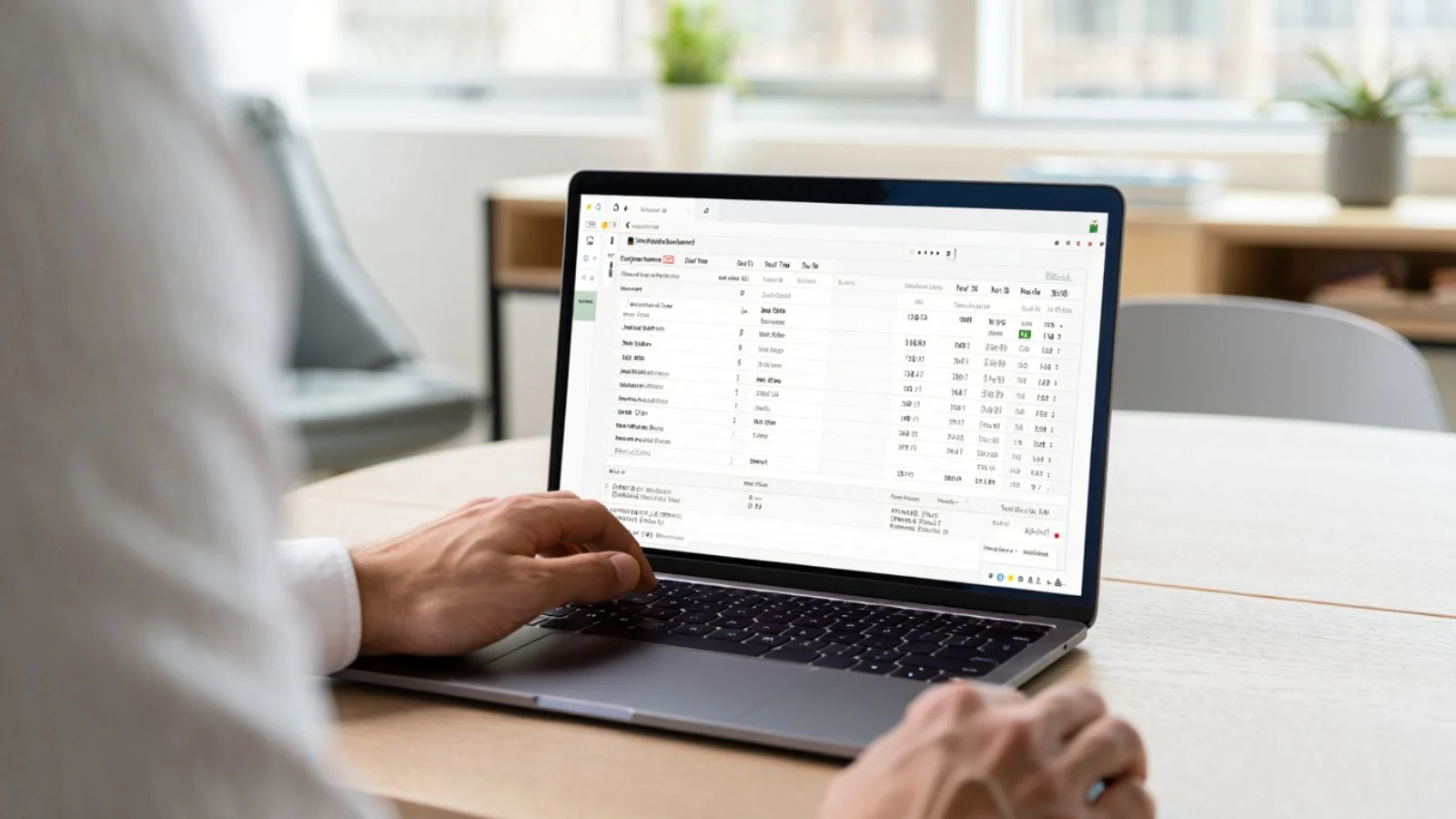

A Google Timesheet is a simple spreadsheet template created using Google Sheets for work, designed to log employees’ working hours, breaks, and project details. Many small teams and freelancers prefer it because it’s free, cloud-based, and easy to set up.
Here’s how it typically works: each employee enters their start and end times daily, calculates total hours, and notes the project or task worked on. Managers can then review these sheets, total the hours, and export the data for payroll or invoicing. It’s a quick DIY system that offers flexibility and transparency at a basic level.
The main appeal lies in accessibility; you can share the same sheet with your team in real time and make instant updates. Plus, you don’t need to install any new software. However, this simplicity comes at a cost. As teams expand, using a manual time sheet Google template can become inefficient and prone to errors.
Why Google Timesheet Isn’t as Efficient as You Think?
At first glance, the Google Timesheet looks like a practical tool for tracking work hours. It’s free, flexible, and requires no technical expertise. But when you dig deeper, it’s clear that it lacks the efficiency and accuracy today’s teams need.
Manual data entry is one of the biggest drawbacks. Employees often forget to log hours, make calculation errors, or enter inconsistent data. These small mistakes add up, leading to inaccurate reports and confusion when processing payroll or evaluating productivity.
Another issue is limited visibility. A simple spreadsheet doesn’t show real-time insights—managers have to rely on employees’ self-reporting, which can’t always guarantee accuracy. Collaboration also becomes messy when multiple users edit the same sheet simultaneously.
In short, while the Google Timesheet works for short-term or solo projects, it struggles to keep up with growing teams that need reliable, automated insights.
Common Challenges Businesses Face Using Google Timesheet
For small teams, a Google Timesheet might seem like an ideal way to manage attendance and hours. But as operations scale, it often creates more problems than it solves. Here are a few challenges that teams commonly face:
- Inaccurate time entries: Employees can easily forget to log their hours or enter them incorrectly, leading to inconsistent reports.
- Manual updates: Every edit, calculation, and summary must be done by hand, which eats into valuable working hours.
- Lack of real-time tracking: Managers can’t see who’s currently working or how long a task actually takes.
- Limited data insights: A spreadsheet doesn’t analyze productivity or show patterns in performance.
- No automation: Without automated time tracking, managing multiple employees and projects becomes overwhelming.
Over time, these limitations affect payroll accuracy, project management, and team accountability. Businesses eventually realize that depending solely on a spreadsheet doesn’t provide the visibility or control they need.
That’s why many are now searching for a Google Timesheet alternative that simplifies time tracking while providing smarter insights.
Why It’s Time to Move Beyond Google Timesheet?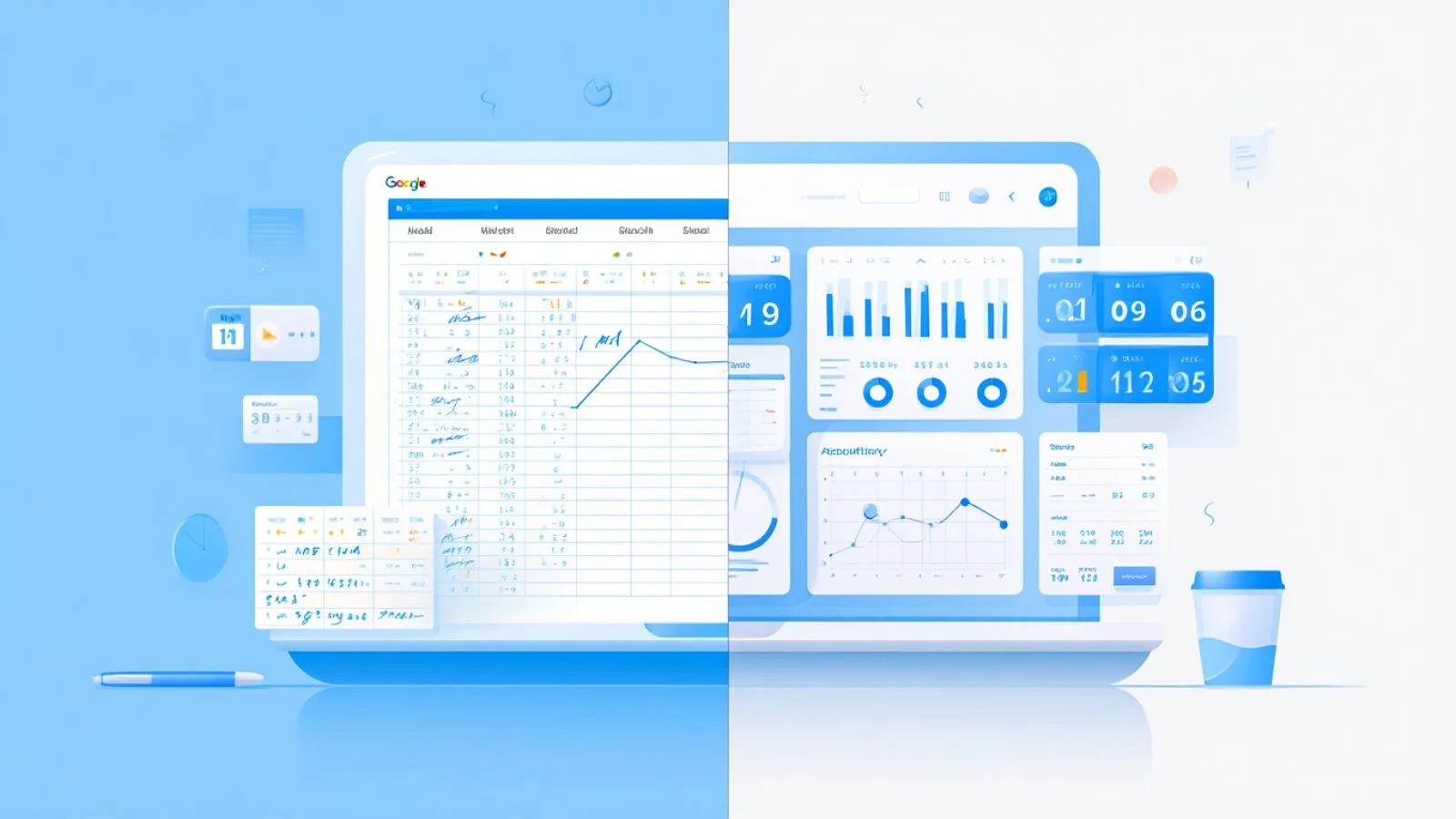
In the fast-paced world of hybrid and remote work, relying on a Google Timesheet simply isn’t enough anymore. Teams need more than just a record of hours—they need data-driven insights, accountability, and real-time visibility. Unfortunately, a manual spreadsheet can’t deliver that.
Modern businesses now depend on tools with automated time tracking that instantly capture when work starts, pauses, and ends. These systems go beyond recording numbers—they provide productivity analytics, detect idle time, and even help optimize workflows.
Shifting away from the Google Timesheet is about improving accuracy and saving time. Instead of spending hours cross-checking data, managers can focus on analyzing performance and improving efficiency. Plus, with automation, employees no longer have to remember to log hours manually—it happens automatically in the background.
This evolution in time tracking is what makes advanced software like EmpMonitor a game-changer for growing teams.
The Smarter Solution EmpMonitor
If your team has outgrown the Google Timesheet, it’s time to consider a smarter and more efficient option like EmpMonitor. Designed for modern businesses, EmpMonitor automates every part of time tracking, making it effortless to monitor, analyze, and manage your workforce.
Unlike a manual spreadsheet, this advanced time tracking software doesn’t rely on self-reporting. It automatically captures work hours, monitors activity, and generates precise reports in real time. That means no more missed entries, manual calculations, or duplicate data.
Here’s what makes EmpMonitor stand out as a reliable Google Timesheet alternative:
- Automated Time Tracking: Track employee work hours automatically with minute-by-minute accuracy.
- Real-Time Activity Monitoring: See active and idle time, websites visited, and apps used.
- Comprehensive Productivity Reports: Get visual dashboards that display performance trends.
- Project and Task Tracking: Assign tasks, track progress, and measure efficiency per project.
- Employee Attendance Management: Record log-ins, log-outs, and total work duration automatically.
- Screenshot Evidence: Capture random screenshots for transparency and accountability.
- Easy Integrations: Works seamlessly for remote, hybrid, or in-office teams.
EmpMonitor helps businesses eliminate the repetitive manual effort that comes with a Google Timesheet, giving managers complete visibility without micromanagement. With detailed insights into time usage and productivity, teams can make informed decisions faster.
By automating processes, EmpMonitor saves time, improves accuracy, and boosts overall productivity—making it a must-have upgrade for teams that want to work smarter, not harder.
Comparing Google Timesheet vs EmpMonitor
To understand why upgrading makes sense, let’s compare the Google Timesheet with EmpMonitor side by side. While Google Sheets offers a simple setup, EmpMonitor provides automation, accuracy, and insights that go far beyond manual tracking.
| Feature | Google Timesheet | EmpMonitor |
| Time Tracking | Manual entry, prone to errors | Automated and accurate tracking |
| Productivity Insights | None | Detailed analytics and reports |
| Real-Time Monitoring | Not available | Live view of active/idle time |
| Team Collaboration | Basic sharing only | Centralized dashboard for all users |
| Data Accuracy | Depends on self-reporting | Automatically logged and verified |
| Integrations | Limited | Compatible with remote and hybrid tools |
| Scalability | Suitable for small teams | Ideal for growing or large organizations |
Using a google timesheet may save costs initially, but the hidden expenses—time spent fixing errors, verifying entries, and managing data—add up over time. On the other hand, EmpMonitor streamlines all these processes automatically, saving hours every week.
When you compare both, it’s clear that automation doesn’t just simplify tracking—it transforms how businesses manage productivity.
How to Transition from Google Timesheet to EmpMonitor?
Switching from a Google Timesheet to EmpMonitor might sound like a big change, but it’s actually quick and simple. The goal is to move from manual tracking to a more automated, accurate, and efficient workflow.
Here’s how you can make a smooth transition:
- Review Your Current Setup: Start by checking how your team currently logs hours in the Google sheet. Identify what’s working and what’s slowing you down.
- Create an EmpMonitor Account: Sign up and explore its intuitive dashboard. It’s designed to be user-friendly, so your team won’t need extensive training.
- Import or Set Up Projects: Add your existing projects, departments, and team members. You can organize tracking by task or project easily.
- Activate Automated Time Tracking: Once employees install the EmpMonitor agent, time is automatically recorded in the background—no manual input needed.
- Train Your Team: Walk your team through how EmpMonitor tracks time and generates reports so everyone understands the benefits.
By following these simple steps, you’ll eliminate the repetitive manual effort of a google timesheet while gaining real-time insights into productivity and performance.
Signs It’s Time to Move Away from Google Timesheet
If you’re still unsure about shifting from a Google Timesheet, there are a few telltale signs that your business has outgrown it.
- Frequent Errors in Reports: If you constantly find mismatched data or missing hours, it’s a clear sign that manual entry isn’t reliable anymore.
- Time Spent on Maintenance: Managers waste hours each week checking formulas and formatting instead of focusing on team performance.
- No Real-Time Accountability: You can’t track active work or verify how much time is actually spent on tasks.
- Lack of Insights: A spreadsheet doesn’t offer trends or productivity graphs, which limits your ability to make data-driven decisions.
- Scaling Issues: As teams grow, managing multiple versions of a google timesheet becomes chaotic.
These challenges don’t just waste time; they hurt efficiency and accuracy. Recognizing these signs early helps businesses switch to automated solutions before manual processes cause bigger problems.
How Automated Time Tracking Improves Team Productivity?
One of the biggest reasons teams replace the Google Timesheet is the impact automation has on productivity. Instead of manually logging hours, employees can focus on completing their work while the system records activity in the background.
Here’s how automated time tracking transforms efficiency:
- Removes Guesswork: Every minute is logged precisely, leaving no room for missed entries.
- Encourages Accountability: Employees become more mindful of how they use their time.
- Provides Transparency: Managers can instantly see who’s active, idle, or overworked.
- Improves Planning: With accurate data, you can allocate resources and plan workloads better.
Ultimately, automation turns time tracking from a tedious task into a smart system that supports better productivity and management decisions.
What Makes a Great Google Timesheet Alternative?
Before switching from a Google Timesheet, it’s worth understanding what to look for in a modern time-tracking tool. The best alternatives don’t just automate hours—they simplify management, boost transparency, and give teams actionable insights.
Here are key features every business should consider:
- Automation: The system should record time without manual input.
- Detailed Reporting: Instant analytics on attendance, productivity, and project progress.
- Ease of Use: A clean, user-friendly dashboard that doesn’t require training.
- Data Security: Protection of employee data and work logs.
- Integration Options: Seamless connection with project management and HR tools.
- Scalability: The tool should handle more users and projects as your team grows.
The right google timesheet alternative should reduce administrative work, improve accuracy, and make time management effortless. Tools like EmpMonitor check all these boxes while providing advanced insights that spreadsheets simply can’t match.
Why Businesses Prefer Automated Tools Over Manual Tracking?
Businesses today rely on data to make quick, informed decisions. Manual systems like the Google Timesheet fall short because they depend entirely on user accuracy and constant updates. In contrast, automated time-tracking tools provide real-time visibility without the repetitive effort.
Here’s why organizations are shifting toward automation:
- Speed and Precision: Automated systems log data instantly, reducing human error.
- Better Decision-Making: Managers get analytics that highlight productivity trends.
- Cost Efficiency: Saves hours of administrative work, reducing payroll errors.
- Employee Transparency: Both employers and employees can access accurate time records anytime.
- Remote-Work Friendly: Ideal for distributed teams who can’t rely on physical check-ins.
By moving beyond the google timesheet, businesses create a more accountable and efficient work environment that drives growth instead of paperwork.
Final Thoughts
The Google Timesheet might seem like a convenient solution for tracking work hours, but it was never built for long-term business efficiency. What starts as a simple sheet soon turns into a time-consuming system that demands constant updates and supervision. For growing teams, this manual approach limits visibility, accuracy, and productivity.
Modern workplaces need automation—tools that can record time, monitor performance, and generate reports without manual effort. That’s exactly where EmpMonitor stands out. It combines the simplicity of a spreadsheet with the power of automated time tracking, giving businesses complete control over how their teams work.
By upgrading from the traditional google timesheet to a smart platform like EmpMonitor, companies can save valuable hours, reduce human errors, and make decisions backed by real data. It’s not just a shift in tools—it’s an upgrade in productivity, transparency, and efficiency.
If you’re still relying on spreadsheets, it’s time to move forward. Automate your time tracking, empower your team, and let EmpMonitor handle the rest.
Also read,
Top 8 Benefits of Automated Timekeeping For Employers & Employees
FAQs
- Is Google Timesheet good for small teams?
Yes, a Google Timesheet can be helpful for small teams or freelancers starting out. It’s free, easy to use, and great for simple time tracking. However, as the team grows, managing multiple sheets and verifying data becomes difficult, making automation a better choice. - What is the best Google Timesheet alternative?
A smart google timesheet alternative like EmpMonitor offers automated time tracking, real-time monitoring, and detailed productivity insights. It’s designed to handle everything that spreadsheets can’t—saving time while improving accuracy. - How does automated time tracking benefit teams?
Automated tracking eliminates manual entries, reduces reporting errors, and provides instant productivity data. Managers can make informed decisions faster, and employees can focus on work without worrying about timesheets. - Can EmpMonitor integrate with remote and hybrid work setups?
Absolutely. EmpMonitor works seamlessly for remote, hybrid, and on-site teams. It tracks active hours, records attendance automatically, and provides a centralized dashboard for complete visibility.