Remote work has transformed from a temporary solution into a permanent business model for millions of organizations worldwide. While this shift offers unprecedented flexibility and access to global talent, it also introduces significant security challenges. As businesses look to Start Securing Remote Workers, the focus has shifted from ad-hoc safeguards to structured, scalable protection strategies.
The ability to secure remote workers effectively has become a critical concern for businesses of all sizes, as cybercriminals increasingly target distributed workforces with sophisticated attacks. Organizations that fail to secure remote workers properly risk not only data breaches but also reputational damage and regulatory penalties.
Yet, the challenge isn’t just about implementing security measures; it’s about doing so without creating friction that hampers productivity. When security protocols become too cumbersome, employees find workarounds that actually increase risk. The key is striking the right balance between protection and performance.
Listen To The Podcast Now!
Understanding The Unique Security Challenges Of Remote Work:
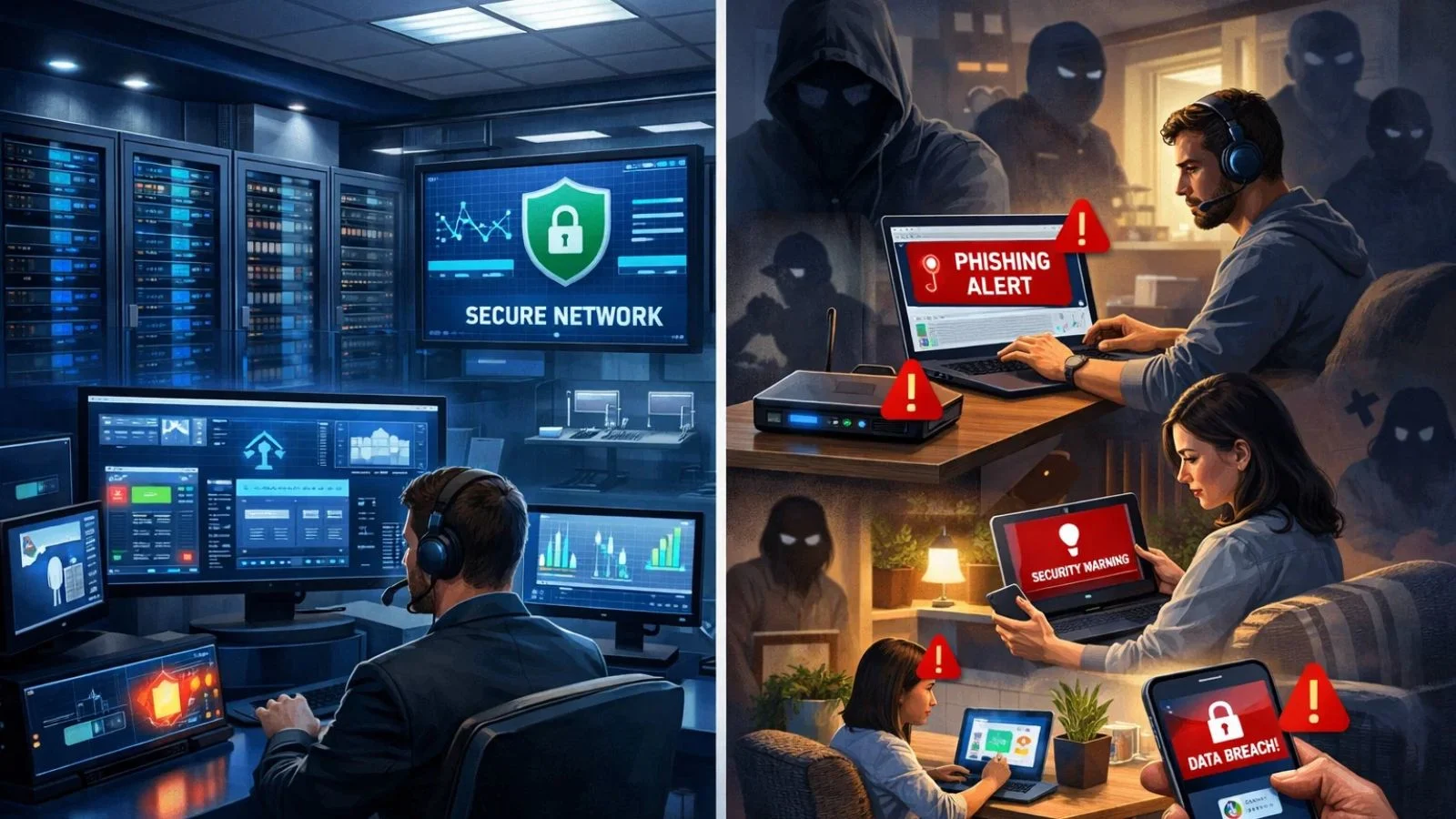

Remote work environments differ fundamentally from traditional office settings. In an office, IT teams can control the network infrastructure, monitor device security, and respond quickly to threats. Remote workers, however, operate across diverse networks, personal devices, and varied home office setups that create multiple vulnerabilities.
The primary risks include unsecured home WiFi networks, the use of personal devices for work tasks, phishing attacks targeting remote employees, and insider threats from disgruntled workers with remote access. Organizations with distributed teams should also be aware of growing business email compromise attacks that exploit remote communication gaps, impersonate executives or vendors, and target employees through highly convincing fraudulent email requests. These vulnerabilities are often compounded by a hurried wifi installation that prioritizes immediate connectivity over robust security configurations. Additionally, the increased use of third-party applications and the lack of face-to-face oversight make it harder to enforce security protocols and verify user identities.
Many organizations struggle with securing remote workers because they apply office-centric security models to distributed teams. This approach fails because remote environments require different strategies that account for variable network conditions, diverse hardware, and the human element of employees working independently. The investment required to secure remote workers is significantly lower than the potential cost of a data breach.
Building A Foundation: Essential Security Protocols:
To secure remote workers effectively, organizations need a comprehensive approach that addresses multiple layers of security. Start with the basics and build upward toward more sophisticated protections.
1. Multi-Factor Authentication (MFA):
MFA is no longer optional; it’s a fundamental requirement for any organization looking to secure remote workers properly. This security layer requires users to verify their identity through multiple methods, typically combining something they know (password), something they have (mobile device), and sometimes something they are (biometric data).
Implementing MFA reduces the risk of unauthorized access by 99.9%, making it one of the most effective security measures available.
2. Virtual Private Networks (VPNs):
When considering which option creates a secure connection for remote workers, VPNs remain the gold standard. A VPN encrypts all data transmitted between a remote worker’s device and your company network, creating a secure tunnel that protects sensitive information from interception.
Choose enterprise-grade VPN solutions that offer strong encryption standards, kill switches to prevent data leaks if the connection drops, and the ability to scale with your workforce.
3. Endpoint Security:
Every device that connects to your network represents a potential entry point for attackers. Comprehensive endpoint security includes antivirus software, anti-malware protection, firewalls, and regular security updates.
Companies must secure remote workers at the device level by ensuring that all remote devices, whether company-owned or personal, meet minimum security standards before allowing network access.
Implementing Zero Trust Architecture:
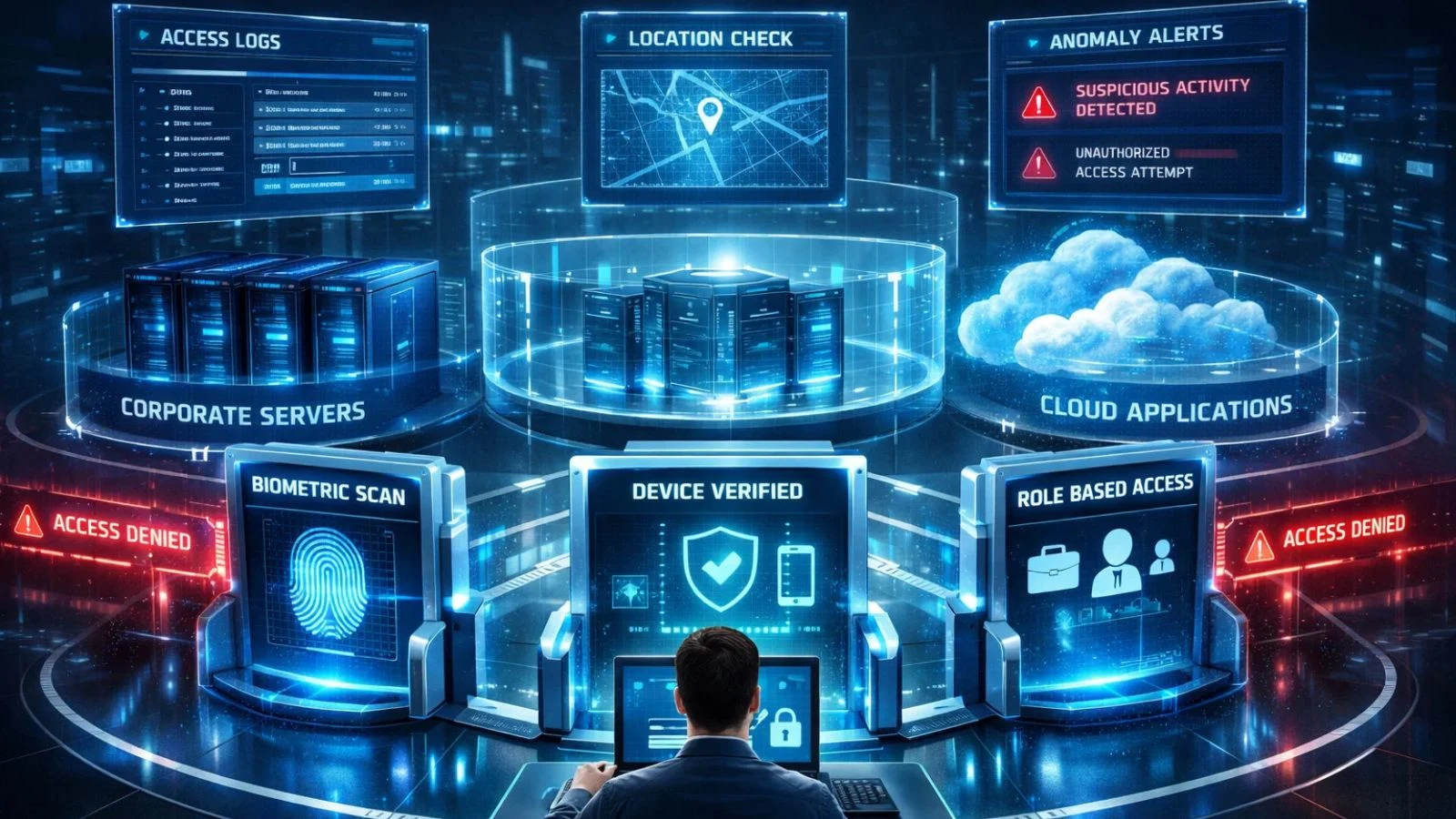
The traditional security model assumes that everything inside the network perimeter can be trusted. Zero Trust flips this assumption, requiring verification for every user, device, and application attempting to access resources, regardless of location.
To secure remote workers using Zero Trust principles, implement continuous authentication that verifies user identity throughout sessions, not just at login. Apply the principle of least privilege, giving employees access only to the resources they need for their specific roles. Segment your network so that compromised credentials in one area don’t provide access to your entire infrastructure.
Zero Trust also requires robust monitoring and analytics. You need visibility into who is accessing what, when, and from where. Unusual patterns, like a user suddenly accessing files outside their normal scope or logging in from an unexpected location, should trigger alerts for investigation.
Securing Communication And Collaboration Tools:
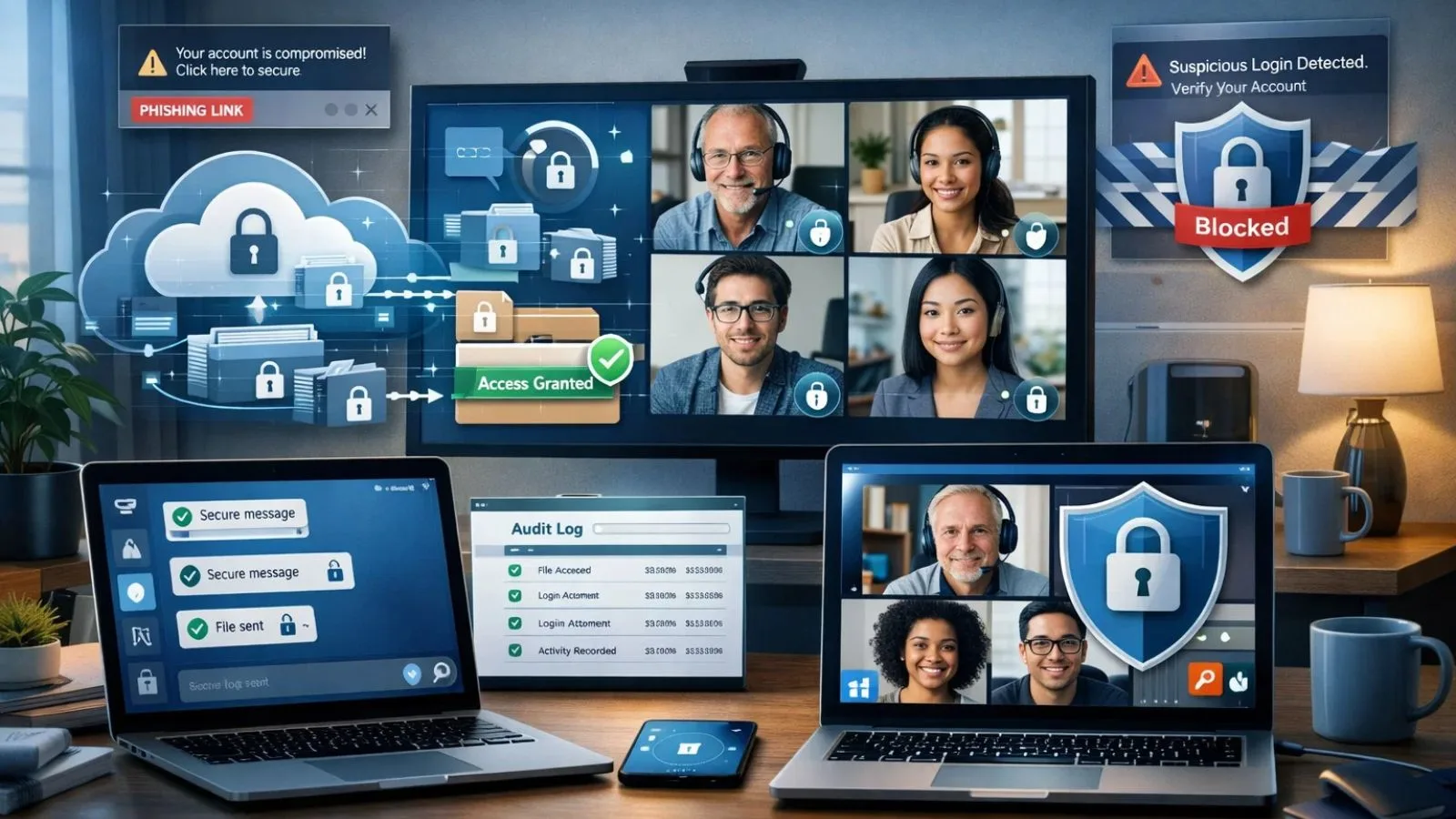
Remote teams rely heavily on digital communication platforms, making these tools prime targets for attackers. Companies that want to secure remote workers must pay special attention to protecting the channels their teams use daily.
Choose platforms with end-to-end encryption for messaging and video calls. Popular options like Microsoft Teams, Slack, and Zoom offer enterprise-grade security features, but they must be configured correctly. Disable unnecessary features, require authentication for meeting access, and establish clear policies about what information can be shared through different channels.
File sharing poses particular risks. Implement secure cloud storage solutions with granular access controls, encryption at rest and in transit, and detailed audit logs. Train employees to recognize phishing attempts that mimic legitimate collaboration tools.
These attacks have increased dramatically as remote work has expanded. The best practices to secure remote workers include establishing clear guidelines for file sharing and communication protocols.
The Role Of Employee Training And Awareness:
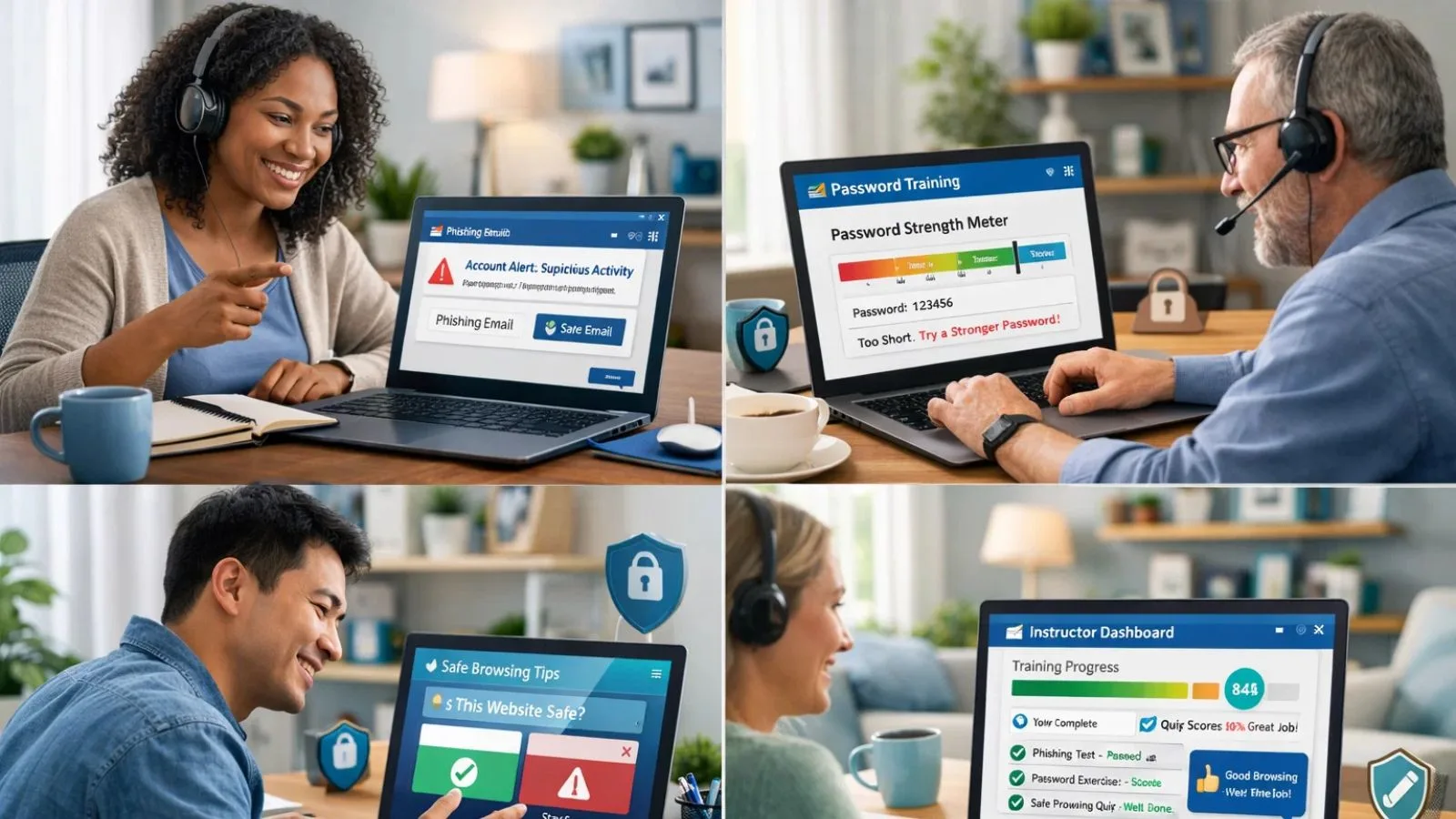
Technology alone cannot secure remote workers. Human error remains the leading cause of security breaches, making employee education essential.
Develop comprehensive cybersecurity for remote workers training programs that cover password hygiene, recognizing phishing attempts, safe browsing practices, securing home networks, and proper handling of sensitive data.
Make training engaging through realistic scenarios and interactive modules rather than dry policy documents. Conduct regular phishing simulations to test employee awareness.
These controlled exercises help identify knowledge gaps and reinforce training without the consequences of real attacks. When employees fall for simulated phishing, provide immediate feedback and additional training rather than punishment; the goal is improvement, not blame.
Create a culture where security is everyone’s responsibility. Encourage employees to report suspicious activity without fear of repercussions. The faster your team identifies potential threats, the quicker you can respond.
Also Read:
Monitoring and Managing Remote Workforce Security with EmpMonitor:
Preventive controls matter, but without visibility, security gaps go unnoticed. EmpMonitor bridges that gap by combining workforce monitoring, security oversight, and productivity intelligence in one platform, built specifically for remote and hybrid teams.
EmpMonitor enables real-time activity monitoring to quickly flag risky behavior such as unauthorized application usage, suspicious websites, or abnormal login patterns. Its app and web usage tracking helps security teams identify potential malware exposure or policy violations before they escalate.
Screenshot capture and optional screen recording provide verifiable audit trails for investigations while staying compliant with data protection norms. Beyond security, EmpMonitor’s productivity analytics, time tracking, and task reporting ensure performance doesn’t dip under stricter controls.
Managers gain clear insights into workflows, while automated reports support compliance audits and early threat detection. Most importantly, EmpMonitor operates transparently and non-intrusively, driving accountability and trust, not resistance, so organizations can secure remote workers without slowing them down.
Choosing the Right Security Tools and Technologies:
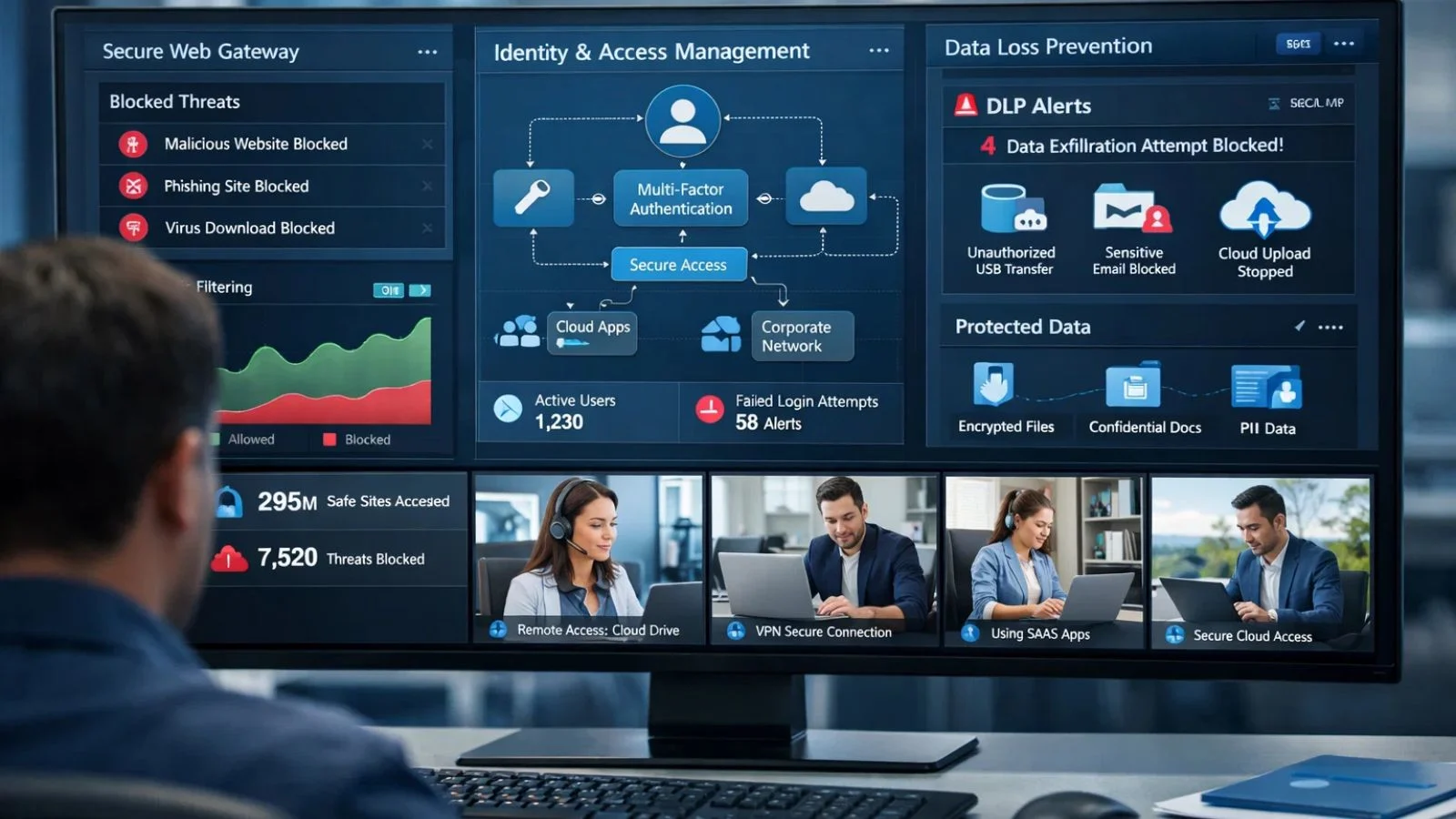
The security tool market offers hundreds of solutions, making selection overwhelming. Organizations looking to secure remote workers should focus on tools that integrate well with existing infrastructure and address specific risks.
1. Best Secure Web Gateways for Remote Workers 2025:
Secure web gateways (SWGs) filter internet traffic to block malicious content before it reaches user devices. Top solutions for 2025 include:
Cisco Umbrella offers cloud-delivered security with excellent threat intelligence and easy deployment for distributed teams. Zscaler provides a comprehensive zero-trust platform that scales efficiently for large organizations.
Palo Alto Networks Prisma Access combines SWG functionality with CASB and firewall capabilities. Forcepoint Web Security delivers advanced threat protection with detailed policy controls. Cloudflare Gateway provides fast, cost-effective protection with a global network.
When evaluating SWGs, consider deployment speed, policy management flexibility, threat intelligence quality, integration with existing security tools, and impact on network performance.
2. Identity and Access Management (IAM):
Robust IAM solutions control who can access what resources. Look for platforms that support single sign-on (SSO) to reduce password fatigue while maintaining security, adaptive authentication that adjusts requirements based on risk factors, and automated provisioning and deprovisioning to ensure access rights stay current.
3. Data Loss Prevention (DLP):
DLP tools prevent sensitive information from leaving your control. Modern solutions use machine learning to identify sensitive data, monitor multiple channels, including email, cloud storage, and messaging apps, and enforce policies automatically to block or encrypt transmissions that violate rules.
Managing Personal Devices in Remote Work Environments:
Many organizations allow or even encourage bring-your-own-device (BYOD) policies to reduce costs and increase employee satisfaction. However, personal devices create unique security challenges that require careful management.
Implement mobile device management (MDM) or enterprise mobility management (EMM) solutions that can enforce security policies on personal devices without invading employee privacy.
These platforms can require encryption, enforce password policies, enable remote wipe capabilities if devices are lost, separate personal and work data, and ensure devices meet minimum security standards.
Create clear BYOD policies that outline acceptable use, security requirements, company rights to access work data, employee responsibilities, and procedures for lost or stolen devices.
Employees must understand these terms before using personal devices for work. Successfully implementing BYOD while continuing to secure remote workers requires balancing employee privacy with organizational security needs.
Securing Cloud Infrastructure and Applications:
Remote workers access cloud services constantly, making cloud security crucial. The shared responsibility model means both cloud providers and customers have security obligations when working to secure remote workers in cloud environments.
Implement cloud access security brokers (CASBs) to gain visibility into cloud application use, enforce security policies across multiple cloud services, and detect unusual access patterns or data movements. Configure cloud services properly; many breaches result from misconfigured settings rather than sophisticated attacks.
Regularly audit cloud access permissions. Remove unnecessary access rights and ensure that administrative privileges are tightly controlled. Enable logging for all cloud activities to support security investigations and compliance reporting. Organizations must secure remote workers across all cloud platforms they use, implementing consistent security policies regardless of the service provider.
Balancing Security with Productivity:
The most common mistake organizations make is implementing security measures that significantly hamper productivity. When security becomes too burdensome, employees find workarounds that actually reduce security.
The most successful strategies to secure remote workers involve employees in security planning. Understand their workflows and identify where security measures create friction. Often, small adjustments can maintain security while removing obstacles.
Implement single sign-on solutions that reduce the number of passwords employees must remember. Use passwordless authentication options like biometrics where appropriate. Automate security processes wherever possible so they happen in the background without requiring employee action.
Measure the impact of security measures on productivity metrics. If new protocols correlate with decreased output, investigate whether the security benefit justifies the productivity cost or if adjustments are needed.
Conclusion:
Successfully securing remote workers requires a comprehensive approach that addresses technology, processes, and people. By implementing strong foundational security measures, adopting Zero Trust principles, providing ongoing training, and using tools like EmpMonitor for visibility and management, organizations can protect their assets without sacrificing the productivity benefits of remote work.
The strategies outlined here provide a roadmap for building robust security that scales with your remote workforce. Remember that security is an ongoing journey, not a destination. Continuous improvement and adaptation are essential as threats evolve and your distributed teams grow.
FAQ’s:
Q1: What is the most important security measure for remote workers?
Ans: Multi-factor authentication stands out as the single most effective measure, blocking 99.9% of automated attacks. However, comprehensive security requires multiple layers working together.
Q2: How often should remote workers receive security training?
Ans: Conduct formal training quarterly, with regular phishing simulations monthly. Brief security reminders should be part of ongoing communication.
Q3: Can small businesses afford to secure remote workers properly?
Ans: Yes. Many effective security measures like MFA, employee training, and basic endpoint protection are low-cost or free. Cloud-based security solutions offer enterprise-grade protection at scales suitable for small businesses.
Q4: Should companies allow personal devices for remote work?
Ans: With proper MDM solutions and clear policies, BYOD can work securely. The key is enforcing minimum security standards and separating work data from personal content.