


Keylogger software, more accurately called employee monitoring software, records and analyzes how team members use company devices, from keystrokes and active applications to websites visited and time spent on tasks. For distributed teams, it gives managers the visibility they lose when no one shares an office, helping protect data, measure real productivity, and keep workloads fair. Used transparently and within the law, it can strengthen a remote workplace; used secretly, it erodes the trust that remote work depends on.
Remote and hybrid work is now the default for knowledge workers, not a pandemic experiment. Gallup data cited in 2026 workforce reports show that among remote-capable U.S. employees, roughly 52% work hybrid and about 27% work fully remote, leaving only about one in five fully on-site. As teams stayed distributed, monitoring tools moved from a niche IT product to a mainstream management practice. This guide explains what keylogger software actually does, the seven benefits that matter most for remote teams, where the legal lines are, and how to deploy it ethically so it helps rather than harms.
Start Listening:
Key Takeaways (TL;DR)
What Is Keylogger Software?
Keylogger software is a tool that records and reports the activity a person performs on a computer or device, historically focused on capturing keystrokes, but in modern business tools, it covers far more: active and idle time, the applications and websites used, file transfers, login patterns, and periodic screenshots. Today, these capabilities sit inside broader employee monitoring or workforce engagement analytics platforms that turn raw activity into dashboards, productivity scores, and security alerts.
The word “keylogger” carries baggage because the same underlying technique is used by malware to steal passwords. The distinction is simple and important: legitimate workplace monitoring is consent-based, transparent, and limited to company-owned devices used for work. Covert spyware installed on someone’s personal phone is not monitoring; it is surveillance, and in most jurisdictions, it is illegal.
How employee monitoring software works
Capture: A lightweight agent on the company device logs activity signals, keystroke volume (not necessarily content), active windows, URLs, and app usage.
Aggregate: Activity is grouped into productive, neutral, and unproductive categories based on rules the employer configures.
Visualize: Managers see time-on-task, top applications, attendance, and optional screenshots in a dashboard.
Alert: The system flags anomalies, odd-hours logins, large downloads, or risky data transfers for security review.
Leading platforms like EmpMonitor combine monitoring, productivity example reporting, and privacy controls to help organizations maintain visibility while respecting employee trust.
Recommended Read!
How To Run An Effective Hybrid Meeting With Partially Remote Workforce| 5 Simple Tips
Flexible Work Schedule Management: How It Works and How to Get It Right
The State of Remote Work and Monitoring in 2026
Two trends reinforce each other. First, distributed work is entrenched: industry roundups for 2026 estimate that around 32.6 million Americans (about 22% of the workforce) work remotely, and that nearly 80% of remote-capable employees work either hybrid or fully remote. Second, as visibility into the office disappeared, monitoring filled the gap.
Market analysts disagree on exact dollar figures, but all point in the same direction, up. Fortune Business Insights valued the global employee monitoring software market at roughly US$649 million in 2025 and projects steady double-digit annual growth through the next decade. Adoption figures tell a clearer story:
| Metric (2025–2026) | Figure | Reported By |
|---|---|---|
| Companies using some form of monitoring | ~60% globally, ~74–76% in North America | Statista / Flowace |
| Remote & hybrid workers who are monitored | ~70% | ExpressVPN |
| U.S. employers using online activity tracking | ~74% | ExpressVPN (Feb 2025) |
| Organizations using AI-driven productivity analytics | ~30% to 61% (rising fast) | Gartner / Industry Surveys |
| Productivity increases after adopting monitoring | ~22% | American Management Association |
| Employees who feel anxious about being watched | ~56% | Industry Surveys |
Note: figures are drawn from multiple 2025–2026 reports and vary by methodology and sample. Treat them as directional benchmarks, not precise universal rates.
7 Benefits of Keylogger Software for Remote Workplaces
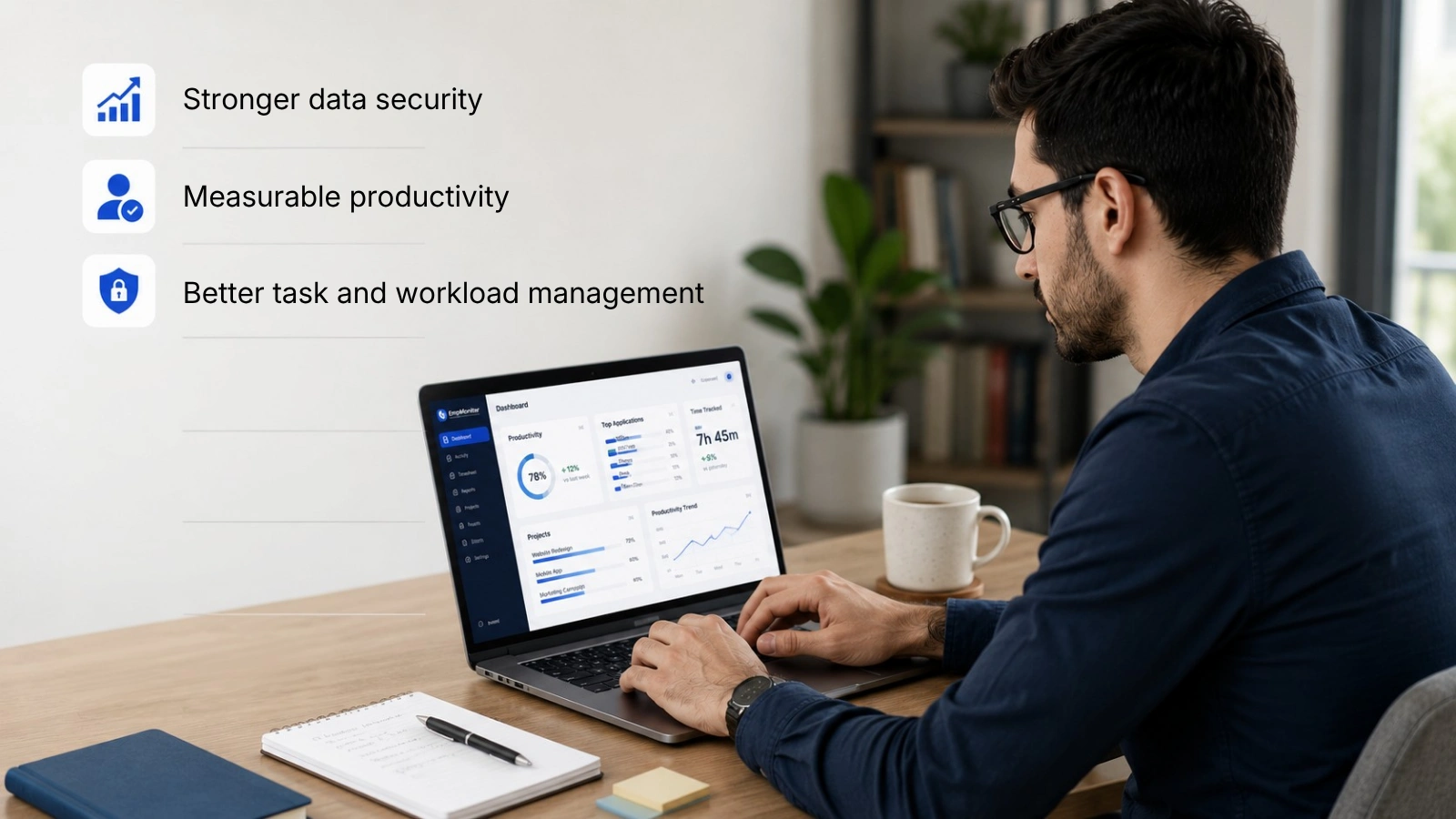

Maintaining accountability is harder when work happens out of sight. Monitoring software addresses that, and the upside extends well beyond “watching” people. Here are the seven benefits that matter most for remote and hybrid teams.
1. Stronger data security
A top concern for any leader allowing work from home is data exposure. Remote staff use home and public Wi-Fi, share devices with family, and download files outside the corporate perimeter. When employers can see what is browsed, downloaded, and transferred on company devices, they can spot risky behavior, a phishing click, an unsanctioned cloud upload, an unauthorized USB transfer, before it becomes a breach. The financial stakes are real: IBM’s 2025 Cost of a Data Breach report put the global average breach at about US$4.44 million, with incidents traced to malicious insiders the most expensive at roughly US$4.92 million.
2. Measurable productivity
Knowing their work is reviewed periodically nudges people to stay focused, take fewer unstructured breaks, and reduce idle context-switching. The American Management Association has reported productivity dashboard gains of around 22% among organizations that adopted monitoring. The key is to measure outcomes, not just keystrokes; raw typing volume is a poor proxy for value, and good tools surface time-on-task and app usage rather than rewarding busywork. Pair monitoring with clear goals so the data informs coaching instead of punishment.
3. Better task and workload management
Visibility into who is working on what makes it easier to spot a teammate stuck on a task, rebalance an overloaded sprint, and assign new work to people with genuine capacity. It also reveals what derails focus: a noisy app, an unclear hand-off, so you can fix the root cause. Used this way, monitoring becomes a planning tool, not a stopwatch.
4. Insider-threat detection
Not every threat is external. According to the Ponemon Institute’s 2025 insider-risk research, insider incidents cost large organizations millions per year, and roughly 75% of them are non-malicious, driven by negligence or stolen credentials rather than sabotage. Monitoring helps on both fronts: it catches careless mistakes (sharing files with the wrong people, working around security controls) and flags the rarer malicious patterns (odd-hours access, bulk downloads before resignation). When suspicion is warranted, a documented activity trail lets you confront the issue lawfully and fairly.
5. Transparency and fairness
Transparency cuts both ways. When efforts are visible, the colleague who quietly carries a heavy load gets recognized, and “goldbricking” becomes harder to hide. Employees gain assurance that their work is judged on real contribution rather than office optics, a meaningful equalizer for remote staff who worry about “out of sight, out of mind.” Fair, visible measurement supports better recognition, which in turn supports retention.
6. Compliance and audit readiness
In regulated sectors, finance, healthcare, legal, and IT services, monitoring supports compliance with data-handling rules and creates the audit trail regulators expect. Activity logs help demonstrate who accessed sensitive records and when, which is invaluable during audits, incident investigations, and client security reviews. This is a benefit the original playbook rarely mentioned, and it has become a primary driver of adoption in 2026.
7. Accurate time tracking and billing
For agencies, consultancies, and any team that bills by the hour, monitoring tools double as accurate timekeeping. Automatic activity tracking removes guesswork from timesheets, supports honest client invoicing, and gives a clean record of billable versus non-billable work, reducing disputes and revenue leakage.
The Downsides You Should Plan For
Monitoring is not free of cost, and ignoring the trade-offs is how good intentions backfire. A credible policy acknowledges them up front:
Trust and morale: Surveys consistently find that a large share of workers feel anxious about being watched, and a meaningful minority say they would consider leaving over excessive monitoring. Heavy-handed tracking can drive your best people away.
Gaming the metrics: Where monitoring feels punitive, employees respond with “mouse jigglers,” fake activity, and other workarounds, producing data that looks busy but means little.
Privacy and legal exposure: Capturing personal communications, monitoring off the clock, or tracking personal devices without consent can violate privacy laws and trigger litigation.
Measuring the wrong thing: Activity is not the same as impact. Over-indexing on keystrokes or screen time rewards presenteeism and penalizes deep, quiet work.
💡 Rule of Thumb:
Monitor the minimum needed for a clear business purpose, tell people exactly what you collect and why, and use the data to support outcomes, not to micromanage minutes.
Is It Legal to Monitor Employees?
In most cases, yes, but with conditions. In the United States, the Electronic Communications Privacy Act (ECPA) of 1986 lets employers monitor electronic activity on company-owned equipment under two exceptions: a legitimate business purpose and employee consent. Keystroke logging on employer-owned devices for a legitimate purpose is broadly lawful across all 50 states. The Stored Communications Act and the Computer Fraud and Abuse Act add limits; notably, you generally cannot access personal accounts or personal devices without clear, informed consent.
State law often goes further than the federal floor, and the rules tightened in 2025–2026:
| Jurisdiction/Law | What It Requires |
|---|---|
| New York (2022 Electronic Monitoring Law) | Written notice to employees about electronic monitoring, plus a posted notice. |
| Connecticut & Delaware | Prior written notice and disclosure before electronic monitoring begins. |
| Colorado | Disclosure obligations, including emerging AI-related transparency requirements. |
| California (CCPA/CPRA) | Notice at collection for personal data; employees can access data collected about them. |
| Illinois (BIPA) | Written consent before collecting biometrics such as fingerprints or facial data. |
| EU / UK (GDPR) | Requires a lawful basis, necessity, proportionality, transparency, and data minimization for employee monitoring. |
| India (DPDP Act, 2023) | Notice and consent obligations for processing employees’ personal data. |
There is a practical upside to doing this properly: the American Management Association has found that employers with written monitoring policies face far fewer employee privacy complaints. Transparency lowers both legal risk and friction.
Compliance Checklist Before You Monitor
Tell staff what you collect and why. Have them acknowledge a clear monitoring policy.
Monitor company-owned devices during work hours for stated business purposes, not personal accounts or off-the-clock activity.
Personal devices require explicit, informed opt-in consent and clear boundaries on what is captured.
Limit monitoring data to managers and HR personnel with a legitimate business need.
Avoid exceptions for tenured staff, executives, or friends. Consistent enforcement reduces legal risk.
Laws and regulations evolve. Revisit your policy, processes, and vendors at least once per year.
This article is general information, not legal advice. Monitoring rules vary by state and country; consult an employment-law professional before deploying any tool.
Best Practices for Ethical, Effective Monitoring
Lead with the “why.” Explain the security, fairness, or compliance reason. People accept monitoring; they understand.
Measure outcomes, not activity theater. Tie data to goals and deliverables rather than raw keystrokes or screen time.
Be transparent about screenshots and recordings. If you capture screens, say so, and let employees see what is collected about them.
Give employees their own view. Tools that show workers their own productivity data turn surveillance into self-improvement.
Coach, don’t punish. Use insights to remove blockers and balance workloads; reserve discipline for clear policy violations.
Minimize and protect data. Collect only what you need, retain it briefly, and secure it like any sensitive record.
Next Up
How Workplace Flexibility Affects Employee Productivity Over Time
7 Simple Productivity Measuring Strategies For Your Business
How to Choose the Right Monitoring Software
Deploying a tool that only logs keystrokes, with no analysis or privacy controls, creates risk without insight. Evaluate options against these criteria:
Meaningful analytics: Productivity scoring, app/website categorization, and trend reporting, not just raw logs.
Privacy controls: Work-hours-only tracking, the ability to exclude personal apps, and configurable screenshot/blur settings.
Security features: Insider-threat alerts, anomaly detection, and data-loss-prevention signals.
Compliance support: Role-based access, audit logs, data-retention controls, and region-specific consent workflows.
Transparency for staff: An employee-facing dashboard builds trust.
Proven track record: Test any tool for several days before rolling out; avoid unvetted free keyloggers, which can themselves be a security risk.
Widely used options include EmpMonitor. Match the tool to your team size, industry, and regulatory environment rather than chasing the longest feature list.
Conclusion: Visibility With Trust
Remote and hybrid work are permanent fixtures, and so is the need for visibility into how distributed work happens. Keylogger and employee monitoring software can deliver real value, stronger security, measurable productivity, fairer workloads, faster threat detection, and audit-ready compliance, but only when it is built on transparency and consent. The organizations that win are not the ones that watch hardest; they are the ones that explain why, limit what they collect, protect the data, and use it to support people rather than police them.
Start with a clear policy, choose a tool that fits your team and jurisdiction, and treat the resulting data as a conversation starter, not a verdict. Done right, monitoring becomes one more way to build a remote workplace people actually trust.
Ready to Monitor Responsibly?
EmpMonitor offers transparent productivity analytics, screenshots, and security alerts with built-in privacy controls. Start with a 15-day free trial and evaluate it with your own team before making a long-term commitment.
Frequently Asked Questions
What is keylogger software used for?
In a business context, keylogger (employee monitoring) software is used to protect company data, measure productivity, manage workloads, detect insider threats, support compliance, and track billable time on company-owned devices, transparently and with employee consent.
Is keylogger software legal for employers?
Yes, on company-owned devices for a legitimate business purpose, under the U.S. ECPA. However, several states (New York, Connecticut, Delaware, Colorado) require written notice, and laws such as CCPA, BIPA, GDPR, and India’s DPDP Act add disclosure and consent obligations. Monitoring personal devices or accounts without consent is generally illegal.
Can my employer monitor my personal device?
Only with your explicit, informed consent, typically through a BYOD agreement that defines exactly what is collected. Employers generally cannot install monitoring software on a personal phone or laptop, or access personal accounts, without the opt-in.
Does employee monitoring actually increase productivity?
It can. The American Management Association has reported gains of around 22% where monitoring is adopted, and many managers report improved accountability. But the effect depends on trust: transparent, outcome-focused monitoring tends to help, while secret or punitive tracking damages morale and prompts workarounds.
What is the difference between a keylogger and employee monitoring software?
A keylogger is a feature recording keystrokes. Modern employee monitoring software is a broader platform that adds app/website tracking, time-on-task analytics, screenshots, security alerts, and privacy controls. The term “keylogger” also describes malware, so reputable business tools emphasize consent and transparency to distinguish themselves.
Do you have to tell employees they are being monitored?
Federal U.S. law does not always require it on company equipment, but several states do, and disclosure is a best practice everywhere. Written policies reduce complaints and legal risk, and they are mandatory under GDPR and most modern privacy frameworks. The safe answer: always disclose.