


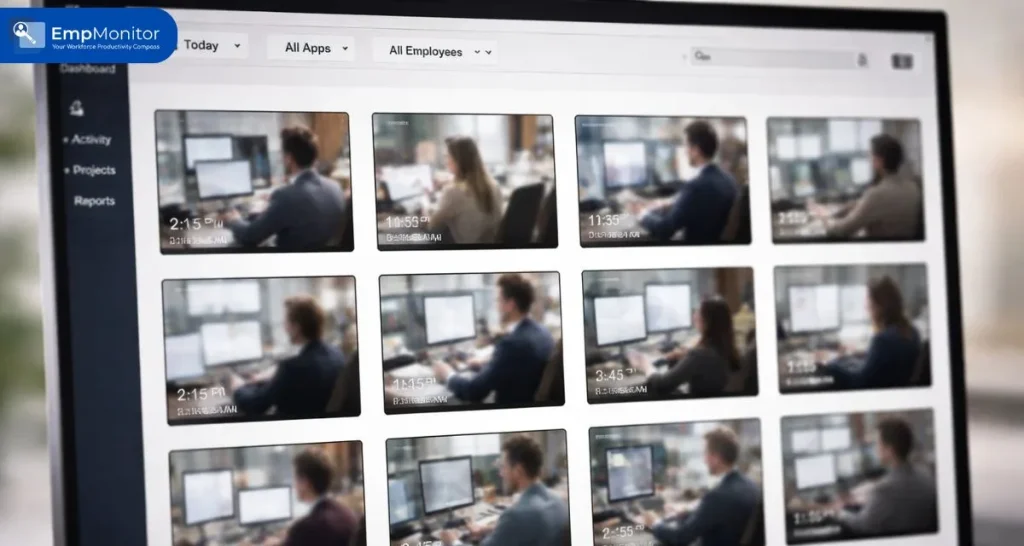
Workplace monitoring has evolved rapidly. For years, tools like Time Doctor relied heavily on employee screenshot monitoring to track productivity. Screenshots were seen as proof of work, a quick snapshot every few minutes to show what an employee was doing.
But as remote and hybrid work matured, businesses started realizing something important: static images don’t always tell the full story.
That’s why many teams are now moving beyond traditional screenshot monitoring and exploring video-based solutions.
In this article, we’ll break down the differences between screenshots and video, why users are switching, and what it means for productivity, transparency, and trust.
You can listen to this Blog here.
The Rise of Employee Screenshot Monitoring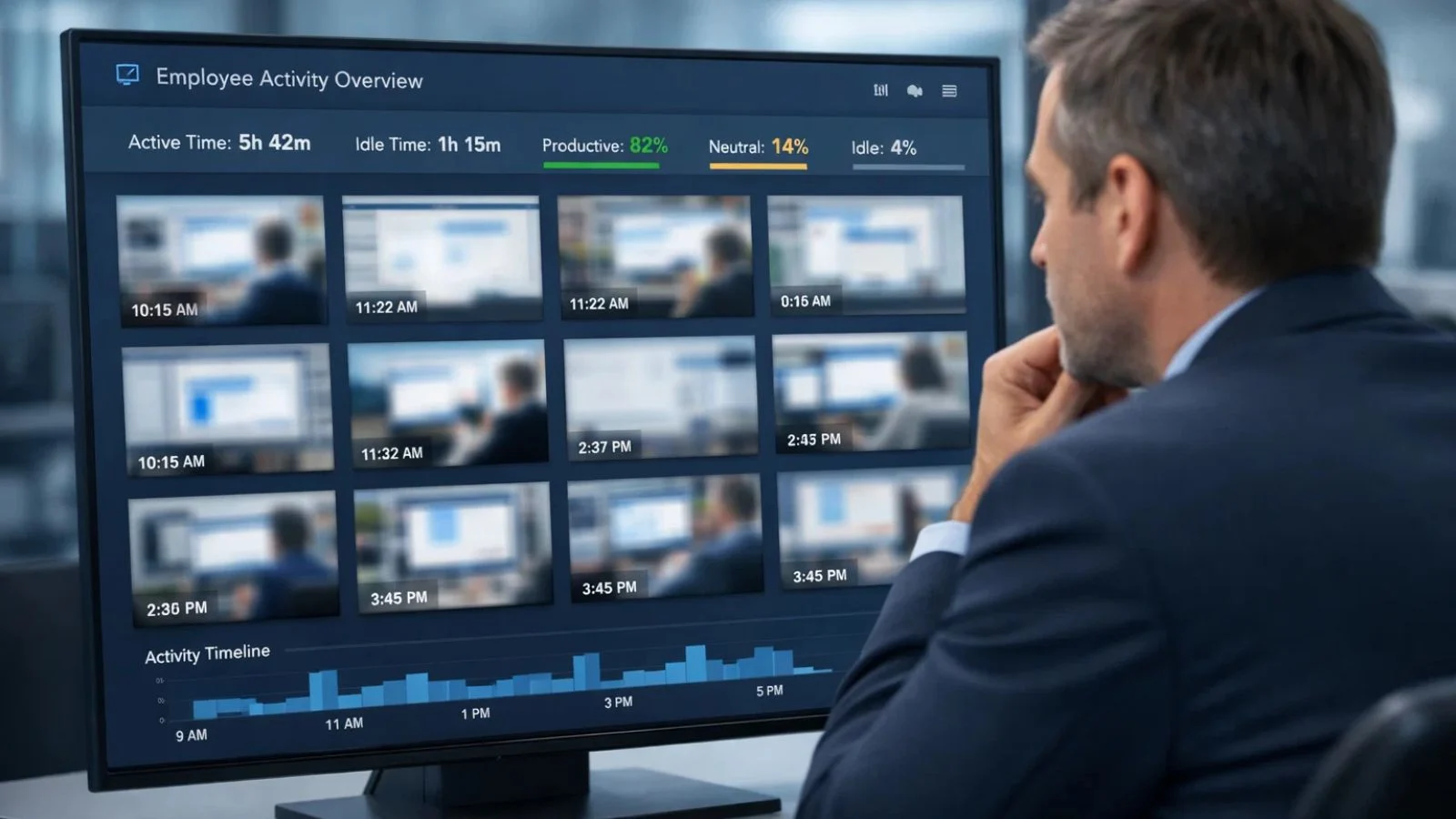

When remote work began scaling, companies needed visibility. That’s where employee screenshot monitoring became popular.
Here’s how it works:
- The system captures periodic screenshots of an employee’s screen.
- Managers review images to evaluate activity.
- Reports are generated based on time spent and visible applications.
This type of screenshot monitoring provided a simple way to verify attendance and task engagement. It worked especially well in structured roles like:
- Data entry
- Customer support
- Back-office operations
At first glance, it seemed sufficient. But businesses soon encountered limitations.
The Limitations of Screenshot Monitoring
While employee screenshot monitoring offers surface-level insights, it has major drawbacks.
1. Lack of Context
A screenshot shows a frozen moment in time. It doesn’t show:
- What happened before
- What happened after
- Whether the employee was actively working or idle
This creates room for misinterpretation.
2. Easy to Manipulate
Employees can:
- Switch tabs quickly before a capture
- Stage their screens
- Keep non-work apps minimized during screenshot monitoring intervals
3. Incomplete Productivity Picture
Creative professionals, developers, and analysts often think before they act. A screenshot may show a blank screen or document, but that doesn’t mean they’re unproductive.
As teams expanded globally, companies realized employee screenshot monitoring wasn’t always giving them reliable performance insights.
Why Video Monitoring Is Changing the Game
Instead of static captures, businesses are adopting video-based tracking through advanced tools and a more intelligent video monitoring system.
Video provides:
- Continuous visibility
- Behavioral context
- Accurate time tracking
- Transparent documentation
Unlike employee screenshot monitoring, video tracking reduces ambiguity. Managers can review workflow patterns rather than guessing based on isolated images.
This shift isn’t about surveillance; it’s about clarity.
Screenshots vs. Video: Side-by-Side Comparison
Let’s break it down clearly.
📸 Screenshot Monitoring
- Periodic static captures
- Limited context
- Easier to manipulate
- Time-based activity logs
🎥 Video Monitoring
- Continuous recording during work hours
- Full workflow visibility
- Accurate timeline review
- Better dispute resolution
With live video monitoring, managers can verify work processes in real time if needed, instead of relying on incomplete fragments.
That’s one of the main reasons companies are reducing their dependency on employee screenshot monitoring.
Why Time Doctor Users Are Switching to Video
Many businesses using Time Doctor initially adopted screenshot monitoring as a simple solution. But as operations scaled, challenges emerged:
- Productivity disputes
- Context misunderstandings
- Employee complaints about unfair evaluation
- Difficulty managing distributed teams
Video offers a better balance of accountability and accuracy.
Here’s why the switch is happening:
1. Better Transparency
With employee screenshot monitoring, employees sometimes feel judged by isolated frames.
Video provides context — making performance reviews more fair and data-driven.
2. Improved Accountability
A video monitoring system ensures there’s a complete workflow record, reducing conflicts between managers and employees.
3. Stronger Remote Oversight
Companies using remote video monitoring can oversee global teams without micromanaging them.
That’s a significant improvement over traditional screenshot monitoring models.
Is Video Too Invasive?
This is a common concern.
But modern tools, including Empmonitor, allow businesses to:
- Enable recording only during work hours
- Set role-based permissions
- Maintain secure, encrypted storage
- Stay compliant with labor regulations
The goal isn’t surveillance, it’s measurable productivity.
When implemented ethically, video monitoring builds accountability without destroying trust.
The Role of Live Video Monitoring in Modern Workplaces
Live video monitoring adds another layer of visibility for high-risk or compliance-driven industries.
For example:
- Finance
- Healthcare
- Customer support
- IT services
Managers can step in during workflow disruptions or security incidents.
Unlike employee screenshot monitoring, live review ensures that issues are handled in real time rather than discovered later.
This proactive approach reduces operational risks significantly.
Remote Work Demands Smarter Monitoring
Remote teams need smarter systems, not just image captures.
A structured remote video monitoring setup helps businesses:
- Track time accurately
- Review performance trends
- Prevent insider threats
- Protect sensitive data
In contrast, employee screenshot monitoring often falls short in data security tracking because it doesn’t capture user behavior patterns consistently.
That’s why video-based oversight is gaining momentum.
How Empmonitor Makes the Transition Easy

Switching from screenshots to video doesn’t have to be complicated.
Empmonitor offers:
- Smart video monitoring system capabilities
- Productivity analytics dashboards
- Application tracking
- Behavioral insights
- Secure data storage
Unlike tools focused mainly on employee screenshot monitoring, Empmonitor combines video, analytics, and activity tracking into one comprehensive platform.
This provides:
- Greater clarity
- Reduced conflicts
- Stronger performance insights
- Improved operational control
Businesses moving from Time Doctor often find the transition smoother than expected.
When Should You Move Beyond Screenshots?
You should consider upgrading if:
- You manage remote or hybrid teams
- You handle sensitive data
- You face frequent productivity disputes
- Your organization is scaling
- You need compliance-level documentation
If employee screenshot monitoring feels incomplete or inconsistent, video might be the smarter long-term solution.
Final Thoughts
Employee monitoring isn’t about control — it’s about clarity.
While employee screenshot monitoring played a crucial role in the early days of remote work, today’s distributed teams demand more accurate, contextual, and secure oversight.
Video-based solutions offer:
- Better productivity insights
- Fairer performance evaluation
- Stronger data protection
- Improved transparency
That’s why many users of Time Doctor are shifting toward advanced video monitoring platforms like Empmonitor.
If your current system relies only on screenshot monitoring, it might be time to explore a more comprehensive approach.
Also Read,
Benefits of Having Computer Screen Monitoring Software for Your Business
How To Boost Workforce Productivity Using GPS Employee Tracking In 2025?
FAQ’s
1. How is video monitoring different from screenshot monitoring?
Video monitoring provides continuous workflow visibility, while screenshot monitoring captures isolated images at intervals.
2. Is live video monitoring legal?
Yes, when implemented transparently and in compliance with local labor laws. Employers must inform employees before enabling monitoring systems.
3. Does remote video monitoring improve productivity?
Yes. It provides accurate insights into work patterns, reduces disputes, and enhances accountability.
4. Which tool is better for video monitoring, Time Doctor or Empmonitor?
If you need advanced video monitoring system capabilities and deeper behavioral analytics, Empmonitor offers a more comprehensive solution compared to screenshot-focused tools.

