



**Start your free trial today →
To create effective task list that actually gets done, do this: anchor every task to one clear goal, break the goal into milestones and 15–60‑minute actions, order them by dependency, assign dates or time blocks, and review weekly. This gives you a finishable plan you can start today and keep improving. Follow this sequence to ship real results in 2026.
Most to-do lists hide the real work. For example, “get fit” won’t move you. “Run a 5K by 30 Sept 2026” will.
Then you list the steps: pick a plan, buy shoes, schedule three runs per week, log times, and sign up for a race. Short, clear tasks build momentum. Long, vague wishes stall.
According to the SMART criteria, goals that are specific and measurable are more likely to stick. Your task list should mirror that same clarity. You’re about to learn a method you can use for any goal, launching a blog, finishing a course, or shipping a product, with real examples and simple tools.
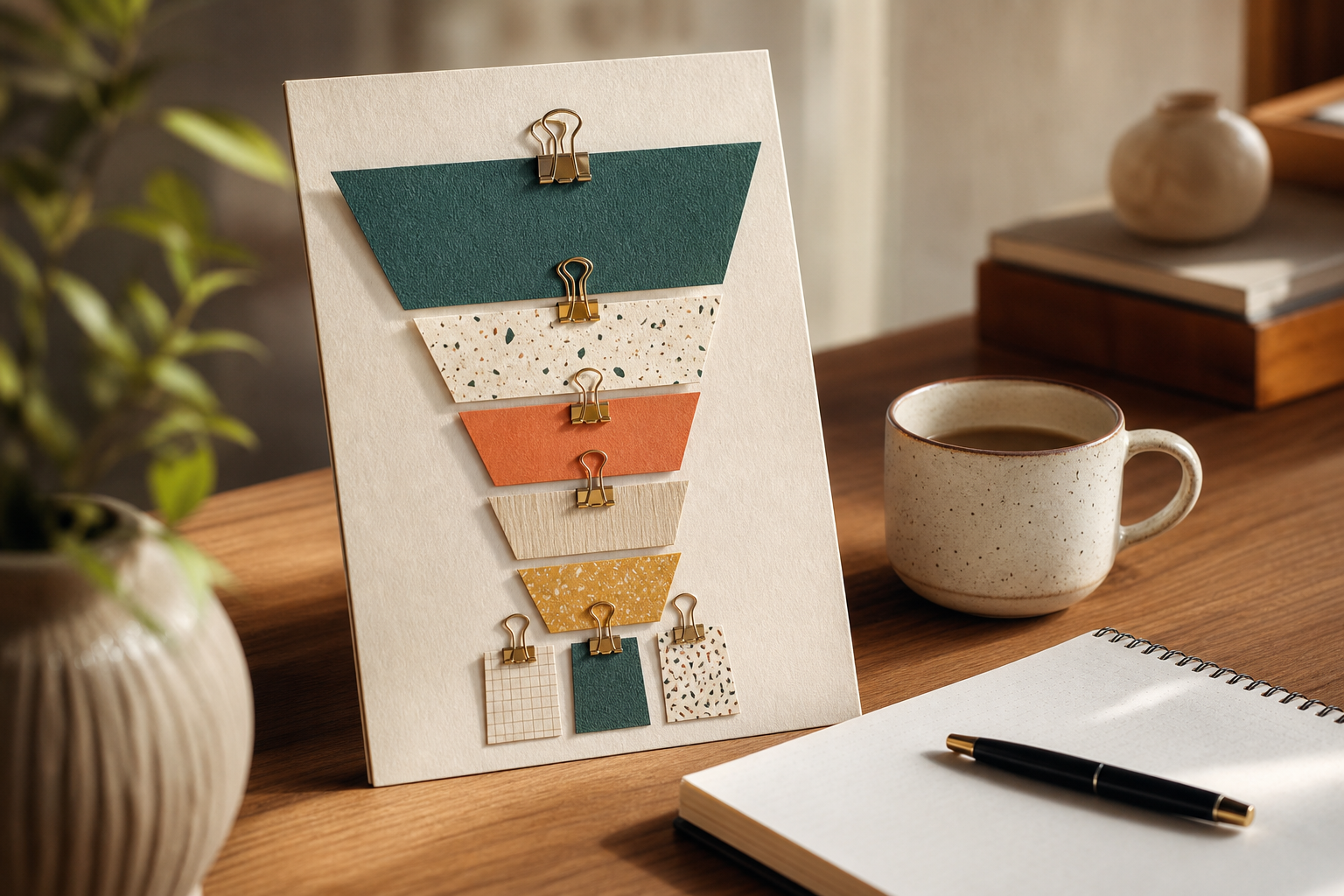

What Makes a Task List Actually Work (And Why Most Don't)
A vague to-do list is a parking lot of ideas. A goal-driven task list is a step-by-step plan that makes progress visible. The first invites delay. The second sparks action because each line answers a clear “what, when, and why.
Specificity turns “Write blog” into “Draft 600 words on ‘How to pick a niche’ tonight, 7–8 pm.” Sequencing then puts “Buy domain” before “Set up analytics,” because order matters. Measurability shows you what “done” looks like, so you can check it off with confidence.
The Core Questions To Ask
- Specificity: Can a stranger understand and start this task without asking you a question?
- Sequencing: What must happen before this? What depends on it?
- Measurability: How will you know this is done? What is the exact output?
Moreover, a task list that works lives in time. As a result, you add a date or time block to tasks, not just a checkbox. Furthermore, you size tasks to 15–60 minutes, so you can finish them in one sitting. In addition, you group them by milestone, so you always know what comes next.
On the other hand, most lists fail because they mix chores and outcomes, ignore order, and never get reviewed. Therefore, you keep rewriting the same undone lines each week. Specifically, to create effective task list that drives results, you must force clarity up front and build in a simple review loop.
- Vague list: “Website, gym, taxes”
- Working list: “Buy domain on Namecheap, 8 pm Tue; 3x 30‑min strength sessions this week (Mon/Wed/Fri, 6 pm); Gather 2025 receipts by Sat 2 pm”
In short, the difference is intent. A vague list tracks wishes. A goal-driven list maps action.
Also Read!
Step-by-Step: How to Build a Task List That Moves You Toward Your Goal
You can build a solid plan in under an hour. Follow these six steps. Use the same flow for any project, from launching a blog to planning a team rollout.
-
Define the goal clearly
Write one sentence with a clear finish line and date. For example: “Publish 5 blog posts and get 500 email subscribers by 31 Dec 2026.” This single line guides every task you add. -
Break it into milestones
Split the goal into 3–7 chunks that you can finish in 1–3 weeks each. For a blog launch: Research, Setup, Content, Design, Promotion, Analytics. Milestones act like chapters. They keep you from jumping around. -
Decompose milestones into tasks
List bite-size actions that take 15–60 minutes. Use verbs and outputs.
- Buy domain and connect DNS (30 min)
- Install CMS and base theme (45 min)
- Create About and Contact pages (60 min)
-
Sequence and prioritize
Mark dependencies. Put “Install theme” before “Customize colors.” Star the top 1–3 tasks for this week. Moreover, cap your “Today” list at 3–5 items to avoid overload. Therefore, you finish more because you try less at once. -
Assign deadlines or time blocks
Give each task a due date or a block on your calendar. In addition, batch similar tasks (e.g., write two drafts back-to-back). The Pomodoro Technique works well: 25 minutes on, 5 off. -
Review and adjust weekly
Every week, check what shipped, what slipped, and why. Then move dates, cut or split bulky tasks, and plan the next 5–7 days. Specifically, to create effective task list that stays relevant, you must prune it as you learn.
Example: Launch a Blog (From Idea to Live)
- Goal: “Launch a blog with 5 posts and 500 email subscribers by 31 Dec 2026.
- Milestones: Research; Setup; Content; Design; Email + Lead Magnet; Analytics + SEO.
Tasks (sample):
-
Research: List 20 post ideas; pick 5 based on search intent (60 min). – Setup: Buy domain; install CMS; set SSL; set SEO plugin (90 min). – Content: Draft Post #1 (45 min); edit (30 min); publish (15 min). Repeat for Posts #2–#5.
-
Design: Choose colors and typography (30 min); create logo (45 min). – Email: Create lead magnet outline (30 min); design PDF (60 min); set signup form (30 min). – Analytics: Set up Google Analytics and Search Console (45 min); create traffic dashboard (30 min).

Pro tip: Keep each task small enough to start without dread. If you stall for 10 minutes, split the task. For example, “Draft Post #1” becomes “Outline Post #1 (15 min)” and “Write intro and H2s (20 min).
5 Common Mistakes That Sabotage Your Task Lists
Most task lists don’t fail in the plan; they fail in the details. Here are five traps to avoid so your plan keeps moving day after day.
First, writing tasks too vaguely invites delay. “Work on site” is vague, so your brain stalls. Instead, write “Add pricing table to homepage (30 min).” As a result, you know where to click first and what “done” means.
Second, skipping prioritization creates a flat list that feels endless. Moreover, mark the three most important tasks for today. Therefore, you finish the right work first and feel real progress.
Third, overloading a single day turns your list into wishful thinking. Cap your day at 3–5 tasks plus meetings. In addition, size tasks to fit the open time you truly have.
Avoid These Traps Mid-Week
Fourth, ignoring dependencies wastes hours. For example, you draft emails before the lead magnet exists. Map “must happen before” links with tiny arrows or labels like “(after logo).
Fifth, never reviewing or updating the list lets it go stale. Specifically, to create effective task list that stays sharp, you need a weekly reset. Cut tasks that no longer matter, and split bulky ones.
- Write tasks with verbs and outputs (“Draft bio” vs. “Bio”).
- Star today’s top 3; schedule the rest for later in the week.
- Match your plan to your real calendar, not your ideal one.
- Mark dependencies with “before/after” notes.
- Review every Friday; plan the next 5–7 days.
Tools and Methods to Keep Your Task List on Track
Good methods keep you honest. The Eisenhower Matrix (urgent vs. important) helps you avoid busywork; you can read more in time management resources like Wikipedia’s overview. Furthermore, time‑blocking guards deep work by giving tasks a real home on your calendar. In addition, short sprints like “two Pomodoros on Draft #2” make progress visible fast.
As for apps, pick a home for your list and stick to it. Todoist and Notion are great for personal plans. Trello’s boards make handoffs easy in small teams. Moreover, any tool you use should let you add due dates, sort by priority, and group by milestone.
For teams that want task management tied to actual work time, tools like EmpMonitor add helpful context across projects. In one place, you can use task and project management, see productivity measurement across users, and rely on automated time tracking to spot blocked work early. Social proof matters here too: EmpMonitor is trusted by 15,000+ companies across 100+ countries and tracks over 500,000 employees. In addition, it’s GDPR compliant and offers security features like SSL, Firewall, and IP allowlisting, key safeguards for 2026-era workloads.
“EmpMonitor does one thing really well: it saves us time!” — Education Career Counsellor
As a risk-free way to try it, there’s a free 15‑day trial. If you’re testing a team habit like weekly reviews, two weeks is enough to see trends and decide.
**Get started free in minutes →
Also Read!
What Is a Timesheet and How to Use One Effectively
What Is Coffee Badging and How to Address It in Your Workplace
What to Do Next: Turning Your First Task List Into a Habit
The first list helps you start. The habit helps you finish. A simple weekly ritual locks it in and keeps your plan matched to real life.
Every Friday, spend 20–30 minutes on a review. First, scan what you shipped. Then ask, “What made this work?” Capture one repeatable move (for example, writing first thing, or blocking your 2–4 pm focus slot). Next, look at what slipped. Split any bulky task into two or three smaller ones and move them to next week with fresh time blocks.
Moreover, keep a “Wins” note. As a result, you’ll see progress even during slow weeks. A checked box is nice; a sentence on what you learned is gold. Furthermore, protect energy by mixing one big task with two easy ones each day. Quick wins fuel the next push.
Specifically, to create effective task list that lasts beyond week one, build in prompts. Set a weekly calendar event called “Review + Reset.” Add a short template: What shipped? What slipped? What’s next?
Make the Review Stick
Who can help? In 2026, your time is your scarcest asset. Treat the review as a standing meeting with your future self.
Finally, adapt the format to your style. If you think in rows, use a list. If you think in space, use a board. Therefore, your tool serves your brain, not the other way around.

Key Takeaways
A lot just hit your screen, so here are the big points you can act on now. Share these with your team or drop them into your notes as a quick guide.
- Goals drive tasks. Start with one clear finish line and date.
- Break goals into 3–7 milestones you can finish in 1–3 weeks.
- Write tiny, clear tasks that take 15–60 minutes to do.
- Order tasks by dependency; star the top 3 for today.
- Put tasks on your calendar; time-block deep work.
- Review every week: ship, learn, split, and schedule again.
- Use methods like the Eisenhower Matrix and Pomodoro.
- Pick one app and commit; avoid tool‑hopping.
- For teams, tie tasks to tracked time to see real flow.
- To create effective task list that endures, prune and adjust.
Moreover, remember that progress beats perfection. In addition, the best list is the one you trust enough to follow. As a result, each week you’ll need less willpower and see more results.
What to Do This Week
Here’s a short plan to lock this in over the next seven days. It’s practical, light, and built to win fast.
- Day 1 (30 minutes): Write your goal as one sentence with a date. Add 3–7 milestones underneath. If this feels hard, your goal is still fuzzy—sharpen it first.
- Day 2 (30 minutes): For the first milestone, list 6–10 tiny tasks. Each should fit in 15–60 minutes and have a clear output.
- Day 3 (20 minutes): Sequence tasks and mark dependencies. Put arrows or “before/after” notes so order is obvious.
- Day 4 (20 minutes): Time‑block the next 5–7 days. Cap each day at 3–5 tasks, and protect 1–2 deep‑work blocks.
- Day 5 (45 minutes): Do one hard task first. Then stack two easy ones. Log what helped.
- Day 6 (20 minutes): Tidy your list. Split any bulky tasks. Move what slipped to next week with new time blocks.
- Day 7 (20 minutes): Run your first weekly review. Ask: What shipped? What slipped? What’s next? Who can help?
Furthermore, set a standing 20‑minute “Review + Reset” event for the same time every week. Therefore, you’ll bake in the habit and make progress your default. If you lead a team, try one shared milestone this week and compare planned vs. actual time. In two weeks, you’ll have data you can act on.