



Time tracking apps have become a practical tool for those who want a clear understanding of how their time is spent each day. If you are managing personal tasks or working with clients, these apps make it more comfortable to organize and maintain your workflow. Instead of depending on old methods, you can obtain accurate data that shows exactly where your time is calculated and how work is progressing.
Time tracking is especially valuable because of the level of accountability it brings. With transparent records of activities and timelines, it becomes easier to identify delays and ensure that responsibilities are met. Both individuals and teams have reliable systems that support better planning and honest communication.
In this blog, we explore seven key benefits of time-tracking apps and how they can help you create a more responsible and balanced way of working.
No time to read? Hit play instead!
What Are Time Tracking Apps?


Time tracking apps are software that record how time is spent on tasks, projects, or daily activities. These apps automatically track work and Login status and create organized overviews. Many modern tools also include features such as activity monitoring, project time tracking , productivity insights, and automated reports to make tracking more accurate.
Time tracking supports transparency by providing a clear view of how work hours are used. This removes confusion and ensures that deadlines and responsibilities are supported by real data.
Everyone can see what was done and how long it took, which creates an acceptable and honest workflow.
Accountability has become especially important for remote project and hybrid project, where work is spread across different locations. Time tracking apps maintain clarity, improve communication, and ensure that progress stays visible even when teams are not working in the office.
Now here are the benefits…
Benefit 1: Time Tracking Apps Improve Transparency and Work Accountability

Time tracking apps make work more transparent by showing exactly how many hours you spend on tasks, projects, and daily responsibilities. Instead of depending on assumptions or manual logs, teams obtain a clear and accurate record of what was done and when it was completed. This visibility helps prevent misunderstandings and keeps everyone aligned with expectations.
Most modern time-tracking tools also include real-time monitoring features. These features show active work sessions, ongoing tasks, and updates with the latest information, which makes it easier for managers and team members to stay informed without constant checking.
Another major benefit is the reduction in fiex time theft.
Automated tracking, digital check-ins, and activity logs make it difficult to manipulate or falsely report data. As a result, the work environment becomes fairer, more transparent, and accountable for everyone concerned.
Benefit 2 – Increased Productivity Through Accurate Time Management

Time-tracking apps help improve productivity by showing exactly how much time is spent throughout the day. This makes it easier to spot patterns, reduce distractions, and focus on work that actually moves projects ahead.
Most time-tracking tools also offer automatic activity tracking, which categorizes the time spent on apps, websites, and tasks. These insights highlight both productive and unproductive habits and provide a better understanding of how to improve workflows.
This enables users to create accurate reports and daily summaries, plan their schedules, set realistic goals, and maintain consistency.
Benefit 3 – Better Project Management and On-Time Delivery
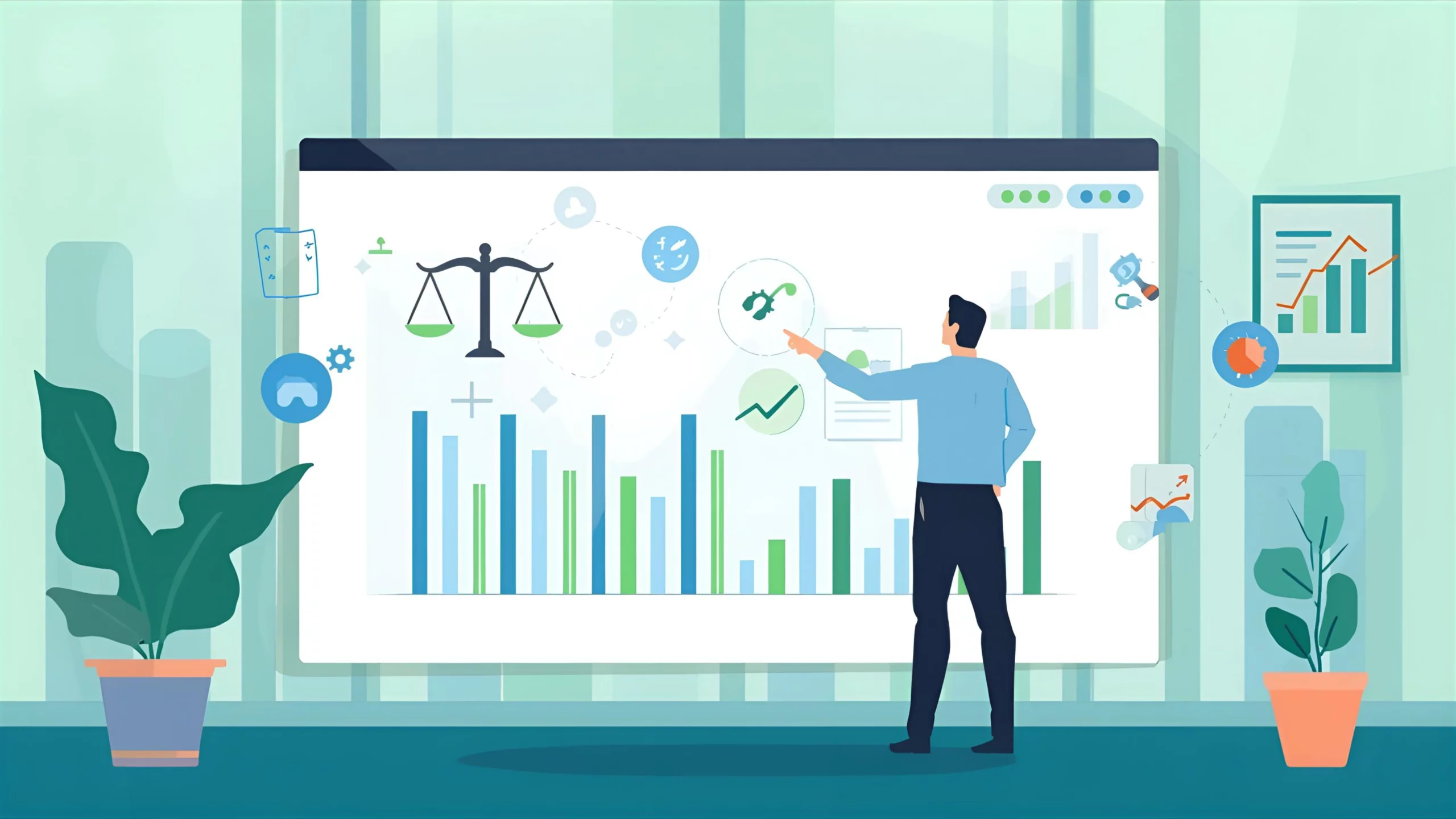
Time tracking apps make project management software more straightforward by showing how long each task takes. This reduces confusion, improves planning, and ensures that projects progress smoothly from one stage to the next.
When each task is on track, it becomes easy to understand which parts of a project are running in the back end and where additional support may be needed. Managers can identify bottlenecks and adjust timelines before they develop into larger issues. This level of visibility helps teams stay organized and maintain steady improvement.
Time tracking also supports on-time delivery by holding everyone accountable for their responsibilities. It has a clear timeline and a record of completed work.
Explore More
7 Employee Engagement Tools to Help You Increase Engagement!
Benefit 4 – Accurate Billing, Payroll, and Client Accountability

Time tracking apps bring accuracy and clarity to billing and payroll by recording the exact hours spent on each task or project. For freelancers and agencies, this means that billable hours are easy to verify, reducing the chances of disputes or misunderstandings with clients. Clear, time-stamped records help clients see the work completed, which builds trust and supports transparent communications.
For businesses, time tracking simplifies payroll. Instead of manual entries or guesswork, teams can rely on automated logs that calculate regular hours, overtime, and project-specific work hours. This reduces errors and ensures that employees are paid fairly for the time they contribute.
Because all tracked hours are documented, it becomes easier to justify project costs, share progress reports, and maintain accountability with clients and other stakeholders. Whether it is invoicing for services or reviewing team hours, time-tracking apps create a reliable system that supports accuracy and financial clarity.
Benefit 5 – Fair Workload Distribution and Compliance Monitoring

Time tracking apps make it easier to distribute work fairly by showing how much time each team member spends on tasks and projects. When managers can see who is overloaded and who has extra capacity, they can adjust assignments more evenly and effectively. This helps prevent burnout, supports balanced workloads, and ensures that everyone contributes appropriately.
These tools also play important roles in compliance monitoring. Many organizations have rules regarding overtime, break periods, and maximum working hours. Time-tracking apps automatically record this information, making it simple to follow labor laws and internal policies. This reduces the risk of violations and creates a more structured environment.
Detailed logs and audit trails provided by time-tracking tools also support transparent reporting. Whether for human resource Planning, internal audits, or client requirements, teams always have accurate records to refer to. Overall, these apps help maintain fairness, accountability, and compliance across organizations.
Benefit 6 – Data-Driven Performance Reviews and Productivity Insights

Time-tracking apps provide reliable data that removes guesswork from performance reviews. Instead of relying on opinions or memory, managers and team members can look at real numbers, such as hours worked, tasks completed, project timelines, and productivity patterns. This creates a fair and objective foundation for evaluating the performance.
With detailed time reports, individuals can better understand their work habits. They can see which tasks take the longest, what slows them down, and when they are most productive. This makes it easier to build better routines, improve focus, and set realistic goals for Personal and Professional growth.
For managers, these insights highlight the areas where additional training, support, or resources may be needed. It becomes simpler to identify high performers, spot bottlenecks, and make informed decisions that benefit the entire team. Overall, time-tracking data led to more meaningful feedback, clearer expectations, and a more transparent review process.
Benefit 7 – AI-Powered Automation Strengthens Accountability With Less Manual Work

Modern time tracking apps use AI to track more accurately and nearly effortlessly. Instead of manually starting timers or entering details, AI can automatically detect work activities and record the time in the background. This reduces human error and ensures that the data are consistent and reliable.
AI features also help identify patterns that may be difficult to observe independently. For example, they can flag idle time, spot unusual work hours, or highlight tasks that regularly take longer than expected to complete. These insights make accountability easier by providing a clearer view of how work actually occurs each day.
With automated reminders, smart suggestions, and predictive insights, teams can remain on track without constant oversight. This creates a smoother workflow, improves accuracy, and helps both individuals and managers stay accountable with less effort.
Common Mistakes To Avoid When Using Time Tracking Apps

Many teams start using time-tracking apps with good intentions, but do not see the full benefits because of a few common mistakes. Avoiding these issues can help obtain more accurate data, improve accountability, and create a healthier workflow.
1. Tracking Only Some Tasks Instead of All Work
If people track only “big tasks” and ignore smaller activities, the data are incomplete. Consistent tracking provides a clearer picture of daily workload and productivity.
2. Not Setting Clear Tracking Guidelines
Teams need simple rules—what to track, when to track, and how often to review time logs. Without guidelines, everyone tracks differently, and reports become unreliable.
3. Over-Monitoring and Creating Stress
Time tracking should improve workflows and not create pressure. Avoid micromanagement; focus on transparency and improvement instead of constant monitoring.
4. Ignoring the Data After Tracking
Many teams track time but never analyze the reports. The real value comes from reviewing insights, identifying patterns, and making adjustments.
5. Not Communicating the Purpose of Tracking
Employees goal may feel uncomfortable if tracking is introduced without any explanation. Sharing the goal of fair workloads, transparency, and accurate billing builds trust.
6. Using Too Many Tools at Once
Switching between multiple applications causes confusion and data loss. Choose a tool that integrates well and meets your workflow requirements.
Best Time Tracking Tools


EmpMonitor is a workforce and productivity tool that helps your teams track their time more accurately and work more transparently. It is widely used by remote, hybrid, and in-office teams who want a clear understanding of how work hours are spent. By combining time tracking, attendance management, and productivity insights on one platform, EmpMonitor helps businesses improve accountability without adding extra effort for employees.
Key Features of EmpMonitor
Automatic Time Tracking: It captures working hours in real time, removing the need for manual timers and ensuring accurate timesheets.
Activity Monitoring (Apps & Websites): It shows which applications and websites are used during work hours, helping teams understand productivity patterns.
Attendance & Shift Management: It records clock-ins, break times, overtime, and shift schedules, making compliance easier for HR and managers.
Project & Task Time Tracking: Tracks the time spent on specific tasks or client projects, helping with planning, billing, and on-time delivery.
Productivity Analytics: It provides insights into the active time, idle time, task duration, and overall performance trends.
Optional Screen Captures & Security Controls: It adds an extra layer of transparency to sensitive or high-security workflows.
Cloud Access for Remote Teams: It works across different devices and locations, making monitoring and time tracking accessible from anywhere.
Conclusion
Time-tracking apps have become essential tools for anyone who wants to work more responsibly and efficiently. By offering transparency, accurate records, and real-time insights, these apps make it easier to understand how time is spent and where improvements can be made. Whether you are managing projects, handling clients, or leading a team, time tracking supports better communication, fair workload distribution, and stronger accountability across the workflow.
With advanced features such as AI-based automation, activity monitoring, and detailed productivity reports, modern time tracking tools simplify daily operations and help teams stay aligned. Solutions such as EmpMonitor demonstrate the power of these apps in improving accuracy, maintaining compliance, and supporting smarter decisions.
When used consistently, time-tracking apps not only boost productivity but also create a more organized, balanced, and transparent work environment. They are a practical investment for individuals and businesses seeking to build accountability and achieve better results.
Frequently Asked Questions (FAQ)
1. Do time tracking apps work offline?
Yes. Most time tracking apps allow offline tracking and automatically sync data once the device reconnects to the Internet. This ensures that your work hours are recorded even without a stable connection.
2. Can time tracking apps be used for personal productivity, not just work?
Absolutely. Many individuals use time-tracking apps to build better habits, track study hours, monitor screen time, or understand how much time they spend on daily routines.
3. Are time tracking apps secure for sensitive work?
Most reputable apps use encryption, role-based access, and secure cloud storage to protect the user data. Some tools also offer advanced security controls for industries that handle confidential information.
4. Do time tracking apps drain batteries or slow down devices?
Modern time-tracking apps are designed to run in the background with minimal impact on battery or performance. Apps that use heavy monitoring features may consume slightly more power; however, the effect is usually minimal.
5. Can employees turn tracking on and off?
In many tools, yes. Users can start or stop timers manually unless the organization chooses to use automatic tracking. This provides the flexibility to track only work-related tasks while maintaining privacy.
